Affinity is the best of the free alternatives to Lightroom, because its full photo, vector and layout toolkit costs $0 with a free Canva account and holds a 4.5/5 G2 rating. Pick Darktable for a full RAW catalog, or Snapseed for free mobile editing with no paid tier at all.
How we make this list: we compare pricing pages, product documentation and public user reviews, then re-check every price before each update. No product paid for a place. Disclosure.
Affinity is the strongest free swap: its full photo toolkit costs $0 with a free Canva account and holds a 4.5/5 G2 rating from 234 reviews.
Darktable is the only free tool here with a Lightroom-style catalog, plus RAW developing, at $0 with no paid tier.
Five of the nine tools cost $0 with nothing held back: Affinity, Darktable, RawTherapee, GIMP and Snapseed.
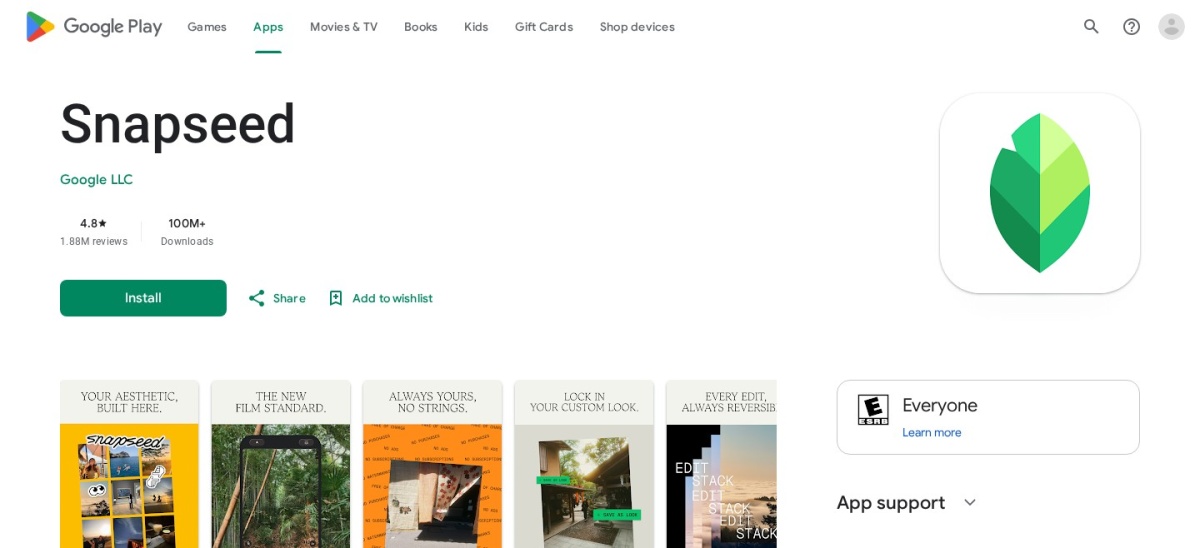
Snapseed is completely free on phones with every tool unlocked, rated 4.8/5 from 1.88 million Google Play reviews.
Paid upgrades run from $3.99 a month for Polarr Pro to $8.99 a month for Fotor Pro, and Photopea Premium only removes ads.
How do you choose the best free alternatives to Lightroom?
A free plan is the first filter. Every tool in this list has one, but the free plans differ: Affinity, Darktable, RawTherapee, GIMP and Snapseed cost $0 with nothing held back, while Photopea, Pixlr, Polarr and Fotor keep some features behind a paid upgrade.
RAW support decides the shortlist. Darktable and RawTherapee develop RAW files on the desktop, Affinity develops RAW in its Pixel studio, and Snapseed opens DNG files on a phone, while GIMP needs a plug-in and Pixlr and Fotor work on JPEG files.
Catalogues matter as much as editing. Only Darktable offers a Lightroom-style library with ratings and search, so photographers with large shoots should start there and pair a pixel editor beside it.
Phone editing is a separate job from desktop editing. Snapseed and Polarr cover quick edits and a consistent look on a phone, while the desktop tools handle large files, batch exports and print work.
Edited photos still need to load fast on a website. Once the edit is done, our guide on optimizing images for WordPress covers compression and sizing for the web.
Affinity is a professional photo, vector and layout app that is now free with a free Canva account. Its Pixel studio covers RAW developing, layers, masks, live filters, retouching, panorama stitching, HDR merge and focus stacking, with files stored on your own device.
The trade off is the AI layer. Generative Fill, Expand and Remove Background need a paid Canva plan, and you must sign in with a Canva account to download and activate the app. It suits photographers who want a desktop editor with no subscription and no feature-limited free tier.
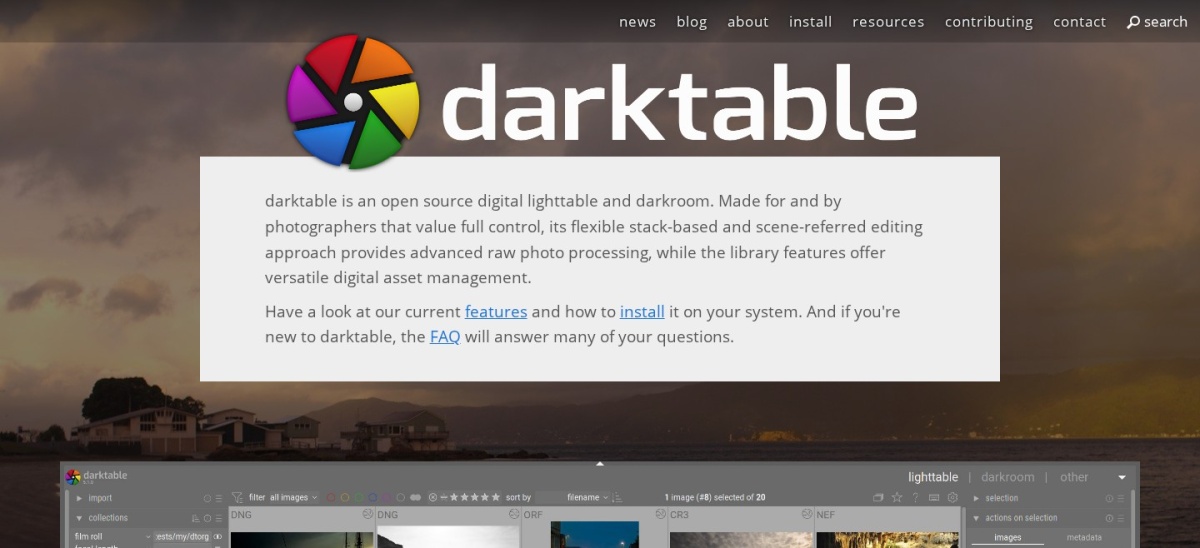
Darktable is a free, open-source RAW editor and photo manager for Windows, macOS and Linux. Its lighttable organises, rates and searches a photo library, while the darkroom develops RAW files non-destructively with masks, colour grading and lens correction.
The trade off is the learning curve. The module-heavy interface takes time to learn, and there is no cloud sync or mobile app, so the library stays on one computer. It suits photographers who want one free app for the whole Lightroom-style workflow and are willing to learn it.
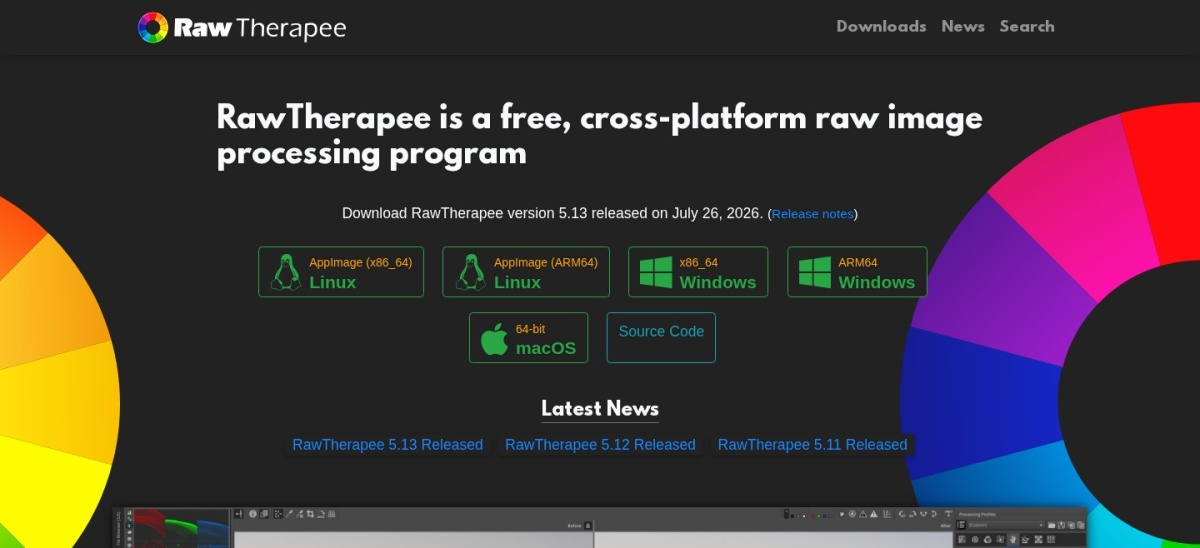
RawTherapee is a free, open-source RAW processor for Windows, macOS and Linux. Version 5.13, released in July 2026, covers demosaicing, colour management, lens correction and batch conversion, including export to 16-bit TIFF files.
The trade off is cataloguing. RawTherapee has no Lightroom-style library, so most photographers pair it with a separate manager, and the interface feels dated. It suits photographers who want maximum RAW quality at $0 and already organise files themselves.
GIMP is a free, open-source image editor for Windows, macOS and Linux, with version 3.2.8 released in November 2026. It covers layers, masks, selection tools, retouching and plug-ins, which makes it the free pick for detailed pixel work rather than RAW developing.
The trade off is RAW handling. GIMP opens RAW files only through a plug-in such as Darktable, and its interface takes getting used to. It suits editors who need deep retouching, compositing and file-format support at $0 after developing RAW files elsewhere.
Photopea is a free photo editor that runs in a browser with no install and no account. It opens PSD, AI, Sketch and XD files, and covers layers, masks, smart objects, adjustment layers and actions, with all editing done on your own device.
The trade off is ads and undo history. The free version shows ads and keeps fewer undo steps, while Premium at $5 for 30 days removes ads and extends history without unlocking extra features. It suits anyone who needs Photoshop-style editing on a machine that cannot install software.
Pixlr is a browser photo editor with a free tier covering Pixlr Express and Pixlr Editor. It offers cropping, filters, background removal, collage tools and AI image generation, with no install and apps for phones as well as the web.
The trade off is the free-tier limits. Free exports carry ads and a daily download cap, and many AI tools and premium assets sit behind Premium at $4.90 a month. It suits quick social and web edits where speed matters more than RAW depth.
Polarr is a photo editor for iOS, Android, macOS, Windows and the web, built around colour correction, filters and masks. The free tier covers cropping, colour and light adjustments, overlays and custom filters that you can save and share.
The trade off is RAW and depth. Core Polarr works on JPEG files, with batch RAW editing in the Polarr Next beta, and masks, layers and batch export sit behind Pro at $3.99 a month billed annually. It suits phone-first editors who want a consistent look across photos.
Fotor is an online photo editor and design tool with a free Basic plan. It covers cropping, filters, collage, background removal and one-click AI enhancement, plus templates for social posts, with apps for Windows, Mac, iOS and Android.
The trade off is watermarks and credits. Free exports carry a watermark and limited resolution, and AI generation runs on credits, with Pro at $8.99 a month adding HD export, 100 credits a month and batch editing. It suits quick social graphics and one-click fixes.
4.8/5on Google Play (1,880,000 reviews, checked Nov 2026)
PriceFree
Best completely free mobile editor
Free planYes, everything free
Paid planNone
PlatformsiOS, Android
Tools29 editing tools
snapseed.app
Snapseed homepage, captured Nov 2026.
Snapseed is a free photo editor from Google for iOS and Android, with no paid tier at all. Its 29 tools cover selective adjustments, curves, healing, perspective correction and RAW (DNG) support, and every edit stays non-destructive with full undo history.
The trade off is the screen. Snapseed is phone-only, so large catalogues and batch work belong on a desktop editor, and there is no desktop app or cloud library. It suits photographers who edit on a phone and want every tool free with no subscription to manage.
Five tools here cost $0 with nothing held back: Affinity, Darktable, RawTherapee, GIMP and Snapseed. Their free versions are the whole product, not a trial.
The other four charge for convenience, not basics. Photopea Premium removes ads, Pixlr Premium lifts the download cap, Polarr Pro adds masks and batch export, and Fotor Pro removes watermarks and adds HD export.
Paid upgrades in this list run from $3.99 to $8.99 a month. If the free version already covers your editing, there is no reason to pay.
How we chose
We started from the photo editors most often named as Lightroom replacements, then kept 9 with a genuinely free plan and a public rating.
Prices come from each vendor's pricing page or a November 2026 read of it, checked on 29 November 2026. Ratings come from G2 on the same day, except Darktable, which has almost no reviews on G2 or Capterra, so its Trustpilot rating is shown, and Snapseed, whose rating comes from Google Play.
We left out paid-only editors such as Capture One and DxO PhotoLab, and tools whose free tier is too thin to use. No vendor paid for a place, and we do not claim to have used these tools ourselves.
How to choose a free alternative to Lightroom
Start with where you edit and whether you shoot RAW, then check the free-plan limits before anything else.
Decide whether you shoot RAW. Darktable, RawTherapee and Affinity develop RAW files, while Pixlr and Fotor work on JPEG files. If you shoot RAW, start with the first three.
Pick your device first. Snapseed and Polarr are phone-first, Photopea, Pixlr and Fotor run in a browser, and Affinity, Darktable, RawTherapee and GIMP are desktop apps.
Check what the free plan locks away. Five tools here are free with nothing held back, while the other four limit exports, ads, masks or AI tools. Read the cap before you build a workflow around one.
Edit a real set of photos before you settle. Develop ten RAW files, export them at full size, and check the results. Switch only if the free limits or the interface get in your way.
FAQ
What is the best free alternative to Lightroom?
Affinity is the best free alternative to Lightroom for most people. Its full photo, vector and layout toolkit costs $0 with a free Canva account, covers RAW developing, layers and masks, and holds a 4.5/5 G2 rating from 234 reviews.
What is the best free alternative to Lightroom for RAW photos?
Darktable is the best free alternative to Lightroom for RAW photos. It pairs a photo library with non-destructive RAW developing, masks and colour grading, and it costs $0 with no paid tier. RawTherapee is the better pick for pure RAW processing quality.
How much do free alternatives to Lightroom cost?
Five of the nine tools cost $0 with nothing held back: Affinity, Darktable, RawTherapee, GIMP and Snapseed. Paid upgrades on the other four run from $3.99 a month for Polarr Pro to $8.99 a month for Fotor Pro.
Which free alternative to Lightroom is best for beginners?
Snapseed is the easiest starting point for beginners, because it is free on a phone with every tool unlocked and no paid tier to manage. Pixlr is the easiest browser pick, with quick filters and one-click tools that need no install.
Affinity vs Darktable: which is the better free alternative to Lightroom?
Affinity is better if you want a polished desktop editor with layers, retouching and RAW developing at $0, with a free Canva account. Darktable is better if you want a Lightroom-style catalog with ratings and search beside the RAW editor, and you accept a steeper learning curve.
Do free alternatives to Lightroom have a free plan?
Yes, all nine tools in this list have a free plan. Affinity, Darktable, RawTherapee, GIMP and Snapseed are free with no paid tier at all, while Photopea, Pixlr, Polarr and Fotor offer a free tier with ads or limits and a paid upgrade.
SaaS SEO and WordPress specialist with about 8 years of experience. Rakib compares WordPress plugins, themes, hosting and software using public pricing, documentation and user reviews. See how we rank.