Onshape is the best of the FreeCAD alternatives for most people: it is real parametric CAD in the browser, rated 4.7 out of 5 on G2 from 724 reviews, with a free plan for non-commercial work. Fusion 360 suits makers who want CAM built in, while Shapr3D is the pick for iPad sketching.
How we make this list: we compare pricing pages, product documentation and public user reviews, then re-check every price before each update. No product paid for a place. Disclosure.
Onshape leads with a 4.7/5 G2 rating and a free plan, but free documents are public and private work starts at $1,500 a year.
Shapr3D holds the highest rating here at 4.8/5, with Solo at $199.99 a year after a 2-project free plan.
Three tools are fully free with no paid tier: Tinkercad, OpenSCAD and LibreCAD.
Rhino is the only perpetual licence at $995 once, while every other paid tool here is a yearly subscription.
Paid plans start at $129 a year for SketchUp Go and reach $1,500 a year for Onshape Standard.
How do you choose the best FreeCAD alternative?
FreeCAD is free, open source and parametric, so the best replacement depends on which of those three traits matters most to you.
Parametric modeling is the trait most people miss first. Onshape, Fusion 360 and Shapr3D keep a feature history you can edit, while SketchUp and Tinkercad model directly, with no history to go back and change.
Price shapes the choice as much as features. Three tools here cost nothing, four more have a genuinely useful free plan, and paid plans run from $129 to $1,500 a year.
If you publish your work online, presentation matters too. Our guide on adding an image gallery in WordPress shows how to show models on a site once the design is done.
Onshape is a cloud-native parametric CAD platform that runs entirely in the browser, with sketches, parts, assemblies and drawings plus built-in version control and data management. The free plan covers non-commercial use with unlimited public documents, and it is rated 4.7 out of 5 on G2 from 724 reviews.
The trade off is the price jump and the public free tier. Every free document is visible to anyone, and private commercial work needs Standard at $1,500 per user per year. It suits teams who want real parametric CAD with no installs and no file vaults to manage.
Autodesk Fusion is a cloud-connected CAD, CAM and CAE platform for product design and manufacturing. The personal licence is free for non-commercial use by people earning under $1,000 a year from their Fusion work, and it covers parametric modeling, assemblies, drawings and basic CAM.
The trade off is the licence and the price. Personal use caps you at 10 editable documents and forbids commercial work, so earning money with it needs the $680-a-year subscription. It suits makers and small teams who want design and machining in one app.
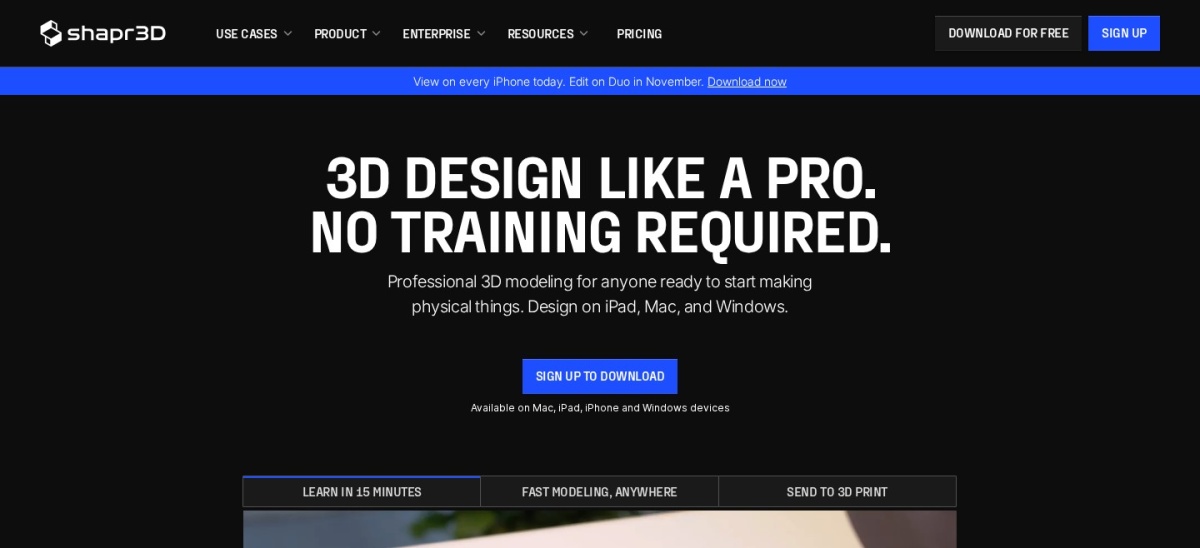
Shapr3D is a direct and history-based parametric CAD app built for touch, stylus and desktop, on iPad, Mac, Windows and Vision Pro. It runs on the Siemens Parasolid kernel, the same engine behind professional engineering software, and its free Basic plan covers 2 projects with basic STL and 3MF exports.
The trade off is the free plan's ceiling. Two projects and low-resolution exports are enough to learn on, but real work needs Solo at $199.99 a year. It suits designers who sketch parts with an Apple Pencil and want precise solids without a workstation.
SketchUp is Trimble's push-pull 3D modeler for buildings, interiors and concept designs, on web, desktop, iPad and Mac. The free web version covers personal, non-commercial use, and Go at $129 a year adds the iPad app and more export options, while Pro at $399 a year adds the desktop app and LayOut.
The trade off is precision and depth. SketchUp is a surface modeler, not a parametric solid modeler, so it approximates curves with segments and leans on plugins for complex geometry. It suits architects and designers who need fast concept models and presentations.
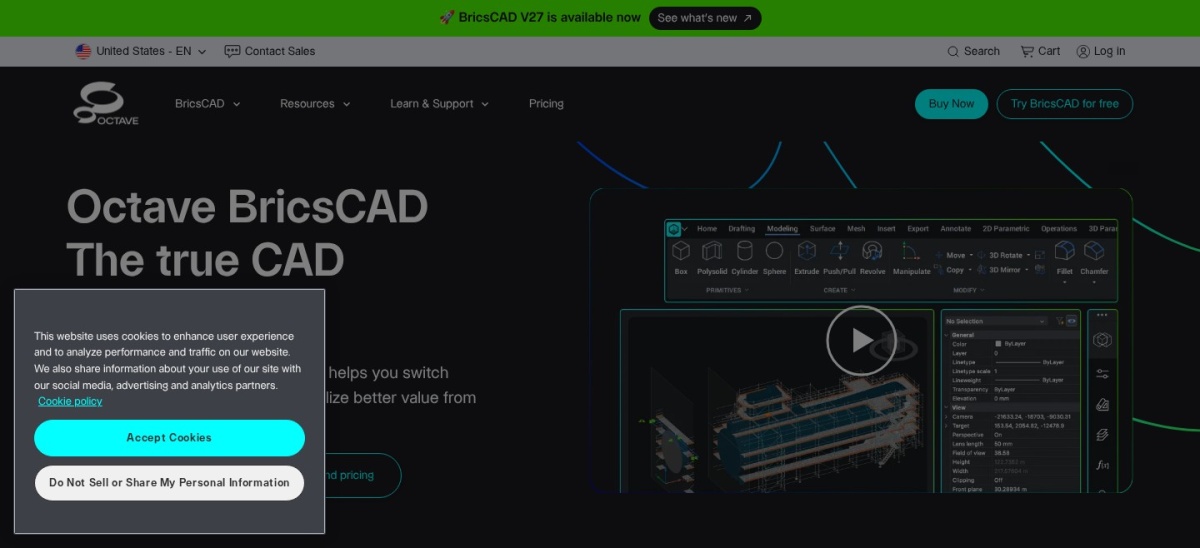
BricsCAD is a DWG-based 2D and 3D CAD platform from Bricsys, now sold as Octave BricsCAD, with the commands, ribbon and LISP routines AutoCAD users already know. Lite starts at $345 a year for 2D drafting, and Pro at $780 a year adds 3D modeling, point clouds and third-party apps.
The trade off is that Lite is 2D only, and the store lists a five-seat minimum pack on Lite, so confirm single-seat buying before you budget. It suits AutoCAD shops that want the same DWG workflow at a lower yearly cost, with a perpetual licence still on offer.
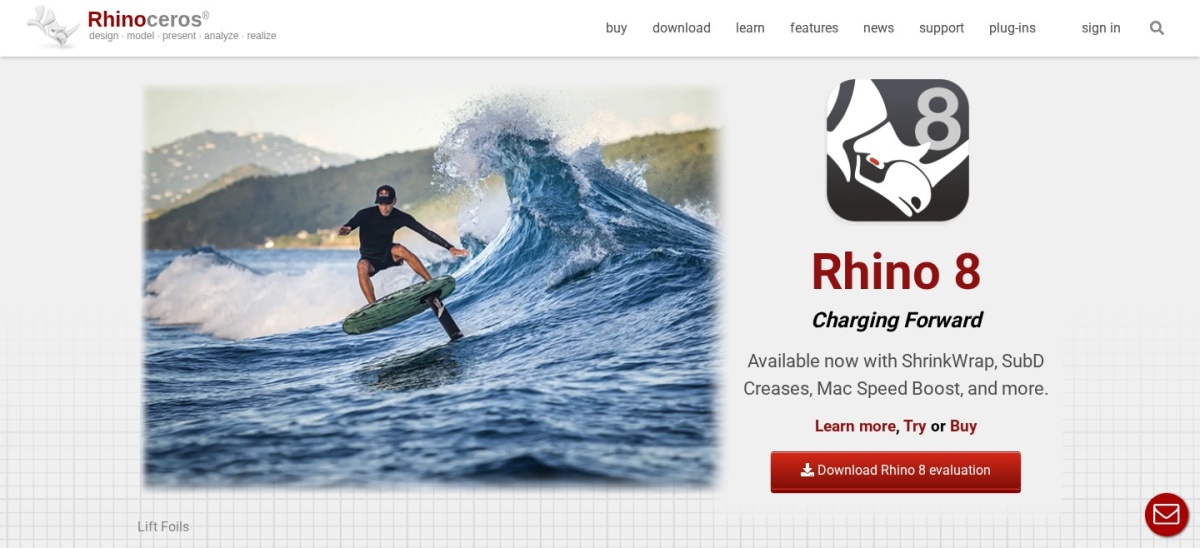
Rhino 3D is a precision NURBS modeler from McNeel for architecture, product design, jewellery and marine work. A commercial licence costs $995 once, with no subscription and no maintenance fees, and includes Grasshopper for parametric design plus a 90-day full trial.
The trade off is the upfront cost and the learning curve. You pay $995 before you earn from it, and the interface takes time to master, while rendering usually needs a plug-in. It suits designers who model complex curved forms and want to own their licence outright.
Tinkercad is Autodesk's free, browser-based CAD tool for beginners, built around dragging solid shapes together and cutting holes in them. It runs on any computer with no install, exports STL files for 3D printing, and is rated 4.5 out of 5 on G2 from 119 reviews.
The trade off is depth. Tinkercad has no parametric sketches, assemblies or technical drawings, so a design outgrows it fast once dimensions get tight. It suits first-time makers, students and classrooms who need a working part today, not a CAD degree.
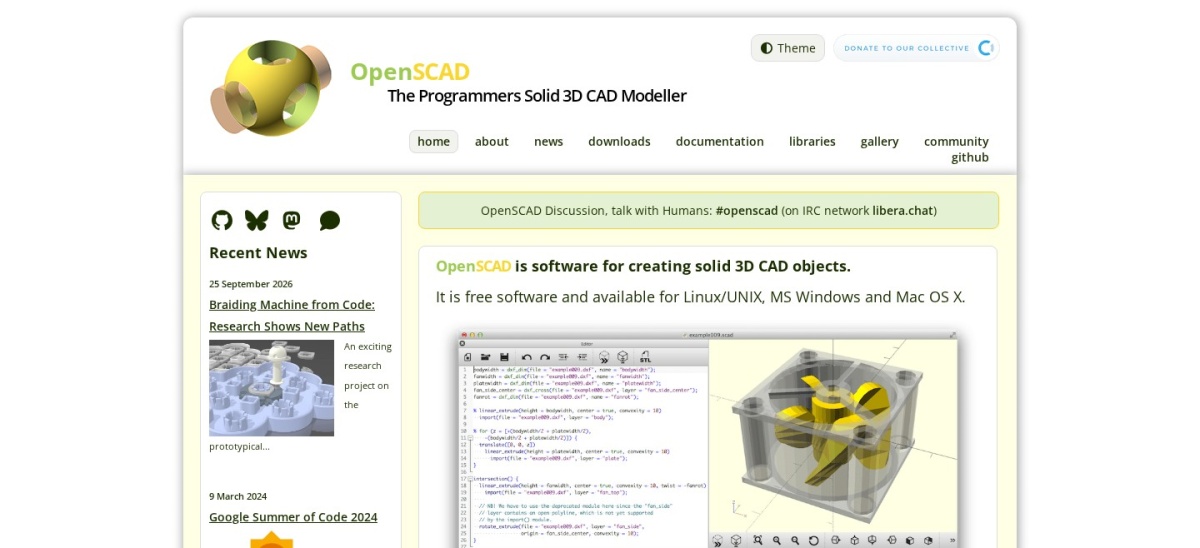
OpenSCAD is a free, open-source CAD tool where you describe parts in code instead of drawing them with a mouse. Every dimension is a variable, so changing one number rebuilds the whole model, and it is rated 4.3 out of 5 on G2 from 31 reviews.
The trade off is the learning curve. There is no visual sketching, so you need to think in code and preview often, and organic shapes are hard to build. It suits programmers and 3D-printing makers who want exact, repeatable parametric parts.
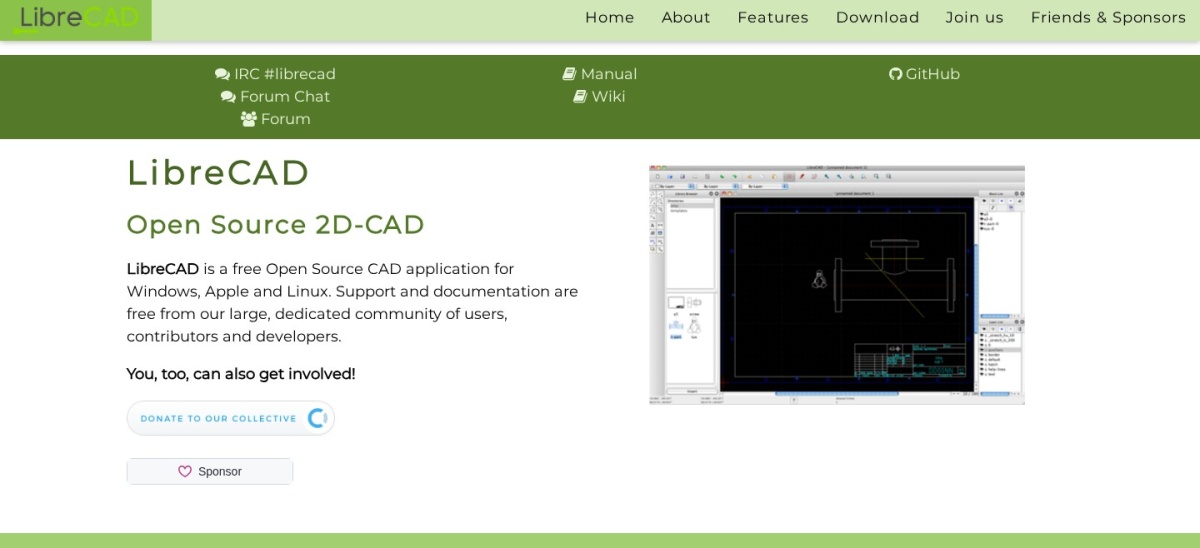
LibreCAD is a free, open-source 2D CAD tool for technical drawings, floor plans and layouts, built from the QCAD community code. It reads and writes DWG and DXF files, runs on Windows, macOS and Linux, and is rated 3.8 out of 5 on G2 from 25 reviews.
The trade off is scope and polish. LibreCAD does 2D only, with no 3D modeling and a smaller feature set than paid drafters, and its interface looks dated next to modern CAD. It suits anyone who needs free 2D drawings and DWG compatibility without a subscription.
Free tools cover the basics well. Tinkercad, OpenSCAD and LibreCAD all handle real work at $0, and four paid tools here have free plans too.
Paid plans mostly add privacy and depth. Onshape's free documents are public, Fusion's free licence is non-commercial, and Shapr3D's free plan caps you at 2 projects.
The cheapest paid step is SketchUp Go at $129 a year. The dearest is Onshape Standard at $1,500 a year, which is still cheaper than a SOLIDWORKS seat at $2,820 a year.
How we chose
We started from the tools most often named as FreeCAD replacements in 2026 roundups and review sites, then kept only those with a published user rating on G2 and a public price.
Prices come from each vendor's pricing page, checked on 29 November 2026. Ratings and review counts come from G2 on the same day. Where a vendor shows a sale, the list shows the regular price.
We left out tools with no published rating and enterprise CAD sold by quote only. No vendor paid for a place, and we do not claim hands-on testing for this list.
How to choose a FreeCAD alternative
Start with the kind of modeling you do, then check the licence before you commit.
Decide if you need parametric modeling. If you edit dimensions after the fact, pick Onshape, Fusion 360, Shapr3D or OpenSCAD. SketchUp and Tinkercad model directly, with no feature history to edit.
Check the free plan's licence. Onshape's free documents are public, Fusion's free licence is non-commercial, and Shapr3D caps free users at 2 projects. Read the limit before you build on it.
Match the price to how you earn. Hobbyists can stay free; commercial work needs a paid plan from $129 a year, or Rhino's $995 one-time licence if you hate subscriptions.
Try the free plan before you pay. Every tool here except BricsCAD and Rhino has a free plan or trial. Model one real part in it first, and check the export format your printer or client needs.
FAQ
What is the best FreeCAD alternative?
Onshape is the best FreeCAD alternative for most people. It is real parametric CAD in the browser, rated 4.7 out of 5 on G2 from 724 reviews, with a free plan for non-commercial work. Fusion 360 suits makers who want CAM built in.
Is there a free alternative to FreeCAD?
Yes. Tinkercad, OpenSCAD and LibreCAD are fully free with no paid tier, and Onshape, Fusion 360, Shapr3D and SketchUp all have free plans. Tinkercad is the easiest start, while OpenSCAD suits programmers who want parametric parts.
What is the cheapest paid FreeCAD alternative?
SketchUp Go at $129 a year is the cheapest paid plan here, for web and iPad modeling. Shapr3D Solo follows at $199.99 a year, and BricsCAD Lite costs $345 a year for 2D drafting.
Which FreeCAD alternative is best for 3D printing?
Tinkercad is the easiest free start for 3D printing, with STL export in the browser. Makers who need exact dimensions should use Fusion 360 or OpenSCAD, and Shapr3D is the best pick for iPad sketching before printing.
Onshape vs Fusion 360: which is better?
Onshape wins for teams and browser-based work, with built-in version control and the highest G2 rating here at 4.7 out of 5. Fusion 360 wins for makers who need CAM and simulation in the same app, at $680 a year against Onshape's $1,500.
Can I use a FreeCAD alternative commercially for free?
Mostly no. Onshape's free plan is non-commercial and public, Fusion's free licence is non-commercial, and SketchUp's free web version is personal use only. Tinkercad, OpenSCAD and LibreCAD allow commercial use at no cost.
SaaS SEO and WordPress specialist with about 8 years of experience. Rakib compares WordPress plugins, themes, hosting and software using public pricing, documentation and user reviews. See how we rank.