Penpot is the best free alternative to Figma for UI design, with a free cloud plan, open-source code and a 4.5 out of 5 G2 rating. Framer suits prototypes that become live sites, while Marvel is the quickest pick for turning screens into clickable prototypes.
How we make this list: we compare pricing pages, product documentation and public user reviews, then re-check every price before each update. No product paid for a place. Disclosure.
Penpot is the closest free match to Figma: browser-based UI design, prototyping and a free cloud plan with no real limits.
Framer publishes what you design as a real website, with a free plan for 3 pages and Mini at $5 a site a month.
Marvel, Moqups and UXPin all have free plans, but each caps projects or prototypes, so check the limit before you commit.
Canva and Adobe Express are free for quick marketing graphics, not for full UI design and developer handoff.
Inkscape and Vectr cost nothing at all, and both are vector editors rather than collaborative UI design tools.
Paid upgrades across the list run from $5 a month for Framer Mini to $29 a month for UXPin Core.
How do you choose the best free alternative to Figma?
A free plan is only useful if it covers the work you actually do. Figma's strength is the combination of UI design, prototyping and shared files, so a replacement needs at least two of those three.
The free plan limit matters more than the headline price. Some tools cap projects, some cap editors and some cap pages, and the cap that bites first depends on whether you work alone or with a team.
Collaboration is where free plans differ most. Our guide on using Figma with WordPress shows how shared files and handoff fit into a real workflow, and the same test applies here.
Vector drawing alone is not a Figma replacement. Inkscape and Vectr are strong free drawing tools, but they have no shared canvas, no comments and no developer handoff.
If you only need prototypes from screens you already have, pick a simple tool such as Marvel. If you need to design the screens too, start with Penpot or Framer.
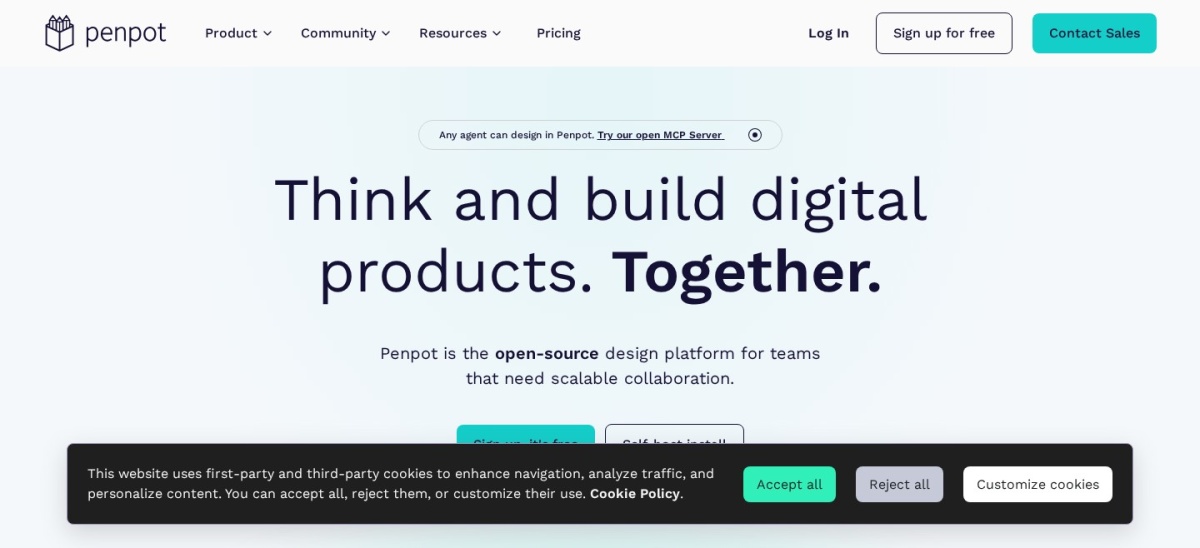
Penpot is an open-source design and prototyping platform that runs in the browser and stores designs in an open SVG-based format. The cloud Professional plan is free, and the paid Unlimited plan costs $7 an editor a month, capped at $175 a month. It is rated 4.5 out of 5 on G2 from 11 reviews.
The trade off is a small review base and a younger ecosystem. Only 11 G2 reviews back its 4.5 rating, and its plugin library is thinner than Figma's. It suits teams that want a free, self-hosted tool with no vendor lock-in.
Framer is a design tool that publishes what you build as a real website, so a prototype can become the finished page. The free plan covers 3 pages on a framer.website subdomain, and Mini costs $5 a site a month on annual billing with a custom domain. It is rated 4.5 out of 5 on G2 from 162 reviews.
The trade off is that pricing is per site, not per person. A second site needs a second subscription, and CMS collections start with Pro at $30 a site a month. It suits designers and marketers who want interactive prototypes that ship as live pages.
What we like
Prototypes publish as real websites
Strong animation and interaction tools
Free plan for trying ideas
Cheap entry with Mini at $5 a month
Watch out for
Per-site pricing adds up for agencies
CMS needs the $30 Pro plan
Mini adds a custom domain and removes Framer brandingVisit framer.com
03
Marvel
4.4/5on G2 (227 reviews, checked Nov 2026)
Paid from$12/mo
Best for quick clickable prototypes
Free planYes, 1 user
Paid planPro, $12/user/mo
User testing3 active tests on Pro
HandoffSpecs and downloads
marvelapp.com
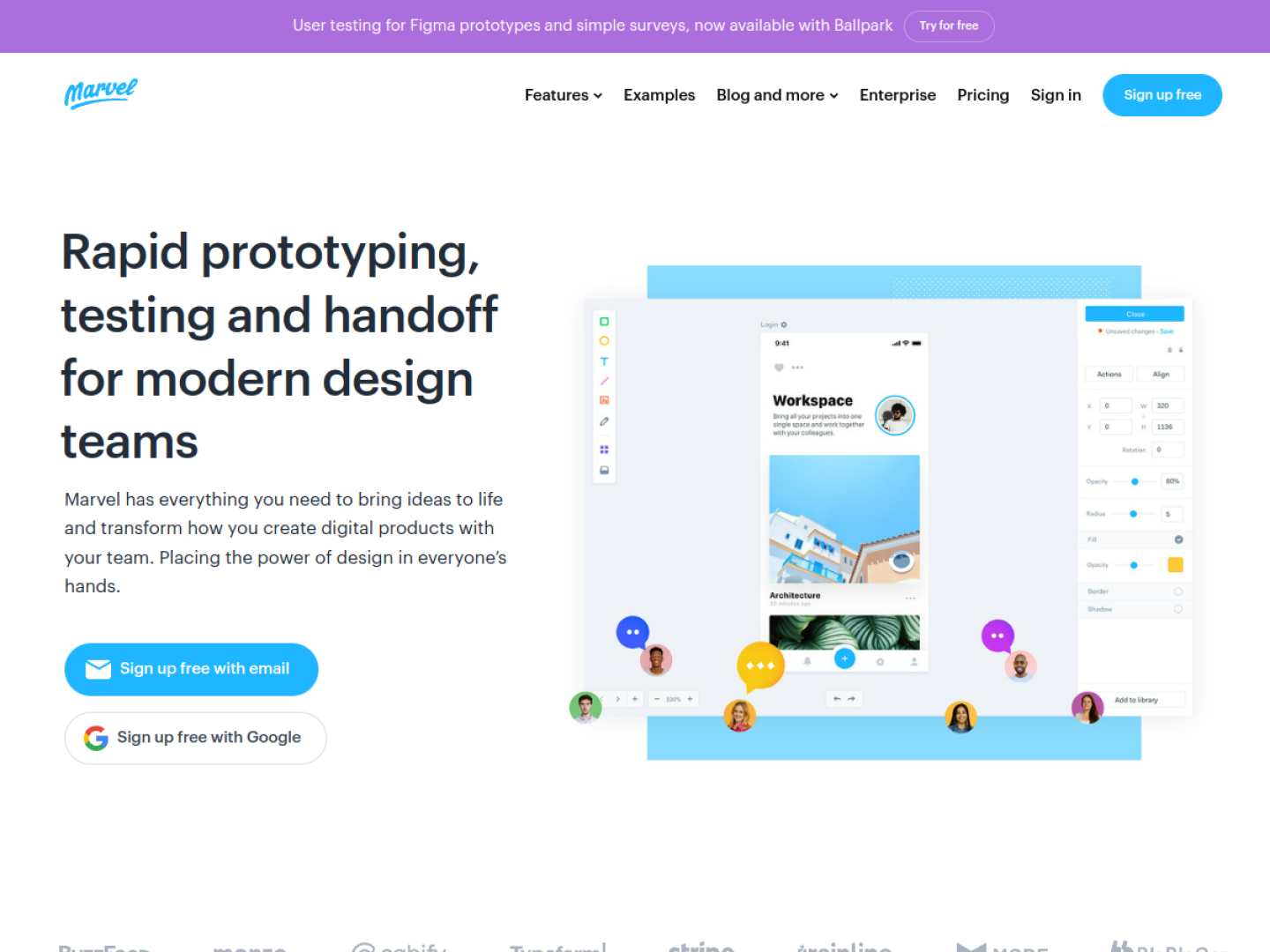
Marvel homepage, captured Nov 2026.
Marvel is a simple web tool for turning static screens into clickable prototypes, with commenting and developer handoff built in. The free plan covers one user, and Pro costs $12 a user a month on annual billing with unlimited projects and 3 active user tests. It is rated 4.4 out of 5 on G2 from 227 reviews.
The trade off is depth. Marvel has no built-in design editor to match Figma or Sketch, so you import screens made elsewhere, and advanced prototyping logic is limited. It suits teams that already design elsewhere and need fast, shareable prototypes.
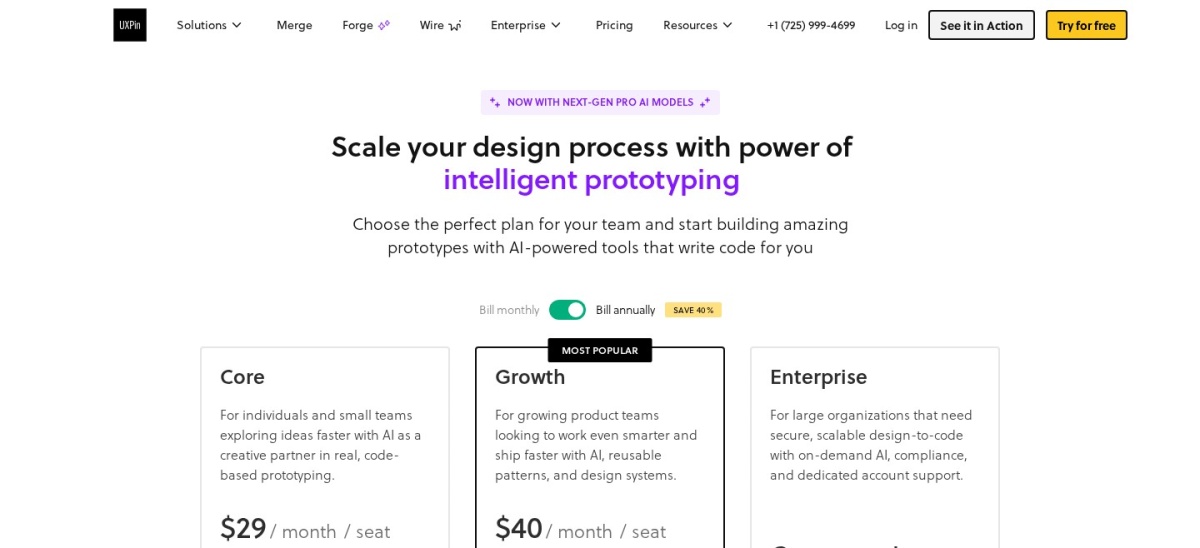
UXPin is a browser-based design tool that builds prototypes from real coded components, so what stakeholders click matches what developers ship. The free plan covers 2 prototypes, and Core costs $29 a seat a month on annual billing with conditional logic and variables. It is rated 4.2 out of 5 on G2 from 118 reviews.
The trade off is price and setup. Core costs $348 a year per seat, and its Merge feature needs engineering help to connect a code library before it pays off. It suits product teams with a design system who want prototypes that stay true to production code.
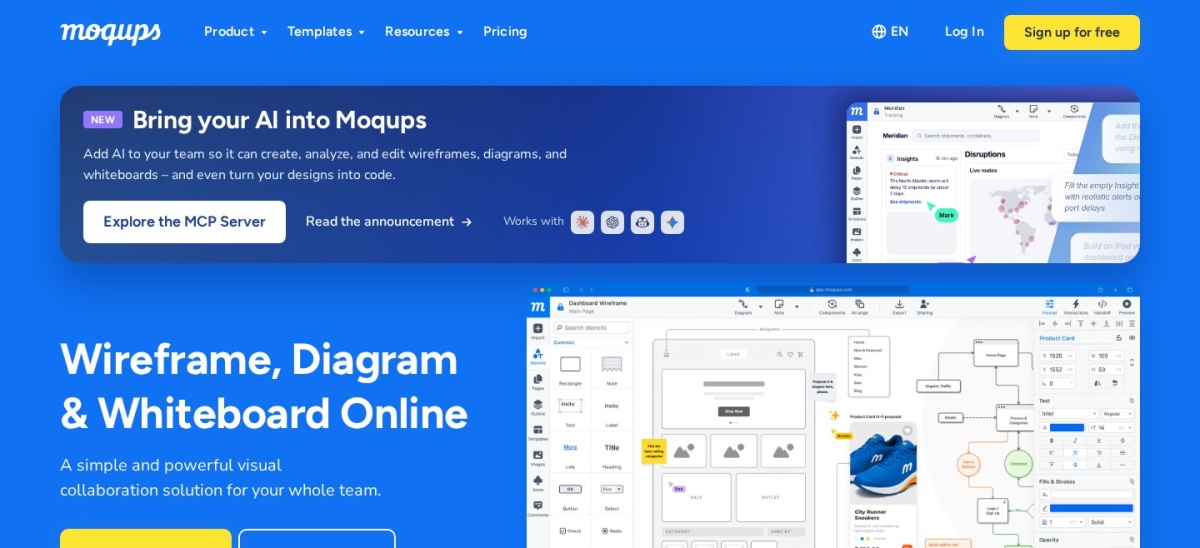
Moqups is a browser-based tool for wireframes, mockups, diagrams and prototypes in one project, with no install. The free plan covers 2 projects with 400 objects each, and Starter costs $7 a month for one seat billed yearly. It is rated 4.2 out of 5 on G2 from 91 reviews.
The trade off is collaboration. Live collaboration and team roles need the Business plan, and the free plan cap means growing teams pay sooner. It suits solo designers and small teams that want one simple online tool.
Canva is a template-led design platform for social posts, presentations, marketing graphics and print. The free plan includes 5 GB of storage and a large template library, while Pro adds 141 million premium assets, background removal and 5 Brand Kits. Pro costs $12 a month billed yearly, or $144 a year for one person.
The trade off is depth. Canva cannot match Illustrator for precise vector work or Photoshop for detailed photo editing, and premium assets sit behind the paywall. It suits marketers, small businesses and non-designers who need polished graphics fast without learning a desktop editor.
What we like
Huge template and asset library
Easy for non-designers to use
Generous free plan
Pro is $144 a year for one person
Watch out for
Limited vector control
Premium assets sit behind the paywall
Large projects can lag
Pro adds premium assets, background removal and 5 Brand KitsVisit canva.com
07
Adobe Express
4.4/5on G2 (1,110 reviews, checked Nov 2026)
Paid from$9.99/mo
Best template editor for Adobe users
Free planYes
Generative credits250/mo on Premium
Stock assets200M+
Paid planPremium, $9.99/mo
adobe.com
Adobe Express homepage, captured Nov 2026.
Adobe Express is Adobe's template editor for social posts, flyers, logos, presentations and quick video edits. The free plan covers basic templates, 100,000+ templates, 1M+ stock assets, 4,000+ fonts and 5 GB of storage, while Premium adds brand kits, 250 generative credits a month, 200M+ stock assets and 30,000 fonts.
The trade off is the credit cap. Premium allows 250 generative credits a month, so heavy AI generation runs out fast, and Adobe's own pages show different Premium prices, $9.99 on the pricing page and $11.99 on the home page, so check at checkout. It suits people already in the Adobe world who want quick social graphics and a brand kit.
What we like
Free plan with no card needed
Firefly AI generation with commercial safety
200M+ stock assets and 30,000+ fonts
One-click resize and brand kits on Premium
Watch out for
250 generative credits a month on Premium
Pricing page and home page show different prices
No annual discount on Premium
Premium adds brand kits, 250 credits a month and stock assetsVisit adobe.com
08
Inkscape
4.4/5on G2 (416 reviews, checked Nov 2026)
PriceFree
Best free vector drawing software
Free planYes, full version
Vector formatSVG
Drawing toolsBezier and spiro curves
PlatformsWindows, macOS, Linux
inkscape.org
Inkscape homepage, captured Nov 2026.
Inkscape is a free and open-source vector graphics editor for logos, icons, illustrations and diagrams. It works in SVG, with Bezier and spiro curves, a text tool, broad file format support and flexible drawing tools for clean, scalable artwork.
The trade off is that it is not a painting app. It has no natural-media brushes or animation tools, and large files can feel slow. It suits designers who need free, scalable vector drawing instead of pixel painting.
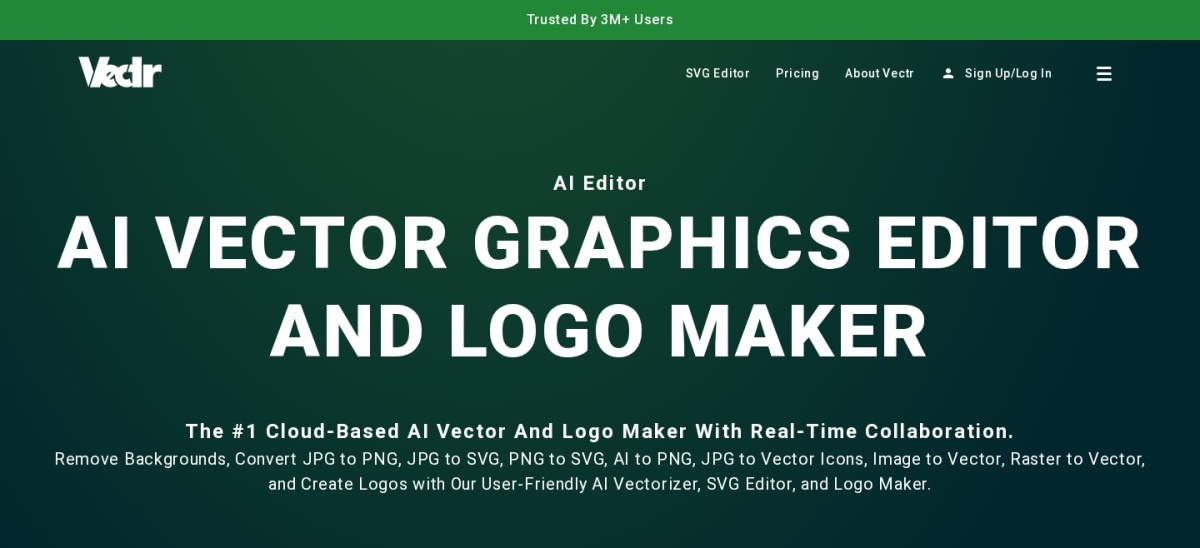
Vectr is a free vector editor that runs in the browser and as a desktop app, with no install needed to start drawing. Shape tools, a pen tool, text and simple filters cover social graphics, basic logos and presentation visuals, and files can be shared for real-time collaboration. The core editor costs nothing.
The trade off is the ceiling. There is no gradient mesh, no advanced typography controls and no CMYK, so power users will outgrow it quickly. It suits beginners and non-designers who need a simple graphic fast and do not want to learn a pro tool.
What we like
Free with no learning curve
Runs in the browser with desktop apps too
Real-time collaboration on shared documents
Watch out for
Lacks advanced features professionals expect
No CMYK or gradient mesh
Only 24 G2 reviews, so the rating is a weak signal
Free plans cover the basics well. Most include the core editor, a few projects and sharing by link.
Paid plans mostly add room and control. You get more projects, more editors, version history and team roles.
The first limit most people hit is projects, not features. Marvel, Moqups and UXPin all cap free projects or prototypes, while Penpot, Inkscape and Vectr do not cap the same way.
For a team that designs every day, the cheapest paid step is usually Framer Mini at $5 a site a month or Penpot Unlimited at $7 an editor a month. Our Figma to WordPress import guide shows what to check before you move files across.
How we chose
We started from the tools most often named as Figma replacements, then kept only those with a genuinely free plan or a free full version, and a public G2 rating.
Ratings and prices were checked against vendor pricing pages and G2 in late November 2026, and the vendor homepages were re-opened on 29 November 2026. Where a vendor shows a sale, the list shows the regular price.
We left out tools with no free plan, including Sketch, and tools with only a short trial. No vendor paid for a place, and we do not claim to have used these tools ourselves.
How to choose a free alternative to Figma
Start with the job you do most, then check the free plan limit for that job before you move any files.
List what you use Figma for. UI design, prototyping, whiteboarding and handoff need different tools, and no single free tool covers all four as well as Figma.
Check the free plan cap. Count your projects, pages or prototypes against the limit. Penpot has no real cap, while Marvel, Moqups and UXPin cap free use tightly.
Test sharing and handoff. Send a link to a teammate and check comments, specs and exports. A tool that cannot share cleanly will slow the whole team down.
Check the paid step before you commit. Look at the cheapest paid plan for the limit you will hit first, from $5 a month for Framer Mini to $29 a month for UXPin Core.
FAQ
What is the best free alternative to Figma in 2026?
Penpot is the best free alternative to Figma in 2026 for UI design. It is open source, runs in the browser, has a free cloud plan with no real limits, and is rated 4.5 out of 5 on G2.
Is Penpot really free?
Yes. Penpot is open source and its cloud Professional plan is free, with self-hosting free too. The paid Unlimited plan costs $7 an editor a month and is capped at $175 a month.
Which free alternative to Figma is best for beginners?
Canva is the easiest for beginners who need quick graphics, and Moqups is the easiest for simple wireframes. For real UI design, Penpot takes more learning but stays free.
Which free alternative to Figma is best for small teams?
Penpot is the best fit for small teams because its free plan has no real limits on projects or editors. Framer is a good second pick if the team also publishes websites.
Penpot vs Framer: which free alternative to Figma should I pick?
Pick Penpot if you want a free Figma-style design tool with prototyping and no project cap. Pick Framer if you want designs that publish as live websites, with a free plan for 3 pages.
Can I use a free alternative to Figma for commercial work?
Yes, the free plans in this list allow commercial use, including Penpot, Canva, Inkscape and Vectr. Check each tool's terms for stock assets and fonts, which can carry their own licence limits.
SaaS SEO and WordPress specialist with about 8 years of experience. Rakib compares WordPress plugins, themes, hosting and software using public pricing, documentation and user reviews. See how we rank.