FreeCAD is the best of the free alternatives to Dassault Systèmes CAD software, with full parametric modeling at $0 and a 4.1 out of 5 rating on G2. Pick Onshape for browser-based teamwork with public documents, or LibreCAD when you only need free 2D drawings.
How we make this list: we compare pricing pages, product documentation and public user reviews, then re-check every price before each update. No product paid for a place. Disclosure.
FreeCAD is the closest free match for SolidWorks-style parametric work, at $0 with no licence limits.
Onshape puts the full parametric toolset in a browser for free, but every free document is public.
Fusion gives professional CAD, CAM and simulation free for personal use, with paid work starting at $680 a year.
LibreCAD is the only fully free 2D drafting tool here; the rest are 3D-first.
Paid upgrades in this list run from $129 a year for SketchUp Go to $1,500 a year for Onshape Standard.
What should you look for in free alternatives to Dassault Systèmes CAD software?
Dassault Systèmes CAD means parametric, dimension-driven modeling. SolidWorks and CATIA build parts from sketches and features you can edit later, so a free replacement has to do the same, not just draw shapes.
Free plans differ most in their limits, not their feature lists. Onshape makes documents public, Fusion caps personal use at 10 editable documents, and Shapr3D Basic stops at two projects.
Price is the second filter. Five tools in this list cost $0 with no paid plan at all, while the cheapest paid upgrade is SketchUp Go at $129 a year.
Ratings come from G2 and Capterra, checked on 29 November 2026. FreeCAD leads the fully free tools at 4.1 out of 5 on G2, and Onshape leads the whole list at 4.7 out of 5.
The 9 best free alternatives to Dassault Systèmes CAD software
01
FreeCAD
4.1/5on G2 (61 reviews, checked Nov 2026)
PriceFree
Best free alternative overall
Parametric modelingYes, sketches + history
Price$0, open source
PlatformsWindows, Mac, Linux
2D drawingsYes, TechDraw
freecad.org
FreeCAD homepage, captured Nov 2026.
FreeCAD is a free, open-source parametric modeler with sketch constraints, assemblies, technical drawings and workbenches for CAM and simulation. It costs $0, has no licence limits, and your files stay on your own computer.
The trade off is polish. The interface feels dated next to paid tools, and learning sketches and constraints takes time. It suits engineers and makers who want real parametric CAD without paying a subscription.
Onshape is a browser-based parametric CAD system with real-time collaboration, branching and built-in version control. The free plan includes the full modeling toolset with unlimited public storage, and several people can edit one model at once.
The trade off is privacy. Every document on the free plan is public, and the licence bars commercial use, so private or paid work needs Standard at $1,500 a year per user. It suits teams and students sharing open designs.
Autodesk Fusion is a professional parametric CAD tool with sketches, assemblies, simulation and CAM in one workspace. The free personal-use licence covers core modeling, drawings and basic CAM for home projects that earn under $1,000 a year.
The trade off is the licence. Personal use is non-commercial, caps you at 10 editable documents, and commercial work needs the $680-a-year subscription. It suits makers who want professional tools and plan to sell work later.
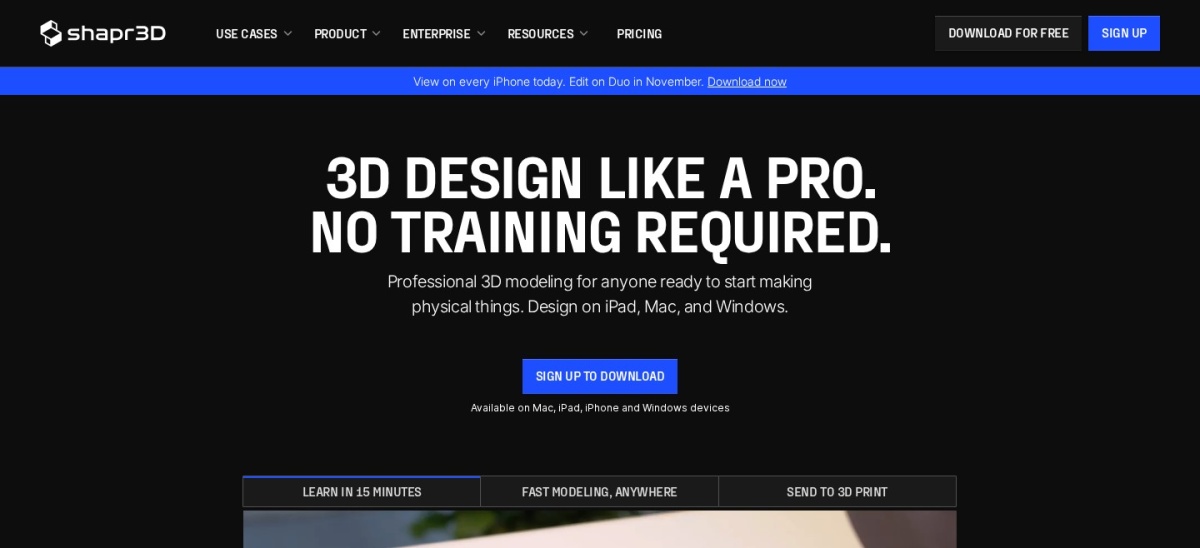
Shapr3D is a touch-first CAD app for iPad, Mac and Windows that runs on the Siemens Parasolid kernel. You sketch with an Apple Pencil, pull faces into precise solids, and sync projects across devices. The free Basic plan covers two projects.
The trade off is the free cap. Basic allows two projects and low-resolution STL and 3MF exports, so clean prints need Pro at $299 a year. It suits designers who model on a tablet and print now and then.
SketchUp is a 3D modeler built around fast push-pull sketching, and its free web version runs in a browser with no install. It is quick for blocky shapes, enclosures and display stands, and it exports STL files for printing.
The trade off is precision. SketchUp is not parametric CAD, so exact dimensions and mechanical fits need care, and desktop tools need Go at $129 a year. It suits makers who sketch ideas fast and print simple forms.
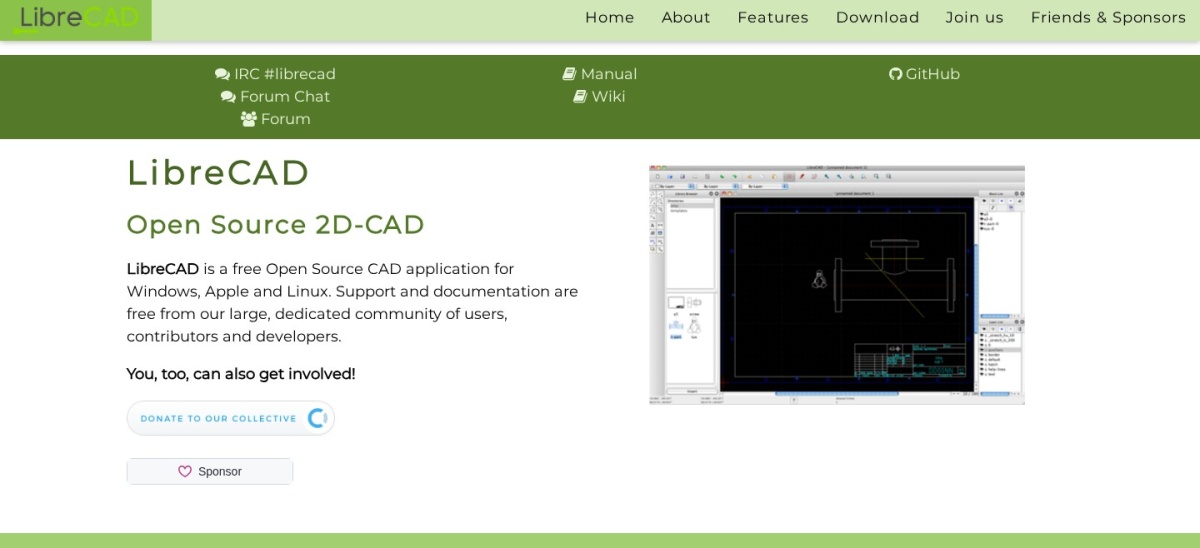
LibreCAD is a free, open-source 2D CAD application for Windows, Mac and Linux. It draws technical plans with lines, circles, arcs, dimensions and hatches, and it reads and writes DXF files for sharing with other CAD tools.
The trade off is scope. LibreCAD is 2D only, with no 3D modeling, assemblies or parametric history, and support comes from the community. It suits anyone who needs free 2D drawings beside a 3D modeler.
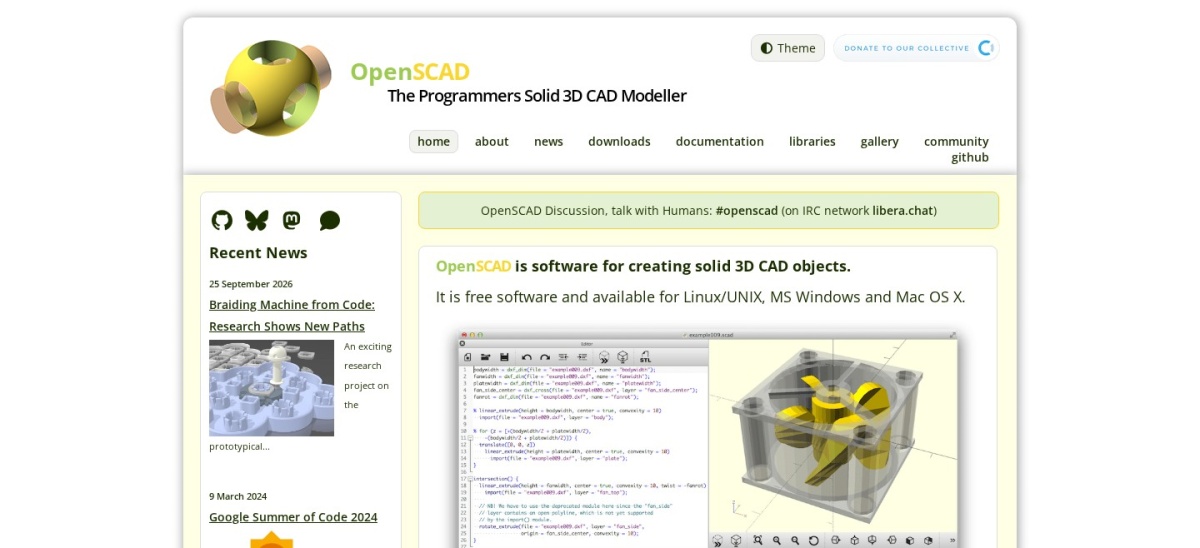
OpenSCAD is a free, open-source CAD tool where you build solid models by writing code instead of dragging shapes. Changing one number updates the whole part, so parametric brackets, gears and enclosures are easy to reuse and version.
The trade off is the learning curve. There is no interactive modeling, so you need basic coding and maths to get going. It suits programmers and engineers who want exact, repeatable parts.
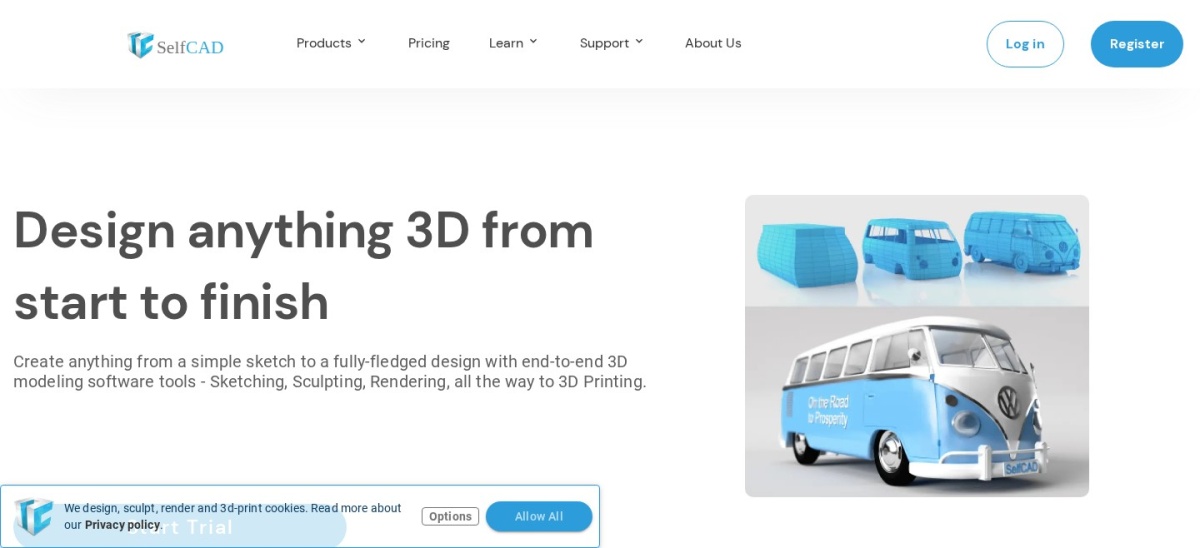
SelfCAD is a browser-based 3D tool that combines sketching, sculpting, rendering and a built-in slicer. You can design a part and prepare it for printing without leaving the app, and interactive tutorials walk beginners through each step.
The trade off is depth and price. Precision modeling trails Fusion and FreeCAD, and Pro costs $14.99 a month while strong rivals are free. It suits beginners who want one app from idea to print.
Tinkercad is a free browser CAD tool from Autodesk that builds models from simple shapes you drag, group and resize. It needs no install, runs on any computer with a browser, and exports STL and OBJ files ready for a slicer.
The trade off is depth. Tinkercad has no parametric sketches, assemblies or dimension tools, so precise mechanical parts get hard to build. It suits beginners, students and anyone printing simple parts, brackets and household fixes.
Every free plan in this list has a catch, and it is usually the licence, not the tools. Check whether commercial work is allowed before you model a paid job.
Public documents are the biggest surprise. Onshape's free plan makes every document visible to anyone, so keep client work off it.
Document and project caps bite later. Fusion personal use stops at 10 editable documents, and Shapr3D Basic stops at two projects.
Fully free tools have no caps at all. FreeCAD, LibreCAD, OpenSCAD and Tinkercad cost $0 with no paid plan, so nothing expires or locks you out.
How we chose
We started from the free CAD tools most often named as replacements for SolidWorks and CATIA, then kept the nine with a real free plan and a public user rating.
Prices come from each vendor's pricing page, checked on 29 November 2026. Ratings and review counts come from G2 and Capterra on the same day. Where a vendor shows a sale, the list shows the regular price.
We left out tools with no public rating and Dassault Systèmes products themselves, since this list is for alternatives. No vendor paid for a place, and we do not claim to have used these tools ourselves.
How to choose a free alternative to Dassault Systèmes CAD software
Start with the kind of work you do most, then check the free plan's limits before you commit.
Match the tool to the job. Parametric parts need FreeCAD, Onshape or Fusion. Flat 2D drawings need LibreCAD, and quick concept models suit SketchUp or Tinkercad.
Check the free licence first. Onshape free is non-commercial with public documents, and Fusion personal use bans paid work over $1,000 a year. Fully free tools have no such limits.
Test your file formats. Make sure the tool reads and writes the formats your clients and printers use, such as STEP, DXF and STL, before you rebuild a project in it.
Plan the paid step. If you may need private documents or commercial use later, note the first paid price now: $129 a year for SketchUp Go, $299 for Shapr3D Pro, $680 for Fusion and $1,500 for Onshape Standard.
FAQ
What is the best free alternative to Dassault Systèmes CAD software?
FreeCAD is the best free alternative for most people. It is a free, open-source parametric modeler with sketches, assemblies and technical drawings, rated 4.1 out of 5 on G2 from 61 reviews, and it costs $0 with no licence limits.
Is FreeCAD really free?
Yes. FreeCAD is open-source software that costs $0, with no paid plan, no trial expiry and no limits on commercial use. You download it, and your files stay on your own computer.
Can I use Onshape free for commercial work?
No. Onshape's free plan is for non-commercial personal projects only, and every document on it is public. Commercial work needs Standard at $1,500 a year per user, which adds private documents.
Which free CAD software is best for beginners?
Tinkercad is the easiest start. It runs in a browser, builds models from shapes you drag and resize, and needs no install. Move to FreeCAD once you need sketches, dimensions and parametric parts.
FreeCAD vs Onshape: which should I pick?
Pick FreeCAD if you want your files local, offline work and no licence limits at $0. Pick Onshape if you want browser-based CAD with real-time collaboration and version control, and you accept that free documents are public.
What is the cheapest paid upgrade in this list?
SketchUp Go at $129 a year is the cheapest paid upgrade here. It adds the desktop app, CAD import and LayOut to the free web version. The next cheapest is Shapr3D Pro at $299 a year.
SaaS SEO and WordPress specialist with about 8 years of experience. Rakib compares WordPress plugins, themes, hosting and software using public pricing, documentation and user reviews. See how we rank.