Procreate is the best FireAlpaca alternative for most artists, a $12.99 one-time iPad app rated 4.9/5 across 73 G2 reviews. Pick ibisPaint for free mobile manga drawing, or Krita if you want a free desktop app with animation tools.
How we make this list: we compare pricing pages, product documentation and public user reviews, then re-check every price before each update. No product paid for a place. Disclosure.
Procreate leads the list at 4.9 out of 5, and its $12.99 one-time price beats every subscription here.
Five of the nine tools have a free plan, and Krita and GIMP cost $0 with no paid tier at all.
ibisPaint is the closest free match to FireAlpaca, with 47,000 brushes and manga tools on phones and tablets.
Clip Studio Paint is the manga specialist, with panel tools, screentones and 3D models for $49.99 once.
Paid prices run from $12.99 once to $275.88 a year, and only Photoshop charges more than $60 a year.
How do you choose among FireAlpaca alternatives?
FireAlpaca is free, light and simple, so the best replacement keeps that feeling while fixing what it lacks.
Start with your device. Procreate needs an iPad, PaintTool SAI needs Windows, and Photopea runs in any browser with nothing to install.
Manga artists should weigh the comic tools first. Panel tools, screentones and speech balloons matter more than photo filters for that work, and they are the main gap between FireAlpaca and a paid manga app.
Price is the other split. Five tools here cost nothing to start, and five of the paid picks are one-time purchases under $51, while Photoshop is the only subscription at $22.99 a month.
Procreate is an iPad drawing and painting app built for Apple Pencil, with a large brush library, layers and animation tools. It costs $12.99 as a one-time App Store purchase with no subscription, and it holds a 4.9 out of 5 rating across 73 G2 reviews.
The trade off is the platform. Procreate runs only on iPad, so Windows and Android artists need another pick, and there is no free version beyond the trial. It suits iPad owners who want one payment and a fast, touch-first canvas.
ibisPaint is a free drawing app for phones, tablets and desktop, with more than 47,000 brushes, 27 blending modes, stroke stabilization and a recording feature that saves the drawing process as video. It is rated 4.7 out of 5 across 24 Capterra reviews.
The trade off is ads and paywalls in the free version. Many brushes need an ad view or Premium, which costs $27.99 a year, while removing ads alone is a $15.99 one-time upgrade. It suits artists who draw mostly on a phone or tablet.
What we like
Free on phones, tablets, Mac and Windows
Huge brush, material and font library
Records the drawing process as video
Manga tools with screentones and frames
Watch out for
Free version shows ads and locks some brushes
Premium features cost extra on top of ad removal
Small phone screen cramps detailed work
Premium at $27.99 a year adds 20GB cloud storage and the vector toolVisit ibispaint.com
03
Adobe Photoshop
4.6/5on G2 (13,449 reviews, checked Nov 2026)
Starts at$22.99/mo
Best for pro photo and drawing work
PlatformWindows, macOS, iPad, web
Free planNo, 7-day trial
Price$22.99 a month
Paid planPhotoshop, individuals
adobe.com
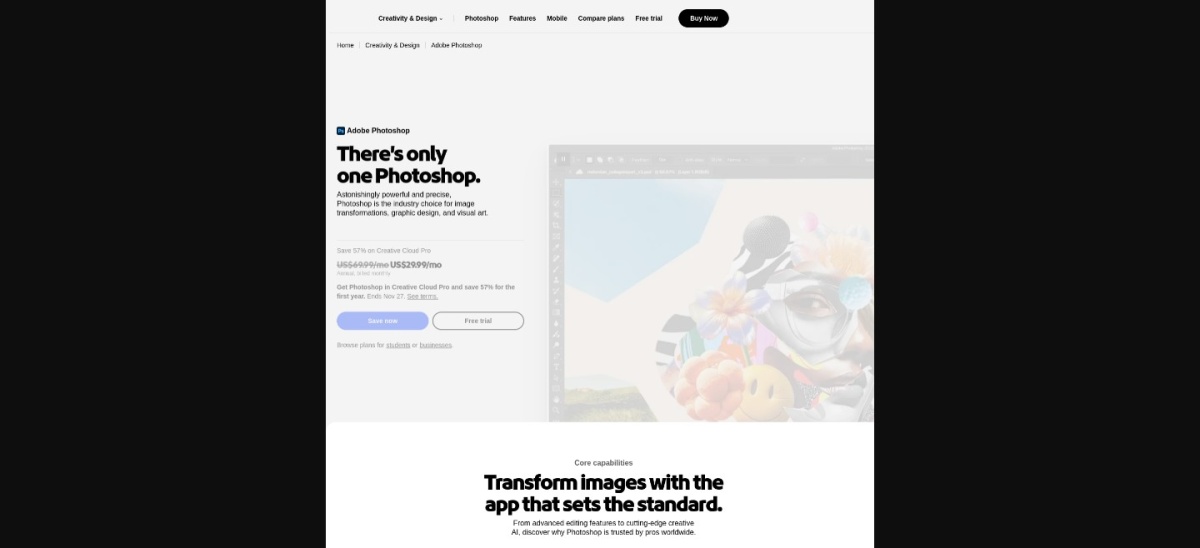
Adobe Photoshop homepage, captured Nov 2026.
Adobe Photoshop is the industry-standard image editor, with layers, masks, brushes and PSD files that open in almost every other art app. It costs $22.99 a month for individuals and holds a 4.6 out of 5 rating across 13,449 G2 reviews.
The trade off is the subscription. At $275.88 a year it costs far more than FireAlpaca, which is free, and the interface takes longer to learn. It suits artists who also edit photos or deliver client files in PSD.
What we like
Largest review base in this list
PSD files work everywhere in the trade
Deep brush, layer and masking tools
Regular updates and a huge tutorial library
Watch out for
$22.99 a month, the dearest pick here
Steep learning curve for beginners
Needs a paid plan after the 7-day trial
The subscription includes cloud storage and the iPad and web appsVisit adobe.com
04
Photopea
4.6/5on G2 (21 reviews, checked Nov 2026)
Paid from$50/yr
Best browser-based alternative
PlatformWeb browser
Free planYes, with ads
FormatsPSD, AI, SVG, PDF
Paid planPremium, $50 a year
photopea.com
Photopea homepage, captured Nov 2026.
Photopea is a free image editor that runs in a browser tab, with layers, masks and smart objects and native PSD, AI, SVG and PDF files. It holds a 4.6 out of 5 rating across 21 G2 reviews, and nothing needs installing.
The trade off is ads on the free tier and a browser-only workflow. Premium costs $50 a year, or $5 a month, and removes ads with 5GB of PeaDrive storage. It suits quick edits and PSD work on a machine that cannot install software.
What we like
Free with no install and no account needed
Opens and saves layered PSD files
Same tools on any computer with a browser
Cheapest paid upgrade among the desktop-class picks
Watch out for
Ads on the free tier slow the workspace
Large files run slower than a desktop app
Drawing tools are thinner than Krita or Clip Studio Paint
Premium removes ads and adds 5GB storage and longer historyVisit photopea.com
05
Krita
4.4/5on G2 (64 reviews, checked Nov 2026)
PriceFree
Best free desktop alternative
PlatformWindows, macOS, Linux
Free planYes, fully free
AnimationYes, frame timeline
Paid planNone, donations only
krita.org
Krita homepage, captured Nov 2026.
Krita is a free and open-source painting program made by artists, with brush engines, layers, stabilizers and a frame-by-frame animation timeline. It runs on Windows, macOS and Linux and is rated 4.4 out of 5 across 64 G2 reviews.
The trade off is polish and pace. The interface can feel crowded for beginners, and large canvases run slower than in lighter apps. It suits desktop artists who want a full free tool with no paywall at all.
What we like
Completely free with no paid tier
Animation timeline built into the canvas
Deep brush engines and stabilizers
Open source with an active community
Watch out for
Busy interface takes time to learn
Can feel slow on large canvases
No official mobile app
There is no paid plan; the project runs on donationsVisit krita.org
06
Clip Studio Paint
4.4/5on G2 (56 reviews, checked Nov 2026)
Starts at$49.99/once
Best for manga and comics
PlatformWindows, macOS, iPad, mobile
Free planNo, free trial
Comic toolsPanels, tones, balloons
Paid planPRO, $49.99 one-time
clipstudio.net
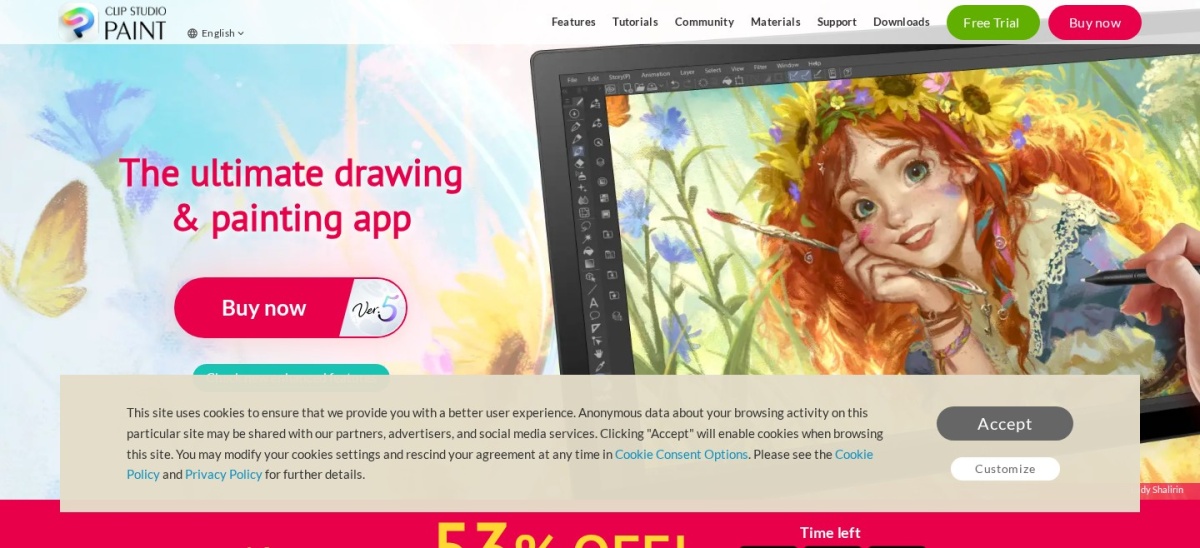
Clip Studio Paint homepage, captured Nov 2026.
Clip Studio Paint is a drawing app built for illustration, comics and manga, with panel tools, screentones, speech balloons, 3D models and animation up to 24 frames in PRO. It is rated 4.4 out of 5 across 56 G2 reviews.
The trade off is price and choice. PRO costs $49.99 as a one-time perpetual license, EX costs $219, and the annual plan adds another way to pay. It suits manga and comic artists who want the panel workflow FireAlpaca lacks.
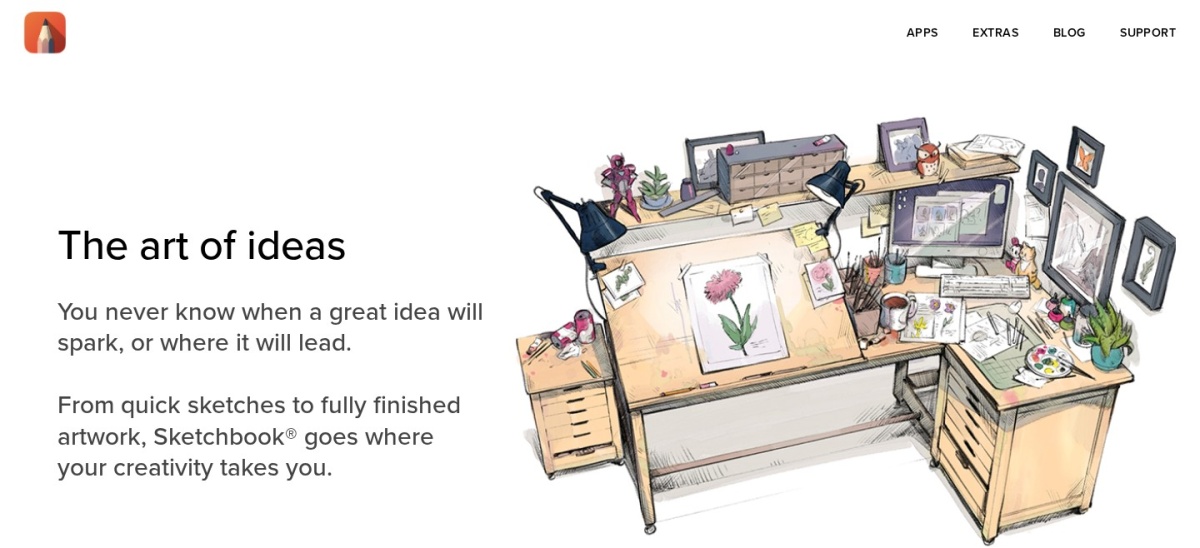
Sketchbook is a clean, lightweight drawing app with perspective guides, rulers, symmetry tools and PSD export. It is rated 4.4 out of 5 across 177 G2 reviews, and the mobile version is free.
The trade off is depth and the desktop price. The desktop app costs $19.99 as a one-time purchase, and it has fewer painting and comic tools than Krita or Clip Studio Paint. It suits quick sketches and concept work on any device.
GIMP is a free and open-source image editor for Windows, macOS and Linux, with layers, masks, brushes and photo tools in version 3.2.8. It is rated 4.3 out of 5 across 1,484 G2 reviews, the largest free-tool base here.
The trade off is the learning curve and the drawing feel. The interface looks dated next to newer apps, and its brushes suit photo work more than manga inking. It suits artists who want one free app for both painting and photo edits.
What we like
Completely free with no paid tier
Runs on Windows, macOS and Linux
Strong photo editing beside the paint tools
Huge plugin and tutorial library
Watch out for
Dated interface with a steep learning curve
Brush engine feels weaker than Krita for drawing
No built-in animation or comic panel tools
There is no paid plan; the project runs on donationsVisit gimp.org
09
PaintTool SAI
4.3/5on G2 (61 reviews, checked Nov 2026)
Starts at$50.81/once
Best lightweight Windows painter
PlatformWindows only
Free planNo, 31-day trial
Price5,500 JPY per license
Paid planVer.1 license, $50.81 once
systemax.jp
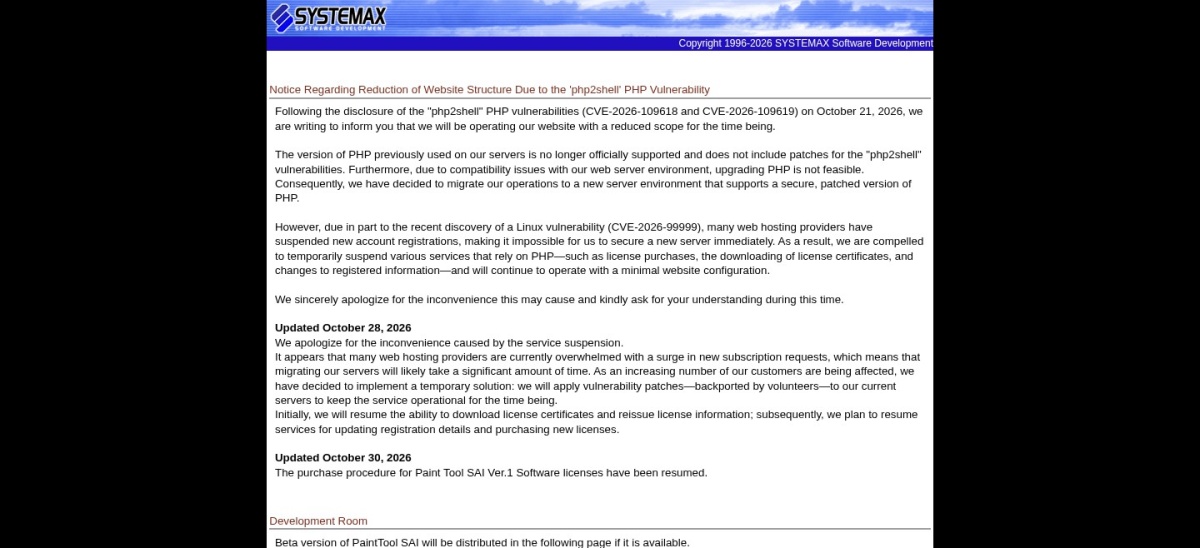
PaintTool SAI homepage, captured Nov 2026.
PaintTool SAI is a feather-light Windows painting app known for smooth, stabilized lines and simple layers, a close match to FireAlpaca in spirit. It is rated 4.3 out of 5 across 61 G2 reviews, and a Ver.2 technical preview was released on 29 November 2026.
The trade off is age and platform. It is Windows only, the Ver.1 app is a 32-bit build, and the license costs 5,500 JPY, about $50.81, after a 31-day trial. It suits anime and manga line art on modest Windows machines.
Free plans cover drawing well. Krita, GIMP, ibisPaint, Photopea and Sketchbook all let you draw, layer and export without paying.
Paid plans mostly add convenience and removal of ads. Procreate and Clip Studio Paint charge once for the full app, while ibisPaint and Photopea charge to remove ads and add cloud storage.
If you draw every day, a one-time purchase under $51 is the cheapest route out of FireAlpaca. A subscription only makes sense if you also need Photoshop for photo work.
How we chose
We started from the drawing apps most often named as FireAlpaca replacements, then kept the nine with a published numeric rating and a public price.
Prices come from each vendor pricing page or app store listing, checked on 29 November 2026. Ratings and review counts come from G2 or Capterra on the same day. Where a vendor shows a sale, the list shows the regular price.
We left out MediBang Paint because its Capterra review count could not be verified today, and MyPaint because its G2 base is only about 30 reviews. No vendor paid for a place, and we do not claim hands-on testing for this list.
How to choose a FireAlpaca alternative
Match the app to your device first, then to the kind of art you draw most.
Check your device before anything else. Procreate is iPad only and PaintTool SAI is Windows only, while Krita, GIMP and Photopea run almost anywhere.
Decide whether manga tools matter. Pick Clip Studio Paint or ibisPaint if panels, screentones and speech balloons are part of your work.
Try the free tier for a week. Krita, GIMP, ibisPaint, Photopea and Sketchbook cost nothing to start, so test brushes and layers before paying.
Count the real yearly cost. A $12.99 or $49.99 one-time purchase beats a $22.99 monthly subscription within a few months.
FAQ
What is the best FireAlpaca alternative in 2026?
Procreate is the best FireAlpaca alternative for most artists. It costs $12.99 once with no subscription, and it is rated 4.9 out of 5 across 73 G2 reviews. It only runs on iPad, so desktop artists should pick Krita instead.
Is there a free alternative to FireAlpaca?
Yes. Krita and GIMP are completely free with no paid tier, and ibisPaint, Photopea and Sketchbook have free plans. Krita is the strongest free desktop pick, with animation tools and deep brushes.
Which FireAlpaca alternative is best for manga?
Clip Studio Paint is the best manga pick, with panel tools, screentones, speech balloons and 3D models. ibisPaint is the best free manga pick, with 47,000 brushes and comic tools on phones and tablets.
How much does Clip Studio Paint cost?
Clip Studio Paint PRO costs $49.99 as a one-time perpetual license, and EX costs $219. An annual plan is also sold, starting at $24.99 a year according to G2, so check the pricing page before buying.
Procreate vs Krita: which should I pick?
Pick Procreate if you draw on an iPad and want the smoothest touch workflow for $12.99 once. Pick Krita if you draw on Windows, macOS or Linux and want a free app with animation tools and no paywall.
Is PaintTool SAI still worth buying?
PaintTool SAI is still worth it for light Windows line art, with smooth stabilized lines and a 5,500 JPY license after a 31-day trial. A Ver.2 technical preview was released on 29 November 2026, so the app is still moving.
SaaS SEO and WordPress specialist with about 8 years of experience. Rakib compares WordPress plugins, themes, hosting and software using public pricing, documentation and user reviews. See how we rank.