DaVinci Resolve is the best of these Filmora alternatives for most editors: its free version covers pro editing, color grading and effects with no watermark, and it is rated 4.7/5 on G2. Pick Adobe Premiere Pro for client work and CapCut for fast short-form social clips.
How we make this list: we compare pricing pages, product documentation and public user reviews, then re-check every price before each update. No product paid for a place. Disclosure.
DaVinci Resolve is the strongest free switch: pro editing, color and effects with no watermark, rated 4.7 out of 5 on G2.
Premiere Pro costs $275.88 a year at $22.99 a month, while Final Cut Pro costs $299.99 once on Mac.
CapCut is the fastest free start for social clips, but its Trustpilot score is 1.3 out of 5 over billing complaints.
Kdenlive and Shotcut are fully free with no paid plan at all, and both export without a watermark.
Paid plans run from $39 a year for Camtasia Starter to $299.99 once for Final Cut Pro.
How do you pick the right Filmora alternative?
Filmora is built for speed, so the right alternative depends on what you edit most. Short social clips need templates and captions, while client work needs a pro timeline and files other editors can open.
Free plans are the first thing to check. DaVinci Resolve, Kdenlive and Shotcut export finished videos without a watermark or payment, while Filmora watermarks every free export and Movavi caps free exports at 60 seconds.
Price models split three ways here. Resolve Studio and Final Cut Pro are one-time purchases at $295 and $299.99, Premiere Pro and CapCut are subscriptions, and Kdenlive and Shotcut have no paid plan at all.
Ratings need a careful read. CapCut has no public G2 or Capterra listing under its own name, so its 1.3 out of 5 here comes from Trustpilot, where billing complaints dominate — a different kind of signal from the G2 scores of the other eight.
Once the edit is done, the video still has to reach viewers. Our guide on how to resize a video in WordPress covers getting a finished clip onto a site without breaking the layout.
DaVinci Resolve is a full professional editor from Blackmagic Design, and its free version is the most capable free editor in this list. It includes editing, color grading, Fusion effects and Fairlight audio, and exports without a watermark up to 4K UHD at 60fps.
The trade off is the learning curve and the hardware. The interface packs in professional tools that take time to learn, and smooth 4K editing needs a capable computer. Studio costs $295 once and adds AI tools, noise reduction and 10-bit video. It suits editors who want a skill that lasts.
What we like
Full professional editor with no watermark on free exports
Color grading, Fusion effects and Fairlight audio included
Adobe Premiere Pro is the professional editor most clients and collaborators already use, so project files move between editors without conversion. It covers multi-track editing, color, audio, captions and AI tools, and links with After Effects and Audition.
The trade off is the subscription and the price. There is no free plan, only a 7-day trial, and the single-app plan costs $22.99 a month on an annual plan billed monthly, marked as first-year pricing. It suits editors doing paid client work.
What we like
Industry standard, so files open everywhere
Deep color, audio and caption tools
Frame.io review built in
Watch out for
Subscription only, no free plan
$22.99 a month is first-year pricing
Steep learning curve for beginners
Single-app plan is $22.99 a month, first-year priceVisit adobe.com
03
Final Cut Pro
4.4/5on G2 (87 reviews, checked Nov 2026)
Starts at$299.99/one-time
Best one-time purchase for Mac editors
Free planNo, 30-day bundle trial
PlatformsMac only
TimelineMagnetic timeline
Paid plan$299.99 one-time
apple.com
Final Cut Pro homepage, captured Nov 2026.
Final Cut Pro is Apple's professional editor for Mac, built around a magnetic timeline and tuned for Apple silicon, multicam, ProRes and HDR work. It renders in the background, so editing stays fast on large projects.
The trade off is the platform and the extras. It runs only on Mac, and some premium content now sits inside the Apple Creator Studio subscription at $12.99 a month. The Mac app still sells as a one-time $299.99 purchase. It suits Mac editors who want to own their editor.
What we like
Very fast on Apple silicon
Magnetic timeline speeds up assembly
One-time purchase, no subscription
Watch out for
Mac only, no Windows version
Some premium content needs the subscription
Fewer third-party plugins than Premiere Pro
One-time $299.99 on Mac; Creator Studio is $129 a yearVisit apple.com
04
Movavi Video Editor
4.6/5on G2 (419 reviews, checked Nov 2026)
Paid from$54.95/yr
Best simple desktop editor under $60 a year
Free version60-second watermarked exports
PlatformsWindows and Mac
AI toolsSubtitles, background removal
Paid plan$54.95 a year
movavi.com
Movavi Video Editor homepage, captured Nov 2026.
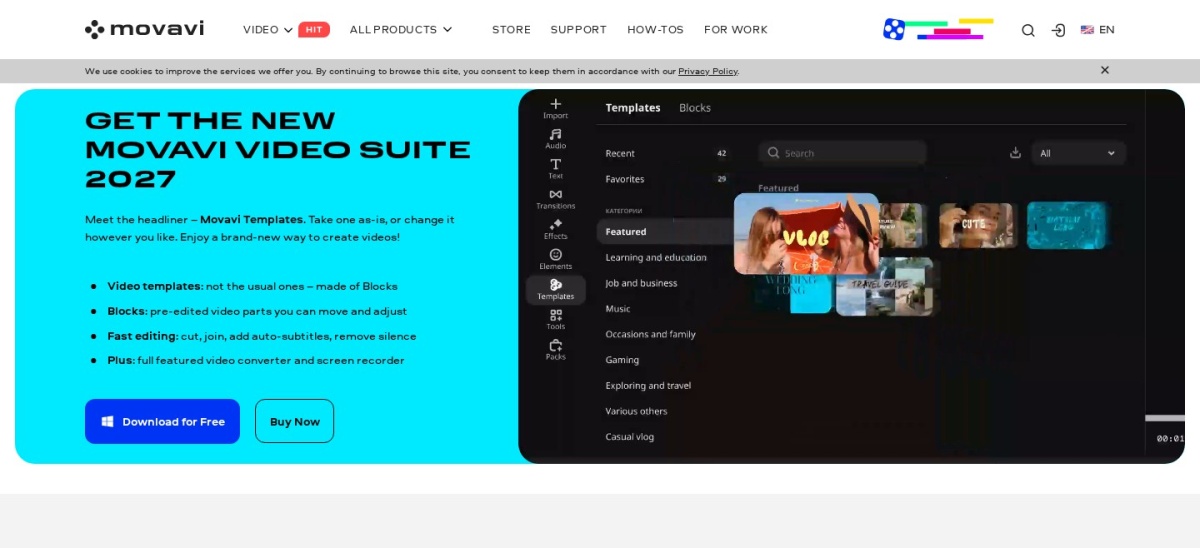
Movavi Video Editor is a simple desktop editor for Windows and Mac with drag-and-drop editing, templates and one-click AI tools. It covers trimming, transitions, titles, auto-subtitles and background removal without a pro timeline to learn.
The trade off is the free version. Exports carry a watermark and stop at 60 seconds, and 4K needs the paid version at $54.95 a year. It suits beginners and casual creators who want a quick desktop edit.
What we like
Easiest desktop editor in this list
AI subtitles and background removal included
Templates included for quick projects
Watch out for
Free exports watermarked, 60-second cap
Fewer pro controls than Resolve or Premiere Pro
Yearly renewal, not a one-time purchase
Full version is $54.95 a year; Plus adds effects packsVisit movavi.com
05
Camtasia
4.6/5on G2 (1,780 reviews, checked Nov 2026)
Starts at$39/yr
Best for tutorials and screen recordings
Free planNo, free trial only
PlatformsWindows and Mac
Screen recording4K at 60fps
Paid planStarter, $39 a year
techsmith.com
Camtasia homepage, captured Nov 2026.
Camtasia is TechSmith's screen recorder and editor, built for tutorials, lessons and product demos. It records screen and camera together, then edits on a multi-track timeline with captions, quizzes and callouts.
The trade off is the price ladder. Starter costs $39 a year but its editor exports carry a watermark, so watermark-free editing starts with Essentials at $179.88 a year. It suits teachers and trainers who record their screen every week.
1.3/5on Trustpilot (471 reviews, checked Nov 2026)
Paid from$179.99/yr
Best free editor for short social video
Free export1080p, no watermark
PlatformsMobile, desktop and web
Auto-captionsYes, one tap
Paid planPro, $179.99 a year
capcut.com
CapCut homepage, captured Nov 2026.
CapCut is a free editor from ByteDance built for short-form video, on mobile, desktop and the web. The free version covers trimming, templates, auto-captions and effects, and basic exports carry no watermark.
The trade off is trust and price creep. Pro costs $19.99 a month or $179.99 a year, features keep moving from free to paid, and Trustpilot scores it 1.3 out of 5 over billing complaints. It suits creators who publish social clips every day.
Clipchamp is Microsoft's browser-based editor, built into Windows 11 and Microsoft 365. The free plan includes screen recording, AI captions, silence removal and watermark-free exports up to 1080p.
The trade off is depth and the paywall. 4K export and brand-kit tools need a Microsoft 365 Personal subscription at $99.99 a year, and long timelines can slow the browser editor. It suits teams already paying for Microsoft 365.
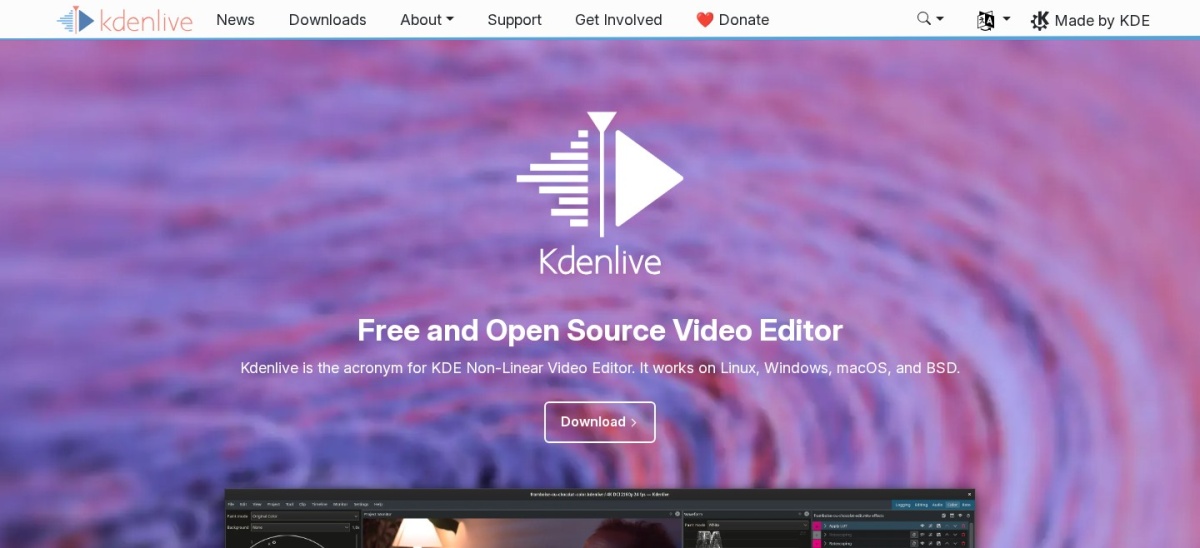
Kdenlive is a free, open-source editor from the KDE community for Windows, Mac and Linux. It offers unlimited video and audio tracks, nested timelines, proxy editing for 4K footage and AI speech-to-text subtitles.
The trade off is polish. The interface takes time to learn, and occasional crashes are the most common complaint in reviews. There is no paid plan at all, so nothing is ever locked behind a paywall. It suits editors who want a full timeline for $0.
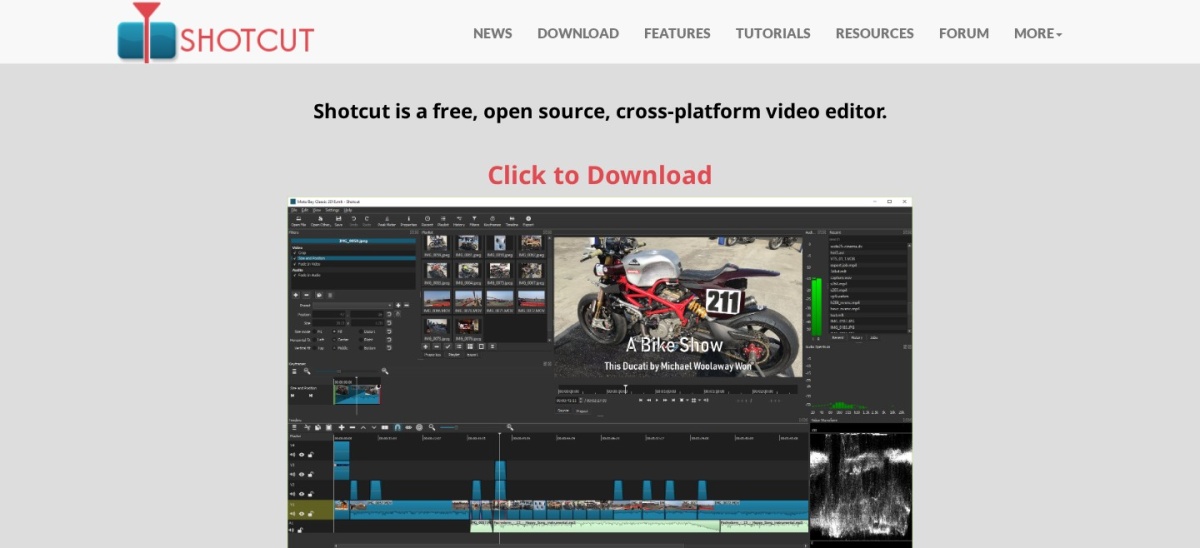
Shotcut is a free, open-source editor from Meltytech that edits files natively on the timeline without a separate import step. It supports a wide range of formats, hardware-accelerated exports, filters and audio mixing.
The trade off is the learning curve and the look. The interface is dense and dated next to Filmora, and crashes on very large edits are reported. It suits editors who want pro features without paying or signing up.
Free versions cover the timeline well. Resolve, Kdenlive, Shotcut, CapCut and Clipchamp all export real videos for free, and only Movavi watermarks or caps the free export.
Paid plans mostly buy exports and AI. 4K export, premium templates, stock media and AI tools are what the $54.95 to $299.99 plans unlock.
One-time purchases beat subscriptions after about 13 months. Resolve Studio at $295 once costs less than 16 months of CapCut Pro at $179.99 a year, and Final Cut Pro at $299.99 once costs less than 14 months of Premiere Pro.
How we chose
We started from the editors Filmora users actually compare — DaVinci Resolve, Premiere Pro, Final Cut Pro, CapCut, Clipchamp, Movavi, Camtasia, Kdenlive and Shotcut — and kept only those with a live product page and a public rating.
Prices come from each vendor's pricing page and vendor-supplied listings, checked on 29 November 2026. Ratings come from G2, Capterra and Trustpilot on the same day. Where a vendor shows a sale, the list shows the regular price.
CapCut has no discoverable G2 or Capterra listing under its own name, so its score is Trustpilot. We left out editors with no public rating at all. No vendor paid for a place, and we do not claim hands-on testing for this list.
How to choose a Filmora alternative
Start with the video you make most, then check the export terms before you learn the timeline.
Match the tool to the video. Short social clips suit CapCut or Clipchamp; tutorials suit Camtasia; client films suit Resolve or Premiere Pro.
Check the free export first. Confirm the free version exports without a watermark at the resolution you need — Resolve, Kdenlive and Shotcut do, Movavi does not.
Price the second year, not the first. Premiere Pro's $22.99 is first-year pricing and CapCut Pro rose to $179.99 a year in 2026, so read the renewal before you commit.
Try the timeline before you pay. Use the free plan or trial to cut one real project, then buy the plan that removes the limit you actually hit.
FAQ
What is the best Filmora alternative in 2026?
DaVinci Resolve is the best Filmora alternative for most editors in 2026. Its free version covers pro editing, color grading and effects with no watermark, it is rated 4.7 out of 5 on G2, and the Studio upgrade is a one-time $295 purchase.
Is there a free alternative to Filmora?
Yes. DaVinci Resolve, Kdenlive and Shotcut are all free and export without a watermark. CapCut and Clipchamp are also free for basic 1080p exports, while Movavi watermarks free exports and caps them at 60 seconds.
Which Filmora alternative is best for beginners?
Movavi Video Editor is the easiest desktop switch, with drag-and-drop editing and templates, at $54.95 a year. CapCut is the easiest free start for social clips, and Clipchamp needs no install at all.
How much does a Filmora alternative cost?
Paid plans run from $39 a year for Camtasia Starter to $299.99 once for Final Cut Pro. DaVinci Resolve Studio is $295 once, Premiere Pro is $22.99 a month, and Kdenlive and Shotcut cost nothing.
DaVinci Resolve vs Premiere Pro: which is better?
DaVinci Resolve is better for most editors switching from Filmora because its free version is a full pro editor with no watermark. Premiere Pro is better for client work, since agencies and collaborators already use it.
Is CapCut better than Filmora?
CapCut is faster than Filmora for short social video, with one-tap captions and trend templates, and its free exports carry no watermark. Filmora suits longer desktop projects better, and CapCut's Trustpilot score of 1.3 reflects billing complaints.
SaaS SEO and WordPress specialist with about 8 years of experience. Rakib compares WordPress plugins, themes, hosting and software using public pricing, documentation and user reviews. See how we rank.