Affinity is the best of these InDesign alternatives: its free app covers layout, vector and pixel work with master pages and IDML import. QuarkXPress suits print professionals at $279 a year, while Scribus is the free open-source pick for press-ready PDFs.
How we make this list: we compare pricing pages, product documentation and public user reviews, then re-check every price before each update. No product paid for a place. Disclosure.
Affinity is free and covers layout, vector and pixel work, with IDML import from InDesign.
QuarkXPress is the only print-first rival here, at $279 a year or $699 once.
Scribus is free and open source, with CMYK and PDF/X export for press-ready files.
Canva Pro now costs $144 a year after a 2026 price rise, up from $120.
Swift Publisher costs $19.99 once, the cheapest paid licence in the list.
Desygner Pro+ is $4.95 a month billed yearly, the cheapest subscription here.
How do you pick the right InDesign alternative?
The best InDesign alternative depends on what you print. A book or magazine needs master pages, styles and PDF/X export, while a flyer needs speed and templates.
Price is the widest gap in this list. Two tools here cost nothing, three cost under $100 a year or once, and QuarkXPress charges $279 a year.
File compatibility decides whether you can switch at all. Affinity, QuarkXPress and VivaDesigner import IDML files, so existing InDesign layouts can move across, while Scribus imports IDML only in part.
Print control is where browser tools fall short. Canva, Marq, Adobe Express and Desygner are fast for marketing pieces, but they lack the prepress depth of a dedicated layout app. Our guide on adding a PDF to WordPress covers what happens once an exported PDF goes online.
Affinity is a free creative app from Canva that combines layout, vector and pixel studios in one download for Windows and macOS. It covers master pages, text styles, linked text frames and CMYK colour, and it imports IDML files from InDesign.
The trade off is account and AI limits. You need a free Canva account to download it, and the AI features need a paid Canva plan. It suits designers and small studios who want professional layout tools without a monthly fee.
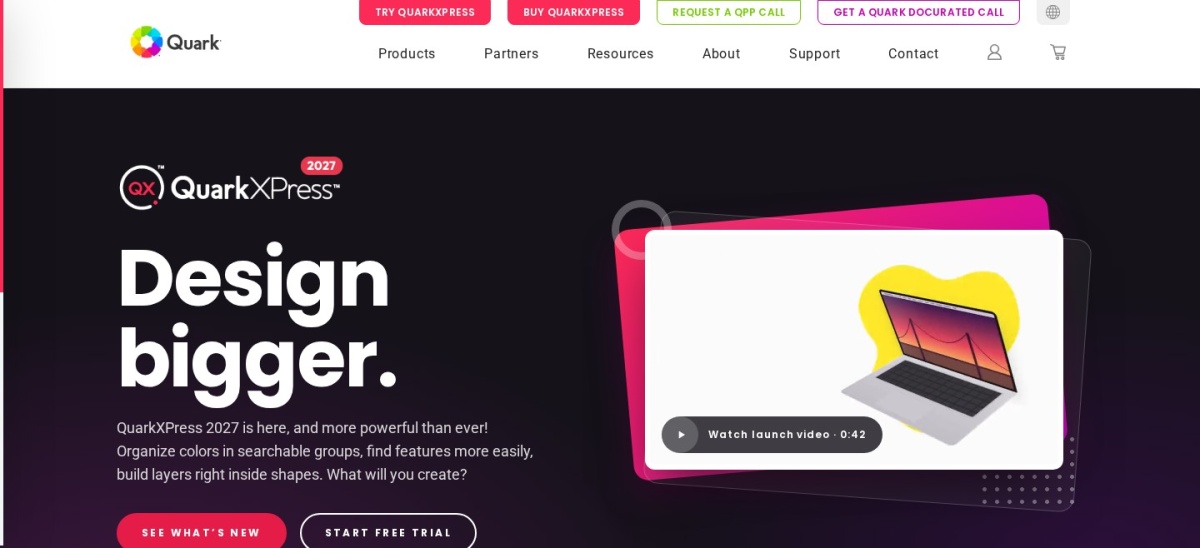
QuarkXPress is a desktop publishing app for magazines, newspapers, books and corporate reports, with advanced typography, variable fonts and PDF/X export. The annual subscription costs $279 a year and includes upgrades, support and AI features.
The trade off is price and learning curve. A perpetual licence costs $699 once, and the deep feature set takes time to learn. It suits publishers and print professionals who need press-ready output and long-document control.
What we like
Print-first typography and variable fonts
IDML import and export
Perpetual licence option
PDF/X export for press-ready files
Watch out for
Priciest subscription in this list
Steep learning curve for new users
Smaller community than InDesign
Perpetual licence costs $699 once, without upgradesVisit quark.com
03
Scribus
4.1/5on G2 (27 reviews, checked Nov 2026)
PriceFree
Best free open-source alternative
PriceFree ($0)
LicenceOpen source (GPL)
PlatformsWindows, Mac, Linux
Print outputCMYK, PDF/X
scribus.net
Scribus homepage, captured Nov 2026.
Scribus is a free, open-source desktop publishing program for Windows, macOS and Linux. It offers master pages, frames, style sheets, CMYK colour handling and PDF/X export, with no paid tiers at all.
The trade off is polish. The interface looks dated next to commercial apps, and it cannot open InDesign files directly, though it imports IDML in part. It suits schools, nonprofits and print shops that need press-ready layout at zero cost.
Canva is a browser-based design platform with a free plan, thousands of templates and one Brand Kit. Pro costs $144 a year for one person and adds premium templates, background removal, resizing and 100GB of storage.
The trade off is depth. Canva lacks the prepress controls of a dedicated layout app, and Pro covers only one person. It suits marketers and small teams who need flyers, presentations and social layouts fast.
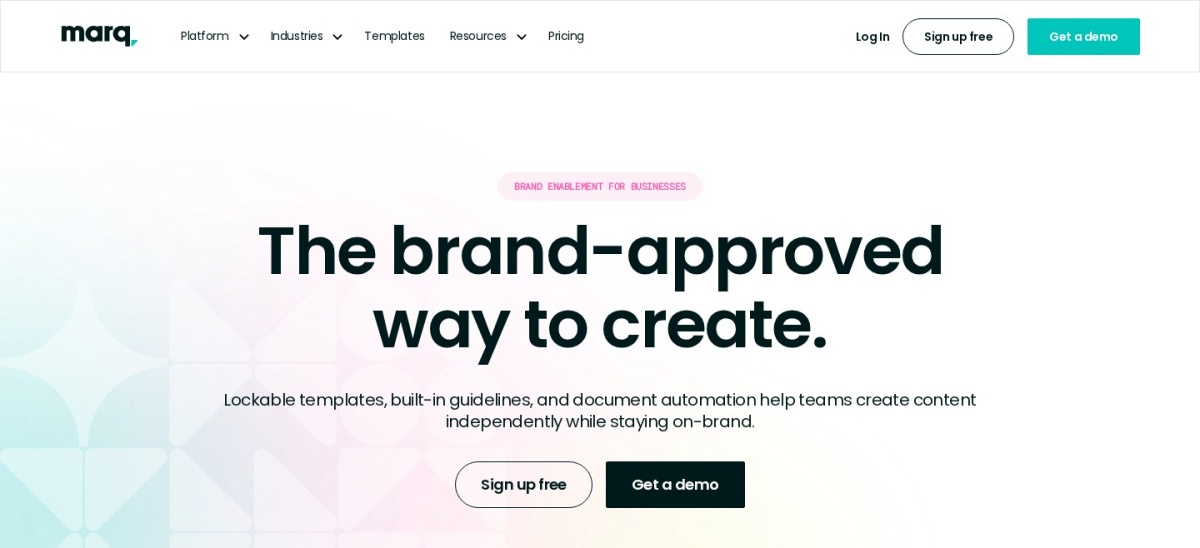
Marq is a web-based layout platform with a free plan that includes 2GB of cloud storage and three projects. Paid plans start at $120 a year billed yearly, with premium templates, smart brand assets and template locking.
The trade off is the free-plan cap and browser editing. Three projects run out fast, and large or data-heavy documents can slow down in the browser. It suits teams that share reusable branded templates with many contributors.
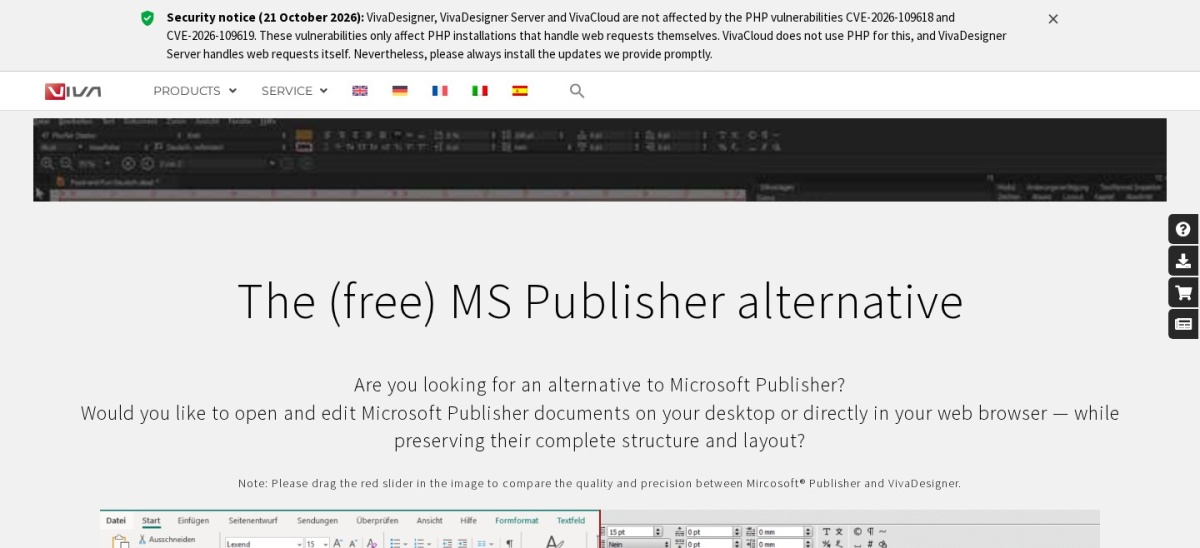
VivaDesigner is a layout program for desktop and web browsers, with a free desktop edition for opening, editing, saving and printing documents. Paid desktop licences start at $89 per user for education and $139 for personal use.
The trade off is commercial pricing and free-edition limits. A commercial licence costs $399 per user, and the free edition has no hyphenation, spell check or PDF export. It suits organisations that want desktop and browser layout with tiered licences.
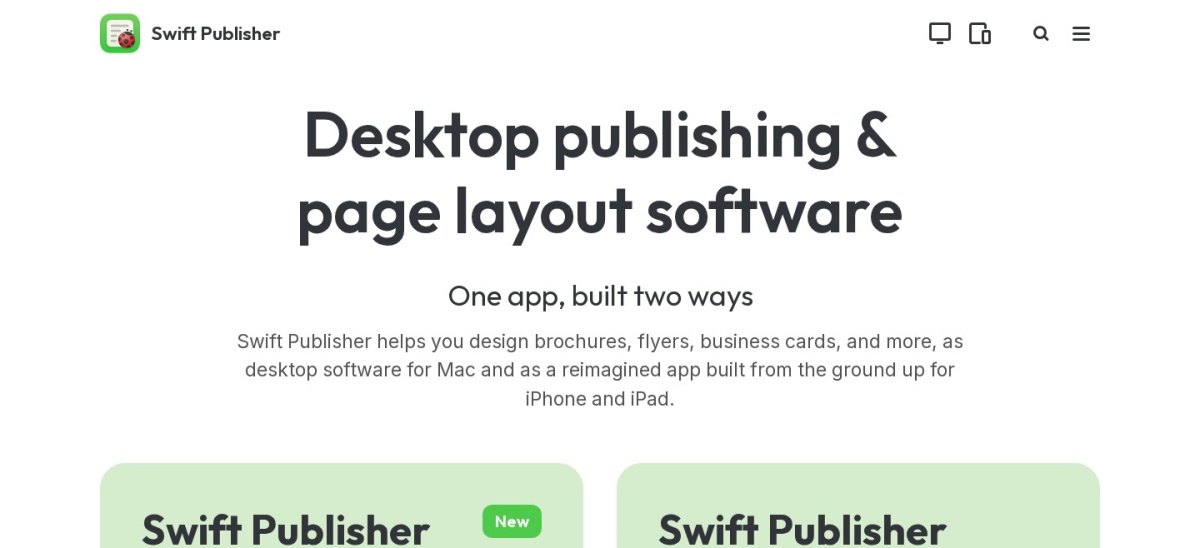
Swift Publisher is a macOS desktop publishing app sold for a $19.99 one-time single-user licence, with more than 2,000 clipart images. It covers brochures, flyers, labels, calendars and multi-page layouts.
The trade off is platform and depth. It runs only on macOS and lacks the prepress depth of InDesign or QuarkXPress. It suits Mac users who want a cheap one-time app for brochures and labels.
Adobe Express is a web and mobile design app from Adobe for social posts, flyers, videos and quick layouts, with templates and Adobe Stock photos. The free plan covers the basics, and Premium costs $9.99 a month.
The trade off is control. It is built for speed, not long print documents, and it has no master pages or prepress workflow. It suits Adobe users who need quick marketing graphics without paying for InDesign.
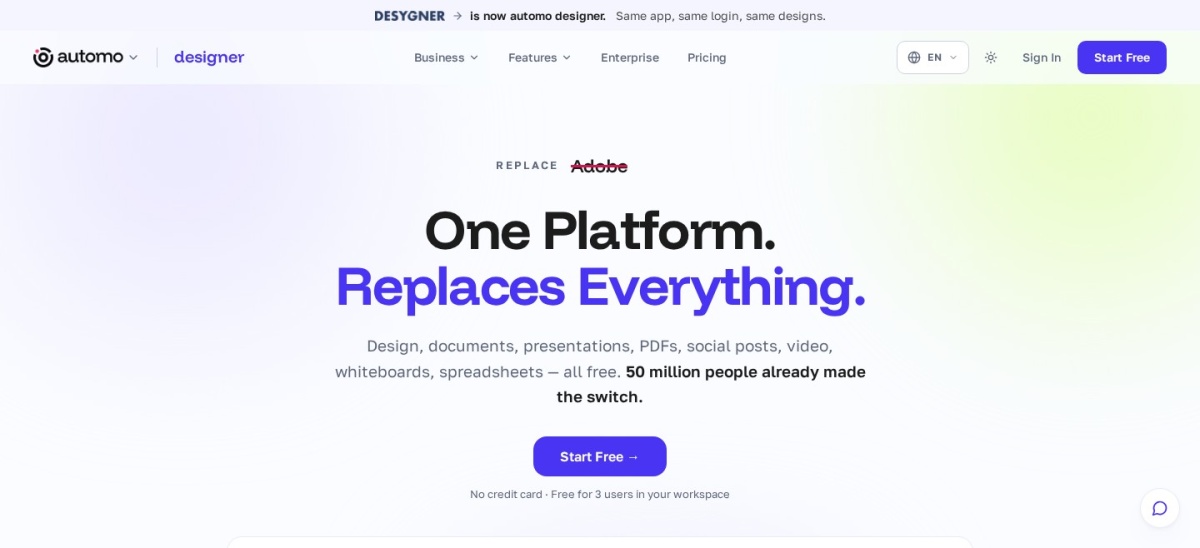
Desygner is a browser design platform for marketing materials, brand templates and PDFs, with a free plan and full PDF import and editing. Pro+ costs $4.95 a month when billed yearly, or $9.95 a month on monthly billing.
The trade off is polish and scale. The interface feels dated next to Canva, and full team controls need the Business plan. It suits small firms and franchises that need locked brand templates and cheap PDF editing.
Free plans cover everyday layout well. Affinity and Scribus cost nothing at all, and Canva, Marq, VivaDesigner, Adobe Express and Desygner all have free tiers.
Paid plans mostly add depth and control. You get prepress output, template locking, premium assets and faster workflows.
The cheapest paid routes are one-time buys. Swift Publisher costs $19.99 once, and VivaDesigner starts at $89 once for education users.
For a print shop or a publisher, the first year of QuarkXPress at $279 often costs less than one missed deadline caused by the wrong tool.
How we chose
We started from the desktop publishing and page-layout tools most often named as InDesign replacements, then kept nine with a live homepage, public pricing and public ratings.
Prices come from each vendor's pricing page and review sites, checked on 29 November 2026. Ratings come from G2 or Capterra on the same day. Where a vendor shows a sale, the list shows the regular price.
We left out tools with no public rating and apps that only handle single-page graphics. No vendor paid for a place, and we do not claim to have used these tools ourselves.
How to choose an InDesign alternative
Start with your longest document, then check price, files and print output before you commit.
Match the tool to your longest document. Books and magazines need master pages and styles; flyers and social posts do not. Pick a print-first tool for long documents.
Check the real yearly cost. Compare annual billing against monthly rates, and check whether each teammate needs a separate licence. Free plans cover a lot here.
Test your existing files. Open an IDML export in Affinity or QuarkXPress before you switch, and check that fonts, styles and images survive the move.
Export a press-ready PDF and check it. Confirm CMYK and PDF/X export if you print, and check the file on screen and on paper before you send it to a printer.
FAQ
What is the best InDesign alternative in 2026?
Affinity is the best InDesign alternative for most people. Its free app covers layout, vector and pixel work, imports IDML files and handles CMYK colour, so it replaces InDesign for most books, brochures and magazines.
What is the best free alternative to InDesign?
Affinity and Scribus are the strongest free picks. Affinity is free with a Canva account and feels modern, while Scribus is fully open source and runs on Windows, Mac and Linux with CMYK and PDF/X export.
How much does QuarkXPress cost?
QuarkXPress costs $279 a year on the prepaid annual subscription, which includes upgrades and support. A perpetual licence costs $699 once, but upgrades after the first year cost extra.
Is there an InDesign alternative for beginners?
Canva is the easiest starting point, with templates and a free plan, while Swift Publisher is a simple Mac app at $19.99 once. Both suit beginners, but neither handles long print documents well.
Affinity vs QuarkXPress: which is better?
Affinity wins on price, because its core app is free, while QuarkXPress wins on print depth, with stronger typography and prepress controls. Choose Affinity for general layout and QuarkXPress for professional print publishing.
Can I open InDesign files in these alternatives?
Affinity, QuarkXPress and VivaDesigner import IDML files, which InDesign can export. Scribus imports IDML only in part, and browser tools such as Canva and Marq do not import InDesign files at all.
SaaS SEO and WordPress specialist with about 8 years of experience. Rakib compares WordPress plugins, themes, hosting and software using public pricing, documentation and user reviews. See how we rank.