Kling AI is the best free alternative to Grok video generation, with a free Basic plan, a 4.7 out of 5 G2 rating and paid plans from $8.80 a month. PixVerse suits daily social clips with 30 free credits a day, while Adobe Firefly fits Adobe users with a free plan and 2,000 credits on Standard.
How we make this list: we compare pricing pages, product documentation and public user reviews, then re-check every price before each update. No product paid for a place. Disclosure.
Kling AI leads: a free Basic plan, 4.7 out of 5 on G2, and paid plans from $8.80 a month for 660 credits.
PixVerse gives the most usable free allowance: 30 credits every day, with Standard at $10 a month.
Adobe Firefly is the safest paid pick for client work, with licensed training data and a $9.99 Standard plan.
Pika's free plan includes 0 monthly credits, so it only generates after a $25 credit pack or a $10 Starter plan.
CapCut's 1.2 out of 5 Trustpilot score is the lowest here, driven by billing and refund complaints.
Paid plans in this list run from $8.80 to $20 a month, and every tool has a free plan.
What is the best free alternative to Grok video generation?
Grok video generation is Grok Imagine, the video mode inside xAI's Grok app. It turns a text prompt or a still image into a short clip, and the free alternatives below do the same job without an X subscription.
Free plans differ more than the headlines suggest. Some refill every day, like PixVerse with 30 credits, while Runway gives 125 credits once and Pika gives none at all, so read the refill rule before you pick.
Watermarks and commercial use are the two limits that matter most. Kling, PixVerse and Vidnoz watermark free exports, Pika does not watermark at all, and most free plans ban commercial use until you pay. Our guide on embedding a video in WordPress shows where those clips end up once they are made.
Ratings in this niche are thin, so treat them with care. Kling's 4.7 rests on only 5 G2 reviews and Vidnoz's 4.9 on 16, while CapCut's 1.2 on Trustpilot comes from 1,365 reviews, which makes it the most reliable signal in the list.
Price per month is a poor guide on its own. A $10 plan that buys 1,200 credits and a $20 plan that buys 400 credits are not the same deal, so compare what the credits buy before you pay.
The 9 best free alternatives to Grok video generation
01
Kling AI
4.7/5on G2 (5 reviews, checked Nov 2026)
Paid from$8.80/mo
Best free alternative to Grok video generation overall
Free planBasic, watermarked
Cheapest paidStandard, $8.80/mo
Monthly credits660
Max clip length30 seconds
klingai.com
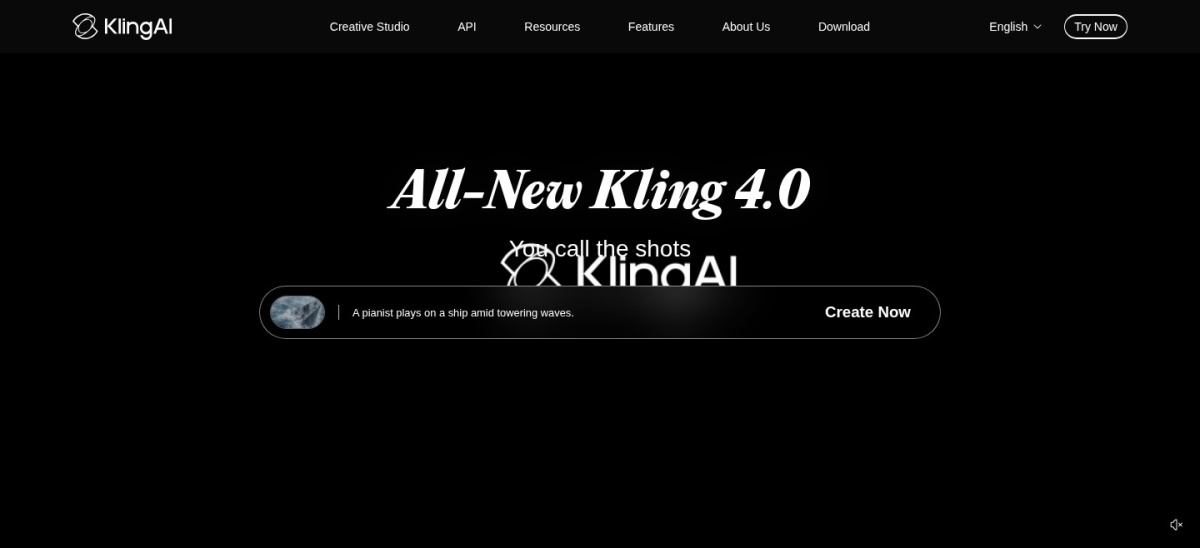
Kling AI homepage, captured Nov 2026.
Kling AI is Kuaishou's text-to-video and image-to-video generator, built around the Kling 4.0 model family. The free Basic plan makes watermarked clips, and the Standard plan costs $8.80 a month for 660 credits, 1080p and 4K output, watermark-free downloads and commercial use. Clips run up to 30 seconds.
The trade off is the thin review record. Kling holds 4.7 out of 5 on G2, but from only 5 reviews, so the score can move fast. The free plan is also watermarked and not for commercial use. It suits creators who want realistic motion at the lowest paid price in this list.
What we like
Lowest paid price in this list at $8.80 a month
Realistic motion with clips up to 30 seconds
4K output and commercial use on Standard
Free Basic plan to try before paying
Watch out for
G2 rating rests on only 5 reviews
Free exports are watermarked and not for commercial use
No stated free credit allowance on the Basic plan
Standard adds 660 credits a month and removes the watermarkVisit klingai.com
02
PixVerse
4.8/5on G2 (32 reviews, checked Nov 2026)
Paid from$10/mo
Best daily free credits for social clips
Free plan30 credits a day
Cheapest paidStandard, $10/mo
Monthly credits1,200
Max clip length15 seconds
pixverse.ai
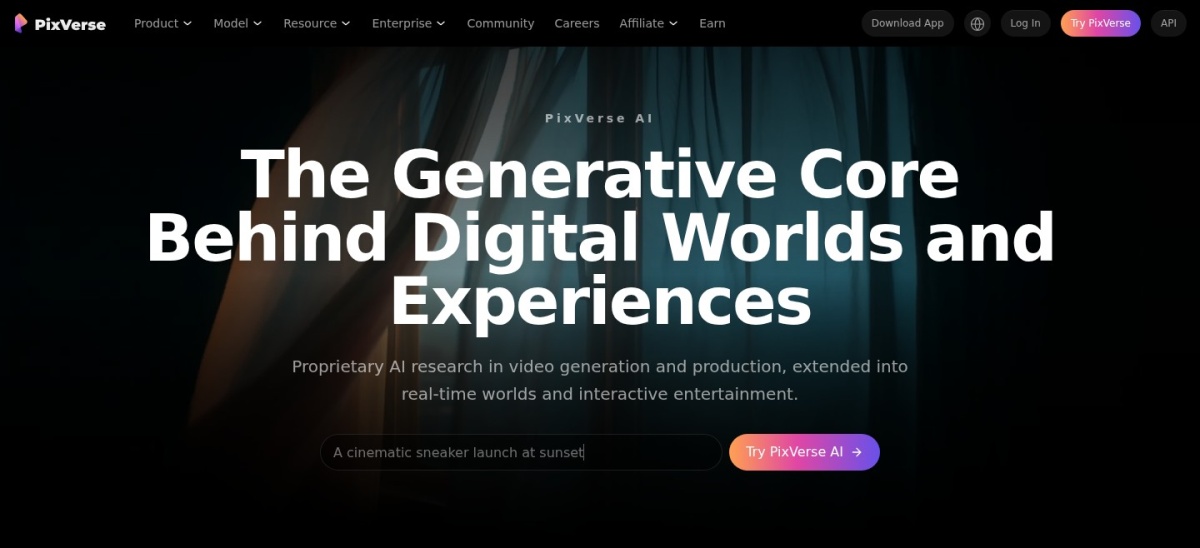
PixVerse homepage, captured Nov 2026.
PixVerse is an AI video generator that turns a text prompt or a photo into a short clip with sound, using its own V6 model. The free Basic plan gives 60 credits at sign-up and 30 more a day at up to 540p, and Standard costs $10 a month for 1,200 credits, no watermark and output up to 720p. Clips run up to 15 seconds.
The trade off is trust. Trustpilot shows 2.1 out of 5 from 133 reviews, mostly about credits spent on blocked or failed generations, so test the free daily credits hard before paying. It suits social creators who want a fresh free allowance every day.
What we like
30 free credits refill every day
Strong 4.8 out of 5 G2 rating from 32 reviews
Clips include native sound
Effect templates for quick social posts
Watch out for
Trustpilot shows 2.1 out of 5 from 133 reviews
Standard stops at 720p; 4K needs Pro
Free output is watermarked and non-commercial
Standard adds 1,200 credits a month and removes the watermarkVisit pixverse.ai
03
Adobe Firefly
4.4/5on G2 (376 reviews, checked Nov 2026)
Paid from$9.99/mo
Best for Adobe users and commercial safety
Free planLimited generations
Cheapest paidStandard, $9.99/mo
Monthly credits2,000
Video modelsFirefly plus partners
adobe.com
Adobe Firefly homepage, captured Nov 2026.
Adobe Firefly is Adobe's generative AI app for images, video and audio, with video generation from text and images. The free plan gives a limited number of monthly generations, and Standard costs $9.99 a month for 2,000 generative credits. Output is commercially safe, trained on licensed content.
The trade off is the credit meter. Video generations burn credits fast, and reviewers say the Standard allowance runs out quickly on video work. It suits creators already paying for Adobe apps who want video generation inside that workflow.
What we like
Trained on licensed content, so output is commercially safe
Video, image and audio generation in one app
2,000 generative credits on the $9.99 Standard plan
Runway is an AI video platform that generates video from text or images with its Gen-4.5 model and edits footage with Aleph. The free plan gives 125 one-time credits, about 25 seconds of Gen-4 Turbo, with a watermark. Standard costs $15 a month for 625 credits a month, no watermark and access to all video models.
The trade off is that the free credits never refill. Once the 125 credits are gone, generating more means paying, and Gen-4.5 costs 12 credits a second. It suits creators who want the strongest editing tools beside generation.
What we like
Aleph edits existing footage from a text prompt
Gen-4.5 is among the strongest video models here
Also includes Veo 3.1 and other partner models
No watermark on paid plans
Watch out for
Free credits never refill
625 credits buy about 52 seconds of Gen-4.5 a month
InVideo AI is a prompt-to-video platform where an agent plans shots, generates clips with models such as Veo 3.1, Kling and Seedance, and assembles a finished video. The free plan gives a limited weekly credit allowance with watermarked exports. Starter costs $20 a month for 400 credits a month.
The trade off is that credits, not features, are the real limit. InVideo's own rate card prices a minute of Pro-mode video at 80 credits, so the Starter allowance covers only a few minutes. It suits beginners who want a whole video from one prompt.
What we like
An agent plans, generates and assembles the whole video
Uses Veo 3.1, Kling and Seedance models in one account
Free plan with weekly credits and no card
Built-in voiceover, subtitles and music
Watch out for
400 credits cover only a few minutes of video a month
Highest entry price in this list at $20 a month
Free exports are watermarked
Starter adds 400 credits a month and removes the watermarkVisit invideo.io
06
Canva
4.7/5on G2 (7,678 reviews, checked Nov 2026)
Paid from$144/yr
Best for teams already designing in Canva
Free planAbout 50 AI uses
Cheapest paidPro, $144/yr
Monthly AI uses2,000 Standard
Video lengthUp to 60 seconds
canva.com
Canva homepage, captured Nov 2026.
Canva is a design platform whose Magic Media tool turns text into images and video inside the same account. The free plan includes a shared AI allowance of about 50 lifetime uses across its AI tools. Pro costs $18 a month or $144 a year and raises the allowance to 2,000 Standard AI uses a month.
The trade off is that Canva is a design tool first, not a dedicated video model. Its video output is template-driven and capped by a shared AI allowance, so heavy video users drain it fast. It suits teams already designing in Canva who want video in one account.
What we like
Highest G2 review count here at 7,678 reviews
Video, design, Brand Kit and templates in one account
Free plan covers the core editor and 5 GB storage
Text-to-video clips up to 60 seconds on Pro
Watch out for
Not a dedicated video generation model
AI allowance is shared across all Canva AI tools
Free plan AI uses are limited to about 50 in total
Pro adds 2,000 Standard AI uses a month and the Brand KitVisit canva.com
07
Vidnoz AI
4.9/5on G2 (16 reviews, checked Nov 2026)
Paid from$13.50/mo
Best free daily minutes for avatar videos
Free plan2 minutes a day
Cheapest paidStarter, $13.50/mo
Monthly minutes10
Avatars1,800+
vidnoz.com
Vidnoz AI homepage, captured Nov 2026.
Vidnoz AI is a browser video platform that turns a typed script into a finished video with an AI avatar speaking it. The free plan gives 2 video minutes a day at 720p with a watermark, from more than 1,800 avatars. Starter costs $13.50 a month for 10 video minutes a month at 1080p.
The trade off is the format. Vidnoz makes presenter-style avatar videos, not the cinematic text-to-video clips Grok Imagine produces, and some built-in voices sound robotic. It suits solo creators who need a talking-head video every day for free.
What we like
2 free video minutes every day, with no card
Highest G2 rating in this list at 4.9 out of 5
More than 1,800 avatars and 3,200 templates
Scripts, voices and avatars in one place
Watch out for
G2 rating rests on only 16 reviews
Avatar videos, not cinematic text-to-video
Some built-in voices sound robotic
Free exports are watermarked at 720p
Starter adds 10 minutes a month at 1080p, watermark-freeVisit vidnoz.com
08
Pika
2.3/5on Trustpilot (81 reviews, checked Nov 2026)
Paid from$10/mo
Best for watermark-free clips paid per use
Free plan0 monthly credits
Cheapest paidStarter, $10/mo
Monthly credits600
WatermarkNone, even free
pika.art
Pika homepage, captured Nov 2026.
Pika is an AI video and image platform built around its Pika 2.5 model, with Seedance and MiniMax models inside the same account. The free plan costs $0 and opens every model with no watermark, but it includes 0 monthly credits, so generating needs a credit pack from $25 or a Starter subscription. Starter costs $10 a month for 600 credits.
The trade off is that nothing on the free plan actually generates. The $0 plan is a storefront until you buy credits, and Trustpilot shows 2.3 out of 5 from 81 reviews. It suits creators who want watermark-free exports and are happy to pay per clip.
What we like
No watermark on any plan, including free
Every model open on every plan
Credit packs from $25, with no subscription needed
Short social clips with sound
Watch out for
Free plan includes 0 monthly credits
No commercial licence on the free plan
Trustpilot shows 2.3 out of 5 from 81 reviews
Starter adds 600 credits a month and a commercial licenceVisit pika.art
09
CapCut
1.2/5on Trustpilot (1,365 reviews, checked Nov 2026)
Paid from$19.99/mo
Best free editor with AI video built in
Free planEditor plus templates
Cheapest paidPro, $19.99/mo
Monthly AI credits1,200 on Pro
Cloud storage1 TB on Pro
capcut.com
CapCut homepage, captured Nov 2026.
CapCut is ByteDance's video editor for web, desktop and mobile, with AI video generation built on its Seedance models. The free plan covers basic editing and templates, while AI generation draws on monthly credits. Pro costs $19.99 a month or $179.99 a year and adds 1,200 AI credits a month and 1 TB of cloud storage.
The trade off is the review record. Trustpilot rates CapCut 1.2 out of 5 from 1,365 reviews, mostly about billing, renewals and credits spent without a result. It suits short-form editors who want captions, templates and AI generation in one free editor.
What we like
Free editor with templates and auto captions
AI video generation on Seedance models
Apps on web, desktop and mobile
1,200 AI credits a month on Pro
Watch out for
Trustpilot shows 1.2 out of 5 from 1,365 reviews
AI generation costs extra credits per second
Pro features add a watermark unless you pay
Pro adds 1,200 AI credits a month and 1 TB of storageVisit capcut.com
Free vs paid: what you actually get
Free plans are for trying, not producing. Daily allowances cover a clip or two, watermarks stay on, and commercial use is usually banned.
Paying mostly buys credits, watermark removal and commercial use. The cheapest paid plan here is Kling at $8.80 a month, and the dearest is InVideo Starter at $20 a month.
Start free everywhere that refills. PixVerse refills 30 credits a day and Vidnoz gives 2 minutes a day, so a week of free use shows whether the model suits your prompts before you spend anything.
How we chose
We started from the AI video generators with a published free plan, then kept the nine with a public rating on G2 or Trustpilot and a paid plan under $25 a month.
Prices come from each vendor's pricing page or a dated read of it, checked on 29 November 2026. Ratings and review counts come from G2 or Trustpilot on the same day. Where a vendor shows a sale, the list shows the regular price.
We left out tools with no free plan, including Luma, Sora and Google Veo, and tools with no verifiable public rating. No vendor paid for a place, and we do not claim to have used these tools ourselves.
How to choose a free alternative to Grok video generation
Start with the kind of video you need, then test the free allowance on real prompts before paying.
Decide what kind of video you need. A cinematic clip, a social template or a talking avatar are different jobs. Kling and PixVerse fit cinematic and social clips, Vidnoz fits presenter videos, and Canva fits branded social posts.
Test the free allowance for a week. Use PixVerse's daily credits or Vidnoz's daily minutes on real prompts. If the model keeps missing your subject, no paid plan fixes that.
Check the watermark and licence before publishing. Free exports from Kling, PixVerse and Vidnoz carry a watermark and bar commercial use. Pika exports have no watermark but need paid credits.
Compare credits, not headline prices. Divide the monthly price by the credits. Kling gives 660 credits for $8.80, PixVerse 1,200 for $10, and InVideo 400 for $20, so the cheapest plan is not always the best value.
FAQ
What is the best free alternative to Grok video generation?
Kling AI is the best free alternative to Grok video generation for most people. Its free Basic plan makes watermarked clips from text or images, it holds 4.7 out of 5 on G2, and its paid Standard plan costs $8.80 a month, the lowest in this list.
Is there a completely free alternative to Grok video generation?
Yes. PixVerse gives 30 free credits every day and Vidnoz gives 2 free video minutes a day, both without a card. The catch is watermarks and no commercial use on free exports, so free plans suit trying ideas rather than client work.
How much does the cheapest Grok video alternative cost?
Kling AI Standard costs $8.80 a month for 660 credits, watermark-free downloads and commercial use. PixVerse Standard is $10 a month and Adobe Firefly Standard is $9.99 a month, so the three cheapest paid plans sit within $1.20 of each other.
Which free alternative to Grok video generation is best for beginners?
PixVerse is the easiest starting point. It gives 30 free credits a day, turns a photo or a prompt into a clip with sound, and its V6 model needs no settings knowledge. Start on the free plan and pay $10 a month only when the daily allowance runs short.
Kling AI vs PixVerse: which is better for free video generation?
Kling AI wins on quality per dollar, with realistic motion, clips up to 30 seconds and 4K output at $8.80 a month. PixVerse wins on free use, with 30 credits refilling every day against Kling's watermarked Basic plan, so pick PixVerse to create daily and Kling for the best-looking clips.
Can I use free Grok video alternatives for commercial work?
Not on the free plans. Kling, PixVerse, Vidnoz and Canva all bar commercial use or watermark free exports, and Pika's free plan has no commercial licence. Paid plans from $8.80 a month add commercial use, so upgrade before using a clip for a client or an ad.
Is CapCut a good free alternative to Grok video generation?
CapCut is a good free editor, but a weak dedicated video generator. Its free plan covers editing and templates, while AI video generation draws on credits that Pro supplies at $19.99 a month. Its Trustpilot score of 1.2 out of 5 from 1,365 reviews is also the lowest in this list.
SaaS SEO and WordPress specialist with about 8 years of experience. Rakib compares WordPress plugins, themes, hosting and software using public pricing, documentation and user reviews. See how we rank.