DaVinci Resolve is the best free alternative to After Effects, with its built-in Fusion page for node-based compositing and motion graphics at no cost, rated 4.7/5 on G2. Blender covers 3D and compositing for free, while Natron is the closest free match for node-based VFX work.
How we make this list: we compare pricing pages, product documentation and public user reviews, then re-check every price before each update. No product paid for a place. Disclosure.
DaVinci Resolve is the top pick: the free version includes the full Fusion page for node-based compositing, rated 4.7/5 on G2.
Blender, Natron, Cavalry, Synfig Studio, OpenShot and Shotcut are free forever, with no paid plan at all.
Natron is the closest free match to Nuke-style node compositing, but it has only 4 G2 reviews and a 3.5/5 rating.
Animaker and CapCut run in the browser, but Animaker watermarks free exports, and CapCut rates 1.2/5 on Trustpilot.
Paid upgrades in this list run from $15 a month for Animaker Basic to a $295 one-time Studio license for DaVinci Resolve.
How do you pick the right free alternative to After Effects?
No single free tool replaces all of After Effects. After Effects combines layer-based motion graphics, compositing and 3D in one app, and free tools split that job across editors, compositors and animators.
Start with the effect you need most. If you composite live footage, a node-based tool such as DaVinci Resolve's Fusion page or Natron fits best, while 2D character work belongs in Synfig Studio or Cavalry.
Free plans differ in what they take away. Some tools are free forever with every feature, while others watermark exports or cap video length, so check the export terms before you commit to a project. Our guide on embedding a video in WordPress shows where those exports end up.
Your computer matters as much as the price. Node compositors and 3D tools need a strong machine with a good graphics card, while browser tools such as Animaker run on almost anything.
DaVinci Resolve is a free video editor from Blackmagic Design with a built-in Fusion page for node-based compositing and motion graphics. The free version includes the full Fusion toolset with hundreds of 2D and 3D effects, planar and 3D camera tracking, keying, rotoscoping and 3D particle systems, plus editing, color grading and audio in the same app.
The trade off is the learning curve and the Studio upsell. Fusion's node workflow takes time to learn if you come from After Effects layers, and Studio, a $295 one-time purchase, adds AI tools, noise reduction and stereoscopic 3D. It suits editors who want one free app for editing, effects and color.
Blender is a free, open-source 3D creation suite with a node-based compositor, motion tracking and a video sequencer built in. It handles 3D modeling, animation, rendering and compositing in one app, and its compositor supports masks, keying, tracking and color grading for finished shots.
The trade off is that Blender is a 3D tool first, not a motion-graphics editor. There is no After Effects-style layer timeline for text and shape animation, and the interface takes weeks to learn. It suits creators who want 3D and compositing together at no cost.
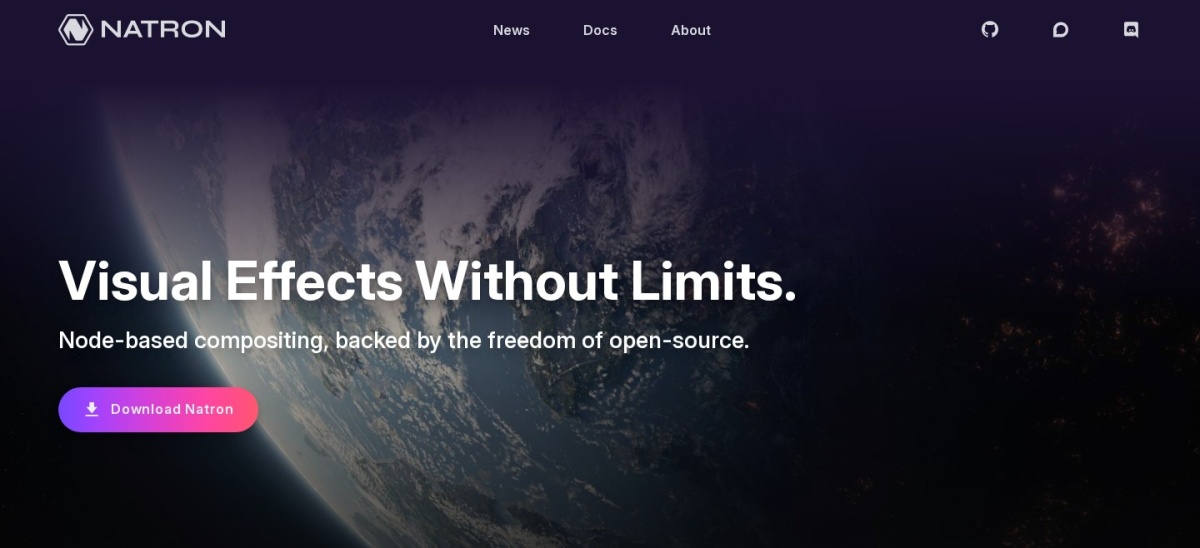
Natron is a free, open-source node-based compositor for visual effects and motion graphics. It follows the same node workflow as Nuke, with keying, rotoscoping, 2D tracking and OpenFX plug-in support, and it runs on Windows, macOS and Linux.
The trade off is polish and momentum. Natron rates only 3.5/5 on G2 from 4 reviews, development has stalled at times, and it can feel unstable on heavy comps. It suits VFX artists who want a Nuke-style node graph without paying for one.
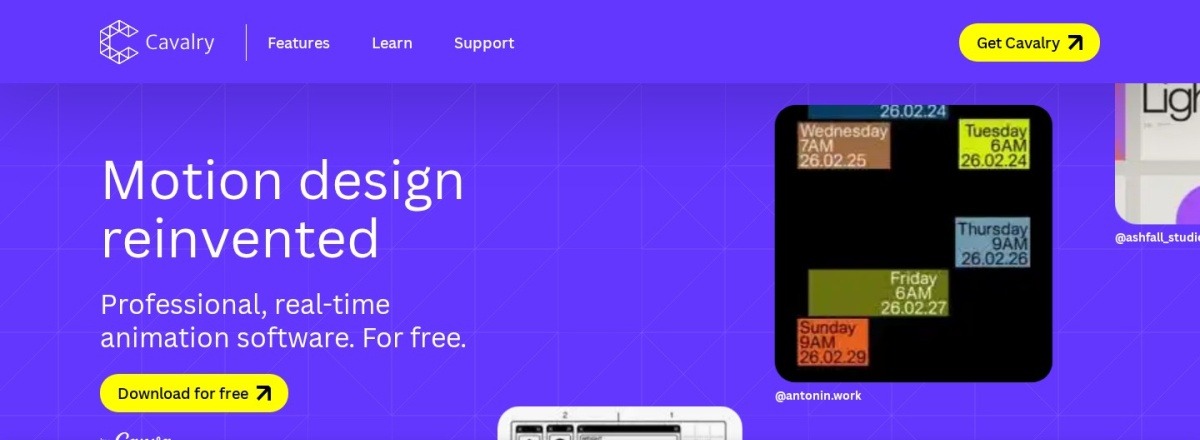
Cavalry is a free 2D motion design app from Canva for procedural animation on macOS and Windows. It builds animated graphics with duplicators, falloffs, text animation and data import, and it renders in real time, so you can scrub a kinetic-type loop without waiting for previews.
The trade off is scope and sign-in. Cavalry covers 2D motion design only, with no video editing or 3D, and you need a Canva account to use it. Its Product Hunt rating is 5/5 from a single review, so treat that score with care. It suits designers making kinetic type and looping graphics.
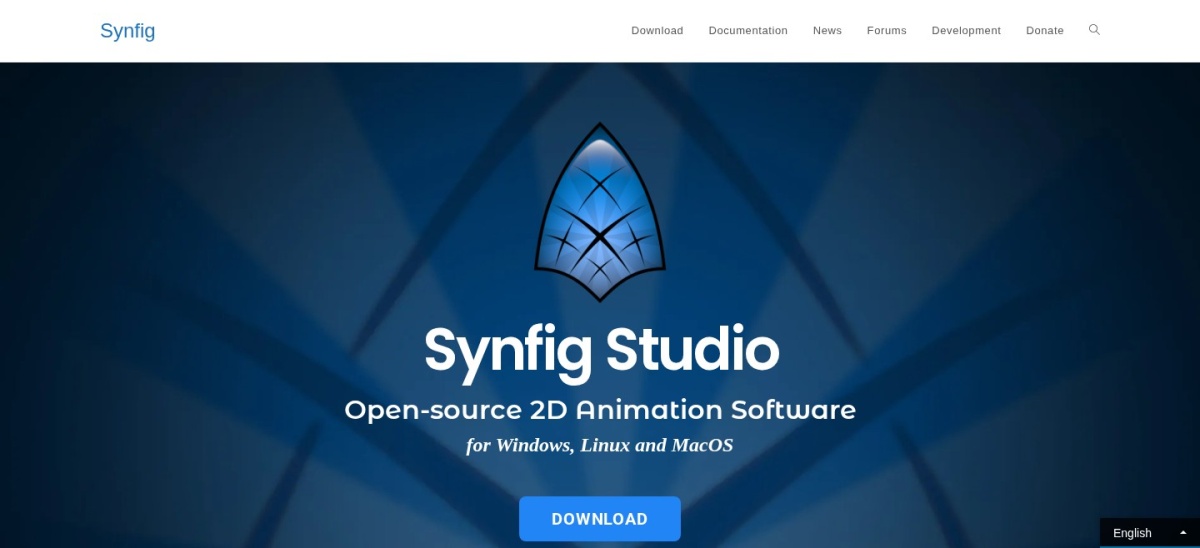
Synfig Studio is a free, open-source 2D animation tool built for vector tweening. You set key poses and it calculates the frames between them, with bone-based rigging for cut-out characters, and it runs on Windows, macOS and Linux.
The trade off is the experience. The interface feels dated, the learning curve is real, and crashes on complex scenes are the most common complaint. It suits animators who want bone rigs and tweening without paying for a 2D animation app.
Animaker is a browser-based animation tool for template-driven explainer videos and animated graphics. The free plan lets you create and download animated videos with core animation tools and a limited set of premium assets, with no software to install.
The trade off is the free plan's limits. Free exports carry a watermark, videos are capped at 2 minutes, and you get 3 downloads a month, while the Basic plan costs $15 a month. It suits marketers who want a quick explainer without learning a desktop app.
1.2/5on Trustpilot (1,422 reviews, checked Nov 2026)
Paid from$19.99/mo
Best for quick social clips
Free versionTemplates, captions, AI tools
Paid planPro, $19.99/mo
PlatformsDesktop, mobile, web
Best forShort social video
capcut.com
CapCut homepage, captured Nov 2026.
CapCut is a free video editor from ByteDance for desktop, mobile and web, built for short-form social video. The free plan includes templates, auto-captions, transitions and AI tools, and its text and motion templates make quick vertical videos fast to finish.
The trade off is the Trustpilot record. CapCut rates 1.2/5 from 1,422 reviews, with reviewers complaining about Pro paywalls, billing and cancellation, and Pro costs $19.99 a month. It suits creators who stay on the free plan for fast social clips.
What we like
Fastest route to a finished social clip
Free templates and auto-captions
Works on desktop, mobile and web
Watch out for
Trustpilot 1.2/5 from 1,422 reviews
Pro features keep moving behind paywalls
Pro adds 4K export, premium templates and 1 TB storageVisit capcut.com
08
OpenShot
4.3/5on Capterra (177 reviews, checked Nov 2026)
PriceFree
Best free editor for beginners
Free versionEverything, no paid plan
TimelineUnlimited tracks, keyframes
PlatformsWindows, macOS, Linux
Best forBeginner editing
openshot.org
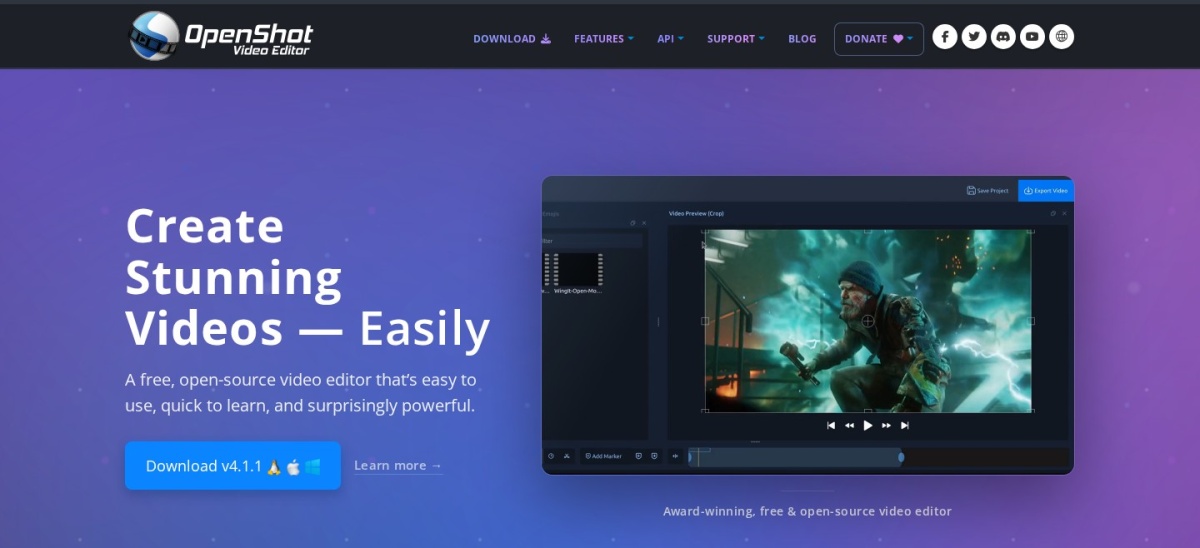
OpenShot homepage, captured Nov 2026.
OpenShot is a free, open-source video editor with drag-and-drop editing, unlimited tracks and keyframe animation. It includes 3D animated titles, transitions and effects, and it runs on Windows, macOS and Linux with no watermark on exports.
The trade off is stability and depth. OpenShot can be sluggish and unstable on large projects, and it has no node compositor or advanced motion-graphics tools. It suits beginners who want a simple free editor with basic keyframed animation.
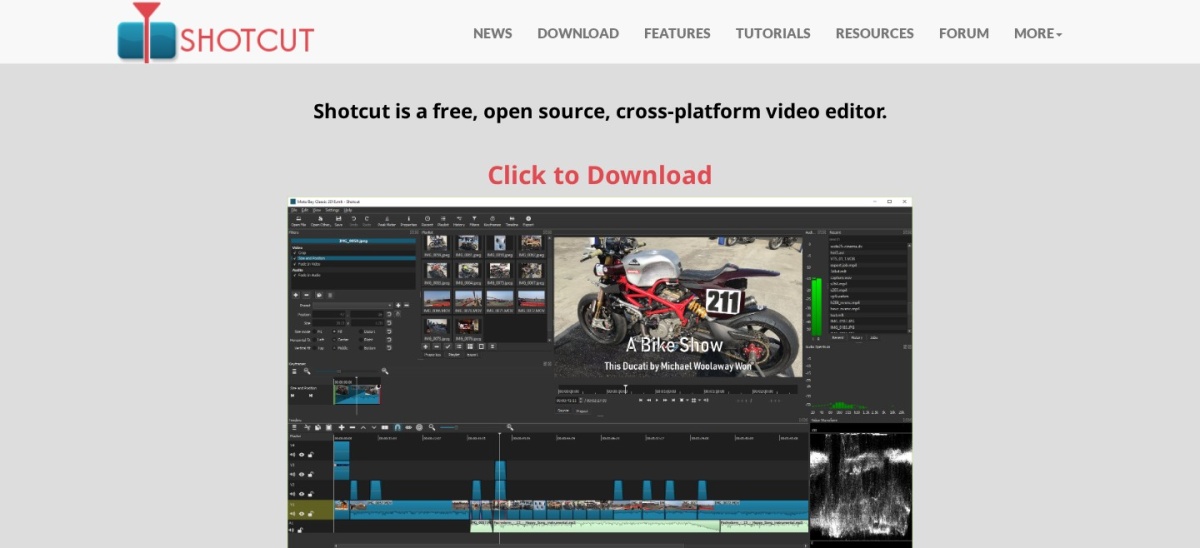
Shotcut is a free, open-source video editor that edits files natively on the timeline without an import step. It supports 4K footage, multi-track editing, keyframeable filters and GPU-accelerated export on Windows, macOS and Linux.
The trade off is the interface and the effects ceiling. The layout feels dated, transitions and filters are limited, and there is no dedicated motion-graphics workspace. It suits editors who want a capable free timeline with fast, hardware-accelerated exports.
Six tools in this list are free forever. Blender, Natron, Cavalry, Synfig Studio, OpenShot and Shotcut charge nothing and hold nothing back, so the free version is the full version.
DaVinci Resolve is free with one paid step. The free version includes the Fusion page, and the $295 one-time Studio license adds AI tools, noise reduction and stereoscopic 3D.
Animaker and CapCut are freemium. Animaker watermarks free exports and caps videos at 2 minutes, while CapCut keeps its best templates and 4K export behind Pro at $19.99 a month.
Paid upgrades are optional for most people here. Only pay when a free limit blocks real work, such as a watermark on a client video or a 2-minute cap on a longer explainer.
How we chose
We started from the tools most often named as After Effects replacements, then kept 9 with a genuinely free plan or a free-forever download.
Prices come from each vendor's pricing page, checked on 29 November 2026. Ratings and review counts come from G2, Capterra, Trustpilot and Product Hunt on the same day. Where a vendor shows a sale, the list shows the regular price.
We left out tools with no free plan, including HitFilm, whose new licenses were discontinued in 2025, and paid-only motion tools. No vendor paid for a place, and we do not claim to have used these tools ourselves.
How to choose a free alternative to After Effects
Start with the one effect you need most, then match the tool to it.
Match the tool to the job. Compositing goes to DaVinci Resolve or Natron, 2D animation to Synfig Studio or Cavalry, and quick social clips to CapCut.
Check the free plan's export terms. Animaker watermarks free exports and caps videos at 2 minutes. The six free-forever tools export with no watermark and no cap.
Test it on a real project. Rebuild one short motion-graphics piece in your top pick before switching a whole workflow. See how to embed a video in WordPress to publish the result.
Check your computer can run it. Fusion comps and Blender scenes need a strong graphics card and plenty of memory. Browser tools run on almost any machine.
FAQ
What is the best free alternative to After Effects?
DaVinci Resolve is the best free alternative to After Effects for most people. Its free version includes the Fusion page for node-based compositing and motion graphics, and it is rated 4.7/5 on G2 from 223 reviews.
Is DaVinci Resolve really free?
Yes, the standard version of DaVinci Resolve is free and includes the full Fusion compositing page, editing, color and audio. The $295 one-time Studio license only adds AI tools, noise reduction and stereoscopic 3D.
Which free After Effects alternative is best for beginners?
OpenShot is the easiest starting point, with a simple drag-and-drop timeline, keyframe animation and no watermark. CapCut is faster for social clips, but its Trustpilot rating is 1.2/5, so read the billing reviews first.
DaVinci Resolve vs Blender: which free alternative should I pick?
Pick DaVinci Resolve if you composite video footage, since its Fusion page is built for that job. Pick Blender if your work is 3D animation and rendering, with compositing as a second step.
Can I use these free alternatives for commercial work?
Most allow commercial use on their free plans. The open-source tools carry no license limits at all, while Animaker reserves commercial rights for paid plans, so check the terms before client work.
Is there a free After Effects alternative that runs in a browser?
Yes. Animaker and CapCut both run in the browser with no install, and both have free plans. Animaker suits template-based explainers, while CapCut suits quick social videos with auto-captions.
Can any free alternative open After Effects project files?
No. None of the tools in this list opens After Effects .aep project files, so you rebuild projects from scratch. Export finished work as video or image sequences from After Effects, then edit or composite it in the new tool.
SaaS SEO and WordPress specialist with about 8 years of experience. Rakib compares WordPress plugins, themes, hosting and software using public pricing, documentation and user reviews. See how we rank.