Productive is the best resource planning software for consulting firms because it ties the schedule to budgets, time tracking and invoicing from 10 dollars per user a month. The nine tools below cover pure planners and full professional services platforms, so you can match the tool to how your firm bills.
How we make this list: we compare pricing pages, product documentation and public user reviews, then re-check every price before each update. No product paid for a place. Disclosure.
Productive leads for consulting firms, tying schedules to budgets, time and invoicing from 10 dollars per user a month.
Resource Guru is the cheapest way in at 5 dollars per person a month, and it also books rooms and equipment.
Float is the fastest visual scheduler at 7 dollars, though it sends no invoices and syncs no CRM natively.
Runn is the capacity forecasting pick, with unlimited placeholders and tentative work on every plan.
Kantata is the enterprise pick, but it is quote-only and takes months to roll out.
What should consulting firms look for in resource planning software?
Start with the billing question, not the schedule. A consulting firm sells people's time, so the plan must connect to timesheets, budgets and invoices, or the schedule is just a pretty calendar.
Count who pays for a seat. Some tools charge for everyone on the schedule, others only for billable people, and placeholders for open roles can cost extra, so price the tool on your real headcount.
Check placeholders and tentative work. You need to plan open roles before you hire and book unsigned deals before they close, then filter tentative work out of the firm view.
Pick the planner or the platform deliberately. Pure planners are cheap and fast to start, while full professional services platforms tie the plan to sales and finance and take longer to roll out.
The 9 best resource planning software tools for consulting firms
01
Productive
4.6/5on G2 (99 reviews, checked Nov 2026)
Starts at$10/mo
Best resource planning software overall
Cheapest planEssential, $10/user/mo
Professional$25/user/mo
InvoicingYes, on every plan
Free trial14 days, no card required
productive.io
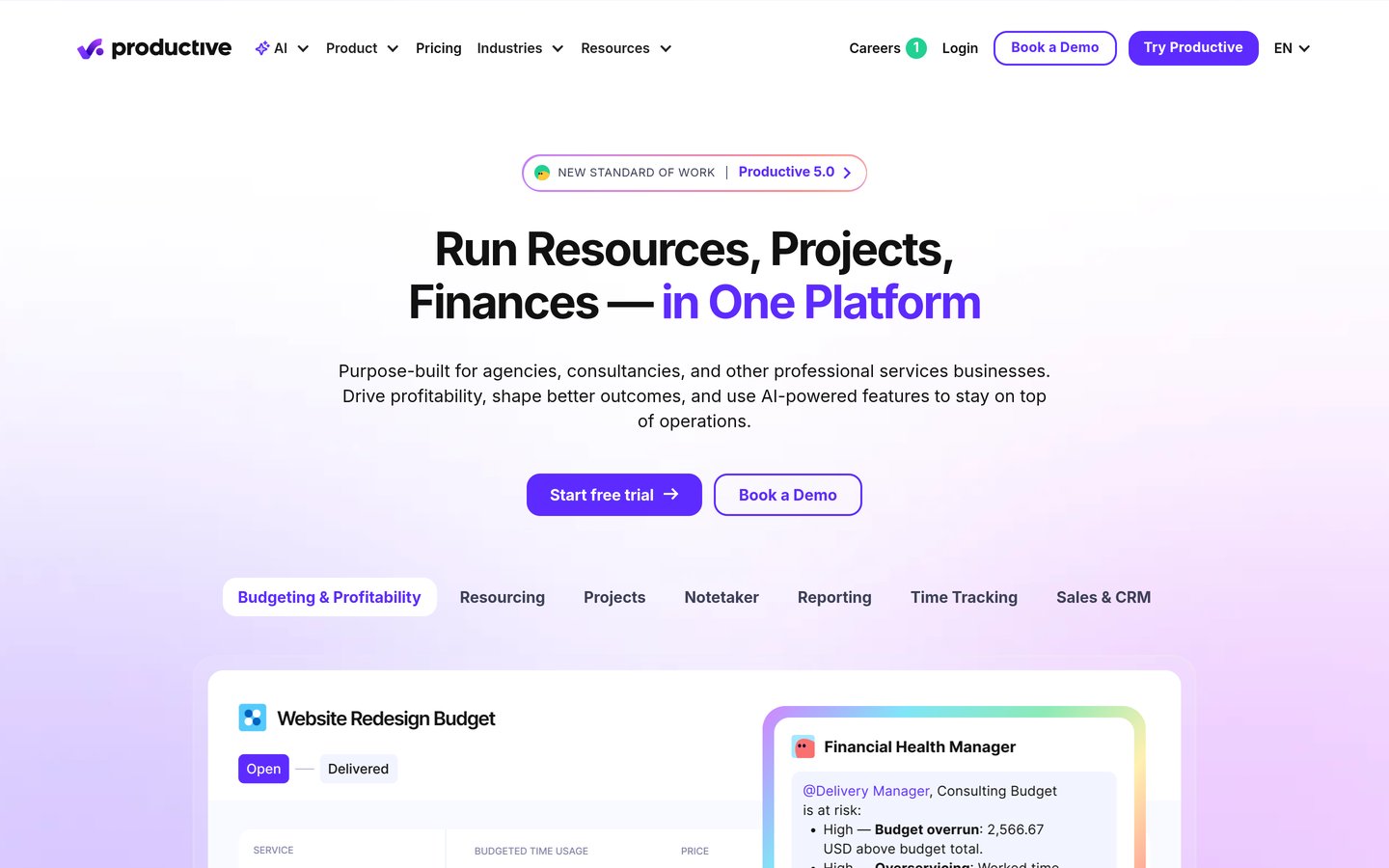
Productive homepage, captured Nov 2026.
Productive is an agency operating system that runs projects, resource planning, budgeting, time tracking and invoicing in one place. For a consulting firm it ties the schedule to the budget, so a consultant's booked hours, logged time and the client invoice all sit on the same record.
The trade off is the step up. Essential costs 10 dollars per user a month billed yearly and covers budgeting, planning and time tracking, while rate cards, recurring budgets and approvals need Professional at 25 dollars. It suits firms that want one system from schedule to invoice.
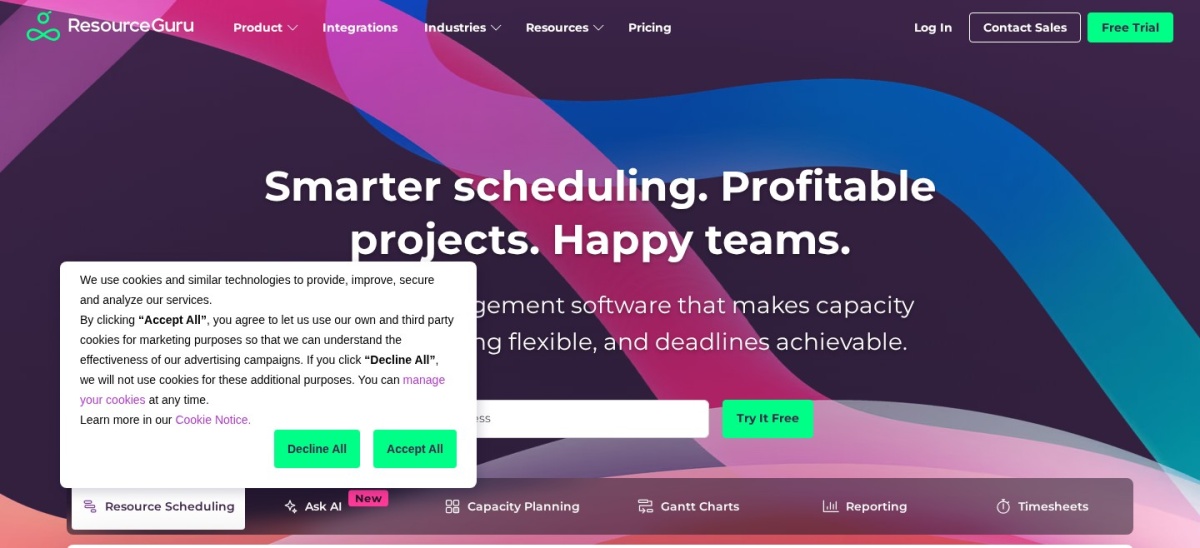
Resource Guru is the simplest tool in this list, and that is its appeal. People, equipment and meeting rooms share one calendar, clash management flags double-bookings before they happen, and leave tracking is built in, so a small team can start booking work within an hour.
The trade off is depth. Grasshopper costs 5 dollars per person a month billed yearly and covers the scheduling essentials without reports, while timesheets and budgets need Blackbelt at 8 dollars. It suits small consulting teams that want the lowest list price.
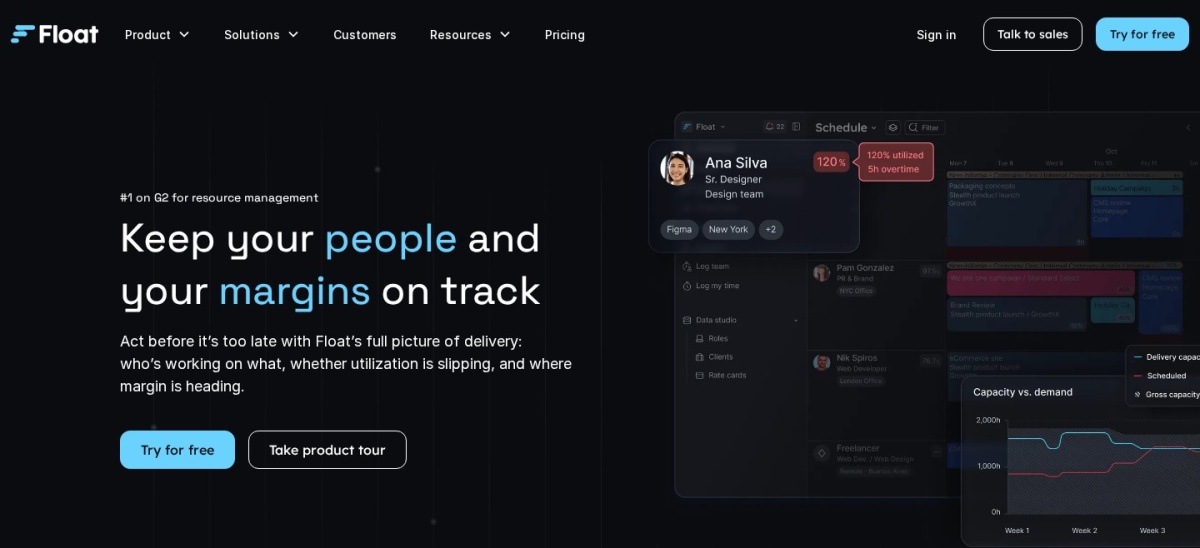
Float is a scheduling tool first. You drag allocations onto a timeline, and each project is draft, tentative or confirmed, so the team sees who is booked, who is free and who is overloaded without any training. Skills, tags and utilization trends are on every plan.
The trade off is what it leaves out. Starter costs 7 dollars per scheduled person a month billed yearly, and Pro at 12 dollars adds time tracking, while invoicing and native CRM sync are missing entirely. It suits teams that want a clear schedule and bill elsewhere.
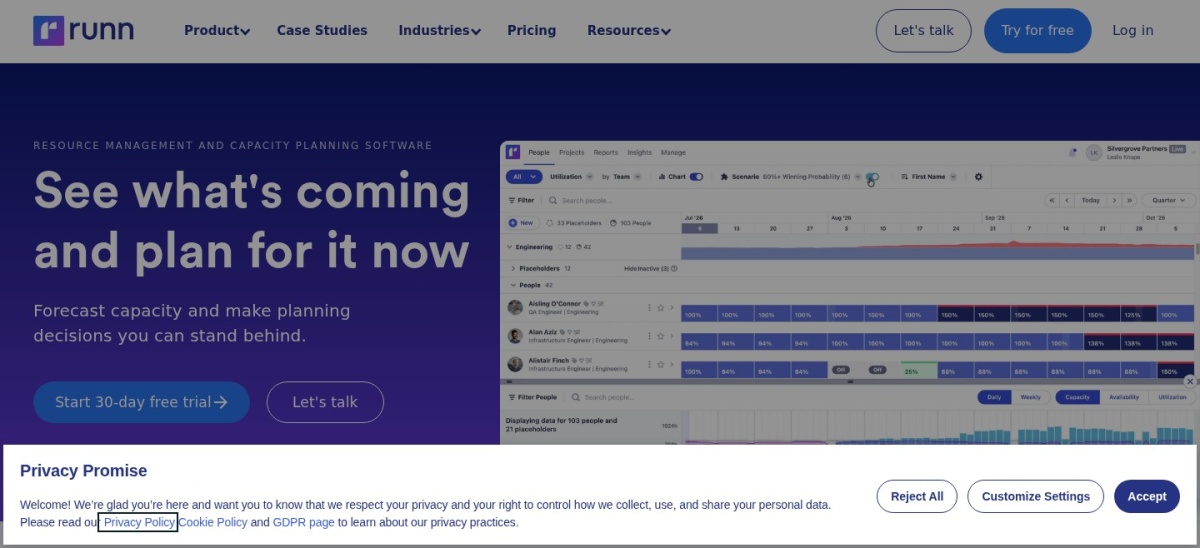
Runn is a dedicated resource planner for firms of 20 or more that want strong forecasting without a full professional services system. Every plan includes unlimited placeholders, tentative projects and skills, and one toggle includes or excludes tentative work across the planner, charts and reports.
The trade off is the entry point. Lite costs 7 dollars per resource seat a month but is sold through the sales team, and Standard at 11 dollars adds timesheets, with a 20-seat minimum on every plan. It suits firms that plan by role and forecast months ahead.
Rocketlane is a professional services platform for consulting and services teams of 25 to 150 people that connects staffing to delivery and margins. It adds a client portal with unlimited customer members on every plan, so clients see project workspaces while the firm plans capacity behind them.
The trade off is price. Standard costs 49 dollars per user a month billed yearly and Premium 69 dollars, with a 5-user minimum, so a 50-person firm pays close to 30,000 dollars a year. It suits firms that sell delivery, not just hours.
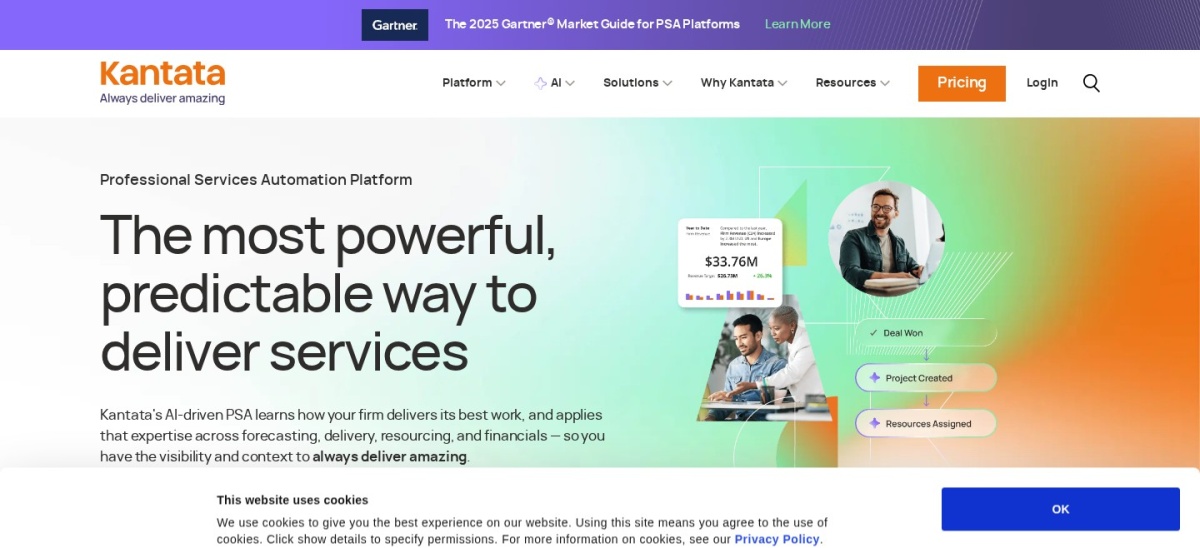
Kantata is a full professional services automation platform that covers resourcing, time, billing and project financials. Formerly Mavenlink and Kimble, its resource tools include a skills inventory for skill-based staffing and capacity forecasting, and it integrates with QuickBooks, Xero, NetSuite and Sage Intacct.
The trade off is the rollout. Kantata is quote-only, with third-party estimates of 60 to 90 dollars per full user a month, and G2 users report about 4 months to implement and 15 months to return on investment. It suits firms of several hundred people with complex staffing.
Ruddr is a professional services platform for mid-market consulting and services firms that want a broad, low-cost PSA. It covers allocations, placeholders, time, expenses and invoicing, and it only charges for billable people when at least half the team is billable, which keeps the seat count honest.
The trade off is the tier split. The entry plan costs 14 dollars per billable user a month billed yearly, while resource allocations and CRM integrations need Pro at 24 dollars. It suits firms where most of the team is billable and seats should follow revenue.
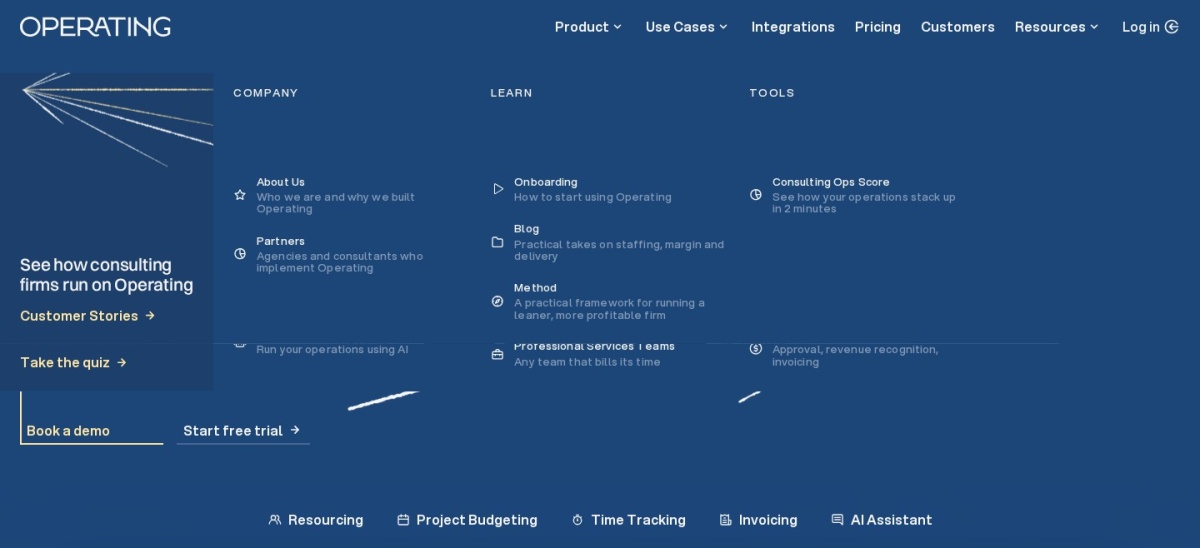
Operating is a resource planning platform that links the sales pipeline to the staffing plan. Deals from HubSpot, Salesforce or Pipedrive become tentative projects, where you add open roles and staff them before the deal closes, and the capacity view shows supply against demand by role and skill for the coming months.
The trade off is the review base. Operating scores 4.7 on G2 from only 20 reviews, the thinnest base in this list, and it has no task management, so delivery teams keep Jira or Asana for tasks. It suits firms of 30 to 500 people that sell through a CRM.
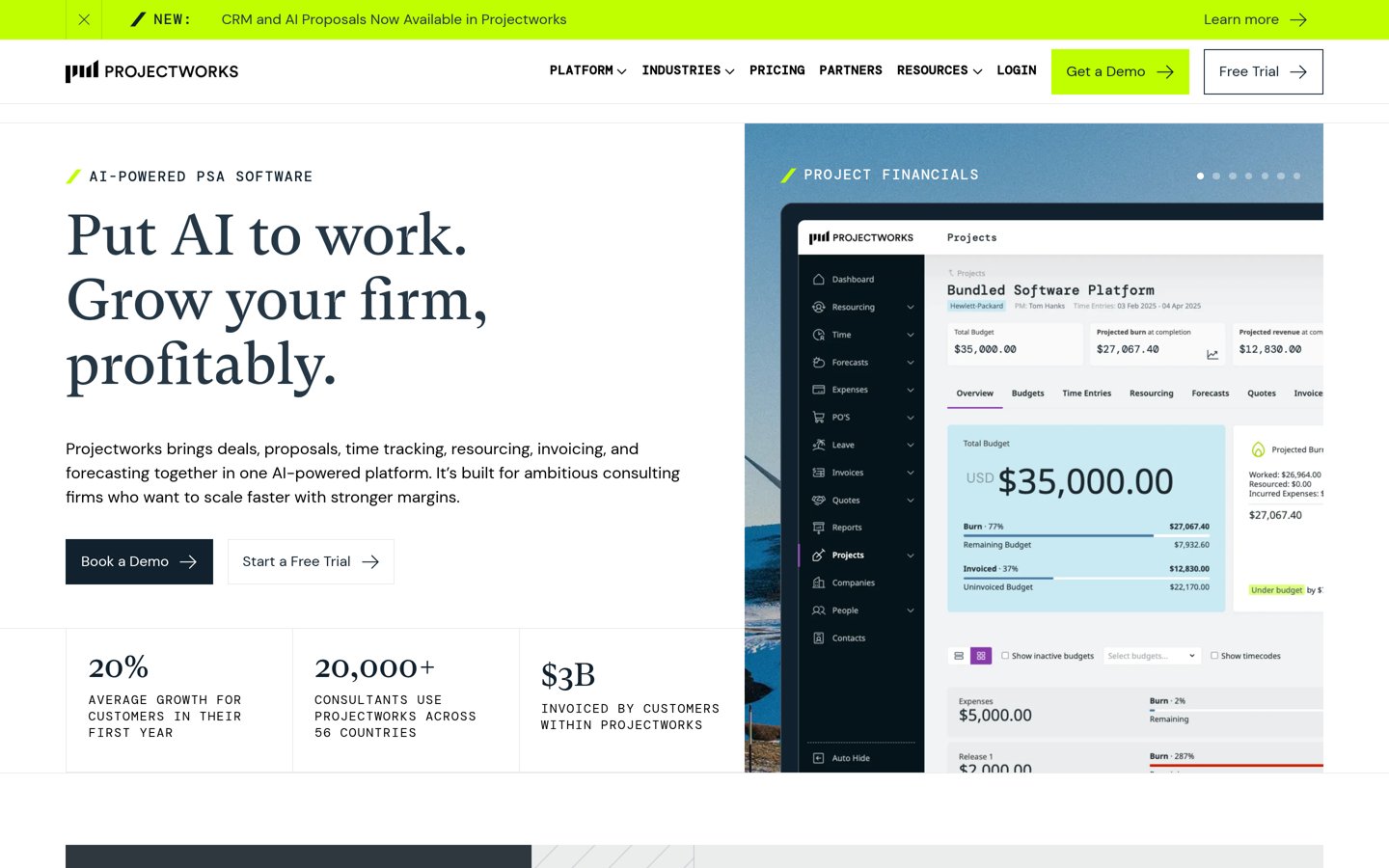
Projectworks is a professional services platform for consultancies, engineers and architects of 10 to 500 people that connects people, time, utilization, project economics, forecasting, invoicing and accounting. Penciled resourcing, placeholders and skills sit in every plan, so a small firm gets the full planning toolkit from the start.
The trade off is the minimum. Build costs 17 dollars per user a month billed yearly with a 10-user minimum, and its MCP server and AI agent are still listed as coming soon. It suits firms that want resourcing tied to whether projects make money.
Pure planner vs full professional services platform
Pure planners such as Resource Guru, Float and Runn cover scheduling, capacity and placeholders at 5 to 12 dollars per person a month, and suit firms that invoice elsewhere.
Full platforms such as Productive, Rocketlane and Kantata tie the plan to timesheets, budgets, invoicing and the CRM, so the schedule, the bill and the forecast share one record.
Operating, Ruddr and Projectworks sit between the two: they add timesheets and invoicing to planning without the enterprise rollout of Kantata.
How we chose
We started from the resource planning tools with a published user rating on G2 or Capterra and a public price or a clear quote-only model, then kept the nine that fit a consulting firm of 30 to 500 people: capacity views, placeholders, skills and a link to time and billing.
Prices come from each vendor's pricing page, checked on 30 November 2026. Productive's 10-dollar Essential plan, Resource Guru's 5-dollar Grasshopper plan and Float's 7-dollar Starter plan were confirmed on the vendors' own pages today, while Runn, Rocketlane, Kantata, Ruddr, Operating and Projectworks prices rest on October and November 2026 vendor-page reads and are flagged in the notes.
Ratings and review counts come from G2 on the same day. We left out tools with no aggregator rating and Forecast, which Accelo bought in 2025 and now redirects. No vendor paid for a place, and we do not claim hands-on testing for this list.
How to choose resource planning software for your consulting firm
Price it on your real headcount, then check placeholders and billing.
Count who pays for a seat. List everyone on the schedule, then check whether the tool charges for every person, only billable people, or placeholders too, because the billing unit changes the yearly total.
Check placeholders and tentative work. Confirm you can plan open roles before hiring and book unsigned deals before they close, then filter tentative work out of the firm view.
Test plan versus actual. Run one month of real scheduled hours against logged timesheets in the trial, and check the report shows billable utilization, not just scheduled hours.
Price the whole firm. Multiply the per-person price by your headcount, add the CRM and invoicing tiers you need, and compare the yearly total, not the monthly headline.
FAQ
What is the best resource planning software for consulting firms?
Productive is the best resource planning software for consulting firms. It ties schedules to budgets, time tracking and invoicing from 10 dollars per user a month, with resource planning on every plan and a 4.6 out of 5 G2 rating from 99 reviews.
How much does resource planning software cost?
Prices in this list run from 5 dollars per person a month for Resource Guru to 69 dollars per user a month for Rocketlane Premium, while Kantata is quote-only. Most consulting firms pay 7 to 25 dollars per person a month, depending on whether they need invoicing.
Is there free resource planning software for consulting firms?
No tool in this list has a free plan. Every one offers a free trial of 14 to 30 days instead, and Float lets guests view the schedule free without a paid seat. Teamdeck, which we left out, has the cheapest paid entry at 2 dollars per member.
What is the difference between resource planning and resource management software?
The terms overlap, but planning usually means the forward schedule: who is booked, who is free and what capacity is left. Management adds the rest: timesheets, utilization, budgets and invoicing. Pure planners such as Float do the first, while Productive and Kantata do both.
Do these tools connect to a CRM?
Some do. Operating includes HubSpot, Salesforce and Pipedrive on every plan, Ruddr needs Pro, and Kantata includes HubSpot as a standard integration. Float and Resource Guru work with CRMs only through Zapier, so check the plan before you buy.
Which resource planning software is best for small consulting firms?
Resource Guru is the best resource planning software for small consulting firms because Grasshopper costs 5 dollars per person a month and the team can start booking within an hour. Float is the next best option, with Starter at 7 dollars per scheduled person.
SaaS SEO and WordPress specialist with about 8 years of experience. Rakib compares WordPress plugins, themes, hosting and software using public pricing, documentation and user reviews. See how we rank.