Float is the best resource allocation software for consulting firms, at $7 per scheduled person a month with live capacity, utilization and margin views. Resource Guru is the cheapest dedicated option at $5 a person a month, while Runn suits firms that plan capacity months ahead with tentative projects.
How we make this list: we compare pricing pages, product documentation and public user reviews, then re-check every price before each update. No product paid for a place. Disclosure.
Float leads at $7 per scheduled person a month, with live capacity, time off and margin tracking in one schedule.
Resource Guru is the cheapest dedicated scheduler at $5 a person a month, with no seat minimum.
Runn plans months ahead with tentative projects, but paid plans start at 20 seats.
Productive, Scoro and BigTime add billing and invoicing, so the schedule ties straight to what clients pay.
Kantata and Mosaic are quote-only, so budget for a sales call and an implementation project, not just seats.
What makes resource allocation software for consulting firms worth paying for?
Consulting firms sell hours, so the schedule is the revenue plan. A tool earns its place when it shows who is free, who is overbooked and what each booking is worth, before the week starts.
Utilization is the number that matters most. Float, Runn and Productive all report billable against non-billable time, so partners can see whether the bench is earning or idle.
Price follows the billing model, not the headline. Float and Runn charge only for people on the schedule, Resource Guru charges for everyone added, and Runn adds a 20-seat minimum that sets the lowest bill at $140 a month. Our resource scheduling guide compares the same tools on scheduling alone.
Firms that also need quotes, invoices and CRM should look past pure schedulers. Productive starts at $10 a user a month with budgets and billing built in, while Scoro and BigTime add full quote-to-cash workflows for larger firms.
The 9 best resource allocation software tools for consulting firms
01
Float
4.2/5on G2 (2,249 reviews, checked Nov 2026)
Starts at$7/mo
Best resource allocation software overall
Cheapest paid planStarter, $7/person/mo
Free trial30 days, Pro
BillingPer scheduled person
UtilizationBillable vs non-billable
float.com
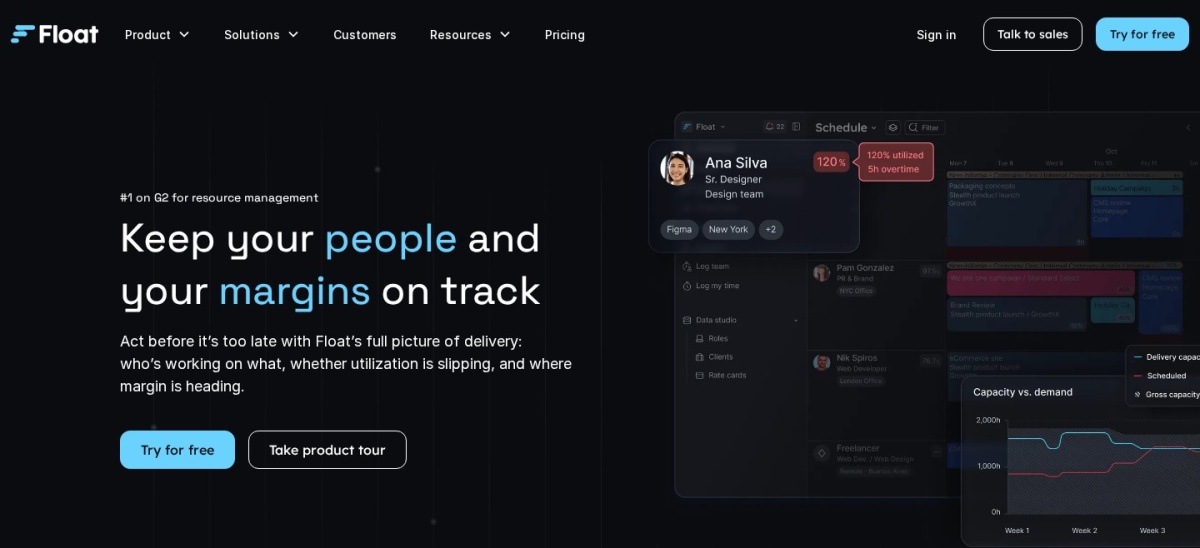
Float homepage, captured Nov 2026.
Float is a resource scheduling and capacity planning platform built around a visual timeline for agencies and consulting firms. Its Starter plan at $7 per scheduled person a month includes scheduling, capacity views, time off management, project scoping and margin tracking, and only people on the schedule are billed.
The trade off is that time tracking, client rate cards, cost estimation and single sign-on need Pro at $12 per scheduled person a month. It suits consulting firms of about 10 to 200 people that want one live view of who is free, who is overbooked and what each engagement is worth.
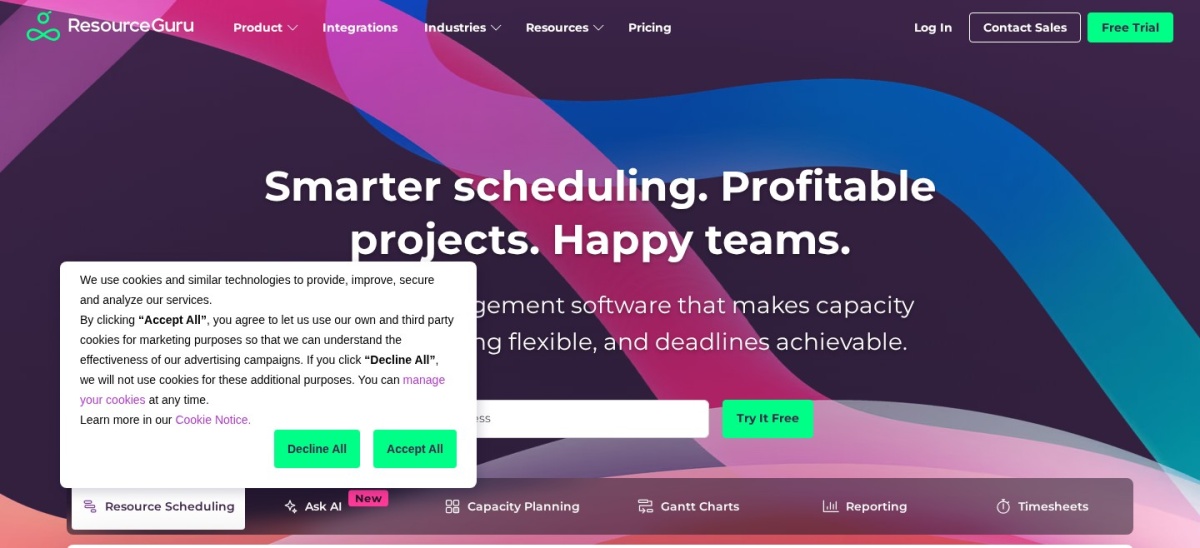
Resource Guru is a scheduling tool for teams that book people, equipment and rooms around real availability. Its Grasshopper plan at $5 per person a month includes drag-and-drop scheduling, clash management, leave management, calendar sync and unlimited projects and clients.
The trade off is reporting depth. Timesheets, custom reports and project budgets need Blackbelt at $8 per person a month, and single sign-on and approval workflows need Master at $12. It suits small consulting firms that want a clean schedule without a seat minimum.
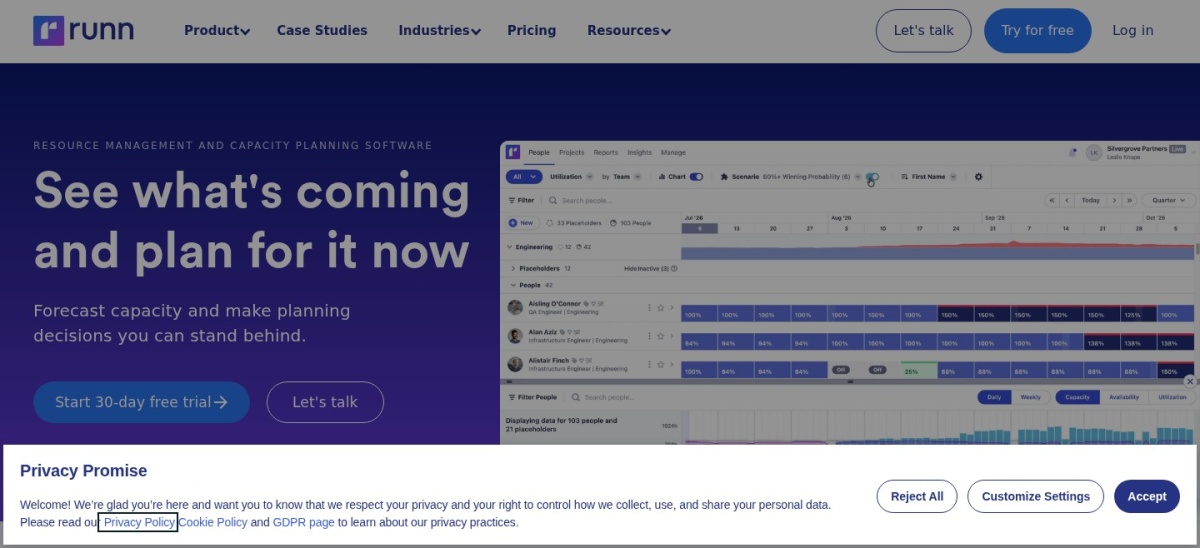
Runn is a resource planning and forecasting platform for professional teams. The Lite plan at $7 per resource seat a month includes capacity and utilization charts, tentative projects, placeholders for roles not yet hired, and project financials.
The trade off is the 20-seat minimum on paid plans, which sets the lowest bill at $140 a month. It suits firms of 20 or more that plan capacity months ahead and want forecasts tied to project margins.
What we like
Strong forecasting with tentative projects
Placeholders plan roles before hiring
Free for up to 5 users
Watch out for
20-seat minimum on paid plans
Saved scenarios need Standard at $11 a seat
Standard adds saved scenarios and timesheetsVisit runn.io
04
Productive
4.7/5on G2 (110 reviews, checked Nov 2026)
Starts at$10/mo
Best all-in-one for agencies and consultancies
Cheapest paid planEssential, $10/user/mo
Free trial14 days
Seat minimum3 seats
BillingBudgets and invoicing built in
productive.io
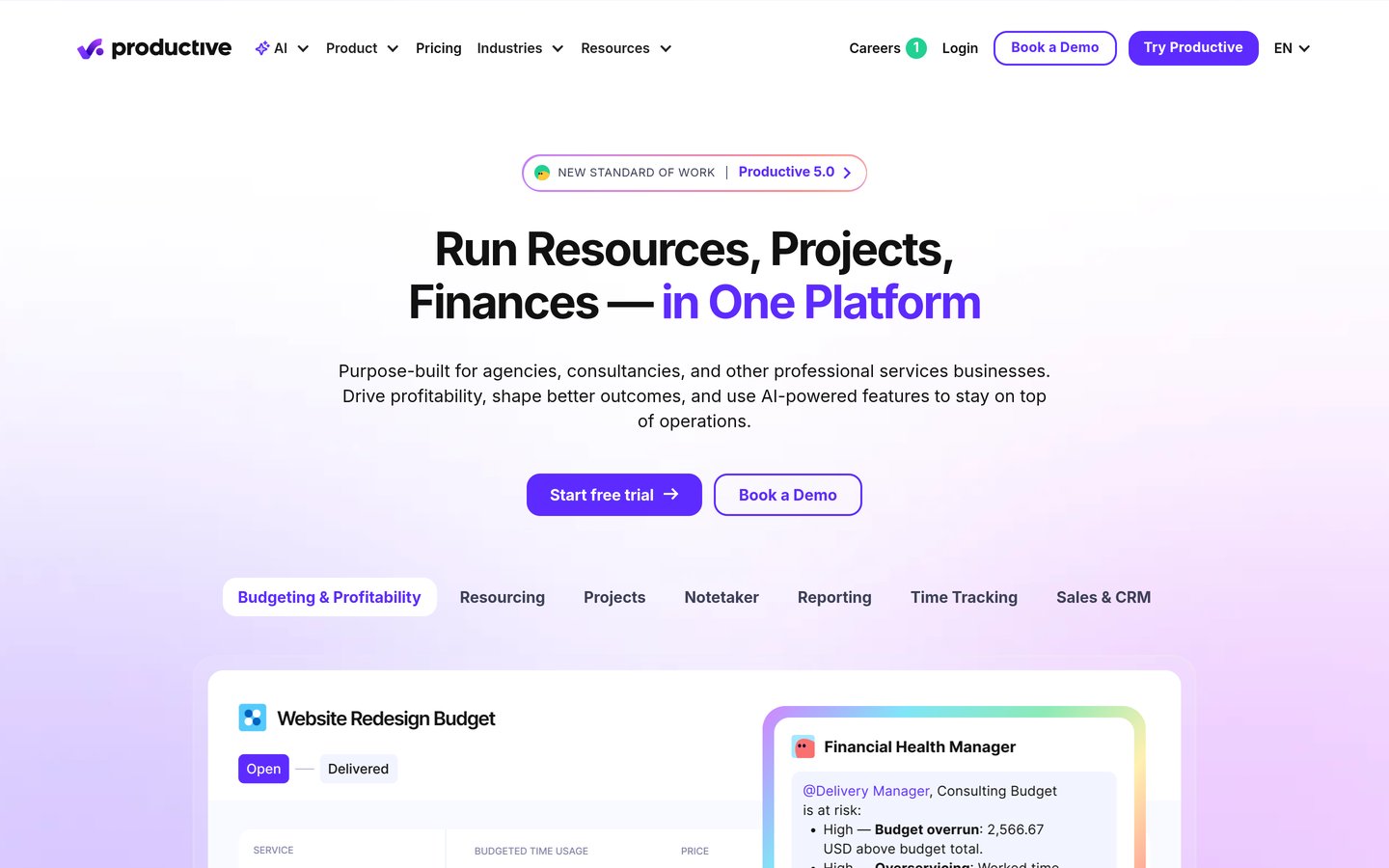
Productive homepage, captured Nov 2026.
Productive is an all-in-one platform that ties resource scheduling to project budgets, time tracking and invoicing. Its Essential plan at $10 a user a month covers scheduling, capacity views and budgets, with a 3-seat minimum.
The trade off is depth at the entry tier. Placeholders and rate cards need Professional at $25 a user a month, and the top tier is quote-only. It suits agencies and consultancies that want the schedule, the budget and the invoice in one tool.
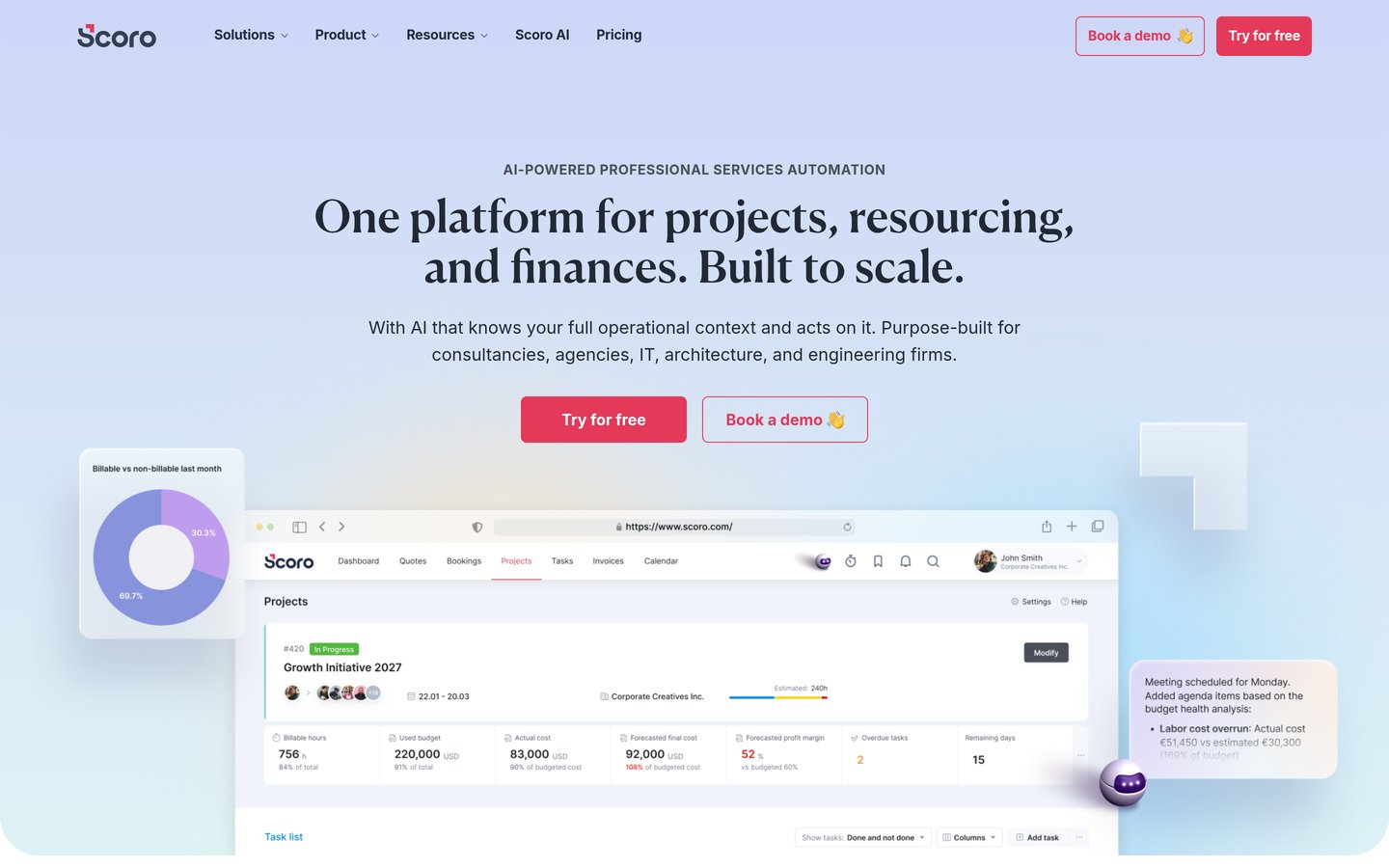
Scoro is a professional services automation platform for consultancies, agencies and engineering firms. Its Time-billing combination starts at $17 a user a month and covers scheduling, time tracking, quotes and invoicing on one database.
The trade off is that the price grows with the apps you add. A full resource, track and invoice combination costs about $23.50 a user a month, and there is a 5-user minimum. It suits firms that want CRM, resourcing and finance without stitching tools together.
BigTime is a time and billing platform built for accounting and consulting firms. Its Essentials plan at $20 a user a month covers time tracking, expenses, invoicing and a client portal, with QuickBooks and Salesforce integrations.
The trade off is that resource management is a separate module with no public price, so the headline figure does not buy the full planning picture. It suits finance-led firms that bill by the hour and live in their accounting system.
Forecast is a resource planning and PSA tool that pairs scheduling with project financials. The Lite plan costs $29 per seat a month billed annually, with Pro at $49, and its AI suggests schedules and models scenarios against budgets.
The trade off is the entry cost and the thin review base. At $29 a seat a month it is the most expensive entry in this list, with a 10-seat minimum, and its G2 rating of 4.1 rests on only 50 reviews. It suits firms of 10 to 100 people that want AI scheduling and finance in one suite.
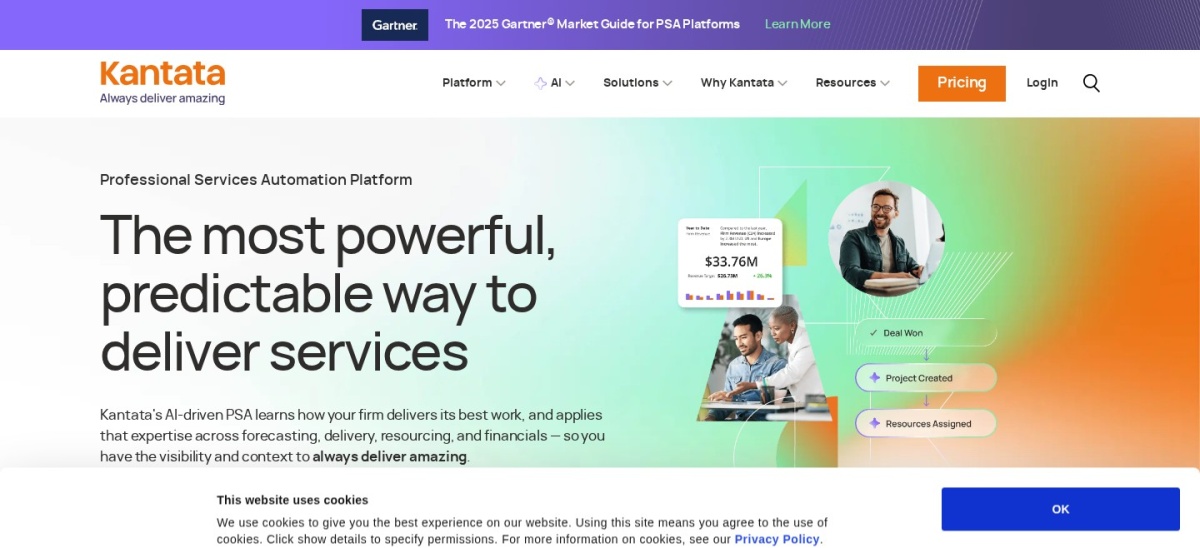
Kantata is an enterprise professional services automation platform for firms that want deep resource and financial management. It connects staffing, skills, utilization and margins in one system, with AI staffing suggestions rolling out across its plans.
The trade off is that every deal is a custom quote, so the number you pay depends on seats, modules and contract length, and implementation takes weeks. It suits large consulting firms that have outgrown self-serve schedulers and need governance.
Mosaic is a resource planning platform for architecture, engineering and consulting firms. It combines visual scheduling with workload forecasts and financial planning, and its Chello AI assistant suggests staffing and analyses plans in plain language.
The trade off is price opacity and a thin review base. Seats are quoted per firm with an annual platform fee, and its G2 rating of 4.4 rests on only 14 reviews. It suits project-based firms that want AI help with staffing forecasts.
Schedulers vs PSA: which does a consulting firm need?
Pure schedulers such as Float, Resource Guru and Runn answer one question: who is free and when. They are cheaper, faster to set up and enough for firms that bill time in another system.
PSA suites such as Productive, Scoro and Kantata answer the next question too: what is the work worth. They add quotes, budgets, invoices and utilization reports, but they cost more per seat and take longer to roll out.
A firm under 20 people usually starts with a scheduler and adds billing later. A firm past 50 people usually needs the PSA, because spreadsheets stop reconciling hours, budgets and invoices.
How we chose
We started from the established resource allocation and PSA tools that consulting firms actually shortlist, then kept the nine with published prices or a clear quote-only position and a rating on G2 or Capterra.
Prices come from each vendor's pricing page, checked on 30 November 2026, with the top three read from the vendor page itself that day. Ratings and review counts come from G2 and Capterra on the same day. Where a vendor shows a sale, the list shows the regular price.
We left out tools with no aggregator rating and tools built only for in-house teams. No vendor paid for a place, and we do not claim hands-on testing for this list.
How to choose resource allocation software for a consulting firm
Start with how your firm bills, then match the tool to that model.
Count who needs a seat. Float and Runn bill only scheduled people, Resource Guru bills everyone added, and Runn needs 20 seats, so model the bill for your real team size.
Check the utilization view. The tool should split billable from non-billable time and show the bench at a glance, or partners will keep asking for spreadsheets.
Decide whether billing stays separate. If invoices live in QuickBooks or another system, a scheduler is enough; if not, a PSA such as Productive or Scoro removes a whole tool.
Trial it on one live engagement. Run a real project through the trial, from booking to timesheet, and check the utilization report before you roll it out firm-wide.
FAQ
What is the best resource allocation software for consulting firms?
Float is the best pick for most consulting firms. At $7 per scheduled person a month, Starter covers scheduling, capacity, time off and margin tracking, and G2 rates it 4.2 out of 5 from 2,249 reviews.
How much does resource allocation software cost for a consulting firm?
Dedicated schedulers run from $5 to $12 per person a month, while full PSA suites run from $10 to $29 a seat a month. Quote-only tools such as Kantata and Mosaic cost more once implementation and platform fees are added.
Is there a free plan for resource allocation software?
Runn is free for up to five users, which suits a very small firm. The other schedulers here offer 30-day trials instead of free plans, so budget for a paid seat once the trial ends.
Which resource allocation tool is best for a small consulting firm?
Resource Guru at $5 a person a month or Float at $7 suit small firms best, since both cover scheduling, capacity and leave without a seat minimum. Runn only makes sense once the firm reaches 20 people.
Float vs Runn: which is better for consulting firms?
Float wins for most firms because it bills only scheduled people and shows margins from $7 a person a month. Runn wins when the firm plans months ahead, with tentative projects and saved scenarios on Standard at $11 a seat.
Do consulting firms need a full PSA instead of a scheduler?
Not always. A scheduler is enough when billing and CRM live elsewhere. A PSA such as Productive or Scoro earns its price when the firm wants quotes, budgets, time and invoices reconciled in one place.
SaaS SEO and WordPress specialist with about 8 years of experience. Rakib compares WordPress plugins, themes, hosting and software using public pricing, documentation and user reviews. See how we rank.