Square for Retail is the best reporting software for retail stores for most small shops: its free plan covers real-time sales, best-seller and inventory reports, and it is rated 4.6/5 on G2. Pick Lightspeed for multi-store inventory reporting, or Power BI at $14 a user a month for custom dashboards.
How we make this list: we compare pricing pages, product documentation and public user reviews, then re-check every price before each update. No product paid for a place. Disclosure.
Square gives the most free retail reporting: real-time sales, best-seller and inventory reports with no monthly fee.
Lightspeed is the strongest multi-store pick, with advanced sales, staff and inventory reports from Core at $149 a month.
Power BI is the cheapest BI route at $14 a user a month, rated 4.5/5 on G2 from 1,667 reviews.
KORONA has the highest rating here, 4.7/5 on G2, with KPI reports at $59 a month per terminal.
Only Square, Power BI, Zoho Analytics and Looker Studio have a free plan; the rest start at $24 to $89 a month.
What should reporting software for retail stores actually report?
Retail reporting starts at the till. The reports a shop reads every week are sales by product, sales by hour, stock on hand, margin and staff performance, and the best tools pull all five from the same sales data.
POS reports and BI dashboards answer different questions. A POS report tells you what sold yesterday, while a BI dashboard joins till data with online orders, ad spend and supplier costs to show why it sold.
Price is hard to compare directly. Square charges per location, KORONA charges per terminal, Power BI charges per user and Shopify needs a store plan plus a POS Pro fee, so the headline number never tells the whole story.
A free plan is enough for one shop. Square, Power BI Desktop, Zoho Analytics and Looker Studio all report for free, and a single-location store rarely needs more until it adds a second till or a second sales channel. Our guide on setting up WooCommerce Analytics shows the same idea for stores that already sell through WooCommerce.
The 8 best reporting software tools for retail stores
01
Square for Retail
4.6/5on G2 (1,208 reviews, checked Nov 2026)
Paid from$49/mo
Best reporting for a single shop
Free planYes, real-time reports
Plus plan$49/mo per location
Card rate2.6% + 15c in person
ReportsSales, best sellers, stock
squareup.com
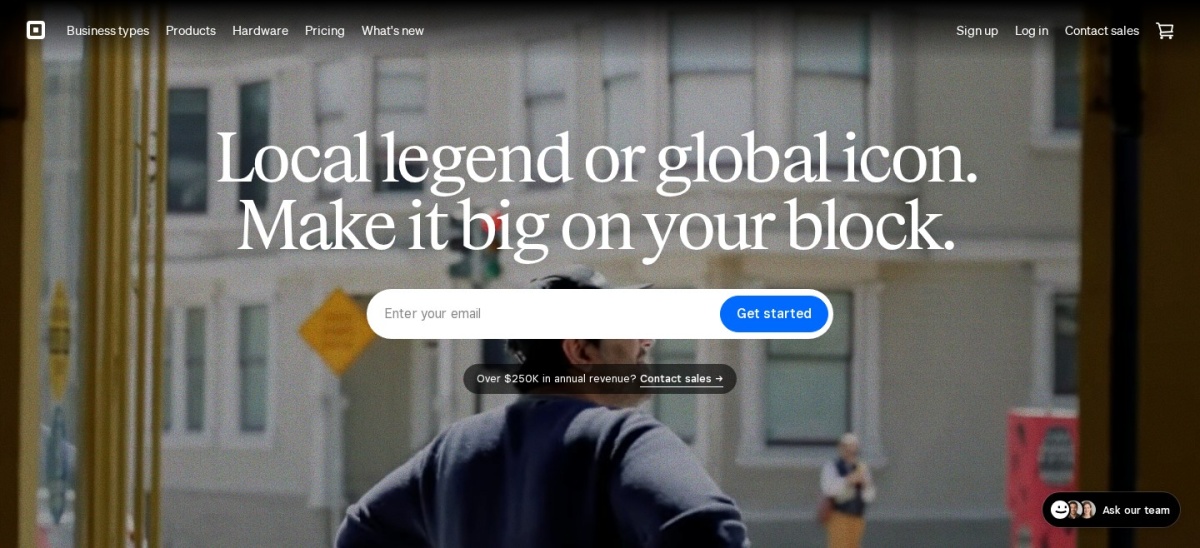
Square for Retail homepage, captured Nov 2026.
Square for Retail is a retail point of sale from Square that turns every sale into a report without a monthly fee. The free plan covers real-time sales reports, best sellers, busy hours, team performance and basic inventory tracking, and it is rated 4.6 out of 5 on G2 from 1,208 reviews.
The trade off is depth. Purchase orders, barcode label printing and cost-of-goods reports need Plus at $49 a month per location, and Premium at $149 adds transfers between stores and advanced reporting. It suits a single shop or a small chain that wants reporting tied straight to the till.
What we like
Free plan includes real-time sales and inventory reports
Rated 4.6 out of 5 on G2 from 1,208 reviews
No monthly fee until you need Plus features
Reports work from a phone or a computer
Watch out for
Cost-of-goods reports need the $49 Plus plan
You must use Square for card processing
Advanced multi-store reporting needs Premium at $149
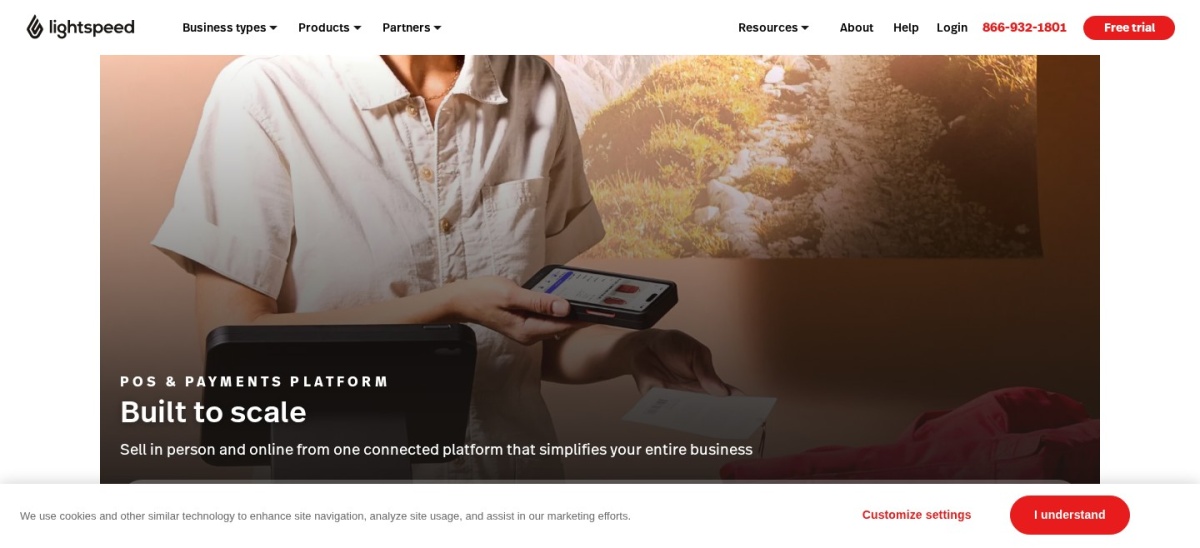
Lightspeed Retail is a cloud point of sale built for shops where inventory is the hard part: boutiques with size and colour variants, bike shops and multi-location retailers. Basic starts at $89 a month billed annually, or $109 month to month, and covers retail POS, inventory management and basic reports.
The trade off is price. Advanced sales, staff and inventory reports arrive with Core at $149 a month, and custom reporting and forecasting need Plus at $289. It suits growing retailers who reorder from wholesale brands and need stock reports across stores.
Shopify is an ecommerce platform with a point of sale, so its reporting joins online and in-store sales in one place. The Basic plan costs $39 a month and includes more than 200 reports on sales, customers, inventory and marketing, with no connector to set up.
The trade off is the add-on bill. Full retail reporting with unlimited staff, inventory counts and retail reports needs POS Pro at $89 a month per location on top of the store plan. It suits sellers who already run a Shopify store and want one set of reports for every channel.
What we like
More than 200 reports included on Basic
Online and in-store sales in one report set
Rated 4.4 out of 5 on G2 from 368 reviews
No connector needed for Shopify sales data
Watch out for
POS Pro costs $89 a month per location extra
No free plan, only a 3-day trial
Reporting is weakest for shops that never sell online
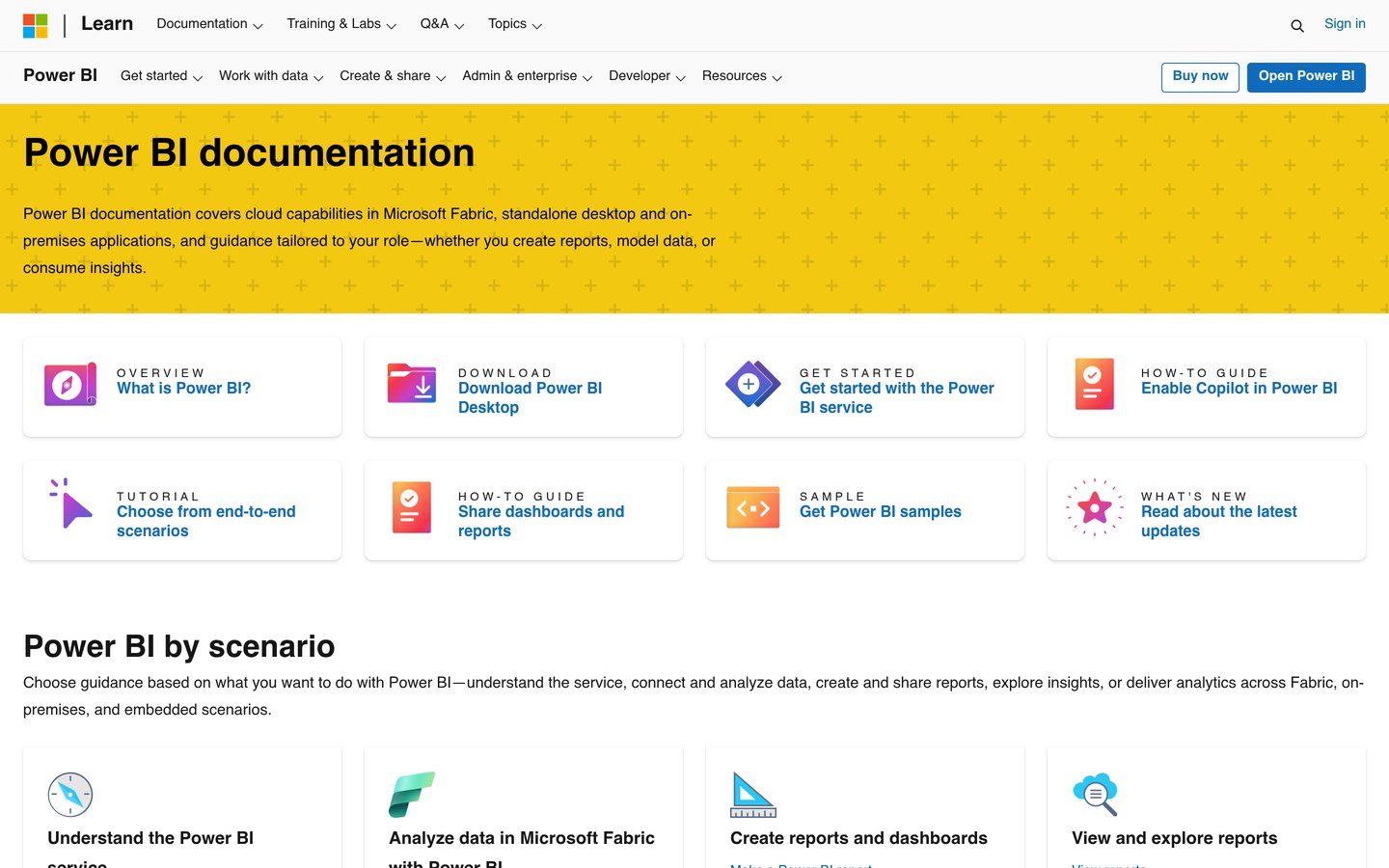
Microsoft Power BI is a business intelligence platform for building interactive reports and dashboards from spreadsheets, databases and cloud apps. The free Desktop app builds reports, and sharing needs Pro at $14 a user a month, with 8 scheduled refreshes a day and models up to 1 GB.
The trade off is the learning curve. DAX formulas and data modelling take time to learn, and the $14 Pro licence is per user, so a team of 10 pays $140 a month before any Premium capacity. It suits retailers already on Microsoft 365 who want one reporting tool for the whole company.
What we like
Cheapest strong BI tool in this list at $14 a user a month
Free Desktop app for building reports
Rated 4.5 out of 5 on G2 from 1,667 reviews
Shares reports with any Pro user in the company
Watch out for
DAX and data modelling take time to learn
Every viewer needs a paid Pro licence to see shared reports
Advanced AI features sit in Premium Per User at $24 a month
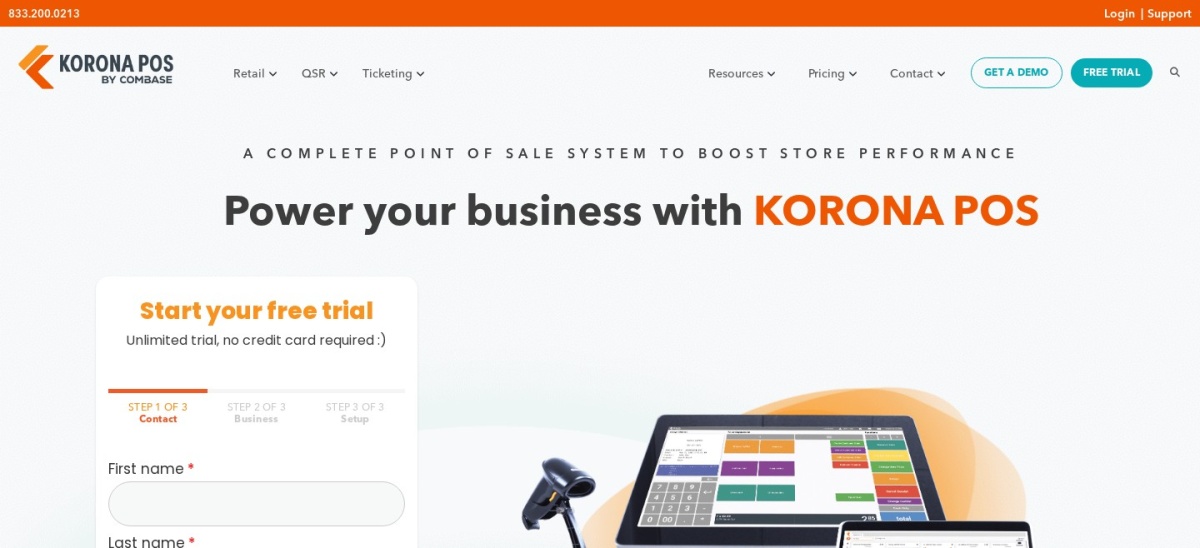
KORONA POS is a cloud point of sale with clear per-terminal pricing and no payment-processor lock-in, so shops can keep their existing processor. The Core plan costs $59 a month per terminal and covers unlimited users, promotions, gift cards, KPI reports and API access, with an unlimited free trial and no card required.
The trade off is that the bill grows with every terminal. A three-counter shop pays three times the headline price, and advanced inventory tools need the Retail plan at $79 a month per terminal. It suits small retailers that want honest pricing and strong KPI reports from day one.
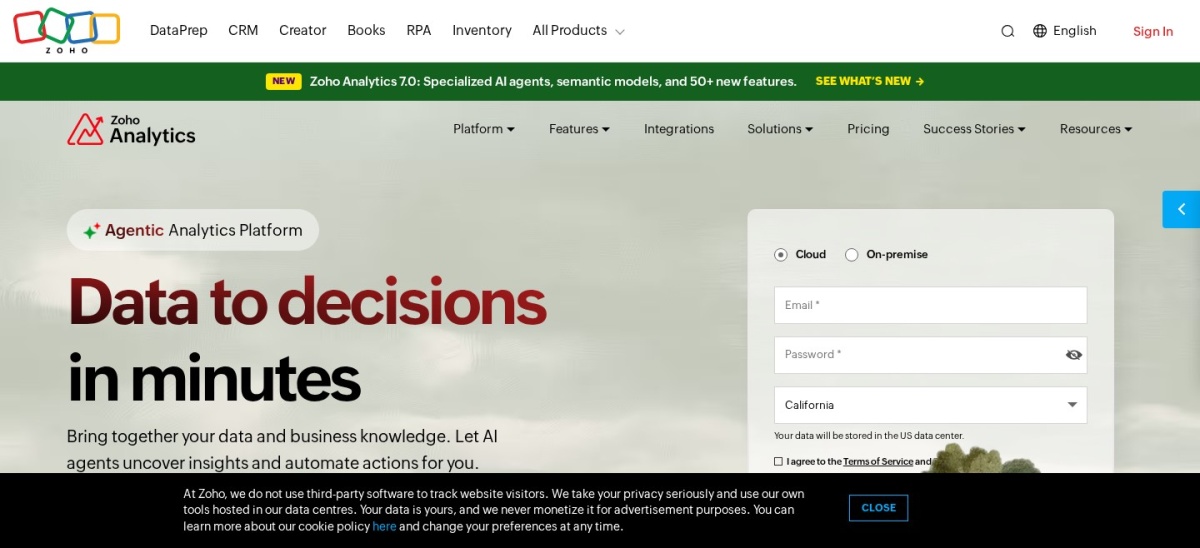
Zoho Analytics is a self-service business intelligence tool for building reports and dashboards without a data team. The free plan covers basic dashboards, and Basic costs $24 a month for 2 users billed annually, or $30 month to month, with 0.5 million rows and the Zia AI assistant.
The trade off is scale. The row limit and the 2-user cap on Basic mean a growing chain outgrows it fast, and setup takes longer than a POS report that works on day one. It suits small retailers already using Zoho CRM, Books or Inventory, where the connectors work out of the box.
What we like
Free plan for basic dashboards
Lowest BI entry price here at $24 a month
AI assistant included for plain-language questions
Strong links to Zoho CRM, Books and Inventory
Watch out for
Basic caps at 2 users and 0.5 million rows
Setup takes longer than POS reporting
Weakest fit for shops outside the Zoho ecosystem
Standard adds more users, rows and connectors at $48 a monthVisit zoho.com
07
Qlik Sense
4.4/5on G2 (929 reviews, checked Nov 2026)
Starts at$30/mo
Best for deep analysis across store data
Business plan$30/user/mo billed annually
Free trialYes
EnterpriseCustom quote
Associative engineYes
qlik.com
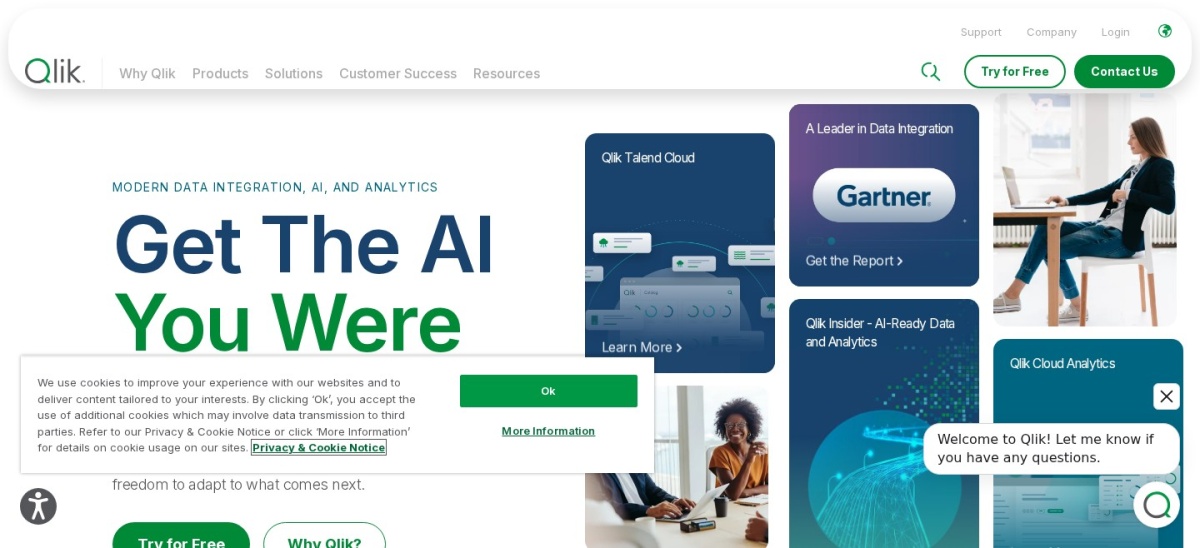
Qlik Sense homepage, captured Nov 2026.
Qlik Sense is a business intelligence platform with an associative engine that lets merchandising teams explore sales, stock and supplier data without writing queries. The Business plan costs $30 a user a month billed annually, and it is rated 4.4 out of 5 on G2 from 929 reviews.
The trade off is cost at scale. Every user pays the same $30, so giving every store manager a login adds up fast, and small shops often find the price hard to justify next to Power BI at $14. It suits mid-size retailers with an analyst who explores data across many sources.
What we like
Associative engine finds links across data sources
Rated 4.4 out of 5 on G2 from 929 reviews
Strong data integration for many source types
Free trial before committing
Watch out for
Per-user price adds up fast across stores
No free plan, only a trial
Steeper learning curve than POS reporting
Enterprise adds governance and scale on a custom quoteVisit qlik.com
08
Looker Studio
4.4/5on G2 (475 reviews, checked Nov 2026)
Paid from$9/mo
Best free dashboards for Google shops
Free planYes, unlimited reports
Pro planAbout $9/user/project/mo
Connectors1,400+ data sources
ViewersUnlimited, free
cloud.google.com
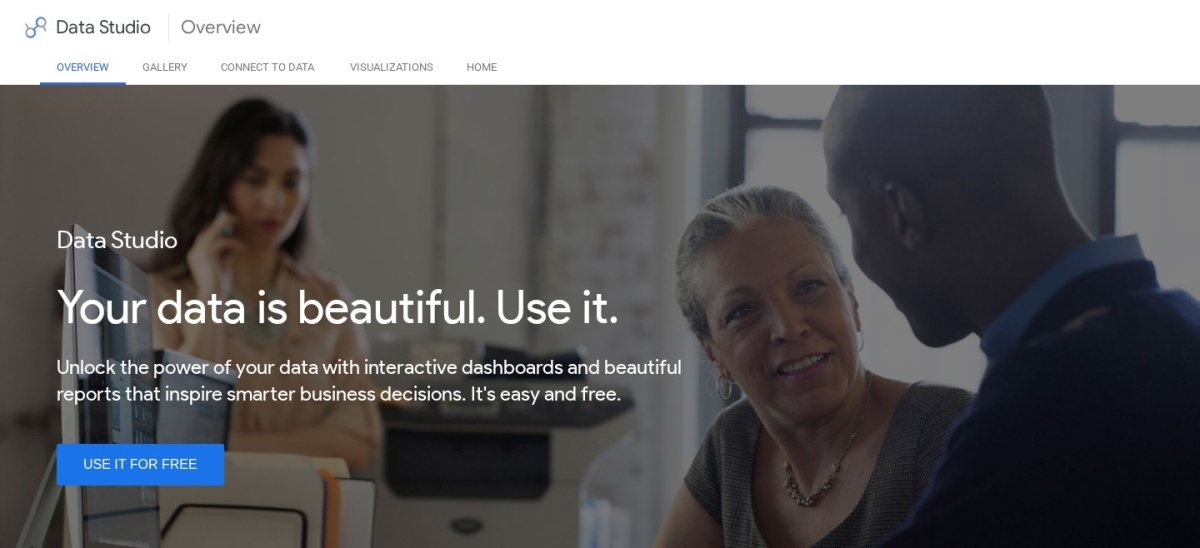
Looker Studio homepage, captured Nov 2026.
Looker Studio is Google's free dashboarding and reporting tool, and the core version costs nothing for unlimited reports and viewers. It connects to more than 1,400 data sources, including Google Sheets, Google Ads, BigQuery and Google Analytics, and it is rated 4.4 out of 5 on G2 from 475 reviews.
The trade off is that it is strongest inside Google's world. Non-Google sources often need a paid connector, large or blended datasets can load slowly, and the Pro tier adds team workspaces and support. It suits shops that already run on Google Sheets and Analytics and want free dashboards.
What we like
Free for unlimited reports and viewers
Native Google Sheets, Ads and Analytics connectors
Rated 4.4 out of 5 on G2 from 475 reviews
Easy to share a dashboard link with any manager
Watch out for
Slow with large or blended datasets
Non-Google sources often need a paid connector
Pro pricing is third-party reported, not confirmed by Google
POS reports come free with the till. Square, Lightspeed, Shopify and KORONA all report on sales, stock and staff from the same data that rings up the sale, so there is nothing to connect and nothing to sync.
BI dashboards join data from many places. Power BI, Zoho Analytics, Qlik Sense and Looker Studio pull POS exports, online orders, spreadsheets and ad platforms into one view, which is what a multi-store owner needs to compare locations.
If you sell on one channel, start with POS reports. Add a BI tool only when a question needs two data sources at once, such as matching ad spend to in-store sales by week.
How we chose
We started from the retail reporting tools that appear most often in POS and BI comparisons, then kept those with a published price and a numeric rating from G2.
Prices come from each vendor's pricing page or G2 pricing data, checked on 30 November 2026. Ratings and review counts come from G2 on the same day. Where a vendor shows a sale or an annual discount, the list shows the regular price.
We left out Tableau after two screenshot attempts returned an access-denied page, and Domo and Looker because they sell by quote with no public price. No vendor paid for a place, and we do not claim to have used these tools ourselves.
How to choose reporting software for retail stores
Start with the reports you read every week, then match the tool to that list.
List the reports you actually read each week. Best sellers, stock on hand, margin by product and sales by hour cover most shops. If a tool cannot produce those four, it is not a reporting tool for your store.
Start with your POS reports before buying BI. Square, Lightspeed, Shopify and KORONA already report from till data. Only add Power BI or Looker Studio when a question needs a second data source.
Count the seats, stores and terminals. Square charges per location, KORONA per terminal and Power BI per user, so the same headline price can mean very different yearly bills. See how to manage inventory in WooCommerce for a sense of what stock reports should cover.
Run a trial on real sales data. Import a month of real sales and check the best-seller and stock reports against your own records before paying for a year.
FAQ
What is the best reporting software for retail stores in 2026?
Square for Retail is the best pick for most small shops. Its free plan covers real-time sales, best-seller and inventory reports, and it is rated 4.6 out of 5 on G2 from 1,208 reviews.
How much does reporting software for retail stores cost?
It runs from free to $89 a month. Square, Power BI Desktop, Zoho Analytics and Looker Studio report for free, while paid plans start at $9 to $14 a user a month for BI tools and $39 to $89 a month for POS reporting.
Is there free reporting software for retail stores?
Yes. Square for Retail reports for free with no monthly fee, Looker Studio is free for unlimited reports and viewers, and Power BI Desktop and Zoho Analytics both have free plans for building dashboards.
Which reporting software is best for a small retail store?
Square for Retail is the best fit for a single shop, because its free plan covers the weekly reports a small store needs. KORONA POS is the best paid alternative at $59 a month per terminal, with KPI reports included.
Which is better for retail reporting, Square or Lightspeed?
Square is better for a single shop, with free reports and a 4.6 G2 rating. Lightspeed is better for multi-store retailers, with stronger inventory and matrix SKU reporting, but it starts at $89 a month and is rated 4.0 on G2.
Do I need a BI tool if my POS already has reports?
No, not for one shop. POS reports cover sales, stock and staff from till data. Add Power BI or Looker Studio only when a question needs a second source, such as matching online orders or ad spend to in-store sales.
What reports should a retail store check every week?
Check best sellers, sales by hour, stock on hand, margin by product and staff sales. Those five show what to reorder, when to staff up and which lines are not earning their shelf space.
SaaS SEO and WordPress specialist with about 8 years of experience. Rakib compares WordPress plugins, themes, hosting and software using public pricing, documentation and user reviews. See how we rank.