Thunderbird is the best Outlook alternative for Windows for most people, because it is free, open source and handles unlimited accounts with no ads. Spark is the pick for a smarter inbox, while eM Client suits anyone who wants the closest Outlook layout on Windows.
How we make this list: we compare pricing pages, product documentation and public user reviews, then re-check every price before each update. No product paid for a place. Disclosure.
Thunderbird is the only completely free pick: unlimited accounts, no ads and no tracking.
Spark Plus costs $8.25 a user a month billed yearly, with the best team inbox here.
eM Client Personal costs $49.95 a year, the closest Outlook-style layout on Windows.
Superhuman has the highest G2 rating at 4.7, but costs $300 a year with no free plan.
Proton Mail and Canary Mail are the privacy picks, with paid plans from $36 a year.
What should you look for in Outlook alternatives for Windows?
Leaving Outlook is mostly about what you give up. Calendar, contacts and meeting invites are built into Outlook, so check that your replacement covers them before you switch.
Free plans differ more than prices do. Thunderbird is free forever, Spark and Canary Mail cap devices or AI, and eM Client stops free accounts at two.
Windows support is not the same as Windows-first. Thunderbird, eM Client and Spark all run natively on Windows, while Proton Mail leans on web and mobile apps.
Price the plan you will actually use. A $4 a month plan that covers one address costs more in practice than a free plan with unlimited accounts.
Thunderbird is the free, open-source desktop email client from Mozilla, and the only tool here that asks for nothing: no account, no subscription, no ads and no tracking. It handles unlimited accounts, smart folders, message filters and a built-in calendar, and add-ons extend it further.
The trade off is polish. Thunderbird looks plainer than Outlook, its interface still shows its age in places, and setup takes a few more clicks than a paid client. It suits anyone who wants a capable Windows inbox for nothing and does not mind a simpler look.
Spark is a polished cross-device email client with a Smart Inbox that floats real people to the top and buries newsletters, plus snooze, send later and shared inboxes for teams. The free plan covers unlimited accounts, Smart Inbox, snooze and send later, and Plus adds Spark +AI from $8.25 a user a month.
The trade off is the AI paywall. The assistant, meeting notes and Gatekeeper all need Plus, and the G2 review base is small at 61 reviews. It suits people who juggle several accounts and want one calm inbox on Windows and phone.
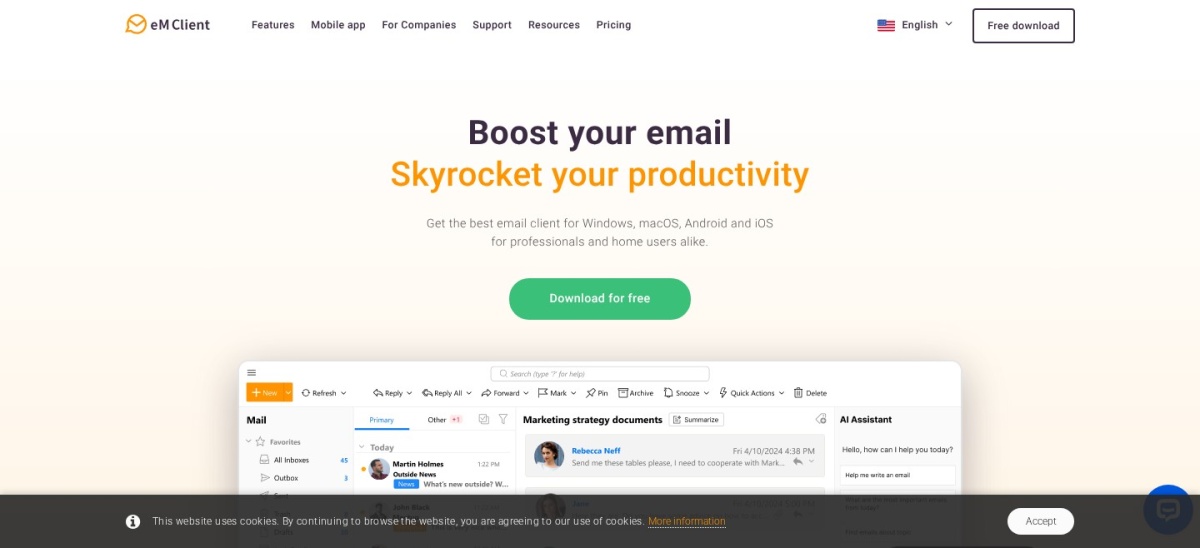
eM Client is a Windows and Mac client that packs mail, calendar, tasks, contacts and chat into one Outlook-style window. The free licence covers two accounts for personal use, and Personal costs $49.95 a year with unlimited accounts on up to three devices.
The trade off is the free cap. Two accounts is tight for people with work and personal mail, and the paid price has moved several times in 2026. It suits Windows users who want the closest Outlook feel without Microsoft 365.
Superhuman is a premium keyboard-first email client built for people who process a hundred or more messages a day. Starter costs $25 a user a month billed yearly, or $30 month to month, with shortcuts, a split inbox, snippets and AI triage.
The trade off is price. At $300 a year with no free plan, it costs more than every other tool here, and it only pays if email is your main job. It suits founders, executives and support leads who live in their inbox.
Canary Mail is a secure email client with an AI Copilot that drafts replies, summarises threads and manages the inbox. The free plan covers unlimited accounts on two devices, and Growth costs $36 a year with the full AI assistant.
The trade off is the device cap. The free plan stops at two devices, and the G2 review base is small at 53 reviews. It suits privacy-minded users who want encryption and AI writing in one app.
Spike is a chat-style email app that turns email into threads with groups, voice messages and video calls built in. The free plan covers the basics, while Pro at $4 a member a month billed yearly adds unlimited search history, 100 GB of storage and a shared inbox.
The trade off is the format. The chat view divides people who like a classic inbox, and the free plan covers one address. It suits small teams who already think of email as conversations.
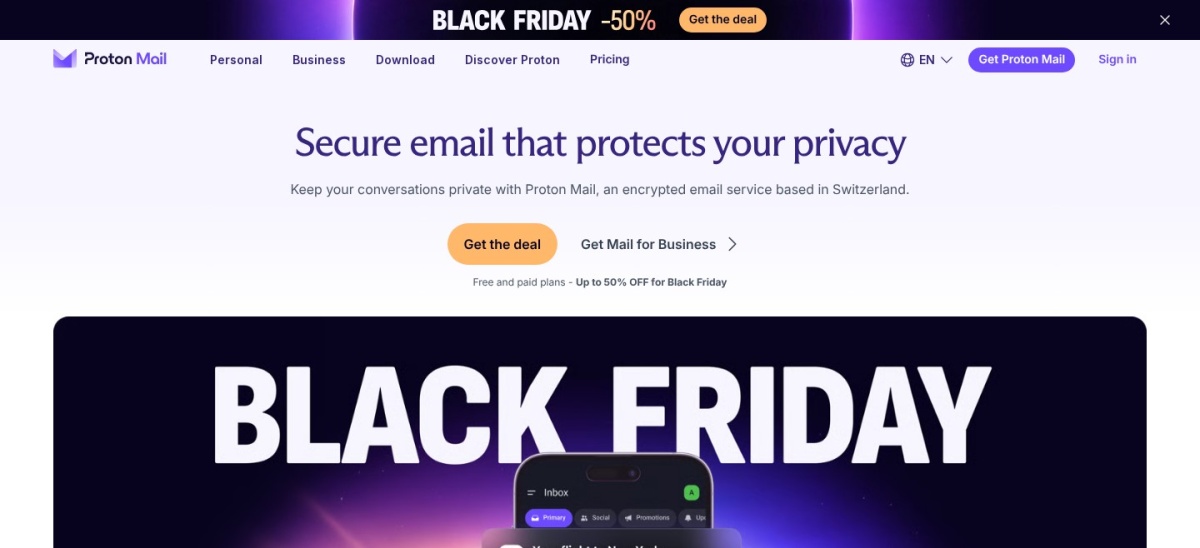
Proton Mail is privacy-focused email with end-to-end encryption and zero-access storage, so even Proton cannot read your messages. The free plan includes 1 GB of storage, and Mail Plus costs $3.99 a month billed yearly with 15 GB and a custom domain.
The trade off is the ecosystem. Proton Mail works best inside Proton's own apps, and the free storage is small at 1 GB. It suits anyone leaving Outlook for privacy rather than features.
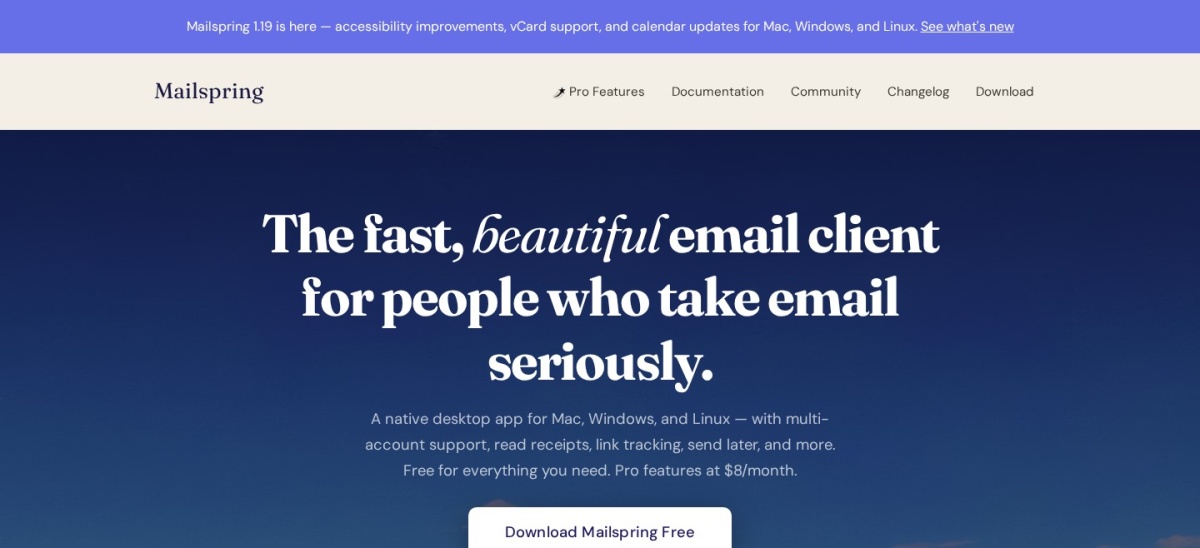
Mailspring is a fast, lightweight open-source email client for Windows, Mac and Linux. The free version covers unlimited accounts with a clean interface, and Pro costs $8 a month for mail rules, read receipts and send later.
The trade off is the rating. At 3.8 out of 5 on G2 from only 18 reviews, it trails the rest of this list, and advanced features need Pro. It suits users who want a light client and miss the old Windows Mail.
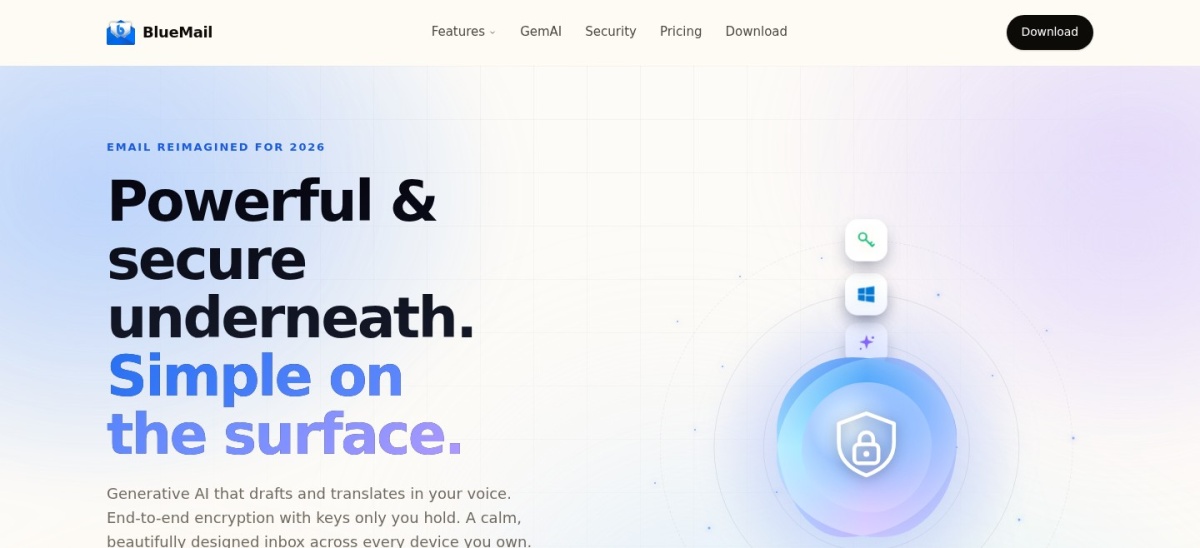
BlueMail is a budget email client with a unified inbox, AI writing help and apps on every platform. The free plan covers unlimited accounts, and Plus costs $35.99 a year with the full AI assistant and extra storage.
The trade off is the review base. G2 shows 4.3 out of 5 from around 50 reviews, and the AI features are lighter than Spark or Canary Mail. It suits buyers who want AI help at the lowest yearly price here.
Export before you import. Outlook can export mail, contacts and calendar to standard files, and every client here can import them, but the mapping is never perfect on the first try.
Calendar and meetings are the risky part. Recurring meetings and shared calendars move worst, so test one shared calendar before you move the rest.
Keep Outlook installed for a month. Run the new client side by side, check that nothing is missing, then remove Outlook once you are sure.
How we chose
We started from the email clients Windows users name most often when they leave Outlook, then kept the nine with a live Windows app, a public G2 rating and published pricing.
Prices and ratings were checked on 29 Nov 2026, with the top three prices read on the vendor's own pricing page. Thunderbird is free, so it has no pricing page to check.
We left out clients with no Windows app, no public rating or no clear price. No vendor paid for a place, and we do not claim hands-on testing for this list.
How to choose an Outlook alternative for Windows
Start with the accounts you actually use, then match the client to them.
Count your accounts first. If you run three or more inboxes, pick a client whose free plan covers them all, such as Thunderbird or Spark.
Decide what Outlook features you need. Calendar, meeting invites and shared mailboxes matter most; check they work before you commit.
Test the free plan for a week. Import one account, send a few messages and check search speed before you move everything over.
Check the paid price on annual billing. Monthly prices run higher, so compare the yearly figure and what the paid plan adds.
FAQ
What is the best Outlook alternative for Windows in 2026?
Thunderbird is the best Outlook alternative for Windows for most people. It is free, open source and handles unlimited accounts with no ads or tracking. Spark is the better pick if you want a smart inbox with AI help, and eM Client suits anyone who wants an Outlook-style layout.
Is there a completely free alternative to Outlook for Windows?
Yes, Thunderbird is completely free with no ads, no subscription and no tracking. It runs on Windows, Mac and Linux and handles unlimited accounts, a calendar and OpenPGP encryption. The only cost is optional donations to the Mozilla project.
How much does an Outlook alternative for Windows cost?
Paid plans in this list run from $36 a year for Canary Mail to $300 a year for Superhuman. Most paid plans sit between $36 and $99 a year, and Thunderbird costs nothing at all. Monthly billing costs more than the annual rate on every paid plan here.
Which Outlook alternative is best for small teams?
Spark is the best Outlook alternative for small teams on Windows. Its free plan covers unlimited accounts, and Plus adds shared inboxes, private comments and assignments from $8.25 a user a month billed yearly. Spike is the cheaper team option at $4 a member a month.
Is Thunderbird better than eM Client?
Thunderbird is better if you want a free client with unlimited accounts, while eM Client is better if you want an Outlook-style layout with mail, calendar, tasks and chat in one window. Thunderbird costs nothing, and eM Client Personal costs $49.95 a year.
Can I use Proton Mail instead of Outlook on Windows?
Yes, Proton Mail works on Windows through its web app and a desktop app on paid plans. It adds end-to-end encryption that Outlook does not offer, but the free plan has only 1 GB of storage and fewer integrations than Outlook.
SaaS SEO and WordPress specialist with about 8 years of experience. Rakib compares WordPress plugins, themes, hosting and software using public pricing, documentation and user reviews. See how we rank.