Gmail is the best email app for iPhone for most people, with a free plan, 15 GB of storage and strong search. Pick Outlook if you live in Microsoft 365, and Superhuman if you clear a heavy inbox every day.
How we make this list: we compare pricing pages, product documentation and public user reviews, then re-check every price before each update. No product paid for a place. Disclosure.
Gmail is free, includes 15 GB of storage, and is rated 4.6 out of 5 on G2 from more than 48,000 reviews.
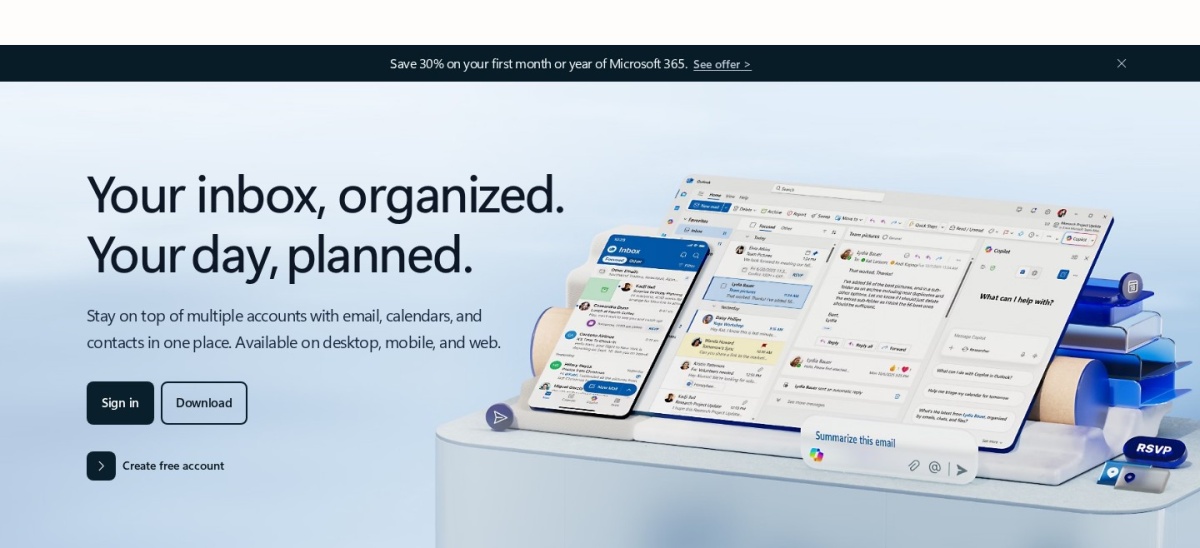
Outlook is also free and is the natural pick if your mail, calendar and files already live in Microsoft 365.
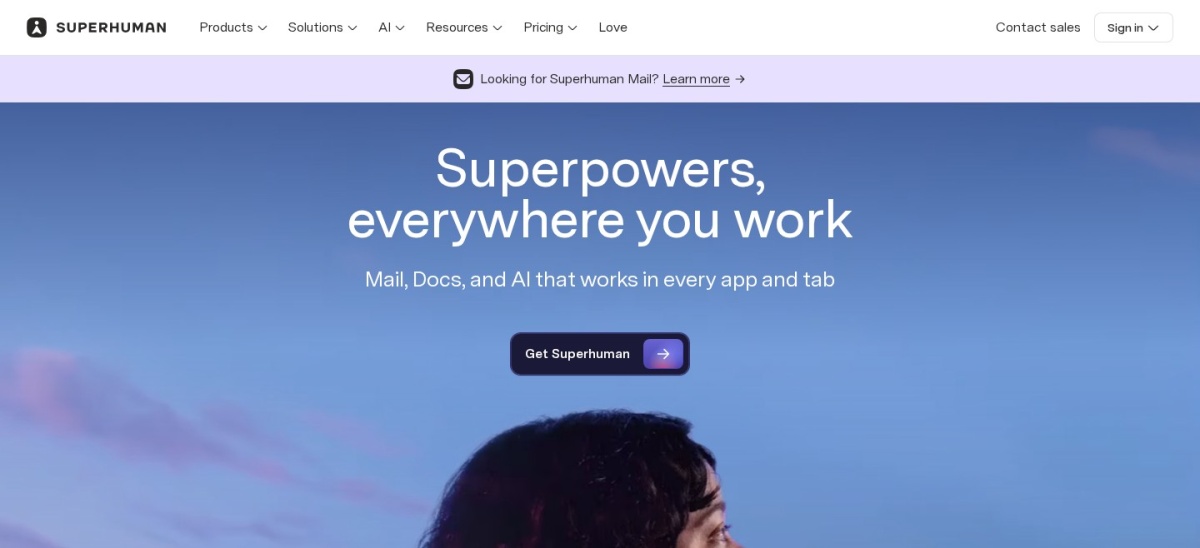
Superhuman is the fastest way through a heavy inbox, but at 300 dollars a year it only pays for people who live in email.
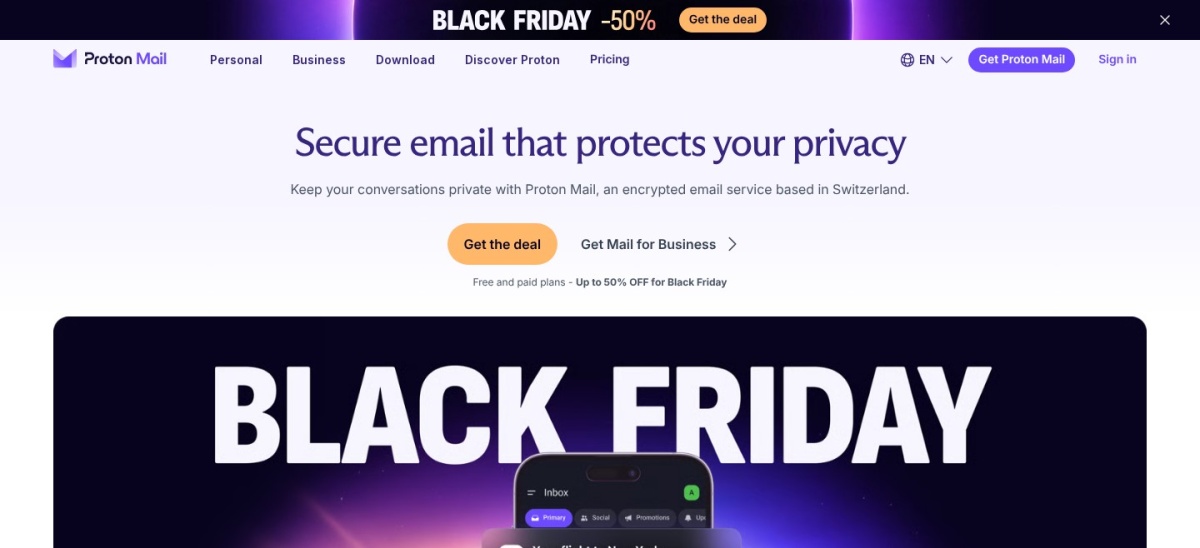
Proton Mail is the privacy pick, with end-to-end encryption and a free plan that includes 1 GB of storage.
Spark, Spike and Canary Mail all offer free plans, with paid upgrades from 36 to 99 dollars a year.
What to look for in an iPhone email app
The iPhone ships with Apple Mail, so a third-party app has to earn its place. The best ones add a smarter inbox, snooze and send-later controls, and support for several accounts at once.
Free plans matter more than paid ones for most people. Gmail, Outlook, Spark, Proton Mail, Spike and Canary Mail all work without paying, while Superhuman and HEY are paid only.
Privacy is the other split. Proton Mail encrypts messages so that even Proton cannot read them, while Canary Mail adds PGP encryption for people who need it. Our guide to the best password managers covers the other half of keeping an inbox safe.
Prices below are regular prices, not first-month offers. Several vendors discount the first month or the first year, and the renewal price is the one that matters over time.
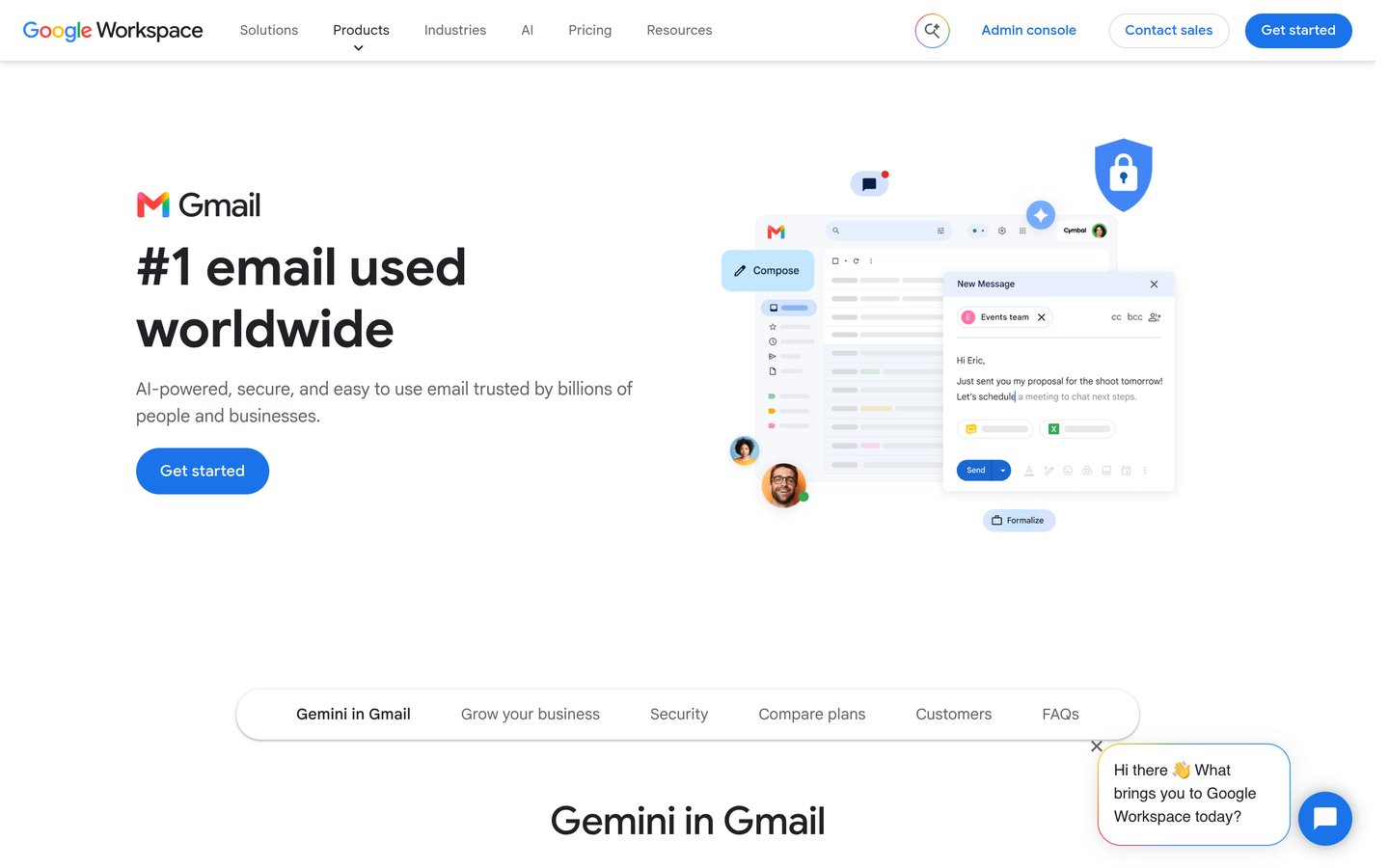
Gmail is the default email app for most iPhone owners, and the free version is hard to beat. It includes 15 GB of storage shared with Google Drive and Photos, powerful search, spam filtering, snooze, scheduled sending and a clean iPhone app that supports several accounts.
The trade off is that the free plan shows ads in the promotions tab and the 15 GB fills up fast if you keep every attachment. The paid route is Google Workspace Business Starter at 7 dollars a month per user. It suits anyone who wants a free, reliable inbox with no learning curve.
What we like
Free with 15 GB of storage and strong search
Rated 4.6 out of 5 from more than 48,000 G2 reviews
Outlook is Microsoft's free email app for iPhone, with mail, calendar, contacts and files in one place. The free version includes 15 GB of mailbox storage, a focused inbox that separates important mail from the rest, snooze, scheduled sending and support for Outlook, Gmail and iCloud accounts.
The trade off is that the free app shows ads and the full desktop apps need a subscription. Microsoft 365 Personal costs 99.99 dollars a year and adds 1 TB of storage plus Word, Excel and PowerPoint. It suits people whose work already runs on Microsoft 365.
What we like
Free mail, calendar and files in one app
Focused inbox keeps important mail on top
Rated 4.5 out of 5 from more than 3,500 G2 reviews
Superhuman is a paid email client built for people who process a hundred or more messages a day. It runs on top of Gmail or Microsoft 365 and adds keyboard shortcuts, a split inbox, reminders, read statuses, snippets and AI tools that summarise threads and draft replies.
The trade off is the price. Starter costs 25 dollars a month when billed yearly, or 30 dollars month to month, and there is no free plan. It suits executives, founders and support leads who spend hours in email every day and will learn the shortcuts.
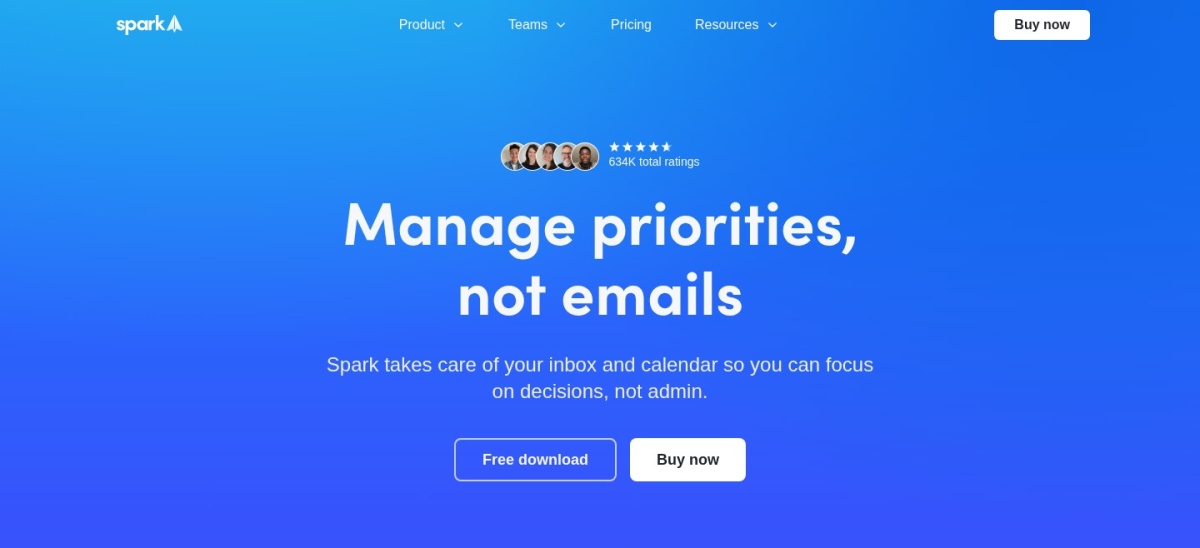
Spark is a cross-platform email app from Readdle that pulls Gmail, Outlook, iCloud, Yahoo and IMAP accounts into one smart inbox. The free version includes snooze, send later, reminders, a calendar and unlimited accounts, with people separated from newsletters automatically.
The trade off is that the AI assistant, Gatekeeper sender screening and integrations sit behind Plus at 99 dollars a year, and the free AI preview is capped at five meeting notes. It suits people juggling several inboxes who want one tidy view.
Proton Mail is an encrypted email service from Proton AG in Switzerland. Messages are end-to-end encrypted between Proton users and stored with zero-access encryption, so Proton itself cannot read them. The free plan includes one address, up to 1 GB of storage and tracker blocking.
The trade off is that the free plan is small, with 150 sent messages a day and no custom domain. Mail Plus costs 3.99 dollars a month billed yearly for 15 GB, 10 addresses and a custom domain, though the renewal rises after the first year. It suits privacy-minded iPhone owners.
What we like
End-to-end encryption on every plan
Rated 4.6 out of 5 on G2 from 495 reviews
No ads and no tracking in the free plan
Watch out for
Free plan has only 1 GB of storage
Renewal price rises after the first year
Search is slower than Gmail on large inboxes
Mail Plus adds 15 GB, 10 addresses and a custom domainVisit proton.me
06
Spike
4.6/5on G2 (262 reviews, checked Nov 2026)
Paid from$5/mo
Best chat-style email
Free planYes, limited
Paid planPro, $5/mo
AccountsGmail, Outlook, iCloud
iPhone appYes, free
spikenow.com
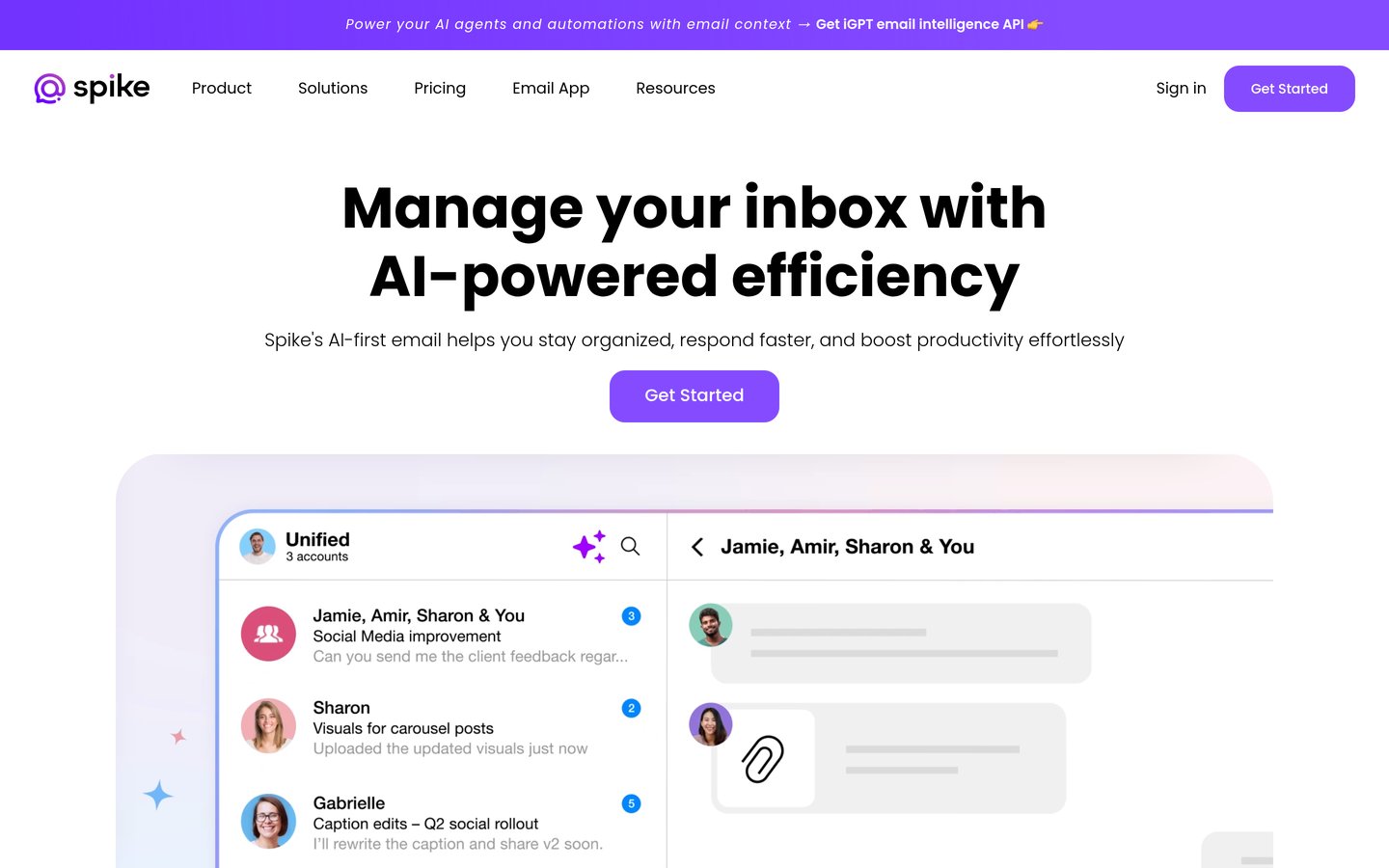
Spike homepage, captured Nov 2026.
Spike is an email app that turns long threads into chat-style conversations, with built-in notes, tasks, calendar and voice and video calls. The free plan covers one account with a unified inbox, AI summaries and 5 GB of storage, which is enough to try the chat format properly.
The trade off is that the free plan covers only one email account and 5 GB, while Pro at 5 dollars a month adds up to three accounts. It suits small teams and freelancers who want email, chat, tasks and calls in one app.
What we like
Chat-style threads make long emails easy to follow
Canary Mail is an email client for iPhone, Mac, Windows and Android that combines AI writing and summaries with read receipts and encryption. The free plan covers unlimited accounts on two devices, and Growth at 36 dollars a year adds AI features, read receipts, send later and five devices.
The trade off is that PGP encryption and phishing detection need Pro+ at 100 dollars a year, and there is no monthly billing. It suits people with several accounts who want AI help and stronger encryption in one app.
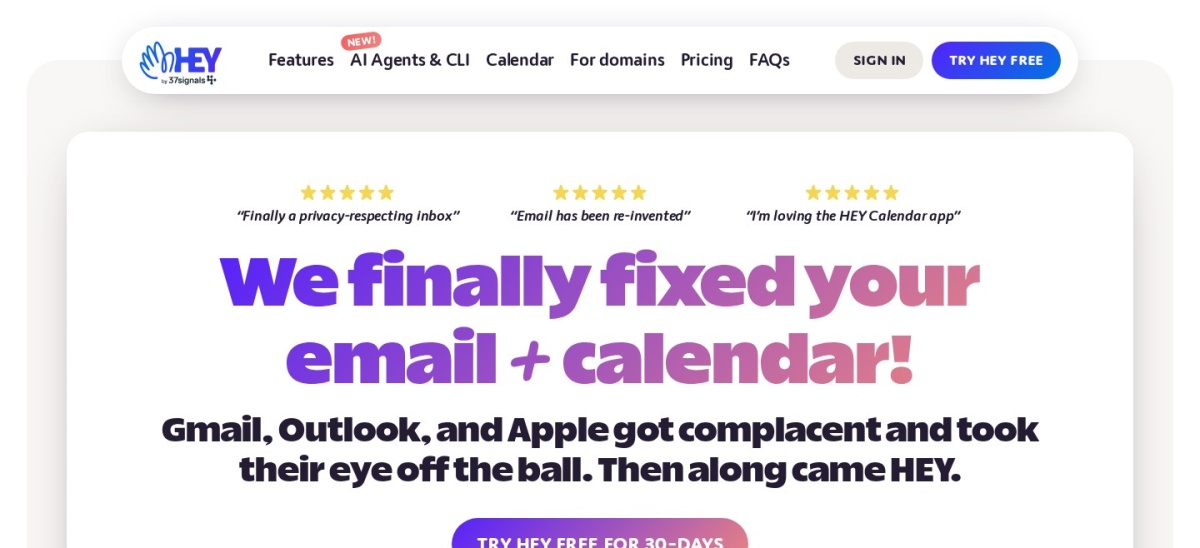
HEY is a paid email service from Basecamp that rethinks the inbox. You screen every new sender before their mail reaches you, sort the rest into Imbox, Paper Trail and Feed, and get 100 GB of storage, a calendar and spy-pixel blocking. It is a service, not an app for an existing account.
The trade off is that you start over with a new @hey.com address, there is no IMAP, and it costs 99 dollars a year with no free plan. It suits people drowning in newsletters and cold mail who are willing to change how email works for them.
What we like
Sender screening stops unwanted mail at the door
100 GB of storage and a calendar included
Spy-pixel blocking built in
Watch out for
No free plan, 99 dollars a year
Needs a new @hey.com address
No IMAP, so other apps cannot open it
HEY for Domains adds a custom domain at $12 a user a monthVisit hey.com
09
Zoho Mail
4.4/5on G2 (717 reviews, checked Nov 2026)
Paid from$1/mo
Best budget business mail
Free planYes, 5 GB
Paid planMail Lite, $1/mo
AccountsCustom domain mail
iPhone appYes, free
zoho.com
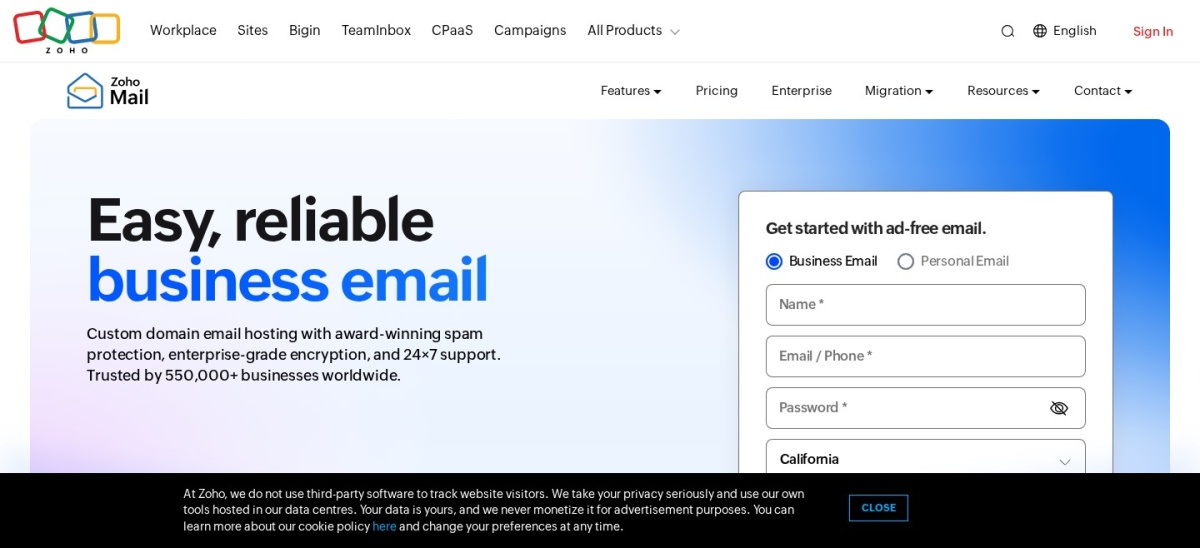
Zoho Mail homepage, captured Nov 2026.
Zoho Mail is an ad-free email service from Zoho aimed at small businesses. The free plan includes 5 GB of storage per user with web access, and the iPhone app covers mail, calendar and contacts. Paid plans add a custom domain, more storage and admin controls for a team.
The trade off is that the cheapest paid plan, Mail Lite at 1 dollar a user a month billed yearly, is basic, and the app feels plainer than Gmail or Outlook. It suits small businesses that want cheap, ad-free mail on their own domain.
What we like
Ad-free even on the free plan
Cheapest paid plan in this list at 1 dollar a month
Free plans cover the basics well. Gmail, Outlook, Spark, Proton Mail, Spike, Canary Mail and Zoho Mail all work without paying, with snooze, search and several accounts included.
Paid plans mostly add AI help, encryption, more storage and team features. Superhuman and HEY have no free plan at all, so the question is whether the workflow is worth the subscription.
If you only need one inbox on your phone, start free. Pay only when a limit bites, such as storage, device count or a missing feature you use every day.
How we chose
We started from the email apps with the largest iPhone user bases and the strongest G2 review records, then kept nine that cover free, privacy, speed and business needs.
Prices come from each vendor's pricing page, checked on 25 November 2026. Ratings and review counts come from G2 on the same day, except where notes say otherwise. Where a vendor shows a sale, the list shows the regular price.
We left out Apple Mail because it ships with the iPhone and has no standalone price or G2 rating to compare. No vendor paid for a place, and we do not claim hands-on testing for this list.
How to choose an email app for iPhone
Start with what you already pay for, then fill the gaps with one main app.
Check what you already have. Gmail and Outlook are free, and Apple Mail is already on your phone. Do not pay for a second inbox until you know what is missing.
Pick one main app. Two email apps split your attention and your notifications. Choose one and turn off mail alerts in the others.
Decide how much privacy you need. Proton Mail and Canary Mail suit people who want encryption. Gmail and Outlook suit people who want the best search and integrations.
Try the free plan first. Most apps in this list have a free plan. Use it for two weeks before paying, and check the renewal price before you subscribe.
FAQ
What is the best email app for iPhone?
Gmail is the best email app for iPhone for most people. It is free, includes 15 GB of storage, strong search and a clean app, and it is rated 4.6 out of 5 on G2 from more than 48,000 reviews.
Is Apple Mail good enough on iPhone?
Yes, for many people. Apple Mail is free, private and built in, with VIP senders and good search. A third-party app is worth it only if you want a smarter inbox, snooze, AI help or several accounts in one place.
Which email app is best for privacy on iPhone?
Proton Mail is the best privacy pick. It encrypts messages end to end and stores them so that even Proton cannot read them. Canary Mail is the other option, with PGP encryption on its Pro+ plan.
Is Superhuman worth 300 dollars a year?
Only if you process a heavy inbox every day. Its shortcuts, split inbox and AI drafting save time for people who live in email. For most iPhone owners, Gmail or Outlook for free is the better deal.
Can I use Gmail and Outlook on the same iPhone?
Yes. Both apps are free and you can install both, but it is better to pick one main app. Two apps mean two sets of notifications and two places to search for old mail.
Which email apps for iPhone are completely free?
Gmail and Outlook are free with no paid plan needed for basic mail. Spark, Proton Mail, Spike, Canary Mail and Zoho Mail also have usable free plans, while Superhuman and HEY are paid only.
SaaS SEO and WordPress specialist with about 8 years of experience. Rakib compares WordPress plugins, themes, hosting and software using public pricing, documentation and user reviews. See how we rank.