Plugins Plugin hub Backup SEO Caching Security Forms WooCommerce Images Best backup plugins
Hosting Hosting directory Shared hosting Managed WordPress Cloud hosting VPS hosting By reader location Hosting finder
Themes & builders Compare Rank Math vs Yoast
Tools All tools Hosting finder Plugin stack builder Cost calculator Salt generator Theme detector Who is hosting this? Speed test Headline analyzer robots.txt generator Redirect generator Uptime calculator Blog name generator
Blog Best backup plugins Deals
Guides All guides Speed up WordPress Choose hosting Back up WordPress
How we rank
✓Email & SMS marketing · Buying guide

Best Email Client Software in 2026: 9 Tools Compared

★ Short answer

Microsoft Outlook is the best email client for most workplaces, because it is already everywhere and bundles mail, calendar and Teams. Pick Superhuman if you process 100 or more emails a day, and Thunderbird if you want a free, private desktop client.

How we make this list: we compare pricing pages, product documentation and public user reviews, then re-check every price before each update. No product paid for a place. Disclosure.

#2 Fastest inbox

Superhuman

Fastest inbox, $30 a month

$30Starts at
4.7★Rating
Not publishedInstalls
See why it ranks
🏆 #1 Top pick

Microsoft Outlook

Mail, calendar and Teams in one, $9.99 a month

FreeTo start
4.5★Rating
Not publishedInstalls
See why it ranks
#3 Best free

Spark

Smart inbox for teams, $10 a month

FreeTo start
4.5★Rating
Not publishedInstalls
See why it ranks
Best Email Client Software in 2026: 9 Tools Compared

Key takeaways

  • Outlook comes with Microsoft 365 Personal at $9.99 a month and is the corporate standard.
  • Superhuman costs $30 a month and is the fastest inbox here, rated 4.7/5 on G2.
  • Thunderbird is free, open source and handles unlimited accounts with no ads.
  • Gmail is free for personal use and rated 4.6/5 on G2 from more than 45,000 reviews.
  • Spark Plus costs $10 a month and is the best team option, with shared drafts and discussion.

What to look for in email client software

Most people never need to pay for an email client. The free defaults cover everyday mail, and the paid tools sell speed, privacy or teamwork.

The real choice is between a default and a specialist. Defaults win on compatibility; specialists win on keyboard speed or encryption.

Check the platform first. Our guide to project management software covers the same fit question for team tools.

Try the free tier for a week. A client lives in your day, so a small annoyance becomes a large one fast.

Quick comparison

ToolBest forStarting priceFree planRating
Microsoft Outlook#1 For Microsoft workplaces$9.99/moFree plan4.5/5
Superhuman#2 For high-volume inboxes$30/moNo free plan4.7/5
Spark#3 For team email$10/moFree plan4.5/5
Mozilla Thunderbird#4 Free clientFreeFree plan4.3/5
Gmail#5 Default for most people$7/moFree plan4.6/5
eM Client#6 Paid all-rounder$40/yrFree plan4/5
Proton Mail#7 For privacy$4.99/moFree plan4.6/5
Canary Mail#8 For AI plus privacy$25/yrNo free plan4.5/5
Spike#9 Chat-style inbox$4/moFree plan4.6/5

Price ladder: cheapest paid plan per year

List prices, USD, checked Nov 2026
Thunderbird Free
Canary $25
eM Client FREE$40
Spike FREE$48
Proton FREE$60
Gmail FREE$84
Outlook FREE$120
Spark FREE$120
Superhuman $360

The 9 best email client software

01

Microsoft Outlook

4.5/5on G2 (3,547 reviews, checked Nov 2026)
Paid from$9.99/mo
Best for Microsoft workplaces
Cheapest paid planMicrosoft 365 Personal, $9.99/mo
Free planYes
Rating4.5/5 on G2
UsersNot published
microsoft.com
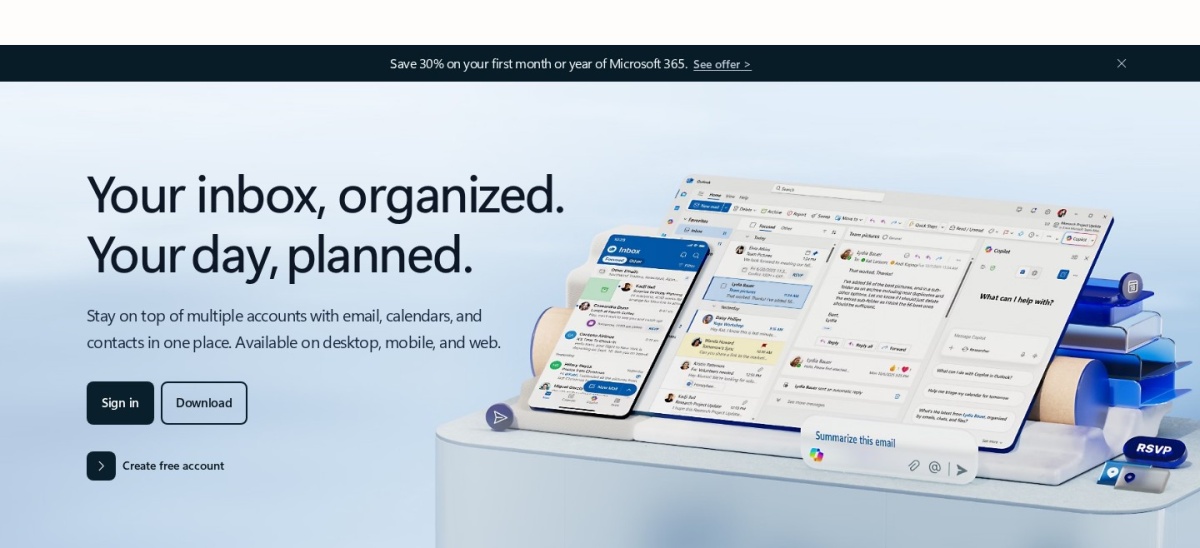
Microsoft Outlook homepage
Microsoft Outlook homepage, captured Nov 2026.

Microsoft Outlook is the default client for Microsoft 365 and Exchange workplaces. Outlook comes with Microsoft 365 Personal at $9.99 a month or $99.99 a year, with mail, calendar, contacts and Teams in one place and a free basic version. It is rated 4.5/5 on G2 from 3,547 reviews.

The trade off is the full client is tied to a Microsoft 365 subscription. It suits anyone in a Microsoft 365 or Exchange workplace.

What we like

  • Mail, calendar and Teams in one context
  • Rated 4.5/5 on G2 from 3,547 reviews
  • Free plan included

Watch out for

  • Full features need a Microsoft 365 subscription
  • Costs rise as contacts, users or volume grow
Free basic version on web and mobileVisit microsoft.com
02

Superhuman

4.7/5on G2 (15,869 reviews, checked Nov 2026)
Starts at$30/mo
Best for high-volume inboxes
Cheapest paid planStarter, $30/mo
Free planNo, trial only
Rating4.7/5 on G2
UsersNot published
superhuman.com
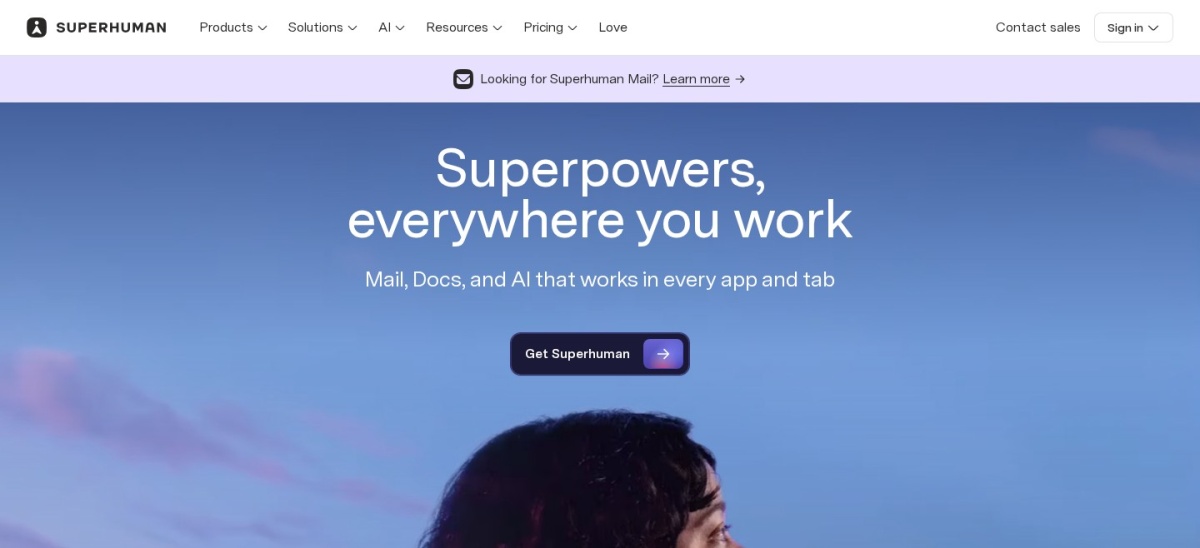
Superhuman homepage
Superhuman homepage, captured Nov 2026.

Superhuman is a premium keyboard-first email client. Superhuman Starter costs $30 a month billed monthly, or $25 billed annually, with keyboard shortcuts, a split inbox, snippets and AI triage. It is rated 4.7/5 on G2 from 15,869 reviews.

The trade off is it costs ten times a basic Workspace plan and only pays off for heavy users. It suits founders and executives processing 100 or more emails a day.

What we like

  • Keyboard-first speed with AI triage
  • Rated 4.7/5 on G2 from 15,869 reviews
  • Published pricing with no hidden tiers

Watch out for

  • $30 a month only pays off for heavy users
  • Costs rise as contacts, users or volume grow
30-day trial, no free planVisit superhuman.com
03

Spark

4.5/5on G2 (61 reviews, checked Nov 2026)
Paid from$10/mo
Best for team email
Cheapest paid planPlus, $10/mo per user
Free planYes
Rating4.5/5 on G2
UsersNot published
sparkmailapp.com
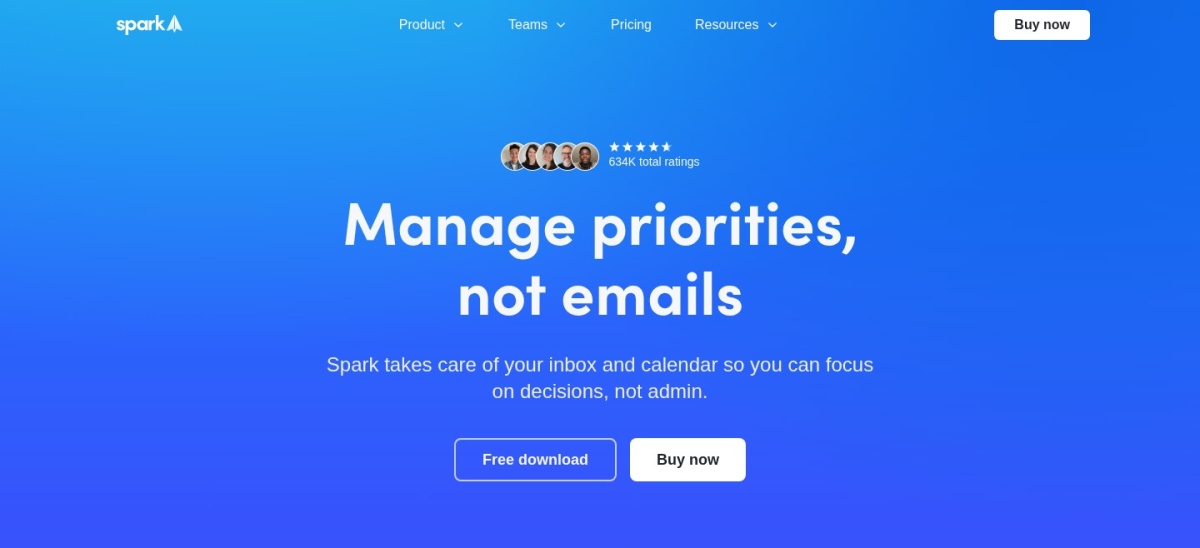
Spark homepage
Spark homepage, captured Nov 2026.

Spark is a smart inbox for teams and individuals. Spark Plus costs $10 a month per user, or $99 a year, with a Smart Inbox, AI writing help, shared drafts and team discussion on email. It is rated 4.5/5 on G2 from 61 reviews.

The trade off is its G2 base is small at 61 reviews. It suits sales, support and partnership teams that draft, assign and discuss emails together.

What we like

  • Smart Inbox with team collaboration
  • Rated 4.5/5 on G2 from 61 reviews
  • Free plan included

Watch out for

  • Small G2 review base at 61 reviews
  • Costs rise as contacts, users or volume grow
Free plan with unlimited accountsVisit sparkmailapp.com
04

Mozilla Thunderbird

4.3/5on G2 (340 reviews, checked Nov 2026)
PriceFree
Best free client
Cheapest paid planFree, $0
Free planYes
Rating4.3/5 on G2
UsersNot published
thunderbird.net
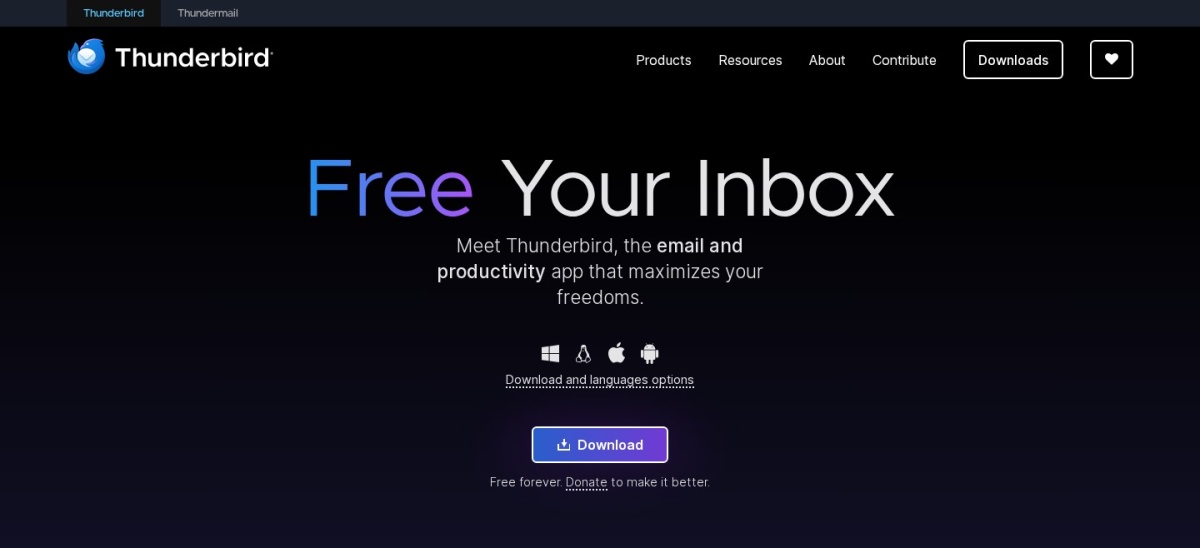
Mozilla Thunderbird homepage
Mozilla Thunderbird homepage, captured Nov 2026.

Mozilla Thunderbird is the free, open-source desktop client from the Mozilla family. Thunderbird costs $0, carries no ads and collects no telemetry, yet handles unlimited accounts, smart folders, message filters and OpenPGP encryption. It is rated 4.3/5 on G2 from 340 reviews.

The trade off is it has no built-in AI triage or cloud sync. It suits engineers and privacy-minded users who want a capable desktop client for free.

What we like

  • Free with no account caps
  • Rated 4.3/5 on G2 from 340 reviews
  • Free plan included

Watch out for

  • No AI triage or cloud sync
  • Costs rise as contacts, users or volume grow
OpenPGP encryption includedVisit thunderbird.net
05

Gmail

4.6/5on G2 (45,693 reviews, checked Nov 2026)
Paid from$7/mo
Best default for most people
Cheapest paid planWorkspace Business Starter, $7/user/mo
Free planYes
Rating4.6/5 on G2
UsersNot published
gmail.com
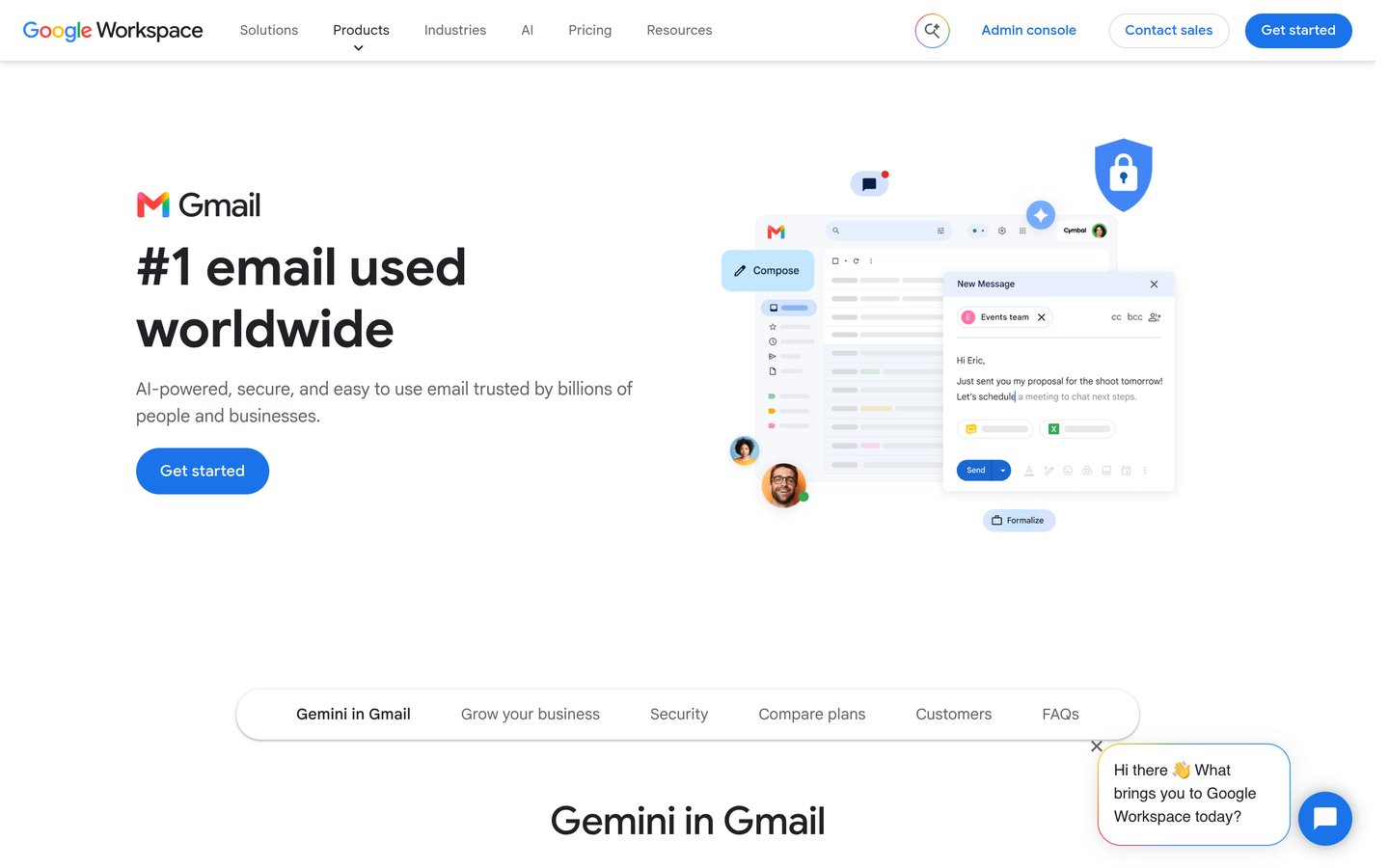
Gmail homepage
Gmail homepage, captured Nov 2026.

Gmail is Google's free, full-featured email service. Gmail is free for personal use with 15 GB of storage, and Workspace Business Starter costs $7 per user a month for a business inbox with more storage. It is rated 4.6/5 on G2 from 45,693 reviews.

The trade off is the free version shows ads and has no dedicated support. It suits anyone without a specific reason to use something else.

What we like

  • Free, full-featured and the global default
  • Rated 4.6/5 on G2 from 45,693 reviews
  • Free plan included

Watch out for

  • Free version shows ads
  • Costs rise as contacts, users or volume grow
Keyboard shortcuts and filters cover most needsVisit gmail.com
06

eM Client

4/5on G2 (61 reviews, checked Nov 2026)
Paid from$40/yr
Best paid all-rounder
Cheapest paid planPersonal, $40/yr
Free planYes
Rating4.0/5 on G2
UsersNot published
emclient.com
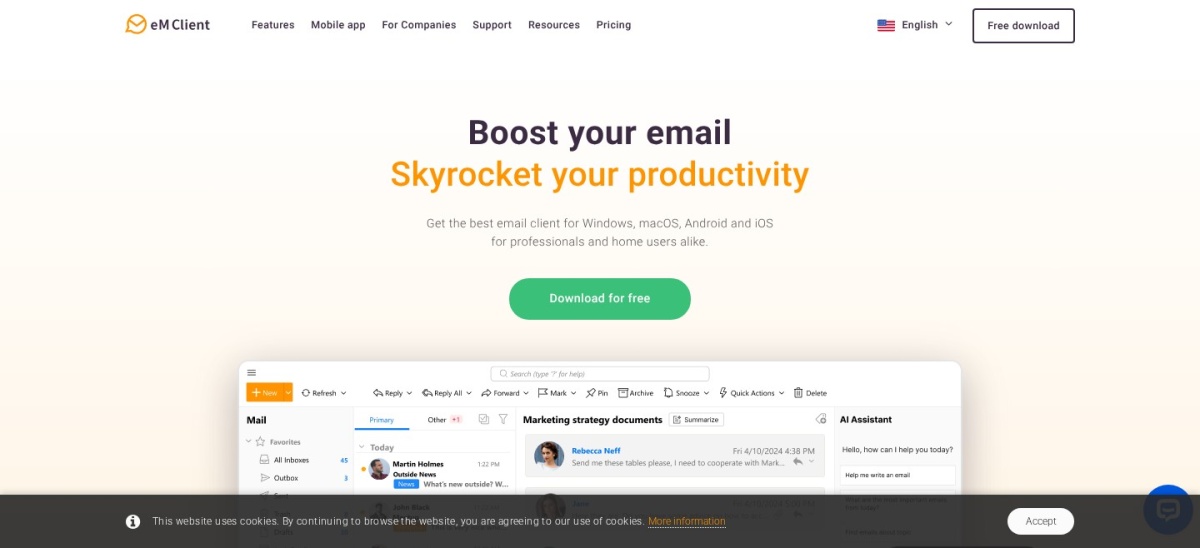
eM Client homepage
eM Client homepage, captured Nov 2026.

eM Client is a Windows and Mac client with mail, calendar, tasks and chat. eM Client Personal costs $40 a year, with mail, calendar, tasks, contacts and chat in one window and a free licence for personal use. It is rated 4.0/5 on G2 from 61 reviews.

The trade off is its G2 rating is 4.0/5 from 61 reviews. It suits Windows and Mac professionals who want an Outlook-style client without Microsoft 365.

What we like

  • Mail, calendar, tasks and chat in one app
  • Rated 4.0/5 on G2 from 61 reviews
  • Free plan included

Watch out for

  • Lowest G2 rating among the paid clients here
  • Costs rise as contacts, users or volume grow
Free licence for personal useVisit emclient.com
07

Proton Mail

4.6/5on G2 (495 reviews, checked Nov 2026)
Paid from$4.99/mo
Best for privacy
Cheapest paid planMail Plus, $4.99/mo
Free planYes
Rating4.6/5 on G2
UsersNot published
proton.me
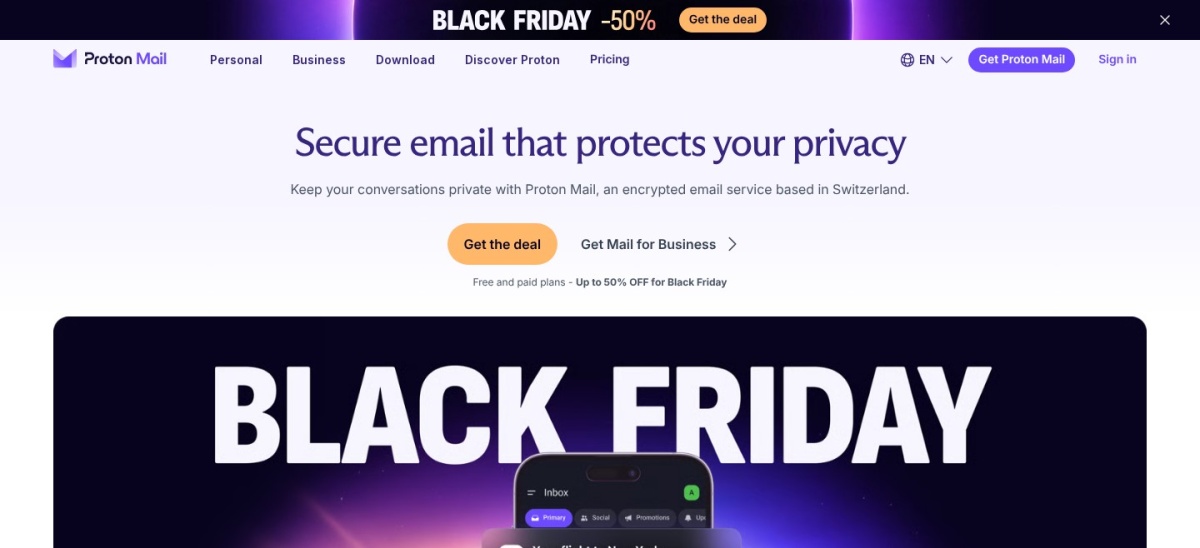
Proton Mail homepage
Proton Mail homepage, captured Nov 2026.

Proton Mail is privacy-focused email with end-to-end encryption. Proton Mail Plus costs $4.99 a month, with end-to-end encryption, a free plan with 500 MB of mail and a provider that cannot read your messages by design. It is rated 4.6/5 on G2 from 495 reviews.

The trade off is it works best inside the Proton ecosystem and has fewer integrations. It suits journalists, lawyers and anyone whose work needs encryption by design.

What we like

  • End-to-end encryption by design
  • Rated 4.6/5 on G2 from 495 reviews
  • Free plan included

Watch out for

  • Fewer integrations outside Proton
  • Costs rise as contacts, users or volume grow
Free plan with 500 MB includedVisit proton.me
08

Canary Mail

4.5/5on G2 (53 reviews, checked Nov 2026)
Starts at$25/yr
Best for AI plus privacy
Cheapest paid planPro, $25/yr
Free planNo, trial only
Rating4.5/5 on G2
UsersNot published
canarymail.io
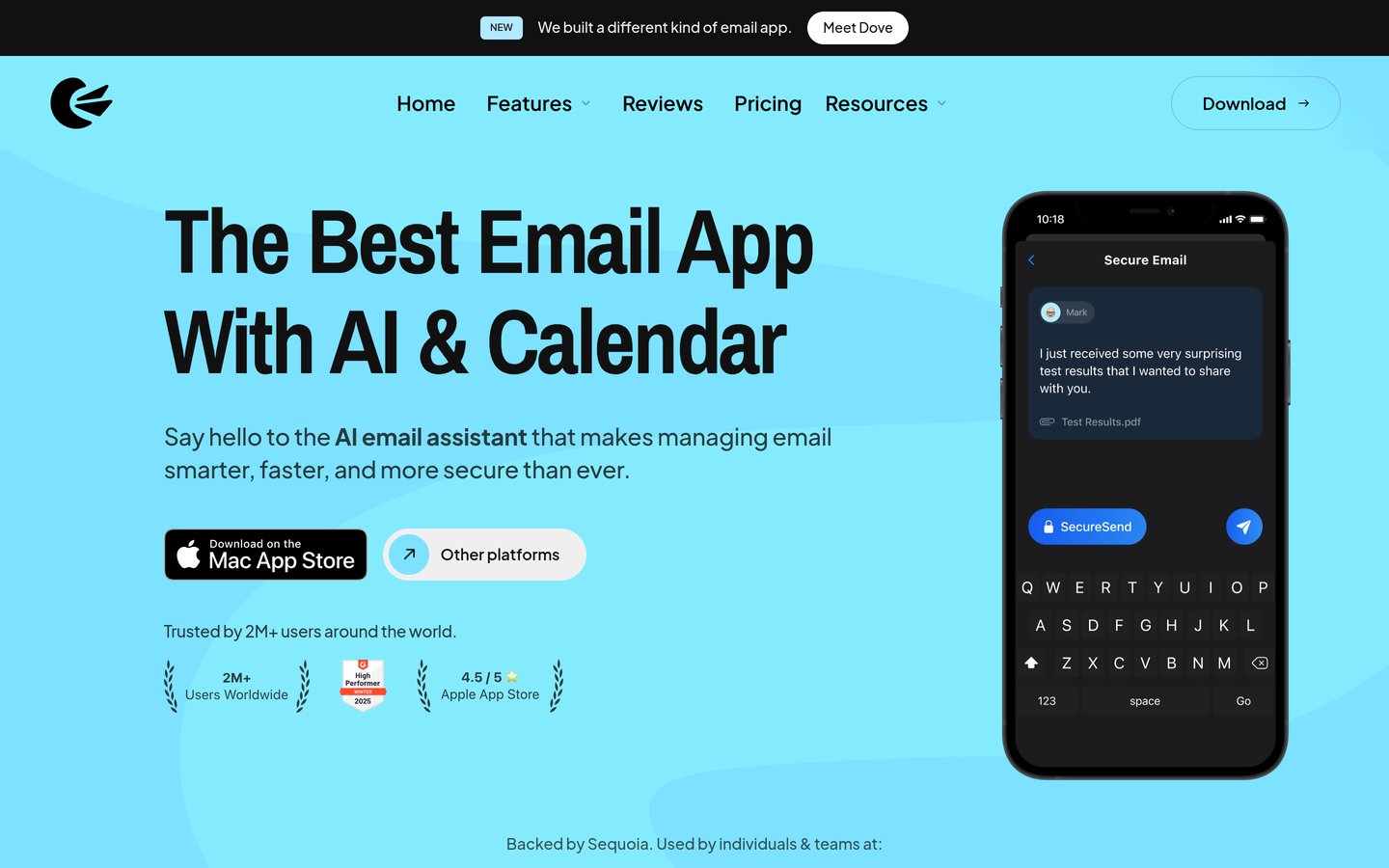
Canary Mail homepage
Canary Mail homepage, captured Nov 2026.

Canary Mail is a privacy-focused client with AI assistance. Canary Mail Pro costs $25 a year, with AI writing help, encryption and a clean inbox across Mac, iOS and Windows. It is rated 4.5/5 on G2 from 53 reviews.

The trade off is its G2 base is small at 53 reviews. It suits privacy-focused users who also want AI assistance in the inbox.

What we like

  • AI assistance with encryption
  • Rated 4.5/5 on G2 from 53 reviews
  • Published pricing with no hidden tiers

Watch out for

  • Small G2 review base at 53 reviews
  • Costs rise as contacts, users or volume grow
One-time purchase options availableVisit canarymail.io
09

Spike

4.6/5on G2 (261 reviews, checked Nov 2026)
Paid from$4/mo
Best chat-style inbox
Cheapest paid planPro, $4/mo per member
Free planYes
Rating4.6/5 on G2
UsersNot published
spikenow.com
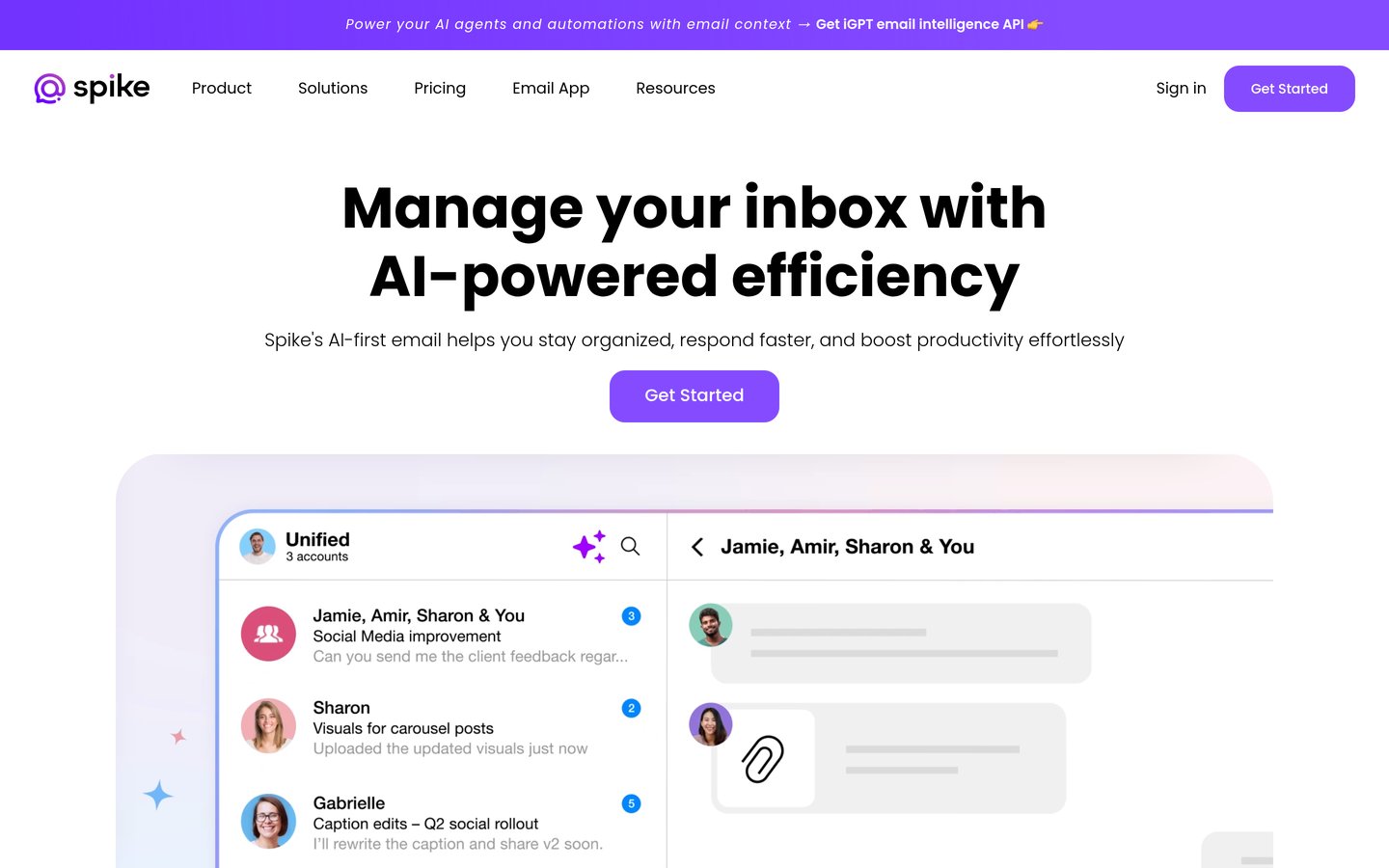
Spike homepage
Spike homepage, captured Nov 2026.

Spike is a conversational email client that feels like chat. Spike Pro costs $4 a month per member, turning email into chat-style conversations with reactions, threads and presence. It is rated 4.6/5 on G2 from 261 reviews.

The trade off is its chat style is not for everyone. It suits users who already think of email as conversations and want a messaging-style interface.

What we like

  • Chat-style inbox with reactions and threads
  • Rated 4.6/5 on G2 from 261 reviews
  • Free plan included

Watch out for

  • Chat style does not suit formal email
  • Costs rise as contacts, users or volume grow
Free plan availableVisit spikenow.com

Free vs paid email clients

Free clients like Thunderbird, Gmail and the basic Outlook cover mail, search and folders well. Most people should start there.

Paid clients sell time: Superhuman for speed, Spark for teamwork, Proton Mail for privacy. Each is worth it only if you feel the pain it removes.

Superhuman at $30 a month is ten times a basic Workspace plan. It earns its price only for heavy users.

How we chose

We started from the established tools in this category, then kept those with a published price or a clear quote route and a verifiable rating on G2.

Prices come from each vendor's pricing page, checked on 23 November 2026. Ratings and review counts come from G2 on the same day. Where a vendor page renders its prices in JavaScript, the figure rests on a November 2026 read of that page and is flagged in the notes. Where a price is quote-based, the list says so instead of guessing a figure.

We left out tools with no verifiable rating. No vendor paid for a place, and we do not claim hands-on testing for this list.

How to choose email client software

Start with what you already use, then fill the gaps with one main tool.

  1. Check what you already pay for. Many suites include a basic version of this tool. Do not buy a second copy of what you own.
  2. Pick one main tool. Two tools doing the same job create duplicate data and double bills. Choose one and learn it well.
  3. Test the free plan or trial first. Import a small list and run one real workflow before moving everything over.
  4. Check the price at your real volume. Most of these tools charge by contacts, users or sends, so price the plan at the size you will reach in a year.

FAQ

What is the best email client software?

Microsoft Outlook is the strongest pick for most buyers in this list. It combines a high G2 rating with a published price and a free plan or trial, so most teams can start without a sales call.

Do I need a paid plan to start?

No. Most tools here offer a free plan or a 14-day trial that covers the core features. Start free, run one real workflow, and pay only when the limits bite.

Why do prices rise so fast?

Most of these tools charge by contacts, users or sends. A list that doubles in size can double the bill, so check the price at the size you expect in a year, not today.

Can I switch tools later?

Yes, but moving lists, templates and automations takes time. Export your contacts and templates before you cancel, and run the old and new tools side by side for a month.

Is a free plan enough?

For a small list or a single user, often yes. Free plans usually cap contacts, sends or automation steps, so growing teams outgrow them within a year.

What should I check before buying?

Check the price at your real volume, the rating on G2, whether the free plan covers your main workflow, and whether the vendor publishes its price or hides it behind a sales call.

Sources we checked (9)

  1. G2 review listings
  2. Microsoft Outlook
  3. Superhuman pricing
  4. Spark pricing
  5. Thunderbird
  6. Gmail
  7. eM Client pricing
  8. Proton Mail pricing
  9. Canary Mail
WL
WPLegible Editors

We compare WordPress plugins, themes and hosting using public pricing, documentation and user reviews. See how we rank.

Related guides

All Email & SMS marketing guides →