Best Email Software for PC in 2026: 9 Apps Compared
WLWPLegible EditorsLast verified 23 Nov 2026How we rank12 min read
★ Short answer
Rambox is the best email software for PC, rated 4.7 out of 5 on G2 from 85 reviews, though it wraps webmail in a desktop window rather than being a native client. For a free native client, Thunderbird is the pick at 4.3 from 340 reviews.
How we make this list: we compare pricing pages, product documentation and public user reviews, then re-check every price before each update. No product paid for a place. Disclosure.
Rambox leads this list with 4.7 out of 5 on G2, though it wraps webmail rather than running a native mail engine.
Thunderbird is the best free native client, rated 4.3 from 340 reviews, and it is free and open source.
Microsoft Outlook is the best pick for Microsoft 365 users, at 4.5 from about 3,470 reviews, with desktop Outlook from $12.50 a user a month.
Canary Mail is the cheapest paid AI client, at $3 a month on annual billing, with a free plan for unlimited accounts.
Postbox was excluded: eM Client acquired it in October 2024 and stopped selling and developing it.
What to look for in email software for PC
Email software for PC means a desktop app that runs on your computer, not a browser tab. It stores mail locally, works offline, and usually bundles a calendar, contacts and tasks.
The choice splits two ways. Native clients like Outlook, Thunderbird and eM Client run their own mail engine, while workspace apps like Rambox and Shift wrap Gmail, Outlook and other web apps in one desktop window.
Free is a real option here. Thunderbird is free and open source, BlueMail is free, and Rambox, Shift, Spark and Canary Mail all have free plans. Paid plans mostly add multi-account features, AI tools and team workspaces.
Check the Windows version first. Most clients here need Windows 10 or 11, and a few features, like Outlook desktop, only come with a paid Microsoft 365 plan.
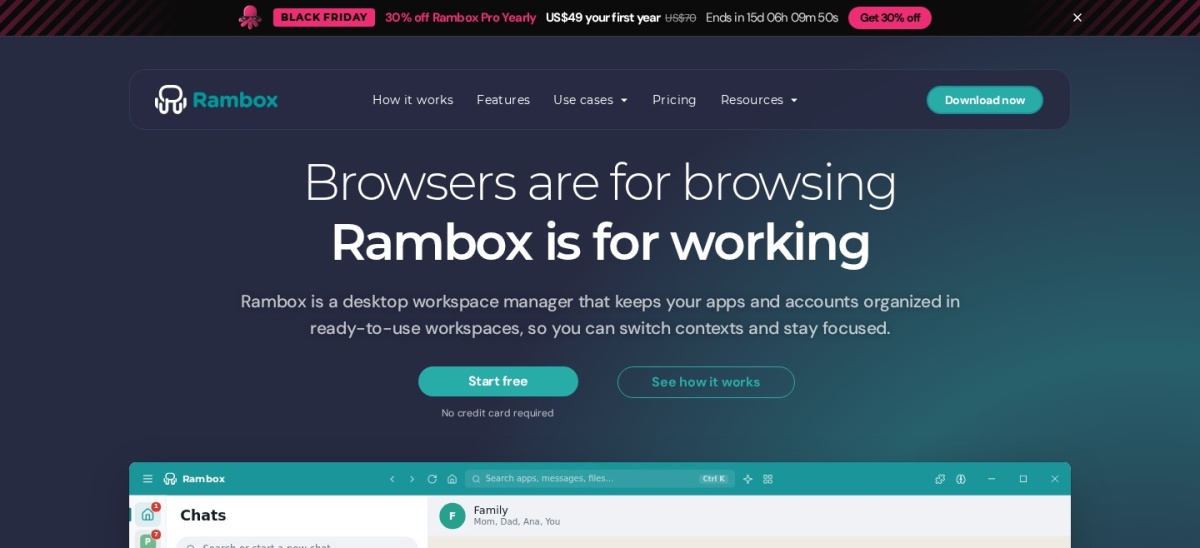
Rambox is a workspace app that runs Gmail, Outlook, Slack and 700-plus other web apps inside one desktop window, with workspaces, sessions and multi-login. It is rated 4.7 out of 5 on G2 from 85 reviews, the highest in this list, and Pro costs $7 a month or $70 a year, with a $210 lifetime option.
The trade off is that Rambox is a wrapper, not a native mail client. It runs web apps in panels, so offline mail is limited and it uses more memory than a native app. It suits people who juggle many accounts and apps in one window.
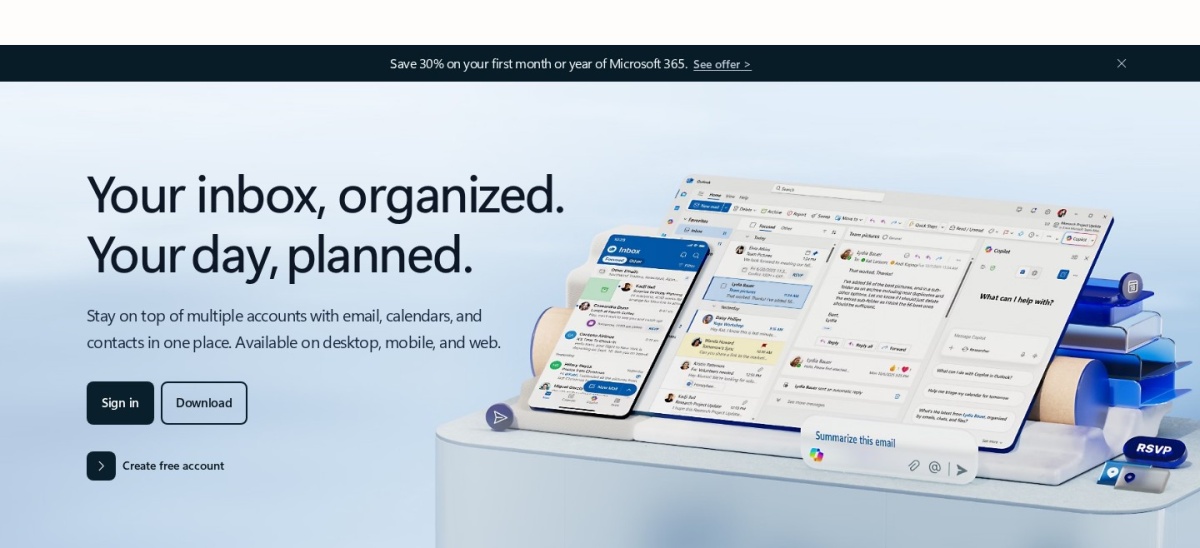
Microsoft Outlook is the desktop email, calendar, contacts and tasks app that comes with Microsoft 365. It is rated 4.5 out of 5 on G2 from about 3,470 reviews, the largest review base in this list, and it integrates with Teams, Word, Excel and SharePoint.
The trade off is price and weight. Desktop Outlook needs Microsoft 365 Business Standard at $12.50 per user a month, since the $6 Business Basic plan is web-only, and large mailboxes can make the app feel slow. It suits organisations that already run on Microsoft 365.
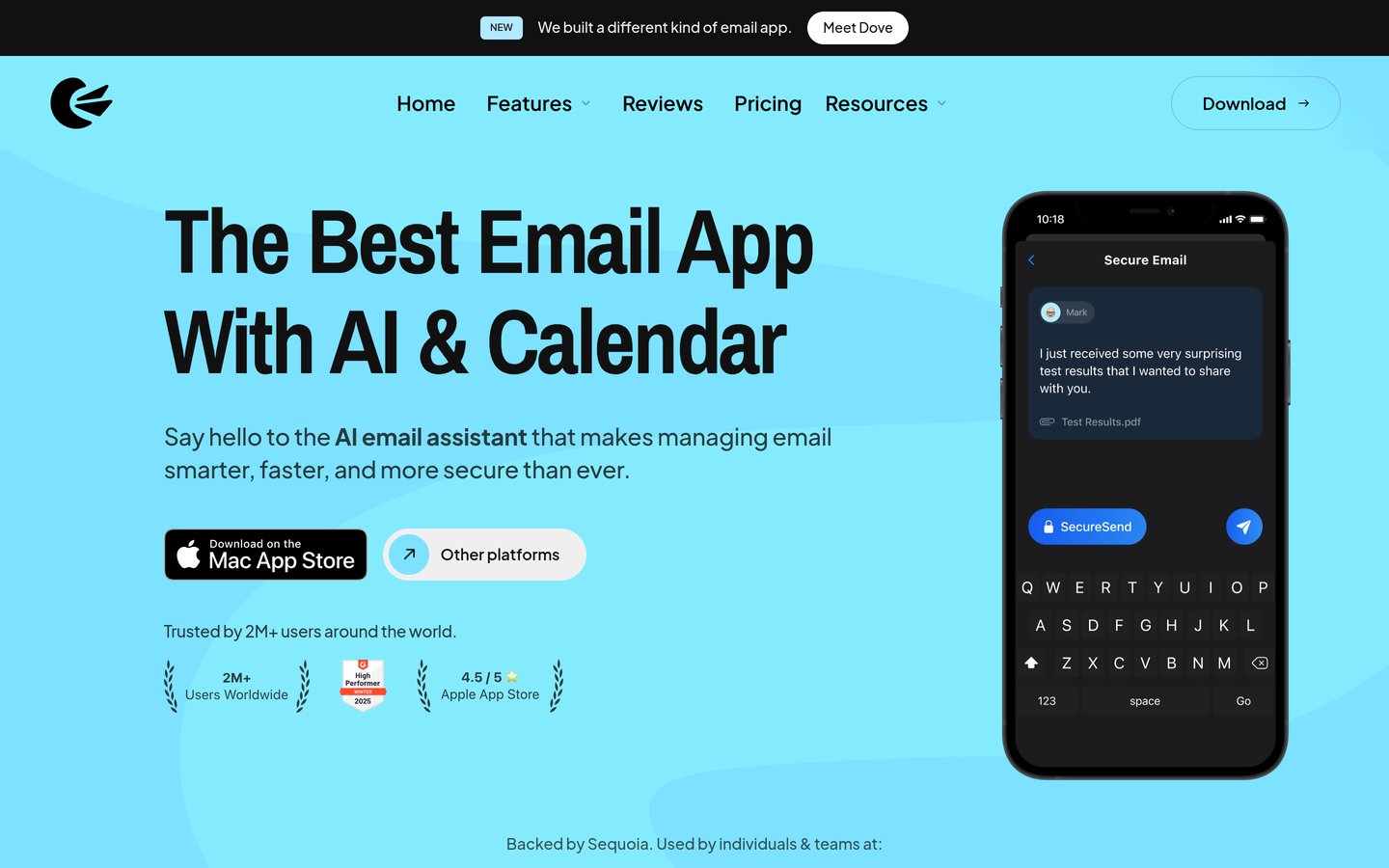
Canary Mail is a desktop and mobile email client with a unified inbox for Gmail, Outlook, iCloud, Exchange and IMAP, plus an AI Copilot that summarises mail and drafts replies. It is rated 4.5 out of 5 on G2 from 53 reviews, and Growth costs $36 a year, about $3 a month, with a free plan for unlimited accounts.
The trade off is the thin review record. Trustpilot rates it 3.5 from 18 reviews, with bugs and slowness among the complaints, and all billing is yearly. It suits one person who wants cheap AI mail features on Windows and mobile.
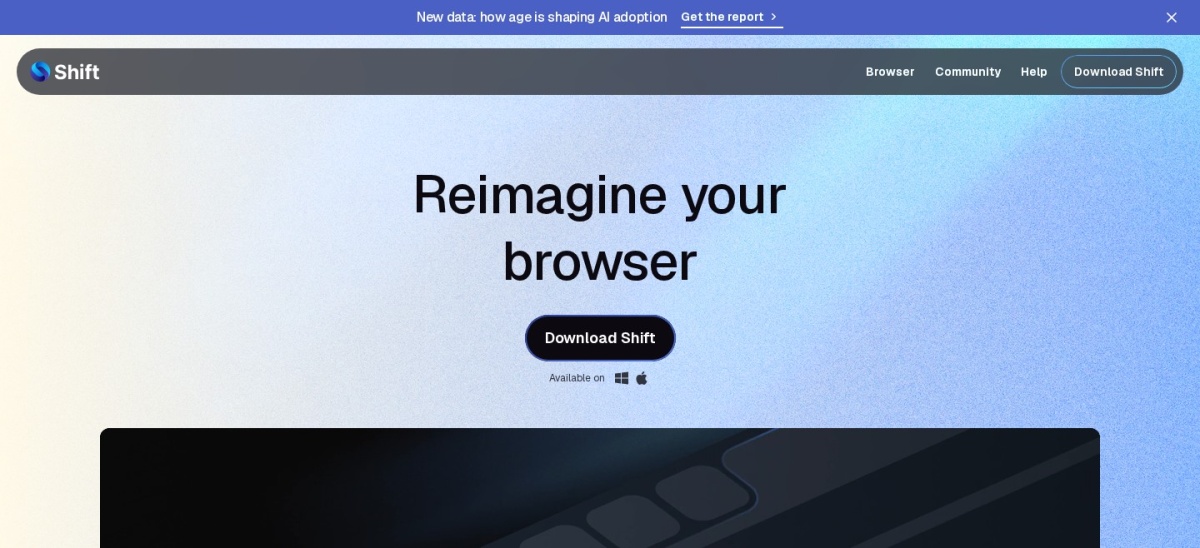
Shift is a desktop app that pulls Gmail, Outlook, Slack and 1,500-plus web apps into one window, with Spaces that keep each client or project separate. It is rated 4.4 out of 5 on G2 from 263 reviews, and Advanced costs $199.99 a year, with a free Basic plan for two email accounts.
The trade off is the price. Advanced is the most expensive plan in this list, and recent reviewers note price rises that make it less affordable for solo users. It suits freelancers and agencies who manage many client accounts in one window.
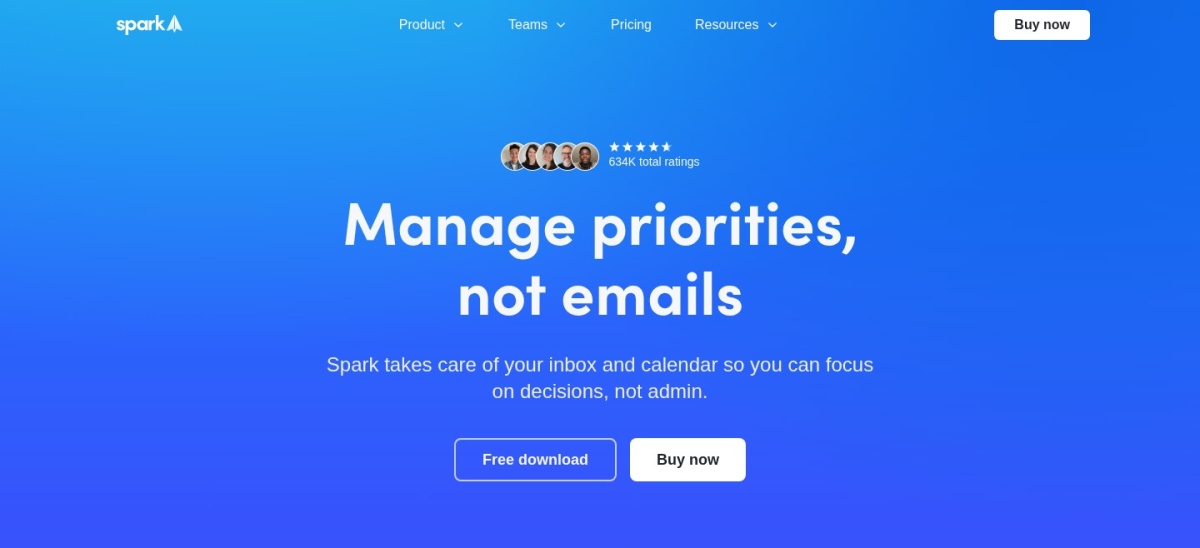
Spark is a mail app with a Smart Inbox that separates people from newsletters, plus snooze, send later, reminders, a calendar and an AI assistant. It runs on Windows, Mac, iOS and Android, is rated 4.4 out of 5 on G2 from 61 reviews, and Plus costs $10 a month, with a free plan that covers unlimited accounts.
The trade off is the review record. Trustpilot rates Spark 2.1 from 33 reviews, with crashes, sync failures and lost mail among the complaints, and the AI features sit behind a monthly quota. It suits people who want a smart, sorted inbox on a free plan.
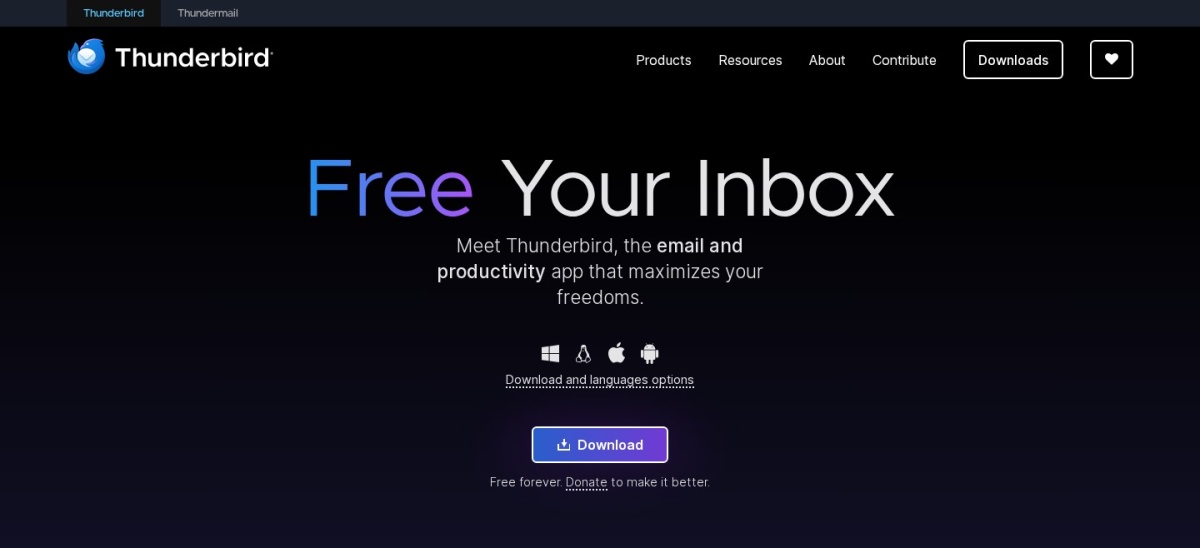
Mozilla Thunderbird is a free, open-source email client for Windows, Mac and Linux, with unlimited accounts, a calendar, contacts, powerful filters and hundreds of add-ons. It is rated 4.3 out of 5 on G2 from 340 reviews, the second-largest review base in this list.
The trade off is the interface, which reviewers call dated, and calendar sync that can need add-ons and tinkering. Exchange support also needs an add-on. It suits anyone who wants a free, private desktop client with no subscription.
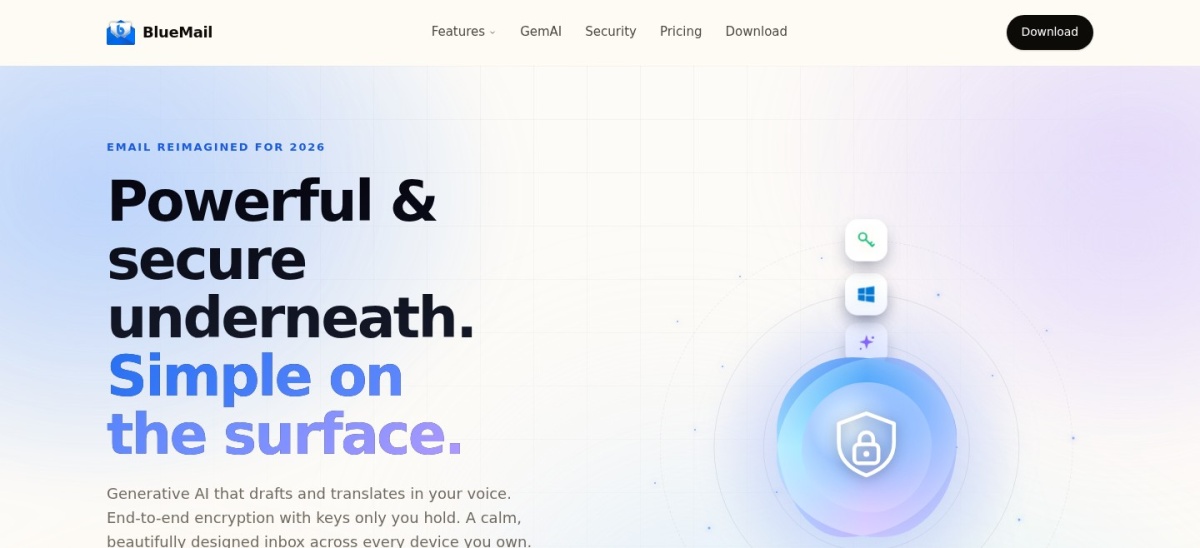
BlueMail is a free email client for Windows, Mac, iOS and Android, with a unified inbox, a modern interface and support for Gmail, Outlook, Yahoo, iCloud and IMAP. It is rated 4.3 out of 5 on G2 from 53 reviews, and the free version is enough for many users.
The trade off is the thin review base and an unverified Pro price. BlueMail sells a Pro plan, but we could not confirm its current price on the vendor site today, so we list the free plan only. It suits people who want a clean, modern client without paying.
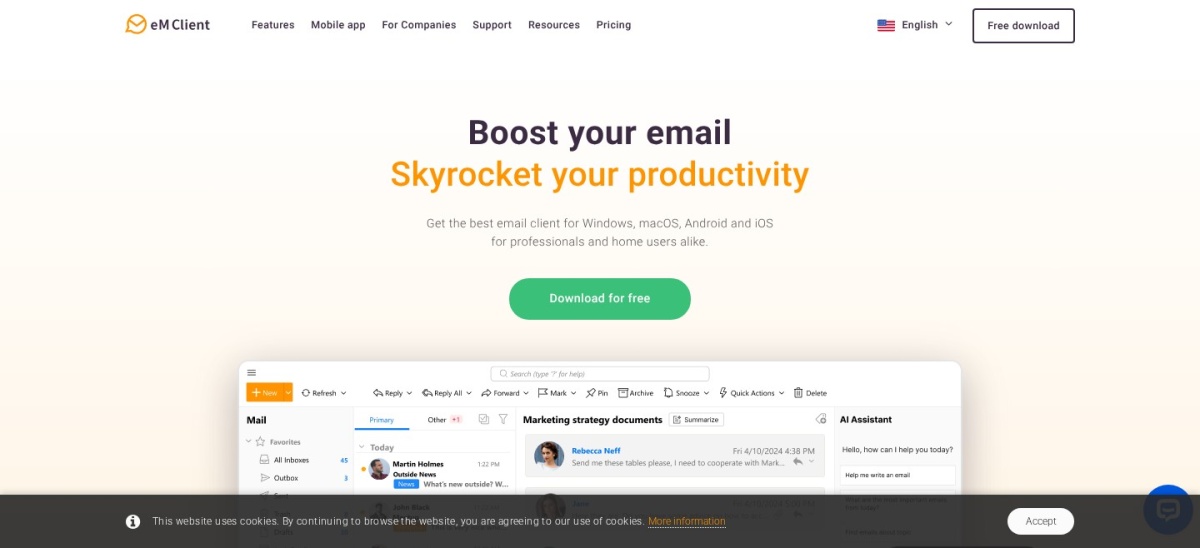
eM Client is a Windows and Mac email client with email, calendar, contacts, tasks and chat in one app, plus snooze, send later, mass mail and translation. It is rated 4.0 out of 5 on G2 from 61 reviews, and Pro costs $49.95 as a one-time licence for individuals, with a free plan for two accounts.
The trade off is the free cap and the currency confusion. The free plan covers only two accounts for non-commercial use, and G2 lists Pro at 34.95 euros while its own narrative quotes $49.95. It suits Outlook users who want a one-time licence instead of a subscription.
What we like
Closest Outlook alternative here
One-time licence, no subscription
Email, calendar, tasks and chat in one app
4.0 out of 5 on G2 from 61 reviews
Watch out for
Free plan covers only 2 accounts
Price listed in euros on G2, $49.95 in its narrative
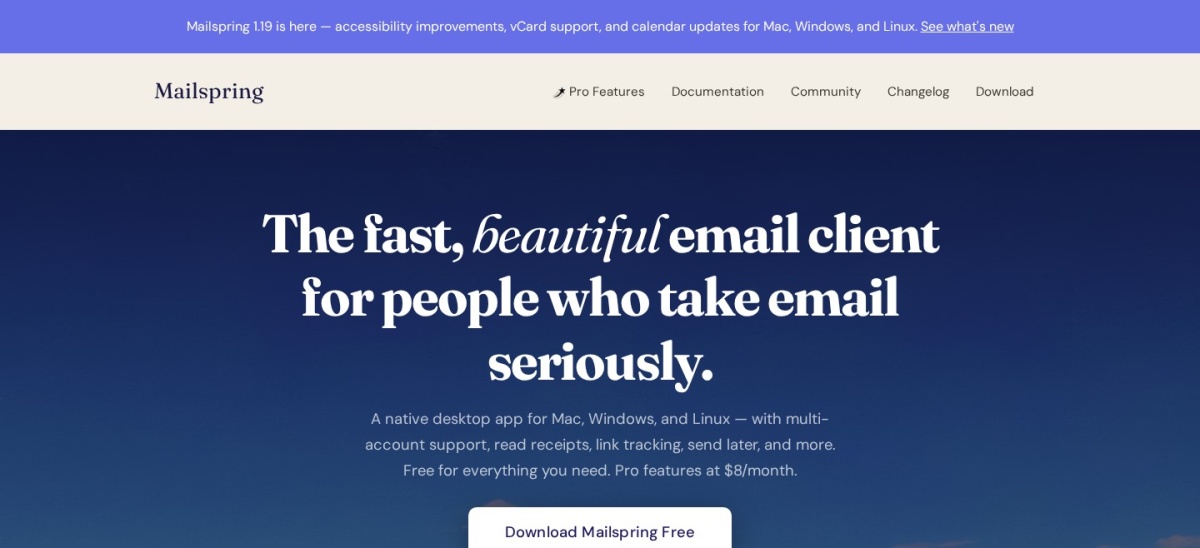
Mailspring is a fast, open-source desktop client for Windows, Mac and Linux, with a unified inbox, Gmail-style search, read receipts, link tracking, send later and snooze. It is rated 3.8 out of 5 on G2 from 18 reviews, and Pro costs $8 a month, with a free plan for unlimited accounts.
The trade off is the thin review base and the weak Pro value. Pro only lifts weekly caps on features the free plan already includes, and there is no mobile app and no Exchange or POP3 support. It suits desktop users who want read receipts and link tracking cheaply.
Export before you move. Most clients export mail as .eml or .mbox files, and Outlook exports to .pst. Keep a copy of the export on an external drive until the new client has synced everything.
Add one account at a time. Import the first account, check that folders, sent mail and attachments all arrived, then add the next. Bulk imports hide errors.
Keep the old client installed for a month. If a folder is missing or a rule did not transfer, you can still open the old app and copy the mail across.
Rebuild rules by hand. Filters and rules rarely transfer between clients, so screenshot your rules in the old client before you uninstall it.
How we chose
We started from the desktop email clients with G2 ratings, then kept nine that run on Windows 10 or 11 and cover native clients, workspace apps and free open-source options.
Prices come from each vendor's G2 pricing listing or independent checks of the vendor's own pricing page in October and November 2026, and are regular rates. Ratings and review counts come from G2 on 23 November 2026.
Three prices need care: Shift's $199.99 a year and Canary Mail's $36 a year are annual-only, eM Client's Pro is a one-time licence, and G2 lists eM Client's price in euros at 34.95 while its own narrative quotes $49.95. Postbox was excluded because eM Client acquired it in October 2024 and stopped selling it. No vendor paid for a place, and we do not claim hands-on testing for this list.
How to choose email software for PC
Start with how you read mail, then with how many accounts you run.
List your accounts first. Count every mailbox you need: work, personal, shared. A client with a 2-account free cap will force an upgrade on day one.
Try the free plan for a week. Thunderbird, BlueMail, Rambox, Shift, Spark and Canary Mail all have free plans. Use one for a week with your real mail before paying.
Check offline behaviour. Open the client with Wi-Fi off. A good desktop app shows your mail and lets you draft replies; a wrapper app shows a blank window.
Test search on a big mailbox. Search for a message from two years ago. Native clients index mail locally and answer in seconds; wrappers depend on the web app behind them.
FAQ
What is the best email software for PC?
Rambox is the best pick, rated 4.7 out of 5 on G2 from 85 reviews. It wraps Gmail, Outlook and other web apps in one desktop window. For a native client, Microsoft Outlook leads at 4.5 from about 3,470 reviews.
What is the best free email software for PC?
Mozilla Thunderbird is the best free pick, rated 4.3 out of 5 on G2 from 340 reviews. It is free and open source, with unlimited accounts, a calendar and add-ons. BlueMail is also free, rated 4.3 from 53 reviews.
Is Microsoft Outlook free on PC?
The Outlook desktop app is not free on its own. It comes with a Microsoft 365 plan, from $12.50 per user a month on Business Standard. The new Outlook for Windows and Outlook on the web are free with a Microsoft account.
What is the best Outlook alternative for Windows?
eM Client is the closest Outlook alternative, with email, calendar, contacts, tasks and chat in one app for a $49.95 one-time Pro licence. Thunderbird is the best free alternative, and Rambox suits people who live in webmail.
Does Thunderbird work on Windows 11?
Yes. Thunderbird runs on Windows 10 and 11, as well as macOS and Linux. It is free and open source, supports IMAP, Gmail, Outlook.com and Exchange through add-ons, and stores mail locally.
Which email client is best for multiple accounts?
Shift and Rambox are built for multiple accounts, with workspaces that keep each account separate. Shift costs $199.99 a year for Advanced, Rambox Pro costs $7 a month. Thunderbird and Mailspring also handle unlimited accounts for free.
Is Spark good for Windows?
Spark runs on Windows, Mac, iOS and Android, with a Smart Inbox that separates people from newsletters. It is rated 4.4 out of 5 on G2 from 61 reviews, with a free plan and Plus at $10 a month. Its Trustpilot score is low at 2.1 from 33 reviews, so read recent reviews before paying.