Outlook is the best pick for most Windows users, free as an app and full-featured with Microsoft 365, while Thunderbird is the best free open-source client. We compared nine Windows email clients on price, account support, AI features and public ratings, with prices checked on 25 November 2026.
How we make this list: we compare pricing pages, product documentation and public user reviews, then re-check every price before each update. No product paid for a place. Disclosure.
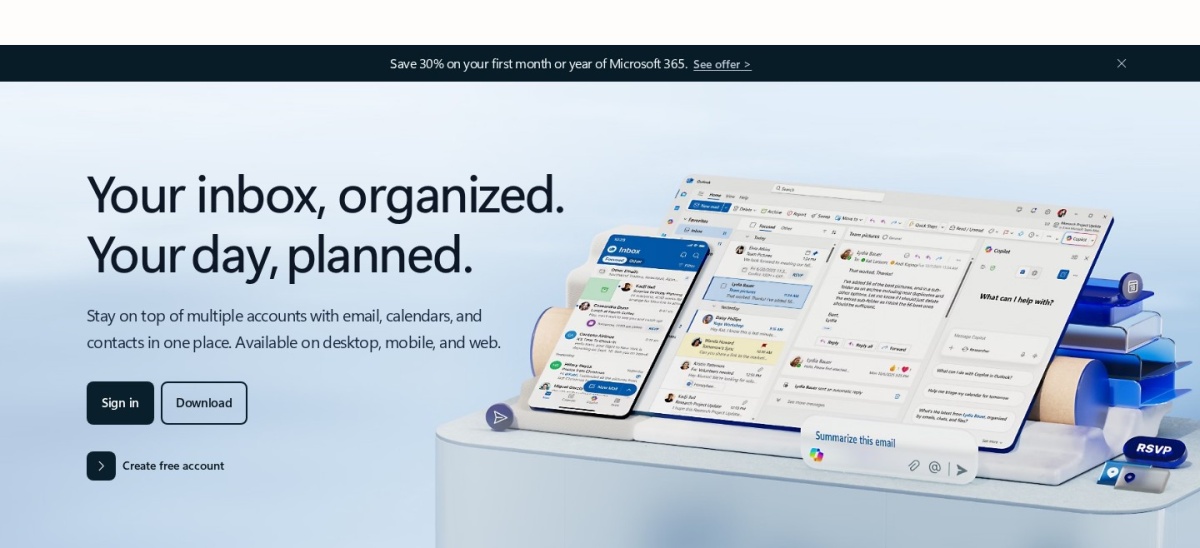
Outlook is the best pick for most Windows users, free as an app and full-featured with Microsoft 365 Personal at $9.99 a month.
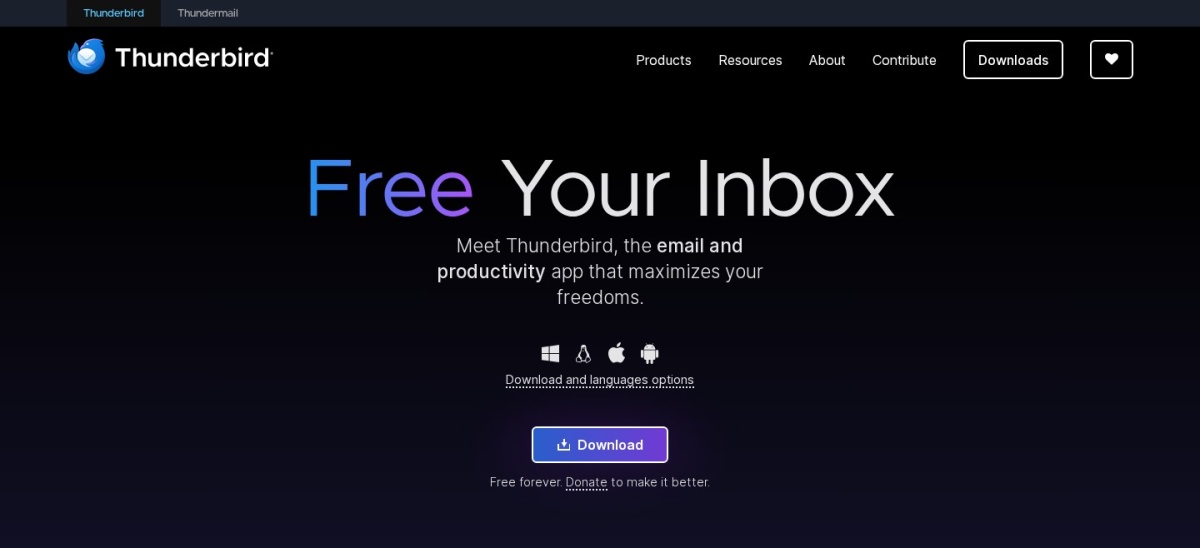
Thunderbird is completely free and open source, with unlimited accounts and no ads or tracking.
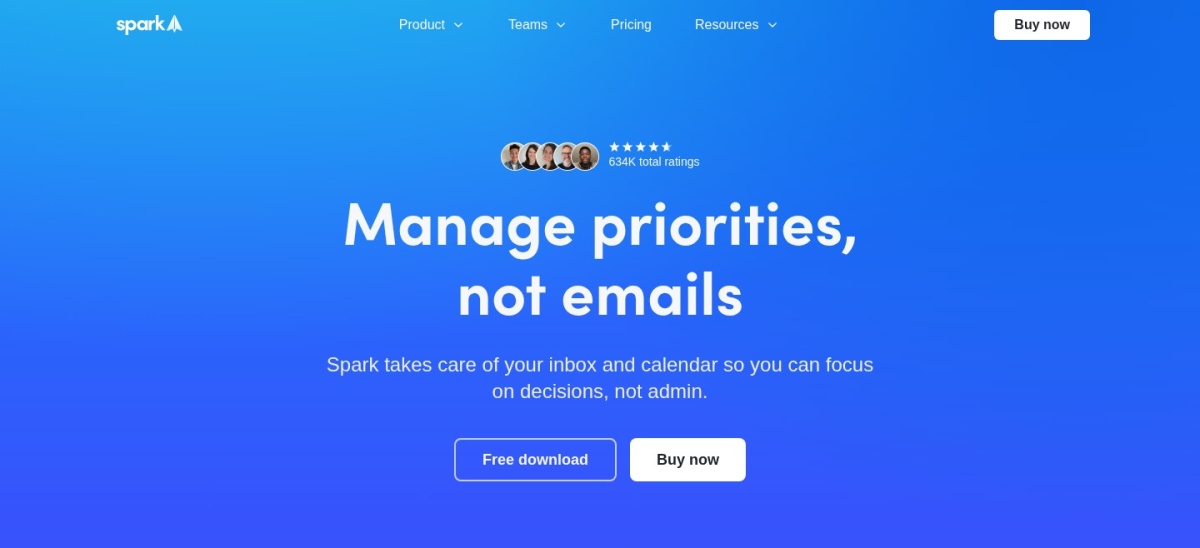
Spark Plus is $8.25 a user a month on annual billing, with the best team inbox here.
Superhuman has the highest G2 rating at 4.7, but costs $30 a month with no free plan.
Canary Mail, Spike and BlueMail all have free plans, with paid plans from $36 a year.
What to look for in an email client for Windows
Windows users have the widest choice of email clients anywhere, from the Outlook app that ships with Windows to free open-source clients and premium AI tools. The right pick depends on how many accounts you juggle, whether you live in Microsoft 365, and how much you want to pay.
Free plans are genuinely useful here. Thunderbird costs nothing at all, the Outlook app is free, and Spark, Canary Mail, Spike, Mailspring and BlueMail all offer free plans with unlimited accounts. Paid plans mostly add AI features, team tools and more accounts, so try the free tier first.
Watch the account limits before you pay. eM Client's free plan stops at two accounts, Spike's at one address, and Canary Mail's at two devices, while Outlook, Thunderbird and Spark cover unlimited accounts free. Our guide to email security software covers the tools that keep those accounts safe.
Outlook is the email client most Windows users already have, with mail, calendar, contacts and tasks in one window and deep Microsoft 365 integration. The free app covers mail and calendar with Focused Inbox and sweep rules, and the full classic desktop apps come with Microsoft 365 Personal at $9.99 a month.
The trade off is the split between the free app and the classic desktop client. The new Outlook for Windows is free but still misses features long-time users expect, and Copilot AI needs a subscription. It suits anyone who lives in Microsoft 365.
Thunderbird is the free, open-source email client from Mozilla, and the only tool here that asks for nothing: no account, no subscription, no ads and no tracking. It handles unlimited accounts, local folders, offline mail, calendars and tasks, with OpenPGP encryption built in and add-ons for the rest.
The trade off is polish. The interface looks dated next to Spark or Superhuman, setup takes more clicks, and there is no AI writing or summarising. It suits anyone who wants a capable free client without a subscription.
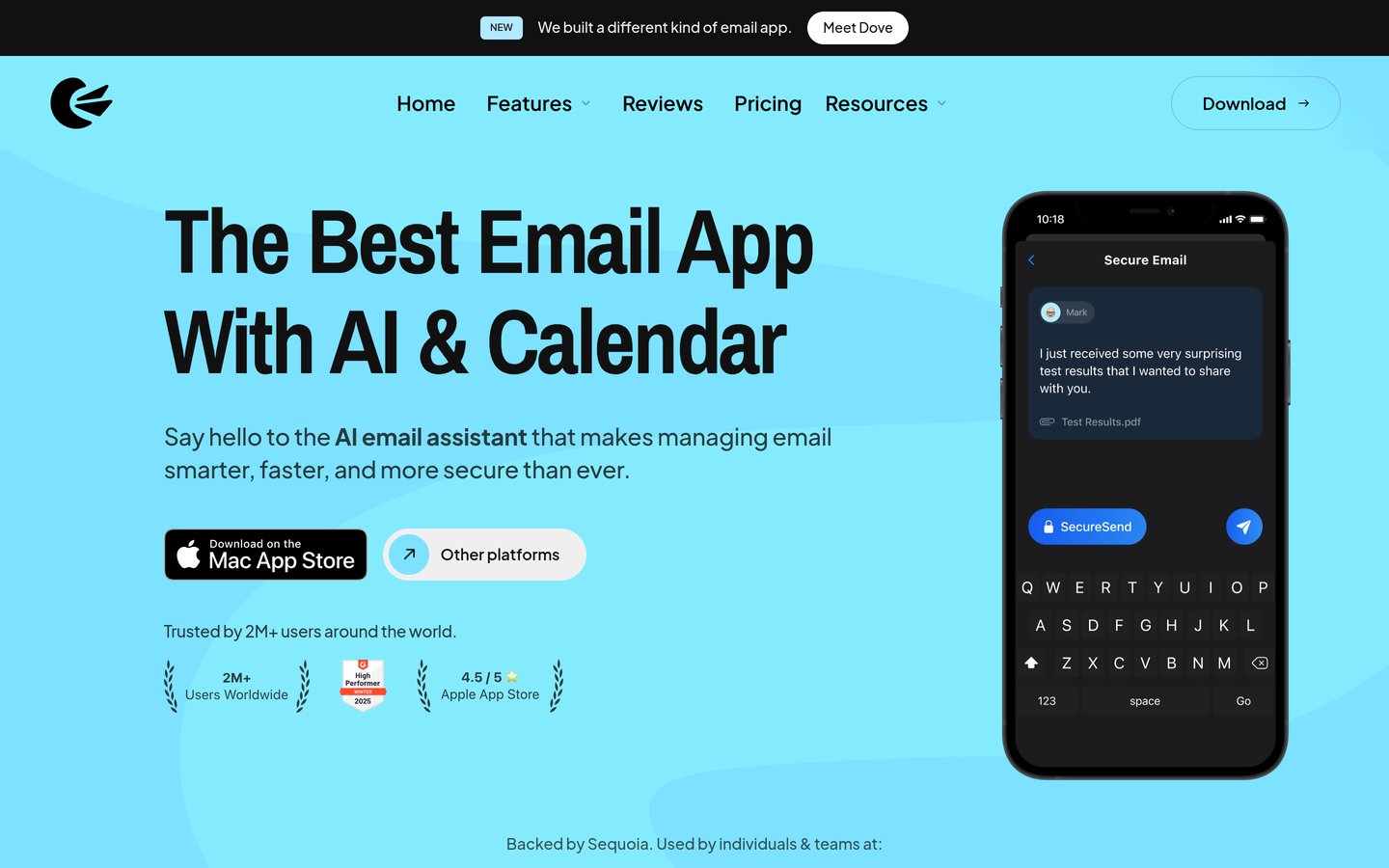
Spark is the polished cross-device email client with a Smart Inbox that floats real people to the top and buries newsletters, plus shared inboxes, private comments and assignments for teams. The free plan covers unlimited accounts, Smart Inbox, snooze and send later, and Plus adds Spark +AI from $8.25 a user a month.
The trade off is that the best features are paid. AI writing, meeting notes and team tools live on Plus and Pro, and the G2 review base is small at 61 reviews. It suits cross-device users and small teams that share an inbox.
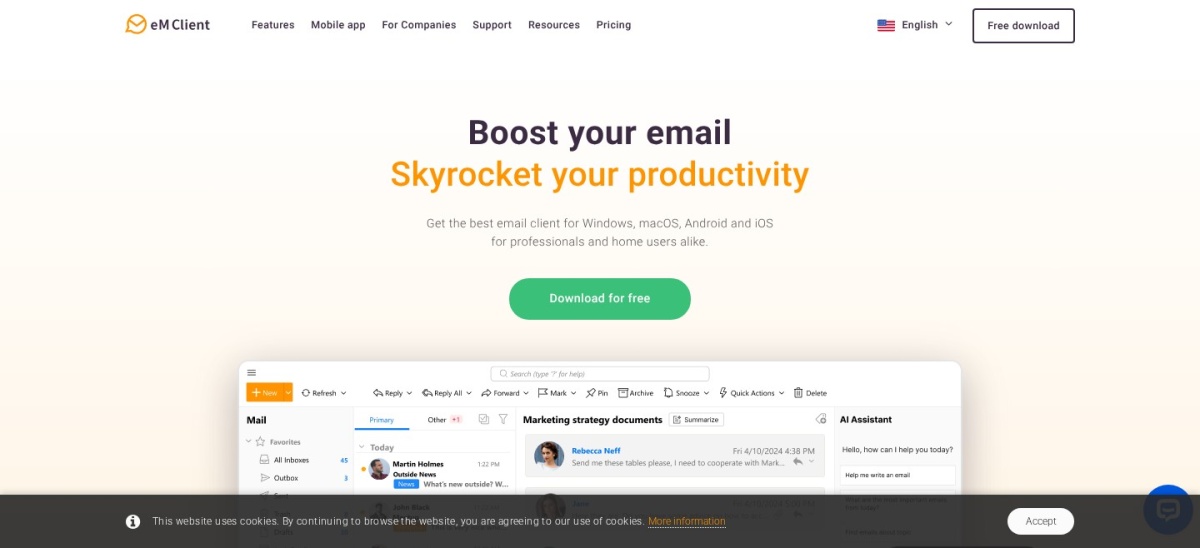
eM Client is a polished Windows and Mac client with mail, calendar, tasks, contacts and chat in one window, the closest thing to Outlook without the Microsoft subscription. The free plan covers two accounts for personal use, and the Personal subscription costs $40 a year with unlimited accounts on up to three devices.
The trade off is the free plan limit and the per-device licensing. Two accounts on one device is enough for personal mail but not for professionals, and there is no Linux version or web client. It suits Windows professionals who want Outlook depth without Microsoft 365.
Superhuman is the keyboard-first email client built for people who process more than 100 emails a day, with split inbox triage, snippets, send later and AI drafting. It works with Gmail and Outlook accounts on Windows, Mac, iOS and Android, and its G2 rating of 4.7 from more than 15,000 reviews is the highest here.
The trade off is the price. At $30 a month with no free plan it costs more than every other client here, and it only works with Gmail and Outlook accounts. It suits executives and founders who can put a dollar value on inbox time.
Canary Mail is the privacy-first email client with a unified inbox, AI sorting and tracker blocking, and no server-side account holding your mail. The free plan covers unlimited accounts on up to two devices, Growth at $36 a year adds the AI Copilot, and Pro+ at $100 a year adds PGP and SecureSend encryption.
The trade off is the yearly-only billing and the small review base. There is no monthly subscription, and the G2 rating rests on around 40 reviews. It suits privacy-minded users who want AI sorting without a server-side account.
Spike is the email client that turns email into chat-style conversations and adds notes, tasks, video calls and team groups in the same window. The free plan covers one email address with Spike AI, and Pro at $6 a user a month adds a unified inbox for three addresses, unlimited search history and priority support.
The trade off is the free plan limit and the chat-first style. One address is not enough for most people, and the conversational view does not suit everyone. It suits small teams that want email, chat and calls in one place.
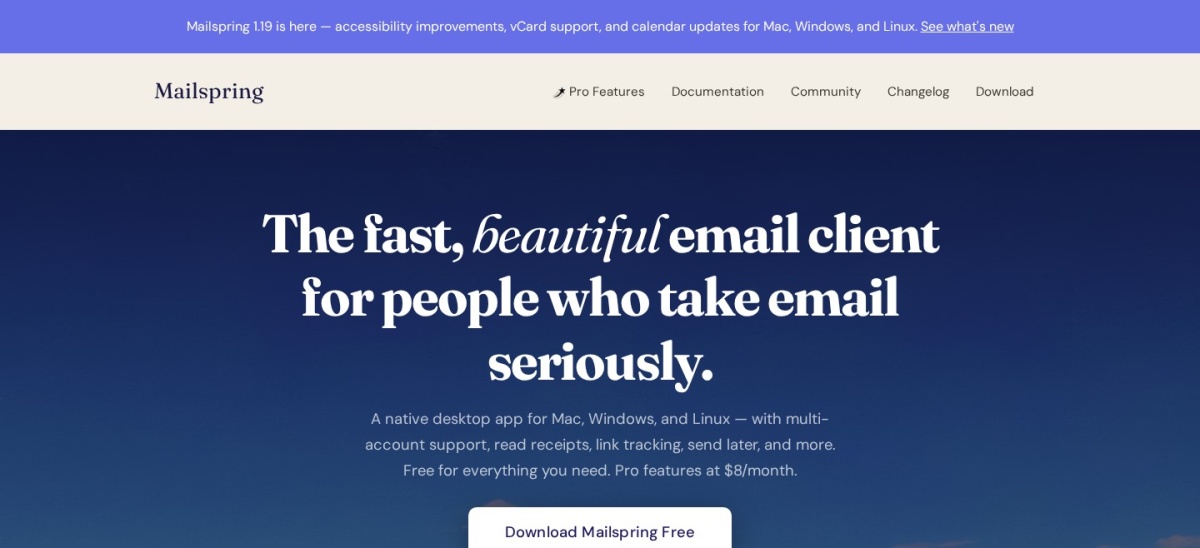
Mailspring is a fast, lightweight desktop client with a unified inbox, indexed search and mail rules, and it is free with unlimited accounts. Pro at $8 a month adds read receipts, link tracking, send later, snooze and follow-up reminders, with weekly caps on those features in the free plan.
The trade off is the thin review base and weak Exchange support. The G2 rating rests on 18 reviews, and it is a poor fit for Exchange-heavy workplaces. It suits IMAP-heavy setups that want speed without a subscription.
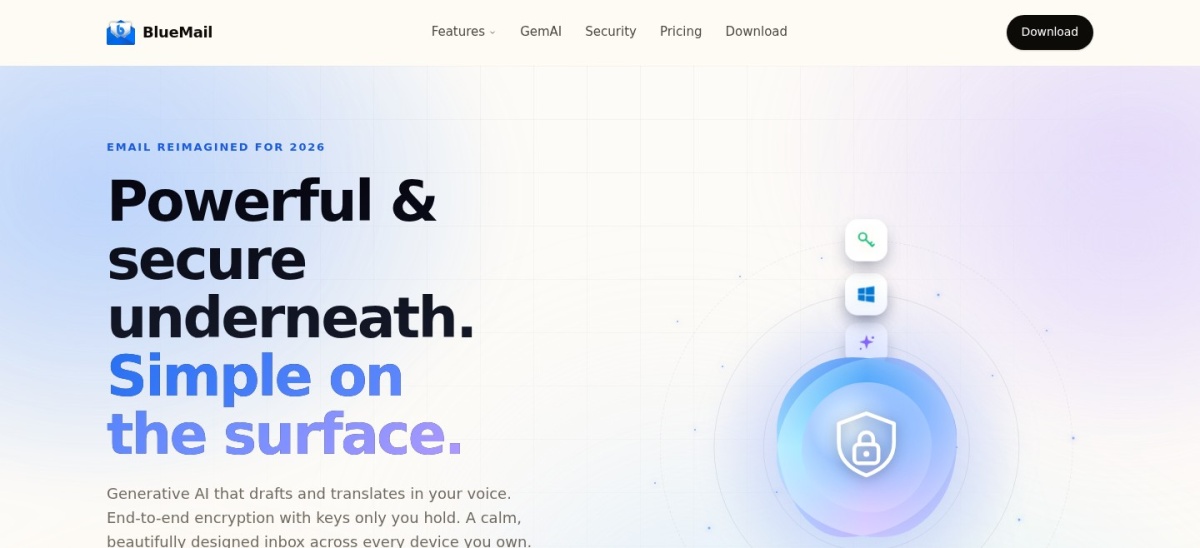
BlueMail is a free email client on every platform with a unified inbox, calendar and PGP encryption, and its Plus plan adds AI writing and summaries for $35.99 a year. It handles unlimited accounts with no ads, which makes it one of the cheapest ways to get AI features in a desktop client.
The trade off is the review base and the price confusion. The G2 rating rests on around 50 reviews, and app stores show different prices from the website, so check the channel you buy through. It suits budget buyers who want AI on every platform.
Thunderbird is free forever with no paid tier at all, and the Outlook app is free with the full desktop apps behind a Microsoft 365 subscription. Both cover mail and calendar with no account limit, which is enough for most personal use.
Spark, Canary Mail, Spike, Mailspring and BlueMail keep their core inbox free and charge for AI, team features and extra accounts. The cheapest paid plans here are Canary Mail Growth at $36 a year and BlueMail Plus at $35.99 a year.
Superhuman is the exception: $30 a month with no free plan. It only pays for people who process more than 100 emails a day and can put a dollar value on inbox time.
How we chose
We started from the email clients with a Windows app and a G2, Capterra or Trustpilot listing, and kept those with a verifiable rating and a real desktop product, covering free, mid-priced and premium options.
Prices come from each vendor's pricing page, checked on 25 November 2026. Outlook, Spark, Canary Mail and Spike prices were read on their official pricing pages. Ratings and review counts come from G2 on the same day. Where a vendor shows a first-year discount, the list shows the regular price.
We left out tools with no verifiable rating on G2, Capterra or Trustpilot. No vendor paid for a place, and we do not claim hands-on testing for this list.
How to choose an email client for Windows
Count your accounts first, then match the client to the way you actually use email.
Count your accounts first. Check how many email addresses you need in one inbox, because free plans cap accounts: two on eM Client, one address on Spike, unlimited on Thunderbird, Outlook and Spark.
Check your provider. Superhuman works only with Gmail and Outlook accounts, and Mailspring is weak for Exchange-heavy workplaces, so confirm your provider is supported before paying.
Try the free plan with real mail. Load your busiest account on the free tier for a week and test search, snooze and send later before committing to a paid plan.
Decide if AI is worth paying for. AI writing and summaries live on paid plans in Spark, Canary Mail and BlueMail, while Thunderbird has none at all, so weigh the monthly cost against the time saved.
FAQ
What is the best email client for Windows?
Outlook is the best pick for most Windows users, free as an app and full-featured with Microsoft 365, with the widest integrations and a 4.5 out of 5 G2 rating from more than 3,500 reviews. Thunderbird suits anyone who wants a free open-source client.
Is there a free email client for Windows?
Yes. Thunderbird is completely free and open source, the Outlook app is free, and Spark, Canary Mail, Spike, Mailspring and BlueMail all have free plans. Superhuman is the only tool here with no free plan at all.
How much does Outlook cost?
The Outlook app is free on Windows, Mac, mobile and the web. The full classic desktop Outlook comes with Microsoft 365 Personal at $9.99 a month or $99.99 a year, which also adds Word, Excel and 1 TB of cloud storage.
Which email client is best for multiple accounts?
Thunderbird, Outlook and Spark all cover unlimited accounts on their free plans, which makes them the best picks for juggling several inboxes. eM Client's free plan stops at two accounts and Spike's at one address, so both need a paid plan for more.
Is Thunderbird still good in 2026?
Yes. Thunderbird is still actively developed, free and open source, with unlimited accounts, offline mail, calendars and tasks, and OpenPGP encryption built in. Its 4.3 out of 5 G2 rating comes from 340 reviews, and the interface is its main weakness.
What is the cheapest paid email client for Windows?
BlueMail Plus at $35.99 a year and Canary Mail Growth at $36 a year are the cheapest paid plans here, both with AI features. Spark Plus costs $99 a year, eM Client Personal $40 a year, and Superhuman is the dearest at $30 a month.
SaaS SEO and WordPress specialist with about 8 years of experience. Rakib compares WordPress plugins, themes, hosting and software using public pricing, documentation and user reviews. See how we rank.