Google Calendar is the best calendar software for most people. It is free with any Google account, syncs across every device, and is rated 4.7 out of 5 on G2. Pick Outlook if your work runs on Microsoft 365, and Reclaim if you want AI to protect focus time.
How we make this list: we compare pricing pages, product documentation and public user reviews, then re-check every price before each update. No product paid for a place. Disclosure.
Google Calendar is free and rated 4.7 out of 5 on G2, with paid Workspace plans from $7 per user a month.
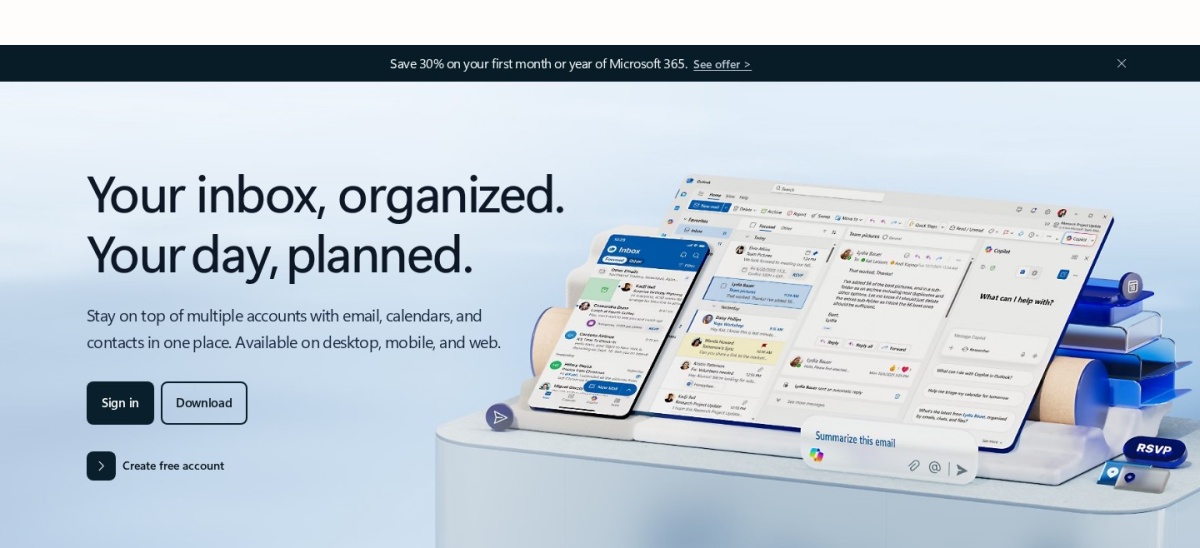
Outlook is free on the web and rated 4.5 out of 5 on G2 from 3,547 reviews, with desktop Outlook from $6 a month.
Reclaim is the highest-rated AI scheduler here at 4.8 out of 5 on G2, with a free Lite plan and Starter at $10 a month.
Proton Calendar has the cheapest paid plan in this list at $47.88 a year, and Fantastical costs $57 a year billed yearly.
Motion and Morgen are the priciest picks at $19 and $15 a month, and neither has a free plan, only a trial.
What to look for in calendar software
A calendar is the one app almost everyone opens every day. The best one is usually the one your team and your email already use, because shared calendars and invites only work when everyone is on the same system.
Start with the basics: free or cheap entry, apps for web and phone, shared calendars, and invites that work with Google, Outlook and iCloud accounts.
AI scheduling is the main split in this list. Google Calendar and Outlook keep it simple, while Reclaim, Motion and Morgen plan tasks and protect focus time for you, at a monthly price.
Privacy is the other split. Most calendars in this list sync through Google or Microsoft servers. Proton Calendar encrypts event details end to end, which suits people who treat their schedule as private.
Google Calendar is the calendar most people already have, free with any Google account. It covers shared calendars, reminders, tasks, video meeting links through Meet, and one appointment booking page, and it syncs across web, Android and iOS without setup.
The trade off is that it is plain. Advanced booking pages, payment collection and Gemini help sit behind Google Workspace, which starts at $7 per user a month billed yearly. It suits anyone on Gmail who wants a free calendar that simply works.
Microsoft Outlook is the calendar your email lives in, free on the web and mobile with an Outlook.com account. It includes shared calendars, a scheduling assistant for finding meeting times, categories, and 15 GB of mailbox storage, with Teams meetings and To Do tasks in the same app.
The trade off is that the full desktop app needs a paid plan. Microsoft 365 Business Basic starts at $6 per user a month billed yearly, and free users see ads. It suits offices already running on Microsoft 365.
Reclaim is an AI scheduler that sits on top of Google Calendar or Outlook and manages the calendar for you. It defends focus time blocks, auto-schedules tasks, adds travel and break buffers, and reschedules everything when meetings move. The free Lite plan includes one habit, one scheduling link and unlimited tasks.
The trade off is that it needs a separate task app to work well, since it does not capture tasks itself. Starter costs $10 per user a month billed yearly and adds unlimited focus time and more links. It suits people whose weeks are eaten by meetings.
What we like
Highest G2 rating in this list
Free Lite plan with no card needed
Works on Google Calendar and Outlook
Auto-reschedules when meetings move
Watch out for
Needs a separate task manager
Smart Meetings with 3+ people cost extra
Starter adds unlimited focus time and more scheduling linksVisit reclaim.ai
04
Fantastical
4.4/5on G2 (18 reviews, checked Nov 2026)
Paid from$4.75/mo
Best calendar for Apple users
Free planYes, core calendar features
Paid planPremium, $4.75/mo billed yearly
Natural languageType events in plain words
PlatformsMac, iOS, Windows, watch
flexibits.com
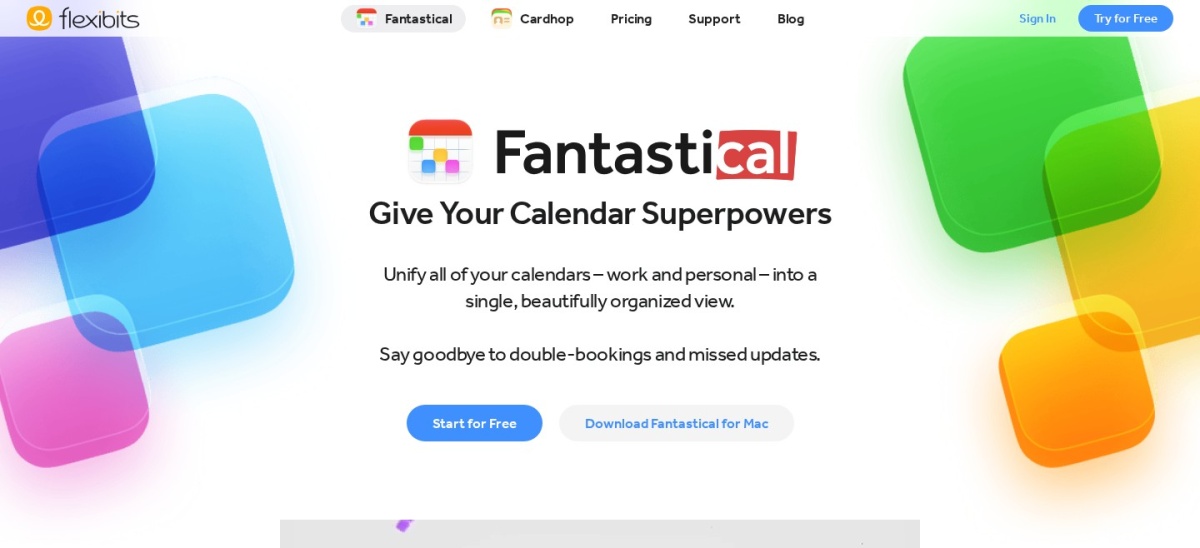
Fantastical homepage, captured Nov 2026.
Fantastical is a calendar app from Flexibits that puts Google, iCloud and Microsoft 365 calendars in one view. Type an event in plain words, such as lunch with Sarah Tuesday at noon, and it creates the event. The free version covers all views, tasks and widgets.
The trade off is the subscription. Premium costs $4.75 a month billed yearly, or $6.99 month to month, and adds the Watch app, travel time, booking links and polls. It suits Apple users who open their calendar all day.
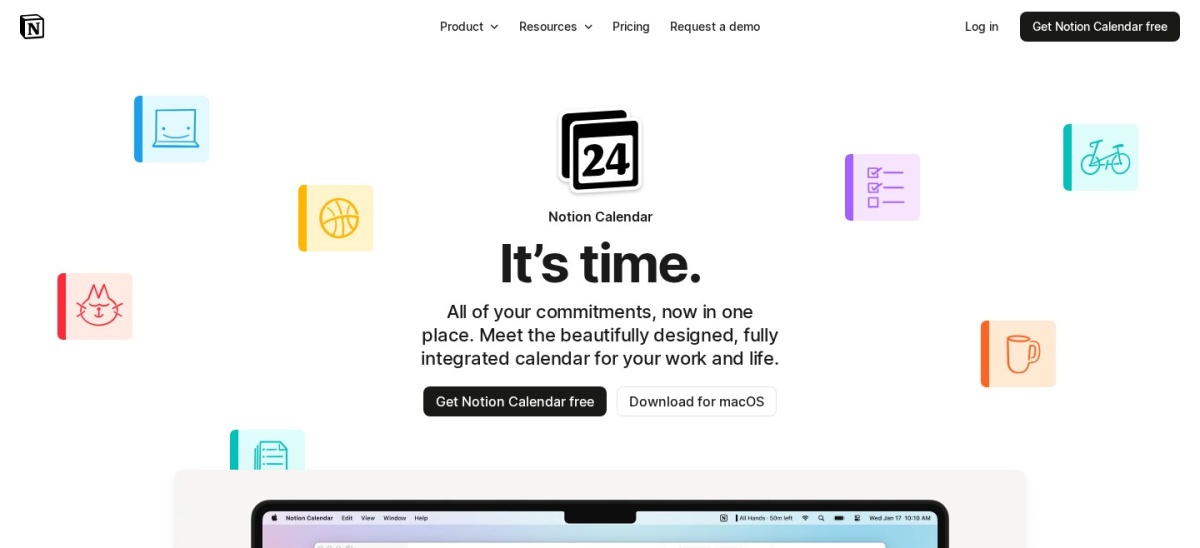
Notion Calendar is a free calendar app, formerly Cron, that shows Google, iCloud and Outlook calendars in one timeline. It puts dated items from Notion databases next to meetings, and includes scheduling links, side-by-side time zones and keyboard shortcuts. There is no paid tier for the calendar itself.
The trade off is that the phone apps are slimmer than the desktop app, with only 1- to 3-day views and no event search. It suits people whose work already lives in Notion and who want scheduling links without paying.
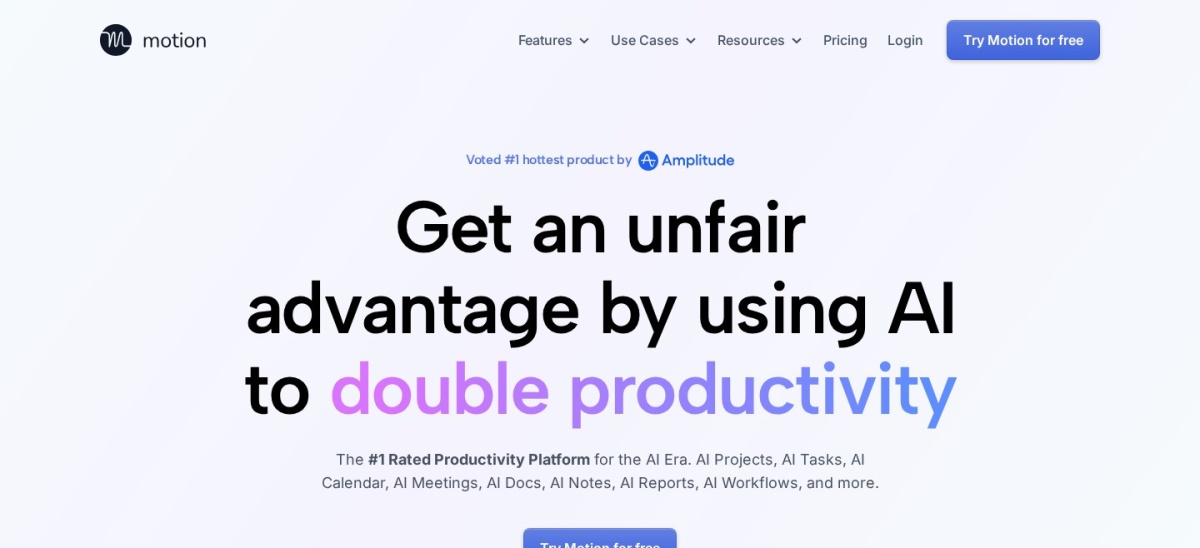
Motion is an AI planner that builds your day from tasks and deadlines, scheduling work around fixed meetings and reshuffling when things change. It bundles task management, project planning, docs, a calendar and an AI meeting notetaker in one workspace. Teams pay $19 per user a month billed yearly.
The trade off is price and lock-in. There is no free plan, only a 7-day trial, and solo users pay $29 a month billed yearly. It suits founders and managers whose days are fragmented by meetings and who will also replace their task manager with it.
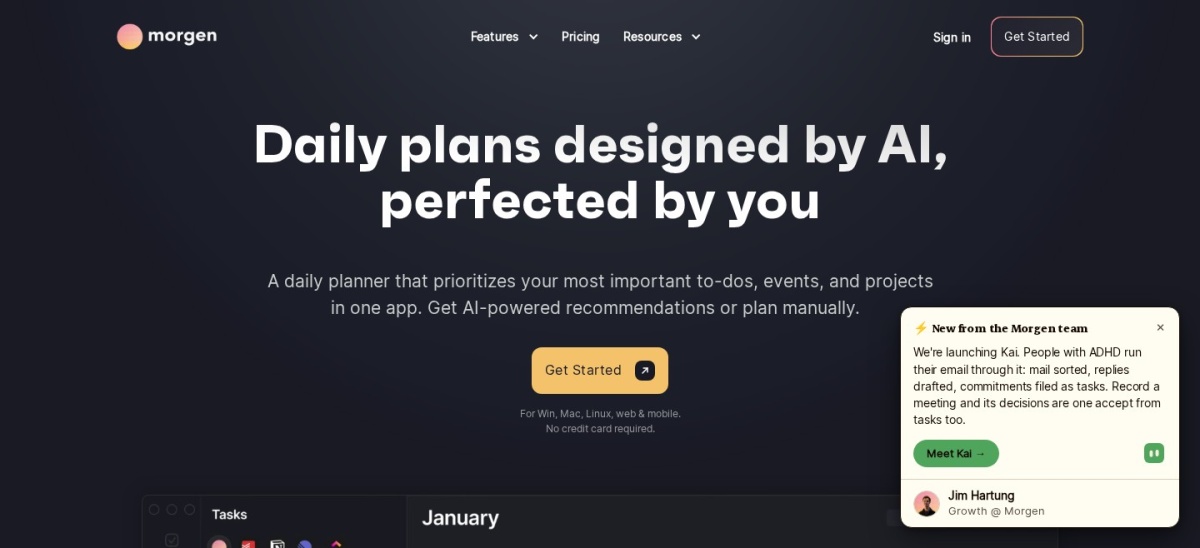
Morgen is a calendar-first planner that merges Google, Outlook, iCloud and other calendars into one view and pulls in tasks from Notion, Todoist, Linear and ClickUp. Its Planner suggests a daily plan you approve, and you drag tasks onto the calendar to time-block them. Individual costs $15 a month billed yearly.
The trade off is that there is no free plan, only a 14-day trial, and monthly billing doubles the price to $30 a month. It suits people juggling three or more calendars plus a task app who plan by dragging tasks onto the day.
What we like
Rated 4.8 out of 5 on G2
Merges many calendars in one view
Planner suggests a plan you approve
Works on Windows, Mac, Linux and mobile
Watch out for
No free plan, trial only
Monthly billing is $30 a month
Priced for heavy multi-calendar users
Team plans start at $10 per seat a month billed yearlyVisit morgen.so
08
Any.do
4.2/5on G2 (197 reviews, checked Nov 2026)
Paid from$4.99/mo
Best for daily planning in a calendar view
Free planYes, Personal plan
Paid planPremium, $4.99/mo billed yearly
Monthly price$7.99/mo billed monthly
My Day plannerDaily review each morning
any.do
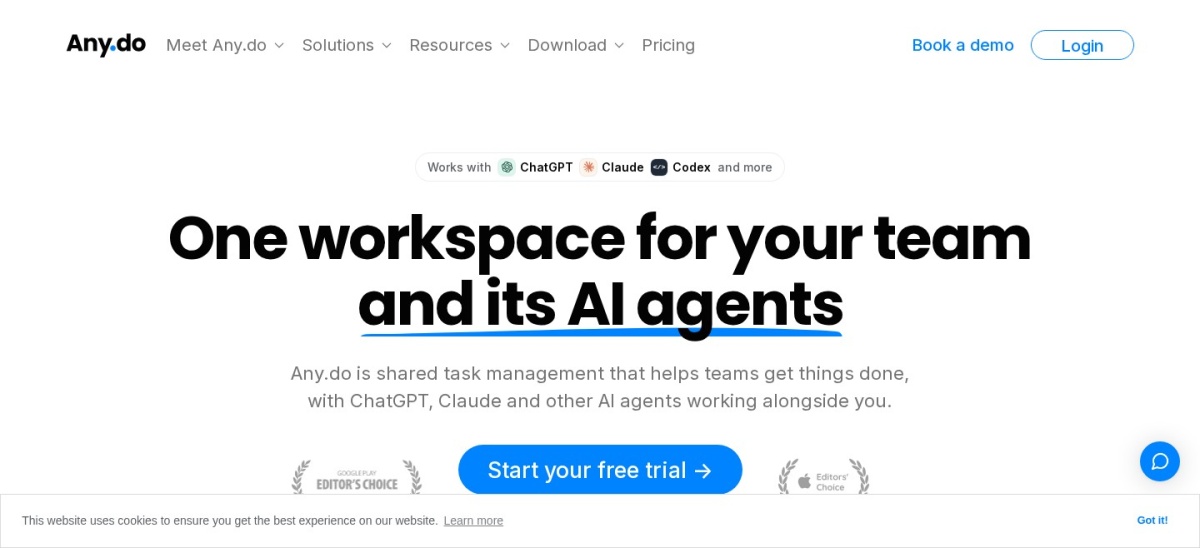
Any.do homepage, captured Nov 2026.
Any.do is a to-do list app with a built-in calendar, so tasks sit next to meetings in one view. Its My Day planner turns each morning into a short planning session, and it syncs with Google Calendar. The free Personal plan covers lists, reminders and the calendar.
The trade off is sharing. Premium costs $4.99 a month billed yearly and adds recurring tasks, color tags, location reminders and WhatsApp reminders, but it stays a solo plan. It suits people who plan each day in a calendar view.
What we like
Tasks and calendar in one view
My Day planner for daily planning
Free Personal plan
WhatsApp and location reminders on Premium
Watch out for
Premium is a solo plan, no sharing
Teams need a separate Teams plan
Premium adds recurring tasks and color tagsVisit any.do
09
Proton Calendar
4.4/5on G2 (132 reviews, checked Nov 2026)
Paid from$3.99/mo
Best calendar for privacy
Free planYes, 3 personal calendars
Paid planMail Plus, $3.99/mo billed yearly
EncryptionEnd-to-end encrypted events
PlatformsWeb, iOS, Android
proton.me
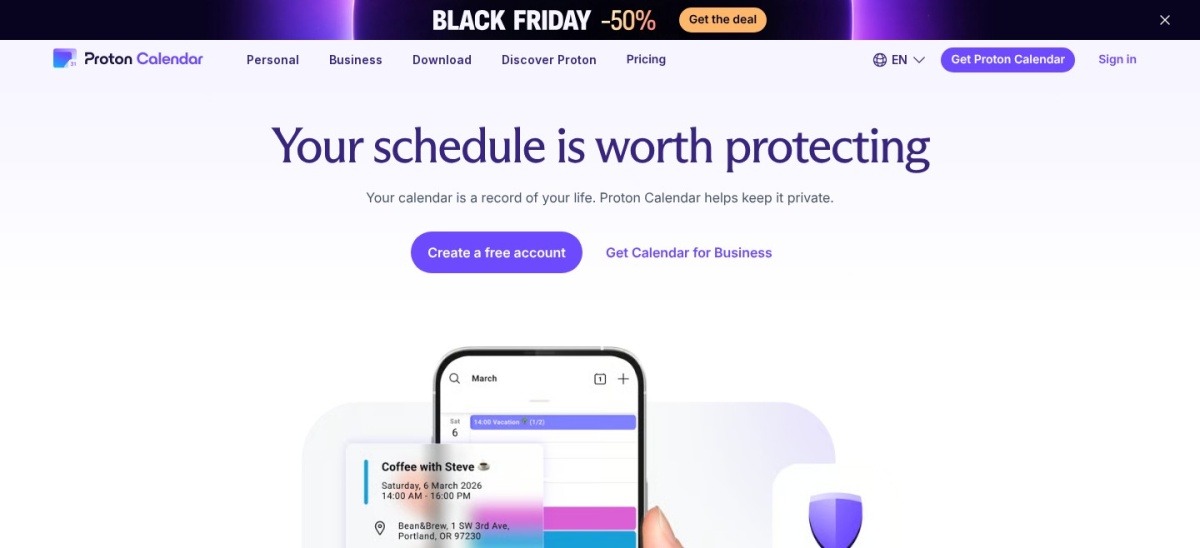
Proton Calendar homepage, captured Nov 2026.
Proton Calendar is the encrypted calendar from Proton, with event details protected end to end. The free plan includes 3 personal calendars and lets you send and receive invitations, and it works on web, iOS and Android. Mail Plus raises the limit to 25 calendars and adds sharing.
The trade off is features. It has fewer integrations than Google Calendar or Outlook, and the paid upgrade is bundled with Proton Mail rather than sold as a calendar alone. It suits people who treat their schedule as private data.
Free calendars cover the basics well. Google Calendar, Outlook, Notion Calendar and Proton Calendar all give you shared calendars and invites for nothing.
Paid plans mostly add AI scheduling and booking. Reclaim, Motion and Morgen plan your day for you, while Fantastical and Any.do charge for their best views and reminders.
If your calendar is only for meetings, a free plan is enough. Pay when meetings keep eating your focus time, or when you need booking pages for clients.
How we chose
We started from the most widely used calendar apps and AI schedulers, then kept 9 that are established, still sold, and available as a web or desktop app.
Prices come from each vendor's pricing page, checked on 24 November 2026. Ratings and review counts come from G2 on the same day. Where a vendor shows a sale, the list shows the regular price.
We left out booking-only tools already covered in a separate scheduling list. No vendor paid for a place, and we do not claim hands-on testing for this list.
How to choose calendar software
Start with the calendar your email and team already use, then add AI help only if meetings keep breaking your day.
Match your email system first. Gmail teams get the most from Google Calendar, Microsoft 365 teams from Outlook, and Notion users from Notion Calendar.
Check sharing and invites. Make sure shared calendars, invites and time zones work with the people you meet most, including anyone on another system.
Decide if you need AI scheduling. If focus time keeps disappearing, try Reclaim's free Lite plan before paying for Motion or Morgen.
Weigh privacy against integrations. Proton Calendar encrypts your events, but Google Calendar and Outlook connect to far more apps.
FAQ
What is the best calendar software?
Google Calendar is the best calendar software for most people. It is free with any Google account, syncs across every device, and is rated 4.7 out of 5 on G2, with paid Workspace plans from $7 per user a month.
Is Google Calendar really free?
Yes. Any personal Google account gets Google Calendar free, with shared calendars, reminders, tasks and one booking page. Paid Google Workspace plans start at $7 per user a month and add more booking pages and admin controls.
Which calendar is best for Microsoft 365 users?
Outlook is the best pick for Microsoft 365 users. It is free on the web and mobile, rated 4.5 out of 5 on G2, and puts email, calendar and tasks in one app, with the desktop app on paid Microsoft 365 plans.
What is the best AI calendar app?
Reclaim is the best-value AI calendar app here, rated 4.8 out of 5 on G2 with a free Lite plan and Starter at $10 a month. Motion plans your whole day but costs $19 a month for teams, and Morgen costs $15 a month billed yearly.
Is there a completely free calendar app?
Yes. Google Calendar, Outlook, Notion Calendar and Proton Calendar all have free plans, and Notion Calendar has no paid tier at all. Fantastical, Reclaim and Any.do also have free plans with paid upgrades.
Which calendar is best for Apple users?
Fantastical is the best paid calendar for Apple users, with natural-language event entry and a clean design across Mac, iOS and Apple Watch. Apple users who want a free option already have a solid calendar built into every iPhone and Mac.
Does Proton Calendar encrypt my events?
Yes. Proton Calendar encrypts event details end to end, so only you can read them. The free plan includes 3 personal calendars, and Mail Plus at $3.99 a month billed yearly raises that to 25 calendars with sharing.
SaaS SEO and WordPress specialist with about 8 years of experience. Rakib compares WordPress plugins, themes, hosting and software using public pricing, documentation and user reviews. See how we rank.