NitroPack Alternatives in 2026: 8 Best Tools Compared
WLWPLegible EditorsLast verified 22 Nov 2026How we rank11 min read
★ Short answer
WP Rocket is the best NitroPack alternative for most WordPress websites, with caching, file optimization and support for more than 5.6 million websites. FlyingPress is a strong choice for Core Web Vitals optimization, while WP Fastest Cache offers free page caching and a $49 lifetime Premium license.
How we make this list: we compare pricing pages, product documentation and public user reviews, then re-check every price before each update. No product paid for a place. Disclosure.
WP Rocket is our top NitroPack replacement, with 5.6M+ websites using it, a 4.6/5 Trustpilot rating and regular pricing of $60/year.
FlyingPress starts at $59/year for one site and includes cloud page optimization, image optimization and Core Web Vitals analytics.
WP Fastest Cache has 1M+ active installations and a 4.9/5 WordPress.org rating. Its Premium license costs $49 one-time.
WP-Optimize combines caching, image compression and database cleanup, with 1M+ active installations and Premium starting at $49/year.
SpeedyCache offers the cheapest annual caching upgrade here at $39/year, with 500,000+ active WordPress installations.
Perfmatters costs $24.95/year and focuses on removing unnecessary scripts and optimizing page resources, but it does not replace a page cache.
What to look for in a NitroPack alternative
NitroPack combines caching, image optimization, a content delivery network and automatic frontend optimization. Replacing it means deciding whether you need those features together or can manage them separately.
Start with page caching. A caching plugin creates reusable versions of WordPress pages, reducing server processing for repeat requests. WP Rocket, FlyingPress and WP Fastest Cache are direct caching alternatives.
Next, evaluate Core Web Vitals features such as unused CSS removal, delayed JavaScript, image optimization and font loading. These can improve loading behavior, but aggressive settings may cause layout or functionality problems.
Consider whether you need an integrated CDN. NitroPack includes content delivery as part of its service. Most traditional caching plugins require a separate CDN service or subscription to deliver comparable geographic coverage.
Finally, check the regular subscription price. NitroPack uses a service-based pricing model, while several alternatives charge a fixed annual license. WP Fastest Cache also offers a one-time Premium license.
4.6/5on Trustpilot (3,050 reviews, checked Nov 2026)
Starts at$60/yr
Best NitroPack alternative overall
Page cachingIncluded
CSS optimizationRemove unused CSS
JavaScriptDelay execution
Paid planSingle, 1 website
wp-rocket.me
WP Rocket homepage, captured Nov 2026.
WP Rocket is a premium WordPress caching and performance plugin used on more than 5.6 million websites. Its entry license includes page caching, cache preloading, unused CSS removal, delayed JavaScript execution, lazy loading and database optimization.
The trade off is that WP Rocket costs $60/year at regular pricing, although its current promotion reduces the first-year price. It also does not include a full CDN subscription or automatic image compression, which require separate services. It suits website owners who want caching and frontend optimization in one plugin.
What we like
Caching activates automatically after setup
Includes unused CSS removal and delayed JavaScript
Cache preloading and database optimization included
More than 5.6 million websites use the product
All core optimization features included with the entry license
Watch out for
No permanent free version
CDN delivery requires a separate service
Image compression is not included
Some JavaScript optimization settings can affect interactive elements
The Single license includes the complete WP Rocket optimization toolkit, updates and support.Visit wp-rocket.me
02
FlyingPress
4.7/5on Trustpilot (321 reviews, checked Nov 2026)
Starts at$59/yr
Best for Core Web Vitals optimization
Page cachingIncluded
Cloud optimizationIncluded
Image optimizationIncluded
Paid planStarter, 1 website
flyingpress.com
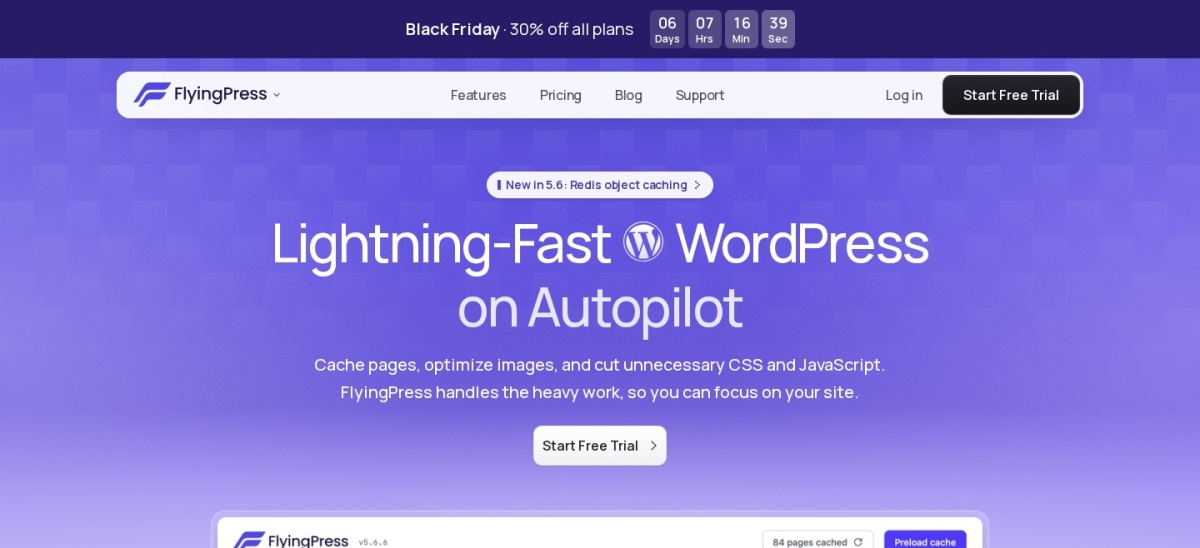
FlyingPress homepage, captured Nov 2026.
FlyingPress is a premium WordPress caching and optimization plugin with a 4.7/5 Trustpilot rating from 321 reviews. Its Starter plan includes page caching, cloud page optimization, image optimization, Core Web Vitals analytics and Redis object caching support.
The trade off is that FlyingPress requires a paid subscription, regularly priced at $59/year for one website after the promotional $41.30 first-year offer. Its optional CDN service is separate. It suits performance-focused website owners who want caching, image optimization and detailed control over resource loading.
What we like
Cloud page optimization included in every plan
Image optimization included
Core Web Vitals analytics available
Redis object caching support
Same optimization features across subscription tiers
Watch out for
No permanent free plan
Optional CDN service costs extra
Some features require configuration to avoid conflicts
Starter includes all optimization features; higher tiers primarily increase website allowances.Visit flyingpress.com
03
WP Fastest Cache
4.9/5on WordPress.org (4,235 reviews, checked Nov 2026)
Paid from$49 one-time
Best for affordable lifetime caching
Free cachingStatic HTML page cache
Free optimizationHTML and CSS minification
Paid licenseBronze, 1 website
PaymentOne-time
wpfastestcache.com
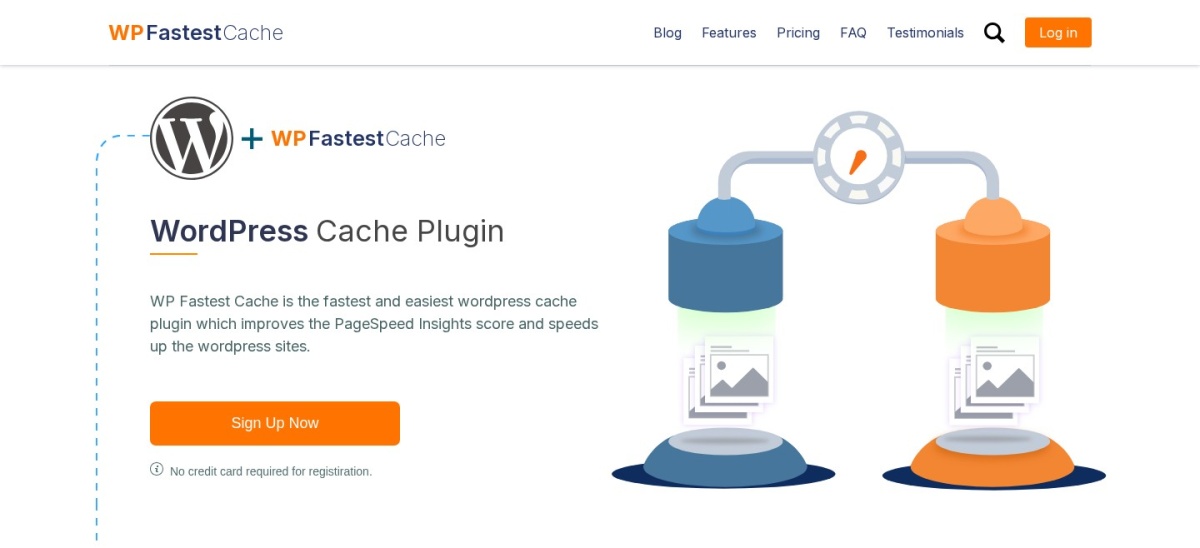
WP Fastest Cache homepage, captured Nov 2026.
WP Fastest Cache is a WordPress caching plugin with more than 1 million active installations and a 4.9/5 rating from 4,235 reviews. Its free version creates static HTML cache files and includes cache preloading, HTML and CSS minification, GZIP compression and browser caching.
The trade off is that advanced options such as image optimization, lazy loading, delayed JavaScript and database cleanup require Premium, which costs $49 one-time for one license. It suits bloggers and smaller business websites that want straightforward caching without an ongoing subscription.
What we like
Free static HTML page caching
Rated 4.9/5 on WordPress.org
Premium available with a one-time payment
Browser caching and GZIP compression included
Simple configuration for common caching requirements
Watch out for
Advanced image optimization requires Premium
Some frontend optimization features are paid
No integrated global CDN subscription
Fewer automatic cloud optimization features than NitroPack
4.8/5on WordPress.org (2,617 reviews, checked Nov 2026)
Paid from$49/yr
Best for caching and database cleanup
Free cachingPage caching
Image compressionIncluded
Database cleanupIncluded
Paid planStarter, 2 websites
teamupdraft.com
WP-Optimize homepage, captured Nov 2026.
WP-Optimize is a WordPress performance plugin with more than 1 million active installations and a 4.8/5 rating. Its free version combines page caching, image compression, database cleanup and CSS and JavaScript minification in one interface.
The trade off is that advanced cleanup scheduling, lazy loading, key-request preloading and unused-image management require Premium, starting at $49/year for 2 sites. It suits content-heavy WordPress websites that want to manage caching, image sizes and accumulated database clutter together.
What we like
Combines caching, image compression and database cleanup
Free version includes essential optimization features
More than 1 million active installations
Premium entry license covers 2 websites
Database cleanup helps remove unnecessary stored data
Watch out for
Some cleanup automation requires Premium
No bundled global CDN
Database optimization does not address every frontend performance issue
4.4/5on WordPress.org (30 reviews, checked Nov 2026)
Paid from$39/yr
Best budget annual caching plugin
Free cachingDesktop page cache
Cache preloadingIncluded
File optimizationCSS and JavaScript
Paid planPersonal, 1 website
speedycache.com
SpeedyCache homepage, captured Nov 2026.
SpeedyCache is a WordPress caching and optimization plugin developed by Softaculous, with more than 500,000 active installations. Its free version includes desktop page caching, cache preloading, CSS minification and combination, GZIP compression and lazy loading.
The trade off is that additional optimization features require the Personal plan, priced at $39/year for one website. Its WordPress.org rating of 4.4/5 comes from 30 reviews, a smaller review sample than several competitors. It suits budget-focused website owners looking for basic caching and inexpensive upgrades.
What we like
Free page caching and preloading
Lowest annual paid caching price in this list
500,000-plus active WordPress installations
CSS and JavaScript optimization features
Maintained by an established WordPress software developer
Watch out for
Smaller public review sample than major competitors
Advanced features require Premium
No managed global CDN equivalent included
Not as extensive as NitroPack for cloud optimization
Personal unlocks Pro optimization features, updates and premium support.Visit speedycache.com
06
W3 Total Cache
4.4/5on WordPress.org (5,420 reviews, checked Nov 2026)
Paid from$99/yr
Best for advanced caching configuration
Page cachingIncluded
Database cachingIncluded
Object cachingIncluded
Paid planPro, 1 website
boldgrid.com
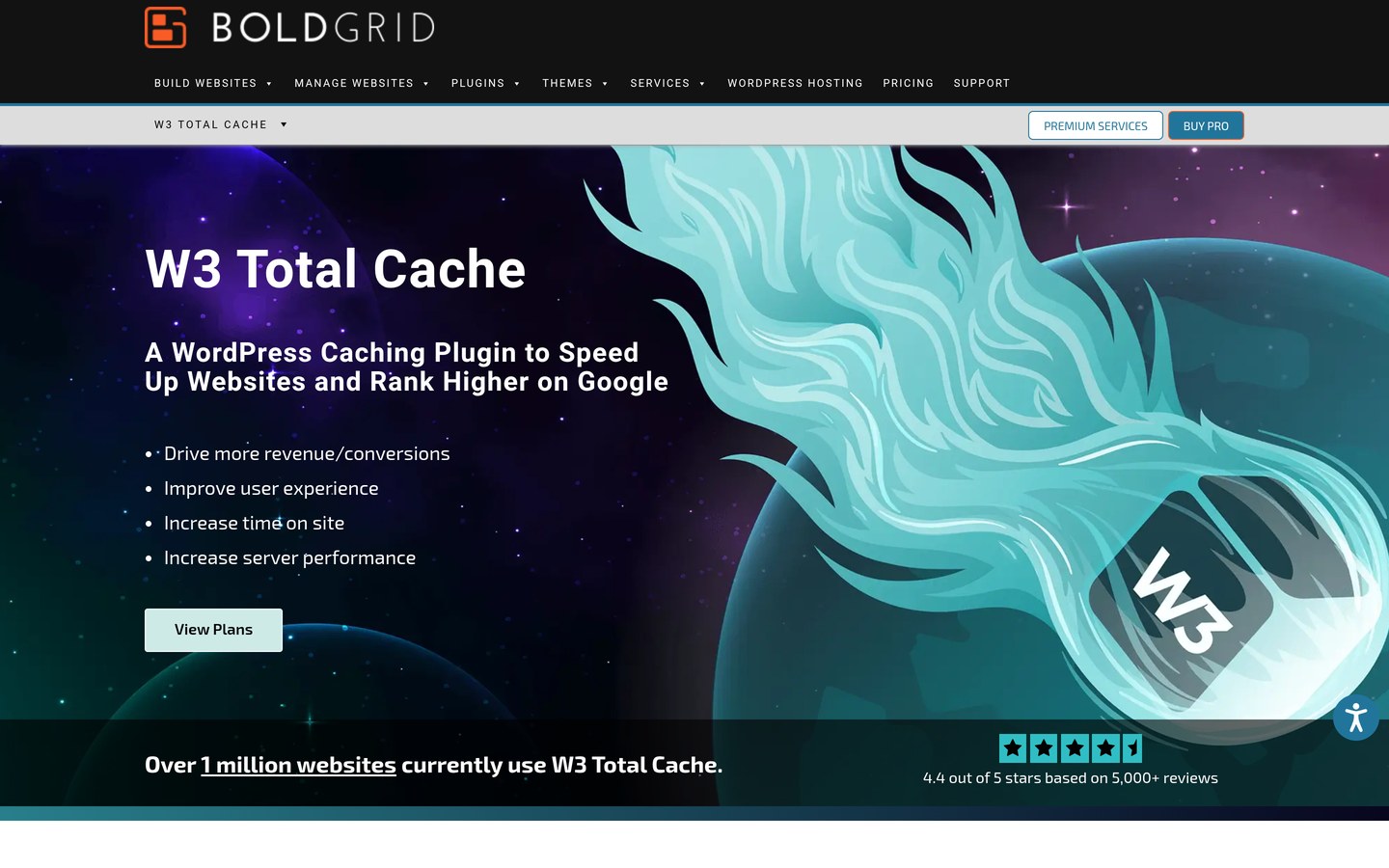
W3 Total Cache homepage, captured Nov 2026.
W3 Total Cache is a WordPress caching plugin with more than 800,000 active installations and 5,420 public reviews. Its free version supports page caching, database caching, object caching, browser caching, CSS and JavaScript minification, and CDN integration.
The trade off is its configuration complexity, especially when combining multiple cache layers and server technologies. Pro costs $99/year for one website and adds features such as advanced CSS and JavaScript removal, image conversion and additional caching controls. It suits developers and administrators who want granular settings.
What we like
Several caching layers supported
Free page, database and object caching
CDN integration available
Detailed settings for server-level optimization
Long-established WordPress caching project
Watch out for
More complex configuration than WP Rocket
Incorrect caching settings may affect dynamic content
Pro costs $99/year for one website
CDN service is not bundled
Pro adds advanced CSS and JavaScript management, image conversion and expanded cache controls.Visit boldgrid.com
07
Autoptimize
4.7/5on WordPress.org (1,429 reviews, checked Nov 2026)
Paid from$89/yr
Best for free CSS and JavaScript optimization
Free CSS optimizationMinify and combine
JavaScript optimizationIncluded
Free page cachingNot included
Paid upgradeAutoptimize Pro
autoptimize.com
Autoptimize homepage, captured Nov 2026.
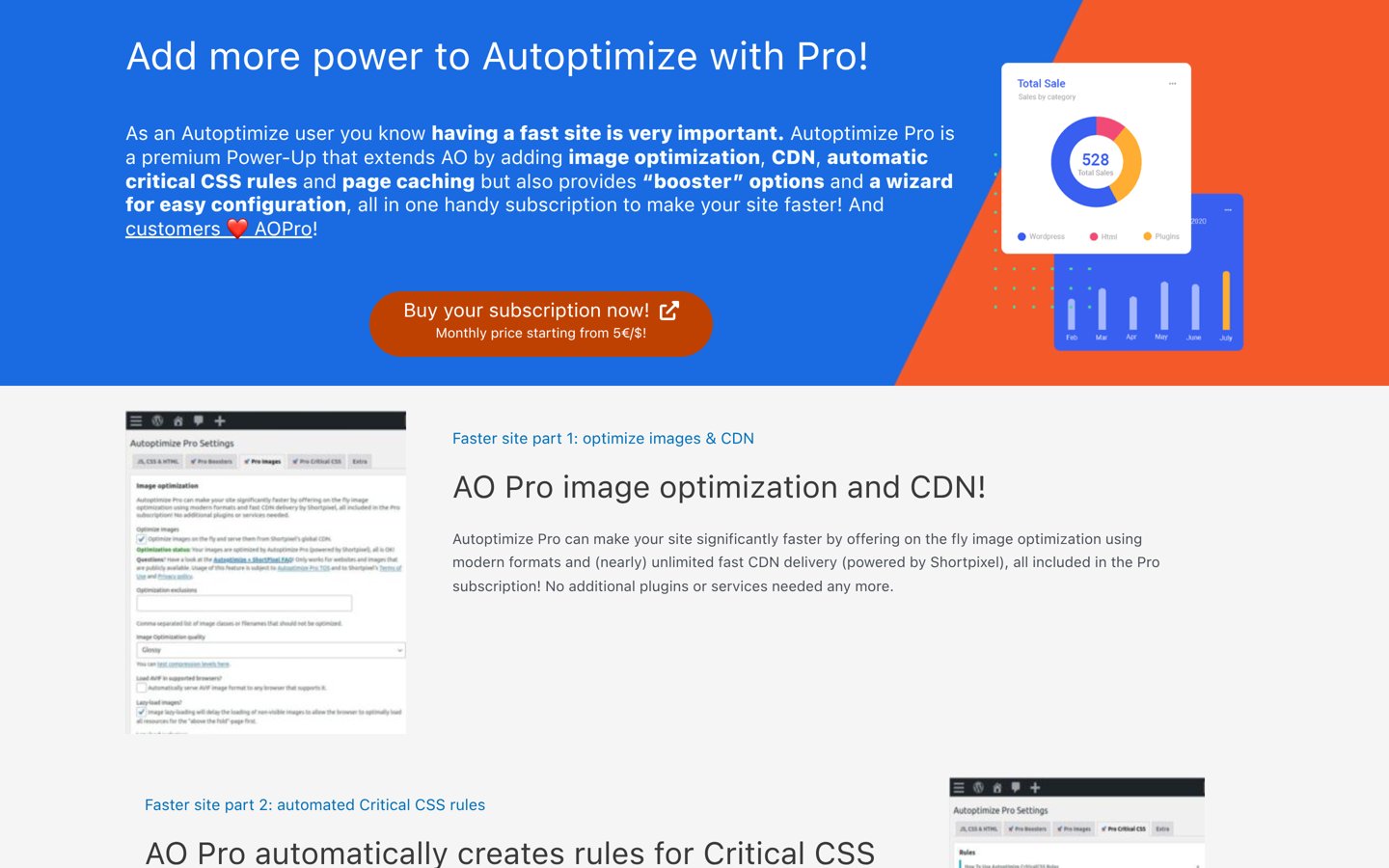
Autoptimize is a frontend optimization plugin with more than 800,000 active installations and a 4.7/5 WordPress.org rating. Its free version optimizes HTML, CSS, JavaScript, images and Google Fonts, with options for delaying or deferring certain page resources.
The trade off is that the free plugin does not provide full page caching, so another caching solution may be necessary. Autoptimize Pro starts at $89/year and adds automatic critical CSS generation, image optimization, CDN delivery and page caching. It suits users who already have server caching but need better frontend resource handling.
What we like
Free CSS and JavaScript optimization
Font and image optimization options
Works alongside dedicated caching solutions
More than 800,000 active installations
Pro includes critical CSS automation and CDN
Watch out for
Free version does not include page caching
May require another caching plugin
Aggressive file optimization can affect website layouts
CDN and automated critical CSS require Pro
Autoptimize Pro adds automatic critical CSS, image optimization, CDN delivery and page caching.Visit autoptimize.com
08
Perfmatters
4.9/5on Trustpilot (117 reviews, checked Nov 2026)
Starts at$24.95/yr
Best for script management and reducing page bloat
Script ManagerIncluded
JavaScriptDelay and defer
Page cachingNot included
Paid planPersonal, 1 website
perfmatters.io
Perfmatters homepage, captured Nov 2026.
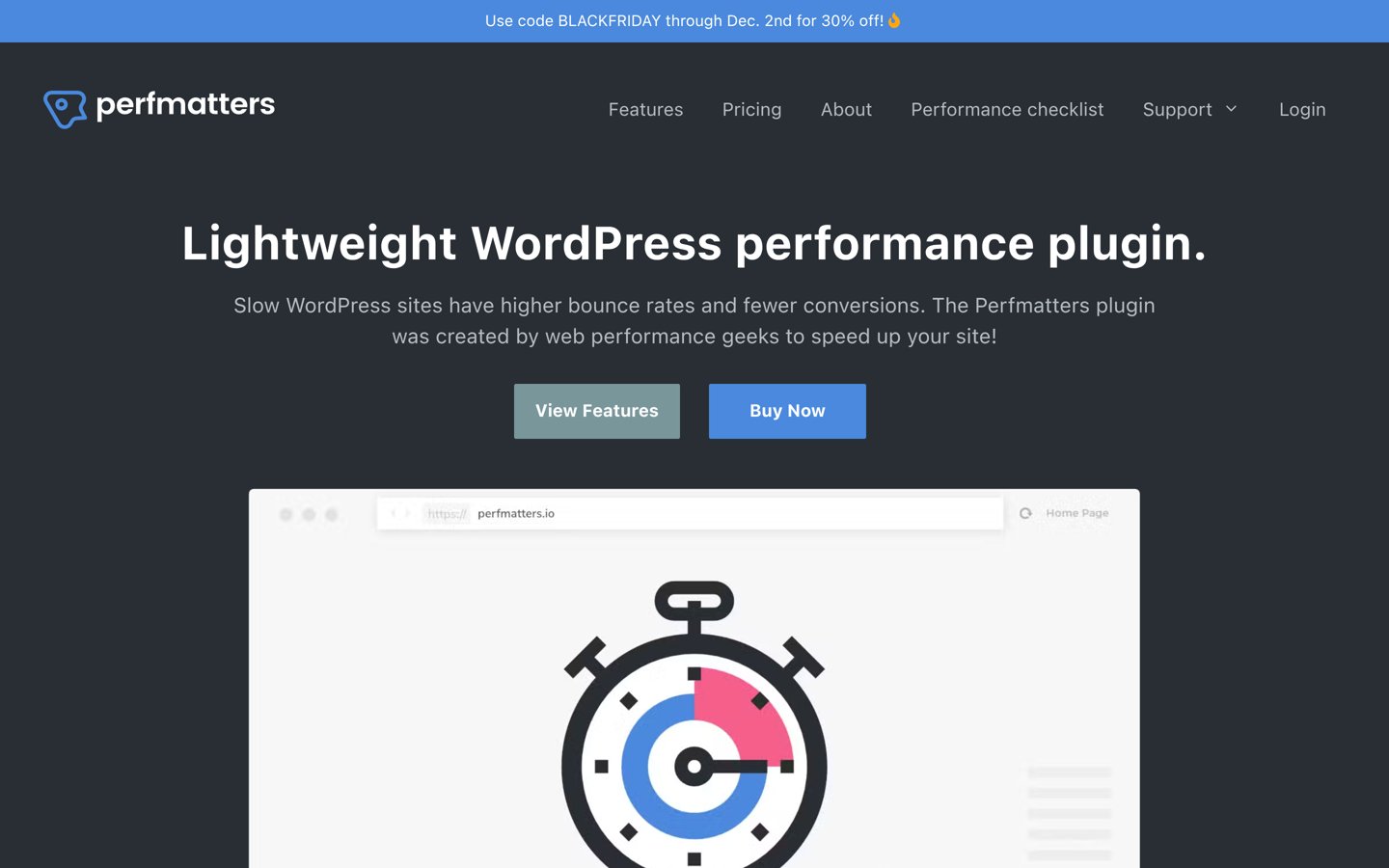
Perfmatters is a premium WordPress performance plugin used on more than 185,000 websites, with a 4.9/5 Trustpilot rating. Its Personal license includes Script Manager, JavaScript delay and deferral, CSS optimization, lazy loading and controls for disabling unnecessary WordPress features.
The trade off is that Perfmatters does not generate a full page cache or provide an integrated CDN, so it cannot replace every NitroPack feature by itself. Personal costs $24.95/year for one website. It suits developers and performance-conscious site owners who already have caching but want tighter control over frontend resources.
What we like
Granular Script Manager controls
Delay and defer JavaScript
Remove unnecessary WordPress functionality
Works with existing caching plugins
Lower annual subscription than most full caching plugins
Watch out for
No built-in full page caching
No integrated CDN service
No permanent free version
Script disabling requires careful configuration
Business and Unlimited licenses extend website coverage; all licenses include the optimization features.Visit perfmatters.io
NitroPack vs traditional WordPress caching plugins
NitroPack differs from traditional caching plugins because it combines optimization processing, page caching, image delivery and CDN services within a managed platform.
WP Rocket and FlyingPress provide similar frontend optimization controls but do not bundle every content delivery service that NitroPack offers. WP Rocket focuses on caching and automatic optimization, while FlyingPress combines local caching with cloud optimization features.
Free options such as WP Fastest Cache, WP-Optimize and W3 Total Cache can reduce server processing without an ongoing cloud optimization subscription. However, achieving comparable CDN coverage may require additional services.
The right choice depends on what you want to manage yourself. A conventional plugin gives you more control over individual settings, while a managed service can reduce the number of separate systems you configure.
How to switch from NitroPack without breaking your site
Before changing optimization tools, create a full WordPress backup and record your existing caching, CDN and frontend optimization settings.
Disable NitroPack's caching and optimization functions before activating another full caching plugin. Running multiple overlapping optimization systems can cause stale pages, conflicting scripts and inconsistent asset delivery.
Configure the replacement plugin gradually. Begin with page caching, then enable CSS, JavaScript and image optimization features individually. Check navigation, forms, checkout pages and interactive elements after each major change.
Finally, clear all relevant caches and compare your site's performance using consistent URLs and testing conditions. Pay attention to actual user experience rather than relying on a single performance score.
How we chose
We reviewed established WordPress caching and performance optimization products using their official websites, feature documentation, public reviews and WordPress.org plugin listings. The list includes direct NitroPack replacements and complementary performance tools, with clear distinctions between full caching solutions and frontend-only optimizers.
Prices and ratings were checked on 22 November 2026. WordPress.org supplied ratings, review counts and installation figures for directory-listed plugins. Trustpilot supplied ratings for commercial products outside the directory. Vendor pricing pages supplied regular paid-plan prices, with promotional first-year discounts excluded from comparisons.
We excluded outdated or discontinued plugins, products without confirmable pricing and tools that lacked meaningful public adoption or relevant optimization features. Placement reflects functionality, pricing clarity, maintenance and suitability for different WordPress websites. No vendor paid for a place, and this comparison is based on documentation and public reviews rather than original performance testing.
How to choose the best NitroPack alternative
Identify which NitroPack features your website relies on, then compare replacements based on caching, optimization controls, CDN requirements and regular subscription costs.
Identify the performance features you need. Determine whether your main problem is slow server response, render-blocking resources, oversized images or geographic content delivery. Choose a caching plugin for server processing issues and a frontend optimizer for unnecessary scripts and styles.
Check your hosting and CDN configuration. Find out whether your hosting provider already includes server-level caching or a CDN. Avoid paying for duplicate functionality. WP Rocket and FlyingPress work as primary caching solutions, while Perfmatters can complement an existing cache.
Compare Core Web Vitals features. Look for unused CSS removal, delayed JavaScript, lazy loading and image optimization. Enable performance features carefully because aggressive settings can affect dynamic content, tracking scripts and interactive website elements.
Calculate the full annual cost. Compare regular renewal prices rather than promotional offers. Include CDN subscriptions, image optimization services and website license limits. A cheaper caching plugin may cost more overall if several additional services are required.
FAQ
What is the best alternative to NitroPack?
WP Rocket is our top NitroPack alternative for most WordPress websites. It combines page caching, CSS optimization, delayed JavaScript and cache preloading in one plugin. Its regular starting price is $89/year, although image compression and CDN delivery may require additional services.
Is WP Rocket better than NitroPack?
WP Rocket is attractive when you want a traditional WordPress caching plugin with predictable licensing and local configuration controls. NitroPack offers a more integrated cloud optimization and CDN service. Neither is automatically faster on every website because results depend on hosting, themes, plugins and existing optimizations.
What is the best free NitroPack alternative?
WP Fastest Cache and WP-Optimize are good free options. WP Fastest Cache focuses on page caching and file optimization, while WP-Optimize also includes image compression and database cleanup. Neither free plugin provides every managed cloud feature available through NitroPack.
Is FlyingPress a good NitroPack replacement?
FlyingPress is a strong alternative for websites focused on Core Web Vitals. It includes caching, cloud page optimization, image optimization and performance analytics. Its Starter plan costs $59/year at regular pricing, with separate charges for optional CDN services.
Can I use Perfmatters instead of NitroPack?
Perfmatters can replace some frontend optimization functions but not NitroPack's entire caching and delivery system. It specializes in controlling scripts, CSS, JavaScript and unnecessary WordPress features. Pair it with appropriate caching and CDN services if your website needs those capabilities.
Which NitroPack alternative has a lifetime license?
WP Fastest Cache offers a one-time Premium license starting at $49 for one website. This makes it attractive for users who want to avoid recurring caching plugin subscriptions. Check its available features carefully because integrated CDN services and managed cloud optimization are separate concerns.
Do NitroPack alternatives include a CDN?
Some alternatives offer CDN integration or cloud optimization, but a CDN is not always included in the plugin license. WP Rocket supports external CDN services, while FlyingPress offers an optional CDN service. Verify storage, bandwidth and delivery costs before comparing total expenses.
Will switching from NitroPack improve Core Web Vitals?
Switching does not guarantee better Core Web Vitals. The result depends on your current configuration, hosting, website code, images and third-party scripts. A replacement may provide more suitable optimization controls, but compare real-user performance data and page behavior before deciding whether the change helped.
Can I use two WordPress caching plugins together?
Running two full-page caching plugins together is generally not recommended because overlapping cache rules can create conflicts. However, a caching plugin can often work alongside a frontend optimizer such as Perfmatters or Autoptimize. Avoid enabling duplicate optimization features and confirm compatibility with your hosting environment.