MigrationWiz is the best migration software for most teams, moving mailboxes and files between clouds from fourteen dollars per user with a top rating on G2. ShareGate suits Microsoft 365 moves, while Skyvia fits scheduled data syncs from ninety-nine dollars a month.
How we make this list: we compare pricing pages, product documentation and public user reviews, then re-check every price before each update. No product paid for a place. Disclosure.
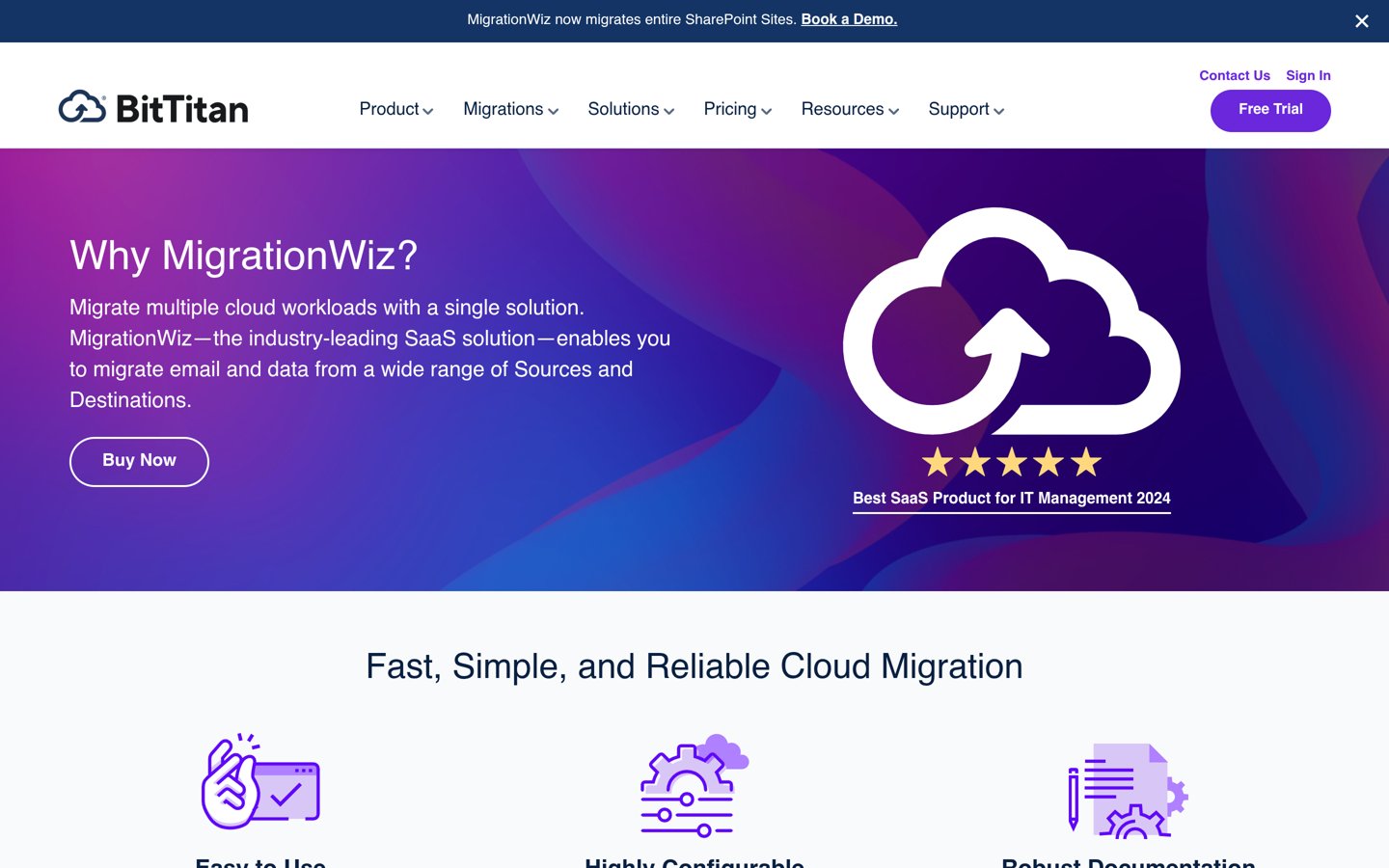
MigrationWiz moves mailboxes and files from $14 per user, with a 4.7 rating from 276 G2 reviews.
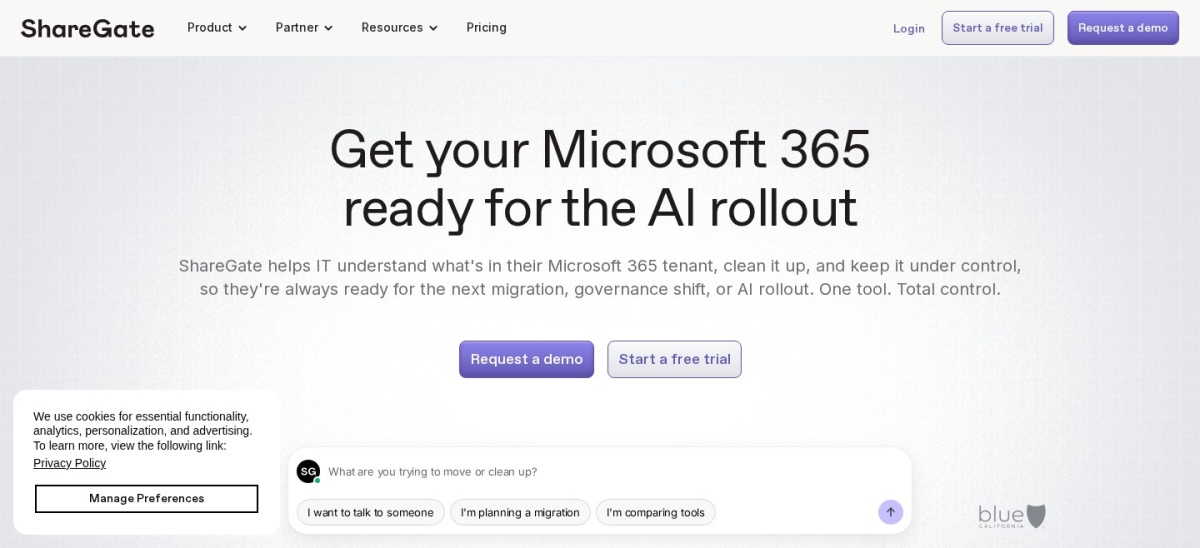
ShareGate is the Microsoft 365 specialist, with Essentials from $5,995 a year.
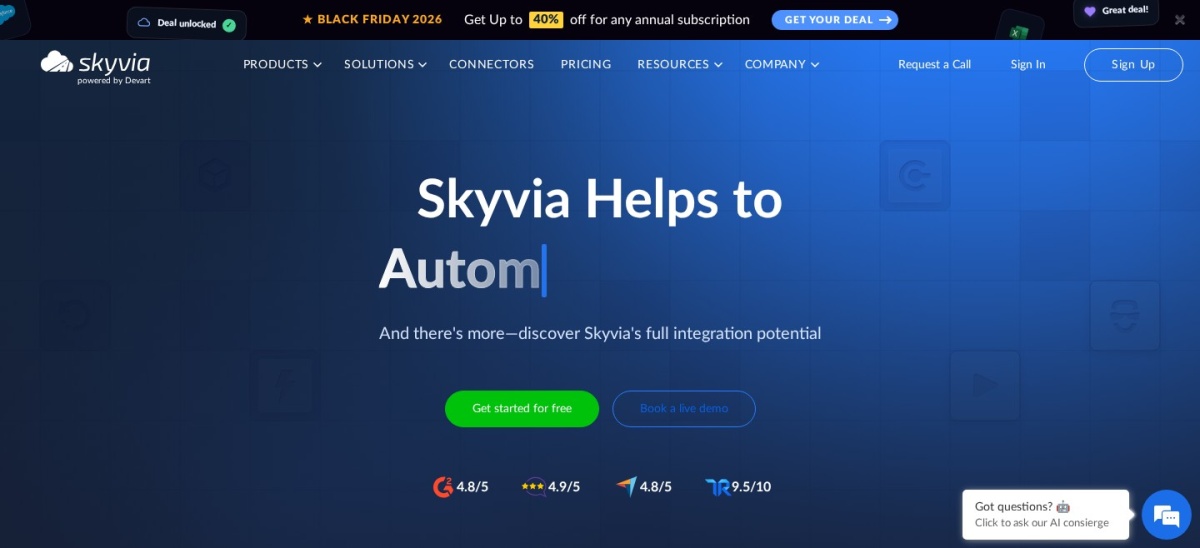
Skyvia pairs scheduled syncs with migration at $99 a month, with a free tier for 10,000 records.
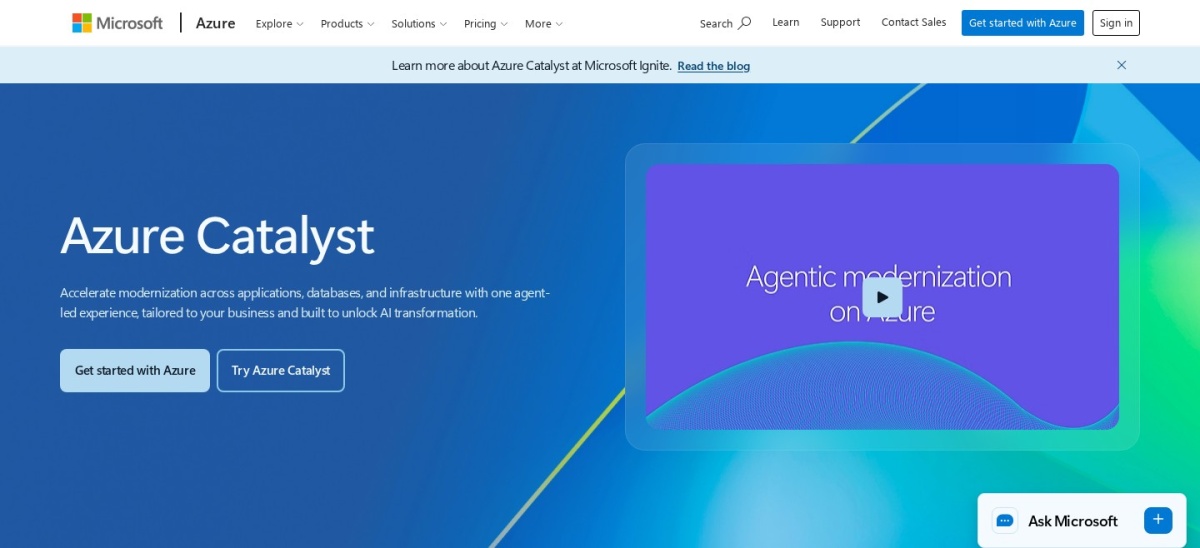
Azure Migrate is free and suits teams moving workloads into Azure.
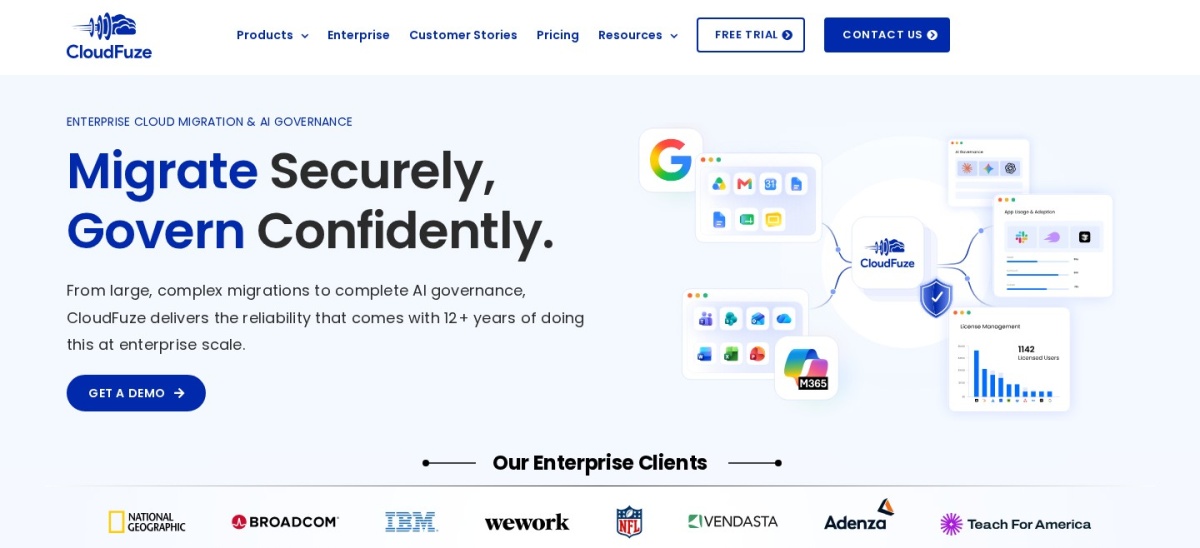
CloudFuze is the cheapest cloud-to-cloud option here, from $9.99 a month.
How do you choose migration software?
A migration fails in the details. Permissions, versions and history must all arrive intact, or the new system starts with broken data.
The best migration software treats the move as a project, not a copy job. It maps mailboxes, files or databases, runs a pilot on a few users, and reports every error before the cutover.
Cloud-to-cloud tools handle the common moves. MigrationWiz moves mailboxes and files for $14 per user, while ShareGate handles Microsoft 365 tenants from $5,995 a year.
The deciding factor is the source and the destination. Mailbox moves, SharePoint moves and database replication each need different tooling, so pick the tool built for your pair.
MigrationWiz is a cloud migration tool for mailboxes, files and documents between cloud platforms. Its per-user pricing starts at $14 one-time, and it moves mail and files with full fidelity, including permissions, versions and history.
The trade off is the narrow scope. MigrationWiz handles mailboxes and files well but does not replicate databases or whole virtual machines. It suits IT teams and MSPs that move users between Microsoft 365, Google Workspace and other clouds.
ShareGate is a Microsoft 365 migration and governance tool for IT teams. Its Essentials plan at $5,995 a year covers mailbox and file migrations, while Pro at $9,995 a year adds automation, reporting and governance for SharePoint and Teams.
The trade off is the price floor. ShareGate starts at $5,995 a year, so small teams pay enterprise money for a Microsoft-only tool. It suits mid-size and large teams moving whole tenants between Microsoft 365 environments.
Skyvia is a no-code data integration and migration platform for databases, cloud apps and warehouses. Its free tier covers 10,000 records a month, and Basic at $99 a month adds 100,000 records with scheduled syncs and migration packages.
The trade off is the record-based pricing. Heavy syncs consume the record quota fast, and the Basic plan is $99 a month even for light use. It suits teams that want migration plus ongoing syncs between databases and cloud apps.
Veeam Data Platform is a backup and recovery suite that also moves workloads between platforms. Its Essentials plan starts at $428 a year, and the platform covers virtual machines, physical servers and cloud instances with instant recovery and ransomware protection.
The trade off is that migration is a side feature. Veeam is built for backup first, so pure migration projects may find it heavier than a dedicated tool. It suits teams that want backup and migration in one platform.
Zerto is a disaster recovery and migration platform for virtual machines and cloud workloads. It replicates data continuously with near-zero recovery point objectives, so a migration cutover happens with almost no downtime.
The trade off is access. Zerto is quote-only enterprise pricing, so small teams get no public price and no self-service start. It suits large teams that need continuous replication for critical workloads.
Azure Migrate is Microsoft's free migration service for moving servers, databases and applications into Azure. It assesses on-premises workloads, estimates Azure costs and moves servers with no additional charge for the tool itself.
The trade off is the destination. Azure Migrate moves workloads into Azure only, so teams heading elsewhere need another tool. It suits teams already committed to Azure who want a free, Microsoft-supported path.
CloudFuze is a cloud-to-cloud migration tool for files, mail and collaboration data. Its plans start from $9.99 a month, and the service covers Google Workspace, Microsoft 365, Dropbox, Box and more, with 12-plus years of migration work behind it.
The trade off is the review base. CloudFuze holds a 3.9 rating on G2 from 30 reviews, the lowest here, so buyers should lean on the trial. It suits small teams that want cheap cloud-to-cloud file moves.
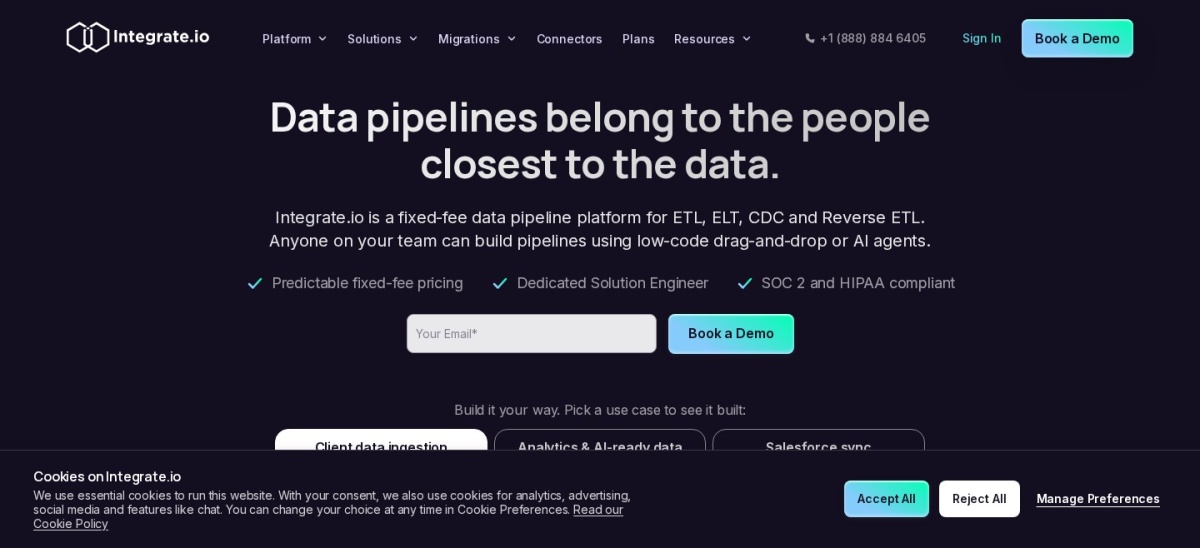
Integrate.io is a no-code data pipeline platform for migration and ongoing ETL. Its plans start from $1,999 a month, with 200-plus connectors, scheduled pipelines and a visual builder for moving data into warehouses and cloud apps.
The trade off is the price floor. At $1,999 a month it is the priciest tool here, so it only fits teams with real data volumes. It suits enterprises that want migration plus permanent data pipelines.
Qlik Replicate is a data replication platform for moving databases in real time. It uses change data capture to stream changes as they happen, so the target database stays current through the cutover and beyond.
The trade off is access. Qlik Replicate is quote-only enterprise pricing, so small teams get no public price and a sales-led setup. It suits enterprises that need databases replicated live with no downtime.
Migration moves data from one live system to another. It maps users, permissions and history, then switches everyone over to the new system.
Backup copies data so it can be restored after loss. It does not map users or switch systems, so it cannot replace a migration tool.
Some tools do both. Veeam and Zerto combine migration with backup and disaster recovery, which suits teams that want one platform for the whole lifecycle.
How we chose
We started from every migration tool with a public price and a G2 rating, then kept the nine that cover mailboxes, files, databases or whole workloads.
Prices come from each vendor's pricing page, checked on 30 November 2026. Ratings come from G2 on the same day. Where a vendor shows a first-year discount, the list shows the regular price.
We left out tools with no public price or no aggregator rating. No vendor paid for a place, and we do not claim hands-on testing for this list.
How to choose migration software
Start with the source and destination, then match the tool to the workload.
Map the source and the destination. List every mailbox, file store and database you move, with versions and permission rules, before you pick a tool.
Run a pilot on a few users. Migrate a small group first, read the error report, and fix the mapping problems it finds.
Check what history moves across. Mail, calendars, versions and permissions do not all move by default, so confirm each one in the plan.
Schedule the cutover with a rollback plan. Pick a quiet window, keep the old system live until users confirm, and test logins before you close it.
FAQ
What is the best migration software in 2026?
MigrationWiz is the best migration software for most teams in 2026. It moves mailboxes and files between clouds from $14 per user, holds a 4.7 rating on G2 from 276 reviews, and is trusted by more than 80,000 IT professionals.
How much does migration software cost?
Migration software costs $0 to $5,995 a year and up. MigrationWiz starts at $14 per user one-time, CloudFuze from $9.99 a month, Skyvia from $99 a month, and ShareGate Essentials from $5,995 a year for Microsoft 365 moves.
Is there free migration software?
Yes. Azure Migrate is free for teams moving workloads into Azure, and Skyvia offers a free tier for 10,000 records a month. MigrationWiz also offers a free trial, but the paid plans start at $14 per user.
What is the best migration software for Microsoft 365?
ShareGate is the best migration software for Microsoft 365. Its Essentials plan at $5,995 a year covers mailbox and file migrations, with Pro at $9,995 a year adding automation, and a 15-day free trial.
MigrationWiz vs ShareGate: which is better?
MigrationWiz is better for cross-cloud mailbox moves, with per-user pricing from $14 and support for many sources. ShareGate is better for Microsoft 365 tenant-to-tenant moves, with deep SharePoint and Teams support at $5,995 a year.
How long does a migration take?
A small mailbox migration takes days, while a large tenant move takes weeks. Pilot the migration on a few users first, fix the errors it reports, then schedule the cutover for a quiet window with a rollback plan ready.
SaaS SEO and WordPress specialist with about 8 years of experience. Rakib compares WordPress plugins, themes, hosting and software using public pricing, documentation and user reviews. See how we rank.