GitBook is the best of these Mintlify alternatives, with a free plan for individuals, Git-synced docs and a 4.7/5 G2 rating from 208 reviews. Pick ReadMe for an interactive API portal, or Stoplight if your team designs APIs in OpenAPI first.
How we make this list: we compare pricing pages, product documentation and public user reviews, then re-check every price before each update. No product paid for a place. Disclosure.
GitBook is the top pick: free for individuals, Essential from $65 a site a month, and 4.7/5 on G2.
Every tool here starts below Mintlify Pro at $450 a month billed annually.
Apidog is the cheapest paid seat at $9 a user a month, with a free plan for up to 4 users.
ReadMe is the only portal here with built-in API usage metrics and a try-it console on its free Starter plan.
Redocly's 5.0 G2 rating rests on a single review, so treat it with care; the next thinnest base is ReadMe at 46 reviews.
Seven of the nine tools have a free plan; Redocly and Helpjuice offer a trial instead.
What should you look for in Mintlify alternatives?
Price is the first gap Mintlify leaves open. Its free plan has no AI features, and Pro costs $450 a month billed annually, so teams that only need clean published docs pay for AI credits they may never use.
Docs-as-code matters more than design polish for developer docs. Tools that sync with Git keep the docs beside the code, so a pull request can update the API reference and the guide in one step. Our guide on how to use Git with WordPress shows the same workflow in a smaller setting.
An API reference is only half the job. Mintlify pairs its reference with guides, changelogs and an AI assistant, so an alternative should cover the same ground or say plainly that it only does the reference. See how to use the WordPress REST API for what a good reference needs to explain.
Free plans differ more than prices do. GitBook's free plan covers one person, ReadMe's Starter covers one project, and Stoplight's free plan covers one user and one project, so count your writers before you count the price.
Ratings need a review count beside them. A 5.0 from one review says less than a 4.6 from thousands, so this list shows both numbers for every tool.
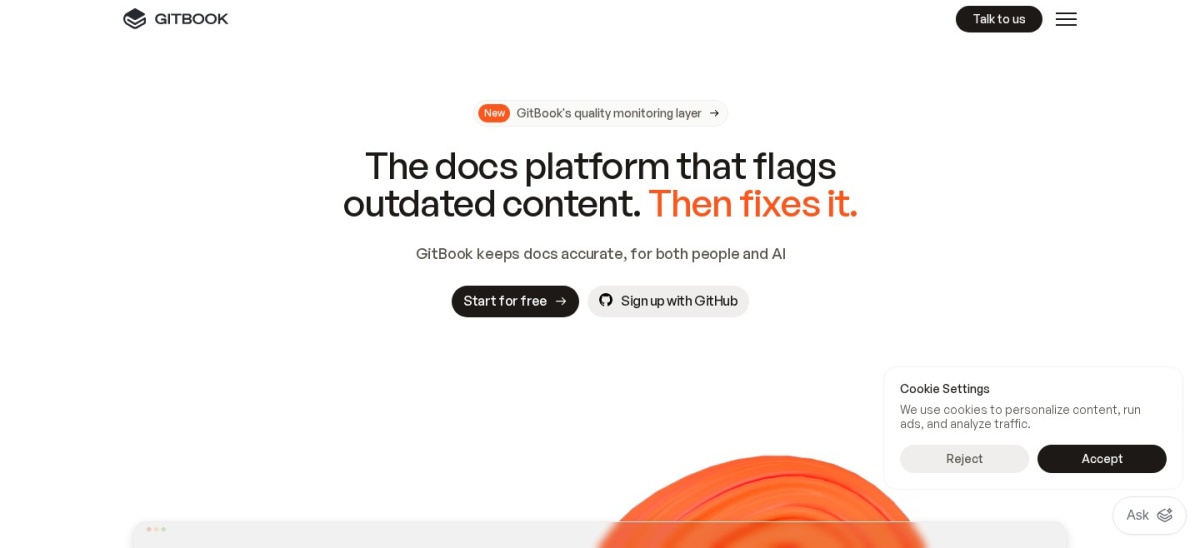
GitBook is a docs platform that keeps Markdown pages in sync with Git and publishes them as a polished site with search, custom domains and AI answers. The free plan covers individuals, and every plan publishes Markdown versions of its pages plus llms.txt files and an MCP server, so AI tools can read the docs.
The trade off is the pricing model. Essential costs $65 a site a month billed annually, and each writer adds $12 a user a month, so a large writing team pays more than on a flat plan. It suits teams that want Git workflows and AI-ready docs without running a static site generator.
What we like
Git sync keeps docs beside code
AI-ready publishing on every plan
Free plan for solo writers
Unlimited page views on all plans
Watch out for
Per-site plus per-user pricing adds up
Authenticated access needs Ultimate at $249 a site
Essential adds AI Assistant Ask and 2,000 AI credits a monthVisit gitbook.com
02
ReadMe
4.5/5on G2 (46 reviews, checked Nov 2026)
Paid from$250/mo
Best interactive API portal
Free planStarter, 1 project
Entry paid planPro, $250/mo
API metricsYes, endpoint usage
Try-it consoleYes, with real keys
readme.com
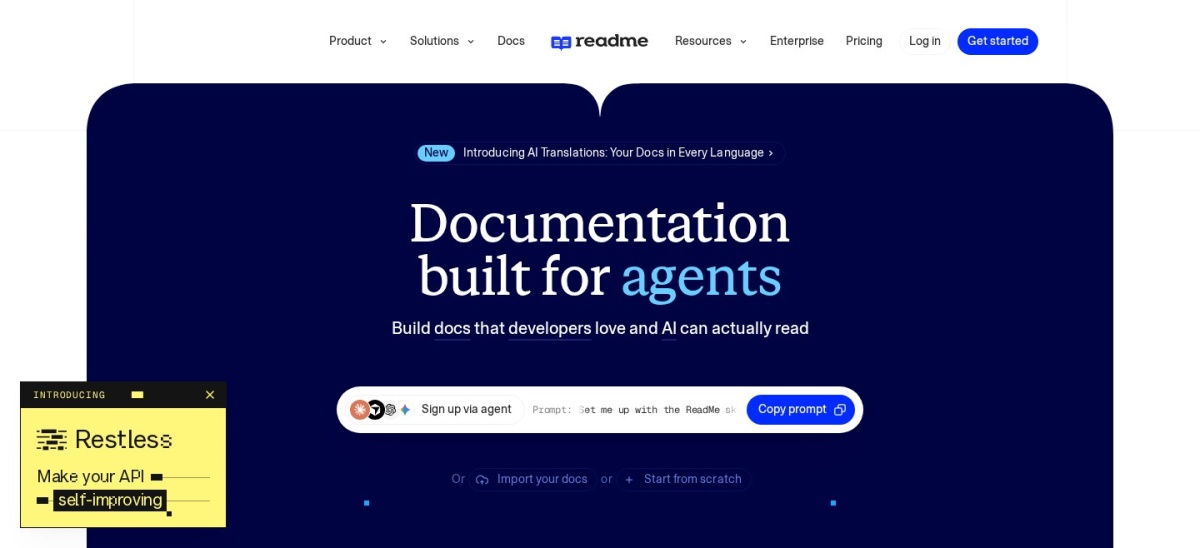
ReadMe homepage, captured Nov 2026.
ReadMe is a hosted developer hub that turns an OpenAPI spec into an interactive reference with guides, changelogs and a try-it console. The free Starter plan covers one project with a custom domain, two-way sync and usage analytics, and non-developers can edit guides without touching code.
The trade off is the jump to paid. Pro costs $250 a month billed annually, and AI features such as Ask AI cost extra, so a small API team pays far more than with GitBook or Apidog. It suits API-first companies that want usage metrics and a branded portal.
What we like
Interactive reference with a try-it console
API metrics show which endpoints get used
Free Starter plan with a custom domain
Two-way sync with Git
Watch out for
Pro costs $250 a month billed annually
AI features are paid add-ons
Only 46 G2 reviews so far
Pro adds multiplayer editing, branching and private docsVisit readme.com
03
Stoplight
4.4/5on G2 (343 reviews, checked Nov 2026)
Paid from$44/mo
Best for design-first API teams
Free plan1 user, 1 project
Entry paid planBasic, $44/mo
Mock serversYes, instant
Style guidesPro Team, $362/mo
stoplight.io
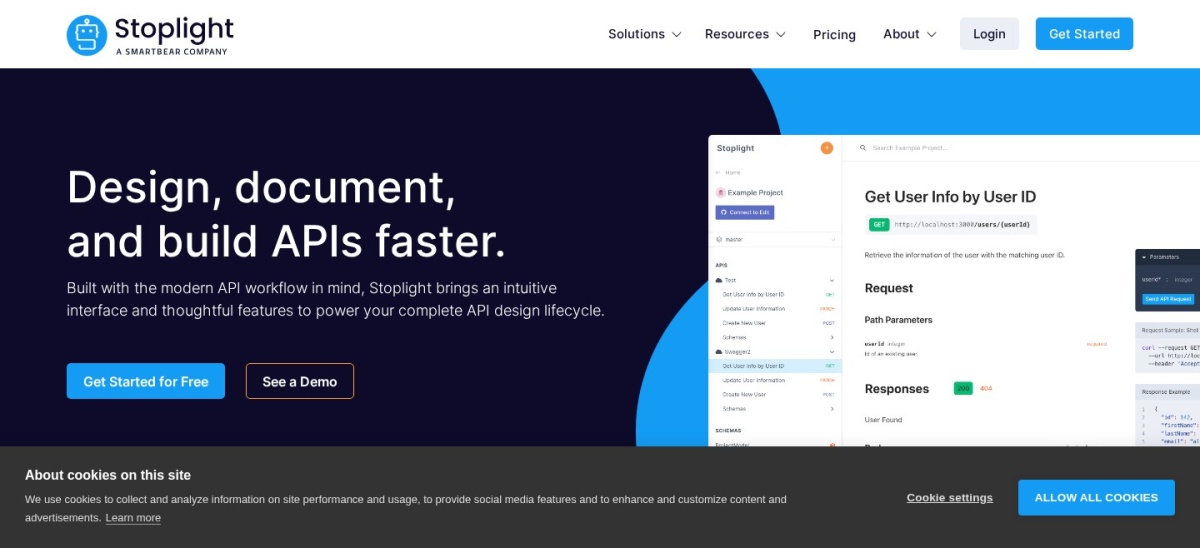
Stoplight homepage, captured Nov 2026.
Stoplight is a design-first platform for shaping APIs in OpenAPI before code starts. The visual editor, instant mock servers and hosted docs sit in one workspace, and the free plan covers 1 user and 1 project with Git sync.
The trade off is that private projects and governance cost more. Private projects need Startup at $113 a month, and shared style guides, SSO and branding removal need Pro Team at $362 a month. It suits teams that treat the spec as the source of truth.
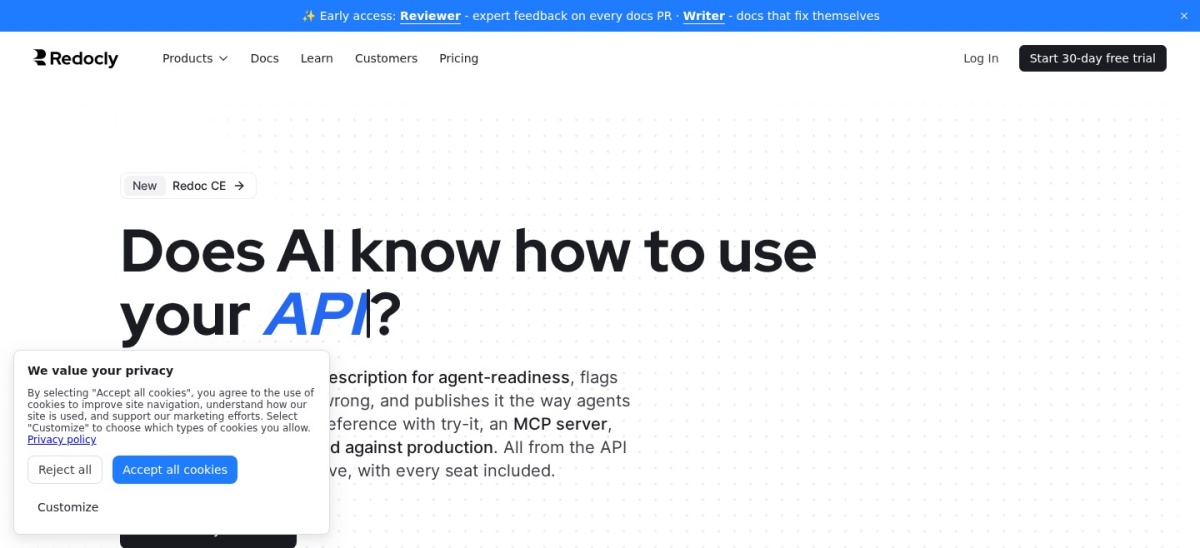
Redocly is a docs-as-code platform that builds developer portals from OpenAPI, GraphQL and AsyncAPI descriptions stored in Git. Pro includes 3 docs projects with unlimited editors and readers, a mock server, a try-it console and an MCP server.
The trade off is cost and audience. Pro costs $249 a month billed annually with no free hosted plan, editing means config files and Git, and its 5.0 G2 rating rests on a single review. It suits engineering teams that want governed, CI-built docs.
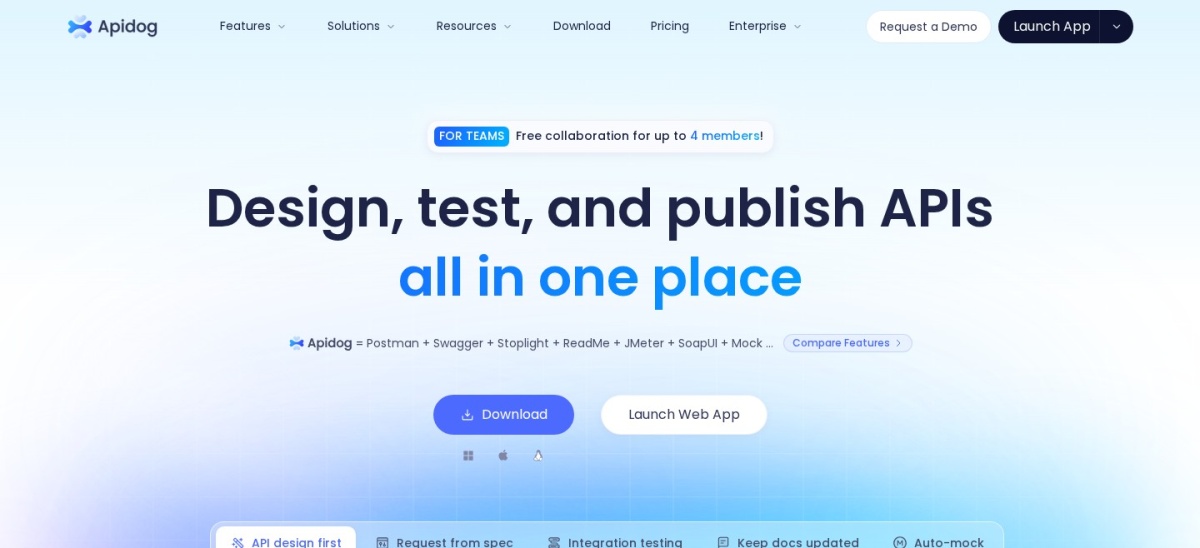
Apidog is an all-in-one API workspace that combines OpenAPI design, debugging, mocking, automated testing and published documentation in one app. Its free plan covers up to 4 users, and docs are generated from the spec with a try-it console.
The trade off is focus. It is a desktop-app workspace built around the full API lifecycle, so docs-only teams may find it heavy, and it is a newer vendor than Postman or Swagger. It suits small teams that want design, testing and docs in one place.
What we like
Cheapest paid seat here at $9 a user a month
Free plan covers up to 4 users
Design, testing, mocking and docs in one app
Docs stay in sync with the spec
Watch out for
Desktop-app workflow, not a pure docs editor
Smaller community than Postman or Swagger
Basic adds 90-day change history and 20 team projectsVisit apidog.com
06
Helpjuice
4.7/5on G2 (384 reviews, checked Nov 2026)
Starts at$249/mo
Best branded knowledge base
Free planNo, 14-day trial
Entry paid plan$249/mo, 30 users
AI suite$449 plan and up
DesignVendor-built theme
helpjuice.com
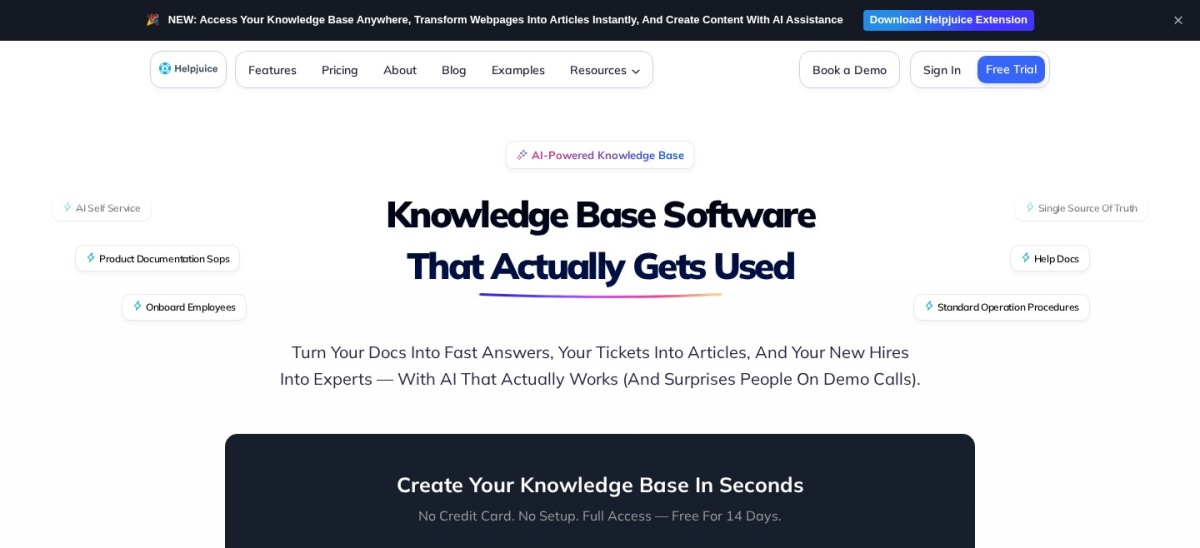
Helpjuice homepage, captured Nov 2026.
Helpjuice is a dedicated knowledge base platform for customer-facing help centers and product docs. The $249 plan covers 30 users with 12 GB of storage, and the vendor builds the theme to match your brand at sign-up.
The trade off is price and scope. There is no free plan, the AI suite starts on the $449 plan, and it is a knowledge base rather than a docs-as-code tool, so API references are lighter than ReadMe or Redocly. It suits teams that want a polished help center without design work.
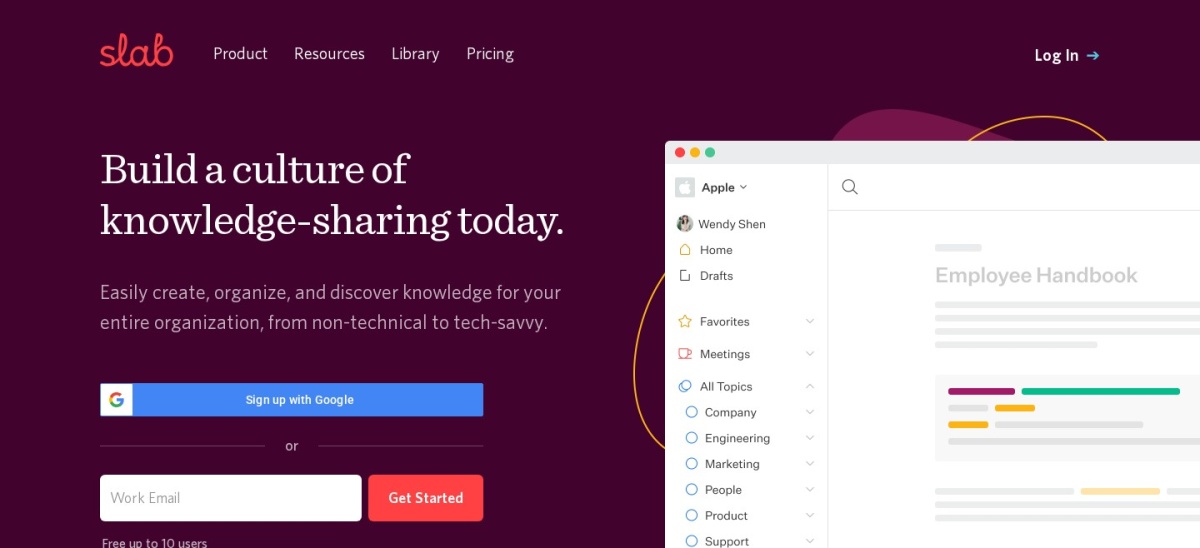
Slab is a cloud knowledge base and wiki for internal teams that keeps company docs in one clean, searchable place. The free plan covers up to 10 users with unlimited posts and templates, and search can look inside Slack, Google Drive and GitHub.
The trade off is that it is a wiki, not a developer docs platform. There is no OpenAPI reference or Git-based publishing, so API docs would live elsewhere. It suits startups that want a fast internal wiki without the setup of Confluence.
What we like
Free for up to 10 users
Low entry price at $6.67 a user a month
Unified search across connected tools
Rated 4.6/5 from 309 G2 reviews
Watch out for
No API reference or docs-as-code workflow
Per-user pricing grows with the team
Startup adds SSO, private topics and integrationsVisit slab.com
08
Notion
4.6/5on G2 (13,862 reviews, checked Nov 2026)
Paid from$10/user/mo
Best flexible workspace wiki
Free planYes, for individuals
Entry paid planPlus, $10/user/mo
DatabasesYes, built in
AI featuresBusiness plan, $20/user/mo
notion.com
Notion homepage, captured Nov 2026.
Notion is a flexible workspace that combines docs, wikis, databases and project tracking in one place. The free plan covers individual use, and Plus at $10 a member a month billed annually adds unlimited blocks for teams, custom sites and 30-day page history.
The trade off is structure. Notion is a blank canvas, so docs need templates and discipline to stay consistent, and it has no OpenAPI reference or Git publishing. It suits teams that want docs beside tasks and databases in one tool.
What we like
Largest review base here at 13,862 G2 reviews
Free plan for individual use
Databases link docs to tasks and owners
Plus is $10 a member a month
Watch out for
No OpenAPI reference or Git workflow
Needs templates to keep docs consistent
AI features need the $20 Business plan
Business adds Notion Agent and SAML SSO at $20 a userVisit notion.com
09
Confluence
4.1/5on G2 (4,374 reviews, checked Nov 2026)
Paid from$5.78/user/mo
Best for Jira teams
Free planUp to 10 users, 2 GB
Entry paid planStandard, $5.78/user/mo
Jira integrationYes, built in
AI featuresRovo, on paid plans
atlassian.com
Confluence homepage, captured Nov 2026.
Confluence is Atlassian's team wiki for spaces, page trees, templates and permissions, tightly connected to Jira. The free plan covers up to 10 users with 2 GB of storage, and Standard adds advanced permissions and 250 GB of storage.
The trade off is focus and feel. It is a general wiki, not a developer docs platform, so there is no OpenAPI reference, and its 4.1 G2 rating is the lowest here. It suits teams already running Jira that want docs beside their issues.
Seven of the nine tools here have a free plan, and Mintlify's own free plan is genuinely useful for solo docs.
Free plans cap writers, projects or AI. GitBook's free plan is for one person, ReadMe's Starter covers one project, and Stoplight's free plan covers one user and one project.
Paid plans mostly add seats, private docs and AI. Mintlify Pro adds its AI assistant at $450 a month, while GitBook's Essential adds AI answers at $65 a site a month.
If your docs are public and your team is small, a free plan plus a cheap paid seat can cover the job. Our guide to using Git with WordPress shows how a Git workflow keeps even free docs in order.
How we chose
We started from the docs and API documentation tools most often named as Mintlify replacements, then kept nine with published prices and a public G2 rating.
Prices come from each vendor's pricing page or G2 pricing data, checked on 29 November 2026. Ratings and review counts come from G2 on the same day. Where a vendor shows a sale, the list shows the regular price.
We left out tools with no published price, such as Document360, and tools with no public rating, such as Docusaurus. No vendor paid for a place, and we do not claim hands-on testing for this list.
How to choose a Mintlify alternative
Start with what your docs must do, then match the tool to that job.
Count your writers and readers. Per-site and flat plans stay cheap as writers grow, while per-user plans such as Notion and Confluence grow with every seat.
Decide if you need an API reference. ReadMe, Stoplight, Redocly and Apidog build references from an OpenAPI spec, while the wikis do not. Our guide to the WordPress REST API shows what a good reference must explain.
Check the free plan limits first. One project, one user or ten users can each be the binding limit, so match the cap to your team before you compare prices.
Try the free plan on real content. Publish one real guide and one API page before you pay, and check the search, custom domain and AI answers on your own docs.
FAQ
What are the best Mintlify alternatives?
GitBook is the best overall Mintlify alternative, with a free plan, Git-synced docs and a 4.7/5 G2 rating from 208 reviews. ReadMe is the best choice for an interactive API portal, and Stoplight leads for teams that design APIs in OpenAPI first.
How much does Mintlify cost?
Mintlify's free plan costs $0 with 5 editor seats but no AI features. Pro costs $450 a month billed annually, or $540 month to month, with unlimited editor seats and 10,000 AI credits a month. Enterprise pricing is custom.
Is there a free alternative to Mintlify?
Yes. GitBook, ReadMe, Stoplight, Apidog, Slab, Notion and Confluence all have free plans. Apidog's free plan is the most generous for teams, covering up to 4 users, while GitBook's free plan is for individuals.
Which Mintlify alternative is cheapest?
Apidog is the cheapest paid option here at $9 a user a month billed annually, or $108 a year per seat. Confluence Standard is $5.78 a user a month, but its price varies by team size, and GitBook Essential is $65 a site a month.
Which Mintlify alternative is best for small teams?
GitBook is the best fit for most small teams, with a free plan for individuals and Essential from $65 a site a month. Slab is the cheapest wiki option at $6.67 a user a month, and Apidog covers teams of up to 4 users free.
Is GitBook or ReadMe better than Mintlify?
GitBook is better than Mintlify for teams that want Git-synced docs and AI answers at a lower price, starting at $65 a site a month against Mintlify Pro at $450. ReadMe is better for API-first teams that want usage metrics and a try-it console, but Pro costs $250 a month.
Do Mintlify alternatives support API documentation?
Yes, but not all of them. ReadMe, Stoplight, Redocly and Apidog build API references from OpenAPI specs with try-it consoles. GitBook, Slab, Notion and Confluence are general docs and wiki tools without a built-in API reference.
SaaS SEO and WordPress specialist with about 8 years of experience. Rakib compares WordPress plugins, themes, hosting and software using public pricing, documentation and user reviews. See how we rank.