Power BI is the best Metabase alternative for most teams, at $14 a user a month for Pro with a 4.5 out of 5 G2 rating from 1,658 reviews. Choose Looker Studio if your data lives in Google tools and you want a free start, or Apache Superset if you want a free open-source replacement you host yourself.
How we make this list: we compare pricing pages, product documentation and public user reviews, then re-check every price before each update. No product paid for a place. Disclosure.
Power BI is the cheapest full BI pick here at $14 a user a month, rated 4.5 out of 5 on G2 from 1,658 reviews.
Looker Studio and Apache Superset both start at $0, but Superset needs a server you run yourself.
Tableau is the strongest visual tool in the list, yet a Creator seat costs $75 a user a month.
Grafana fits teams that watch live systems, with a free tier and a Pro platform fee of $19 a month plus usage.
Paid plans in this list run from $9 to $90 a user a month, so the gap between the cheapest and priciest pick is $81 a month.
How do you choose the best Metabase alternative?
Metabase is hard to beat on price, so the switch only makes sense when a specific limit bites. Most teams move because they need stronger modelling, governed metrics, or dashboards that non-technical staff can build without SQL.
Start with who builds the dashboards. If business users should build their own, pick a drag-and-drop tool such as Power BI or Tableau. If your data team writes SQL all day, a SQL-first tool such as Apache Superset or Grafana fits better.
Check the per-user maths before you fall for a low headline price. Power BI Pro charges $14 for every viewer as well as every author, while Looker Studio Pro charges $9 per user per project and viewers need no licence.
Free plans are not all equal. Looker Studio is free for creators and viewers, Zoho Analytics gives two users a free plan, and Superset costs nothing in licences but needs hosting. Our guide on embedding a Tableau dashboard in WordPress shows how one of these tools can sit inside a site you already run.
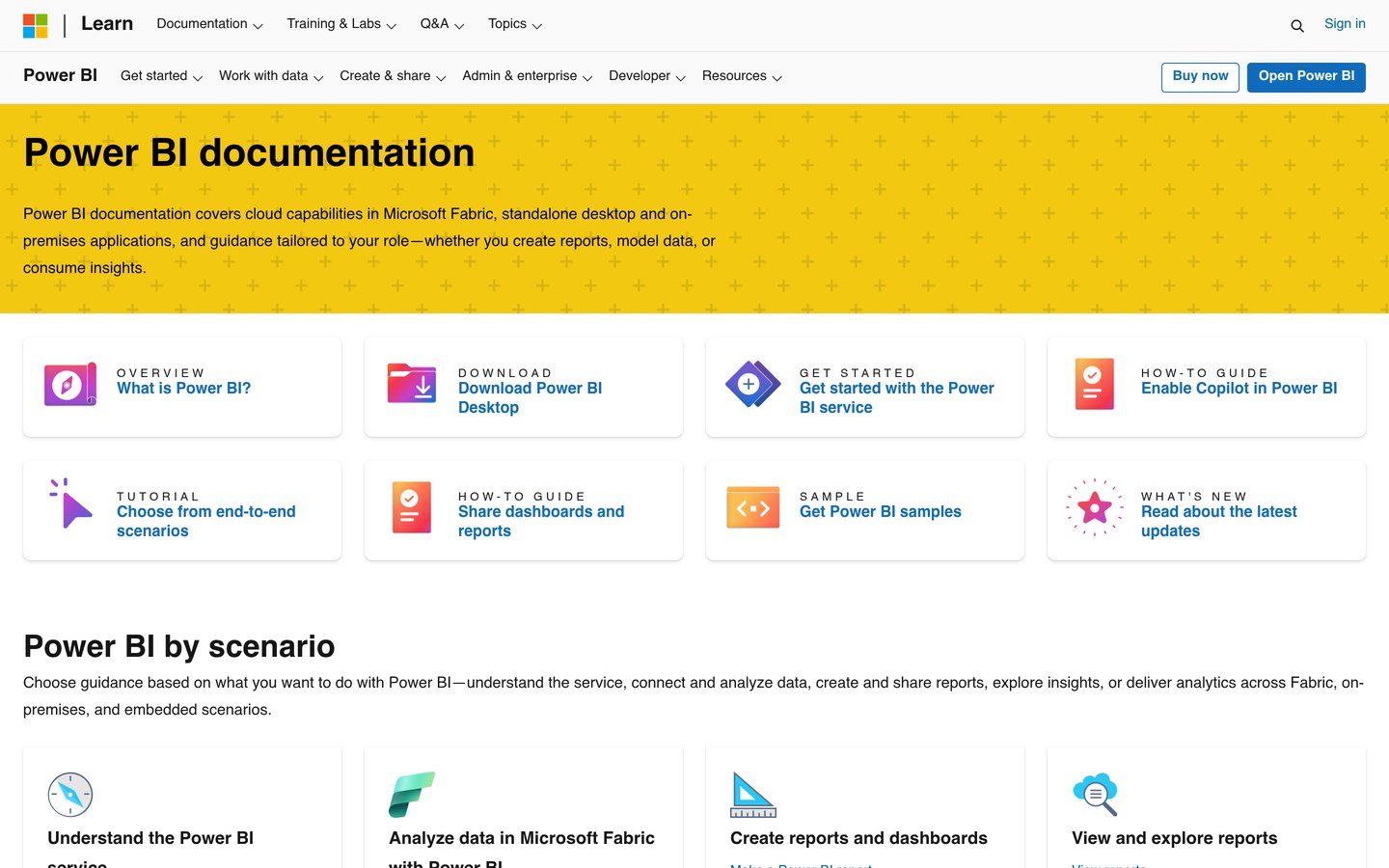
Microsoft Power BI is a business intelligence platform for building reports in the free Desktop app and sharing them through the Power BI service. Pro costs $14 a user a month paid yearly, allows 1 GB models with 8 refreshes a day, and is rated 4.5 out of 5 on G2 from 1,658 reviews.
The trade off is that every viewer needs a paid seat too. Sharing a report means buying Pro for each reader unless the content sits on Fabric capacity at F64 or above. It suits teams already using Microsoft 365, Excel and Teams.
What we like
Lowest per-user price of any full BI tool here
Desktop authoring costs nothing
Deep links to Excel, Teams and Azure data
Watch out for
Viewers need a Pro seat, so costs rise with audience size
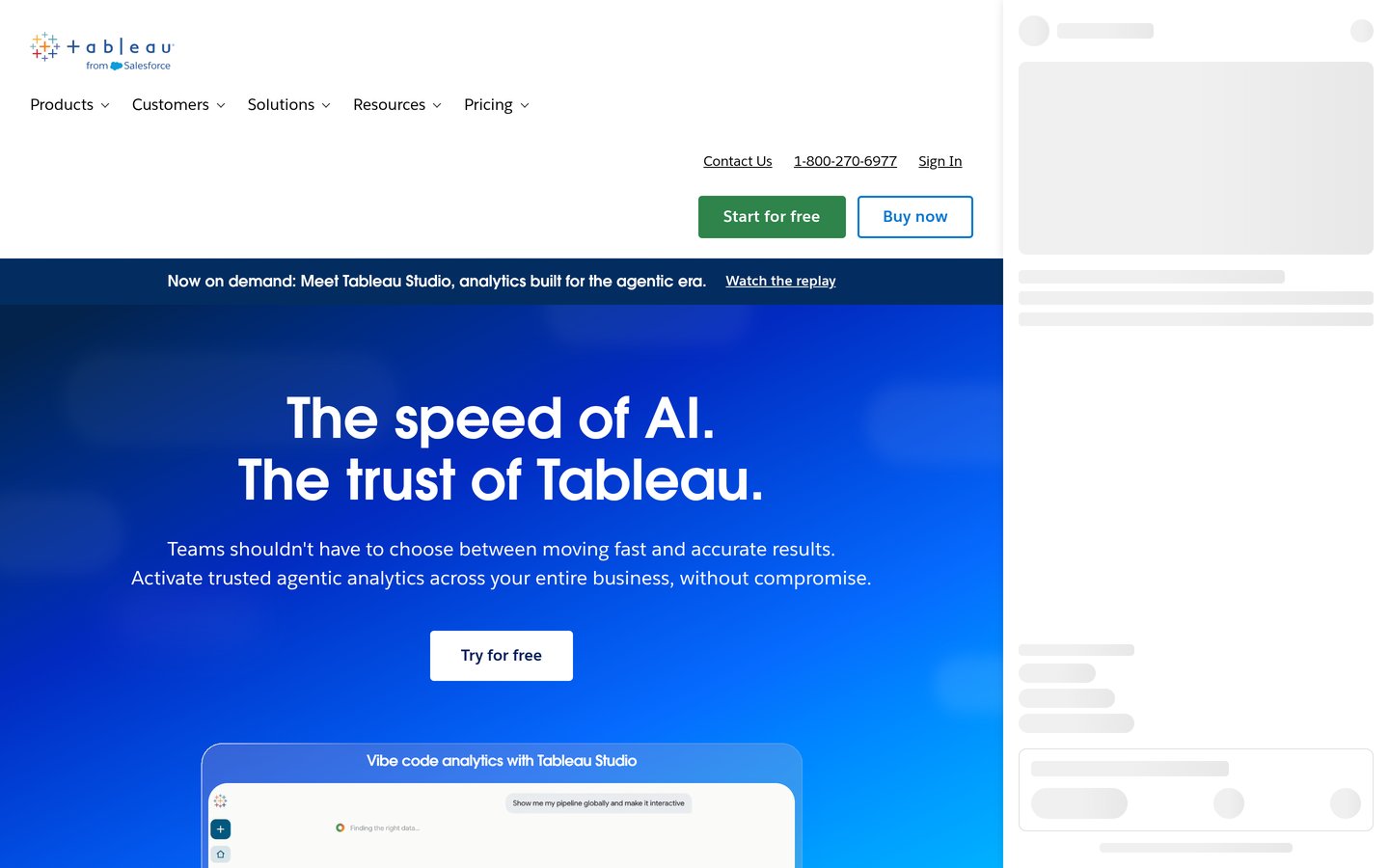
Tableau is a visual analytics platform from Salesforce for exploring data with drag-and-drop charts, maps and dashboards. Creator seats cost $75 a user a month on Standard, with Explorer at $42 and Viewer at $15, and it is rated 4.4 out of 5 on G2 from 3,786 reviews.
The trade off is cost. Every deployment needs at least one Creator seat, so a small team pays $900 a year per builder before viewers are counted. It suits teams that need deep, presentation-ready analysis and can afford the licences.
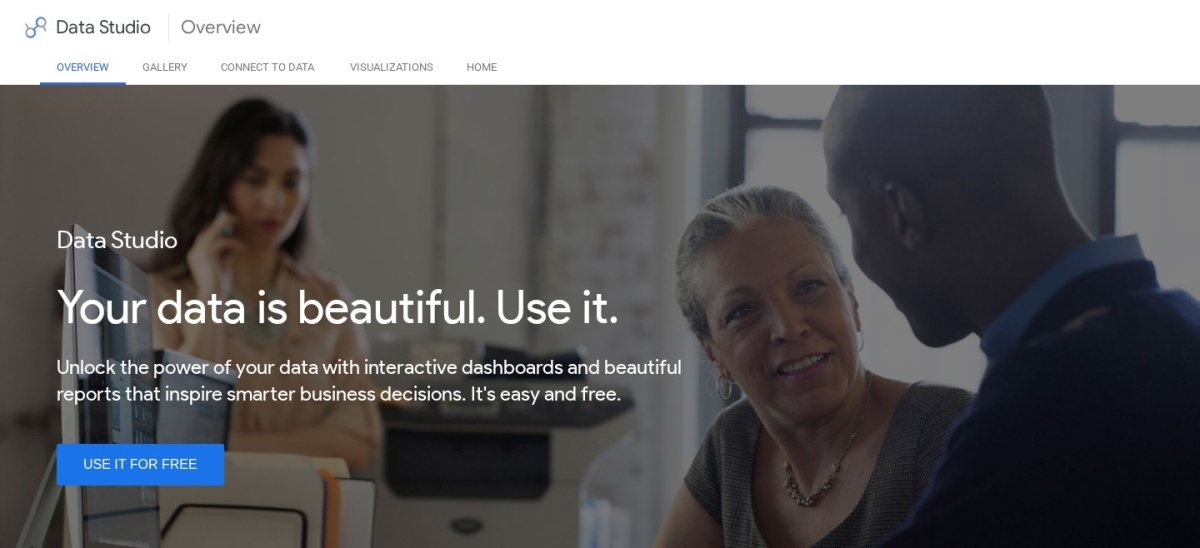
Looker Studio is Google's free reporting tool for building dashboards on Sheets, Google Analytics, Google Ads and BigQuery, with more than 1,400 data sources. It is free for creators and viewers, Pro costs $9 a user per project a month, and it is rated 4.4 out of 5 on G2 from 450 reviews.
The trade off is that Pro is priced per project, not per user. Five people working in eight projects pay $360 a month, not $45. It suits marketing and small teams whose data already lives in Google products.
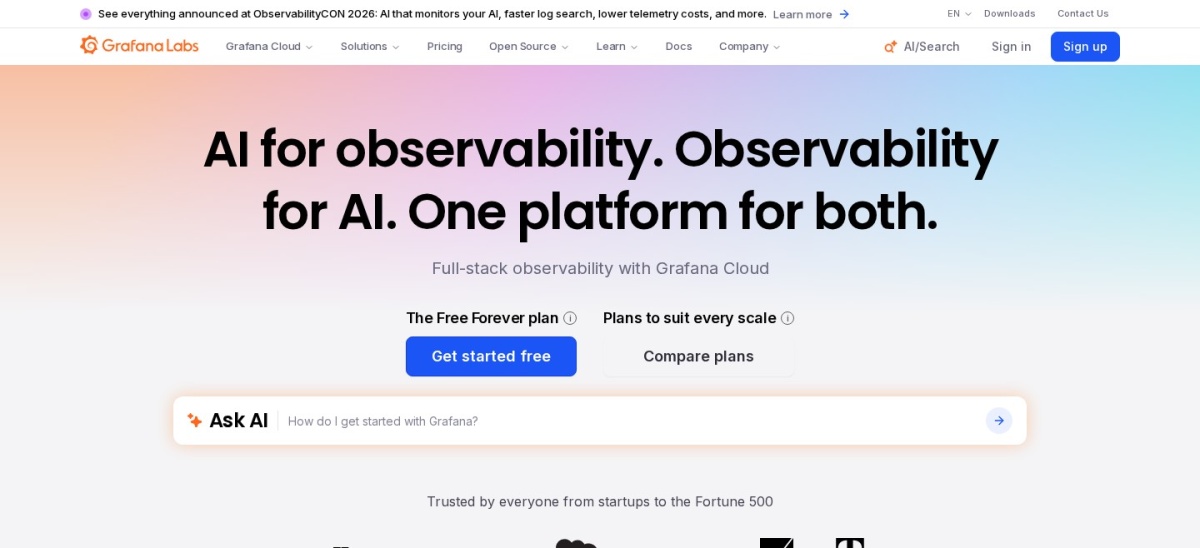
Grafana is an open-source dashboard tool for visualising live metrics, logs and traces from sources such as Prometheus, Loki and InfluxDB. The Cloud free tier covers 10,000 metric series, 50 GB of logs and 3 users, and Pro starts at a $19 monthly platform fee plus usage.
The trade off is that Grafana is built for time-series data, not business reporting. Usage above the free allowance bills per series, per gigabyte and per active user at $8 a month. It suits engineering teams that watch systems in real time.
What we like
Open source, with a genuinely useful free Cloud tier
Best live-data dashboards in this list
Wide range of data source plugins
Watch out for
Weak fit for business reporting and modelling
Pro bills by usage, so costs vary month to month
Setup takes time for non-technical teams
Pro adds longer retention and email support over the free tierVisit grafana.com
05
Apache Superset
4.4/5on G2 (53 reviews, checked Nov 2026)
PriceFree
Best free open-source Metabase replacement
Free planYes, fully open source
Cheapest paid planNone, $0 in licences
G2 rating4.4/5, 53 reviews
HostingSelf-hosted
superset.apache.org
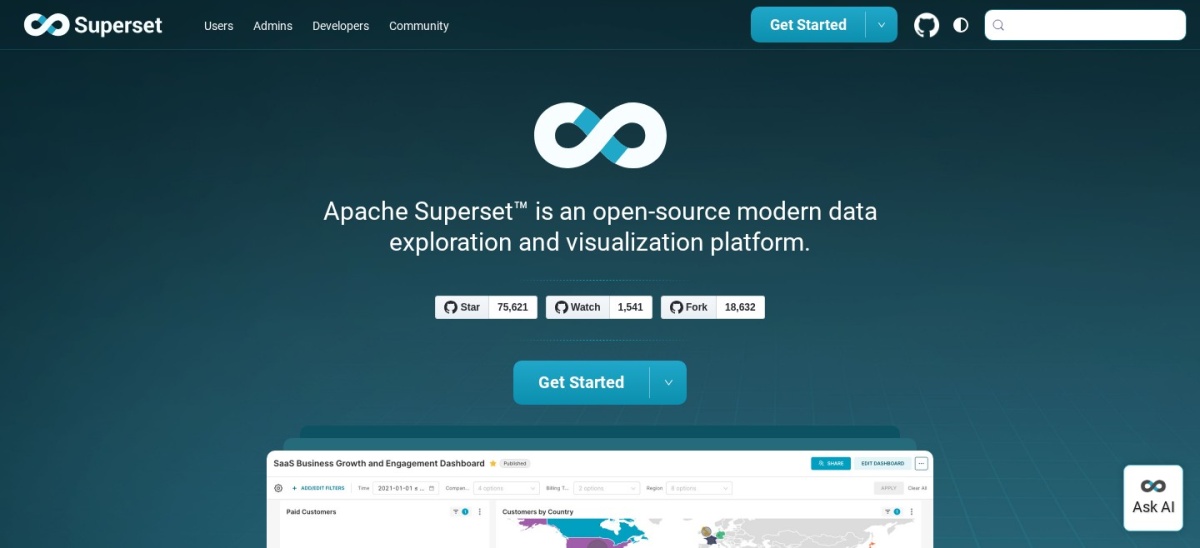
Apache Superset homepage, captured Nov 2026.
Apache Superset is a free, open-source data exploration and visualisation platform with a SQL editor, dashboards and charts over most SQL databases. There is no licence cost at all, and it is rated 4.4 out of 5 on G2 from 53 reviews.
The trade off is that you run it yourself. Hosting, upgrades, security and support fall to your team, and setup is harder than a hosted tool. It suits data teams that want a Metabase-like tool with no licence bill and full control.
What we like
No licence cost, ever
SQL-first, like Metabase, with a built-in SQL editor
Connects to most SQL databases and warehouses
Watch out for
Self-hosting adds server and maintenance work
No vendor support without a third party
Smallest review base in this list at 53 G2 reviews
Qlik Sense is a business intelligence platform built on an associative engine, so selecting a value in one chart updates related and excluded values across the whole dashboard. Business costs $30 a user a month billed yearly, and it is rated 4.4 out of 5 on G2 from 929 reviews.
The trade off is price at scale. At $30 per user, a 20-person team pays $600 a month before Enterprise features, and the interface takes learning. It suits analysts who explore data relationships rather than reading fixed reports.
What we like
Associative engine shows related and excluded values
ThoughtSpot is a search-first analytics platform where business users type a question in plain words and get a chart back from warehouse data. Essentials costs $25 a user a month billed yearly for 5 to 50 users and 25 million rows, and it is rated 4.4 out of 5 on G2 from 340 reviews.
The trade off is that answers are only as good as the data model underneath. Spotter, the AI agent, needs the full Pro plan at $50 a user a month. It suits business teams that want answers without waiting for a dashboard build.
What we like
Natural-language search replaces many dashboard requests
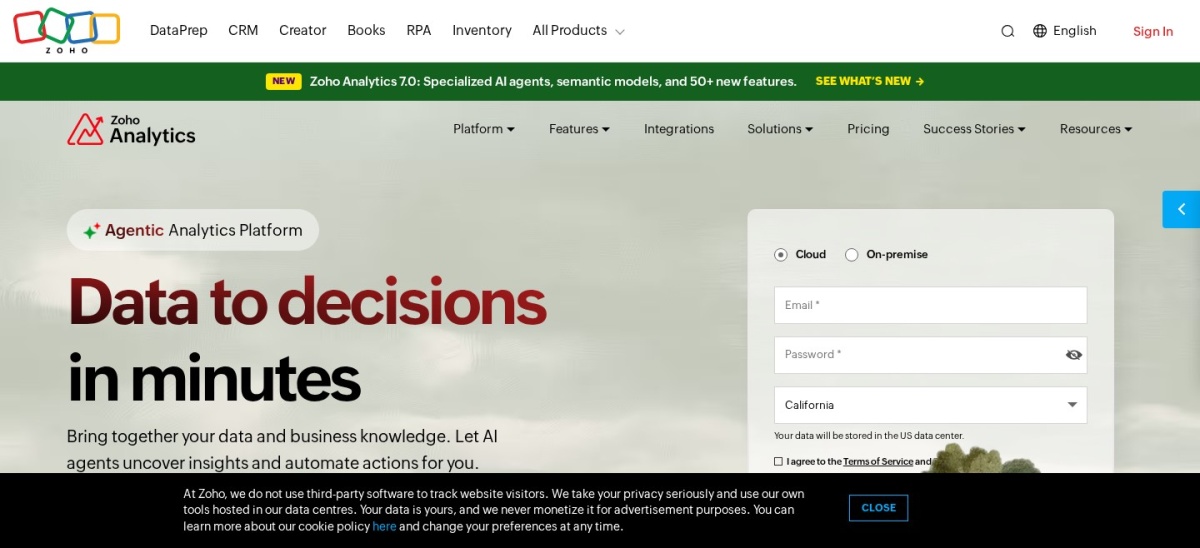
Zoho Analytics is a self-service business intelligence platform for connecting spreadsheets, databases and business apps into reports and dashboards. The free plan covers 2 users and 10,000 rows, Basic costs $24 a month billed yearly, and it is rated 4.4 out of 5 on Capterra from 361 reviews.
The trade off is that pricing is by plan, not per seat, and row limits bite early. Basic covers only 0.5 million rows, so growing data pushes teams to Standard at $48 a month. It suits small teams, above all those already using Zoho apps.
What we like
Free plan covers 2 users with unlimited dashboards
Flat plan pricing, not per-user pricing
Strong links to Zoho CRM, Books and other Zoho apps
Watch out for
Row limits push growing teams up a plan fast
Monthly billing costs $30 instead of $24
Less depth than Power BI or Tableau for modelling
Standard rises to $48 a month for 5 users and 1M rowsVisit zoho.com
09
Klipfolio
4.5/5on G2 (257 reviews, checked Nov 2026)
Starts at$90/mo
Best for KPI dashboards from many sources
Free planNo, free trial
Cheapest paid planBase, $90/mo
G2 rating4.5/5, 257 reviews
Base limits3 dashboards, 130+ integrations
klipfolio.com
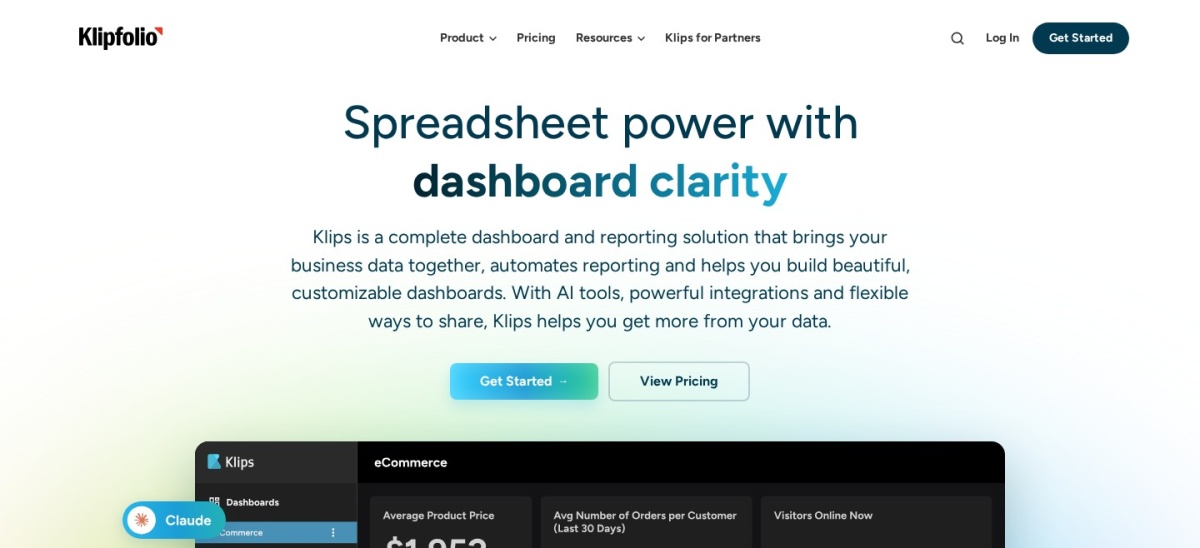
Klipfolio homepage, captured Nov 2026.
Klipfolio is a dashboard platform for tracking KPIs from more than 130 integrations, with unlimited users on every plan. Base costs $90 a month, covers 3 dashboards with a 4-hour data refresh, and it is rated 4.5 out of 5 on G2 from 257 reviews.
The trade off is price for a dashboard-only tool. At $90 a month it costs more than Power BI Pro for a single user, and refreshes are slow on Base. It suits agencies and small teams that share KPI dashboards with many viewers.
Three tools in this list cost nothing in licences: Looker Studio, Apache Superset and the free tiers of Grafana and Zoho Analytics. The difference is what you pay in time instead.
Looker Studio is the easiest free start, because Google hosts it and viewers pay nothing. Superset is free in licences but needs a server, upgrades and someone to keep it running.
Grafana Cloud's free tier is generous for live metrics, yet usage above 10,000 series or 50 GB of logs moves you to paid rates. Zoho Analytics gives two users a free plan, but the 10,000-row limit is small for real business data.
If the free tier covers your data size and your team can live without vendor support, stay free. Once dashboards become business-critical, the $9 to $30 a month tools in this list buy support, sharing and governance.
How we chose
We started from the tools most often listed as Metabase replacements in BI comparisons, then kept the nine with a public price and a public rating on G2 or Capterra.
Prices come from each vendor's pricing page, checked on 29 November 2026. Ratings and review counts come from G2 or Capterra on the same day. Where a vendor shows a sale, the list shows the regular price.
We left out quote-only platforms such as Sisense and Domo, which publish no starting price. No vendor paid for a place, and we do not claim to have used these tools ourselves.
How to choose a Metabase alternative
Start with who builds the dashboards, then check the price for every viewer, not just every author.
List who needs to build and who only needs to view. Power BI charges for viewers too, while Looker Studio and Klipfolio let viewers in free. Count both groups before comparing prices.
Check where your data already lives. Google-stack teams get the most from Looker Studio, Microsoft shops from Power BI, and warehouse teams from ThoughtSpot or Superset.
Try the free tier on real data. Build one dashboard your team actually uses, with your own sources, and see where it slows down or hits a limit.
Check the upgrade path before you commit. See how to add a table in WordPress for a simple example of publishing data, then confirm the next paid tier covers your row and user counts.
FAQ
What is the best free alternative to Metabase?
Looker Studio is the best free alternative for most teams. It is free for creators and viewers, links to more than 1,400 data sources, and needs no server. Apache Superset is the best free open-source choice if you want to host the tool yourself.
What is the cheapest Metabase alternative?
Apache Superset is the cheapest, at $0 in licences, because it is open source and self-hosted. Among hosted tools, Looker Studio is free and its Pro upgrade is $9 a user per project a month, while Power BI Pro is $14 a user a month.
Is Looker Studio really free?
Yes. Looker Studio is free for report creators and viewers, with no user limit on the free tier. The paid upgrade, Data Studio Pro, costs $9 a user per project a month and adds team workspaces, more schedules and organisation-owned reports.
Which Metabase alternative is best for small teams?
Zoho Analytics is the best fit for small teams on a budget. Its free plan covers 2 users, Basic costs $24 a month for 2 users, and pricing is by plan rather than per seat. Power BI is the better pick if the team already uses Microsoft 365.
Power BI vs Tableau: which is the better Metabase alternative?
Power BI is better for most teams because Pro costs $14 a user a month against $75 for a Tableau Creator seat, and it is rated higher on G2 at 4.5 against 4.4. Tableau is better when visual quality and presentation-ready dashboards matter most.
Does Apache Superset cost anything?
Apache Superset costs nothing in licences because it is open source. The real cost is hosting, setup and maintenance, since you run it on your own server. Teams without server skills should pick a hosted tool such as Looker Studio or Power BI instead.
Which Metabase alternative is best for developers?
Apache Superset is the best pick for developers who write SQL, because it is SQL-first and free to host. Grafana is the best pick for developers who watch live systems, with dashboards over metrics, logs and traces from tools such as Prometheus.
SaaS SEO and WordPress specialist with about 8 years of experience. Rakib compares WordPress plugins, themes, hosting and software using public pricing, documentation and user reviews. See how we rank.