Zoom is the best of the Google Meet alternatives for most teams, with a free plan for 100 people and Pro at about fourteen dollars per user a month. Microsoft Teams suits companies on Microsoft 365, while Zoho Meeting is the cheapest paid option.
How we make this list: we compare pricing pages, product documentation and public user reviews, then re-check every price before each update. No product paid for a place. Disclosure.
Zoom leads on reach with 4.5 out of 5 from more than 56,000 G2 reviews, and its free plan covers 100 people for 40 minutes.
Microsoft Teams Essentials costs $4 a user a month, the cheapest paid meeting plan in this list after Zoho Meeting.
Zoho Meeting is the budget pick, with a free plan and a Standard plan from $1 per host a month for 10 participants.
Webex lists no paid price on its own pricing page; the $13.50 figure comes from vendor-supplied listings.
Jitsi is the only fully free open-source option, but it needs technical setup to run well.
How do you choose among Google Meet alternatives?
Start with the suite you already pay for. Teams follows Microsoft 365 and Meet follows Google Workspace, so the meeting tool usually follows the office suite.
Check the free limits, not just the price. Free group calls run 40 minutes on Zoom and Webex, 60 minutes on Meet and Teams, and 30 minutes with four people on Whereby.
Count hosts, not just users. GoTo and Whereby charge per host or organizer, while Zoom and Teams charge per user, so the same team can cost very different amounts.
Mind the review base. Zoom carries more than 56,000 G2 reviews, while Whereby and Jitsi carry around 1,000 and 200, so small-sample scores deserve more care.
Zoom is the most widely used meeting tool in this list, with screen sharing on every plan including the free one. The free Basic plan covers 100 participants and 40-minute group meetings, while Pro costs $14.16 per user a month billed annually and lifts meetings to 30 hours with unlimited summaries.
The trade off is that the best experience runs in the app. Meet works fully in the browser, while Zoom guests get the smoothest call from the desktop or mobile app. It suits teams that want a standalone meeting tool that everyone already knows how to use.
Microsoft Teams is the collaboration hub inside Microsoft 365, with chat, meetings, webinars and town halls in one app. Teams Essentials costs $4 per user a month on annual billing for teams of up to 300 people, with meetings up to 30 hours, 300 participants and recording with transcripts.
The trade off is weight. Teams feels heavy next to a simple meeting app, and guests outside Microsoft 365 can find it clunky. It suits companies that already run on Microsoft 365, where meetings, chat and files belong in one place.
Slack is a team chat platform where Huddles add quick audio and video calls inside the channels people already use. The free plan covers one-to-one Huddles, while Pro at $7.25 per user a month billed annually unlocks group Huddles, clips and unlimited message history.
The trade off is that Slack is not a meeting platform first. It lacks the scheduling, recording and large-room controls that Zoom or Teams include, so it fits quick calls rather than formal meetings. It suits chat-first teams that already live in Slack and want calls without opening another app.
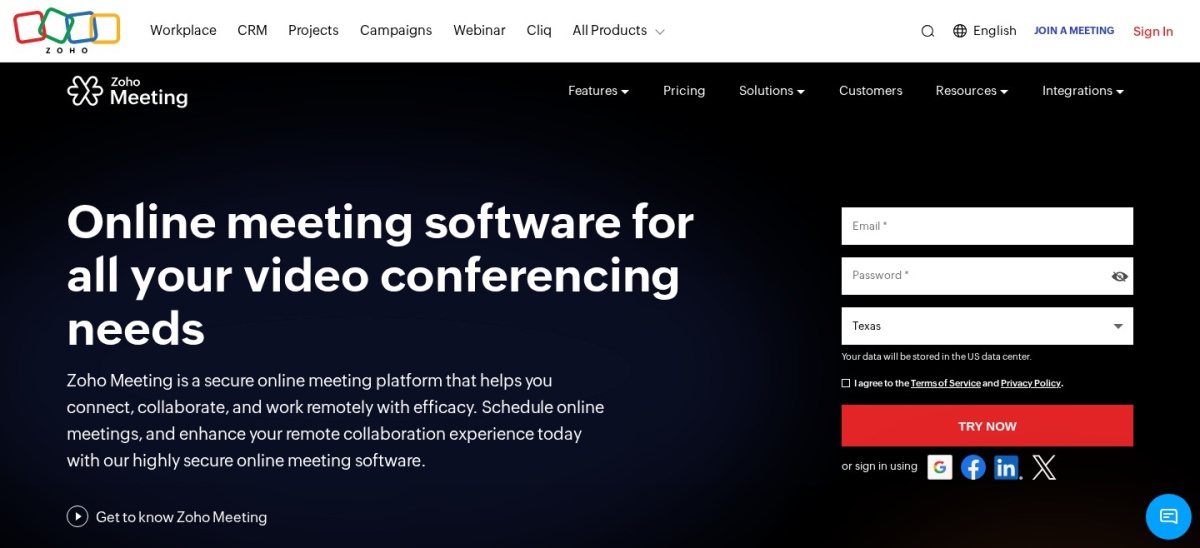
Zoho Meeting is the video meeting tool from Zoho, sold per host for small and mid-size teams. The free plan covers 100 participants and 60-minute meetings, and the Standard plan starts at $1 per host a month billed annually for 10 participants.
The trade off is room size. Standard covers only 10 participants, so larger rooms cost more per host, and video quality draws complaints on low-bandwidth connections. It suits small teams on a tight budget, especially those already using Zoho apps.
What we like
Cheapest paid entry in this list
Free plan with 60-minute group calls
Per-host pricing suits few-host teams
Watch out for
Standard covers only 10 participants
Video quality suffers on slow connections
Weak outside the Zoho ecosystem
Professional adds 100 participants and recordingVisit zoho.com
05
Whereby
4.6/5on G2 (1,162 reviews, checked Nov 2026)
Paid from$10.99/mo
Best for branded browser rooms
Free plan4 people, 30 min
Paid planPro, $10.99/mo
Rooms3 room URLs on Pro
Participants100 on Pro
whereby.com
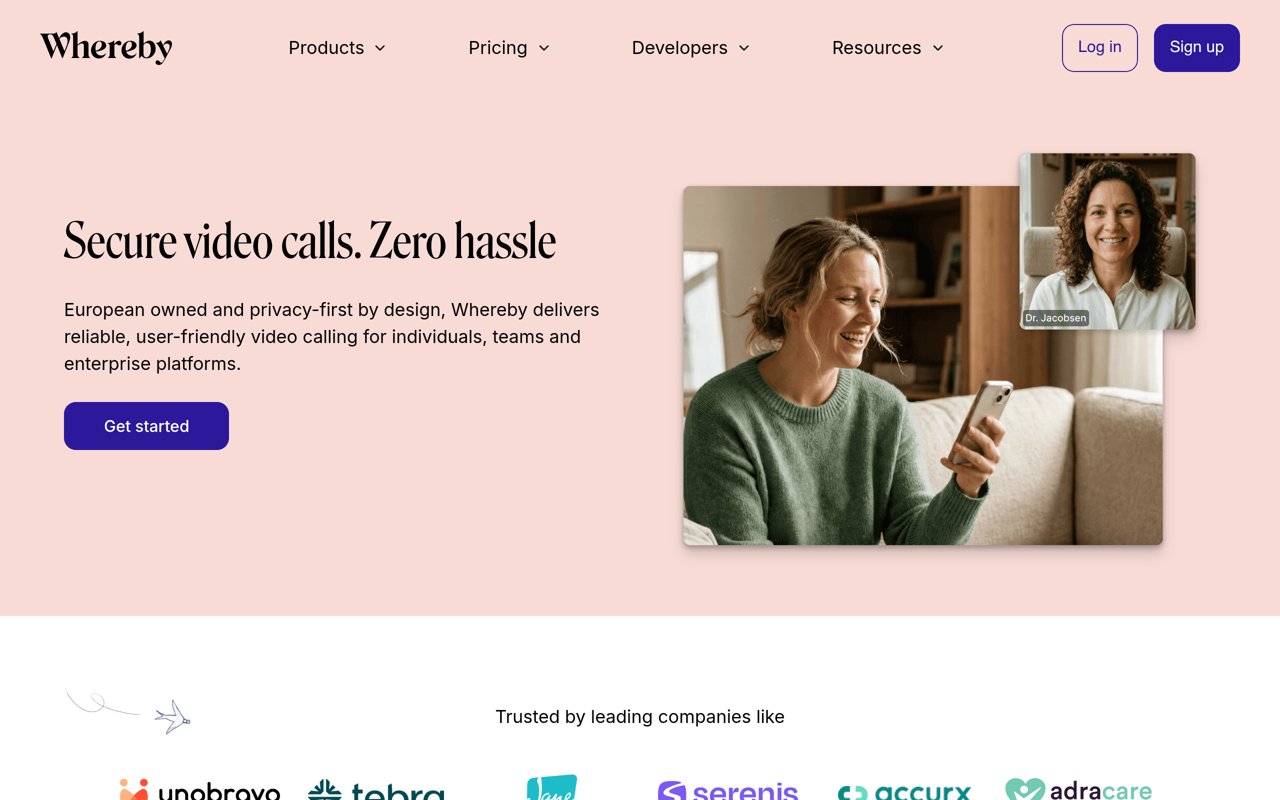
Whereby homepage, captured Nov 2026.
Whereby is a browser-first meeting tool built around persistent room links that guests open with no download or account. The free plan covers 4 people for 30 minutes, and Pro costs $10.99 a month for 100 attendees, unlimited meeting length and three room URLs with your branding.
The trade off is scale. The Business plan caps at 200 people, so Whereby is not built for enterprise all-hands or large webinars. It suits small teams and client-facing calls where a branded room link matters more than a big participant count.
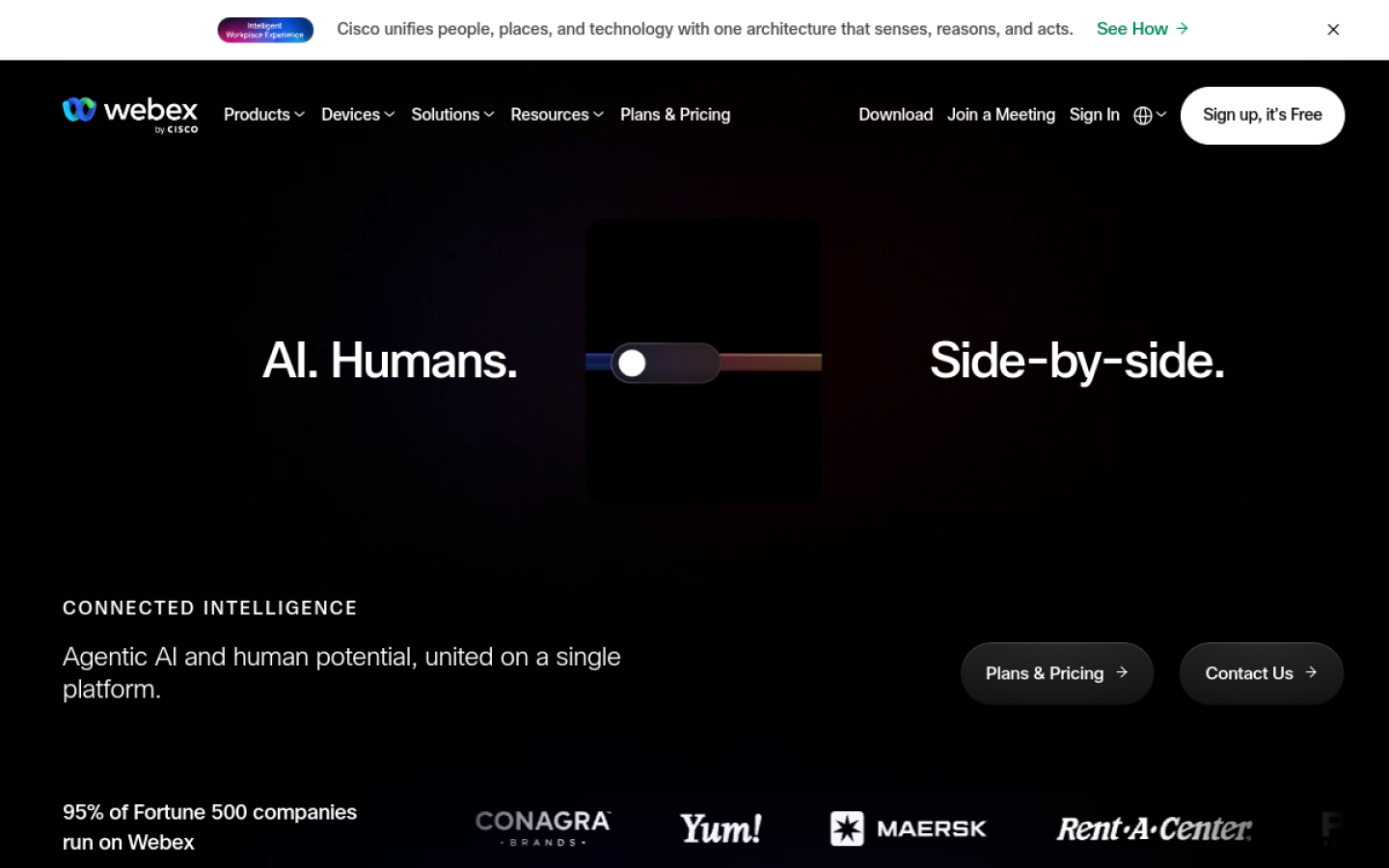
Webex is Cisco's meeting platform, built for large companies that need strong security and admin controls. The free plan covers 100 attendees for 40 minutes with screen sharing, whiteboards and noise cancellation, and paid plans add longer meetings, more participants and FedRAMP authorized security.
The trade off is price clarity. The live pricing page shows only the free plan and an Enterprise plan with no price, so the $13.50 Meet figure comes from vendor-supplied listings. It suits regulated teams that need enterprise security and Cisco room hardware.
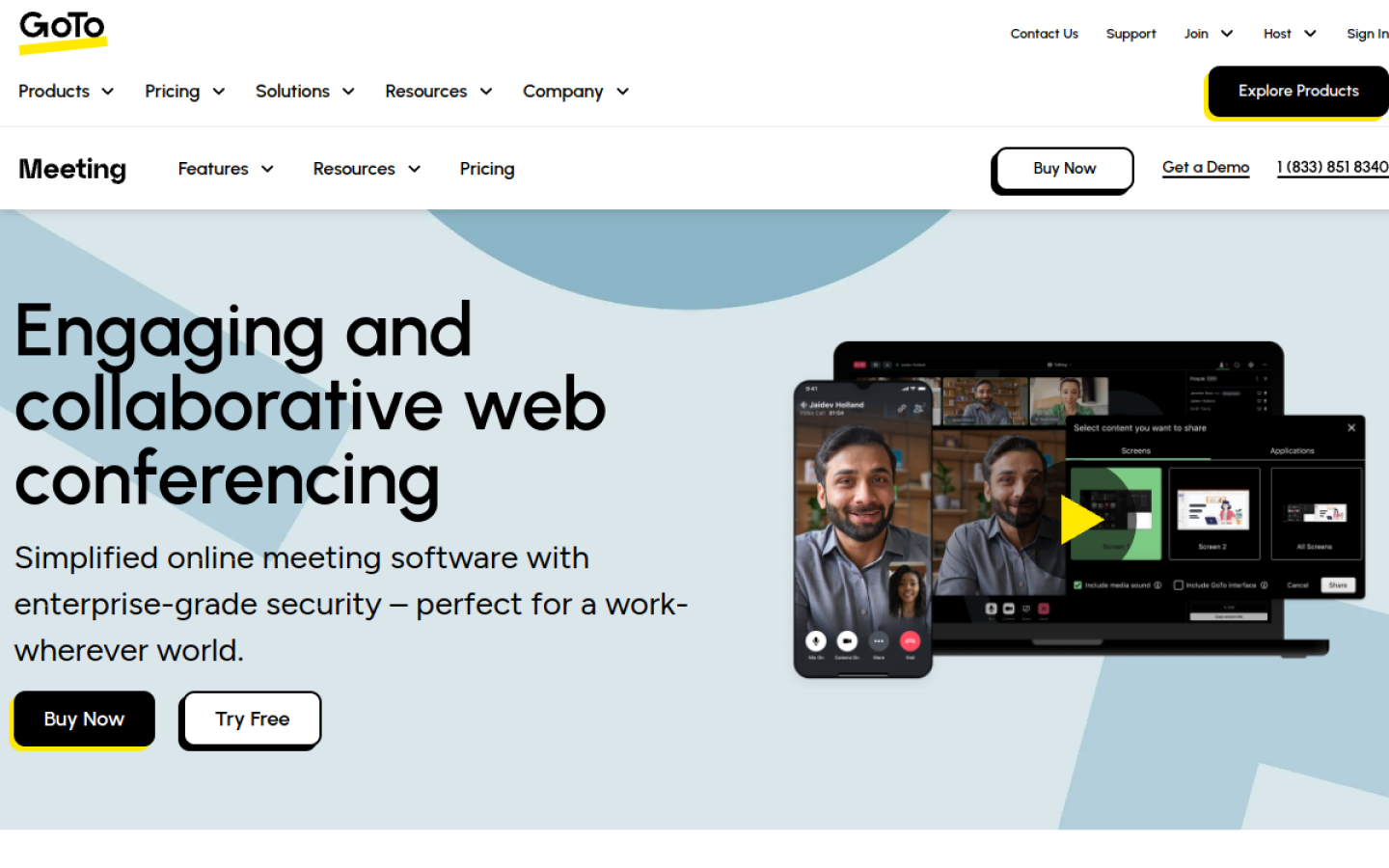
GoTo Meeting is a classic meeting tool for small teams that want simple scheduled calls with dial-in numbers. The Professional plan costs $12 per organizer a month billed annually for 150 participants, with screen sharing, drawing tools and meeting recording included.
The trade off is that there is no free plan, only a 14-day trial, and the interface feels dated next to Zoom or Whereby. It suits traditional businesses that run recurring internal calls and need reliable dial-in for phone-only joiners.
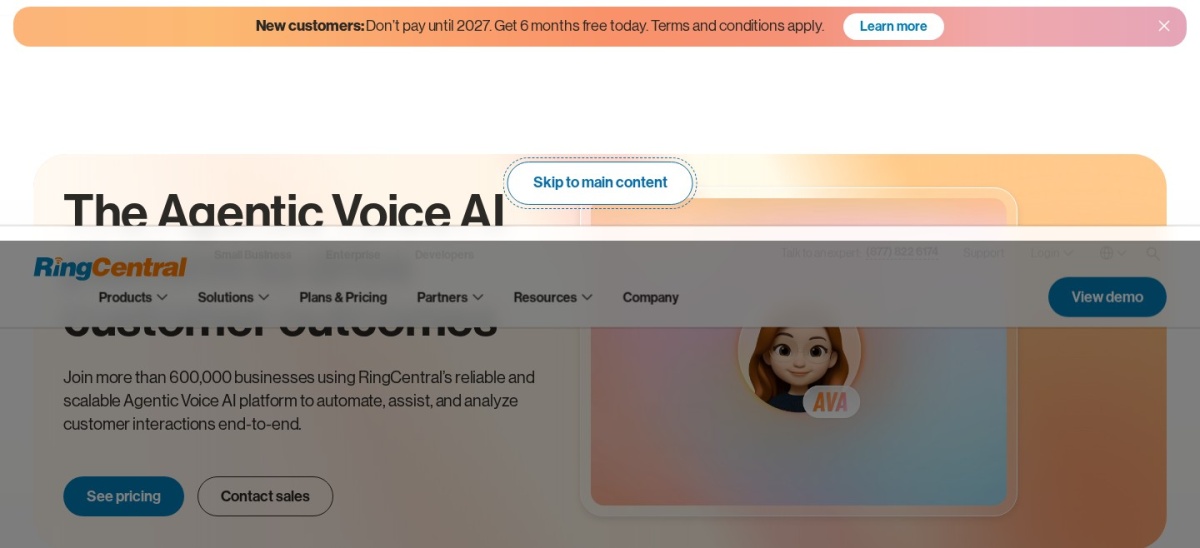
RingCentral is a unified communications platform that bundles business phone, video meetings, SMS and team messaging in one app. Video meetings come with the RingEX plans, starting with Core at $20 per user a month billed annually, alongside cloud phone, fax and call handling.
The trade off is overkill for video alone. If you only need meetings, $20 a user a month buys features you may never use, and the video-only free plan is limited. It suits teams replacing a phone system that want video, calling and messaging from one vendor.
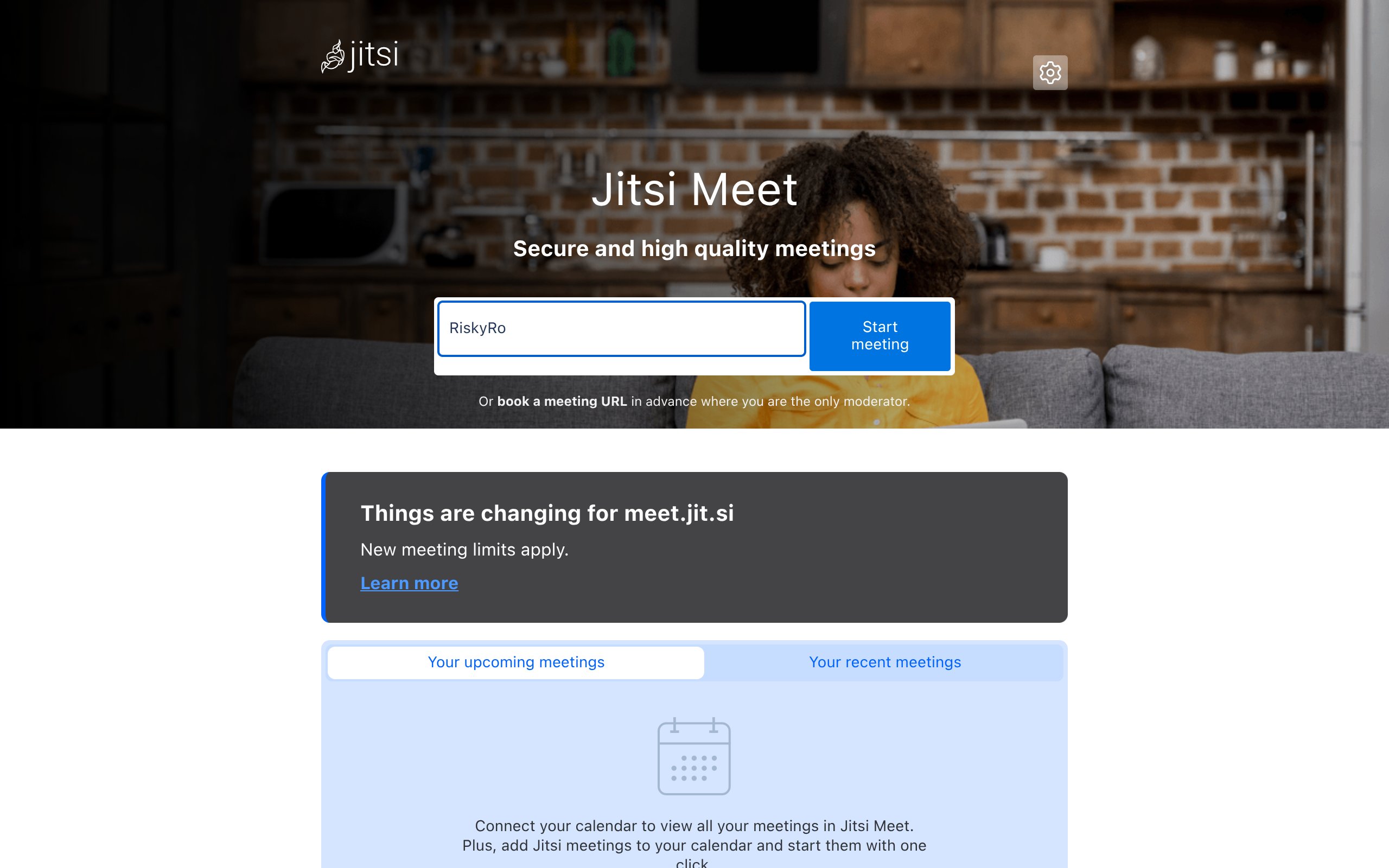
Jitsi Meet is a free, open-source video meeting tool that needs no account to join a call. Guests open a link in the browser, and teams that self-host can run it on their own servers with no licensing cost at all.
The trade off is ownership. Self-hosting needs technical setup to run reliably, and the hosted cloud option costs $99 a month. It suits privacy-first teams and developers who want full control over their meeting infrastructure.
Seven of the nine tools here have a free plan. Zoom and Webex cover 100 people for 40 minutes, while Teams and Zoho Meeting cover 100 people for 60 minutes.
Free plans suit small teams and one-off calls. Recording, longer meetings and more participants are what paid plans mostly buy.
GoTo Meeting and ClickMeeting-style tools skip the free plan entirely and offer a trial instead, so budget for a subscription from day one.
If you meet daily, compare the paid entry price: Zoho Meeting starts at $1 per host a month, Teams at $4 per user, and Zoom at $14.16 per user.
How we chose
We started from the video meeting leaders on G2 and Capterra, then kept nine tools with a public rating, a real meeting product and a free plan or a trial.
Prices come from each vendor's pricing page, checked on 29 November 2026, using regular prices rather than first-year discounts. Zoom Pro at $14.16 per user a month was confirmed on the vendor's own pricing page that day.
We left out tools with no verifiable G2 rating and webinar-only platforms. No vendor paid for a place, and we do not claim hands-on testing for this list.
How to choose a Google Meet alternative
Start with the suite you already pay for, then check free limits and host pricing before you buy.
Check what you already pay for. Teams follows Microsoft 365 and Meet follows Google Workspace, so switching suites to save on meetings rarely pays.
Compare the free limits. Free group calls run 40 minutes on Zoom and Webex and 60 minutes on Teams and Zoho Meeting, so match the cap to your usual call length.
Count hosts, not users. GoTo and Whereby charge per host, while Zoom and Teams charge per user, so price the plan for your real host count.
Test the guest experience. Join a call as a guest before you buy, since browser-first tools such as Whereby feel very different from app-first tools.
FAQ
What are the best Google Meet alternatives in 2026?
Zoom is the best Google Meet alternative for most teams, with a free plan for 100 people and Pro at $14.16 per user a month. Microsoft Teams suits Microsoft 365 companies, and Zoho Meeting is the cheapest paid option at $1 per host a month.
How much do Google Meet alternatives cost?
Entry prices run from free on Zoom, Teams and Webex to $20 a user a month for RingCentral. Teams Essentials costs $4 a user a month, Zoho Meeting $1 a host a month, and Zoom Pro $14.16 a user a month.
Is there a free alternative to Google Meet?
Yes. Zoom, Microsoft Teams, Webex, Whereby, Zoho Meeting, Slack and Jitsi all have free plans. Zoom and Webex cap free group calls at 40 minutes, while Teams and Zoho Meeting allow 60 minutes.
Which Google Meet alternative is best for small teams?
Zoho Meeting is the best pick for small teams on a tight budget, with a free plan and Standard from $1 per host a month. Whereby is the best pick for client calls that need a branded browser room.
Zoom vs Microsoft Teams: which is better?
Zoom is better as a standalone meeting tool, with the widest adoption and the most familiar controls. Teams is better for companies already on Microsoft 365, because meetings, chat and files sit in one app for $4 per user a month.
Which Google Meet alternative needs no download?
Whereby and Jitsi run fully in the browser, so guests join from a link with no install. Zoom and Teams work in a browser too, but their best experience runs in the desktop app.
SaaS SEO and WordPress specialist with about 8 years of experience. Rakib compares WordPress plugins, themes, hosting and software using public pricing, documentation and user reviews. See how we rank.