Slack is the best Google Chat alternative for most teams, with channels, threads and over 2,600 apps in its directory. Microsoft Teams suits companies already on Microsoft 365, while Pumble is the cheapest Google Chat alternative with unlimited free history.
How we make this list: we compare pricing pages, product documentation and public user reviews, then re-check every price before each update. No product paid for a place. Disclosure.
Slack is the safest general replacement, with channels, threads and over 2,600 apps.
Microsoft Teams wins for companies already paying for Microsoft 365, at $4 a user a month.
Pumble is the cheapest paid plan at $2.49 a user a month, with unlimited free history.
Zulip has the highest G2 rating here at 4.6 out of 5, built for organised topic-based chat.
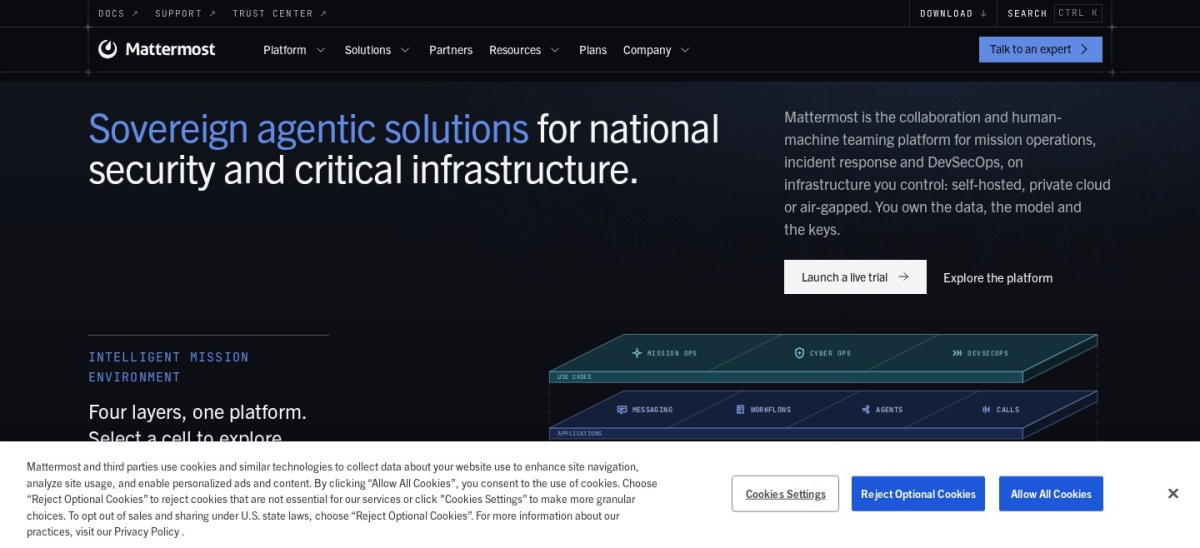
Mattermost, Rocket.Chat, Zulip and Element all self-host for teams that need data control.
How do you choose the best Google Chat alternative?
Channels are the big change. Google Chat organises work into spaces, while Slack, Teams and Pumble organise it into channels with threads, which scale better once a team passes a dozen people.
Message history decides the real cost. Slack's free plan keeps only 90 days of history, while Pumble and Mattermost keep every message free, so check the history limit before you pick.
Meetings matter more than chat for some teams. Microsoft Teams bundles chat with meetings and files, while Slack charges extra for the full meeting experience through huddles and apps.
Self-hosting is the privacy option. Mattermost, Rocket.Chat, Zulip and Element all run on your own server, which suits regulated teams that cannot store chat in the cloud.
Slack is a workplace messaging platform that organises conversations into channels, threads and direct messages. Its free plan provides 90 days of searchable history, 10 app integrations and one-to-one huddles, with more than 2,600 apps in its directory.
The trade off is history. Free workspaces show only the last 90 days of messages, and data is deleted after one year. Pro costs $7.25 a user a month billed annually and adds unlimited history and group huddles. It suits most teams leaving Google Chat.
Microsoft Teams is a communication platform combining workplace messaging, online meetings and document collaboration. Its Essentials plan includes 10 GB of cloud storage per user, meeting recordings, transcripts and collaborative features.
The trade off is that Teams Essentials costs $4 a user a month with annual billing and does not include the complete Microsoft 365 application suite. It suits companies that already live in Outlook, Word and SharePoint.
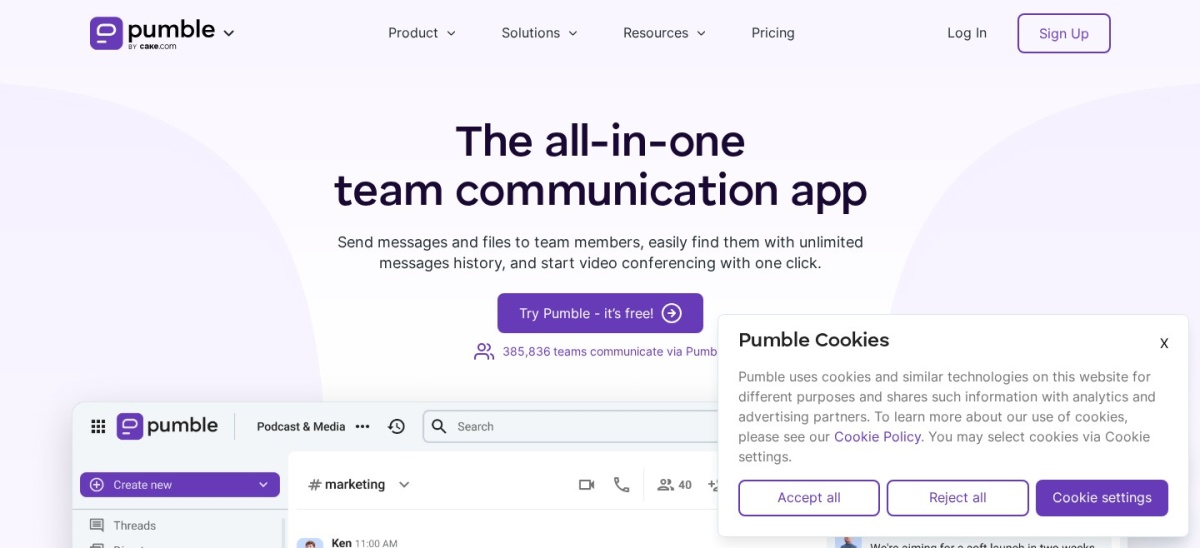
Pumble is a team chat app from CAKE.com with unlimited users, unlimited channels and unlimited message history on its free plan. It covers threads, voice and video messages, file sharing and one-to-one meetings without charging anything.
The trade off is the app ecosystem. Pumble has far fewer integrations than Slack, and group meetings and screen sharing need the Pro plan. Pro costs $2.49 a user a month billed annually. It suits budget teams that want free history forever.
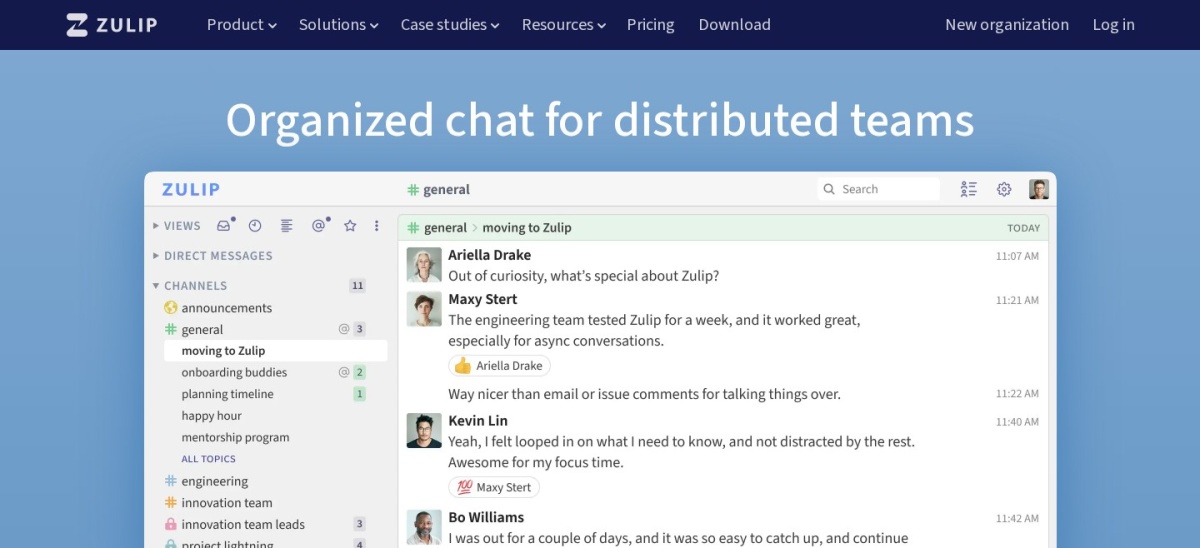
Zulip is an open-source team chat app that organises conversations into streams and topics, so long discussions stay readable. The free cloud plan covers 10,000 searchable messages with 5 GB of storage, and self-hosting is free.
The trade off is the learning curve. Streams and topics take a week to get used to, and the app directory is smaller than Slack's. Cloud Standard costs $6.67 a user a month billed annually. It suits technical teams with long async discussions.
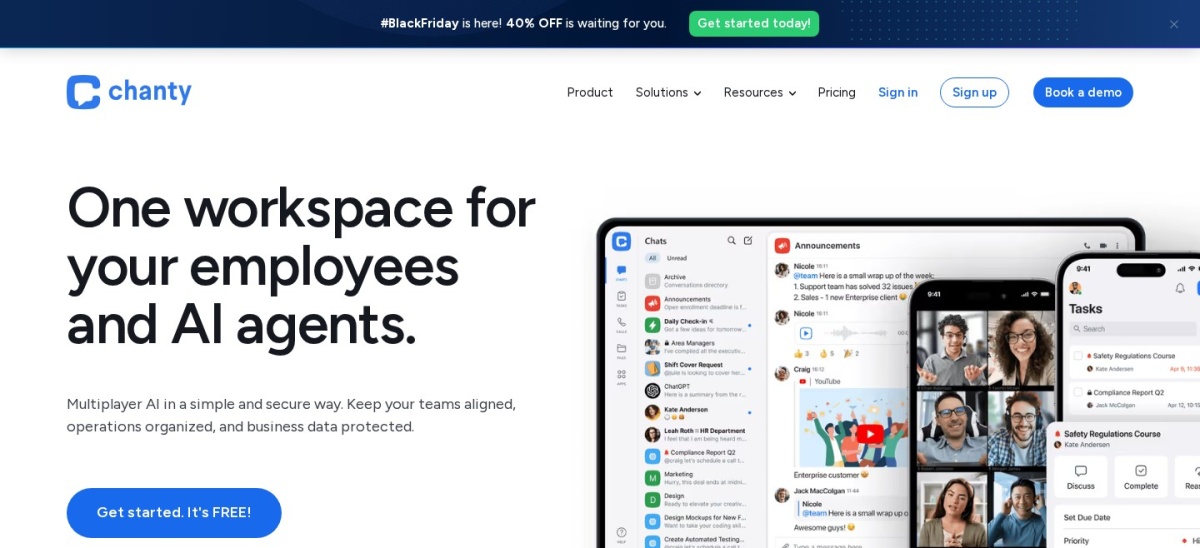
Chanty is a team chat app with built-in task management, so small teams can turn messages into tasks without another tool. Its free plan supports up to 5 team members, with unlimited message history and voice messages.
The trade off is scale. The free plan fits only five people, and the review base is small at 57 G2 reviews. Business costs $3 a user a month billed annually. It suits small teams that want chat and tasks in one place.
Mattermost is an open-source team chat platform built for technical teams that need to run chat on their own servers. It offers channels, threads, voice calls and screen sharing, with a free plan for small teams and enterprise controls on paid plans.
The trade off is admin time. Self-hosting needs someone to run updates and backups, and the paid cloud plan starts at $10 a user a month. It suits regulated teams that must keep chat data in-house.
Rocket.Chat is an open-source team chat platform with channels, threads, video calls and omnichannel messaging. Its self-managed Starter edition is free for up to 50 users, and the Community edition is free without limits for teams that host it themselves.
The trade off is that the paid cloud plans are quote-based for larger teams, and the admin console takes time to learn. It suits teams that want deep customisation and control over their chat server.
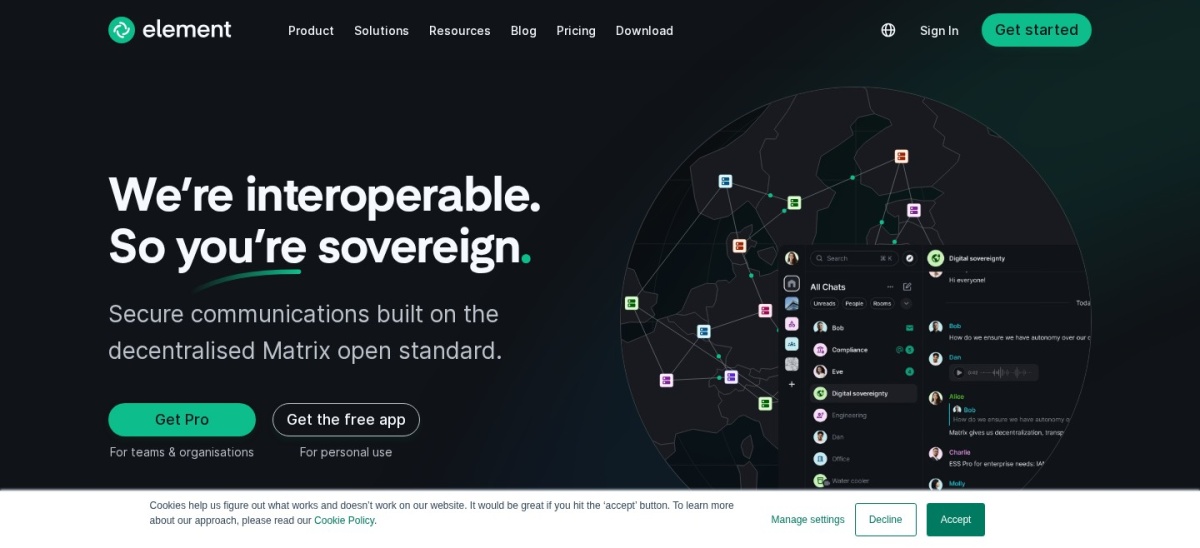
Element is a secure messaging app built on Matrix, a decentralised and end-to-end encrypted protocol. Teams can chat across organisations and servers without sharing one vendor, and the free self-hosted version covers the core chat features.
The trade off is polish. Element's interface is plainer than Slack's, and the paid hosted plan starts at $5 per monthly active user. It suits privacy-focused teams and cross-organisation projects.
What we like
End-to-end encryption by default
Federated chat across organisations
Free self-hosted version
Open source under AGPL licence
Watch out for
Plainer interface than Slack or Teams
Paid hosted plan is per active user
Enterprise at $10 adds self-hosting help and bridgesVisit element.io
Free vs paid: what the free plan hides
Free plans here are genuinely usable. Pumble keeps unlimited users and full history free, and Slack's free plan covers unlimited channels with 10 apps.
The catch is history and meetings. Slack hides messages older than 90 days on free, and group huddles need Pro. Teams limits free meetings to 60 minutes.
If your team rarely looks back more than a month, a free plan is enough. If old decisions matter, pay for the cheapest plan with unlimited history.
How we chose
We started from the established team chat tools with public G2 ratings, then kept the eight that work as a direct Google Chat replacement. Channel chat, self-hosted chat and async-first chat are all covered.
Prices come from each vendor's pricing page, checked on 29 November 2026. Ratings and review counts come from G2 on the same day. Where a vendor shows a sale, the list shows the regular price.
We left out tools with no public rating and community-only chat apps such as Discord. No vendor paid for a place, and we do not claim hands-on testing for this list.
How to choose a Google Chat alternative
Start from where your team already works, then check history limits before you commit.
Check what your team already pays for. If you pay for Microsoft 365, Teams is nearly free. If you pay for Google Workspace, weigh whether leaving it is worth the move.
Test the free plan with real work. Run a real project in the free plan for a week. Watch for the history limit and the meeting limit, which are the two usual surprises.
Count the apps you need. List the tools your chat must connect to. Slack covers over 2,600 apps, while smaller tools cover far fewer.
Pick one and move the whole team. Two chat apps split attention and kill adoption. Migrate channels, pin the key messages, then close the old space.
FAQ
What is the best Google Chat alternative in 2026?
Slack is the best Google Chat alternative for most teams. It has the deepest app directory with over 2,600 apps, channels and threads that scale, and a free plan, with Pro at $7.25 per user a month billed annually.
How much does a Google Chat alternative cost?
Paid plans here run from $2.49 a user a month for Pumble Pro to $10 a user a month for Mattermost. Slack Pro costs $7.25 a user a month and Teams Essentials costs $4 a user a month, both billed annually.
Is there a free alternative to Google Chat?
Yes. Pumble is the most generous free alternative, with unlimited users and unlimited message history. Slack, Teams, Chanty, Zulip, Rocket.Chat, Mattermost and Element all offer a free plan or a free self-hosted version.
Which Google Chat alternative is best for small teams?
Pumble is the best pick for a small team, because its free plan covers unlimited users and full message history. Chanty is also strong for teams of up to five, with task management built into the chat.
Slack vs Microsoft Teams: which replaces Google Chat better?
Slack is better for chat-first teams that want the most apps and integrations. Microsoft Teams is better for companies already paying for Microsoft 365, since chat, meetings and files sit in one place.
Which Google Chat alternative can I self-host?
Mattermost, Rocket.Chat, Zulip and Element all offer self-hosted versions you run on your own server. Mattermost is the most polished for business teams, while Element adds end-to-end encryption through the Matrix network.
SaaS SEO and WordPress specialist with about 8 years of experience. Rakib compares WordPress plugins, themes, hosting and software using public pricing, documentation and user reviews. See how we rank.