Slack is the best chat app for workplace communication, offering searchable conversations, channel-based messaging and access to over 2,600 integrations, with a 4.5/5 G2 rating. Choose Microsoft Teams for integrated meetings and document collaboration or Pumble for free messaging with unlimited conversation history.
How we make this list: we compare pricing pages, product documentation and public user reviews, then re-check every price before each update. No product paid for a place. Disclosure.
Slack supports over 2,600 apps and starts at $7.25 per user per month.
Microsoft Teams Essentials costs $4 per user per month when billed annually.
Pumble provides unlimited users and message history on its free plan.
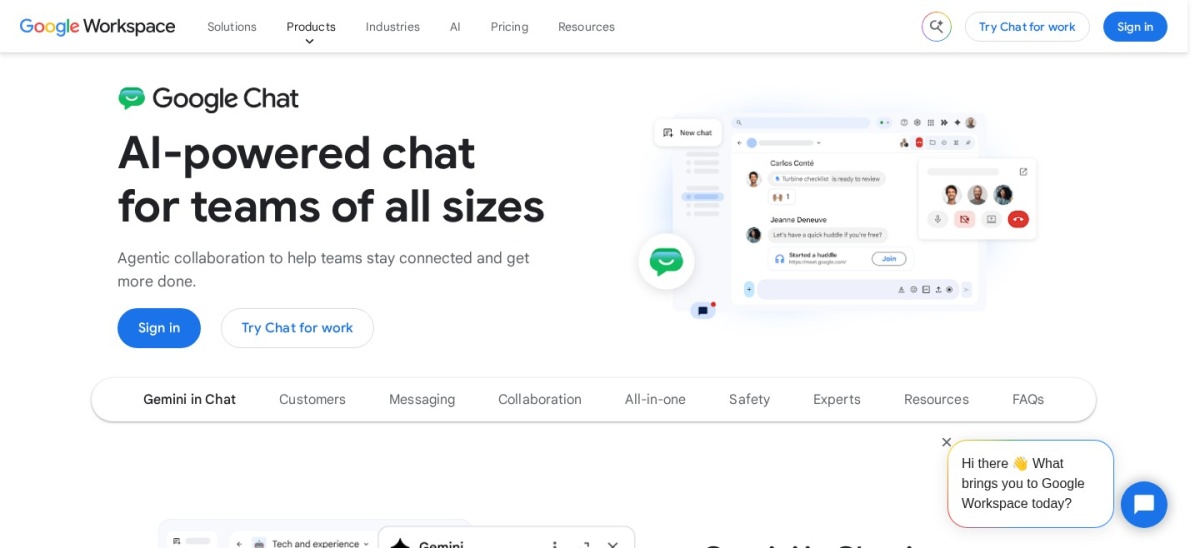
Google Workspace Starter includes Google Chat and 30 GB of pooled storage per user for $7 per month.
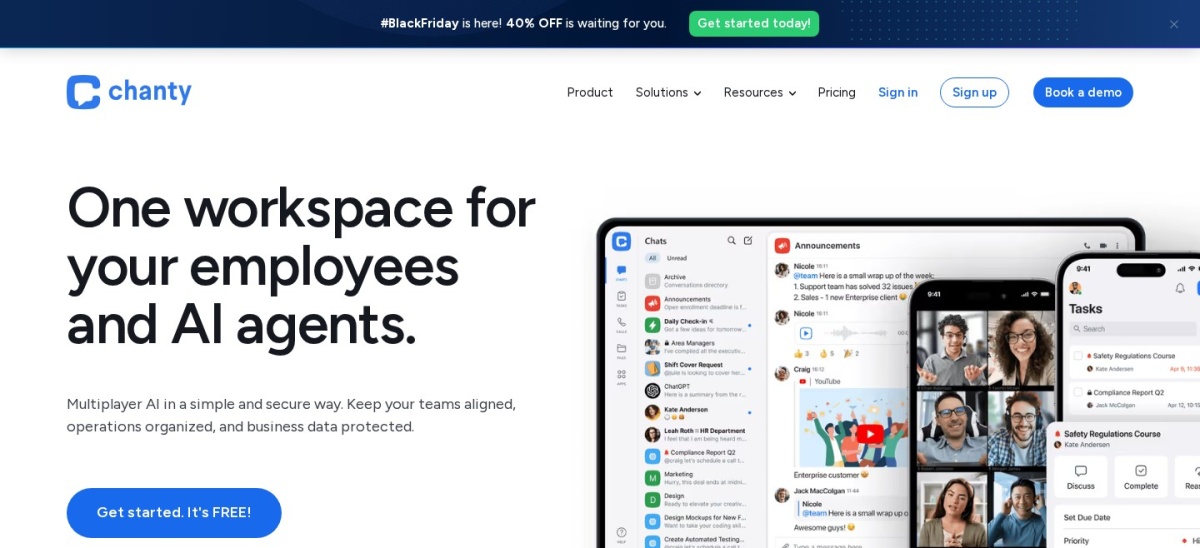
Chanty supports up to 5 team members for free, including built-in task management.
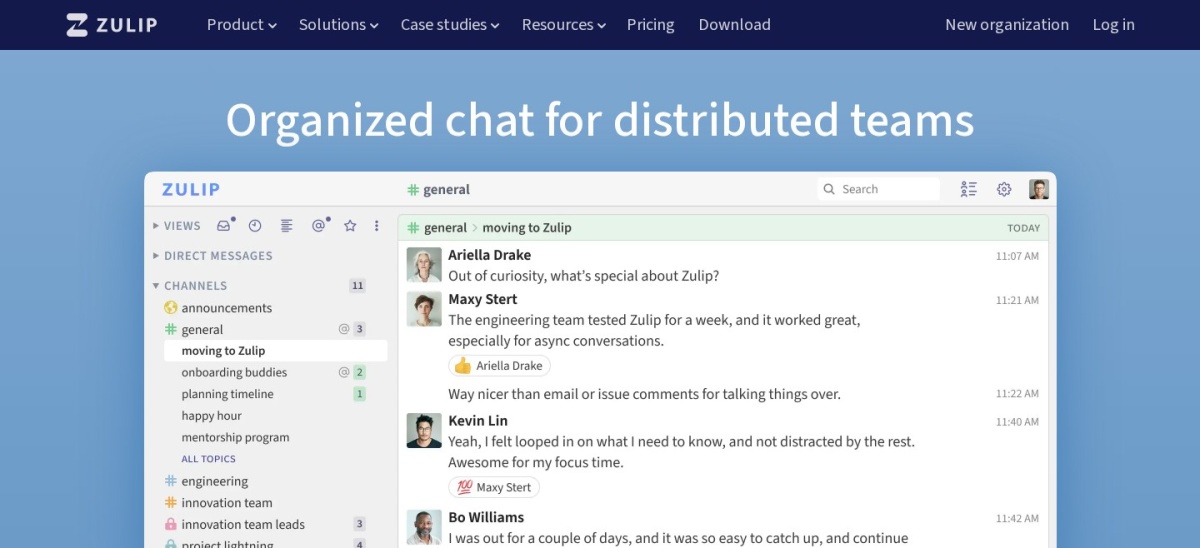
Zulip offers 10,000 searchable messages on its free cloud plan and holds a 4.6/5 G2 rating.
What to look for in a business chat app
Business chat apps replace scattered email conversations with organized messaging channels, private conversations and shared files. This comparison focuses on workplace communication rather than personal messaging or website live chat.
Message history is particularly important for growing teams. Searchable conversations help employees retrieve project decisions, customer updates and instructions without repeatedly asking colleagues.
Check whether voice calls, video meetings and screen sharing are included in the free or entry-level subscription. Some platforms reserve group calling for paying customers.
Compare integrations, notification controls, administrative permissions and data retention policies. Your chat platform should support existing workflows without creating unnecessary interruptions.
Most business messaging platforms charge per user. Calculate the subscription cost for your complete team rather than comparing individual seat prices alone.
Slack is a workplace messaging platform that organizes conversations into channels, threads and direct messages. Its free subscription provides 90 days of searchable conversation history, 10 app integrations and individual audio or video meetings.
The trade off is limited access to older conversations and integrations on the free plan. Pro costs $7.25 per user per month with annual billing, excluding temporary promotional discounts. It suits businesses that want messaging connected to their existing software.
What we like
Extensive integration marketplace
Organized channels and conversation threads
Built-in audio and video huddles
Workflow automation capabilities
Watch out for
Limited free conversation history
Subscription costs increase with team size
Advanced administrative controls require upgrades
Pro adds extended searchable history, group huddles and unlimited integrations.Visit slack.com
02
Microsoft Teams
4.4/5on G2 (19,483 reviews, checked Nov 2026)
Paid from$4/user/mo
Best for meetings and office collaboration
Entry planTeams Essentials
Paid cloud storage10 GB/user
Video meetingsIncluded
BillingAnnual subscription
microsoft.com
Microsoft Teams homepage, captured Nov 2026.
Microsoft Teams is a communication platform combining workplace messaging, online meetings and document collaboration. Its Essentials subscription includes 10 GB of cloud storage per user, meeting recordings, transcripts and collaborative features.
The trade off is that Teams Essentials costs $4 per user per month with annual billing and does not include the complete Microsoft 365 application suite. It suits businesses that prioritize online meetings and Microsoft-based workflows.
What we like
Integrated chat and video conferencing
Affordable standalone business subscription
Microsoft productivity application integrations
Meeting recording and transcription features
Watch out for
Interface can feel crowded
Full office application access requires separate licensing
Some users report performance issues
Essentials adds business meeting capabilities and cloud storage.Visit microsoft.com
03
Pumble
4.5/5on G2 (40 reviews, checked Nov 2026)
Paid from$2.49/user/mo
Best for unlimited free messaging
Free usersUnlimited
Free message historyUnlimited
Free storage10 GB/workspace
Entry planPro, billed annually
pumble.com
Pumble homepage, captured Nov 2026.
Pumble is a business messaging application with public channels, private conversations and threaded replies. Its free subscription supports unlimited members, unrestricted message history, individual calls and 10 GB of shared workspace storage.
The trade off is that group meetings and screen sharing require Pro, priced at $2.49 per user per month when billed annually or $2.99 with monthly billing. It suits budget-conscious teams that need searchable communication records without paying immediately.
What we like
Unlimited free users
Unrestricted conversation history
Low paid subscription price
Slack workspace import support
Watch out for
Group meetings require a subscription
Smaller integration ecosystem than Slack
Free storage is shared across the workspace
Pro adds group meetings, screen sharing and per-seat storage.Visit pumble.com
04
Google Chat
4.5/5on Capterra (2,394 reviews, checked Nov 2026)
Paid from$7/user/mo
Best for Google Workspace users
Entry business planWorkspace Starter
Pooled storage30 GB/user
Conversation organizationSpaces and direct messages
Business emailIncluded
workspace.google.com
Google Chat homepage, captured Nov 2026.
Google Chat is a messaging service connected to Gmail, Google Drive and other Workspace applications. The Workspace Starter business subscription provides 30 GB of pooled storage per user alongside business email and integrated communication tools.
The trade off is that business administration and organizational features depend on Google Workspace, which starts at a regular $7 per user per month with annual commitment. It suits organizations already using Google applications for documents, meetings and email.
What we like
Accessible from Gmail
Integrated Google Drive file sharing
Organized collaborative spaces
Personal messaging available without a subscription
Watch out for
Business features depend on Workspace licensing
Less attractive for businesses using competing office suites
Fewer specialized workflow options than Slack
Workspace Starter adds business email, organizational controls and pooled storage.Visit workspace.google.com
05
Chanty
4.4/5on G2 (57 reviews, checked Nov 2026)
Paid from$3/user/mo
Best for small teams and task management
Free team members5
Free storage20 GB/team
Free historyUnlimited
Entry planBusiness, billed annually
chanty.com
Chanty homepage, captured Nov 2026.
Chanty is a team communication application combining instant messaging with task management. Its free subscription supports up to 5 members, unlimited searchable conversation history, 20 GB of shared storage and the ability to convert messages into tasks.
The trade off is that larger teams and group meetings require the Business subscription, which starts at $3 per user per month with annual billing. It suits small businesses that want discussions and basic task tracking inside the same application.
What we like
Built-in task management
Unlimited free message history
Individual voice and video calls
Affordable business subscription
Watch out for
Free plan limited to small teams
Group calls require payment
Smaller customer review base than major competitors
Business adds group calls, screen sharing, task boards and administrative controls.Visit chanty.com
06
Zulip
4.6/5on G2 (117 reviews, checked Nov 2026)
Paid from$3.50/user/mo
Best for organized technical discussions
Free cloud history10,000 messages
Free cloud storage5 GB total
DeploymentCloud or self-hosted
Entry paid planSelf-hosted Basic
zulip.com
Zulip homepage, captured Nov 2026.
Zulip is an open-source messaging platform that organizes discussions by channels and named topics. Its free hosted subscription includes 10,000 searchable messages, 5 GB of shared file storage and configurable user permissions.
The trade off is that the cheapest paid subscription, self-hosted Basic, costs $3.50 per user per month and requires your own hosting infrastructure. Managed Cloud Standard starts at $6.67 per user per month with annual billing. It suits technical teams that value organized discussions.
What we like
Topic-based conversation organization
Open-source software
Cloud and self-hosted deployment options
Highest G2 rating in this comparison
Watch out for
Topic-based interface requires adjustment
Free cloud search history is limited
Self-hosting requires technical maintenance
Basic adds unlimited mobile notifications; Cloud Standard expands hosted storage and search history.Visit zulip.com
07
Twist
4.1/5on G2 (34 reviews, checked Nov 2026)
Paid from$6/user/mo
Best for asynchronous communication
Free message history1 month
Free integrations5
Free file storage5 GB
Entry planUnlimited
twist.com
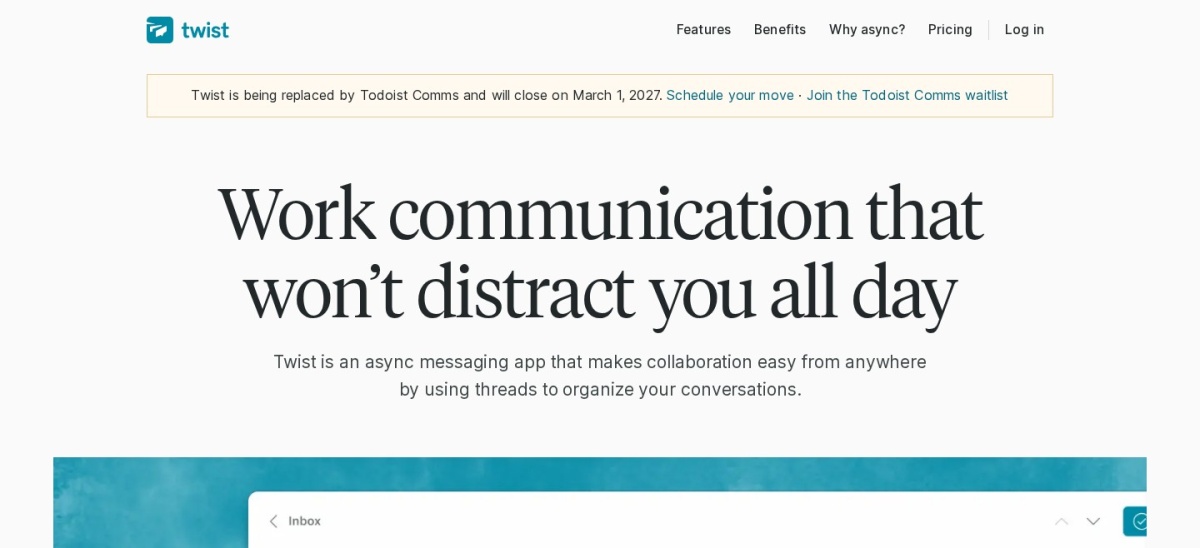
Twist homepage, captured Nov 2026.
Twist is a workplace communication application designed around asynchronous discussions rather than continuous real-time messaging. Its free subscription includes access to one month of conversations, 5 integrations and 5 GB of file storage.
The trade off is restricted access to older conversations unless you purchase Unlimited at $6 per user per month with annual billing. It suits distributed teams that prioritize thoughtful written updates and uninterrupted work over immediate responses.
What we like
Thread-first discussion structure
Designed for asynchronous collaboration
Guest accounts available
Unlimited paid message history and storage
Watch out for
Short free message history
Limited integration selection
Less suitable for urgent real-time communication
Unlimited adds full conversation history, unrestricted storage and priority support.Visit twist.com
Are free chat apps enough for businesses?
Free messaging applications can cover everyday conversations, document sharing and project coordination. Pumble stands out because it does not restrict the number of free users or searchable messages.
Paid subscriptions become more useful when businesses need group meetings, advanced permissions, external collaboration, additional storage and configurable retention policies.
Before purchasing a separate chat subscription, check whether your current business productivity suite already includes suitable messaging features. Microsoft Teams and Google Chat can reduce the need for additional software subscriptions.
How we chose
We selected established workplace messaging applications by comparing conversation organization, searchable history, calling features, integrations, deployment options and independent customer feedback.
Prices and ratings were researched on 25 Nov 2026 using official vendor pricing pages and G2 or Capterra results. Google Chat's Capterra figures were available in indexed search results, but its direct review page could not be reopened. Annual prices represent regular subscription costs per user, excluding hosting expenses and promotional discounts.
We excluded personal-only messaging services, discontinued platforms and products without sufficient customer feedback or confirmable public pricing. No vendor paid for a place, and we do not claim testing for this list.
How to choose the best chat app
Follow these steps to select a messaging application that matches your team's communication habits, budget and existing technology.
Identify your communication style. Decide whether employees primarily need instant messaging, video meetings, structured technical discussions or asynchronous project updates.
Compare message history and storage limits. Choose a platform that preserves important conversations and documents for as long as your organization needs them.
Calculate the complete annual subscription cost. Multiply regular per-user charges by your team size and include any additional hosting, productivity applications or communication expenses.
Review integrations and administrative controls. Check compatibility with existing applications alongside account permissions, guest access, security settings and organizational data retention requirements.
FAQ
What is the best chat app for businesses?
Slack is our top pick for most businesses because it combines organized messaging, application integrations and workflow automation. Microsoft Teams is better suited to organizations that prioritize video meetings and Microsoft productivity applications.
What is the best free chat app for teams?
Pumble is our preferred free workplace chat application because it supports unlimited users, channels and searchable message history. Its free subscription also includes individual voice and video calls and 10 GB of shared storage.
Which chat app is best for remote teams?
Slack works well for remote teams that need frequent communication and integrations with existing software. Twist is better suited to asynchronous collaboration, while Zulip helps technical teams organize discussions by specific topics.
How much do business chat apps cost?
Entry-level paid subscriptions in this comparison range from $2.49 to $7.25 per user per month. Annual billing can reduce subscription costs, while additional hosting, advanced security features and larger productivity bundles may increase overall expenses.
Are business chat apps secure?
Business messaging applications generally provide access controls and security features, but protection varies by platform and subscription. Review encryption, administrative permissions, authentication options, data retention policies and compliance documentation before sharing confidential business information.
SaaS SEO and WordPress specialist with about 8 years of experience. Rakib compares WordPress plugins, themes, hosting and software using public pricing, documentation and user reviews. See how we rank.