Fathom is the best meeting minutes software for most teams, offering unlimited free recordings and transcription alongside a 5/5 G2 rating from 7,200 reviews. Fellow is better for collaborative meeting documentation, while Fireflies.ai suits teams that need searchable transcripts and detailed action items.
How we make this list: we compare pricing pages, product documentation and public user reviews, then re-check every price before each update. No product paid for a place. Disclosure.
Fathom offers unlimited free recordings and transcription, with a 5/5 G2 rating from 7,200 reviews.
Fellow Team costs $84 per user annually and includes 10 AI-generated notes per month.
Fireflies.ai Pro includes 8,000 minutes of recording storage per seat for $120 annually.
Otter.ai provides 300 free transcription minutes per month.
MeetGeek Pro includes 20 transcription hours per month for $119.88 annually.
Boardable supports formal governance workflows and has a 4.5/5 G2 rating from 274 reviews.
What good meeting minutes software should include
Meeting minutes software converts discussions into organized records of decisions, responsibilities and follow-up tasks. Some platforms automate documentation through speech recognition, while others provide structured templates for manual minute-taking.
A useful meeting record identifies what was discussed, which decisions were made and who is responsible for each action. A complete transcript alone does not necessarily provide this information clearly.
AI-generated minutes can reduce administrative work, but important decisions, names and deadlines still require human review.
Formal board meetings may require voting records, document approvals and restricted access. General team meetings usually benefit more from automatic summaries, searchable archives and task management integrations.
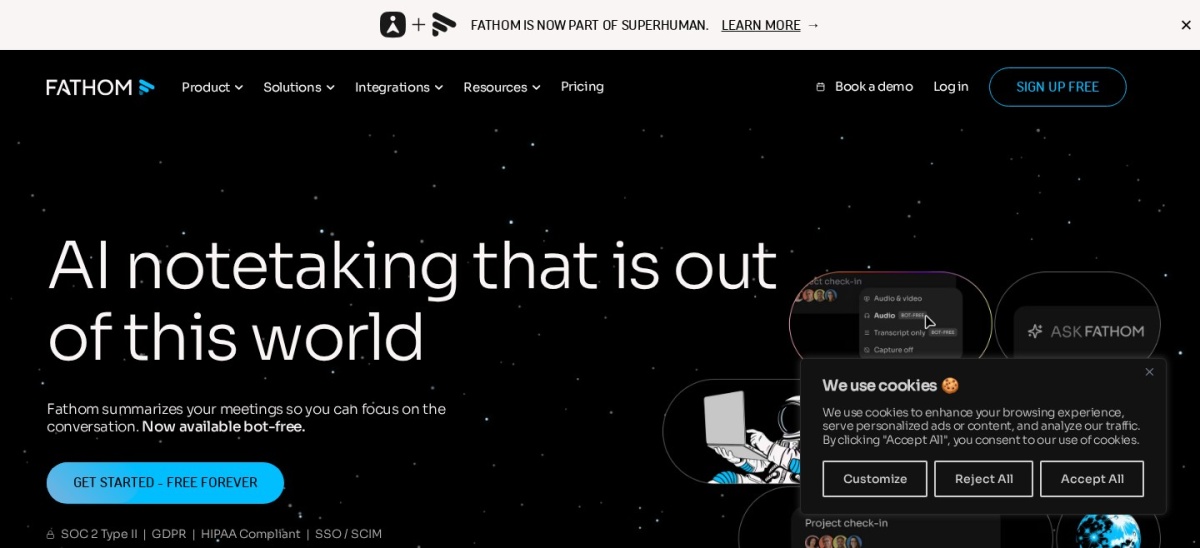
Fathom is an AI meeting assistant that creates transcripts, summaries and searchable conversation records. Its free plan includes unlimited recording and transcription, and G2 lists a 5/5 rating from 7,200 reviews.
The trade off is that Team costs $15 per user monthly with annual billing and requires 2 seats, totaling $360 annually. Individual Premium costs $16 monthly with annual billing. It suits teams that want automatic documentation with minimal manual note-taking.
What we like
Unlimited free recording and transcription
Searchable meeting history
Shareable recordings and highlights
Strong independent review rating
Watch out for
Advanced action items require payment
Team pricing requires multiple seats
Paid plans add advanced summaries, action items and collaboration.Visit fathom.ai
02
Fellow
4.7/5on G2 (2,444 reviews, checked Nov 2026)
Paid from$7/mo
Best for collaborative meeting minutes
Free AI notes5 lifetime/user
Team AI notes10/user/mo
Action itemsSupported
Paid planTeam, per user
fellow.ai
Fellow homepage, captured Nov 2026.
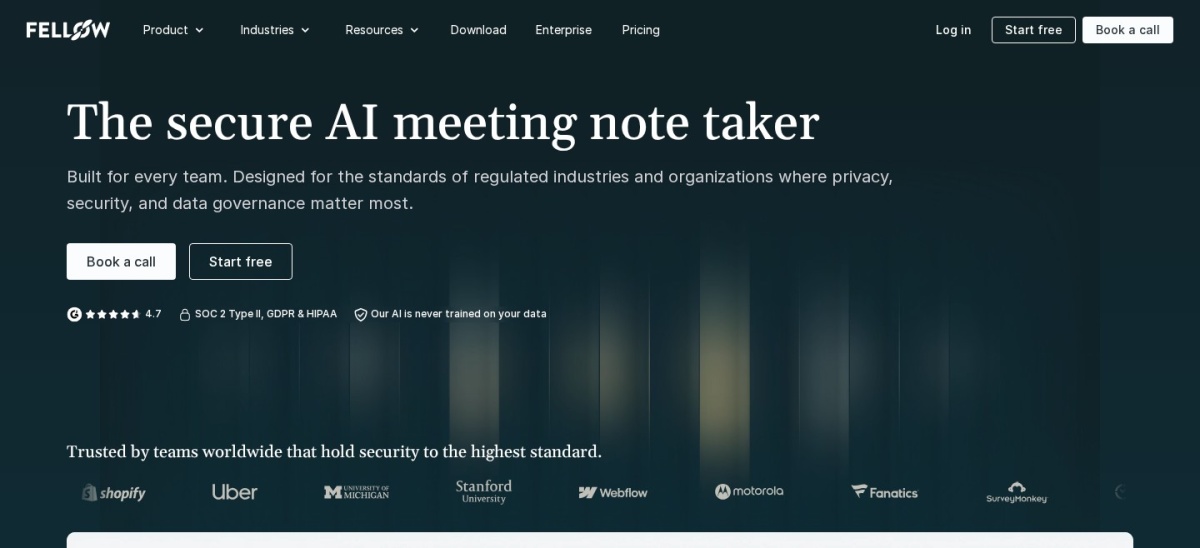
Fellow is a meeting documentation platform that combines collaborative agendas, AI summaries and action-item tracking. Its free subscription includes 5 lifetime AI notes and recordings per user.
The trade off is that recurring AI documentation requires Team at $7 per user monthly with annual billing or $11 month-to-month. Team includes 10 AI notes per user each month. It suits organizations that want meeting minutes connected to ongoing responsibilities.
What we like
Collaborative meeting documentation
Integrated action-item tracking
Affordable annual subscription
Project management integrations
Watch out for
Limited lifetime free AI allowance
Unlimited AI notes require Business
Team adds recurring AI note allowances and workflow integrations.Visit fellow.ai
03
Fireflies.ai
4.7/5on G2 (756 reviews, checked Nov 2026)
Paid from$10/mo
Best for searchable meeting archives
Free storage400 minutes/team
Pro storage8,000 minutes/seat
Transcription languages100+
Paid planPro, per seat
fireflies.ai
Fireflies.ai homepage, captured Nov 2026.
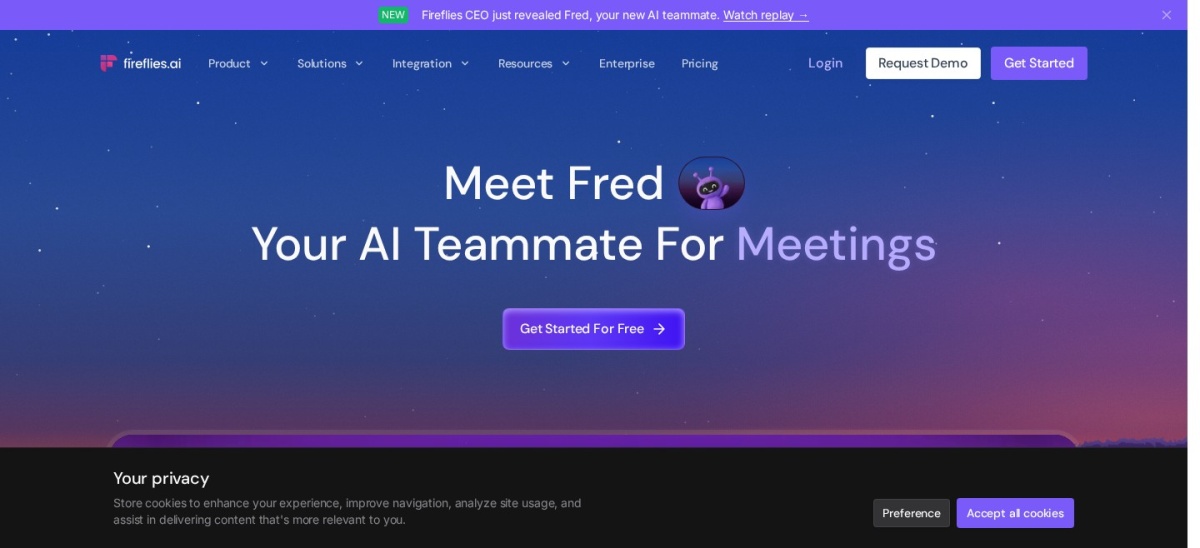
Fireflies.ai is an AI meeting documentation platform that captures conversations and generates searchable summaries. Its free plan includes limited AI summaries, transcription subject to usage conditions and 400 minutes of shared recording storage.
The trade off is that unlimited summaries and downloadable meeting records require Pro at $10 per seat monthly with annual billing or $18 month-to-month. It suits teams that regularly reference previous discussions and share meeting outcomes.
What we like
Search across recorded conversations
Support for 100+ languages
Automatic summaries and action items
Audio and video file uploads
Watch out for
Limited free storage
Recording downloads require payment
Pro adds unlimited summaries, downloads and 8,000 storage minutes per seat.Visit fireflies.ai
04
Otter.ai
4.4/5on G2 (554 reviews, checked Nov 2026)
Paid from$16.99/mo
Best for real-time meeting transcription
Free transcription300 minutes/mo
Pro recording allowance1,200 minutes/mo
Pro meeting duration90 minutes
Paid planPro
otter.ai
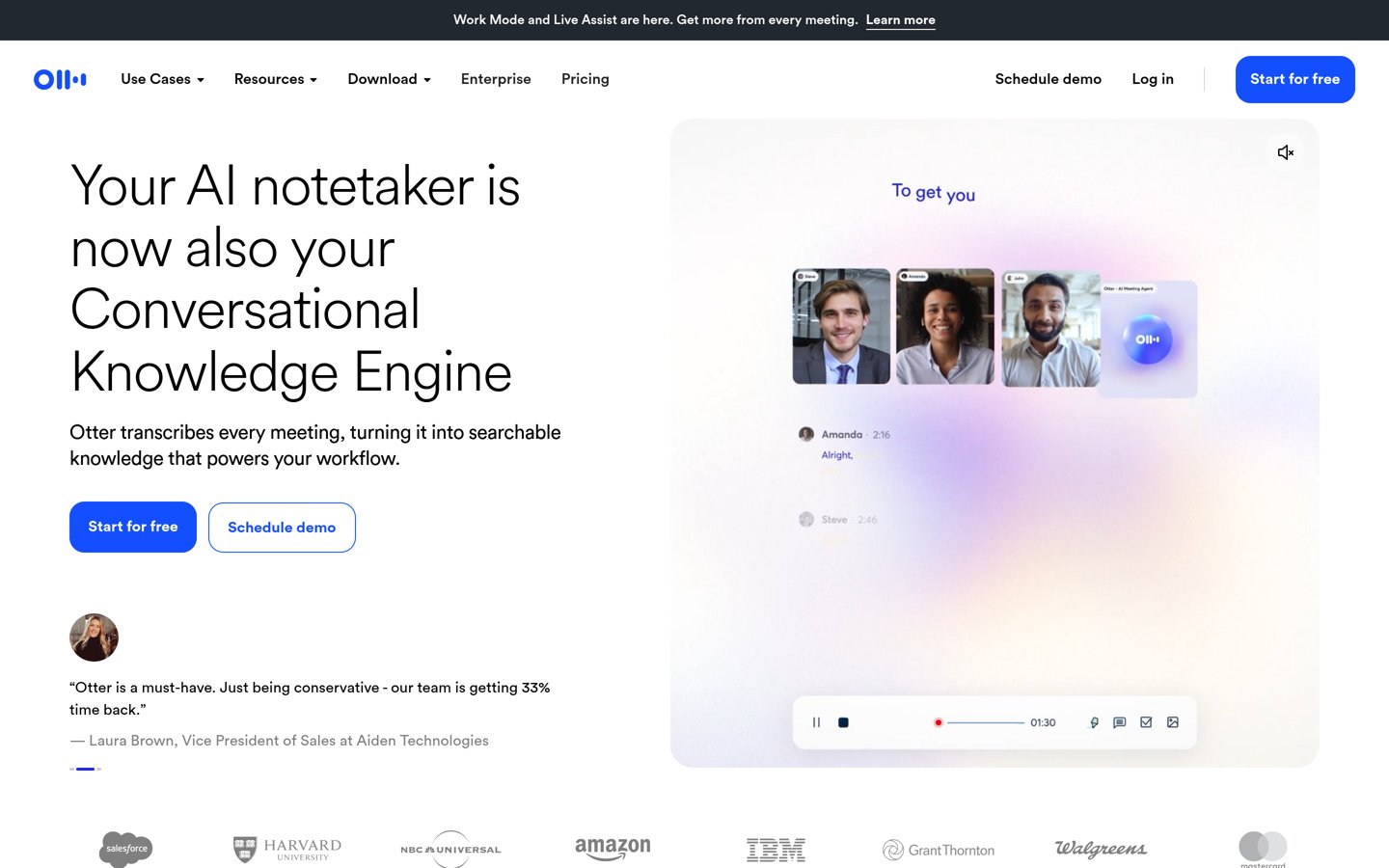
Otter.ai homepage, captured Nov 2026.
Otter.ai is an automated transcription and meeting documentation assistant that supports live conversations and uploaded recordings. Basic includes 300 transcription minutes monthly and 3 lifetime audio or video imports.
The trade off is that longer meetings and advanced editing require Pro at a regular listed monthly price of $16.99, with an advertised annual offer of $8.49 monthly. It suits teams that need live transcripts and accessible conversation records.
What we like
Live meeting transcription
Speaker identification
Mobile recording applications
Searchable conversation history
Watch out for
Free transcription allowance is limited
Pro restricts individual meeting duration
Pro adds 1,200 in-app recording minutes and advanced meeting templates.Visit otter.ai
05
MeetGeek
4.6/5on G2 (494 reviews, checked Nov 2026)
Paid from$9.99/mo
Best for automated minutes distribution
Free transcription3 hours/mo
Pro transcription20 hours/mo
Pro transcript retention1 year
Paid planPro, per user
meetgeek.ai
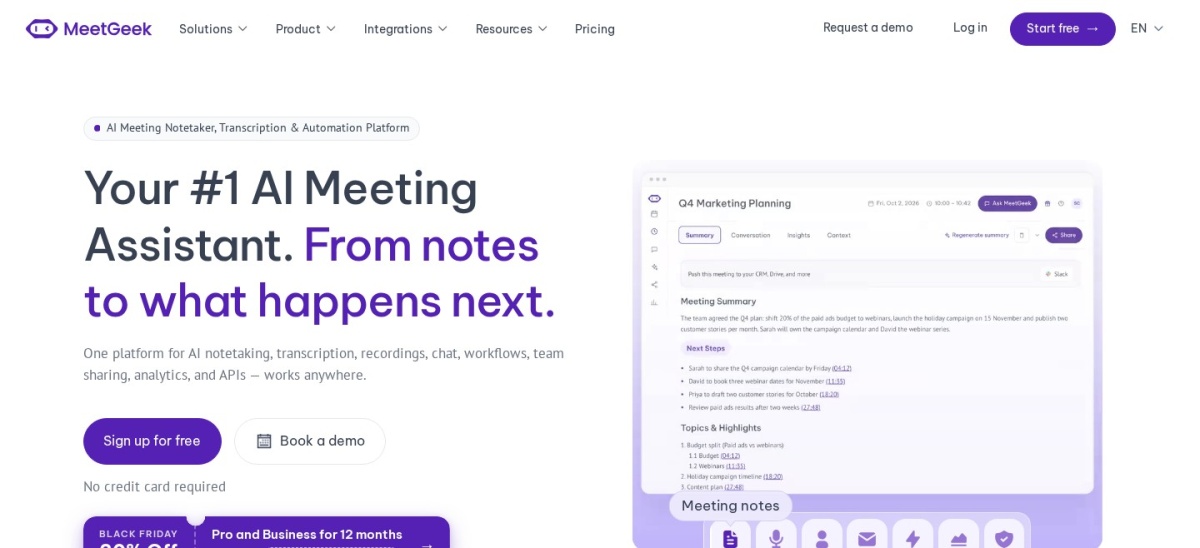
MeetGeek homepage, captured Nov 2026.
MeetGeek is a meeting automation platform that produces structured summaries, transcripts and action items from recorded discussions. Basic provides 3 transcription hours monthly and retains transcripts for 3 months.
The trade off is that Pro costs $9.99 per user monthly with annual billing and includes 20 transcription hours, with additional usage charged at $0.50 per hour. It suits teams that want meeting minutes automatically distributed through existing workflows.
What we like
Automated meeting summaries
Workflow automation connections
Searchable meeting repository
Clear transcription allowances
Watch out for
Limited free recording allowance
Pro transcription overages cost extra
Pro adds expanded transcription, longer retention and additional integrations.Visit meetgeek.ai
06
BoardPro
4.8/5on G2 (328 reviews, checked Nov 2026)
PricingCustom pricing
Best for formal board meeting minutes
Meeting minutesSupported
Decision registerIncluded in platform
VotingSupported
Paid planCommercial subscription
boardpro.com
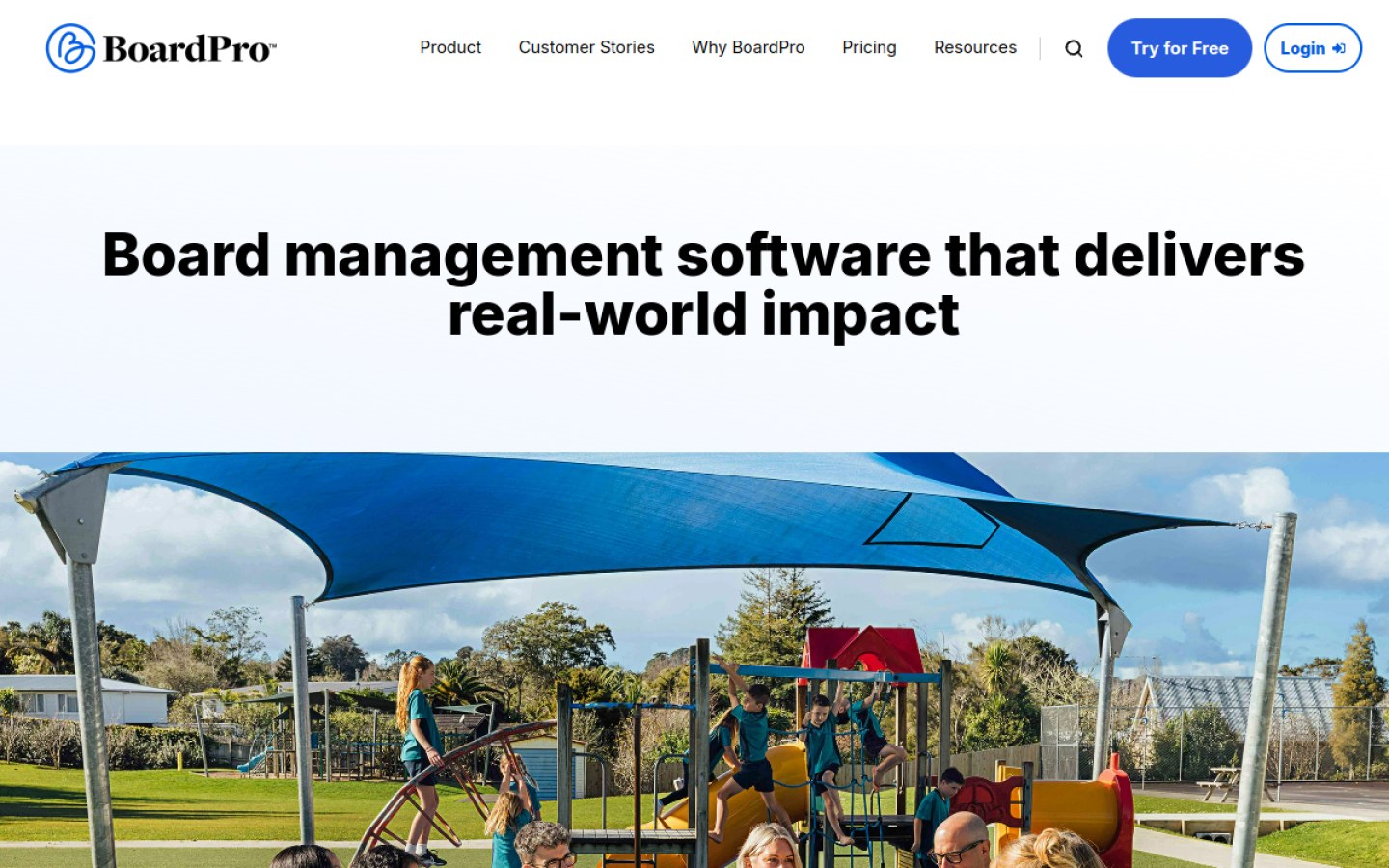
BoardPro homepage, captured Nov 2026.
BoardPro is a board management platform for creating agendas, recording formal minutes and maintaining governance documents. Its dedicated decision register and minute-taking workflows complement its 4.8/5 G2 rating from 328 reviews.
The trade off is that the applicable regular subscription price requires confirmation because pricing varies by organization type. It suits boards and committees that prioritize formal decisions, approved records and governance documentation.
Paid subscriptions provide board administration and governance documentation.Visit boardpro.com
07
Boardable
4.5/5on G2 (274 reviews, checked Nov 2026)
PricingCustom pricing
Best for nonprofit committee documentation
Core groupsUp to 3
Meeting agendasSupported
Document storageSupported
Paid planEssentials
boardable.com
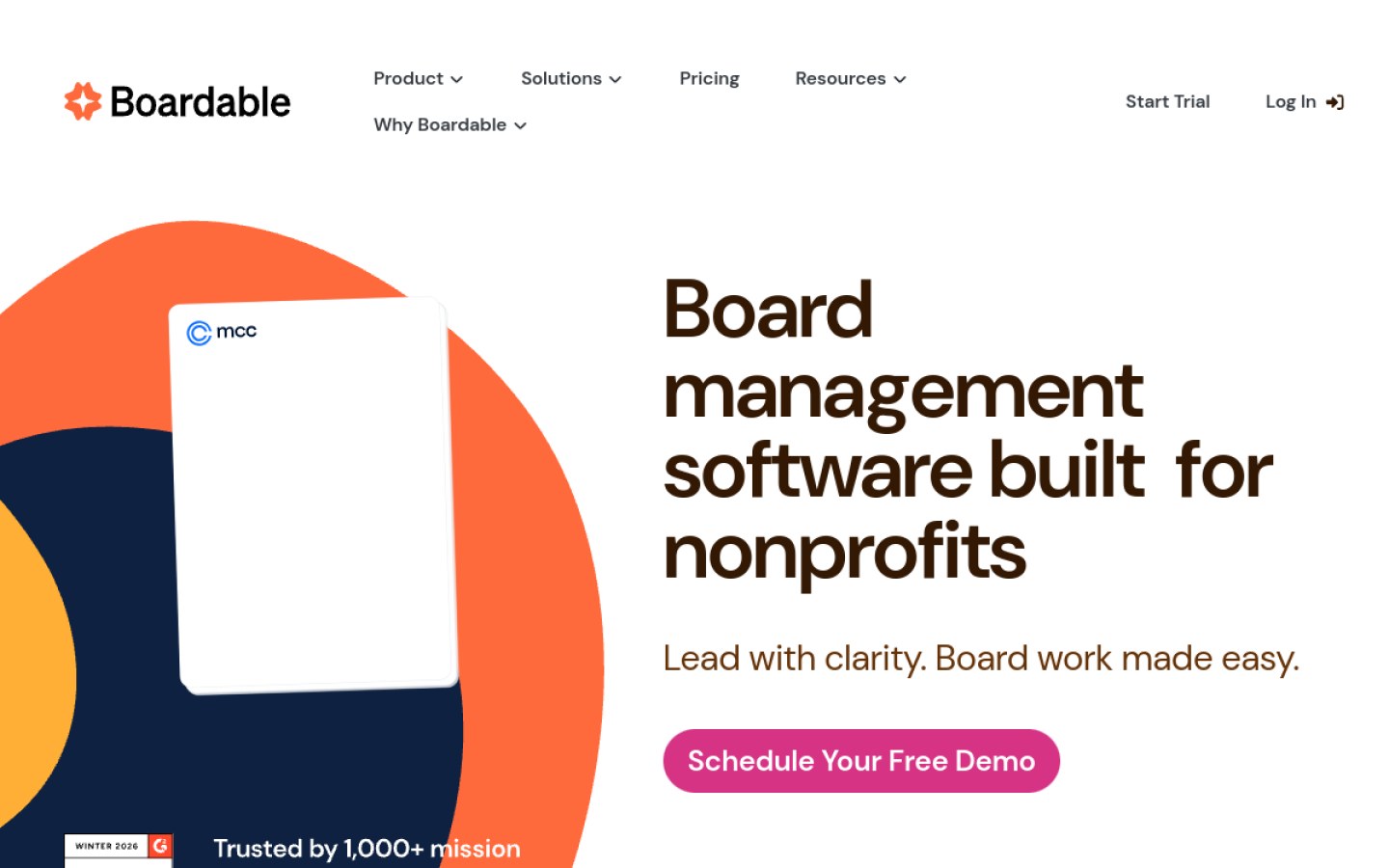
Boardable homepage, captured Nov 2026.
Boardable is a governance-focused meeting management platform that organizes committee documents, agendas and meeting records. Its Core plan advertises support for up to 3 committees or groups.
The trade off is that Essentials advertises first-year pricing from $20.99 per user monthly, while regular renewal pricing requires confirmation. It suits nonprofit organizations and committees that need centralized governance documentation.
What we like
Dedicated committee management
Centralized meeting documents
Formal governance workflows
Board member collaboration
Watch out for
Regular renewal pricing is not confirmed
Advanced capabilities require higher plans
Essentials adds custom workflows, compliance tools and advanced reporting.Visit boardable.com
How we chose
We shortlisted established meeting minutes platforms from public software directories and vendor websites. Selection focused on automated documentation, structured minutes, decision tracking, transcription and governance workflows.
The requested editorial date is 22 Nov 2026, while pricing and ratings were checked on 25 Nov 2026. Regular annual-billing prices are used where confirmed. Otter.ai uses its regular monthly price because its annual rate is advertised with an offer. BoardPro and Boardable require additional regular-price confirmation, and their zero annual-price values indicate custom pricing rather than free subscriptions.
We excluded products without sufficient independent reviews and tools without meaningful meeting documentation capabilities. We also excluded candidates whose pricing pages did not provide usable subscription information. No vendor paid for a place, and we do not claim testing for this list.
How to choose meeting minutes software
Identify how your team documents discussions and approves meeting records before comparing tools.
Determine the type of minutes you need. Choose automated summaries for routine team meetings or dedicated governance software for formal board records.
Evaluate transcription and summary features. Check speaker identification, supported languages, meeting duration restrictions and the ability to edit generated minutes.
Check sharing and approval workflows. Confirm that participants can review decisions, correct inaccuracies, assign responsibilities and approve official records.
Compare the complete subscription cost. Account for minimum seats, recording limits, storage retention, annual commitments and additional transcription charges.
FAQ
What is the best meeting minutes software?
Fathom is our top pick for automatic meeting documentation because its free plan provides unlimited recording and transcription. Fellow is better for collaborative minutes and action tracking, while BoardPro specializes in formal governance documentation.
Is there free meeting minutes software?
Yes. Fathom, Fellow, Fireflies.ai, Otter.ai and MeetGeek offer free subscriptions. Their recording limits, summary allowances and storage policies differ. Fathom offers unlimited individual recordings and transcription, making it attractive for frequent meetings.
Can AI automatically write meeting minutes?
AI meeting assistants can transcribe discussions and generate structured summaries, decisions and action items. However, automated output may misunderstand names, responsibilities or technical terminology. Participants should review and correct minutes before approving official records.
What is the difference between meeting minutes and meeting transcripts?
A transcript records spoken conversations in detail, while meeting minutes summarize important discussions, decisions and assigned responsibilities. Minutes are typically easier to reference for follow-up work and may require formal approval in governance settings.
How much does meeting minutes software cost?
Regular paid subscriptions in this comparison start at $7 per user monthly with annual billing. Total costs depend on transcription requirements, recording storage, minimum seat purchases and advanced governance features. Several platforms also offer permanent free plans.
SaaS SEO and WordPress specialist with about 8 years of experience. Rakib compares WordPress plugins, themes, hosting and software using public pricing, documentation and user reviews. See how we rank.