Document360 is the best IT knowledge base software for most teams, with a dedicated help centre, versioning and AI search, rated 4.7 out of 5 on G2. Pick Helpjuice for a fully custom-branded help centre, or Freshdesk if you also need ticketing from $19 per agent a month.
How we make this list: we compare pricing pages, product documentation and public user reviews, then re-check every price before each update. No product paid for a place. Disclosure.
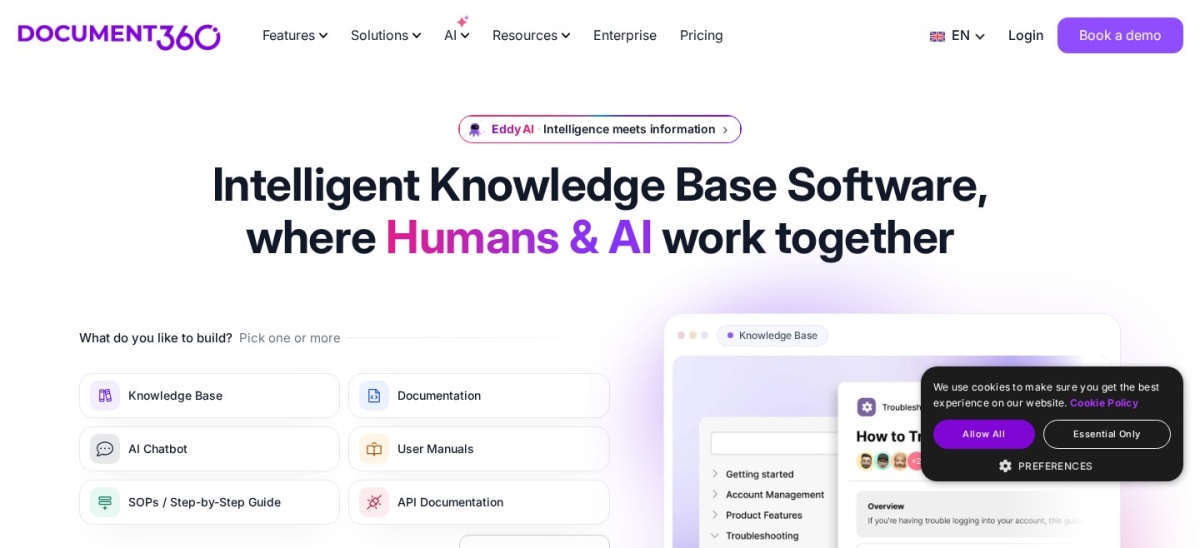
Document360 is the only dedicated knowledge base built for large help centres, rated 4.7 out of 5 from 554 G2 reviews, but it publishes no list price.
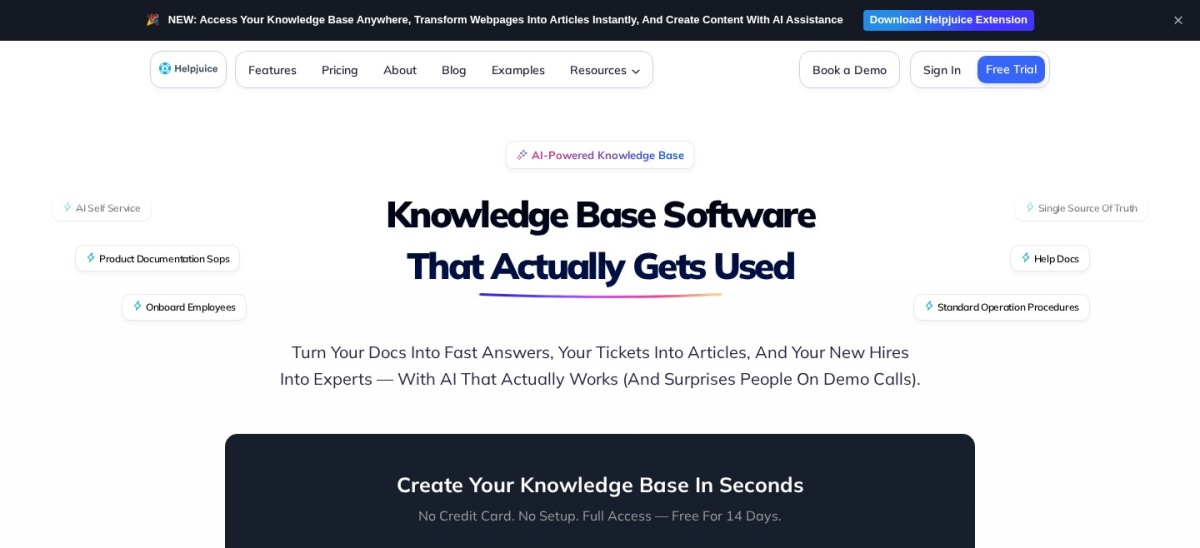
Helpjuice starts at $249 a month for 30 users and hand-builds your help centre design, with AI search and translation to 40+ languages.
Guru is rated 4.7 out of 5 from 2,345 G2 reviews and surfaces verified answers in Slack and Chrome, but it is now sold on a custom quote.
Freshdesk is the cheapest help desk route to a knowledge base at $19 per agent a month, with a portal and knowledge base on every paid plan.
Notion and Confluence are the cheapest ways in: Notion Plus is $10 per user a month and Confluence Standard is $5.78 per user a month.
What an IT knowledge base should cover
An IT knowledge base answers the same questions before they become tickets: password resets, VPN setup, software installs and outage steps. The best tools make those answers searchable in seconds.
Search quality matters more than page count. Look for full-text search, AI answers with links to the source article, and analytics that show which searches return nothing.
Ownership keeps content accurate. Verification reminders, review dates and version history stop old steps from staying live after a system changes.
Some teams need a public help centre, others an internal wiki for staff. Our guide on adding an AI chatbot to WordPress shows how a chatbot can sit on top of the same articles.
Pricing varies widely. Dedicated tools charge a flat monthly fee or a custom quote, while help desks and wikis charge per user or per agent, so check who counts as a paid user.
Document360 is a dedicated knowledge base platform for public help centres and private internal bases, with categories, versioning, custom workflows and AI search. It supports multiple projects, reusable content blocks, a glossary, embedded help centres and analytics on articles, searches and readers.
The trade off is price. Document360 publishes no list price and quotes each plan around workspaces, languages, team accounts and AI use, so budgeting starts with a sales form. It suits support and documentation teams publishing hundreds of articles.
What we like
Built only for knowledge bases, not a side feature
Helpjuice is a knowledge base tool that hand-builds your help centre design to match your website, with live collaboration, version control, analytics and private sections. The entry plan covers 30 users and 12GB of storage, and the AI plans add an AI writer, AI search, an AI chatbot and one-click article translation.
The trade off is price. At $249 a month it costs more than a wiki or a help desk add-on, and the AI suite needs the $449 a month plan for 100 users. It suits teams that want a branded help centre without hiring a designer.
What we like
Help centre design is custom-built for you
AI writer, search, chatbot and translation
Private and internal sections included
14-day free trial with no credit card
Watch out for
Entry price is high for small teams
AI features need the $449 a month plan
Users are counted by login, so costs grow with staff
Guru is an internal knowledge platform that surfaces verified answers inside Slack, Microsoft Teams and the Chrome browser, so staff get guidance without leaving their work. Cards carry verification dates and owners, AI search gives cited answers, and it connects to more than 100 tools including Zendesk, Salesforce and Confluence.
The trade off is price. Guru no longer lists per-seat plans and now sells a tailored platform package, so small teams cannot see what it costs without a sales conversation. It suits mid-size and large support teams that answer the same questions all day.
What we like
Verified answers with owners and review dates
AI answers cite the source card
Works inside Slack, Teams and Chrome
More than 100 integrations
Watch out for
No published price or free plan
Aimed at larger teams, not small ones
Large knowledge bases need careful tagging to stay tidy
Pricing is a tailored quote covering platform and onboarding helpVisit getguru.com
04
Freshdesk
4.4/5on G2 (4,028 reviews, checked Nov 2026)
Starts at$19/mo
Best help desk with a knowledge base included
Free planNo, 14-day trial
Knowledge baseYes, on Growth
TicketingYes, shared inbox
Paid planGrowth, $19/agent/mo
freshworks.com
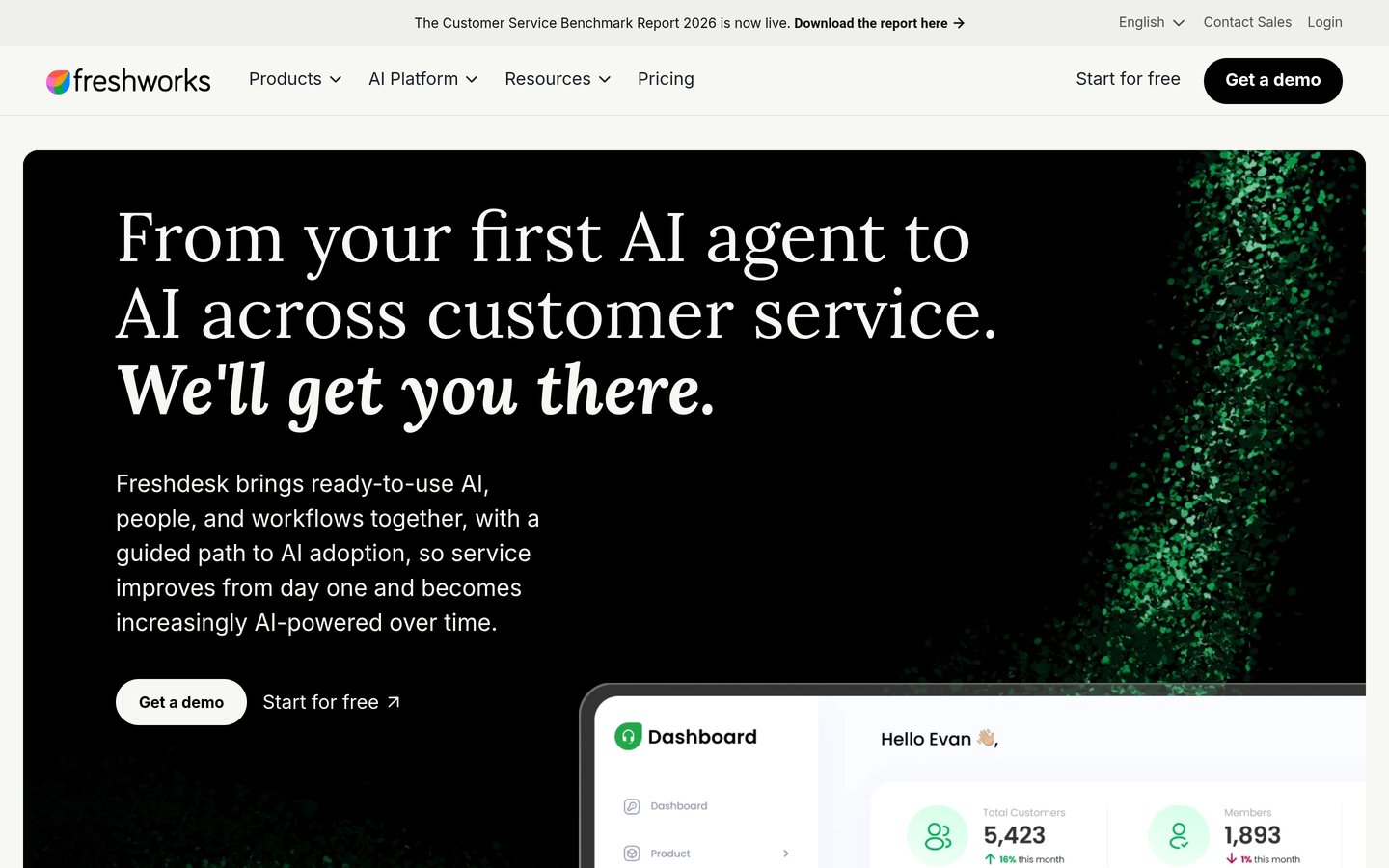
Freshdesk homepage, captured Nov 2026.
Freshdesk is a help desk from Freshworks that includes a customer portal and knowledge base on its Growth plan at $19 per agent a month billed annually. It adds ticketing, a shared inbox, roles and permissions, and Freddy AI, with 500 AI agent sessions included once per account.
The trade off is AI cost. Extra AI agent sessions cost $49 per 100, and the Freddy AI Copilot add-on is $29 per agent a month on Pro and Enterprise only. It suits small support teams that want tickets and help articles in one tool.
What we like
Knowledge base included on the cheapest paid plan
Lowest entry price of any help desk here
Shared inbox, SLAs and automations included
14-day trial on the Enterprise plan
Watch out for
AI costs add up beyond the free session pool
Copilot needs the Pro plan at $55 per agent a month
Zendesk is a customer service suite whose Suite Team plan at $55 per agent a month billed annually adds a help centre, live chat, messaging and AI agents to core ticketing. It covers omnichannel routing, prebuilt dashboards and automations, and supports 41 languages.
The trade off is cost. The $19 Support Team plan has no knowledge base, so a help centre starts at $55 per agent a month, and Copilot costs another $50 per agent a month. It suits larger teams handling high ticket volumes across several channels.
What we like
Most widely used support suite in this list
Help centre, chat and AI agents in one suite
Strong reporting and automation
41 languages supported
Watch out for
Knowledge base needs the $55 Suite Team plan
Copilot is a $50 per agent add-on
Admin setup takes time for new teams
Suite Professional at $115 a month adds Copilot access and skills routingVisit zendesk.com
06
Notion
4.6/5on G2 (14,020 reviews, checked Nov 2026)
Paid from$10/mo
Best flexible wiki for small IT teams
Free planYes, for individuals
Page history30 days on Plus
AI featuresTrial on Plus
Paid planPlus, $10/user/mo
notion.com
Notion homepage, captured Nov 2026.
Notion is a flexible workspace where IT teams build wikis from pages, databases and templates, with fast search, linked pages and shared teamspaces. The free plan covers individuals, and Plus at $10 per user a month adds unlimited blocks and file uploads, custom sites and a 30-day page history.
The trade off is structure. Notion has no built-in verification workflow or help centre publishing, so large bases need manual upkeep and clear page owners. It suits small teams that want docs, tasks and notes in one place.
What we like
Free plan is genuinely useful
Flexible pages, databases and templates
Fast search across the whole workspace
Largest review base in this list
Watch out for
No verification or approval workflow
No public help centre without extra setup
Large pages can load slowly and feel cluttered
Business at $20 a month adds SSO, private teamspaces and full AIVisit notion.com
07
Confluence
4.1/5on G2 (4,377 reviews, checked Nov 2026)
Paid from$5.78/mo
Best wiki for Jira and IT teams
Free planYes, up to 10 users
Storage250GB on Standard
Jira linkYes, native
Paid planStandard, $5.78/user/mo
atlassian.com
Confluence homepage, captured Nov 2026.
Confluence is Atlassian's wiki for team documentation, with structured spaces, page hierarchies, templates and version history. The free plan covers up to 10 users with 2GB of storage, and Standard at $5.78 per user a month adds 250GB of storage and Rovo AI search.
The trade off is ease of use. New users often find the interface busy, and search and permissions need care as spaces grow. It suits IT teams already using Jira, since pages link directly to tickets and projects.
What we like
Cheapest paid plan in this list
Free for up to 10 users
Deep Jira and Atlassian links
Page history and space permissions
Watch out for
Lowest G2 rating in this list at 4.1
Interface feels busy for new users
Search can struggle with old or duplicate pages
Premium at $11.16 a month adds unlimited storage and a 99.9% uptime SLAVisit atlassian.com
08
Help Scout
4.4/5on G2 (446 reviews, checked Nov 2026)
Paid from$25/mo
Best for small teams wanting inbox and docs
Free planYes, 5 users, 1 Docs site
Docs sites2 on Standard
Live chatYes, on Standard
Paid planStandard, $25/user/mo
helpscout.com
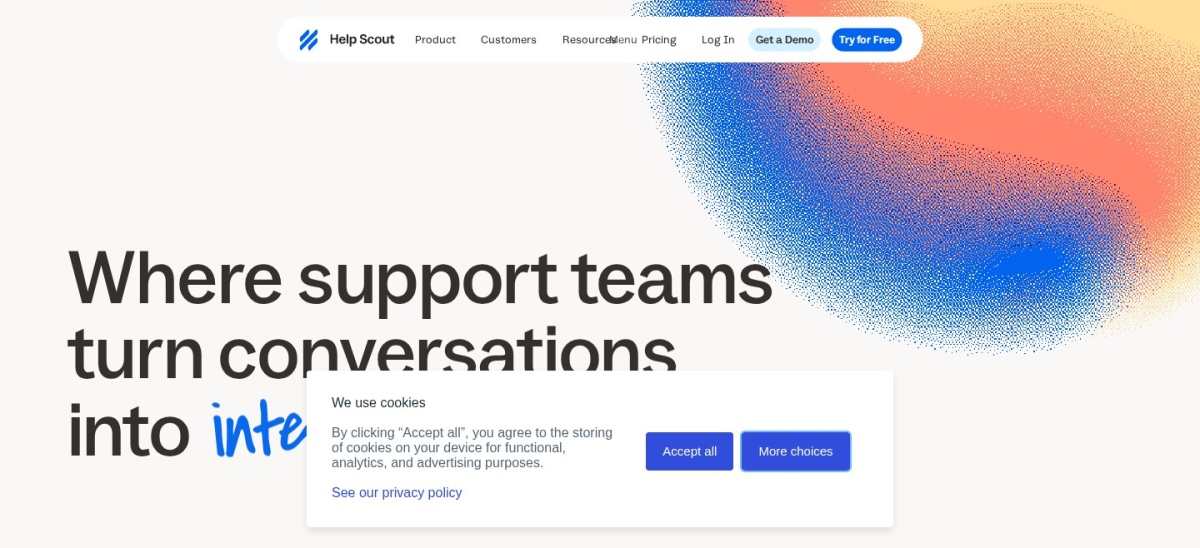
Help Scout homepage, captured Nov 2026.
Help Scout is a shared inbox combined with Docs, its knowledge base, so small teams handle email, chat and help articles in one place. The free plan covers 5 users, 1 inbox and 1 Docs site with 10 articles, and Standard at $25 per user a month billed annually adds multiple knowledge bases, live chat and AI drafts.
The trade off is depth. Reporting is basic, advanced workflows and SSO need higher plans, and Docs cannot place one article in two libraries without a copy. It suits small support teams that want a simple, human-feeling setup.
What we like
Free plan includes a Docs site
Simple inbox and docs in one tool
AI drafts and AI inbox assistant included
Easy for new agents to learn
Watch out for
Free plan allows only 10 articles
Reporting is basic on lower plans
No phone support without a third-party tool
Plus at $45 a month adds advanced workflows and a secure portalVisit helpscout.com
09
GitBook
4.7/5on G2 (208 reviews, checked Nov 2026)
Paid from$65/mo
Best for developer and product documentation
Free planYes, for 1 user
Git syncYes, GitHub and GitLab
AI credits2,000 per site on Essential
Paid planEssential, $65/site/mo
gitbook.com
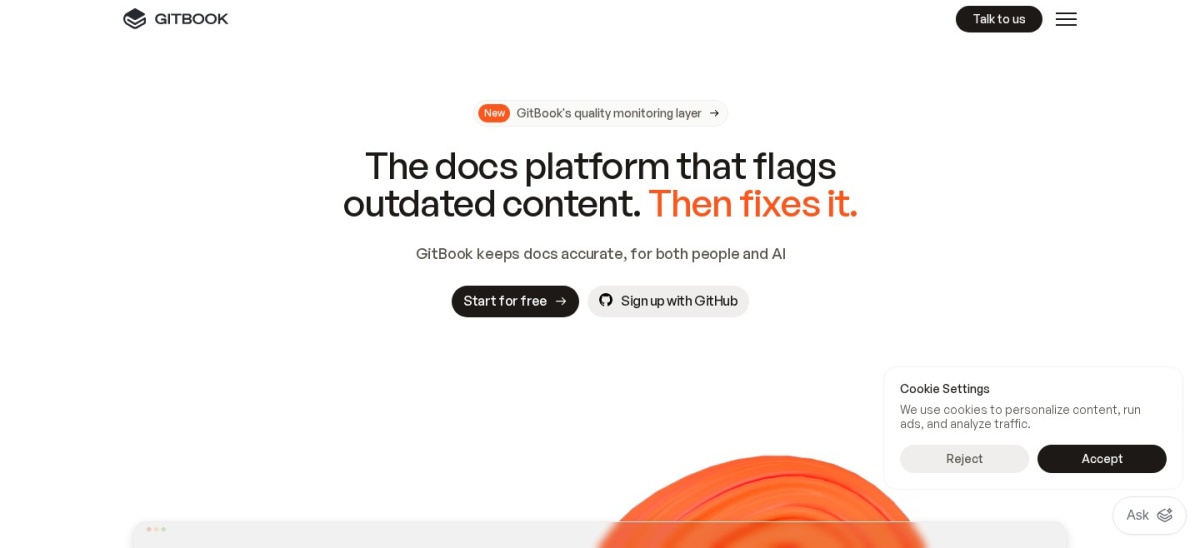
GitBook homepage, captured Nov 2026.
GitBook is a documentation tool for product and developer teams, with a clean Markdown editor, GitHub sync, AI search and published sites with unlimited page views. The free plan covers one user, and Essential at $65 per site a month billed annually adds AI Assistant Ask and 2,000 AI credits per site.
The trade off is price structure. Essential costs $65 per site a month plus $12 per user a month, so team costs rise with every editor, and private content needs Ultimate. It suits technical teams whose docs live beside code.
What we like
Git sync keeps docs beside code
Clean editor with fast search
AI answers from your own docs
Unlimited page views on every plan
Watch out for
Per-user fee sits on top of the per-site fee
Authenticated access needs Ultimate at $249 a site
Advanced layout options feel limited
Ultimate at $249 a site adds AI chat, insights and private accessVisit gitbook.com
Dedicated knowledge base vs general wiki
A dedicated knowledge base such as Document360 or Helpjuice is built around readers: help centre design, search analytics, versioning and approval workflows come first.
A general wiki such as Notion or Confluence is built around authors: flexible pages and collaboration come first, and publishing a public help centre takes extra setup.
For IT teams, the split is simple. Choose a dedicated tool when customers read the articles and search data matters. Choose a wiki when staff write internal runbooks and the same tool also holds project notes.
Help desk tools sit in the middle. Freshdesk, Zendesk and Help Scout bundle a knowledge base with tickets, which suits teams that want self-service and support in one bill.
How we chose
We started from the G2 knowledge base category and shortlisted tools with a public G2 rating, a live pricing page and a real knowledge base feature, then kept 9 that cover dedicated platforms, help desks, wikis and developer docs.
Prices come from each vendor's official pricing page, checked on 25 November 2026. Ratings and review counts come from G2 on the same day. Where a vendor shows a sale, the list shows the regular price.
We left out chat and project tools that G2 lists in the category but are not knowledge base tools first. No vendor paid for a place, and we do not claim hands-on testing for this list.
How to choose IT knowledge base software
Start with who reads the articles, then match the tool to that audience.
Decide who the audience is. Customers need a branded public help centre with search analytics, while staff need permissions, verification and Slack access.
Check search with your own content. Use the trial to search real runbooks and FAQs, including AI answers, and check that results link back to the source article.
Count who pays. Some tools charge per user, some per agent and some a flat fee, so check whether readers, guests and viewers count as paid seats.
Plan who keeps it current. Assign an owner and a review date to every category before you publish, or the base will go stale within months.
FAQ
What is the best IT knowledge base software?
Document360 is the best pick for most teams, with a dedicated help centre, versioning, workflows and AI search, rated 4.7 out of 5 from 554 G2 reviews. Helpjuice suits teams that want a custom-branded centre, and Guru suits internal teams that need verified answers.
How much does knowledge base software cost?
Confluence Standard costs $5.78 per user a month and Notion Plus costs $10 per user a month, while Freshdesk starts at $19 per agent a month. Document360 and Guru publish no list price and quote each plan, and Helpjuice starts at $249 a month for 30 users.
Is there free IT knowledge base software?
Yes. Notion and Confluence both have free plans, Help Scout is free for up to 5 users with 1 Docs site, and GitBook is free for 1 user. Document360 and Guru sell on custom quotes instead of free plans, while Helpjuice offers a 14-day free trial with no credit card.
What is the difference between a knowledge base and a wiki?
A knowledge base is built for readers, with a searchable help centre, analytics and approval workflows. A wiki is built for authors, with flexible pages and collaboration. Many teams use both: a wiki for internal runbooks and a knowledge base for customers.
Do I need a help desk to run a knowledge base?
No. Dedicated tools such as Document360, Helpjuice and Guru run a knowledge base on their own. A help desk helps when the same team answers tickets, since Freshdesk, Zendesk and Help Scout bundle articles with ticketing.
Which knowledge base tool is best for developers?
GitBook is the best pick for developer and product documentation, with GitHub sync, a Markdown editor and AI search, rated 4.7 out of 5 from 208 G2 reviews. Confluence is the stronger choice when docs must link to Jira tickets.
SaaS SEO and WordPress specialist with about 8 years of experience. Rakib compares WordPress plugins, themes, hosting and software using public pricing, documentation and user reviews. See how we rank.