Fireflies.ai is the best meeting recording software for teams using multiple conferencing platforms, offering video recording and 8,000 minutes of storage per paid seat from $10 monthly. Fathom is better for unlimited free recordings, while Zoom Workplace suits teams that prefer built-in local and cloud recording.
How we make this list: we compare pricing pages, product documentation and public user reviews, then re-check every price before each update. No product paid for a place. Disclosure.
Fireflies.ai Pro costs $120 per seat annually and includes video recording and 8,000 minutes of storage.
Fathom offers unlimited free recordings and transcription, with a 5/5 G2 rating from 7,200 reviews.
Zoom Workplace Pro includes 10 GB of cloud recording storage per license.
MeetGeek Pro includes 20 monthly transcription hours and 6 months of audio retention.
Otter.ai provides 300 monthly transcription minutes on its free plan.
Fellow Team includes 10 AI meeting recordings per user monthly for $84 annually.
What to look for in meeting recording software
Meeting recording software captures online or in-person conversations so participants can revisit discussions, decisions and important information afterward.
Some applications record directly within a conferencing platform, while others join meetings through a recording assistant or capture audio through a desktop application.
Storage allowances and retention periods determine how long recordings remain accessible. Check whether subscriptions include downloadable audio, video files and transcripts.
Recording permissions and participant consent are equally important. Organizations should establish clear policies for capturing, sharing, retaining and deleting sensitive conversations.
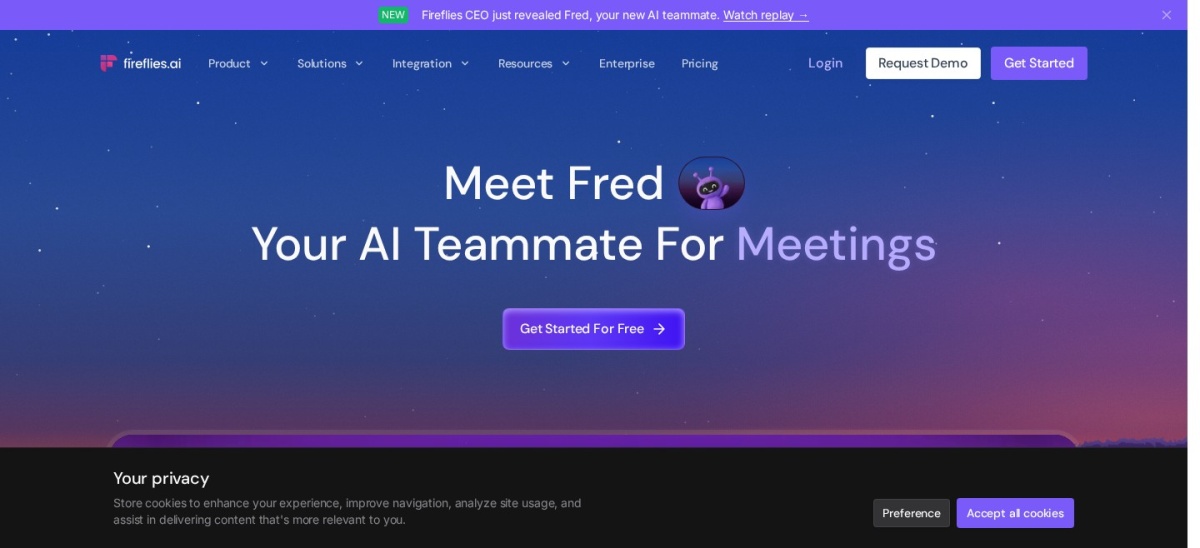
Fireflies.ai is a meeting recording assistant that captures conversations across Zoom, Google Meet, Microsoft Teams and other platforms. Its free subscription provides 400 minutes of shared storage and limited AI summaries.
The trade off is that video capture and recording downloads require Pro at $10 per seat monthly with annual billing or $18 month-to-month. It suits teams that want recordings, searchable transcripts and automated documentation across different conferencing applications.
What we like
Cross-platform recording support
Searchable conversation library
Multilingual transcription
Downloadable paid recordings
Watch out for
Free storage is limited
Video recording requires payment
Pro adds video capture, file downloads and 8,000 storage minutes per seat.Visit fireflies.ai
02
Fathom
5/5on G2 (7,200 reviews, checked Nov 2026)
Paid from$15/mo
Best for unlimited free meeting recordings
Free recordingsUnlimited
Free call storageUnlimited
Minimum Team seats2
Paid planTeam, annual billing
fathom.ai
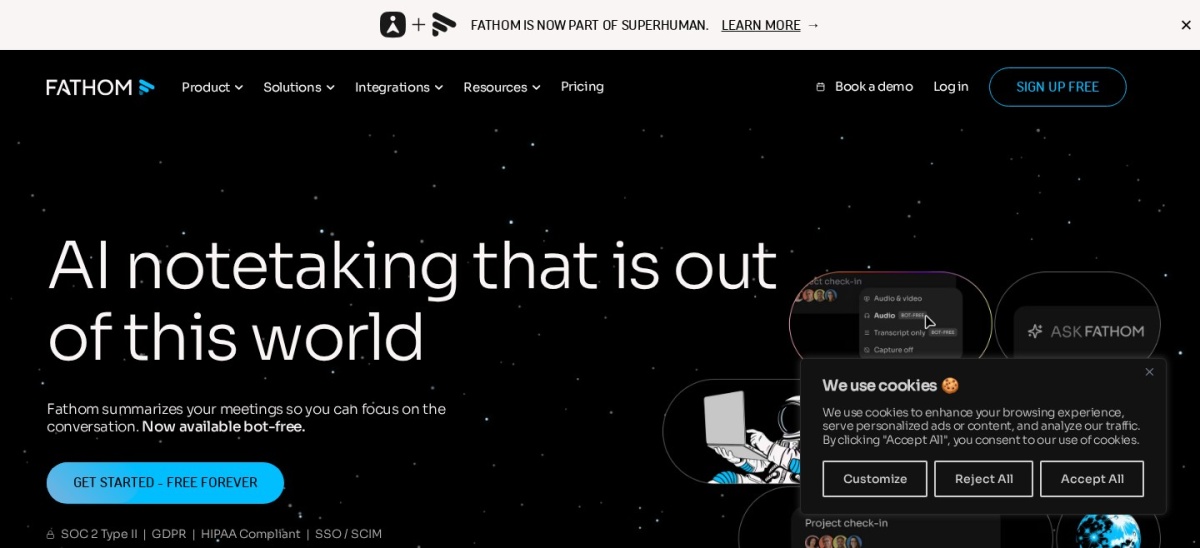
Fathom homepage, captured Nov 2026.
Fathom is a meeting recording and transcription platform that provides unlimited individual recordings, searchable conversations and shareable clips on its free plan. It holds a 5/5 G2 rating from 7,200 reviews.
The trade off is that Team starts at $15 per user monthly with annual billing and requires 2 seats, making the minimum annual subscription $360. Individual Premium costs $16 monthly with annual billing. It suits frequent meeting participants who need extensive recording access.
What we like
Unlimited free recordings and storage
Downloadable recordings and clips
Searchable meeting transcripts
Bot-free recording option
Watch out for
Team plan requires multiple seats
Bot-free recording availability varies by operating system
Paid subscriptions add advanced summaries, action items and collaboration.Visit fathom.ai
03
Zoom Workplace
4.5/5on G2 (56,493 reviews, checked Nov 2026)
Paid from$14.16/mo
Best for built-in local and cloud recording
Free recordingLocal
Free meeting duration40 minutes
Pro cloud storage10 GB/license
Paid planPro, annual billing
zoom.com
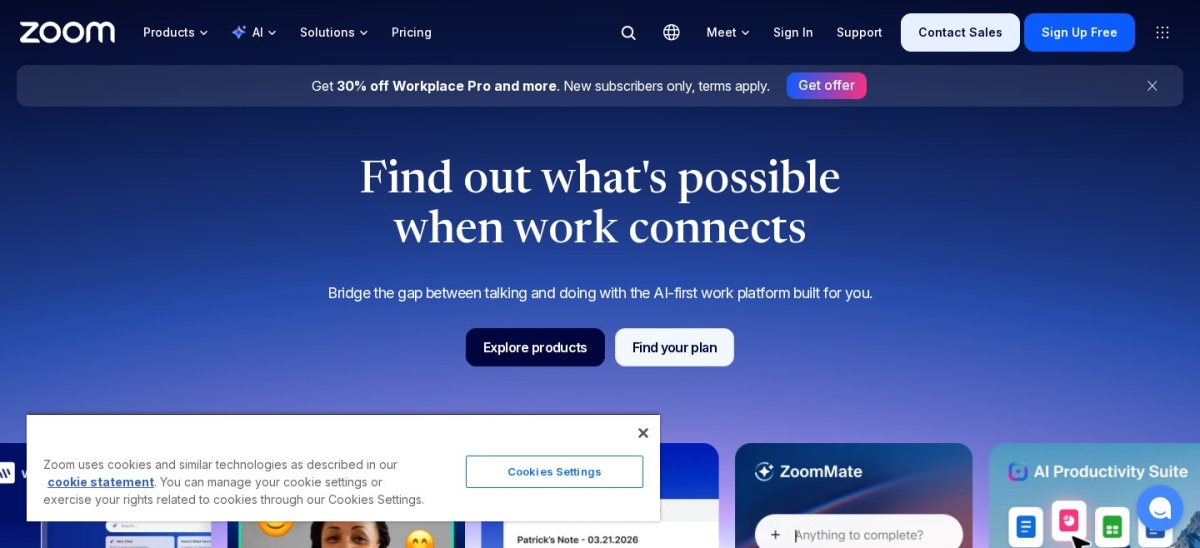
Zoom Workplace homepage, captured Nov 2026.
Zoom Workplace is a video conferencing platform with native meeting recording capabilities. Basic supports local recordings and meetings lasting up to 40 minutes, while Pro adds 10 GB of cloud storage per license.
The trade off is that cloud recording requires Pro at $14.16 per user monthly with annual billing or $16.99 month-to-month. It suits organizations that conduct most meetings through Zoom and prefer recording without a separate meeting assistant.
What we like
Built-in local recording
Native cloud recording on Pro
Integrated screen sharing
Extensive independent review history
Watch out for
Free meetings have duration restrictions
Recording is primarily tied to Zoom meetings
Pro adds cloud recording storage and longer meetings.Visit zoom.com
04
MeetGeek
4.6/5on G2 (494 reviews, checked Nov 2026)
Paid from$9.99/mo
Best for automated recording workflows
Free transcription3 hours/mo
Pro transcription20 hours/mo
Pro audio retention6 months
Paid planPro, annual billing
meetgeek.ai
MeetGeek homepage, captured Nov 2026.
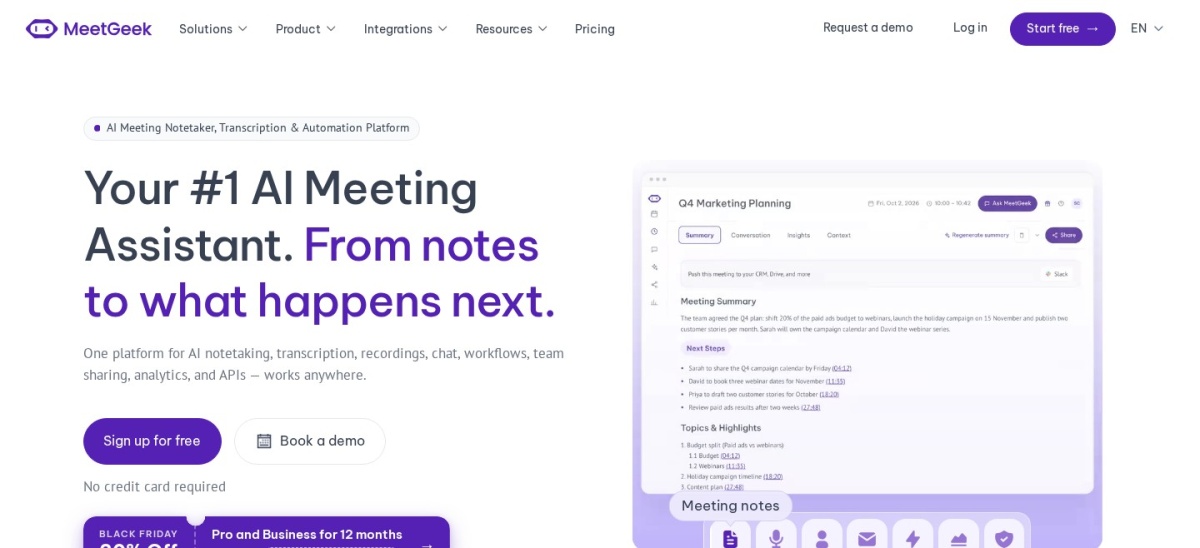
MeetGeek is a meeting automation platform supporting recording assistants, desktop capture, browser recording and mobile audio capture. Basic includes 3 monthly transcription hours and retains audio for 1 month.
The trade off is that Pro costs $9.99 per user monthly with annual billing and includes 20 transcription hours, with additional hours costing $0.50 each. HD video recording requires Business. It suits teams automating meeting capture and follow-up processes.
What we like
Multiple recording methods
Automated meeting summaries
Searchable conversation archives
Workflow and CRM integrations
Watch out for
Free recording allowance is small
HD video recording requires Business
Pro adds expanded recording allowances, exports and longer audio retention.Visit meetgeek.ai
05
Otter.ai
4.4/5on G2 (554 reviews, checked Nov 2026)
Paid from$16.99/mo
Best for audio recording and live transcription
Free transcription300 minutes/mo
Pro recording allowance1,200 minutes/mo
Pro meeting duration90 minutes
Paid planPro
otter.ai
Otter.ai homepage, captured Nov 2026.
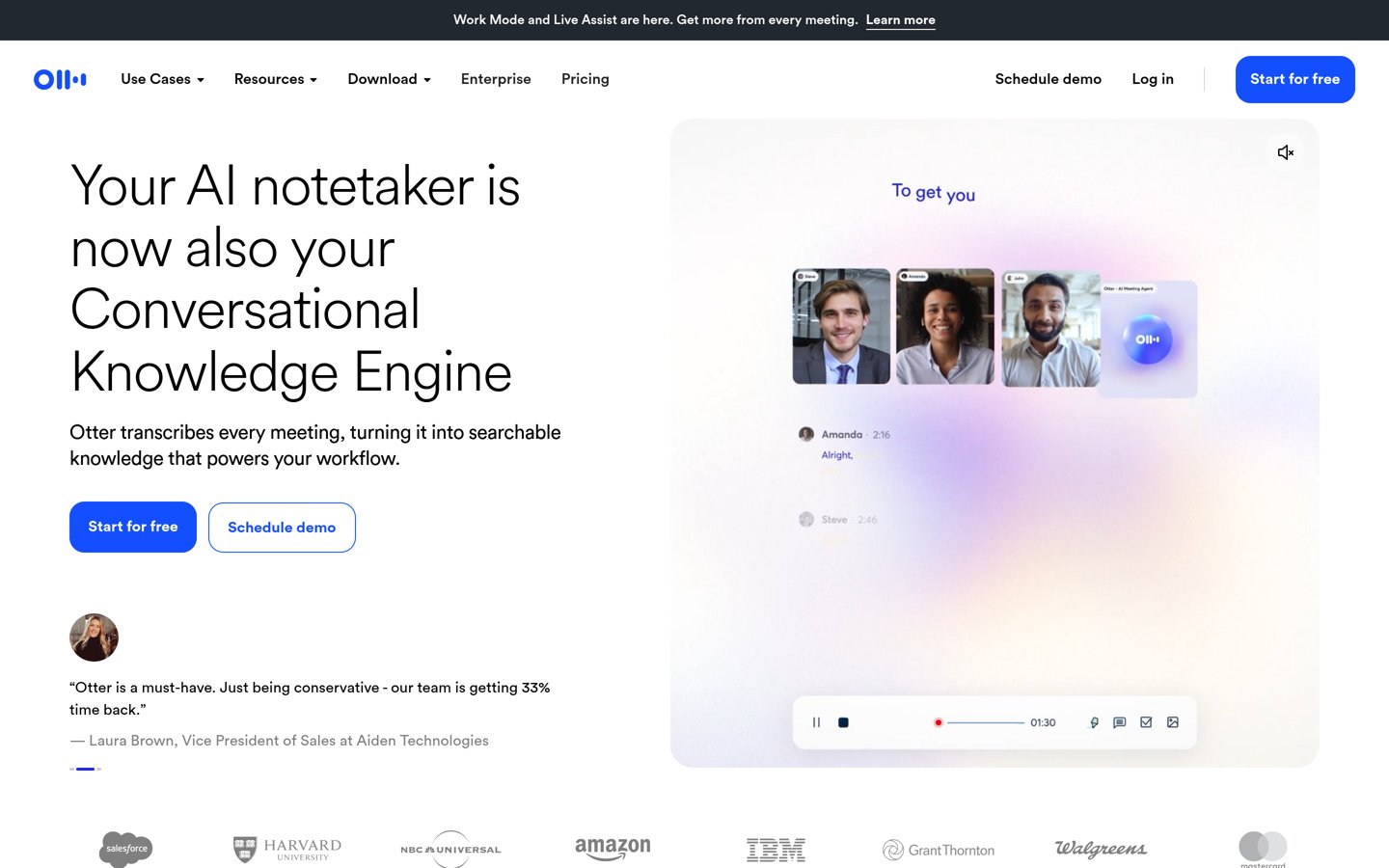
Otter.ai is an audio recording and transcription assistant for online meetings, interviews and in-person conversations. Basic includes audio playback, speaker identification and 300 monthly transcription minutes.
The trade off is that Pro has a regular listed price of $16.99 per user monthly and a promotional annual rate of $8.49 monthly. Pro supports meetings lasting up to 90 minutes. It suits users who prioritize searchable spoken content over full video archives.
What we like
Real-time transcription
Speaker identification
Mobile audio capture
Searchable conversation history
Watch out for
Limited free transcription allowance
Pro has meeting duration restrictions
Pro adds expanded recording allowances, advanced playback and exports.Visit otter.ai
06
Fellow
4.7/5on G2 (2,444 reviews, checked Nov 2026)
Paid from$7/mo
Best for recording and tracking meeting decisions
Free AI recordings5 lifetime/user
Team AI recordings10/user/mo
Capture optionsBot or bot-free
Paid planTeam, annual billing
fellow.ai
Fellow homepage, captured Nov 2026.
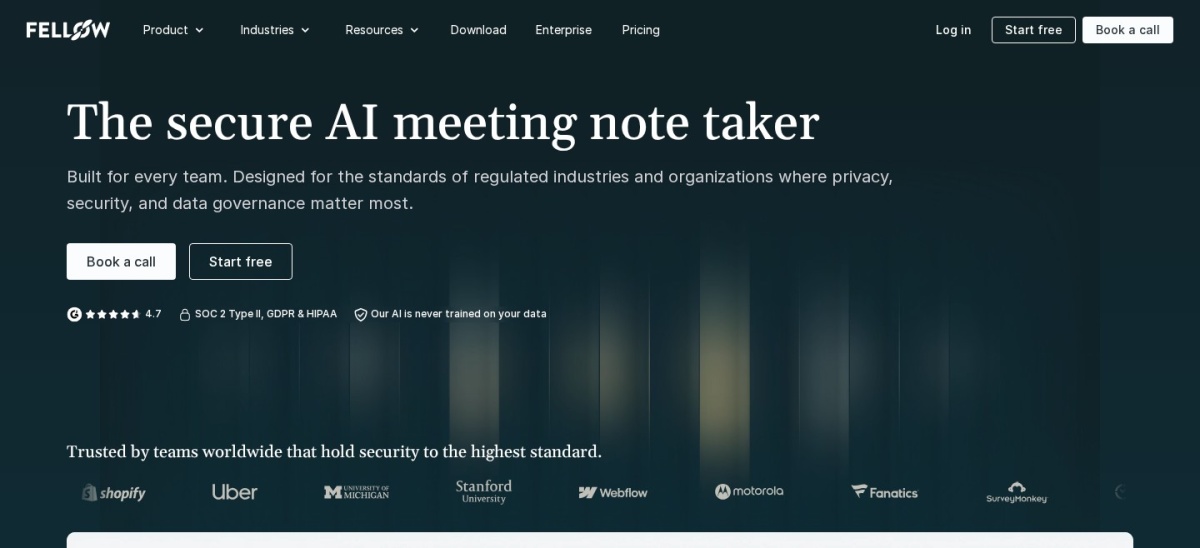
Fellow is a meeting assistant combining conversation recordings, collaborative agendas and automated action items. Its free plan includes 5 lifetime AI recordings and notes per user, alongside audio and video uploads.
The trade off is that Team costs $7 per user monthly with annual billing or $11 month-to-month and includes 10 monthly AI recordings per user. It suits organizations that want recorded discussions connected to decisions and project responsibilities.
What we like
Integrated meeting agendas
Bot and bot-free capture options
Collaborative action-item tracking
Affordable entry subscription
Watch out for
Free recording allowance is lifetime-based
Team has monthly recording limits
Team adds recurring recording allowances and project management integrations.Visit fellow.ai
07
Avoma
4.6/5on G2 (1,368 reviews, checked Nov 2026)
Starts at$19/mo
Best for recording sales and customer meetings
Free trial14 days
Startup recorder seatsUp to 25
Viewer accountsFree
Paid planStartup, annual billing
avoma.com
Avoma homepage, captured Nov 2026.
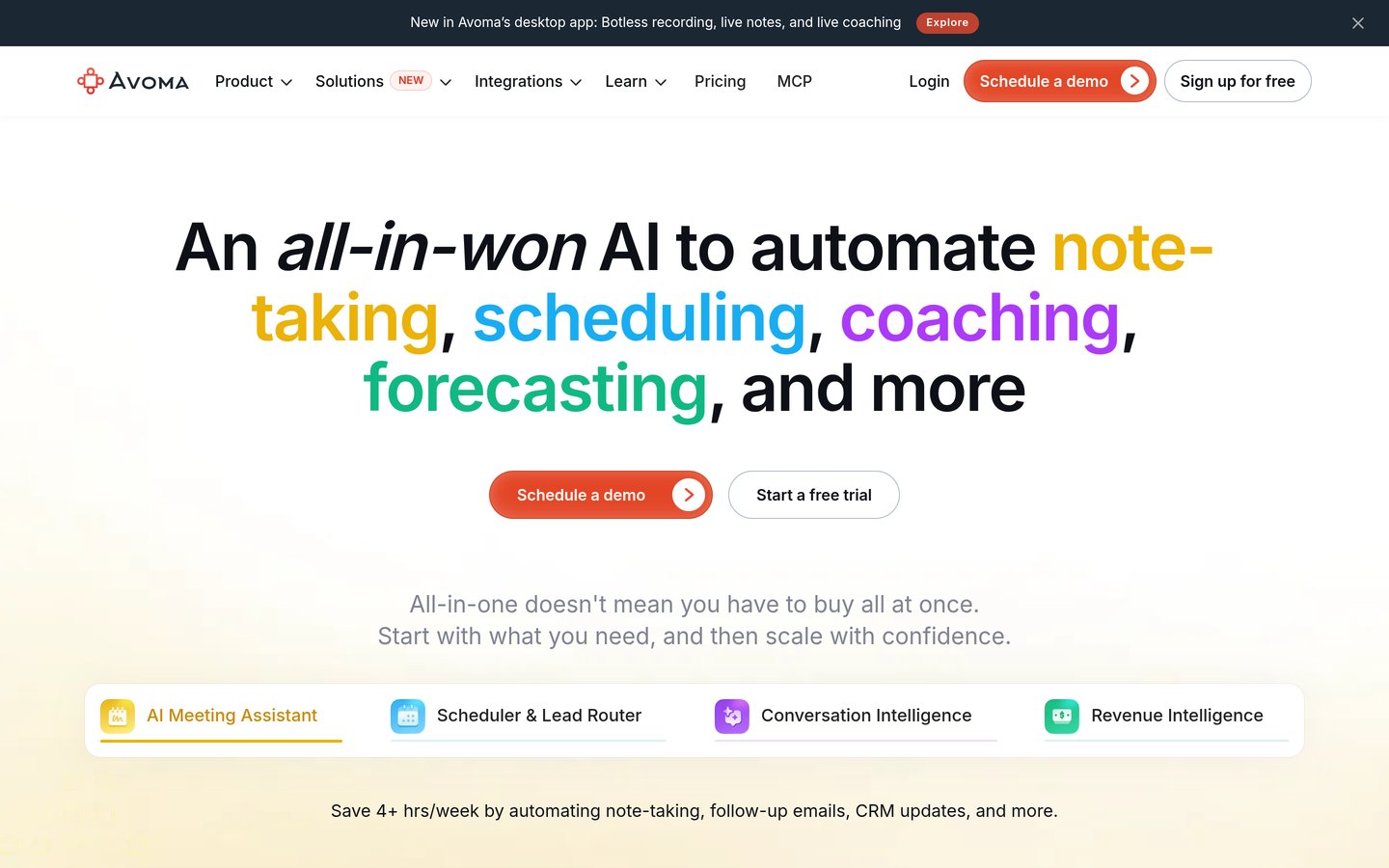
Avoma is a meeting recording and conversation intelligence platform for customer-facing teams. Startup includes automatic video recording, unlimited real-time transcription and AI-generated summaries for up to 25 paid recorder seats.
The trade off is that recording access starts at $19 per recorder monthly with annual billing, while advanced sales intelligence requires additional subscriptions. It suits sales and customer success teams that need meeting recordings connected to CRM records.
What we like
Automatic video recording
Unlimited entry-plan transcription
Free viewer accounts
CRM synchronization
Watch out for
No permanent free recording plan
Advanced sales intelligence costs extra
Startup adds unlimited meeting assistance and individual scheduling.Visit avoma.com
How we chose
We shortlisted established meeting recording applications using G2 product profiles and official vendor pricing pages. Selection prioritized recording availability, playback, transcription, storage, exports and conferencing integrations.
Pricing and ratings were checked on 25 Nov 2026, while 22 Nov 2026 remains the requested editorial date. Annual costs use regular annual-billing rates per seat where available. Fathom requires multiple seats for its cheapest per-user rate, and Otter.ai uses its regular monthly price instead of the advertised promotional annual rate.
We excluded products without sufficient independent reviews, accessible official pricing or relevant meeting recording capabilities. We also excluded general screen capture applications when their meeting-specific features could not be established. No vendor paid for a place, and we do not claim testing for this list.
How to choose meeting recording software
Identify your recording requirements, preferred conferencing platforms and expected meeting volume before comparing subscriptions.
Choose your recording format. Determine whether you need audio recordings, full video capture, screen sharing footage or searchable transcripts.
Check conferencing compatibility. Confirm that the recorder supports your meeting applications and preferred recording method, including desktop capture or meeting assistants.
Review storage and export limitations. Compare retention periods, recording allowances, downloadable file formats and permissions for sharing recordings.
Establish privacy and consent requirements. Inform participants about recording, restrict access to sensitive conversations and establish appropriate retention and deletion policies.
FAQ
What is the best meeting recording software?
Fireflies.ai is our top pick for cross-platform meeting recording, searchable transcripts and automated documentation. Fathom is attractive for unlimited free recordings, while Zoom Workplace provides native local and cloud recording within its conferencing platform.
Is there free meeting recording software?
Yes. Fathom, Fireflies.ai, Zoom Workplace, MeetGeek, Fellow and Otter.ai offer free recording capabilities. Fathom provides unlimited individual recordings, while other applications impose restrictions involving storage capacity, meeting duration or monthly recording allowances.
Can meeting recording software record both audio and video?
Many meeting recording applications support both formats, although video capture may require a paid subscription. Fireflies.ai Pro, Zoom Workplace and Avoma support video recording, while Otter.ai primarily focuses on audio capture and transcription.
Can meeting recording software work without a meeting bot?
Some platforms offer desktop or browser-based recording that does not require a separate meeting participant. Fathom, Fellow and MeetGeek provide bot-free capture options. Availability depends on the device, operating system and conferencing application.
Do participants need to consent to meeting recording?
Recording consent requirements depend on applicable laws and organizational policies. Inform participants before capturing conversations and obtain consent where required. Organizations should also establish rules covering recording access, sharing, storage and deletion of sensitive information.
SaaS SEO and WordPress specialist with about 8 years of experience. Rakib compares WordPress plugins, themes, hosting and software using public pricing, documentation and user reviews. See how we rank.