Best Free Team Chat Apps in 2026: 9 Tools Compared
WLWPLegible EditorsLast verified 23 Nov 2026How we rank7 min read
★ Short answer
Slack is the best free team chat app for most teams, with unlimited channels and a 4.5 out of 5 G2 rating from more than 39,000 reviews. Pick Microsoft Teams if your team already uses Microsoft 365, and Discord for a free plan with almost no limits.
How we make this list: we compare pricing pages, product documentation and public user reviews, then re-check every price before each update. No product paid for a place. Disclosure.
Slack is the best free pick overall, but its free plan keeps only 90 days of searchable history.
Microsoft Teams Essentials costs $4 a user a month, and its free plan covers chat and meetings.
Discord is the most generous free plan here: core chat, voice and video cost nothing, and paid Nitro is optional.
Google Chat costs nothing extra for teams already paying for Google Workspace, at $7 a user a month for Starter.
Chanty has the lowest paid plan at $3 a user a month, but its free plan fits only up to 5 people.
What a free team chat app should cover
A team chat app is where daily work talk happens: quick questions, project channels and files shared in passing. The free plan has to cover that without forcing an upgrade in the first month.
The first limit to check is message history. Some free plans keep every message, while Slack shows only the last 90 days and Zulip caps free search at 10,000 messages.
The second limit is meetings. Free plans often allow only one-to-one calls, so a team that meets in groups needs to know that before it signs up.
Bots and integrations matter too. A chat app that connects to the tools a team already uses saves time, and our guide on adding an AI chatbot to WordPress shows how a bot can answer routine questions inside a chat.
Slack is a channel-based team chat app with direct messages, threads, file sharing and huddles for voice and video. The free plan includes unlimited channels and members, up to 10 apps from a directory of more than 2,600, and one-to-one huddles.
The trade off is history. Free workspaces show only the last 90 days of messages, and data is deleted after one year. Pro costs $7.25 a user a month billed annually, or $8.75 monthly, and adds unlimited history and group huddles. It suits most teams that want the widest choice of integrations.
What we like
Largest app directory, with more than 2,600 integrations
Rated 4.5 out of 5 on G2 from more than 39,000 reviews
Unlimited channels and members on the free plan
Watch out for
Free plan shows only 90 days of message history
Group huddles need a paid plan
Paid cost rises fast as a team grows
Pro adds unlimited history, apps and group huddlesVisit slack.com
02
Microsoft Teams
4.4/5on G2 (19,263 reviews, checked Nov 2026)
Paid from$4/mo
Best for teams on Microsoft 365
Free meetings60 minutes
Free planYes
Paid planEssentials, $4/mo
Storage on Essentials10 GB per user
microsoft.com
Microsoft Teams homepage, captured Nov 2026.
Microsoft Teams is a chat and meetings app that sits beside Word, Excel, SharePoint and OneDrive. The free plan covers chat, channels and meetings, and the paid Essentials plan costs $4 a user a month billed annually.
The trade off is weight. Teams is a large app and reviewers often report slow loading, and the free plan caps meetings at 60 minutes. It suits teams that already use Microsoft 365, where chat, files and meetings live in one place.
What we like
Low-cost paid upgrade at $4 a user a month
Chat, meetings and files in one app
Rated 4.4 out of 5 on G2 from more than 19,000 reviews
Watch out for
Free meetings stop at 60 minutes
Reviewers often report slow loading
Heaviest option for a team that only needs chat
Essentials adds longer meetings and 10 GB of storage per userVisit microsoft.com
03
Discord
4.6/5on G2 (44 reviews, checked Nov 2026)
Paid from$2.99/mo
Best for communities and free voice chat
Free serversUp to 100
Free uploads10 MB
Free video callsUp to 25 people
Paid planNitro Basic, $2.99/mo
discord.com
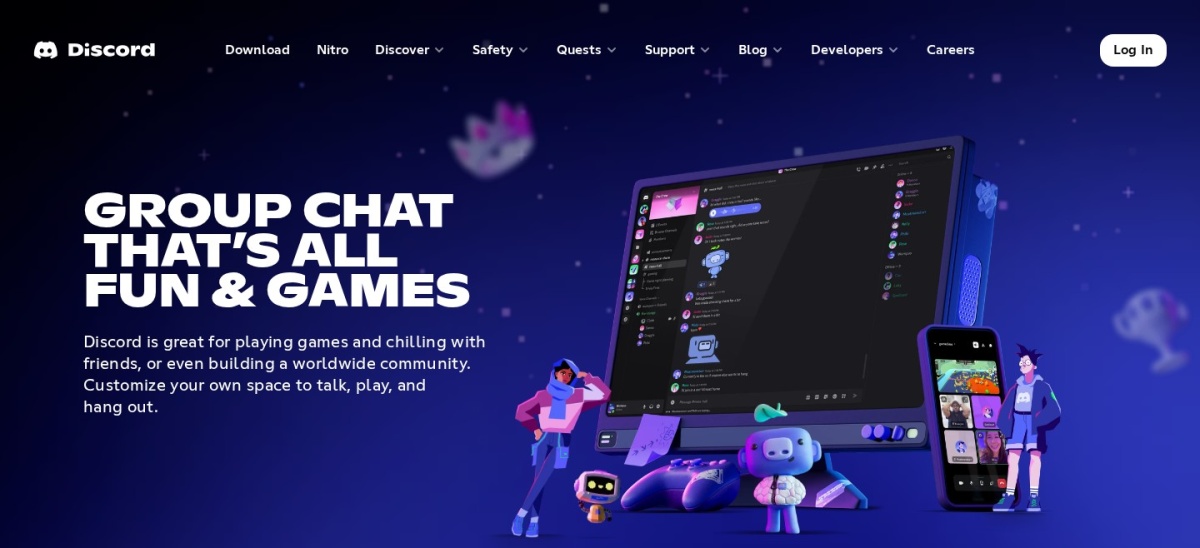
Discord homepage, captured Nov 2026.
Discord is a chat app built around servers, with text channels, voice rooms, video calls and screen sharing. Core chat, voice and video are free, with up to 100 servers, 10 MB file uploads and video calls for up to 25 people.
The trade off is business fit. Discord has no business plan, no per-seat pricing and no admin tier for companies, and Nitro is a personal upgrade. It suits communities, study groups and small teams that live in voice rooms.
What we like
Most generous free plan in this list
Voice rooms that people can drop into any time
Runs on web, Windows, macOS, Linux, iOS and Android
Watch out for
No business plan or admin controls for companies
Free uploads stop at 10 MB per file
G2 rating rests on only 44 reviews
Nitro Basic adds 50 MB uploads and custom emoji for $2.99 a monthVisit discord.com
04
Google Chat
4.5/5on Capterra (2,385 reviews, checked Nov 2026)
Paid from$7/mo
Best for teams on Google Workspace
Free planPersonal account
Paid planStarter, $7/mo
Storage on Starter30 GB
AI in ChatStandard plan
workspace.google.com
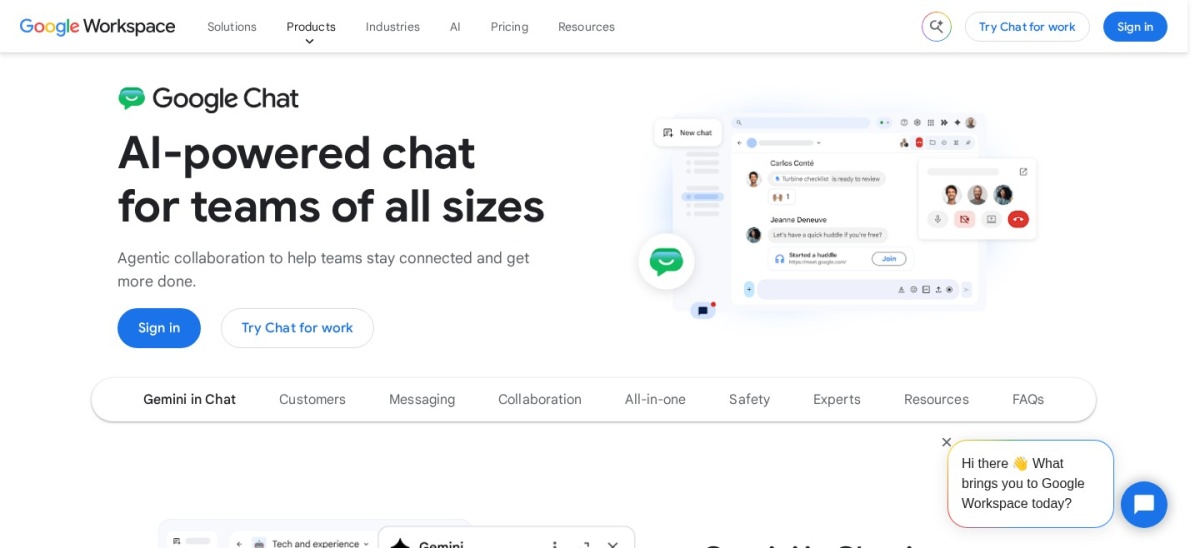
Google Chat homepage, captured Nov 2026.
Google Chat is the team chat inside Google Workspace, with direct messages, group chats and spaces with threads. It is free with a personal Google account, and business use comes with Workspace Business Starter at $7 a user a month billed annually.
The trade off is that Chat is not sold on its own. A business pays for a Workspace seat even if it only wants chat, and Gemini summaries in Chat start at Business Standard. It suits teams that already live in Gmail, Drive and Meet.
What we like
No extra cost for teams already on Workspace
Docs, Drive and Calendar sit beside the conversation
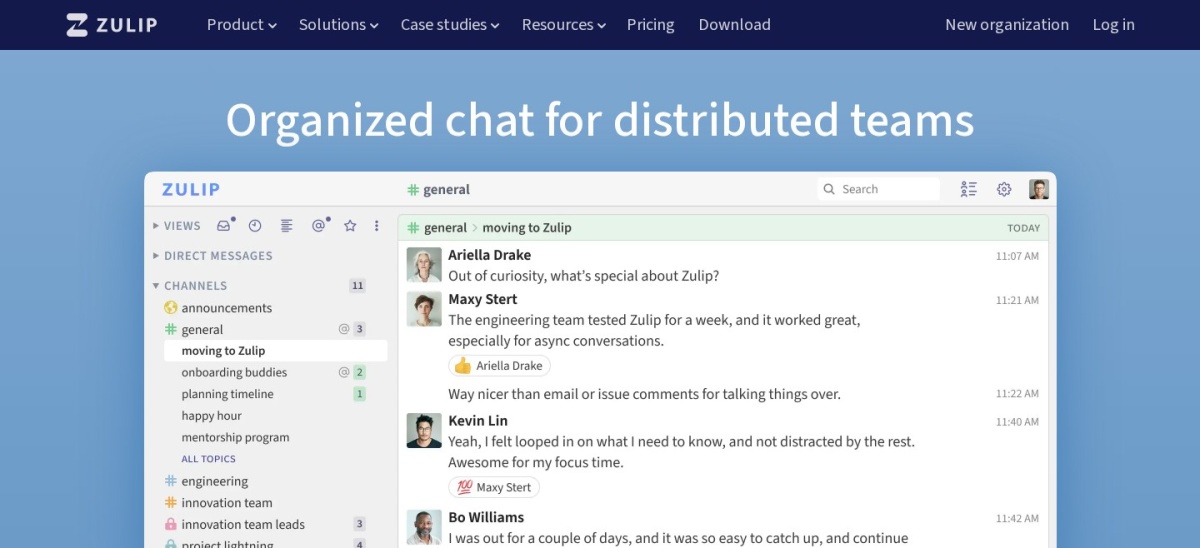
Zulip is an open-source team chat app that organises every channel into topics, so long discussions stay easy to follow. The free cloud plan covers 10,000 messages of search history and 5 GB of file storage, and self-hosting is free.
The trade off is the free search cap. Teams that talk a lot will hit 10,000 searchable messages, and Cloud Standard costs $6.67 a user a month billed annually, or $8 monthly. It suits technical teams and research groups that want tidy, threaded talk.
What we like
Topics keep long channel discussions organised
Rated 4.6 out of 5 on G2, the joint highest here
Free self-hosted option with no user limit
Watch out for
Free cloud search stops at 10,000 messages
Smaller app library than Slack or Teams
G2 rating rests on only 117 reviews
Cloud Standard adds unlimited search history and 10 GB per userVisit zulip.com
06
Chanty
4.4/5on G2 (57 reviews, checked Nov 2026)
Paid from$3/mo
Best cheap paid plan for small teams
Free team sizeUp to 5
Free historyUnlimited
Free storage20 GB
Paid planBusiness, $3/mo
chanty.com
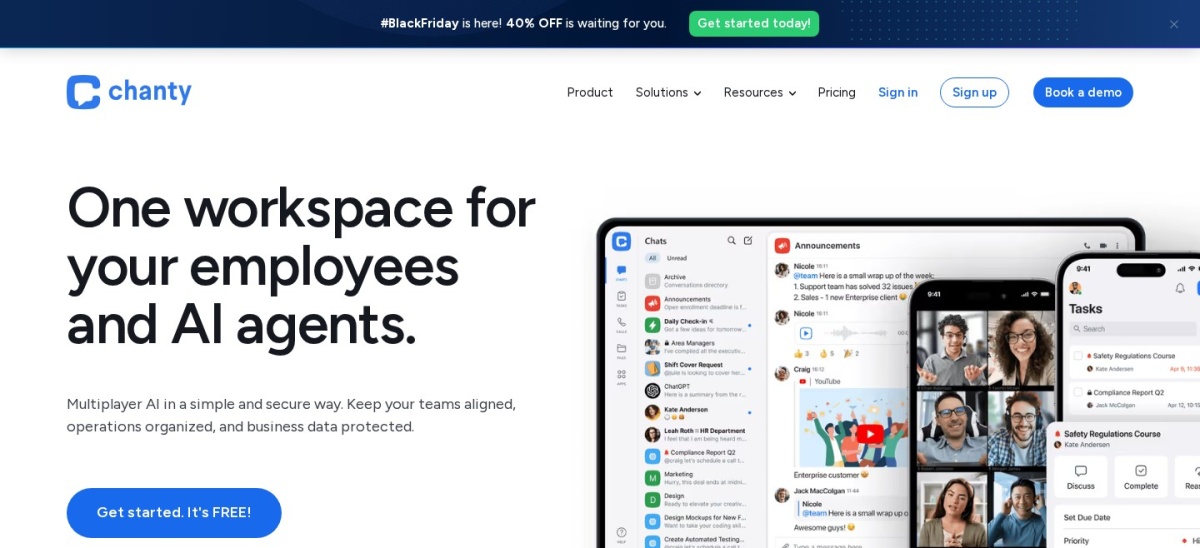
Chanty homepage, captured Nov 2026.
Chanty is a small-team chat app with messaging, built-in tasks, a Kanban view and audio and video calls. The free plan fits up to 5 people and includes unlimited message history, one-to-one audio calls, 10 integrations and 20 GB of file storage.
The trade off is size. The free plan stops at 5 members, and group audio and video calls need the Business plan at $3 a user a month. It suits freelancers and tiny teams that want chat and tasks in one simple app.
What we like
Lowest paid plan in this list at $3 a user a month
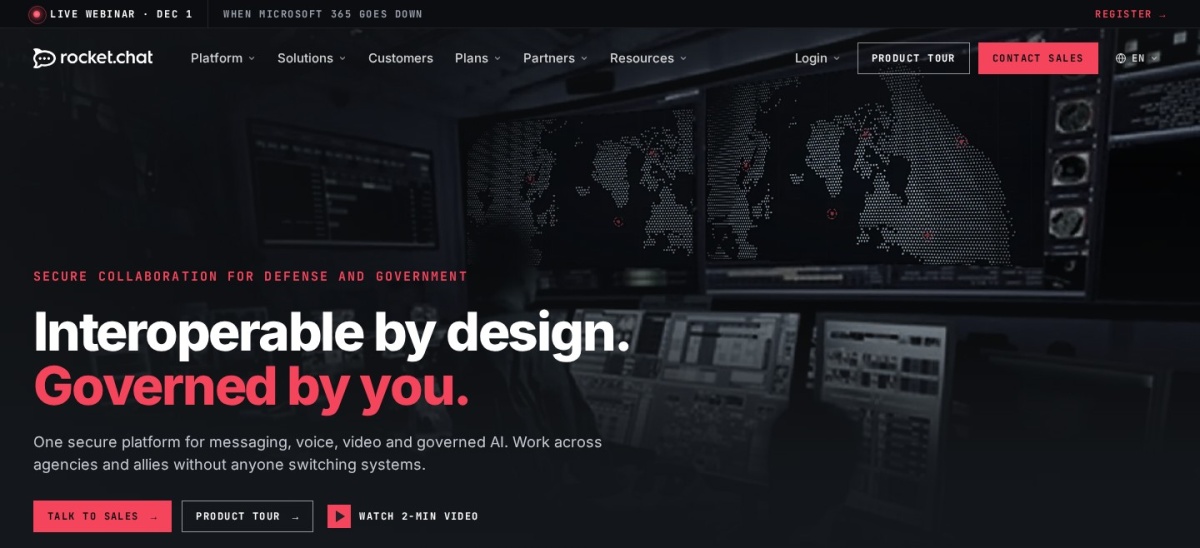
Rocket.Chat is an open-source chat platform that a team can self-host or use in the cloud. The free Starter plan supports up to 50 users with unlimited message history, and the Community Edition can be self-hosted without a user limit.
The trade off is price and setup. The Pro plan costs $8 a user a month billed annually, and older listings still show $7, so the price needs a check before buying. It suits teams that must keep data on their own servers.
What we like
Self-hosting gives a team full control of its data
Free plan includes unlimited message history
Open-source Community Edition with no user limit
Watch out for
Paid price is $8 a month, while older listings show $7
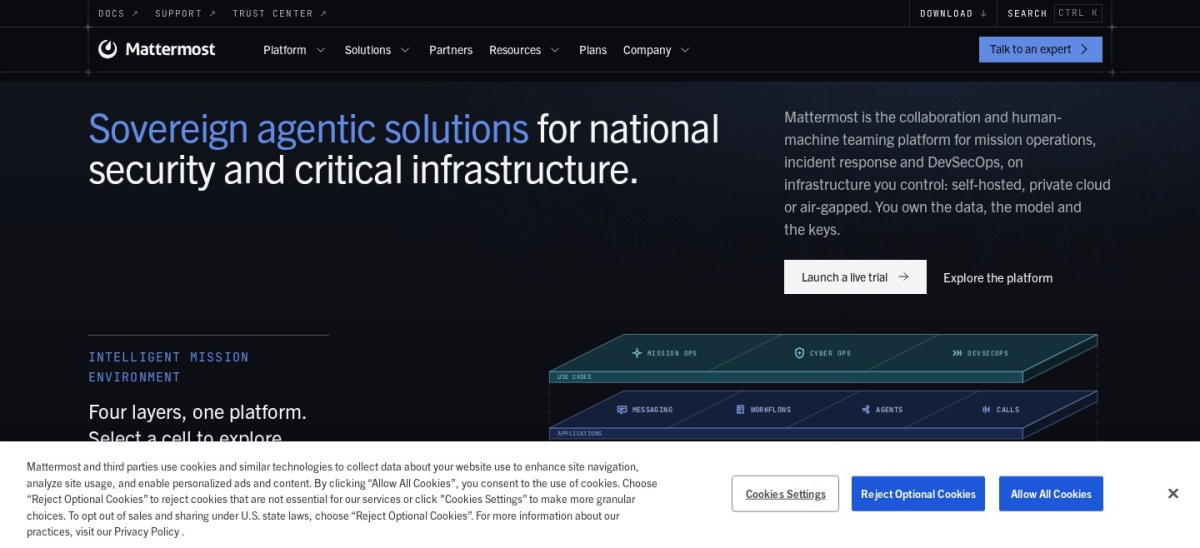
Mattermost is an open-source messaging app for web, desktop and phones, with channels, threads and file sharing. The free Starter plan includes unlimited users, unlimited messaging and continuous message archiving, self-hosted or in the cloud.
The trade off is that the free plan lacks enterprise login features. Single sign-on, advanced permissions and multi-factor login need the Professional plan at $10 a user a month. It suits technical teams that want a free, self-hosted Slack alternative.
What we like
Free plan has unlimited users and message history
Self-hosting suits teams with strict data rules
Rated 4.3 out of 5 on G2 from 369 reviews
Watch out for
No single sign-on on the free plan
Most expensive paid plan in this list at $10 a month
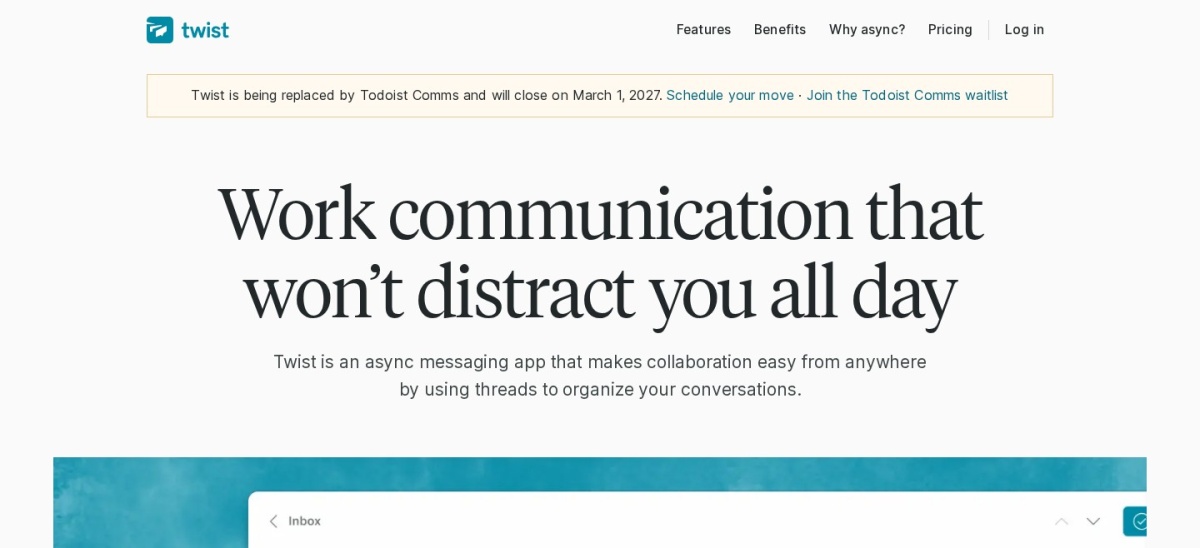
Twist is a chat app built for async work with threads instead of a live feed. The free plan supports unlimited team members with one month of searchable history, 5 integrations, 5 GB of file storage and guest access.
The trade off is history and reach. Free search stops after one month, and the Unlimited plan costs $6 a user a month. It suits remote teams across time zones that want fewer pings and more written threads.
What we like
Threads keep talk organised without live pressure
Free plan has no limit on team members
Simple design that suits async remote teams
Watch out for
Free search history lasts only one month
G2 rating rests on only 34 reviews
Fewer integrations than Slack or Teams
Unlimited adds unlimited history, storage and integrationsVisit twist.com
Free vs paid: what you give up
Free plans cover daily chat well. Most include channels, direct messages and file sharing at no cost.
Paid plans mostly add history, meetings and admin controls. You get older messages back, group calls and single sign-on.
If a team meets by video often, the free call limit matters more than the chat limit. Our guide on embedding a video in WordPress shows how video sits beside written content.
For a team that only chats, a free plan can last for years. Pay when history, group calls or admin controls start to block the work.
How we chose
We started from the best-known free team chat apps, then kept those with a real free plan that covers daily chat without a trial clock.
Prices come from each vendor's pricing page or its G2 pricing listing, checked on 23 November 2026. Ratings come from G2 on the same day, except Google Chat, which uses Capterra. Where a vendor shows a sale, the list shows the regular price.
We left out chat apps with no free plan and apps built mainly for customer support rather than team chat. No vendor paid for a place, and we do not claim to have used these tools ourselves.
How to choose a free team chat app
Start with where your team already works, then check the free limits that would force an upgrade.
Check what your team already pays for. Teams on Microsoft 365 or Google Workspace already have chat included, so a new app may add cost for no gain.
Check the free history limit. If your team searches old decisions often, pick a free plan with unlimited history, such as Chanty, Mattermost or Rocket.Chat.
Check group calls on the free plan. Slack and Chanty limit free calls to one-to-one, while Discord and Teams cover group calls for free.
Decide if you need to self-host. Teams with strict data rules should pick Rocket.Chat, Mattermost or Zulip, which offer a free self-hosted option.
FAQ
What is the best free team chat app?
Slack is the best free team chat app for most teams. It has unlimited channels and members, more than 2,600 integrations and a 4.5 out of 5 G2 rating from more than 39,000 reviews, though free history lasts only 90 days.
Is Microsoft Teams really free?
Yes. Microsoft Teams has a free plan with chat, channels and meetings, though free meetings stop at 60 minutes. The first paid plan, Essentials, costs $4 a user a month billed annually.
Is Discord good for work teams?
Discord works well for small teams and communities, with free text, voice and video chat and no message history cap. It has no business plan or admin tier, so larger companies that need controls should pick Slack or Teams instead.
Which free team chat app has unlimited message history?
Chanty, Mattermost and Rocket.Chat all offer unlimited message history on their free plans. Slack keeps 90 days, Twist keeps one month and Zulip caps free search at 10,000 messages.
Can I self-host a free team chat app?
Yes. Rocket.Chat, Mattermost and Zulip all offer a free self-hosted option. Self-hosting gives a team control of its data, but it needs someone to install updates and keep the server running.
Which free team chat app is cheapest to upgrade?
Chanty is the cheapest paid upgrade at $3 a user a month, followed by Microsoft Teams Essentials at $4. Discord Nitro Basic costs $2.99 a month, but it is a personal upgrade rather than a team plan.