Zoom is the best virtual conferencing platform for most teams. Its Pro plan costs $14.16 a user a month billed yearly, allows 100 participants and 30-hour meetings, and it is rated 4.5 out of 5 by more than 56,000 G2 reviewers. Pick Google Meet for the simplest browser meetings and Microsoft Teams if your team already lives in Microsoft 365.
How we make this list: we compare pricing pages, product documentation and public user reviews, then re-check every price before each update. No product paid for a place. Disclosure.
Zoom Pro costs $14.16 a user a month billed yearly, allows 100 participants and 30-hour meetings, and is rated 4.5 out of 5 by more than 56,000 G2 reviewers.
Microsoft Teams Essentials is the cheapest paid plan here at $4 a user a month billed yearly, with 300 participants and 30-hour meetings.
Zoho Meeting Standard costs $1 a host a month billed yearly for 10 participants, the lowest entry price in this list, but larger rooms cost more.
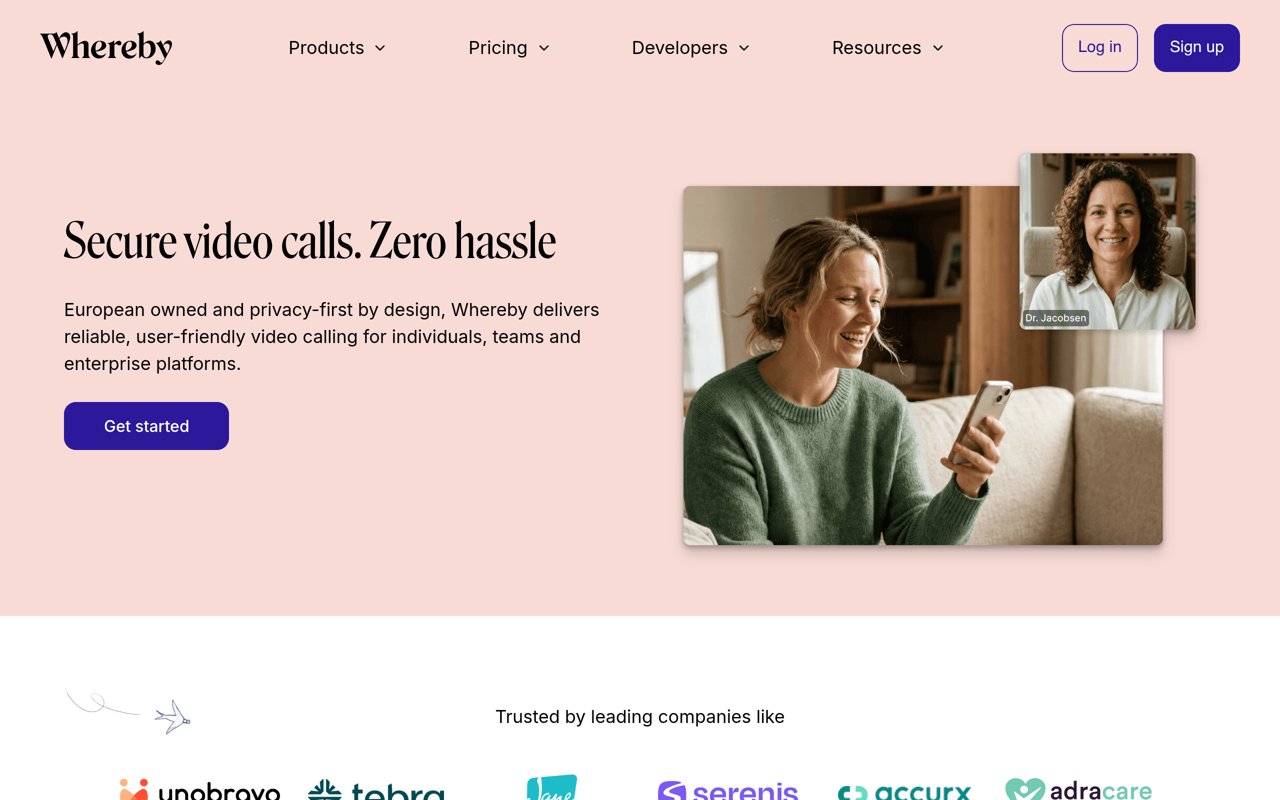
Google Meet and Whereby need no download for guests. Meet is free for 60-minute group calls, and Whereby Pro adds branding and recording.
Livestorm and ClickMeeting are built for webinars rather than everyday meetings, and Livestorm now charges by attendee credit.
Only GoTo Meeting, ClickMeeting and RingCentral have no free plan. All three offer a free trial instead.
What to look for in a virtual conferencing platform
A virtual conferencing platform is where your team meets, interviews, demos and runs webinars. The wrong one shows up as frozen video, guests who cannot join and a bill that grows with every seat.
Start with participant limits and meeting length. Free plans cap group calls at 40 or 60 minutes, and paid plans lift that cap while adding recording, breakout rooms and dial-in numbers.
Check how guests join. Browser-based tools such as Google Meet and Whereby let clients join from a link with no install, which matters for sales calls and support sessions. Our guide on collaborating in WordPress covers the same join-without-friction idea for remote teams.
Price is usually per host or per user, so a $4 plan for 10 people costs $480 a year. Compare the yearly total, not the monthly headline, and watch for plans that charge by attendee count instead of by seat.
Zoom Workplace is the most widely used video meeting platform in this list, with more than 56,000 G2 reviews. The free Basic plan allows 100 participants with a 40-minute cap on group meetings, while Pro lifts meetings to 30 hours and adds 10 GB of cloud recording per licence, plus AI meeting summaries.
The trade off is price. Pro costs $14.16 a user a month billed yearly, or $16.99 billed monthly, which adds up fast for a large team. It suits teams that meet clients and partners every day and want the tool guests already know how to join.
What we like
Largest review base and most familiar to guests
AI meeting summaries included on Pro
30-hour meetings and 10 GB cloud recording on Pro
Watch out for
Free plan caps group meetings at 40 minutes
Pro is pricier than Teams, Meet or Zoho
G2 reviewers report billing and support friction
Business adds 300 participants, SSO and managed domainsVisit zoom.us
02
Google Meet
4.5/5on Capterra (12,079 reviews, checked Nov 2026)
Paid from$7/mo
Best for simple browser meetings
Free plan100 participants, 60-minute group cap
Max participants100 on Business Starter
Meeting lengthUp to 24 hours on paid plans
Paid planWorkspace Business Starter, $7/user/mo
meet.google.com
Google Meet homepage, captured Nov 2026.
Google Meet is the video meeting tool built into Google Workspace, and it runs in the browser with no install for guests. The free plan allows 100 participants with a 60-minute cap on group meetings, and Business Starter at $7 a user a month adds a custom email, 30 GB of pooled storage per user and meetings of up to 24 hours.
The trade off is depth. Recording to Drive is not included on Business Starter, and reviewers note screen sharing glitches and thin controls for large broadcasts. It suits teams already on Gmail and Google Calendar who want meetings that start from a link.
What we like
Guests join from a browser link with no install
Free plan allows 60-minute group meetings
Tight fit with Gmail, Calendar and Drive
Watch out for
No recording to Drive on Business Starter
Fewer host controls than Zoom or Teams
Guests without a Google account may wait for admission
Microsoft Teams bundles video meetings with chat, file sharing and calling in one app. The free plan allows 100 participants with a 60-minute cap on group meetings, and Teams Essentials at $4 a user a month billed yearly lifts meetings to 30 hours and 300 participants with 10 GB of cloud storage per user.
The trade off is weight. G2 reviewers praise the Microsoft 365 fit but report slow loading and audio or video issues more often than Zoom users do. It suits teams that already pay for Microsoft 365 and want meetings, chat and files in one place.
What we like
Cheapest paid plan in this list at $4 a user a month
300 participants and 30-hour meetings on Essentials
Whereby Meetings runs fully in the browser, so guests join from a persistent room link with no download or account. The free plan gives one room for up to 4 people and 30 minutes, while Pro at $10.99 a host a month adds three room links, 100 participants, unlimited meeting length, recording and custom branding.
The trade off is scale. Whereby has no built-in webinar engine or booking layer, and G2 reviewers note slow support replies. It suits consultants and small teams that want a simple branded room for client calls.
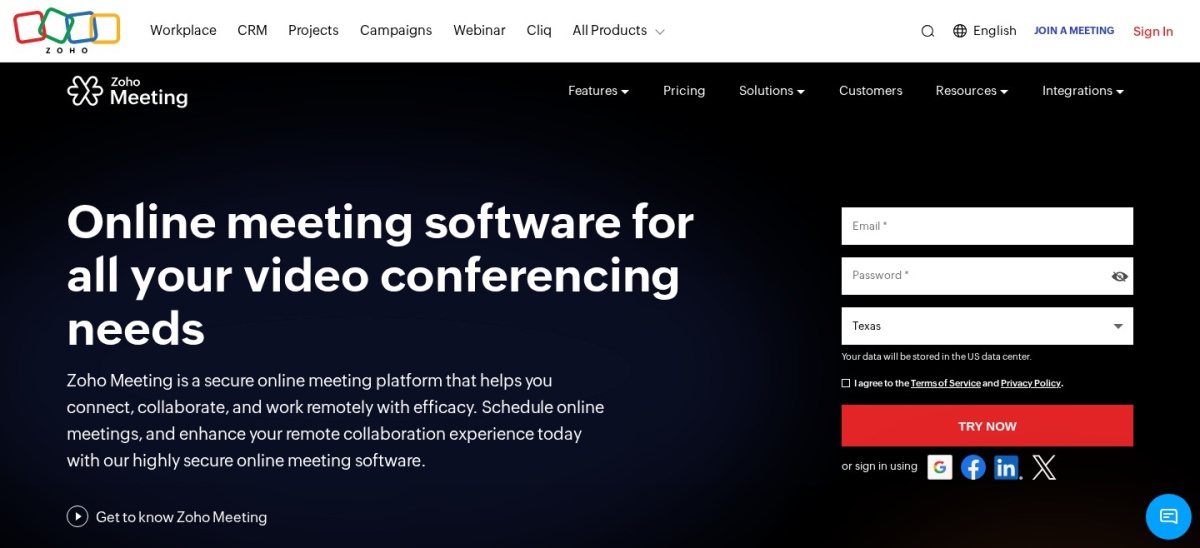
Zoho Meeting is a browser-based meeting and webinar tool with the lowest entry price in this list. The free plan allows 100 participants for 60-minute meetings, and Standard costs $1 a host a month billed yearly for 10 participants, adding meetings of up to 24 hours, cloud recording and two co-hosts.
The trade off is the participant basis. The $1 rate applies only to the 10-participant room size, and larger rooms cost more per host. It suits small teams and teachers who need full-length meetings for very little money.
What we like
Lowest paid price here at $1 a host a month
Free plan allows 100 participants
Meetings and webinars in one account
Watch out for
$1 rate covers only 10 participants per room
Smaller review base than Zoom or Teams
Fewer integrations than the big three
Professional adds a custom domain, breakout rooms and API accessVisit zoho.com
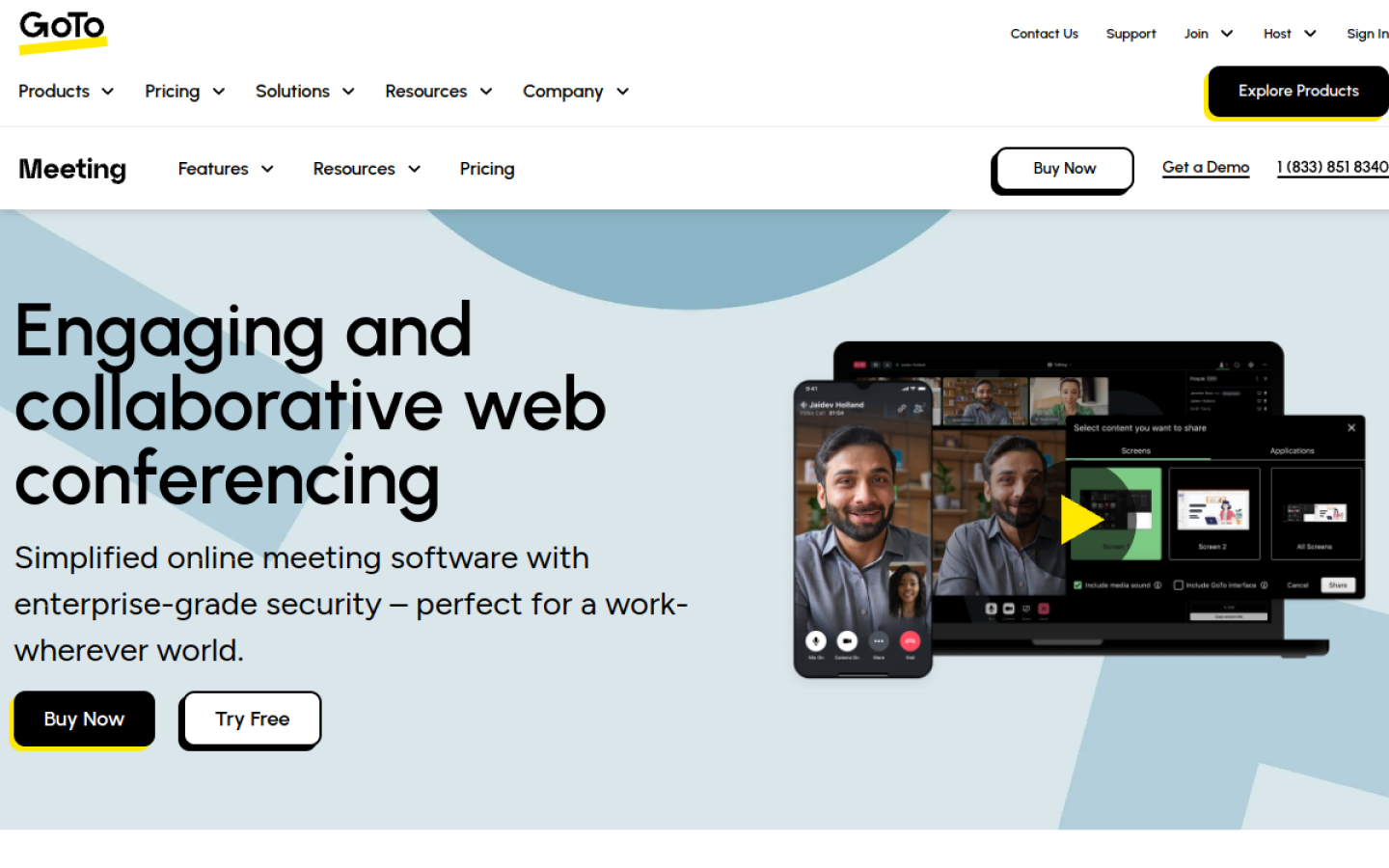
GoTo Meeting is a long-running meeting tool from the GoTo family, and G2 reviewers praise its ease of use and reliable audio and video. Professional costs $12 an organizer a month billed yearly and allows 150 participants with cloud recording, screen sharing, drawing tools and dial-in numbers.
The trade off is the missing free plan. There is only a 14-day trial, and reviewers say the interface feels dated next to newer rivals. It suits teams that want a plain, dependable meeting room without a chat and files suite attached.
What we like
Very large review base with steady 4.2 out of 5
150 participants on the entry paid plan
Dial-in numbers and cloud recording on Professional
Watch out for
No free plan, only a 14-day trial
Interface feels dated next to newer tools
No team chat or file suite built in
Business adds 250 participants and more admin controlsVisit goto.com
07
Livestorm
4.4/5on G2 (1,730 reviews, checked Nov 2026)
Paid from$1,000/yr
Best for marketing webinars
Free plan30 attendees, 20-minute sessions
Max participantsUp to 3,000 live attendees on Pro
Meeting length4-hour sessions on Pro
Paid planPro, from $1,000/yr for 400 credits
livestorm.co
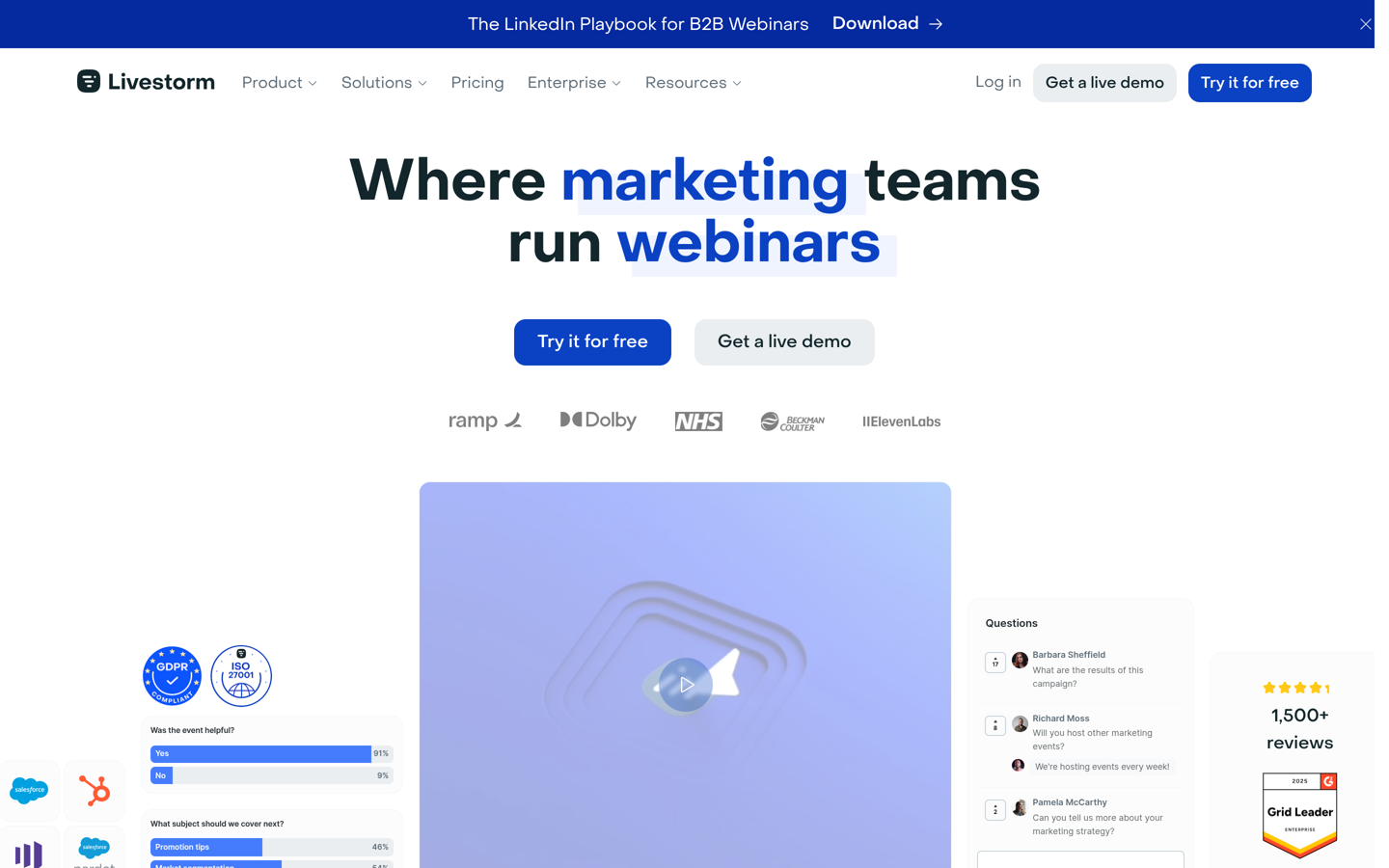
Livestorm homepage, captured Nov 2026.
Livestorm is a browser-based platform built for marketing webinars, product demos and onboarding rather than everyday team calls. The free plan covers 30 attendees and 20-minute sessions, while Pro starts at $1,000 a year for 400 attendee credits and adds registration pages, email sequences, polls, Q and A and CRM sync.
The trade off is the credit model. You pay per attendee who shows up, so a big event costs far more than the starting price, and the entry price is the highest in this list. It suits marketing teams that run webinars to win leads and want the follow-up automated.
What we like
Built for webinars with registration and email built in
Browser-based with no download for attendees
Deep CRM integrations for lead follow-up
Watch out for
Per-attendee credits make large events costly
Free plan is limited to 30 attendees and 20 minutes
ClickMeeting is a webinar platform for small businesses that run live, automated and paid events from one account. The Live plan costs $39 a month billed yearly and includes polls, Q and A, a whiteboard, screen sharing and built-in ticketing so you can charge for access.
The trade off is cost as you grow. Every plan is priced by attendee tier, so the bill rises with your audience, and G2 reviewers mention connection issues on larger events. It suits trainers, educators and consultants who sell access to live or recorded sessions.
What we like
Live, automated and on-demand webinars in one account
RingCentral Video is the meeting tool inside RingEX, RingCentral's phone, video and messaging platform. Core costs $20 a user a month billed yearly and bundles HD video meetings for up to 100 participants with unlimited domestic calling, business SMS, team messaging and an AI assistant.
The trade off is that video is only part of a phone system. It costs more per seat than a meeting-only tool, and some admin features need a higher tier. It suits teams that want to replace a landline and a meeting tool with one subscription.
A meeting tool and a webinar tool solve different problems. Meetings are two-way, with everyone on camera and able to speak, while webinars are one-to-many, with a host presenting and the audience mostly watching.
Zoom, Google Meet, Teams, Whereby, Zoho Meeting and GoTo Meeting are meeting tools first. They work for team calls, interviews and client demos, and most of them have a free plan.
Livestorm and ClickMeeting are webinar tools first. They add registration pages, email reminders, polls and paid ticketing, which a plain meeting tool does not offer. If you run lead-generation events, start there instead of stretching a meeting tool.
RingCentral sits in between. It is a phone system with video built in, so pick it when the phone decision comes first and meetings are part of that bundle.
How we chose
We started from the best-known virtual conferencing platforms, then kept nine with a published price and a public rating on G2 or Capterra.
Prices come from each vendor's pricing page, checked on 25 November 2026. Ratings and review counts come from G2 or Capterra on the same day. Where a vendor shows a sale, the list shows the regular price.
We left out Webex because its pricing page lists no paid per-user price, so we could not state a regular price. No vendor paid for a place, and we do not claim to have used these tools ourselves.
How to choose a virtual conferencing platform
Start with who joins your meetings, then match the plan to that audience.
Count your real audience. Check the participant limit and meeting length on the free plan first. A 40-minute cap breaks a 60-minute client call.
Test how guests join. Send a test link to someone outside your team. If they need a download or an account, expect no-shows on sales calls.
Work out the yearly total. Multiply the monthly price by 12 and by the number of hosts. A $4 plan for 10 people is $480 a year, while a $20 plan is $2,400.
Match the tool to the job. Use a meeting tool for team calls and a webinar tool such as Livestorm or ClickMeeting for lead-generation events.
FAQ
What is the best virtual conferencing platform?
Zoom is the best virtual conferencing platform for most teams. Its Pro plan costs $14.16 a user a month billed yearly, allows 100 participants and 30-hour meetings, and it is rated 4.5 out of 5 by more than 56,000 G2 reviewers.
What is the cheapest virtual conferencing platform?
Microsoft Teams Essentials is the cheapest paid plan in this list at $4 a user a month billed yearly. Zoho Meeting Standard is cheaper still at $1 a host a month, but that rate covers only 10 participants per room.
Which virtual conferencing platform is free?
Zoom, Google Meet, Microsoft Teams, Whereby, Zoho Meeting and Livestorm all have a free plan. Free plans cap group meetings at 40 or 60 minutes, except Whereby, which caps free meetings at 30 minutes and 4 people.
Do guests need to download anything to join?
Not always. Google Meet, Whereby, Zoho Meeting and Livestorm let guests join from a browser link with no install. Zoom, Teams and GoTo Meeting work in a browser too, but their full features need the desktop app.
What is the difference between a meeting and a webinar?
A meeting is two-way, with everyone able to speak and share video. A webinar is one-to-many, with a host presenting to an audience. Livestorm and ClickMeeting are built for webinars, while Zoom, Meet and Teams are built for meetings.
Can I record meetings on the cheapest paid plan?
Yes, on most of them. Zoom Pro, Teams Essentials, Whereby Pro, Zoho Meeting Standard and GoTo Meeting Professional all include recording. Google Meet is the exception, since recording to Drive needs Business Standard.
SaaS SEO and WordPress specialist with about 8 years of experience. Rakib compares WordPress plugins, themes, hosting and software using public pricing, documentation and user reviews. See how we rank.