Zoom is the best screen share software for most teams: its free plan covers 100 people for 40 minutes, Pro costs $14.16 a user a month billed annually, and it is rated 4.5 out of 5 on G2 from 56,411 reviews. Pick Microsoft Teams if your team uses Microsoft 365, and Google Meet for browser-based calls.
How we make this list: we compare pricing pages, product documentation and public user reviews, then re-check every price before each update. No product paid for a place. Disclosure.
Zoom leads with 56,411 G2 reviews at 4.5 out of 5, and its free plan covers 100 people for 40 minutes.
Microsoft Teams Essentials costs $4 a user a month, the cheapest paid meeting plan in this list after Zoho.
Zoho Meeting is the cheapest paid option at $2 a host a month, but that rate covers a 10-participant room.
TeamViewer and ISL Online are the only picks built for remote control, not meetings, with prices from $16.90 a month.
Splashtop has the highest rating here at 4.8 out of 5, but only from 547 G2 reviews.
Webex lists no paid price on its own pricing page; the $13.50 Meet figure comes from vendor-supplied listings.
What to look for in screen share software
Screen sharing is now built into almost every meeting tool, so the choice is rarely about whether you can share a screen. It is about who can join without an install, how long a free call lasts, and whether you can hand over control of the shared screen.
Meeting tools such as Zoom, Teams and Google Meet share a screen inside a call, with chat, recording and whiteboards beside it. Remote-access tools such as TeamViewer, ISL Online and Splashtop share a whole desktop instead, and let the other person take control of it, which fits support calls better than presentations.
Free plans differ most on time limits. Zoom and Webex cap free group meetings at 40 minutes, while Teams and Google Meet allow 60 minutes, and all four cover 100 participants. Our guide on embedding a video in WordPress covers the other side of sharing video on a site.
Prices in this list are per user or per host, and they add up fast for a whole team. Zoho charges per host, so guests cost nothing, while Zoom, Teams and Meet charge per user, so check how many people in your team actually host meetings before you compare monthly prices.
Zoom is the most widely used meeting tool in this list, with screen sharing on every plan including the free one. The free plan covers meetings of up to 100 people for 40 minutes, with chat, whiteboard and local recording, and guests join from a link without an account.
The trade off is the 40-minute cap on free group meetings, which ends longer calls unless someone pays. Pro costs $14.16 a user a month billed annually and lifts meetings to 30 hours with cloud recording. It suits teams that meet clients and need a tool everyone already knows.
What we like
Screen sharing on the free plan
Guests join from a link
Rated 4.5 out of 5 from 56,411 G2 reviews
Watch out for
Free group meetings end at 40 minutes
Pro costs $14.16 a user a month, which adds up for big teams
Pro adds 30-hour meetings and cloud recordingVisit zoom.us
02
Microsoft Teams
4.4/5on G2 (19,268 reviews, checked Nov 2026)
Paid from$4/mo
Best for Microsoft 365 teams
Free plan60 minutes, 100 people
Screen sharingYes, give and take control
ChatYes, built in
Paid planEssentials, $4/user/mo
microsoft.com
Microsoft Teams homepage, captured Nov 2026.
Microsoft Teams is the meeting tool for teams that already live in Microsoft 365, with chat, files and meetings in one app. The free plan covers group meetings of up to 100 people for 60 minutes, with screen sharing, live captions and 5 GB of cloud storage per user.
The trade off is that Teams feels heavy if you only need meetings, and its best features sit inside paid Microsoft 365 plans. Essentials costs $4 a user a month and lifts meetings to 30 hours with 10 GB of storage. It suits teams that already pay for Microsoft 365.
4.5/5on Capterra (12,181 reviews, checked Nov 2026)
Paid from$7/mo
Best for browser-based calls
Free plan60 minutes, 100 people
Screen sharingYes, in the browser
Paid planWorkspace Starter, $7/user/mo
Participants on paid100
meet.google.com
Google Meet homepage, captured Nov 2026.
Google Meet is the meeting tool that runs in a browser, with no download for guests and links that drop straight into Gmail and Calendar. The free plan covers group calls of up to 100 people for 60 minutes, with screen sharing, captions and a whiteboard.
The trade off is that Meet has fewer meeting controls than Zoom, and the useful extras sit inside Google Workspace. Business Starter costs $7 a user a month billed annually and adds 30 GB of storage with longer meetings. It suits Google Workspace teams that want the simplest call.
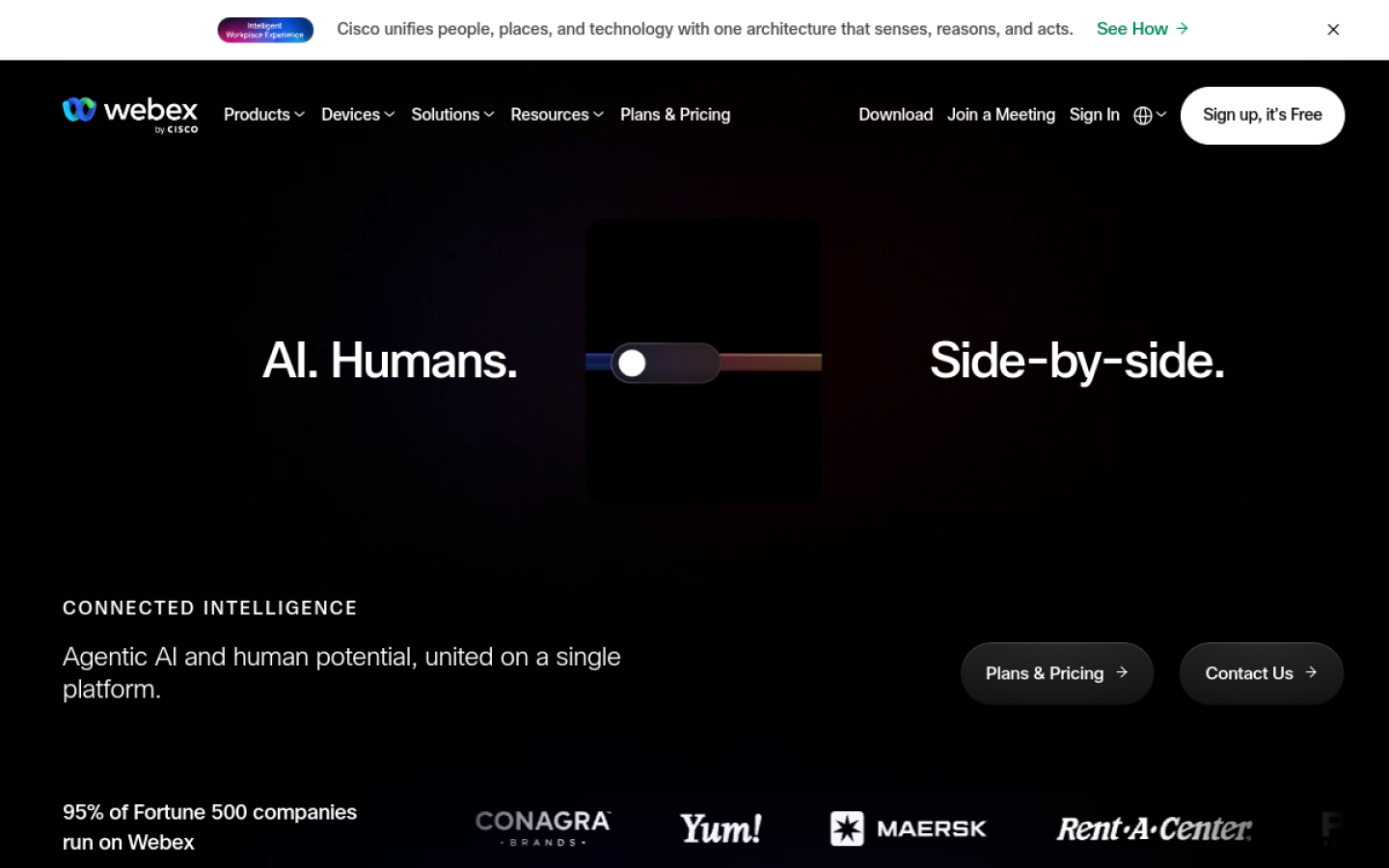
Webex is Cisco's meeting platform, built for large companies that need strong security and admin controls. The free plan covers meetings of up to 100 people for 40 minutes, with screen sharing and annotation, local recording, unlimited whiteboards and messaging.
The trade off is price transparency. Cisco publishes no paid price on its pricing page, and the Meet plan figure of $13.50 a user a month comes from vendor-supplied listings, so ask for a written quote. It suits regulated teams that need Cisco security and large rooms.
What we like
Strong security and admin controls
Free plan includes whiteboards and messaging
Rated 4.2 out of 5 from 18,935 G2 reviews
Watch out for
No paid price on the official pricing page
Free group meetings end at 40 minutes
Meet plan adds 24-hour meetings and cloud recordingVisit webex.com
05
GoTo Meeting
4.2/5on G2 (17,142 reviews, checked Nov 2026)
Starts at$14/mo
Best for simple scheduled meetings
Free planNo, 14-day trial
Screen sharingYes
Paid planProfessional, $14/user/mo
RecordingLocal and cloud
goto.com
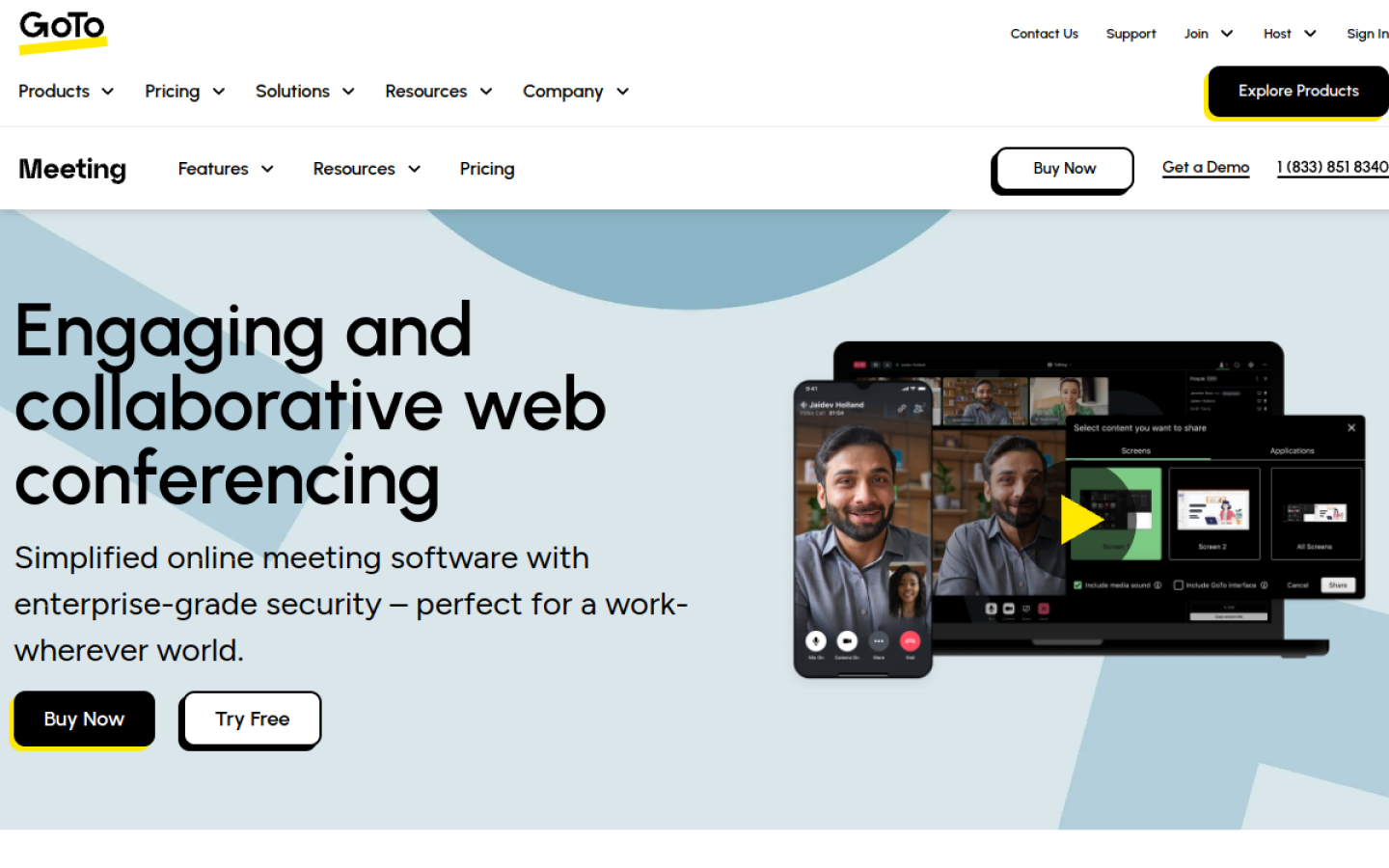
GoTo Meeting homepage, captured Nov 2026.
GoTo Meeting is a straightforward meeting tool for teams that schedule calls in advance and want them to just work. Paid plans include screen sharing, drawing tools, meeting transcription and cloud recording, and guests join from a link on desktop or mobile.
The trade off is that there is no free plan, only a 14-day trial, so every user pays from day one. Professional costs $14 a user a month, which is close to Zoom Pro with fewer extras. It suits small teams that want plain, reliable meetings without a big suite.
What we like
Simple setup with no learning curve
Transcription and drawing tools included
Rated 4.2 out of 5 from 17,142 G2 reviews
Watch out for
No free plan, only a 14-day trial
Fewer extras than Zoom or Teams at the same price
Business adds more participants and admin controlsVisit goto.com
06
TeamViewer
4.5/5on G2 (4,225 reviews, checked Nov 2026)
Starts at$24.90/mo
Best for remote support
Free planPersonal use only
Managed devices3 on Remote Access
Paid planRemote Access, $24.90/mo
Concurrent sessions1
teamviewer.com
TeamViewer homepage, captured Nov 2026.
TeamViewer is a remote-access tool that lets a technician see and control another computer, which is what support work needs. Remote Access costs $24.90 a month billed annually for one licensed user, with unattended access to 3 managed devices, file transfer and session recording.
The trade off is price and licensing. One licence covers one technician at a time, and adding staff means buying more licences, so costs climb fast. It suits IT teams and support desks that fix computers every day.
ISL Online is a remote-support tool for small teams that fix other people's computers, with screen sharing, file transfer and chat in every session. The Starter plan costs $16.90 a month and covers unattended access to as many computers as you want, with no per-device charge.
The trade off is polish. The interface looks dated next to TeamViewer, and mobile control is limited compared with desktop. It suits small support teams that want the cheapest way to reach a lot of computers.
Splashtop is a remote-access tool for reaching your own computers from anywhere, with fast, smooth sessions even on slow connections. Solo costs $6 a month billed annually at $72, with unattended access, file transfer and remote print for one user.
The trade off is that Solo is for one person only, and teams pay per user from Pro at $8.25 a month. It is a remote-access tool, not a meeting tool, so pair it with a free meeting app for calls. It suits people who work from a home computer while away.
Zoho Meeting is the cheapest paid option in this list, with Standard at $2 a host a month. It adds 24-hour meetings, session recording and dial-in numbers, and the free plan covers 100 participants for 60 minutes with screen sharing, polls and a whiteboard.
The trade off is the room size. The $2 rate applies to a 10-participant room, and the price rises as you add participants, so a class of 100 will not cost $2 a month. It suits a single host running small meetings inside the Zoho suite.
What we like
Cheapest paid plan in this list
Priced per host, so guests cost nothing
Rated 4.5 out of 5 from 1,276 G2 reviews
Watch out for
$2 rate only covers a 10-participant room
Fewer integrations outside the Zoho suite
Professional at $3 adds breakout rooms and API accessVisit zoho.com
Meetings vs remote access: pick the right kind
Meeting tools are built for calls where several people watch one screen. They add chat, captions, breakout rooms and recording, and guests join from a link.
Remote-access tools are built for one person driving another computer. They add file transfer, reboot, unattended access and session recording, and they cost more per seat.
If you run demos and training, buy a meeting tool. If you fix other people's computers, buy a remote-access tool, and keep a free meeting tool beside it for the call itself.
How we chose
We started from the meeting and remote-access tools with the most G2 and Capterra reviews, then kept the nine that cover screen sharing as a core feature.
Prices come from each vendor's pricing page, checked on 25 November 2026, with vendor-supplied listings used where a vendor publishes no paid price. Ratings and review counts come from G2 on the same day, except Google Meet, which uses Capterra because its G2 page holds only 4 reviews.
We left out tools with no public price and no public rating. No vendor paid for a place, and we do not claim to have used these tools ourselves.
How to choose screen share software
Start with who hosts meetings in your team, then check the free plan limits before you pay.
Count your hosts, not your team. Zoom, Teams and Meet charge per user, while Zoho charges per host, so a team with two hosts pays far less on a per-host plan.
Check the free time limit. Zoom and Webex cut free group meetings at 40 minutes, while Teams and Google Meet allow 60 minutes, so pick the limit your calls fit inside.
Decide if you need remote control. Presenting needs only screen sharing, while fixing a computer needs remote control, which points to TeamViewer, ISL Online or Splashtop.
Test guest joining before you buy. Send a meeting link to someone outside your team and see if they join without an install or an account, since that is where most tools differ.
FAQ
What is the best screen share software?
Zoom is the best screen share software for most teams. Its free plan covers 100 people for 40 minutes, Pro costs $14.16 a user a month billed annually, and it is rated 4.5 out of 5 on G2 from 56,411 reviews.
Is there free screen share software?
Yes. Zoom, Microsoft Teams, Google Meet, Webex and Zoho Meeting all have free plans that include screen sharing. Zoom and Webex limit free group meetings to 40 minutes, while Teams, Meet and Zoho allow 60 minutes, and all five cover 100 participants.
What is the cheapest screen share software?
Zoho Meeting is the cheapest paid option here at $2 a host a month, but that rate covers a 10-participant room and the price rises with room size. For a full team, Microsoft Teams Essentials at $4 a user a month is the cheapest paid meeting plan.
Can I share my screen without installing anything?
Yes, with Google Meet and Zoho Meeting, which run fully in a browser for guests. Microsoft Teams also lets guests join from a browser, while Zoom works best with its desktop app, though guests can join from a browser too.
What is the difference between screen sharing and remote access?
Screen sharing shows your screen to other people in a call, while remote access lets someone else control your computer from far away. Meeting tools such as Zoom share screens, while TeamViewer, ISL Online and Splashtop add full remote control for support work.
Which screen share tool is best for remote support?
TeamViewer is the best known pick for remote support, with a 4.5 out of 5 G2 rating from 4,225 reviews and Remote Access from $24.90 a month billed annually. ISL Online costs less at $16.90 a month and covers unlimited managed computers.
SaaS SEO and WordPress specialist with about 8 years of experience. Rakib compares WordPress plugins, themes, hosting and software using public pricing, documentation and user reviews. See how we rank.