Google Analytics 4 is the best google analytics conversion tracking tool for most sites, because it is free and records purchases, sign-ups and other key events out of the box. Add Google Tag Manager when you need custom events, or Matomo when you want to own your data.
How we make this list: we compare pricing pages, product documentation and public user reviews, then re-check every price before each update. No product paid for a place. Disclosure.
Google Analytics 4 is free and records purchases, sign-ups and other key events, which is why it leads this list.
Google Tag Manager is also free and is the tool that sends custom events to GA4 without touching site code.
Matomo Cloud starts at $26 a month and is the strongest pick when you want to own your analytics data.
Plausible at $9 a month and Fathom at $15 a month are the simplest paid dashboards for goal and event tracking.
Mixpanel, Heap, Hotjar and Segment all have free plans, but their paid plans are priced by events or sessions, not by site.
How does google analytics conversion tracking work?
Conversion tracking starts with an event. Every purchase, sign-up, form submit or download is an event in GA4, and marking one as a key event turns it into a conversion you can report on.
Most sites send those events through Google Tag Manager. A tag fires when a visitor clicks a button or reaches a thank-you page, and the event lands in GA4 with the page, source and campaign attached.
The numbers only help if they match the money. Our analytics software guide explains why teams compare GA4 against their own order records before they trust a dashboard.
Privacy rules change what you can track. Cookieless tools like Plausible and Fathom skip the consent banner in most cases, while GA4 and Matomo need consent for cookies in the EU.
The 9 best google analytics conversion tracking tools
01
Google Analytics 4
4.5/5on G2 (6,845 reviews, checked Nov 2026)
PriceFree
Best google analytics conversion tracking tool overall
Cheapest paid planFree, $0
Free planYes
Key eventsPurchases, sign-ups, forms
Paid versionAnalytics 360, by quote
google.com
Google Analytics 4 homepage, captured Nov 2026.
Google Analytics 4 is Google's free analytics platform, and it is the default place to track conversions on a website. The standard version costs nothing and records pageviews, purchases, sign-ups and other key events, with reports for traffic sources, campaigns and ecommerce built in.
The trade off is complexity and sampling on huge sites. GA4 has a steep learning curve, its interface buries simple answers, and the free version samples data at very high volumes. It suits almost every site that runs Google Ads or Search Console.
What we like
Free with no traffic cap on standard accounts
Records purchases and sign-ups as key events
Deep integration with Google Ads and Search Console
Largest user base, so help is easy to find
Watch out for
Steep learning curve
Interface buries simple answers
Needs cookie consent in the EU
Analytics 360 is the paid enterprise version, by quoteVisit google.com
02
Google Tag Manager
4.6/5on G2 (442 reviews, checked Nov 2026)
PriceFree
Best free way to send custom conversion events
Cheapest paid planFree, $0
Free planYes
What it doesFires tags and events
Paid versionTag Manager 360, by quote
tagmanager.google.com
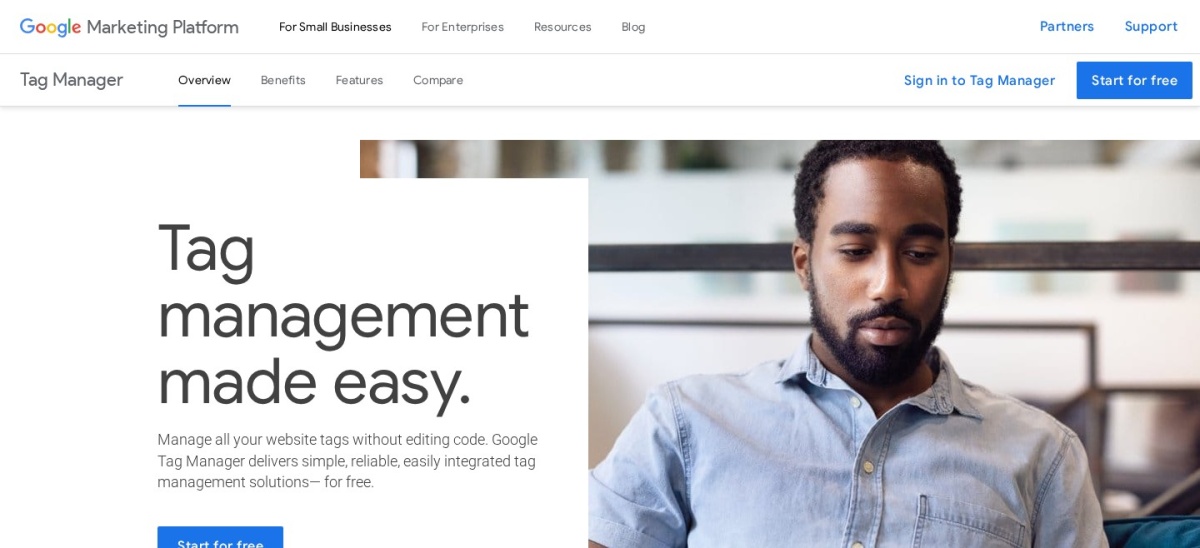
Google Tag Manager homepage, captured Nov 2026.
Google Tag Manager is Google's free tag manager, and it is the tool that sends conversion events to GA4. You add one container to the site, then set up tags and triggers for button clicks, form submits and thank-you pages without editing code.
The trade off is that it tracks nothing on its own. Tag Manager only fires the tags you build, so a badly set up container sends the wrong events, and debugging needs the preview mode. It suits any site that wants custom conversion events in GA4.
Matomo is an open-source analytics platform you can host yourself or run on Matomo Cloud. The Cloud plan starts at $26 a month for 50,000 hits and includes goals, funnels, ecommerce reports, heatmaps, session recordings and a built-in tag manager.
The trade off is the price in euros and the learning curve. Cloud is billed at 22 euros a month before tax, with 26 dollars shown as the US equivalent, and the interface is denser than Plausible. It suits teams that must own their data for privacy rules.
Plausible is a lightweight, cookieless analytics tool with a one-page dashboard. The Starter plan costs $9 a month for 10,000 pageviews and covers goals, UTM campaigns and funnels on higher plans, with no cookie banner needed in most cases.
The trade off is depth. Plausible has no user-level tracking, no session recordings and no heatmaps, so it cannot answer why a visitor left a checkout. It suits small sites that want simple goal tracking without the GA4 learning curve.
Fathom is a privacy-first analytics tool with a flat price and every feature on every plan. The entry plan costs $15 a month for 100,000 pageviews and includes 50 sites, event and revenue tracking, UTM reports, shared dashboards and an API.
The trade off is that there is no free plan. You get a 7-day trial that needs a card, and the dashboard is deliberately simple, so there are no funnels or user journeys. It suits agencies and small teams that want one clear dashboard.
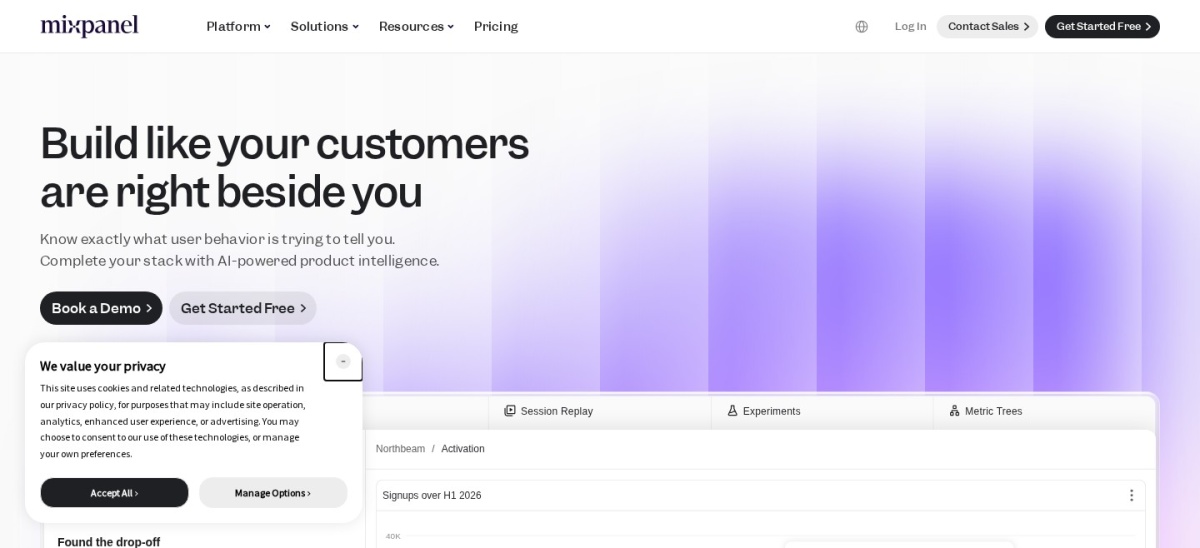
Mixpanel is a product analytics tool that tracks events, funnels and retention for websites and apps. The free plan covers 1 million events a month, and the Growth plan starts at $100 a month for 1.5 million events billed yearly, with funnels, cohorts and session replays.
The trade off is the event-based bill. Costs climb fast past the free tier, and the interface is built for product teams, not simple website reporting. It suits teams that need to follow users through funnels after the first conversion.
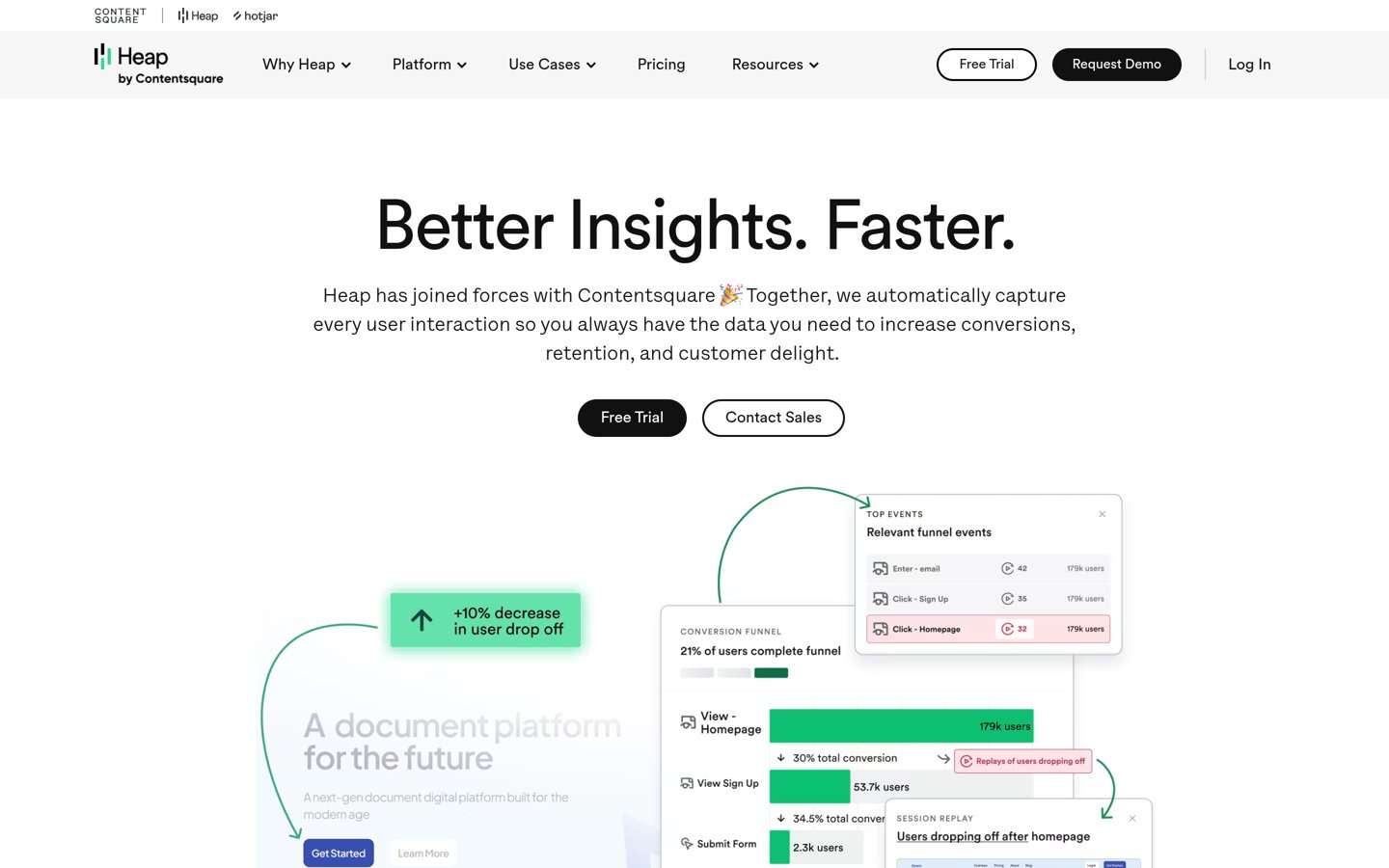
Heap is an analytics tool that captures every click, tap, form fill and pageview automatically, so you define events after the data arrives. The free plan covers 10,000 sessions a month with core charts, funnels and journeys and 6 months of history.
The trade off is that paid plans are quote only. Growth adds Sense AI, unlimited users and 12 months of history, but there is no published price, so budgeting needs a sales call. It suits teams that hate manual event tagging.
What we like
Auto-capture means no manual tagging
Define events after data arrives
Funnels and journeys included
Rated 4.4 out of 5 on G2
Watch out for
Paid plans are quote only
Free plan covers only 10,000 sessions
Shorter history than GA4
Growth adds Sense AI and 12 months of historyVisit heap.io
08
Hotjar
4.3/5on G2 (345 reviews, checked Nov 2026)
Paid from$39/mo
Best for seeing why visitors do not convert
Cheapest paid planObserve Plus, $39/mo
Free planYes
HeatmapsYes, with recordings
SurveysYes, feedback widgets
hotjar.com
Hotjar homepage, captured Nov 2026.
Hotjar is a behaviour analytics tool that pairs heatmaps and session recordings with surveys. The free plan covers basic heatmaps and recordings, and Observe Plus costs $39 a month billed yearly for more sessions, longer history and frustration signals.
The trade off is that Hotjar watches behaviour, not conversions. It shows where visitors click and rage-click, but it does not replace GA4 for counting purchases. It suits teams that want to see why a conversion step loses visitors.
Best for sending conversions to many tools at once
Cheapest paid planTeam, $120/mo
Free planYes, 1,000 users/mo
DestinationsHundreds of tools
SourcesUnlimited on Team
segment.com
Segment homepage, captured Nov 2026.
Segment is a customer data platform that collects events once and routes them to GA4, Mixpanel, ad platforms and warehouses. The free Developer plan covers 1,000 monthly tracked users, and the Team plan costs $120 a month for 10,000 users with unlimited sources.
The trade off is cost and complexity. Team is $120 a month before any destination fees, and setting up sources and destinations takes engineering time. It suits teams that send the same conversion events to many tools at once.
A conversion in GA4 is a key event. Purchases, sign-ups, form submits, downloads and phone clicks can all be key events, and you pick which ones matter for each report.
Count each conversion once per session by default. A visitor who buys twice in one session still counts as one purchase conversion, which keeps the numbers honest for ad reporting.
Match GA4 against your own records every month. If GA4 shows fewer purchases than your store, a tag is missing or consent is blocking the event, and the fix is in Tag Manager, not in GA4.
How we chose
We started from every analytics and tag tool with a published price or a free plan that can send conversion events to GA4, then kept the nine with real G2 or Capterra ratings and a live product.
Prices come from each vendor's pricing page, checked on 30 November 2026. Ratings and review counts come from G2 or Capterra on the same day. Where a vendor shows a sale, the list shows the regular price.
We left out tools with no aggregator rating and no published price. No vendor paid for a place, and we do not claim hands-on testing for this list.
How to choose a google analytics conversion tracking setup
Start with the conversion you care about, then pick the tool that records it.
Name the conversion first. Pick one action, such as a purchase or a sign-up, and make it a key event before you add any other tracking.
Send it through Tag Manager. Use Google Tag Manager for custom events so you can change tracking without editing site code.
Check the numbers against sales. Compare GA4 conversions with your own order records every month and fix any gap in Tag Manager.
Add a second tool only if needed. Add Plausible, Fathom or Mixpanel when GA4 cannot answer the question, not before.
FAQ
What is the best google analytics conversion tracking tool?
Google Analytics 4 is the best tool for tracking conversions for most sites. It is free, it records purchases, sign-ups and other key events, and it connects to Google Ads and Search Console, with a 4.5 out of 5 G2 rating from more than 6,800 reviews.
How do I set up conversion tracking in Google Analytics?
Mark an event as a key event in GA4, then send it through Google Tag Manager with a trigger on the thank-you page or button click. Test it in Tag Manager preview mode first, then check the GA4 real-time report to confirm the event arrives.
Is Google Analytics conversion tracking free?
Yes. The standard version of Google Analytics 4 is free with no traffic cap for most sites, and Google Tag Manager is also free. You only pay if you need Analytics 360, which is an enterprise licence priced by quote for very high volumes.
What is the difference between Google Analytics and Google Tag Manager?
Google Analytics 4 stores and reports your data, while Google Tag Manager sends the data there. Tag Manager fires tags when a visitor clicks or submits a form, and GA4 turns those events into conversion reports you can read.
Can I track conversions without cookies?
Yes, with a cookieless tool such as Plausible or Fathom. Both track goals and events without setting cookies, so they need no consent banner in most cases, though they cannot follow a single visitor across sessions the way GA4 can.
Which is better for conversion tracking, Matomo or Plausible?
Matomo is better when you need funnels, ecommerce reports and data ownership, with Cloud from $26 a month and a free self-hosted edition. Plausible is better for simple goal tracking on a one-page dashboard at $9 a month, with no cookies and no learning curve.
SaaS SEO and WordPress specialist with about 8 years of experience. Rakib compares WordPress plugins, themes, hosting and software using public pricing, documentation and user reviews. See how we rank.