AgencyAnalytics is the best Google Analytics SEO reporting tool for agencies, turning GA4 and Search Console data into white-label client reports from twenty dollars a client a month. SE Ranking suits teams that also need rank tracking, while Google Analytics itself covers the free basics.
How we make this list: we compare pricing pages, product documentation and public user reviews, then re-check every price before each update. No product paid for a place. Disclosure.
AgencyAnalytics is the best GA4 reporting tool for agencies, with white-label dashboards from $20 per client a month.
SE Ranking combines rank tracking, audits and white-label reports from $103.20 a month.
Semrush is the deepest data source, but its SEO plan costs $117.33 a month on annual billing.
Google Analytics 4 and Search Console are free and should anchor every reporting stack.
Whatagraph is the priciest option here at 699 euros a month, built for large multi-channel agencies.
What is the best way to handle Google Analytics SEO reporting for clients?
Google Analytics tells you what happened after the click, and Search Console tells you what happened before it. Good SEO reporting joins the two, so a client sees rankings, clicks and conversions in one place instead of three separate exports.
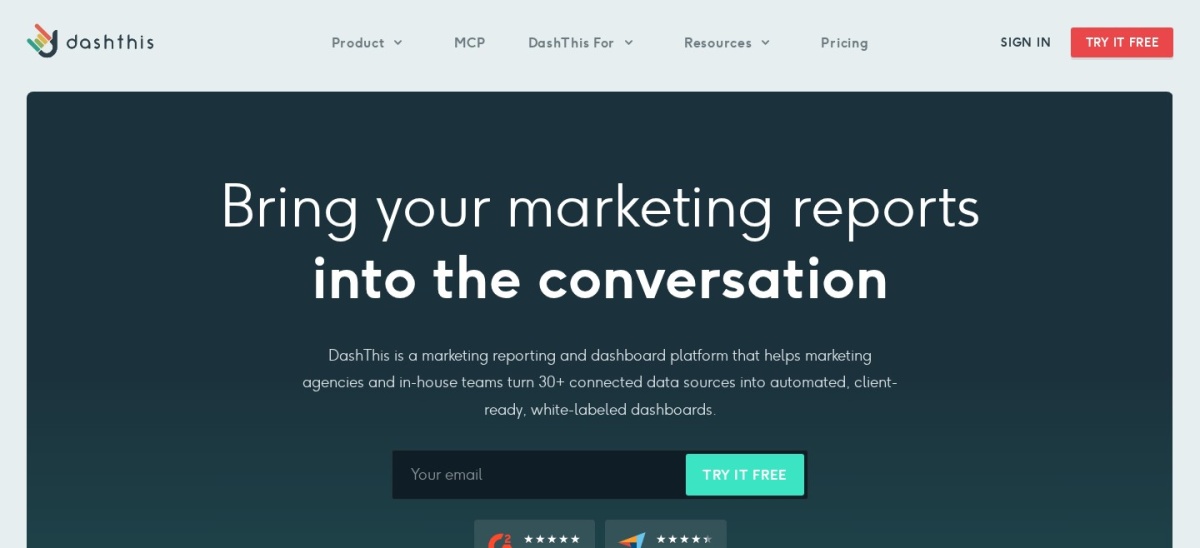
White-label delivery is what separates agency tools from dashboards. AgencyAnalytics, DashThis and Whatagraph all send branded reports on a schedule, while the SEO suites expect the analyst to build the report.
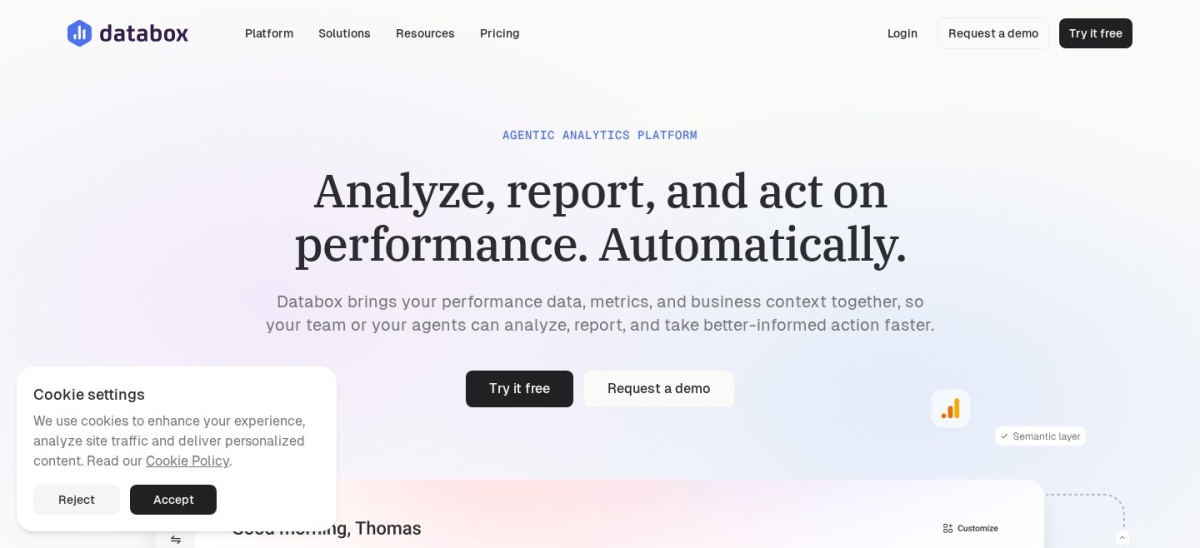
Price scales on different things here. AgencyAnalytics charges per client, DashThis per dashboard, Databox per user and Whatagraph per connected account, so the cheapest tool depends on how many clients you report for.
Start free before you pay. Google Analytics 4 and Search Console cost nothing and cover traffic, queries and conversions, so use them to learn what your clients actually ask for before buying a reporting platform. Our best analytics software guide compares the wider field.
List prices in each vendor's currency, checked Nov 2026
GA4Free
GSCFree
Agency$240
AhrefsFREE$348
DashThis$528
DataboxFREE$852
SE Ranking$1,238
SemrushFREE$1,408
Whatagraph€8,388
The 9 best Google Analytics SEO reporting tools
01
AgencyAnalytics
4.7/5on G2 (450 reviews, checked Nov 2026)
Starts at$20/mo
Best for agency client reporting
GA4 connectionYes, native
White-label reportsYes, included
Integrations90+
Entry price$20/client/mo
agencyanalytics.com
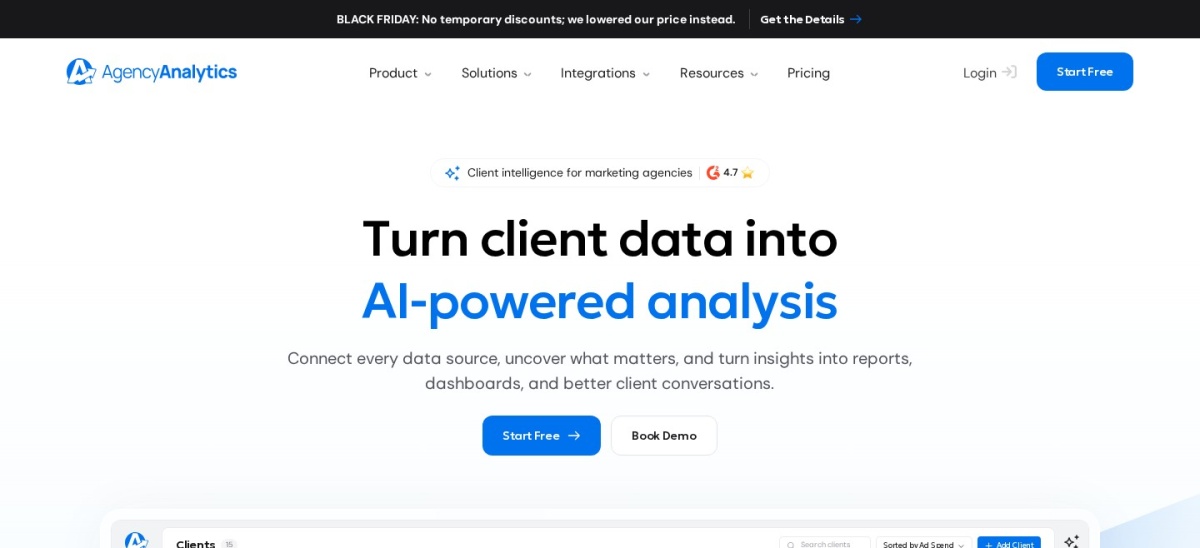
AgencyAnalytics homepage, captured Nov 2026.
AgencyAnalytics is a reporting platform built for agencies, turning Google Analytics, Search Console and more than 90 other sources into white-label client dashboards. Reports go out on a schedule with your logo, colours and domain, and every plan includes all integrations.
The trade off is the per-client billing. Core costs $20 per client a month on annual billing, or $25 monthly, so ten clients cost $200 a month before any add-ons. It suits agencies that send branded reports to clients every month.
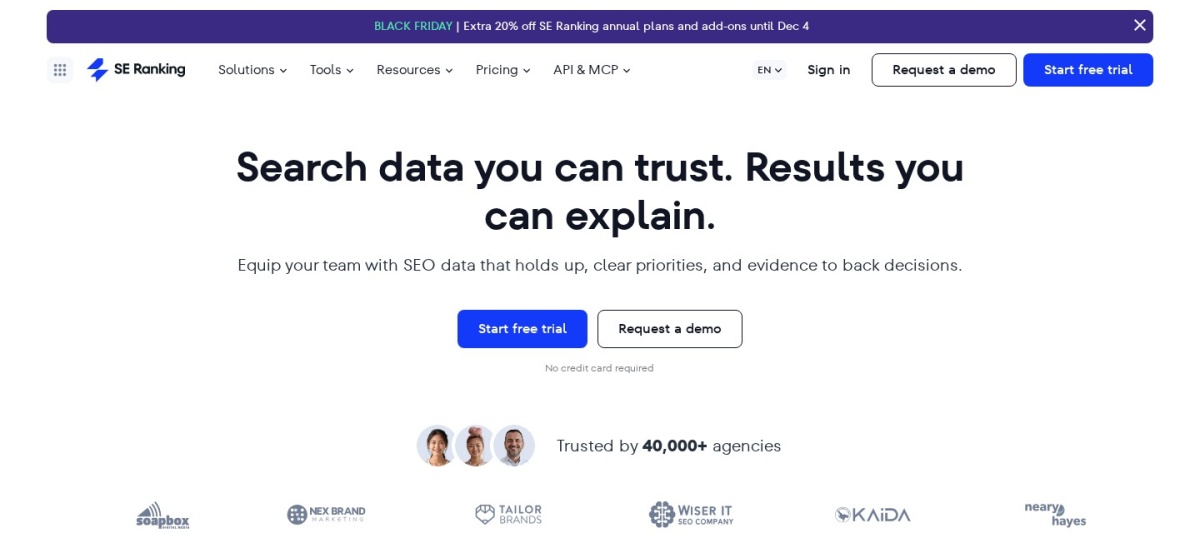
SE Ranking is an all-in-one SEO platform with rank tracking, site audits and white-label reporting in one subscription. It connects Google Analytics and Search Console data to rankings and AI visibility, so reports show traffic, positions and issues together.
The trade off is that it is a suite, not a pure reporting tool. Core costs $103.20 a month on annual billing, which is more than a dashboard-only tool, and the reporting depth suits agencies more than solo site owners. It suits small agencies that want suite data plus client reports.
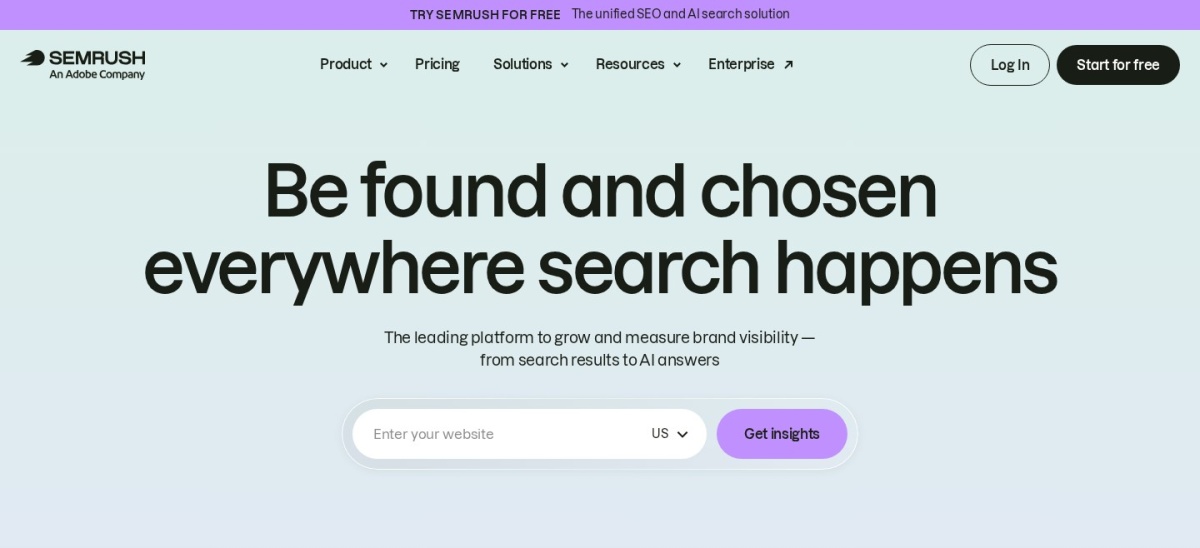
Semrush is the deepest data source in this list, with keyword research, competitor intelligence, backlink data and content tools behind its reports. Its My Reports builder turns that data into scheduled client reports, and it now covers AI search visibility too.
The trade off is price and complexity. The SEO plan costs $117.33 a month on annual billing, and the platform is large enough that new users need time to learn it. It suits teams that want the deepest research data behind their client reports.
4.5/5on G2 (Not published reviews, checked Nov 2026)
Paid from$29/mo
Best for backlink and content reports
GA4 connectionYes, via integration
Backlink indexYes, largest
White-label reportsScheduled reports
Entry priceStarter, $29/mo
ahrefs.com
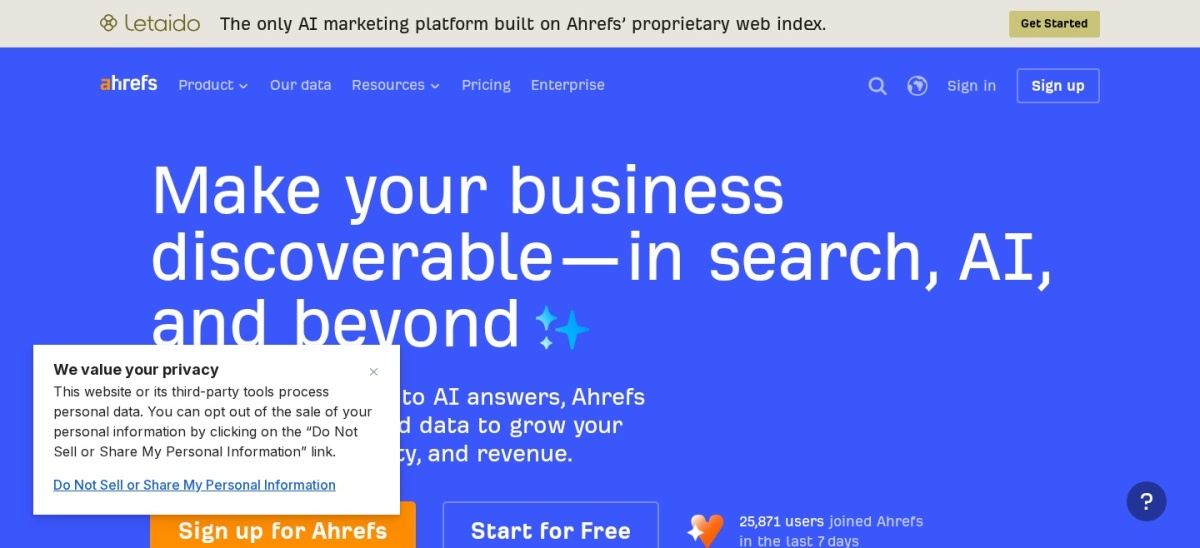
Ahrefs homepage, captured Nov 2026.
Ahrefs is the backlink and content reporting specialist, with the largest live link index and strong keyword data behind its reports. Its Starter plan costs $29 a month, and a free tier covers verified sites, so small teams can start without a big subscription.
The trade off is that reporting is not its first job. Ahrefs is a research suite first, so scheduled client reports are thinner than AgencyAnalytics or DashThis, and some tables now show euro prices. It suits in-house SEOs already paying for Ahrefs.
Databox is a KPI dashboard tool that connects Google Analytics to more than 130 sources and adds an AI analyst that explains the numbers. Its Analyst plan costs $71 a month on annual billing for one user, five data sources and unlimited dashboards.
The trade off is the single seat. A second login jumps the price to Team Core at $249 a month, and white-labelling is a paid add-on rather than included. It suits in-house teams that want KPI dashboards and goals across many tools.
DashThis is a template-first reporting tool that fills preset report templates with live Google Analytics data. Individual costs $44 a month on annual billing for three dashboards and 15 data sources, with unlimited users and every integration on every plan.
The trade off is the dashboard limit. A fourth client moves you to Professional at $164 a month for ten dashboards, so costs rise with client count. It suits agencies that want a client-ready dashboard live within an hour.
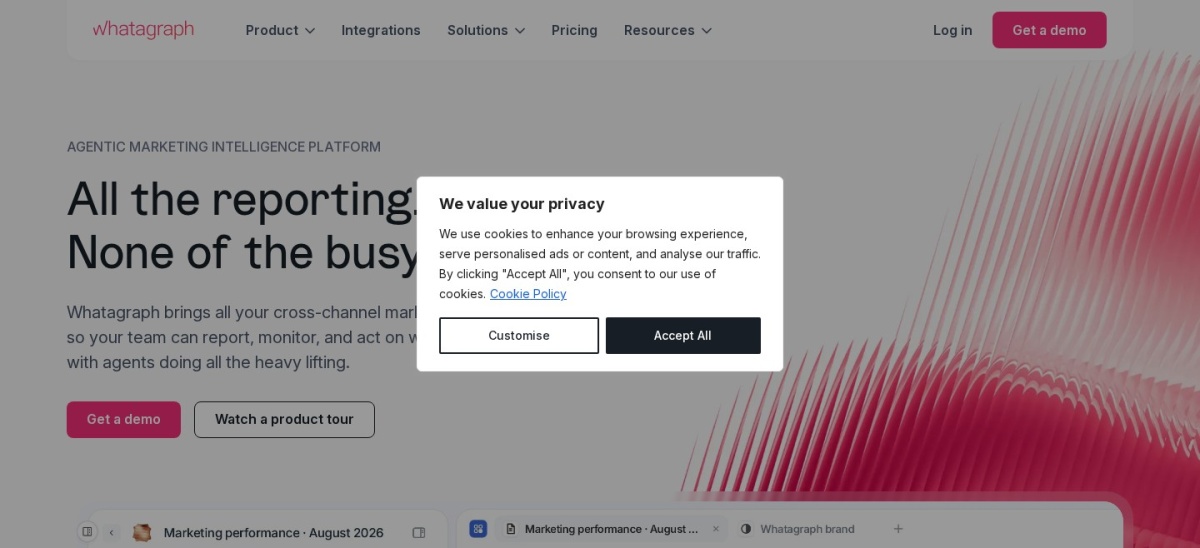
Whatagraph is a visual reporting platform for larger agencies that blend SEO, paid, social and ecommerce data into one client report. It prices by credits, with one credit per connected account, and its Max plan starts at 699 euros a month on annual billing.
The trade off is price. At 699 euros a month it is the most expensive tool in this list by a wide margin, and it suits large agencies, not small teams. It suits multi-channel agencies that report across many sources.
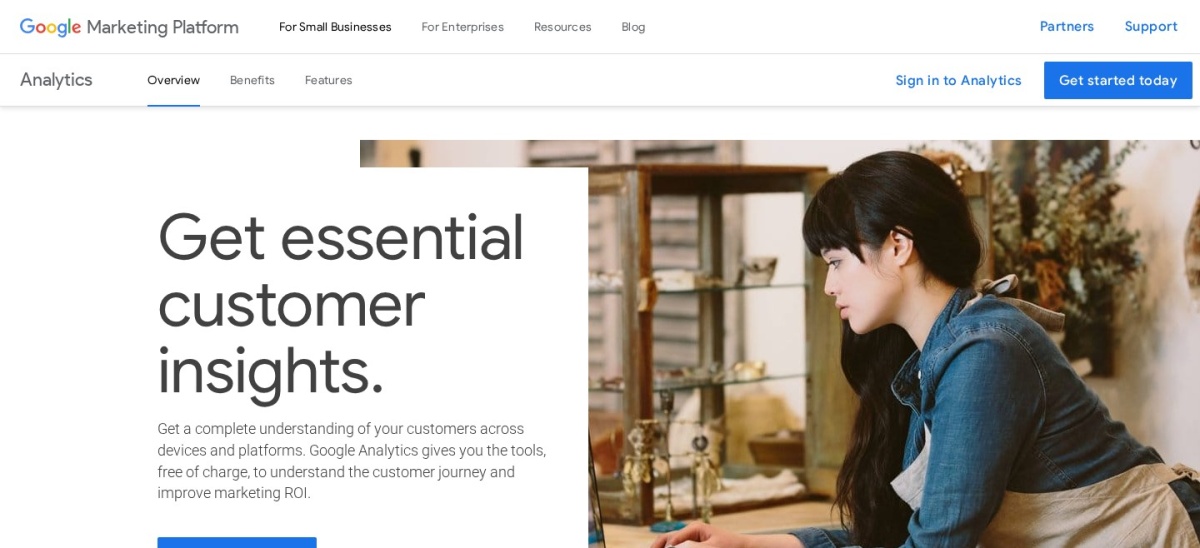
Google Analytics 4 is the free source of truth for website traffic, conversions and audiences, and every tool in this list pulls from it. Its event-based reports show what visitors do after they arrive from search, and it links directly to Search Console for query data.
The trade off is that it reports, it does not present. GA4 has no white-label client reports or scheduled branded delivery, so agencies still need a reporting layer on top. It suits every site as the free foundation of its reporting stack.
Google Search Console homepage, captured Nov 2026.
Google Search Console is the free source of search performance data, showing the exact queries, clicks and impressions behind your traffic. It is the only tool that reports what Google itself sees, including indexing problems and Core Web Vitals.
The trade off is scope. Search Console shows search data only, with no conversion or revenue reporting, so it works best beside Google Analytics 4. It suits every site owner as the free baseline for SEO reporting.
Free reporting covers the basics well. Google Analytics 4 and Search Console together show traffic, conversions, queries, clicks and indexing problems, which is enough for most small sites.
Paid tools mostly add presentation and automation. You get branded reports, scheduled delivery, client portals and data from many sources in one place, instead of exporting charts by hand every month.
If you report to clients, the first paid plan often costs less than one hour of manual reporting a month. If you only report to yourself, the free Google tools are hard to beat.
How we chose
We started from the tools agencies and in-house teams actually use to report Google Analytics and SEO data, then kept nine with a verified review base and a direct GA4 or Search Console connection.
Prices come from vendor pricing pages and November 2026 roundups that checked them, with AgencyAnalytics at $20 per client a month and SE Ranking at $103.20 a month on annual billing. Whatagraph prices in euros, and Ahrefs shows both dollar and euro starting prices.
Ratings come from G2 listings checked on 30 November 2026. No vendor paid for a place, and we do not claim hands-on testing for this list.
How to choose a Google Analytics SEO reporting tool
Start with the client who reads the report, then pick the tool that answers their questions.
List the data sources first. GA4 and Search Console are the base, and the tool must also pull rankings, ads and social data if your clients ask for them.
Check how the price scales. Per-client, per-dashboard and per-user pricing behave very differently as you add clients, so cost the tool at your real client count.
Test the white-label output. Send a trial report to a friendly client and check whether they understand it without you explaining it.
Automate the schedule. Pick the tool that sends reports on time every month, so reporting stops depending on someone remembering to do it.
FAQ
What is the best Google Analytics SEO reporting tool?
AgencyAnalytics is the best pick for agencies reporting GA4 and SEO data to clients. It turns Google Analytics and Search Console data into white-label dashboards from $20 per client a month, and it holds a 4.7 out of 5 G2 rating.
Can I report SEO data from Google Analytics for free?
Yes. Google Analytics 4 and Google Search Console are both free, and together they cover traffic, conversions, queries and clicks. You can build the report yourself or connect them to a free dashboard tool.
How much does SEO reporting software cost?
Agency reporting tools run from $20 per client a month for AgencyAnalytics to 699 euros a month for Whatagraph. SEO suites cost more: SE Ranking starts at $103.20 a month and Semrush at $117.33 a month on annual billing.
SE Ranking vs Semrush for SEO reporting: which is better?
SE Ranking is the better value pick, with rank tracking, audits and white-label reports from $103.20 a month. Semrush has deeper keyword and competitor data, but its SEO plan costs $117.33 a month and suits larger teams.
What is the cheapest SEO reporting tool?
Google Analytics 4 and Search Console are free, and Ahrefs starts at $29 a month with a free tier for verified sites. Among agency platforms, AgencyAnalytics is cheapest at $20 per client a month on annual billing.
Do I need a separate tool if I have Google Analytics?
Not always. Google Analytics 4 covers traffic and conversions, and Search Console covers queries and clicks, which is enough for many small sites. A reporting tool earns its fee when you must send branded, scheduled reports to clients every month.
SaaS SEO and WordPress specialist with about 8 years of experience. Rakib compares WordPress plugins, themes, hosting and software using public pricing, documentation and user reviews. See how we rank.