Best Product Analytics Tools in 2026: 7 Tools Compared
WLWPLegible EditorsLast verified 22 Nov 2026How we rank6 min read
★ Short answer
Amplitude is our top pick for product analytics with 2 million free monthly events and a 4.4/5 G2 rating across 3,113 reviews. Mixpanel fits teams that want fast self-serve funnels, while PostHog suits engineering-led teams that want session replay and feature flags in one stack.
How we make this list: we compare pricing pages, product documentation and public user reviews, then re-check every price before each update. No product paid for a place. Disclosure.
Amplitude includes 2 million free events per month and 10,000 monthly session replays on its free plan.
Mixpanel includes 1 million free events per month and unlimited seats on its free plan, rated 4.5/5 on G2.
PostHog offers 1 million free monthly analytics events and 5,000 free monthly session recordings before usage billing.
Statsig includes 2 million free monthly events and 50,000 session replays, with Pro starting at $150/mo.
Microsoft Clarity is free with no paid tier, offering unlimited heatmaps and session recordings.
What to look for in product analytics tools
Product analytics tracks how signed-in users move through workflows, adopt features, and return over time. Unlike basic pageview counters, event-based platforms let you build funnels, retention cohorts, and user path reports around specific actions.
Billing meters shape long-term costs more than headline entry prices. Some tools meter tracked events, others count monthly tracked users or sessions, and several charge separately for session replay, experimentation, or data warehouse sync.
Teams also split over instrumentation and workflow scope. Some platforms rely on planned event tracking or autocapture, while adjacent tools bundle in-app onboarding guides, surveys, or lightweight privacy-first traffic reports.
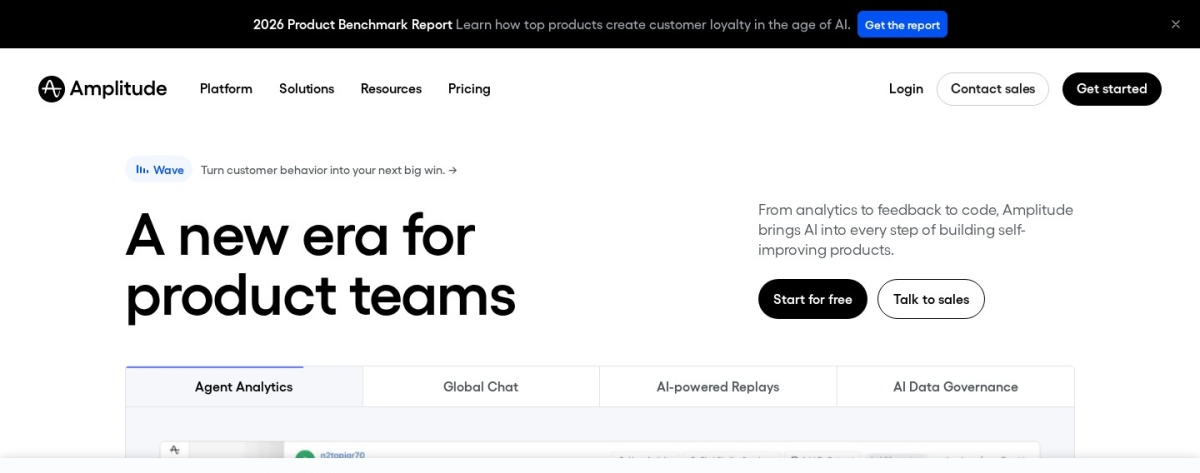
Amplitude is an event-based product analytics platform with a free plan that includes 2 million events per month, 10,000 monthly session replays, and unlimited seats. It supports funnels, retention analysis, user journeys, and behavioral cohorts.
The trade off is that Plus starts at $0 for up to 2 million events and reaches $94/mo billed monthly at 3 million events, or $75/mo billed annually ($900/yr), with steep volume scaling and extra-cost add-ons. It suits product and growth teams that want self-serve behavioral analysis without writing SQL.
What we like
Generous 2 million monthly event allowance on the free tier
Includes 10,000 monthly session replays on Free and Plus
Strong funnel, retention, and cohort reporting for non-analysts
Watch out for
Event volume tiers and add-ons can climb quickly as traffic grows
Initial event taxonomy and advanced reports carry a learning curve
Plus adds custom events and formulas, 20 behavioral cohorts, heatmaps, and 2-year data retention.Visit amplitude.com
02
Mixpanel
4.5/5on G2 (1,412 reviews, checked Nov 2026)
Paid from$1,200/yr
Best for fast self-serve funnel and retention queries
Free allowance1M events/mo
Free replays10K/mo
G2 rating4.5/5 (1,412)
Growth slider start$100/mo
mixpanel.com
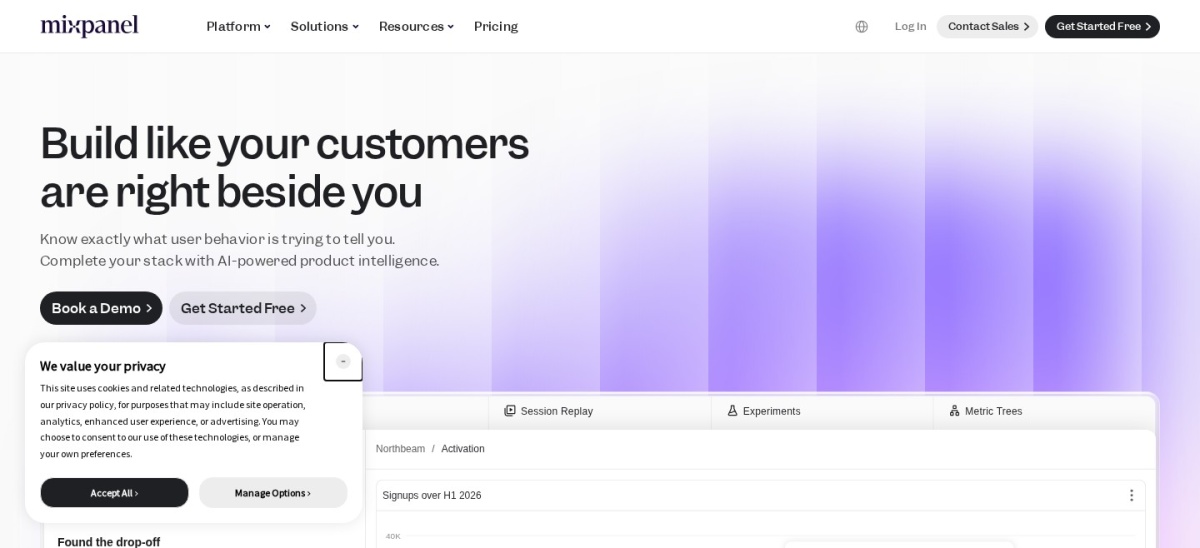
Mixpanel homepage, captured Nov 2026.
Mixpanel is an event analytics platform focused on interactive funnels, retention cohorts, and user flow reports across web and mobile apps. Its free plan includes up to 1 million events per month, 10,000 session replays, and unlimited seats.
The trade off is that Mixpanel meters monthly events and starts its Growth slider at $100/mo ($1,200/yr) before higher event tiers and add-ons. It suits product managers who want quick, self-serve funnel and retention answers.
What we like
Fast interactive funnel, retention, and flow reports
Unlimited seats included even on the free plan
Bundles 10,000 monthly session replays on the free tier
Watch out for
Higher event pricing than several rivals at mid-to-high volume
Event naming and tracking plans need upkeep as products expand
Growth scales up to 20M events/mo, 50 active feature flags, and unlimited saved cohorts and metrics.Visit mixpanel.com
03
PostHog
4.5/5on G2 (1,057 reviews, checked Nov 2026)
Paid from$600/yr
Best for engineering teams wanting replay and feature flags
Free allowance1M events/mo
Free replays5K/mo
G2 rating4.5/5 (1,057)
Paid event rateFrom $50/mo per 1M
posthog.com
PostHog homepage, captured Nov 2026.
PostHog is an open-source product analytics platform that combines event analytics, session replay, feature flags, and experimentation in one workspace. Its free tier renews 1 million analytics events and 5,000 session recordings every month with 1-year retention.
The trade off is usage-based billing across separate meters—starting at $50/mo ($600/yr) per first paid million events—plus extra fees for replay volume and platform add-ons. It suits technical teams that want connected debugging, flags, and SQL access.
What we like
Combines product analytics, session replay, and feature flags in one tool
Monthly free allowances renew across products with spending caps
Offers an open-source option alongside hosted cloud plans
Watch out for
Separate per-product meters require billing limits to avoid surprise spikes
Interface and setup lean more technical than simple web dashboards
Paid usage unlocks overages past free allowances, up to 6 projects, and 2-year data retention.Visit posthog.com
04
Statsig
4.7/5on G2 (351 reviews, checked Nov 2026)
Paid from$1,800/yr
Best for pairing product analytics with feature flags and replay
Free allowance2M events/mo
Free replays50K/mo
G2 rating4.7/5 (351)
Pro plan$150/mo
statsig.com
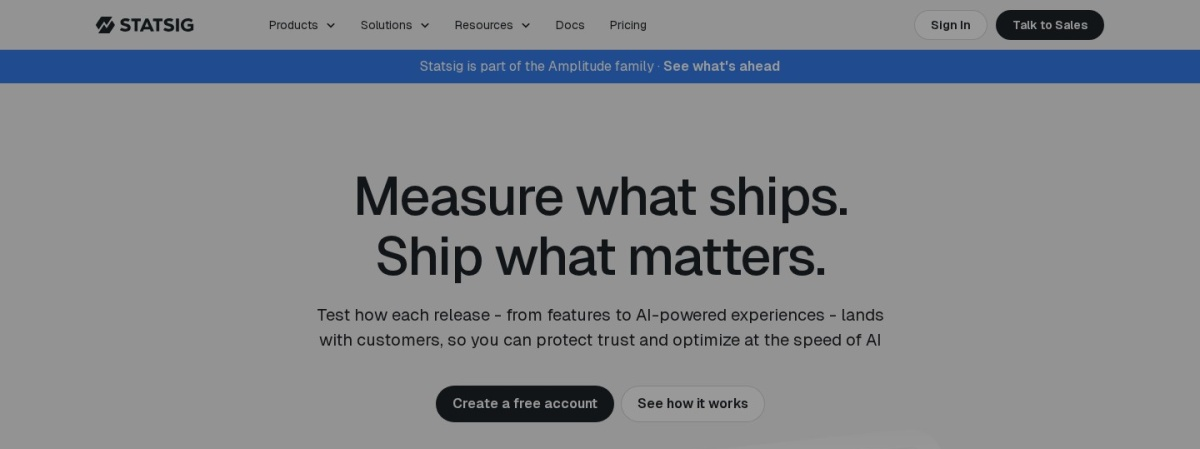
Statsig homepage, captured Nov 2026.
Statsig is a product development platform that pairs event analytics and session replay with feature flags and dynamic configuration. Its free Developer plan includes 2 million events per month, unlimited flag and config checks, and 50,000 session replays per month.
The trade off is a higher step up to Pro at $150/mo ($1,800/yr) for 5 million included events, 100,000 replays, and $0.05 per 1,000 overage events. It suits engineering and product teams that tie feature rollouts directly to usage metrics.
What we like
High 4.7/5 rating across 351 G2 reviews
Includes 50,000 monthly session replays on the free tier
Published Pro rate card makes event overage math easy to model
Watch out for
Paid Pro tier starts at $150/mo rather than a low-cost micro tier
Geared more toward product engineering workflows than marketing sites
Pro raises included volume to 5M events and 100K monthly session replays with $0.05 per 1K extra events.Visit statsig.com
05
Userpilot
4.6/5on G2 (1,028 reviews, checked Nov 2026)
Starts at$3,588/yr
Best for combining product analytics with in-app onboarding
Entry planStarter from $299/mo
Starter MAU capUp to 2,000 MAUs
G2 rating4.6/5 (1,028)
Annualized entry$3,588/yr
userpilot.com
Userpilot homepage, captured Nov 2026.
Userpilot is a product adoption platform that combines user behavior tracking with no-code in-app flows, tooltips, checklists, and NPS surveys. Its Starter plan starts at $299/mo ($3,588/yr) for up to 2,000 monthly active users and includes 3 seats and 1-year data retention.
The trade off is a higher starting price and MAU-based tiers—with Growth from $849/mo—plus add-ons for mobile engagement. It suits SaaS teams that want onboarding prompts and feedback tied to usage tracking.
What we like
Pairs usage analytics with no-code onboarding flows and surveys
Strong 4.6/5 rating across 1,028 G2 reviews
Helpful for non-technical product managers building in-app prompts
Watch out for
No permanent free plan, starting at $299/mo for up to 2,000 MAUs
Deep custom slicing is narrower than dedicated data analytics suites
Growth from $849/mo adds event autocapture, funnels, paths, retention, 5K monthly replays, and 15 seats.Visit userpilot.com
06
Fathom Analytics
4.7/5on G2 (22 reviews, checked Nov 2026)
Starts at$180/yr
Best for simple, privacy-focused site and goal tracking
Entry plan$15/mo (100K views)
Sites included50 sites
G2 rating4.7/5 (22)
Annualized entry$180/yr
usefathom.com
Fathom Analytics homepage, captured Nov 2026.
Fathom Analytics is a cookieless website analytics service with event and revenue tracking, EU data isolation, and built-in uptime monitoring. Its entry plan costs $15/mo ($180/yr) for up to 100,000 monthly pageviews across 50 sites after a 7-day trial.
The trade off is no free tier and light product-analytics depth, with no multi-step funnels, path maps, or session replays. It suits site owners and small teams that want simple event and conversion numbers without cookie banners.
What we like
Low $15/mo entry price covering up to 50 sites
Cookieless tracking with EU data isolation and uptime checks
Fast, single-screen dashboard with minimal setup
Watch out for
No free plan, only a 7-day trial
Lacks funnels, cohort retention, and session recordings
Higher traffic tiers scale monthly pageviews and events while keeping 50 sites and core features.Visit usefathom.com
07
Microsoft Clarity
4.5/5on G2 (55 reviews, checked Nov 2026)
PriceFree
Best for free heatmaps and session recordings
PriceFree, no paid tier
Heatmaps & sitesUnlimited
G2 rating4.5/5 (55)
Session retention30 days
clarity.microsoft.com
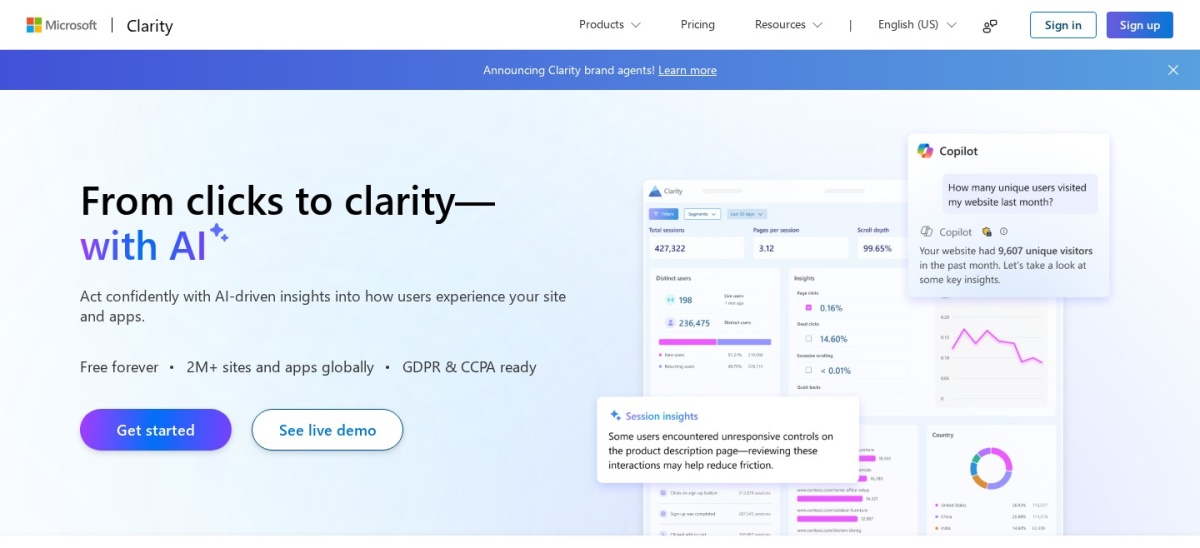
Microsoft Clarity homepage, captured Nov 2026.
Microsoft Clarity is a behavioral analytics tool offering click and scroll heatmaps, session recordings, rage-click detection, and Google Analytics integration. It is free with no paid tier and supports unlimited heatmaps, websites, and team members.
The trade off is no paid upgrade path, 30-day session retention, and consent rules where privacy laws require visitor permission. It suits teams that want free visual replay alongside an event or web analytics tool.
What we like
Free with no paid tier or traffic-based upsells
Unlimited heatmaps, websites, and team seats
Surfaces rage clicks, dead clicks, and session summaries
Watch out for
Not a full product analytics suite for retention cohorts or funnels
Two apps with similar user counts can generate very different bills depending on how a platform counts usage. Event-based meters like Amplitude, Mixpanel, PostHog, and Statsig charge by logged actions, so noisy autocapture or high-frequency clicks can inflate volume quickly.
User-based tiers like Userpilot scale with monthly active users, while traffic-based tools like Fathom charge by monthly pageviews and events. Always check session replay quotas, data retention windows, and add-on fees before committing.
How we chose
We selected well-known product and behavioral analytics platforms actively maintained in 2026 that serve product, growth, and web teams.
We checked official pricing pages and G2 ratings and review counts on 22 Nov 2026, using regular published pricing rather than temporary discounts.
We excluded tools that lacked clear public entry pricing or had wound down as standalone products, and we skipped claims we could not verify directly from current listings.
No vendor paid for a place, and we do not claim testing for this list.
How to choose a product analytics tool
Follow four steps to narrow down the right platform for your team and traffic profile.
Define the primary questions your team needs answered. Decide whether you need deep product funnels and retention cohorts, session replay for UI debugging, in-app onboarding prompts, or simple traffic and goal tracking.
Match the billing meter to your product growth pattern. Compare event allowances, monthly active user caps, and pageview limits against realistic monthly usage rather than peak launch spikes.
Check replay, retention, and add-on boundaries. Verify how many session replays are included free, how long historical data is kept, and which features cost extra.
Align setup complexity with engineering capacity. Choose tools that fit how comfortable your team is with SDK instrumentation, event schemas, or no-code tracking.
FAQ
What is the difference between product analytics and web analytics?
Product analytics focuses on in-app actions, user journeys, feature adoption, and retention cohorts over time. Web analytics focuses more on site traffic sources, top pages, and high-level visits or conversions.
Which product analytics tools offer a free plan?
Amplitude, Mixpanel, PostHog, Statsig, and Microsoft Clarity all offer free tiers or free access. Limits vary from 1 million to 2 million monthly events or unlimited free replays on Clarity.
Why do event-based analytics bills sometimes surprise teams?
Event-based pricing rises with total tracked events, so automatic click capture or unthrottled custom events can push usage past free allowances. Session replays and add-ons can also add separate charges.
Can you pair Microsoft Clarity with another analytics tool?
Yes, many teams run Microsoft Clarity alongside an event or web analytics tool because Clarity offers unlimited heatmaps and session recordings for free.
Do you need a data engineer to start with product analytics?
Not always, because several tools offer SDKs, templates, or autocapture to get started quickly. However, maintaining clean event names and tracking plans gets easier with developer input as your app grows.