Best Content Platforms for Startups in 2026: 7 Tools Compared
WLWPLegible EditorsLast verified 22 Nov 2026How we rank6 min read
★ Short answer
Notion leads for startup content operations with 14,011 G2 reviews at 4.6 out of 5 and a free plan for getting started. For standalone publishing, beehiiv suits newsletter growth while Webflow fits visual marketing sites.
How we make this list: we compare pricing pages, product documentation and public user reviews, then re-check every price before each update. No product paid for a place. Disclosure.
Notion holds a 4.6/5 rating across 14,011 G2 reviews and starts at $10/user/month billed annually on Plus.
HubSpot Content Hub carries a 4.5/5 rating across 2,205 G2 reviews with a free tier and Starter from $7/month/seat.
beehiiv offers a free plan up to 2,500 subscribers and a 0% platform fee on paid subscriptions.
Webflow starts at $15/month billed annually on Basic and $25/month on CMS for content-driven sites.
Ghost offers a 0% platform fee on paid memberships with Starter plans starting at $15/month billed annually.
Buffer charges $5/channel/month billed annually on Essentials and keeps a free tier for up to 3 channels.
What startups actually need from a content platform
Early-stage startups rarely need enterprise publishing suites on day one. Most small teams need a fast way to draft briefs, publish articles or newsletters, launch landing pages, and share updates without heavy engineering overhead.
Free tiers and low entry prices matter early on, yet seat limits, contact tiers, and subscriber bands can raise monthly costs quickly. Checking how pricing scales with seats, traffic, or audience size prevents surprise upgrades later.
Different content channels call for different tools. A content calendar and wiki will not send email newsletters, and a newsletter host will not replace a full marketing website or visual design tool.
Picking a focused stack aligned with your primary growth channel keeps workflows clear while leaving room to add specialized tools as demand grows.
Notion is a connected workspace for content calendars, briefs, roadmaps, and internal docs with a free plan for individuals. Paid Plus starts at $10 per member per month billed annually and expands page history and file uploads.
The trade off is per-seat pricing that adds up as your team grows, plus a learning curve on larger databases. It suits lean startup teams organizing content briefs, editorial calendars, and shared docs in one workspace.
What we like
Flexible databases track editorial status, owners, and deadlines
Generous free tier lets solo founders start at $0
Strong review score across more than 14,000 G2 reviews
Supports publishing pages and custom site domains
Watch out for
Per-seat billing increases costs as headcount rises
Complex workspaces can feel overwhelming for new users
Plus adds 30-day page history and 5 GB file uploads; Business adds AI features.Visit notion.com
02
beehiiv
4.5/5on G2 (40 reviews, checked Nov 2026)
Paid from$49/mo
Best for newsletter growth and monetization
Free planUp to 2,500 subscribers
Entry paid planLite ($49/mo annual)
Platform fee0% on paid subscriptions
Email sendsUnlimited on plans
beehiiv.com
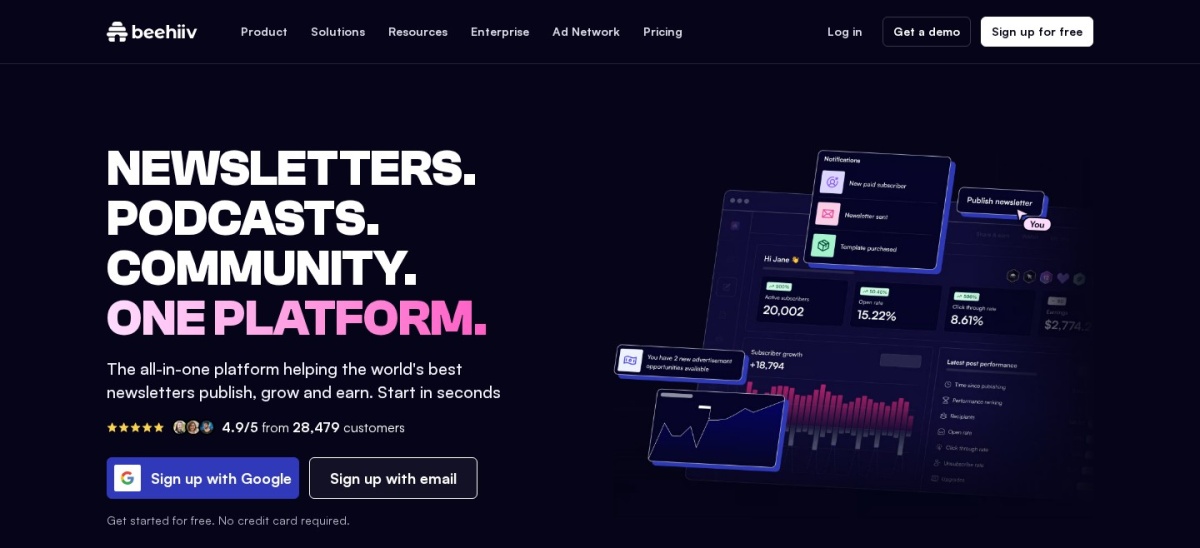
beehiiv homepage, captured Nov 2026.
beehiiv is a newsletter and publishing platform that includes a free plan for up to 2,500 subscribers with unlimited sends. Lite starts at $49 per month billed annually for 1,000 subscribers and unlocks paid subscriptions, automations, and ad monetization.
The trade off is subscriber-tier pricing that rises as your list expands, while branding removal waits for Pro at $95 per month annual. It suits startups building an owned email audience and testing paid or sponsor revenue.
What we like
Free plan covers up to 2,500 subscribers with unlimited sends
0% platform fee on paid newsletter subscriptions
Built-in growth tools, polls, automations, and ad network
Watch out for
Monthly prices scale up with total subscriber count
Removing beehiiv branding requires upgrading to Pro
Lite adds paid subscriptions, automations, A/B testing, and 12-month analytics.Visit beehiiv.com
03
HubSpot Content Hub
4.5/5on G2 (2,205 reviews, checked Nov 2026)
Paid from$7/mo
Best for tying content to a free CRM
Free planUp to 30 site/landing pages
Entry paid planStarter ($7/mo/seat)
Mid paid planProfessional ($450/mo)
Measured uptime99.95%
hubspot.com
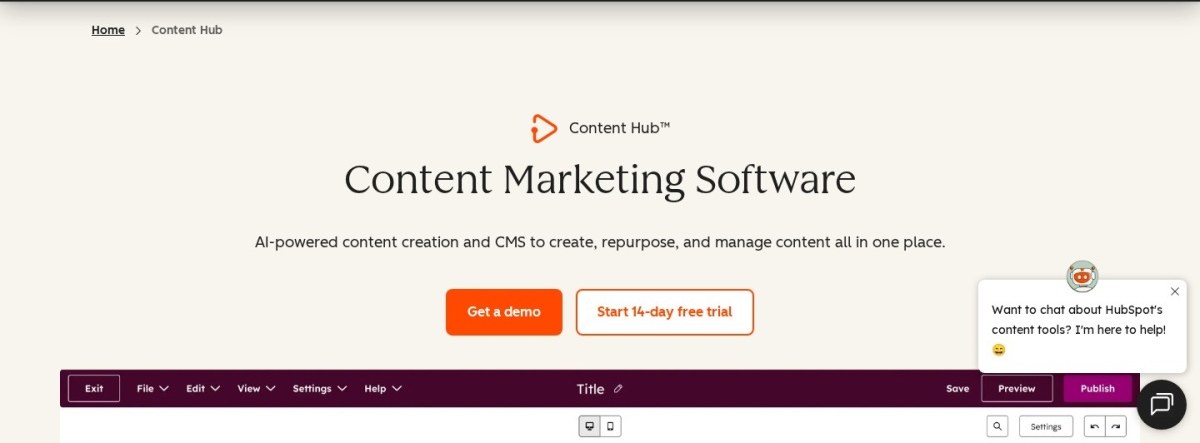
HubSpot Content Hub homepage, captured Nov 2026.
HubSpot Content Hub combines blogging, landing pages, forms, and analytics with HubSpot CRM, including a free tier with up to 30 website and landing pages. Starter begins at $7 per month per seat, while Professional jumps to $450 per month.
The trade off is a steep price jump between Starter and Professional tiers alongside HubSpot branding on lower plans. It suits startups that want lead capture and CRM tracking connected to content from day one.
What we like
Connects content pages and forms directly to CRM contacts
Free tools allow early testing before paying per seat
Includes hosting, SSL, and built-in SEO tools
Watch out for
Sharp price increase on Professional and higher tiers
Lower tiers include HubSpot branding and page caps
Starter removes branding and raises blog limits; Professional adds smart content and A/B testing.Visit hubspot.com
04
Webflow
4.4/5on G2 (997 reviews, checked Nov 2026)
Paid from$15/mo
Best for visual startup marketing websites
Free planStarter on webflow.io
Entry paid planBasic ($15/mo annual)
CMS plan$25/mo annual
CMS capacityUp to 20,000 items
webflow.com
Webflow homepage, captured Nov 2026.
Webflow is a visual website builder and hosted CMS for responsive landing pages and marketing sites, starting with a free Starter plan on a webflow.io domain. Paid site plans begin at $15 per month billed annually for Basic and $25 per month for CMS.
The trade off is a learning curve for visual layout controls and higher costs once you add CMS collections or bandwidth. It suits startups focused on custom design, landing pages, and product marketing.
What we like
Fine visual control over layouts, components, and interactions
Managed hosting and global CDN included on site plans
Structured CMS collections support blogs and case studies
Watch out for
Steeper learning curve than simple block or template editors
Costs rise across CMS limits, bandwidth, and workspaces
Basic connects a custom domain; CMS unlocks dynamic collections, search, and publishing workflows.Visit webflow.com
05
Canva
4.7/5on G2 (7,919 reviews, checked Nov 2026)
Paid from$120/yr
Best for fast social graphics, decks, and visuals
Free plan$0/year for 1 person
Entry paid planPro ($120/yr or $15/mo)
Team planTeams ($100/yr/user)
G2 rating4.7/5 across 7,919 reviews
canva.com
Canva homepage, captured Nov 2026.
Canva is a visual design platform for social graphics, pitch decks, thumbnails, and marketing assets with a free plan for one person. Canva Pro costs $120 per year or $15 per month per person, while Canva Teams is $100 per year per user.
The trade off is that it is a visual asset creator rather than a full CMS or blog host. It suits lean startups producing social visuals, decks, and one-pagers without a dedicated designer.
What we like
Large library of templates, stock media, and layout presets
Quick resizing for social channels, decks, and ads
Free plan covers basic design needs with no upfront cost
Watch out for
Not a website CMS or long-form publishing platform
Advanced brand and resizing tools sit behind paid plans
Pro adds brand kits, background removal, one-click resizing, and expanded storage.Visit canva.com
06
Buffer
4.3/5on G2 (1,043 reviews, checked Nov 2026)
Paid from$5/mo
Best for low-cost social post scheduling
Free planUp to 3 social channels
Entry paid planEssentials ($5/channel/mo annual)
Team planTeam ($10/channel/mo annual)
G2 rating4.3/5 across 1,043 reviews
buffer.com
Buffer homepage, captured Nov 2026.
Buffer is a social media scheduling and publishing tool with a free tier covering up to 3 connected channels. Essentials starts at $5 per channel per month billed annually, or $6 billed monthly.
The trade off is per-channel billing and basic analytics compared with heavy social suites. It suits startups that want a straightforward calendar to keep social distribution consistent.
What we like
Low entry cost per social channel on annual billing
Clean visual calendar for scheduling posts ahead
Free plan supports up to 3 channels to get started
Watch out for
Per-channel pricing adds up across many social accounts
Lighter analytics and engagement tools than enterprise suites
Essentials removes post queue caps and expands analytics beyond the free tier.Visit buffer.com
07
Ghost
4/5on G2 (40 reviews, checked Nov 2026)
Starts at$15/mo
Best for fast blogs with built-in newsletters
Free tier14-day trial (self-host option)
Entry paid planStarter ($15/mo annual)
Membership planPublisher ($29/mo annual)
Platform fee0% on paid memberships
ghost.org
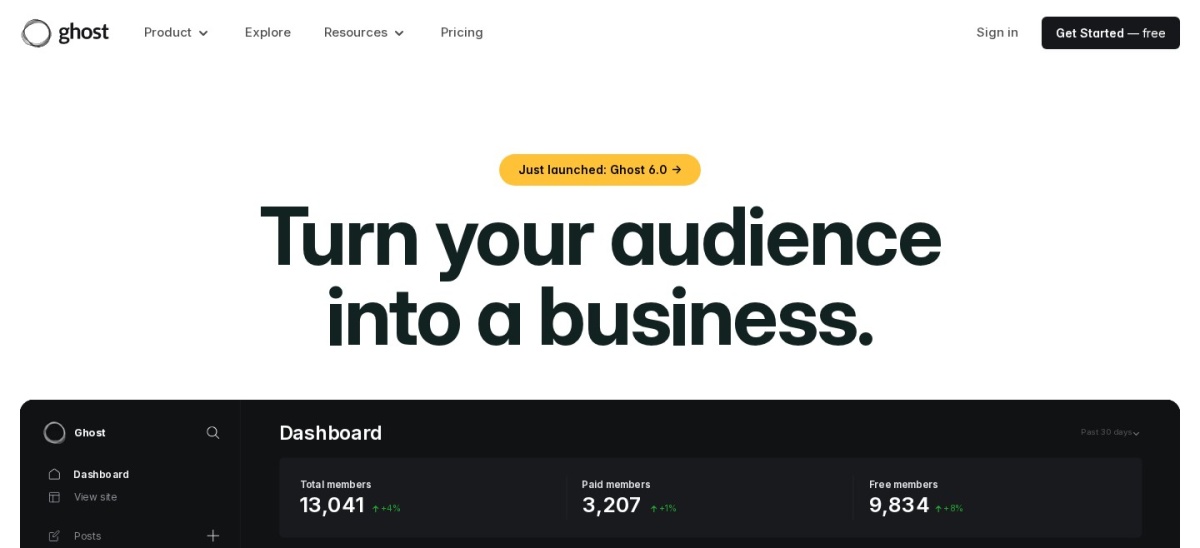
Ghost homepage, captured Nov 2026.
Ghost is a publishing platform for blogs, email newsletters, and reader memberships, with hosted Starter plans starting at $15 per month billed annually or $18 monthly. Self-hosted open-source software is free if you manage your own server and mail.
The trade off is that paid reader subscriptions require Publisher at $29 per month annual, and there is no large plugin marketplace. It suits startups focused on writing, SEO, and audience newsletters.
What we like
Combines blog posts and email newsletters in one workflow
0% platform fee on paid member subscriptions
Fast, focused editor without plugin bloat
Watch out for
No permanent free hosted plan beyond a trial
Fewer third-party plugins and visual page builders than WordPress
Publisher unlocks paid subscriptions, custom themes, and broader integrations.Visit ghost.org
Focused stack vs. all-in-one platform
Startups often choose between combining two or three focused tools—such as Notion for briefs, beehiiv for newsletters, and Webflow for landing pages—or putting everything under one roof like HubSpot Content Hub.
A focused stack keeps early costs low and lets you swap one piece without rebuilding your whole site, while an all-in-one tool reduces vendor sprawl once CRM tracking and unified reporting become priorities.
How we chose
We selected established content, publishing, planning, design, and distribution platforms that startups commonly use to run content operations.
Ratings, review counts, and regular plan prices were checked on 22 Nov 2026 from vendor pricing pages and G2 product listings.
We excluded unmaintained tools, custom enterprise-only quotes without clear public entry pricing, and platforms whose pricing pages could not be verified.
No vendor paid for a place, and we do not claim testing for this list.
How to choose a startup content platform
Follow four practical steps to match a content platform to your stage and channel.
Pick your primary growth channel first. Decide whether organic search on a blog, a weekly newsletter, landing pages, or social posts will drive most early traction.
Start on free or low-cost tiers. Use free plans or low entry tiers while validating topics and cadence before committing to higher monthly plans.
Check how pricing scales with growth. Look closely at per-seat fees, subscriber tiers, and bandwidth limits so costs match your expected growth.
Keep workflow handoffs simple. Choose tools your team can update quickly without waiting on developers for routine edits or posts.
FAQ
What is the best content platform for a brand-new startup on a tight budget?
Notion, HubSpot Content Hub, and beehiiv all offer free tiers that let early teams draft content, publish pages, or start a newsletter before paying. The right choice depends on whether you need internal docs, CRM forms, or email distribution most.
Should a startup start with a newsletter or a blog?
A newsletter works well when you already have an audience or want direct email reach, while a blog is better for capturing ongoing search traffic. Many startups pair a website blog with a newsletter so readers can subscribe from posts.
When does an all-in-one platform like HubSpot make sense?
It makes sense when you want content pages, forms, and lead tracking tied directly to a CRM in one place. For simple publishing or small budgets, separate tools often cost less early on.
How much does a basic startup content stack cost?
A lean team can start at $0 using free tiers and spend roughly $10 to $50 per month once adding a custom domain, newsletter tier, or scheduling tool. Costs rise mainly with team seats, subscriber counts, and traffic volume.
Do I need a separate design tool alongside a CMS?
If you publish social graphics, slide decks, or custom banners often, a design tool like Canva speeds up production. If your CMS already has strong page templates, you may not need extra design software right away.
What should startups watch out for when upgrading plans?
Watch for pricing jumps between entry and mid tiers, per-seat charges as you hire, and usage caps like subscriber bands or CMS limits. Always check annual versus monthly billing before committing.