Best IT Asset Tracking Software in 2026: 7 Tools Compared
WLWPLegible EditorsLast verified 22 Nov 2026How we rank6 min read
★ Short answer
Snipe-IT leads for flexible IT asset tracking with a 4.6/5 rating across 27 G2 reviews and unlimited assets on self-hosted or hosted plans. Freshservice fits teams wanting asset records alongside helpdesk tickets, while BlueTally suits flat-rate syncing with identity and device tools.
How we make this list: we compare pricing pages, product documentation and public user reviews, then re-check every price before each update. No product paid for a place. Disclosure.
Snipe-IT offers a free self-hosted edition and hosted plans starting at $39.99/mo or $399.99/yr with unlimited users and assets.
Freshservice starts at $19/agent/mo billed annually on G2 (4.6/5 across 1,387 reviews) with built-in service desk workflows.
BlueTally offers a free plan up to 50 assets and flat-rate paid plans starting at $199/mo on annual billing with a 4.6/5 Capterra score (80 reviews).
AssetSonar charges $0.75 per asset/mo billed annually from 100 assets with unlimited agents and holds a 4.5/5 G2 rating (91 reviews).
InvGate Service Management bundles asset management starting at a fixed $1,499/yr on Starter, backed by a 4.7/5 G2 rating (11 reviews).
What to look for in IT asset tracking software
Spreadsheets break down once laptops, monitors, mobile phones, and software seats move between employees, offices, and remote setups. Dedicated IT asset tracking software records ownership, serial numbers, warranties, and check-in or check-out history in one place.
Pricing models vary sharply across vendors. Some charge per technician or agent seat, some charge per tracked asset or device, and others offer a flat rate up to a set asset cap or across unlimited items.
Syncing with identity providers and mobile device management tools saves manual data entry during onboarding and offboarding. Look for integrations that match your directory and endpoint stack without forcing unnecessary add-ons.
Before committing, check whether you need standalone hardware and license registers or full IT service management with ticketing and change approvals. Paying for heavy service desk modules adds cost if your team only needs clean inventory records.
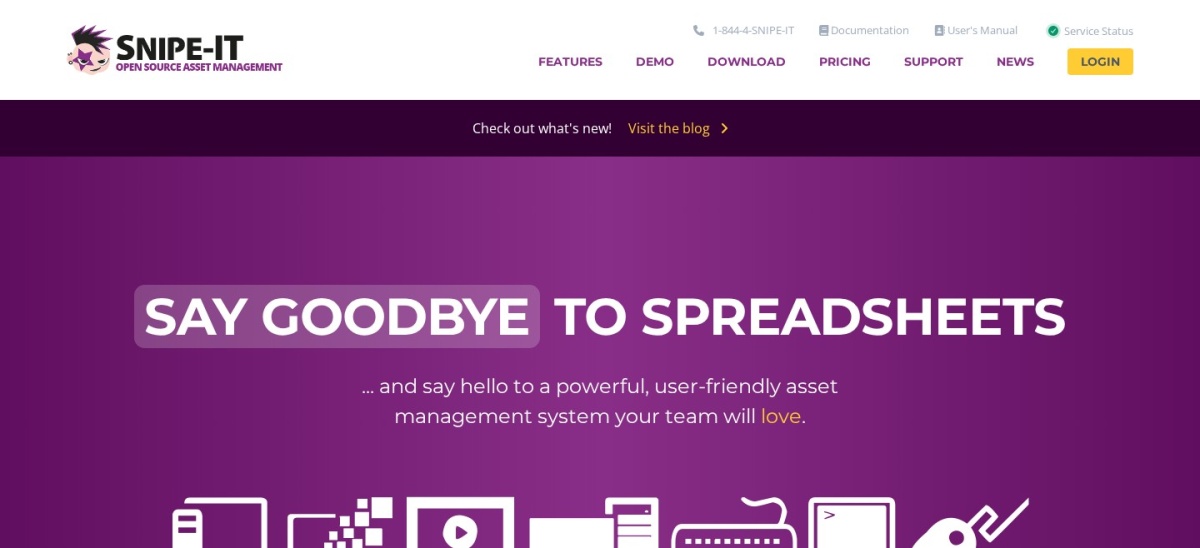
Snipe-IT is an open-source IT asset management system that tracks hardware, accessories, licenses, and check-outs with unlimited users and assets on its free self-hosted edition. Basic Hosting adds automated upgrades, TLS, and backups for $39.99/mo or $399.99/yr.
The trade off is that self-hosting requires server maintenance, while Basic Hosting sets API calls at 120 per minute at $399.99/yr. It suits IT teams that want full control over asset data and predictable hosting costs.
What we like
Free self-hosted option with unlimited users and assets
Straightforward hosted pricing starting at $399.99/yr
Supports hardware, licenses, consumables, and audits
Watch out for
Self-hosted setups require your own server upkeep
Basic Hosting caps API calls at 120 per minute
Hosted plans add automated backups, upgrades, and managed maintenance.Visit snipeitapp.com
02
Freshservice
4.6/5on G2 (1,387 reviews, checked Nov 2026)
Starts at$19/mo
Best for helpdesk plus asset management
Pricing modelPer agent, billed annually
Starter plan$19/agent/mo
Growth plan$49/agent/mo
TrialFree trial available
freshworks.com
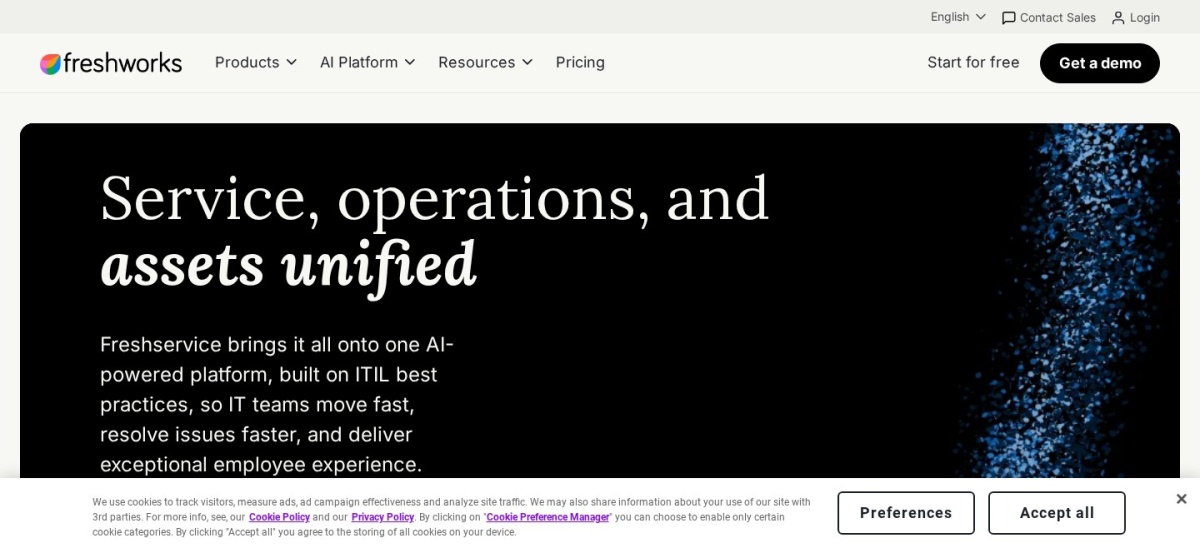
Freshservice homepage, captured Nov 2026.
Freshservice is an IT service management platform that pairs incident ticketing and service requests with asset tracking starting at $19/agent/mo billed annually on Starter. Higher tiers move to $49/agent/mo on Growth and $99/agent/mo on Pro.
The trade off is per-agent billing starting at $19/agent/mo ($228/yr per agent) plus extra cost if you need expanded asset capacity or AI add-ons. It suits support teams that want tickets and device records in one workspace.
What we like
Combines IT ticketing and asset tracking in one system
Clear published per-agent rates starting at $19/agent/mo
Includes a self-service portal for employee requests
Watch out for
Per-agent pricing scales with support staff headcount
Additional asset capacity and AI add-ons cost extra
Higher tiers add workflow automation, approval flows, and AI features.Visit freshworks.com
03
BlueTally
4.6/5on Capterra (80 reviews, checked Nov 2026)
Paid from$199/mo
Best for flat-rate syncing with MDM and IdPs
Free tierUp to 50 assets
Core plan$199/mo annual ($232/mo monthly)
Business plan$299/mo annual ($348/mo monthly)
Corporate plan$499/mo annual ($599/mo monthly)
bluetally.com
BlueTally homepage, captured Nov 2026.
BlueTally is a cloud asset tracking platform with a free plan for up to 50 assets and automatic device and employee syncing from Intune, Jamf, Entra ID, and Okta. Paid plans use flat monthly rates starting at $199/mo billed annually on Core for up to 250 assets.
The trade off is a $199/mo ($2,388/yr) entry price once you pass 50 assets or need paid plan features, with unlimited assets starting on Business at $299/mo annually. It suits IT teams that want flat pricing and quick directory syncing.
What we like
Free plan covers up to 50 assets with a 14-day trial
Syncs devices, users, and Dell or Lenovo warranty data
Watch out for
Core caps at 250 assets before requiring Business
Entry annual price is higher than small-team tools
Business adds unlimited assets, SSO, REST API access, and Jira integration.Visit bluetally.com
04
AssetSonar
4.5/5on G2 (91 reviews, checked Nov 2026)
Starts at$0.75/mo
Best for per-asset pricing with unlimited agents
ITAM rate$0.75/asset/mo billed annually
Minimum sizeStarts from 100 assets ($900/yr)
ITSM rate$1.08/asset/mo billed annually
SAM add-on$0.42/asset/mo billed annually
ezo.io
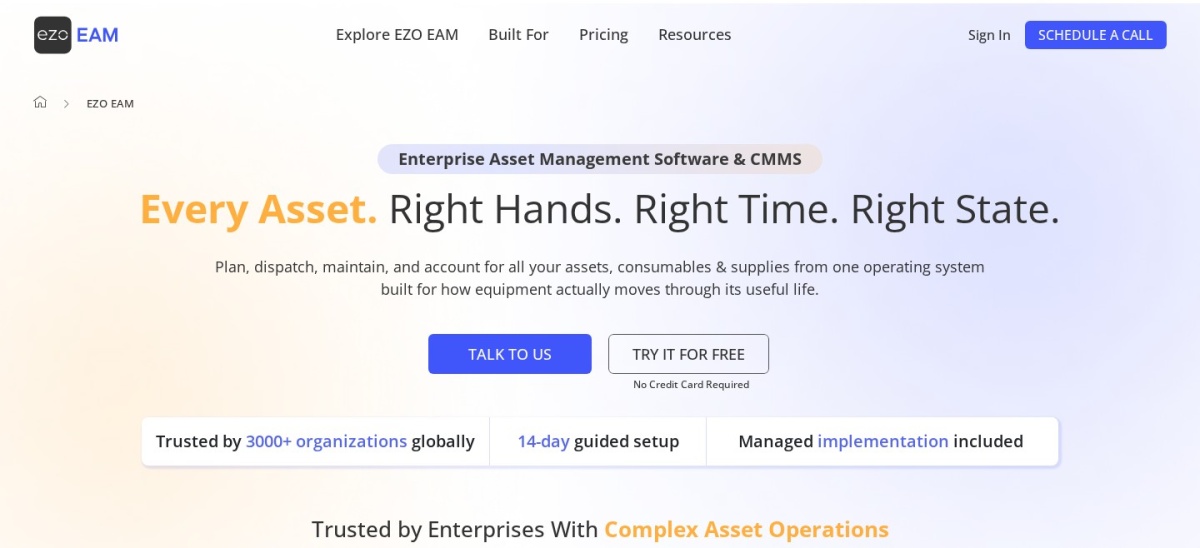
AssetSonar homepage, captured Nov 2026.
AssetSonar is a cloud IT asset management platform from EZO priced at $0.75 per asset/mo billed annually starting from 100 assets, with unlimited agents included. It supports hardware discovery, check-ins and check-outs, warranty tracking, and barcode or QR workflows.
The trade off is a 100-asset minimum ($900/yr at $0.75 per asset/mo) and an extra $0.42 per asset/mo for the software asset management add-on. It suits teams with larger staff counts that prefer per-asset billing over agent seats.
What we like
Unlimited agents on ITAM and ITSM plans
Covers hardware lifecycle, check-outs, and warranty records
Volume discounts available above 1,000 assets
Watch out for
Starts at a 100-asset minimum rather than a free tier
Advanced software asset management costs $0.42/asset/mo extra
ITSM adds ticketing and incident workflows, while SAM adds software metering.Visit ezo.io
05
InvGate
4.7/5on G2 (11 reviews, checked Nov 2026)
Starts at$1,499/yr
Best for fixed-price entry ITAM and service workflows
Starter plan$1,499/yr fixed price
Pro planStarts at $2,500/yr ($500/agent/yr)
Enterprise planStarts at $12,000/yr custom
DiscoveryAgentless scan & multi-OS agents
invgate.com
InvGate homepage, captured Nov 2026.
InvGate is an IT service and asset management platform whose Starter plan starts at a fixed $1,499/yr with ticket management, asset inventory, SSO, and over 20 AI features. It collects asset data via manual entry, agentless network scans, and endpoint agents.
The trade off is that Starter lacks custom domains, workflow builder, and integrations like Microsoft Teams or Okta, pushing those to Pro at $2,500/yr. It suits organizations that want a fixed annual entry price with built-in service management.
What we like
Fixed $1,499/yr Starter tier includes asset and ticket basics
Starter omits Okta, Entra ID, Teams, and workflow builder
Pro starts at $2,500/yr ($500/agent/yr)
Pro unlocks workflow builder, custom domains, SSO integrations, and open API access.Visit invgate.com
06
SysAid
4.5/5on G2 (530 reviews, checked Nov 2026)
Starts at$89/mo
Best for AI-assisted ITSM and asset tracking
Standard plan$89/technician/mo billed annually
Max plan$189/technician/mo billed annually
TrialFree 30-day trial, no card
Chat integrationTeams, Slack, and Google Chat
sysaid.com
SysAid homepage, captured Nov 2026.
SysAid is an IT service and asset management platform whose Standard plan starts at $89/technician/mo billed annually, following a 30-day free trial. It pairs incident and change workflows with asset tracking and Microsoft Teams, Slack, and Google Chat support.
The trade off is per-technician pricing starting at $89/technician/mo ($1,068/yr per technician) with weekly token allocations on Standard and Max. It suits IT teams that want ticketing, chat workflows, and asset records under one roof.
What we like
30-day free trial with no credit card required
Works directly inside Microsoft Teams, Slack, and Google Chat
Verified 4.5/5 rating across 530 Capterra reviews
Watch out for
No permanent free tier beyond the 30-day trial
Per-technician pricing and weekly token limits add complexity
Max increases weekly token allowances for heavier onboarding, offboarding, and fleet work.Visit sysaid.com
07
Atera
4.6/5on G2 (471 reviews, checked Nov 2026)
Starts at$149/mo
Best for RMM, remote access, and device tracking
Professional plan$149/technician/mo annual ($169 monthly)
Atera is an IT management platform for internal IT teams and MSPs that combines remote monitoring, patch management, remote access, and device tracking starting at $149/technician/mo billed annually on Professional. It charges per technician rather than per monitored endpoint.
The trade off is a $149/technician/mo ($1,788/yr) entry price and limits on custom asset types on lower tiers, with Network Discovery at $29/technician/mo extra. It suits lean IT teams that want RMM and device tracking together.
Includes remote monitoring, patching, and remote access
30-day free trial available without a credit card
Watch out for
Higher starting price than standalone inventory trackers
Network Discovery costs an extra $29/technician/mo
Higher tiers expand custom asset types, audit log retention, and file transfer limits.Visit atera.com
Per-seat vs. per-asset pricing
Per-agent or per-technician pricing works best when your IT staff count stays small while your hardware fleet grows, as seen with Freshservice, SysAid, and Atera. However, adding helpdesk agents raises your bill even if you add zero new devices.
Flat-rate or per-asset plans flip that math: BlueTally's Core tier caps at 250 assets for $199/mo annually, while AssetSonar charges $0.75 per asset/mo from 100 assets with unlimited staff seats. Counting both your current fleet and next year's headcount prevents surprises at renewal.
How we chose
We built this list from established IT asset tracking and service management vendors with active software profiles, public pricing pages, and verified user review counts.
All prices, plan tiers, ratings, and review counts were checked on 22 Nov 2026 directly from each vendor's official pricing page and public review directories (G2 and Capterra).
We excluded tools that hide pricing behind custom quotes on their pricing pages, lack clear public review numbers, or focus purely on non-IT warehouse or fleet tracking.
No vendor paid for a place, and we do not claim testing for this list.
How to choose IT asset tracking software
Follow four practical steps to match a tracker to your fleet size and workflow.
List every asset category you actually need to track. Decide whether you only need laptops, monitors, and software licenses or full service desk ticketing and remote monitoring.
Check how pricing scales with growth. Compare per-agent, per-asset, and flat-rate plans against your expected headcount and device count over the next 12 months.
Verify directory and device sync integrations. Confirm whether the tool connects automatically with your identity provider, mobile device management, or ticketing stack.
Confirm security and audit needs early. Check support for role permissions, SSO, audit logs, and check-in or check-out records before rolling out across teams.
FAQ
What is the difference between IT asset tracking and ITAM?
IT asset tracking focuses on recording hardware, accessories, and software assignments, locations, and check-outs. Full IT asset management often adds lifecycle planning, contract and warranty tracking, software compliance, and service desk integration.
Can I start with a free IT asset tracking tool?
Yes. Snipe-IT offers a free self-hosted edition with unlimited users and assets, and BlueTally offers a free plan for up to 50 assets before paid tiers start at $199/mo billed annually.
Is per-agent or per-asset pricing better for small teams?
Per-agent pricing fits small IT teams managing many devices with few technicians, while per-asset or flat-rate plans can fit teams with more staff seats. Always calculate annual totals for your real team size.
Do I need a full ITSM tool just to track laptops and monitors?
No. Standalone asset trackers like Snipe-IT, BlueTally, and AssetSonar keep the focus on inventory, assignments, and audits without forcing complex ticket and change management workflows.
How do teams keep asset records accurate after setup?
Pairing asset records with directory syncing, onboarding and offboarding checklists, and periodic audits keeps data current. Without a clear check-in and check-out habit, any inventory database drifts over time.
Why do some tools require annual billing for their lowest rate?
Many SaaS vendors discount annual commitments compared with month-to-month billing. Always check whether a listed monthly rate requires annual prepayment or allows monthly cancellation.