Notion is the best document co editing software for engineering teams, with real-time co-editing, wikis and databases from 10 dollars per member a month. Confluence is the best pick for teams already running Jira, while Google Docs is the simplest choice for fast real-time editing.
How we make this list: we compare pricing pages, product documentation and public user reviews, then re-check every price before each update. No product paid for a place. Disclosure.
Notion leads with docs, wikis, databases and tasks in one workspace, from $10 per member a month.
Confluence is the cheapest paid entry at $5.78 per user a month, and the best pick for Jira teams.
Google Docs has the fastest real-time editing here, at $7 per user a month through Workspace.
GitBook is the best pick for Git-synced Markdown docs, at $8 per user a month with a 4.7 G2 rating.
Tettra answers questions from your docs inside Slack, at $8 per user a month with a 10-user minimum.
How do you choose document co editing software for an engineering team?
Document co-editing software lets several engineers write in the same document at once, with cursors, comments and version history keeping every change visible. The document is the meeting room, not a file passed around.
Real-time editing is table stakes. What separates these tools is structure: Notion and Coda add databases and wikis, Confluence adds page trees and permissions, and GitBook adds Git sync for Markdown docs.
Price runs from free to about $12 per user a month, and the billing unit matters. Coda charges only for Doc Makers, Tettra has a 10-user minimum, and Confluence is free for up to 10 users. Our guide on knowledge base software compares the wiki side in detail.
Engineering teams need more than an editor. Look for code blocks with syntax highlighting, Markdown support, version history, permissions and integrations with GitHub, Slack and Jira before you pick.
Start with the docs you already have. A tool that imports your existing pages cleanly, as Tettra does from Google Docs and Notion, saves weeks of copying and pasting.
The 9 best document co editing software for engineering teams
01
Notion
4.6/5on G2 (13,767 reviews, checked Nov 2026)
Paid from$10/mo
Best all-rounder for engineering docs
Entry planPlus, $10/user/mo
Free planYes, limited blocks
Version history30 days, Plus
AINotion AI on Business
notion.com
Notion homepage, captured Nov 2026.
Notion is a flexible workspace that combines documents, wikis, databases and project tracking, with real-time co-editing and comments on every page. Plus costs $10 per member a month billed annually, and there is a free plan for trying it out.
The trade off is that large workspaces can feel slow, and the learning curve is real: new engineers need time before the database features click. It suits engineering teams that want specs, runbooks and roadmaps in one place.
Confluence is Atlassian's wiki and team documentation tool, with real-time collaborative editing, page history, labels and hierarchy, and permissions at page and space level. Standard costs $5.78 per user a month, and the free plan covers up to 10 users.
The trade off is the rating: its 4.1 G2 score is the lowest here, and reviewers call navigation confusing and search hard to use. It suits engineering teams already running Jira, where linked tickets and pages matter most.
Google Docs is the simplest real-time editor here: multiple engineers type in the same document at once, with comments, suggestions and version history built in. Business Starter costs $7 per user a month on an annual plan, and a free personal account covers basic use.
The trade off is structure: Docs has no wiki hierarchy, no databases and no built-in spec templates, so large engineering doc sets turn into a pile of files. It suits teams that live in Google Workspace and want editing that never gets in the way.
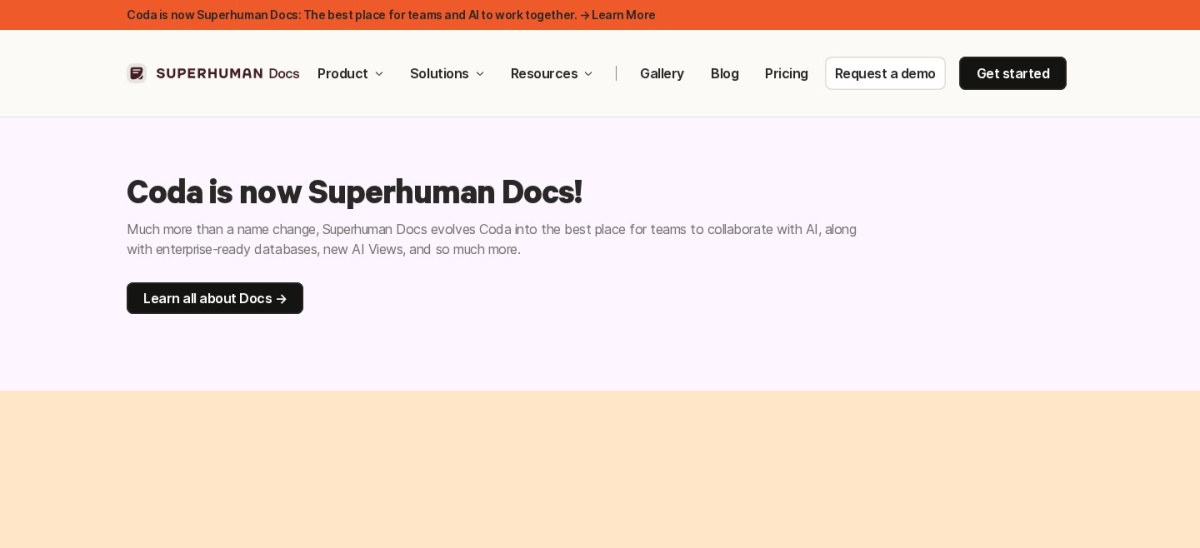
Coda is a document platform that blends docs, spreadsheets and databases, so an engineering spec can hold tables, buttons and automations alongside the text. Pro costs $12 per Doc Maker a month billed annually, and editors and viewers are free.
The trade off is the rename: Coda became Superhuman Docs in July 2026, and trackers report the Pro price rose from $10 to $12 at the same time. It suits engineering teams that want living specs with data and buttons, not static pages.
What we like
Docs, tables and automations in one
Pay only for Doc Makers
Strong GitHub integration
Watch out for
Renamed to Superhuman Docs in July 2026
Steep learning curve for advanced features
Business is $33/Doc Maker/mo billed annuallyVisit coda.io
05
GitBook
4.7/5on G2 (208 reviews, checked Nov 2026)
Paid from$8/mo
Best for Git-synced technical docs
Entry planPlus, $8/user/mo
Git syncYes, two-way
Free planYes, Personal
PublishingPublic docs and sites
gitbook.com
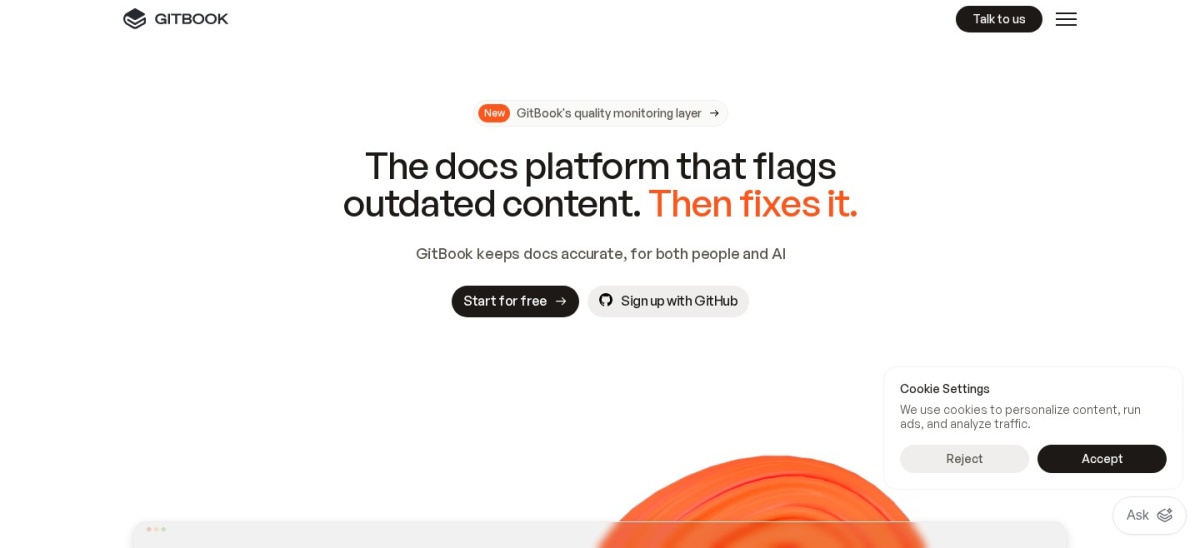
GitBook homepage, captured Nov 2026.
GitBook is a documentation platform for technical teams, with Markdown-based pages, two-way Git sync and a clean editor that engineers actually enjoy. Plus costs $8 per user a month, and the Personal plan is free.
The trade off is scope: GitBook is built for published docs, not for wikis or project tracking, and advanced collaboration costs more as the team grows. It suits engineering teams that want docs versioned in Git alongside their code.
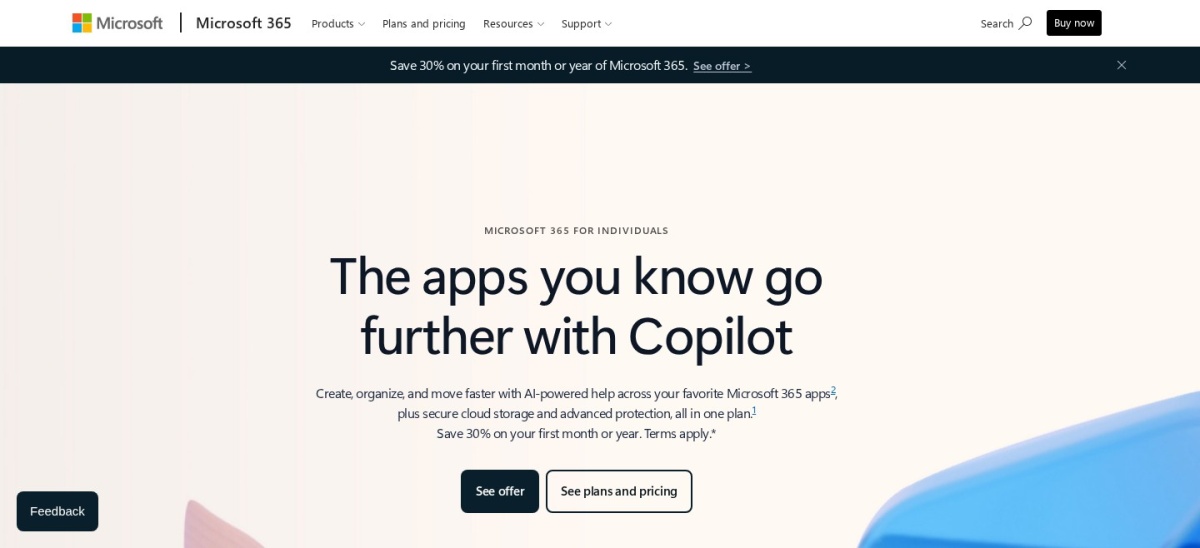
Microsoft 365 is the office suite most engineering teams already know, with Word co-authoring, Teams, OneDrive and Exchange in one subscription. Business Basic costs $7 per user a month on an annual subscription, after a July 2026 price rise from $6.
The trade off is that Basic includes only the web and mobile versions of Word, so desktop apps need Standard at $14 a user a month. It suits engineering teams that already run Outlook and need Word docs that open everywhere.
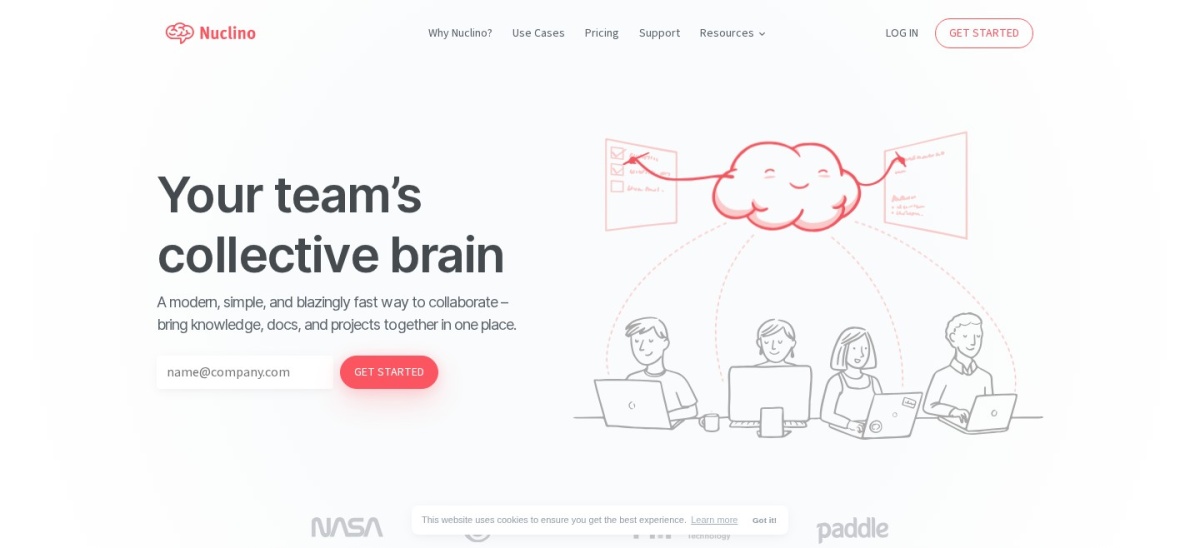
Nuclino is a lightweight team wiki with real-time collaboration, instant search and a visual twist: docs can be viewed as boards, tables or a graph of how everything connects. Starter costs $6 per user a month billed annually, and the free plan covers up to 50 items.
The trade off is depth: Nuclino is lighter on governance and review workflows than Confluence, and its AI assistant waits for the Business plan. It suits small engineering teams that want a wiki live in an afternoon.
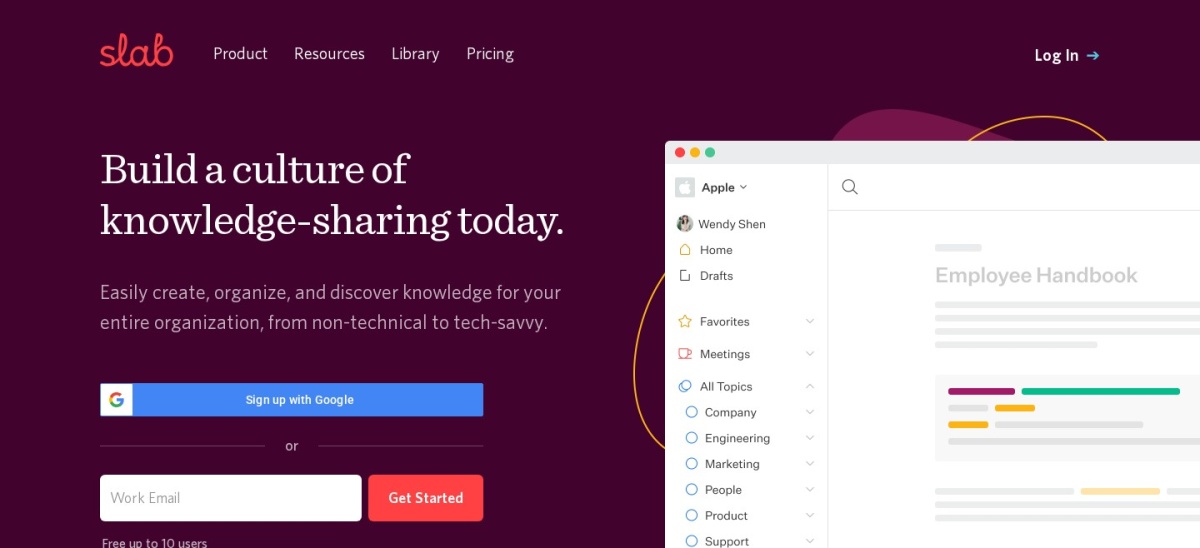
Slab is a focused team wiki built for speed, with real-time co-editing, unified search and topics that keep engineering docs organized. The Startup plan costs $6.67 per user a month, or $80.04 a year, and there is a free plan for up to 10 users.
The trade off is breadth: Slab does one job well and leaves project tracking and databases to other tools. It suits engineering teams that want a clean, fast wiki without the weight of a full workspace.
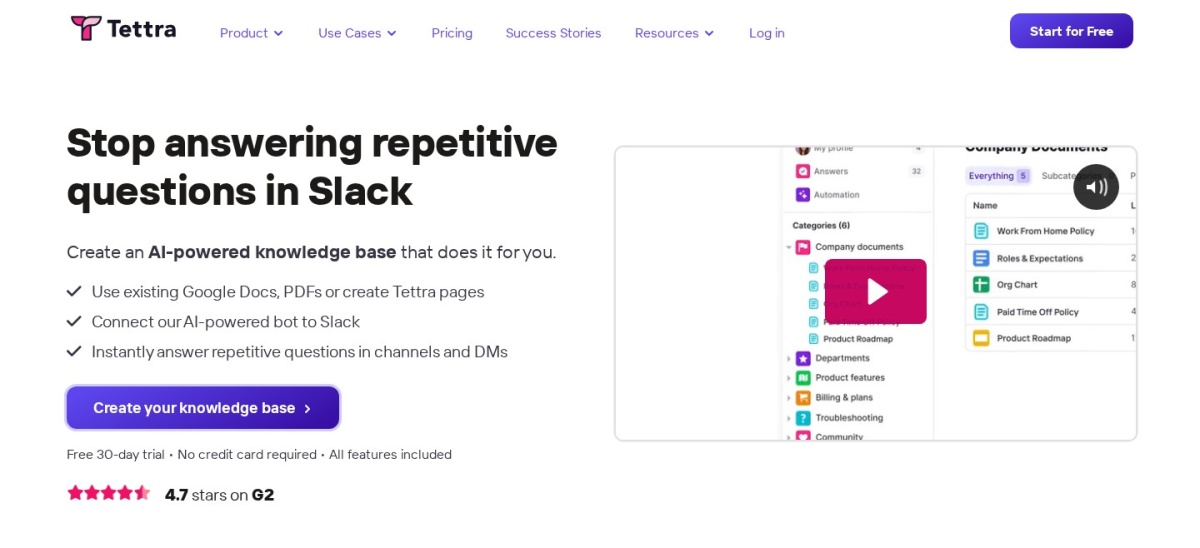
Tettra is an internal wiki built around Slack, with an AI assistant called Kai that answers questions from your docs in channels and direct messages. Scaling costs $8 per user a month with a 10-user minimum, and there is a 30-day free trial.
The trade off is the floor: teams under 10 people pay for seats they do not use, and single sign-on costs extra on the entry plan. It suits engineering teams that answer the same questions in Slack every week.
Per-seat vs per-maker vs minimums: what a team actually pays
Most tools here charge per user per month, from $5.78 for Confluence Standard to $12 per Doc Maker for Coda Pro. The headline rate is only half the story.
Coda charges only for Doc Makers, so editors and viewers are free: a team of 20 with three Doc Makers pays $36 a month, not $240. Tettra works the other way, with a 10-user minimum that makes small teams pay for seats they do not use.
Free plans cover real use. Confluence is free for up to 10 users, Slab is free for up to 10 users, Notion's free plan covers small teams, and Google Docs is free for personal use.
Add-ons change the total too. Microsoft 365 Basic at $7 has no desktop Word, which needs Standard at $14, and Tettra charges extra for single sign-on. Ask every vendor what the plan you need actually includes.
How we chose
We started from the document tools that appear on most 2026 shortlists for engineering teams, then kept the nine with the strongest ratings and the clearest fit for specs, runbooks and technical docs written together.
Prices come from each vendor's pricing page, checked on 30 November 2026. Confluence Standard was confirmed on Atlassian's own pricing page today; Notion, Google Workspace, Coda, GitBook, Microsoft 365, Nuclino, Slab and Tettra prices rest on vendor-page reads from October and November 2026. Ratings and review counts come from G2 or Capterra on the same day.
We left out HackMD, which has no usable G2 or Capterra rating base, and Outline, which has no published price and too few reviews to rate. No vendor paid for a place, and we do not claim hands-on testing for this list.
How to choose document co editing software for engineering teams
Start with how your team writes specs, then check structure and integrations, then compare the real per-seat cost.
Check real-time editing with your own team. Open one spec with three engineers editing at once. Watch for cursor lag, comment threads and version history: the best tools make simultaneous edits invisible, and the worst make people wait their turn.
Match the structure to your doc set. Notion and Coda suit teams that want databases and wikis together, Confluence suits teams with deep page trees and Jira, and GitBook suits teams that publish docs from Markdown in Git.
Confirm the integrations your engineers use. Ask whether the tool connects to GitHub, Slack and Jira, and whether code blocks get syntax highlighting. A wiki that cannot show code properly will not survive a code review.
Price it for your real team size. Count Doc Makers for Coda, apply Tettra's 10-user minimum, and check whether Microsoft 365 Basic covers desktop Word. A cheap per-seat rate with the wrong plan is not cheap.
FAQ
What is the best document co editing software for engineering teams?
Notion is the best document co editing software for engineering teams. It combines real-time co-editing with wikis, databases and project tracking from $10 per member a month, and it holds a 4.6 rating on G2 from more than 13,000 reviews.
How much does document co editing software cost?
Published entry prices run from $5.78 per user a month for Confluence Standard to $12 per Doc Maker a month for Coda Pro. Notion Plus is $10, Google Docs is $7 through Workspace, GitBook Plus is $8, and Nuclino Starter is $6.
What is the cheapest document co editing software for engineering teams?
Confluence Standard is the cheapest paid entry here at $5.78 per user a month, and it is free for up to 10 users. Nuclino Starter is next at $6 per user a month, and Google Docs is free for personal use, though business features need Workspace at $7.
Is Notion or Confluence better for engineering teams?
Notion is the better pick if you want docs, wikis, databases and project tracking in one flexible workspace. Confluence is the better pick if your team already runs Jira, because tickets and pages link natively, though its 4.1 G2 rating is the lowest here.
Does GitBook work for engineering documentation?
Yes, GitBook is built for engineering documentation. It stores docs as Markdown, syncs two ways with Git, and publishes clean public docs sites. Plus costs $8 per user a month, and it holds a 4.7 rating on G2, the joint highest here.
Can Google Docs replace a team wiki?
Google Docs works for fast co-editing but is a poor wiki. It has no page hierarchy, no databases and no built-in templates, so large doc sets become hard to find. Notion, Confluence or Slab are better picks when structure and search matter.
SaaS SEO and WordPress specialist with about 8 years of experience. Rakib compares WordPress plugins, themes, hosting and software using public pricing, documentation and user reviews. See how we rank.