Fathom is the best emerging AI software for remote teams, with a free plan and a five-star G2 score, while Fireflies adds conversation search and Reclaim defends focus time. The nine tools below cover meeting notes, scheduling and shared workspaces, with paid plans from seven dollars a user a month.
How we make this list: we compare pricing pages, product documentation and public user reviews, then re-check every price before each update. No product paid for a place. Disclosure.
Fathom leads at 5.0 out of 5 on G2 with a free plan covering unlimited recordings, and Team costs $15 a user a month.
Fireflies is the best-known AI notetaker here at 4.7, with Pro at $10 a seat a month and transcription in more than 100 languages.
Reclaim is the only true AI scheduler in the list, defending focus time for $10 a seat a month after a November 2026 price rise.
Eight of the nine tools have a free plan, so a remote team can test AI notes and scheduling before spending anything.
Notion is the dearest entry at $20 a member a month, but it is a full AI workspace, not just a notetaker.
Otter is the cheapest paid plan at $8.33 a user a month, but a 2026 court case let privacy claims against it proceed.
Which emerging AI software is best for remote teams in 2026?
Remote work runs on meetings, calendars and shared docs, and the new wave of AI tools promises to take notes, defend focus time and write the follow-ups for you. The nine tools here are the ones remote teams actually adopt: AI notetakers, an AI scheduler, an AI workspace and a call-quality app, each with a published price and a G2 rating from real reviewers.
Prices are lower than most teams expect. Eight of the nine tools have a free plan, and paid plans start at seven dollars a user a month. The dearest entry here is twenty dollars a member a month for Notion Business, and even that bundles a full workspace, not just meeting notes.
Ratings split the field clearly. Fathom leads at 5.0 out of 5 on G2, Reclaim follows at 4.8, and Fireflies and Fellow share 4.7. Motion trails at 4.1, and Read AI was left out entirely with a 4.0 score and only 43 reviews. A high score with thousands of reviews means more than a perfect score with a handful.
Our best AI meeting assistants guide compares the notetakers here head to head, including Fathom, Fireflies and Otter, on price and G2 ratings.
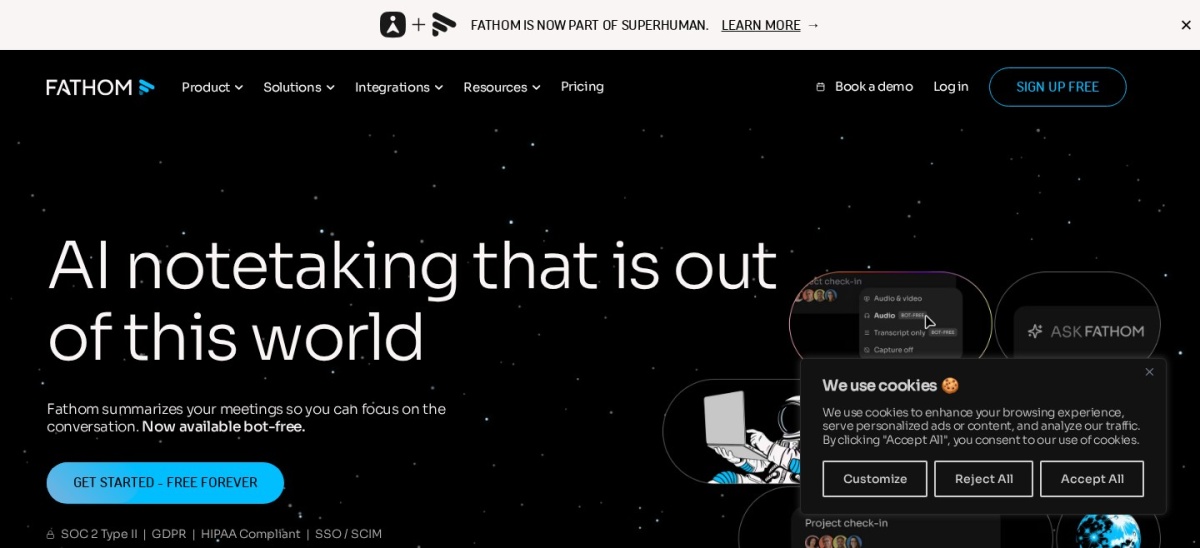
Fathom is an AI meeting notetaker that records Zoom, Meet and Teams calls, then writes summaries, action items and searchable transcripts without anyone taking notes. Its free plan covers unlimited recordings and transcription, and it holds a 5.0 G2 score from 7,058 reviews, the highest in this list.
The trade off is that the free plan caps advanced summaries, and the team plan needs at least two users. Fathom is a notetaker, not a scheduler, so it will not defend focus time or auto-book meetings. It suits remote teams whose meetings end in scattered notes and no clear owners.
What we like
Highest G2 score here at 5.0 out of 5
Free plan covers unlimited recordings
Bot-free capture option in beta
Ask Fathom searches every call
Watch out for
Free plan caps advanced summaries
Team plan needs at least two users
No scheduling or focus-time tools
Premium for one person costs $16 a month on annual billingVisit fathom.ai
02
Fireflies.ai
4.7/5on G2 (756 reviews, checked Nov 2026)
Paid from$10/mo
Best AI notetaker for conversation intelligence
Pro plan$10/seat/mo annual
Free plan400 minutes of storage
LanguagesTranscription in 100+
PlatformsZoom, Meet, Teams
fireflies.ai
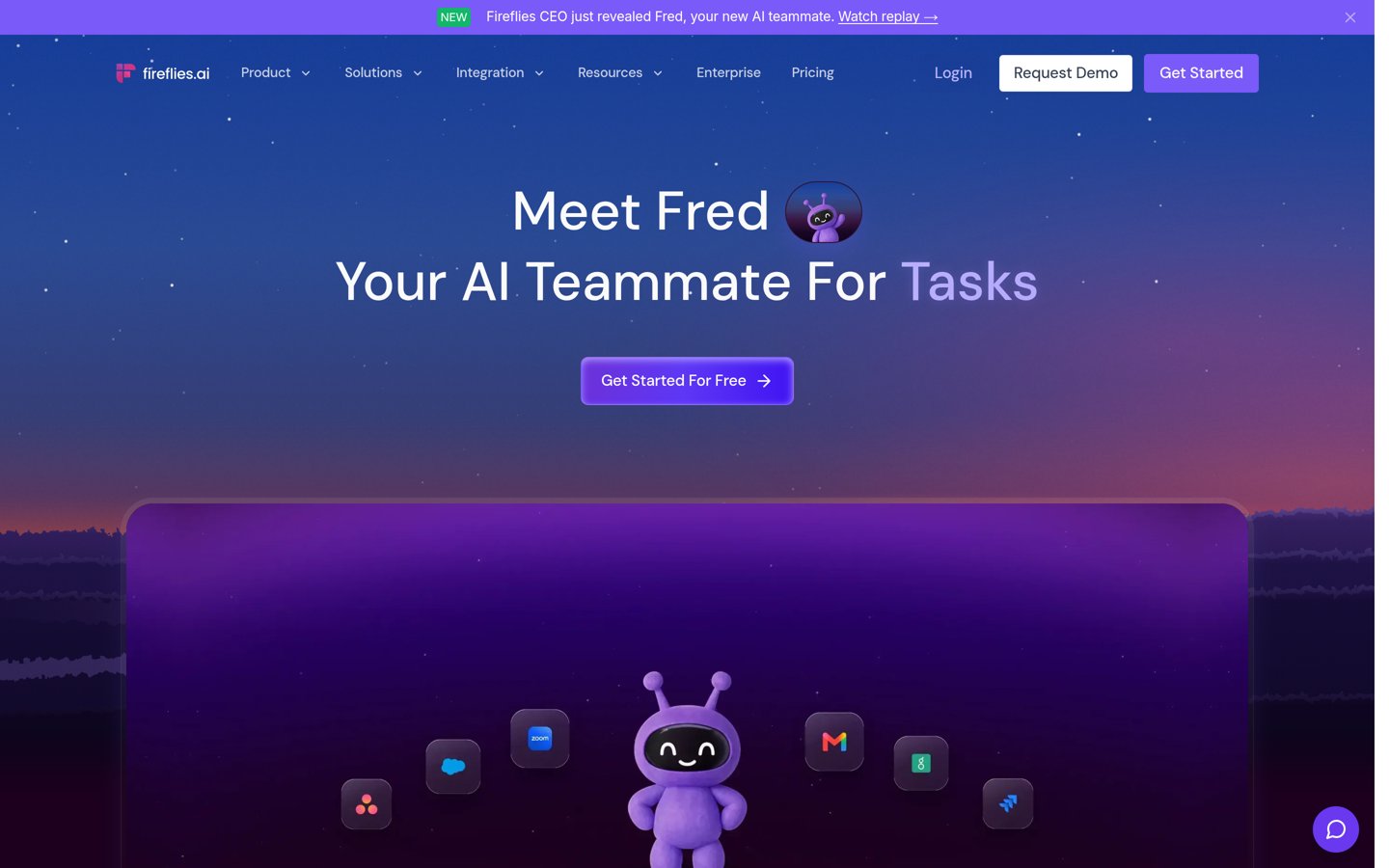
Fireflies.ai homepage, captured Nov 2026.
Fireflies.ai is an AI meeting assistant that joins Zoom, Meet and Teams calls, transcribes them in more than 100 languages, and turns the transcript into summaries, action items and searchable notes. Pro costs $10 a seat a month on annual billing, and it holds a 4.7 G2 score from 756 reviews.
The trade off is the free plan's 400 minutes of storage and limited AI summaries, which a busy team burns through in a week. Team analytics and conversation intelligence sit on the $19 Business plan, and HIPAA support needs Enterprise. It suits remote teams that want a searchable record of every call.
What we like
Unlimited transcription on Pro
AskFred AI assistant included
Transcription in 100+ languages
Conversation intelligence on Business
Watch out for
Free plan caps storage at 400 minutes
Team analytics need the Business plan
HIPAA support needs Enterprise
Business adds conversation intelligence for $19 a seat a monthVisit fireflies.ai
03
Reclaim AI
4.8/5on G2 (130 reviews, checked Nov 2026)
Paid from$10/mo
Best AI scheduler for focus time
Starter plan$10/seat/mo annual
Free planLite, 1-week range
CalendarsGoogle and Outlook
AI agentsFocus, Habits, Buffer
reclaim.ai
Reclaim AI homepage, captured Nov 2026.
Reclaim AI is an AI scheduling assistant that defends focus time, habits and breaks on Google and Outlook calendars, then auto-reschedules meetings when conflicts appear. Starter costs $10 a seat a month on annual billing, up from $8 after a price rise on 2 November 2026, and it holds a 4.8 G2 score from about 130 reviews.
The trade off is the missing mobile app, the most common complaint in reviews, and the 8-week scheduling range on Starter. Reclaim does not take meeting notes, so it pairs with a notetaker rather than replacing one. It suits remote teams whose calendars fill up before the real work starts.
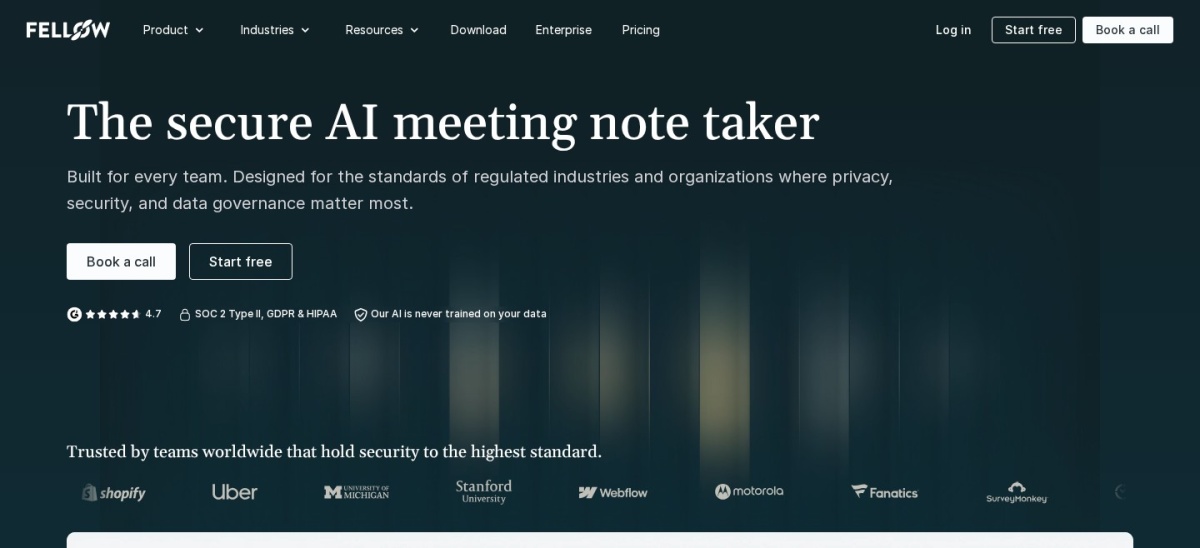
Fellow is a meeting management app that combines shared agendas, AI notes and action-item tracking, so a remote team prepares, runs and follows up on meetings in one place. Team costs $7 a user a month on annual billing, and it holds a 4.7 G2 score from 2,444 reviews.
The trade off is the free plan's five lifetime AI notes per user, which runs out fast, and a price dispute: some November 2026 reads list Team at $11 a user a month after an October price change. Fellow records meetings with a bot, and its action items can miss nuance. It suits managers running recurring remote meetings.
What we like
Shared agendas with action items
Ask Fellow searches past meetings
CRM sync on Business plans
Clean interface praised on G2
Watch out for
Free plan caps AI notes at 5 per user
Team price reported as $11 in some reads
AI action items can miss nuance
Business adds unlimited AI notes for $15 a user a monthVisit fellow.app
05
Notion
4.6/5on G2 (12,176 reviews, checked Nov 2026)
Paid from$20/mo
Best AI workspace for remote teams
Business plan$20/member/mo annual
Free planUnlimited pages, solo
Notion AIFull AI on Business
Meeting notesAI notes on Business
notion.com
Notion homepage, captured Nov 2026.
Notion is an AI workspace where a remote team keeps docs, wikis, tasks and meeting notes in one searchable place, with Notion AI writing, summarising and answering questions across it all. Full AI, including AI meeting notes, comes on the $20-a-member-a-month Business plan, and Notion holds a 4.6 G2 score from 12,176 reviews.
The trade off is price: the $10 Plus plan only trials AI, so a team that wants AI everywhere pays $20 a member. Notion is a workspace first, so its meeting notes are lighter than a dedicated notetaker's, and very large workspaces can feel slow. It suits remote teams that want one home for knowledge and AI.
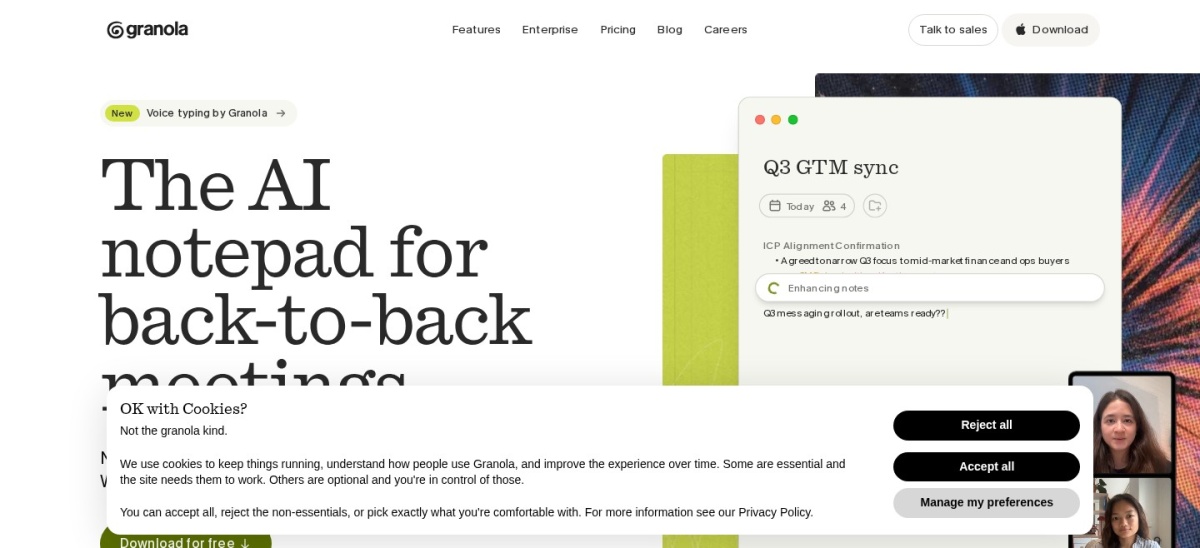
Granola is an AI notetaker that records meetings from device audio, so no bot ever joins the call and guests never see a stranger in the attendee list. Business costs $14 a user a month, the free plan covers unlimited meetings, and Granola holds a 4.6 G2 score from 197 reviews.
The trade off is a thinner review base than the established notetakers here, and the free plan keeps only 30 days of meeting history. Granola is a notetaker only, with no scheduling or workspace tools, so it suits remote teams that hate bots in their meetings.
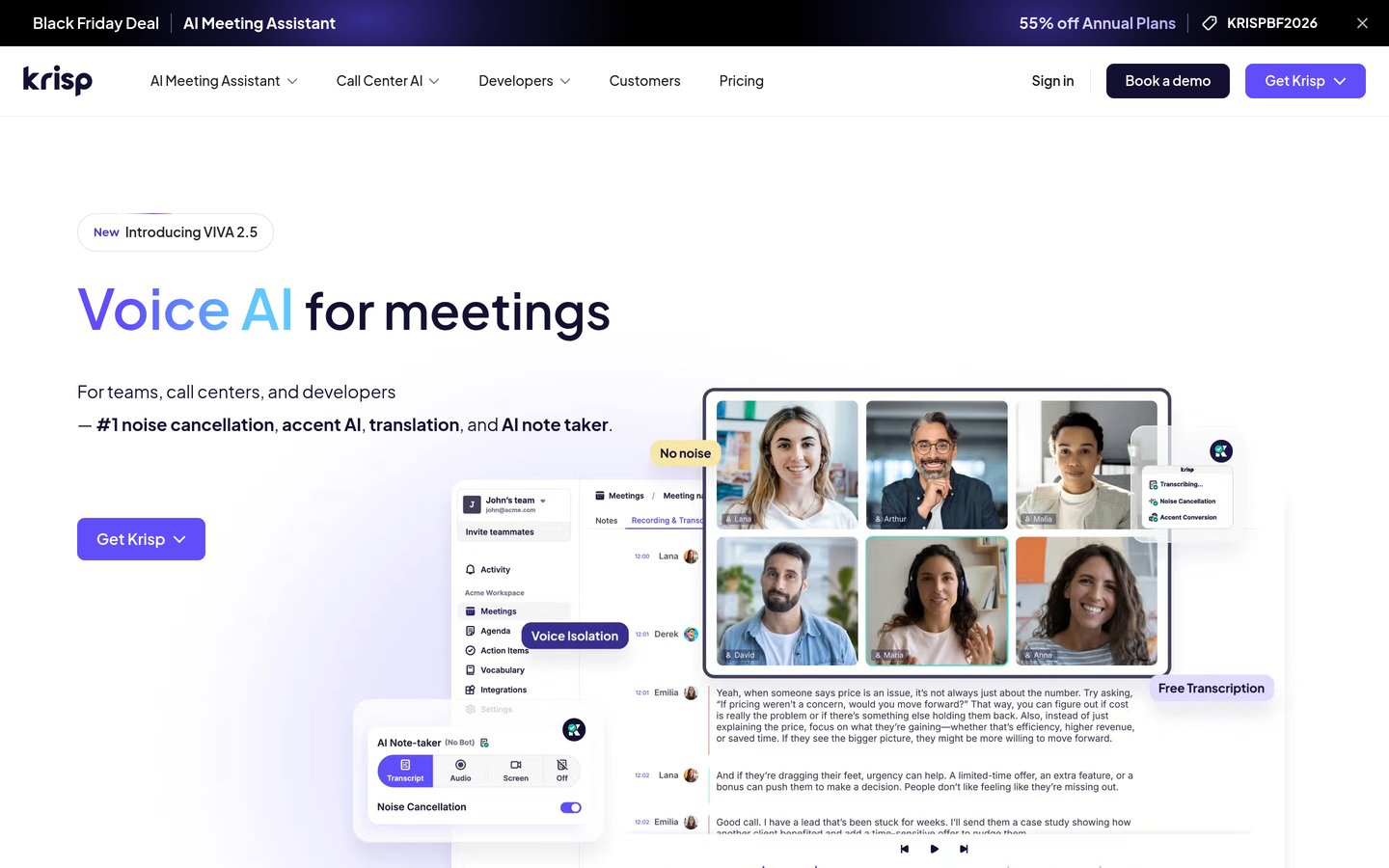
Krisp is an AI call app that removes background noise and echo from both sides of a call, then adds AI meeting notes and transcripts for remote workers in noisy homes. Pro costs $12 a month, and Krisp holds a 4.6 G2 score from more than 1,000 reviews.
The trade off is price confusion: some 2026 sources list Pro at $8 a month on annual billing, and the free plan's daily limit is disputed. Krisp's notes are lighter than a dedicated notetaker's, so it is a call-quality tool first. It suits remote workers whose home office is never quiet.
What we like
Best-in-class noise cancellation
AI meeting notes included
Works with any call app
Accent localisation available
Watch out for
Price sources disagree, $8 vs $12 a month
Free plan daily limit is disputed
Notes are lighter than dedicated notetakers
Krisp also offers accent localisation on higher plansVisit krisp.ai
08
Otter.ai
4.4/5on G2 (551 reviews, checked Nov 2026)
Paid from$8.33/mo
Best budget AI transcription
Pro plan$8.33/user/mo annual
Free plan300 minutes a month
Calls30 minutes per call free
PlatformsZoom, Meet, Teams
otter.ai
Otter.ai homepage, captured Nov 2026.
Otter.ai is an AI transcription service that records Zoom, Meet and Teams calls, writes live transcripts, and lets you ask Otter AI Chat questions about what was said. Pro costs $8.33 a user a month on annual billing, the cheapest paid plan here, and Otter holds a 4.4 G2 score from 551 reviews.
The trade off is the free plan's 300 minutes a month and 30-minute call cap, and a privacy shadow: in August 2026 a federal judge let wiretap and biometric claims against Otter proceed. Otter is a transcriber first, with lighter summaries than Fathom or Fireflies. It suits budget teams that mainly need accurate transcripts.
What we like
Cheapest paid plan here
Live transcription during calls
300 free minutes a month
Otter AI Chat for questions
Watch out for
Free plan caps calls at 30 minutes
2026 court case let privacy claims proceed
Business needed for team features
Business costs $19.99 a user a month on annual billingVisit otter.ai
09
Motion
4.1/5on G2 (157 reviews, checked Nov 2026)
Starts at$19/mo
Best AI auto-scheduler for tasks
Pro AI plan$19/seat/mo annual
Solo price$29/mo annual, 1 person
Free planNo, trial only
AI credits7,500 per seat a month
usemotion.com
Motion homepage, captured Nov 2026.
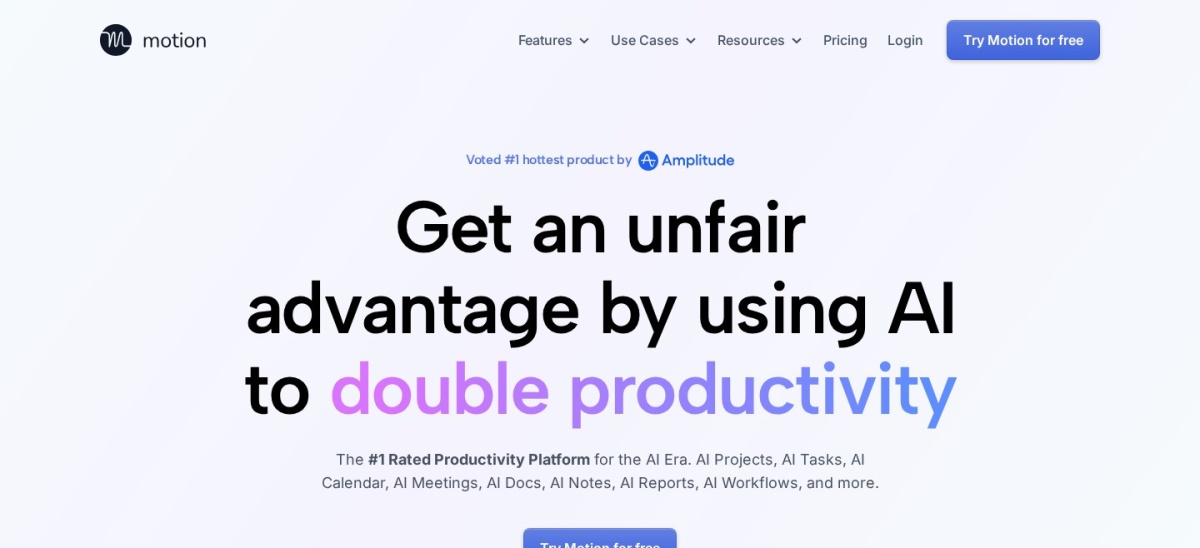
Motion is an AI scheduler that plans your day for you, slotting tasks around meetings and re-planning automatically when a call runs over. Pro AI costs $19 a seat a month on annual billing for teams, and Motion holds a 4.1 G2 score from 157 reviews, the lowest here.
The trade off is cost and metering: solo users pay $29 a month on annual billing, there is no free plan, and AI credits are capped at 7,500 per seat a month. Motion schedules work, it does not record meetings, so it pairs with a notetaker. It suits remote workers whose to-do list never survives contact with their calendar.
Meeting notetakers vs schedulers vs workspaces: which AI helps most?
Six of the nine tools are meeting notetakers: Fathom, Fireflies, Fellow, Granola, Krisp and Otter. They record calls, write summaries and make every decision searchable, which is the single biggest win for a remote team spread across time zones.
Schedulers solve a different problem. Reclaim defends focus time and auto-reschedules clashing meetings, while Motion slots tasks around calls. Neither records a meeting, so a team that buys only a scheduler still takes its own notes.
Workspaces sit above both. Notion holds the docs, tasks and meeting notes in one place, with AI answering questions across them. A small remote team can often start with one notetaker and one scheduler, then add a workspace when the notes outgrow a folder.
How we chose
We started from the AI tools most often recommended for remote teams in 2026, then kept the nine with a published price and a G2 rating from real reviewers. Meeting notetakers dominate the list because that is where AI helps remote teams most, with a scheduler, a workspace and a call-quality app for balance.
Prices come from vendor pricing pages, checked in November 2026, with annual billing shown where the vendor discounts it. Fathom and Fireflies prices were confirmed on their own pricing pages on 30 November 2026, and Reclaim's on a vendor-page read dated 24 November. Ratings come from G2 on the same day.
We left out tools with no aggregator rating, and Read AI, whose 4.0 G2 score and 43 reviews were too thin to trust. No vendor paid for a place, and we do not claim hands-on testing for this list.
How to choose emerging AI software for remote teams
Match the tool to the problem your remote team actually has: lost notes, a full calendar, or scattered knowledge.
Start with the meeting problem. If notes and follow-ups get lost, pick a notetaker like Fathom or Fireflies. If the calendar is the problem, pick Reclaim or Motion. One tool cannot fix both, so name the pain first.
Test the free plan with real calls. Eight tools here cost nothing to start, so run two weeks of real meetings through one notetaker and check the summaries against your own notes before anyone pays.
Check the bot and privacy rules. Some notetakers join calls as a visible bot, which guests may dislike, and Otter faces live privacy claims in court. Granola records from device audio instead, so no bot ever joins.
Count the whole team, not one seat. A seven-dollar plan for ten people costs seventy dollars a month, and solo prices differ: Motion charges solo users twenty-nine dollars. Budget the team total, including any AI credit overages.
FAQ
What is the best emerging AI software for remote teams in 2026?
Fathom is the best emerging AI software for remote teams, with a 5.0 G2 score, a free plan covering unlimited recordings, and Team at $15 a user a month. Fireflies is the best-known alternative at 4.7, and Reclaim is the best pick if scheduling, not notes, is the problem.
Is there free AI software for remote teams?
Yes. Eight of the nine tools here have a free plan, including Fathom with unlimited recordings and Fireflies with 400 minutes of storage. Only Motion has no free plan, offering a trial instead. Free plans cap advanced summaries or history, so check the limits before rolling one out to the whole team.
How much does AI software for remote teams cost?
Paid plans here start at $7 a user a month for Fellow Team on annual billing, and most notetakers cost $10 to $15. Notion Business is the dearest entry at $20 a member a month, while Otter Pro is the cheapest at $8.33. Budget the whole team, since solo and team prices often differ.
Do AI meeting notetakers join calls as a bot?
Most do. Fathom, Fireflies, Fellow and Otter join as a visible bot, which some guests dislike, though Fathom now offers a bot-free beta on Mac. Granola is the exception: it records from device audio, so no bot ever appears in the attendee list.
Is Otter.ai safe to use after the 2026 privacy case?
Otter remains widely used, but in August 2026 a federal judge let wiretap, California privacy and Illinois biometric claims against it proceed. Teams handling sensitive calls should read the case, check Otter's privacy policy, and consider Fathom or Fireflies, which make stronger no-training pledges.
Can AI software replace a project manager for remote teams?
No. These tools take notes, defend calendars and organise knowledge, but they do not set priorities or resolve disagreements. Motion comes closest by auto-scheduling tasks, yet it still needs a human to decide what matters. Treat AI as a clerk for the team, not a manager.
SaaS SEO and WordPress specialist with about 8 years of experience. Rakib compares WordPress plugins, themes, hosting and software using public pricing, documentation and user reviews. See how we rank.