Best AI Meeting Assistants in 2026: 7 Tools Compared
WLWPLegible EditorsLast verified 22 Nov 2026How we rank6 min read
★ Short answer
Fathom is the top AI meeting assistant for most teams, offering unlimited free recordings and transcriptions with a 5.0 rating on G2. Fireflies fits sales teams needing CRM sync and conversation intelligence, while Fellow suits managers running structured agendas and 1-on-1 notes.
How we make this list: we compare pricing pages, product documentation and public user reviews, then re-check every price before each update. No product paid for a place. Disclosure.
Fathom includes unlimited free recordings and transcriptions, capping free advanced AI summaries at 5 meetings per month.
Fellow starts at $7/user/month billed annually ($84/yr) on the Team plan with 10 AI notes per user per month.
Fireflies Pro costs $10/seat/month billed annually ($120/yr) and adds 8,000 storage minutes per seat plus unlimited integrations.
Otter Pro is priced at $8.33/user/month billed annually ($99.96/yr) for 1,200 monthly transcription minutes and up to 90 minutes per call.
Granola captures device audio without joining calls as a bot, with Business priced at $14/user/month ($168/yr).
What to look for in an AI meeting assistant
Most AI meeting assistants either send a visible bot into video calls or capture audio directly from your device and browser. Bot-free capture avoids participant friction on client calls, while meeting bots can record video clips and track speaker activity even when you step away.
Free plans look generous at first glance but usually restrict one core resource, such as monthly AI summaries, per-call length limits, or total team storage. Check whether a tier caps AI summaries per month, stops transcribing after 30 to 90 minutes, or limits workspace seats.
Annual billing lowers per-seat prices across almost every vendor, often by 25% to over 40% compared with month-to-month rates. Before committing annually, confirm whether features you need—such as CRM sync, custom templates, or team analytics—sit on entry paid plans or require a higher tier.
Data retention and privacy policies vary widely across the category. Some tools store raw audio and video for shared team playback, while device-first note apps may process audio and discard recordings after transcription, so verify your compliance requirements before rolling a tool out organization-wide.
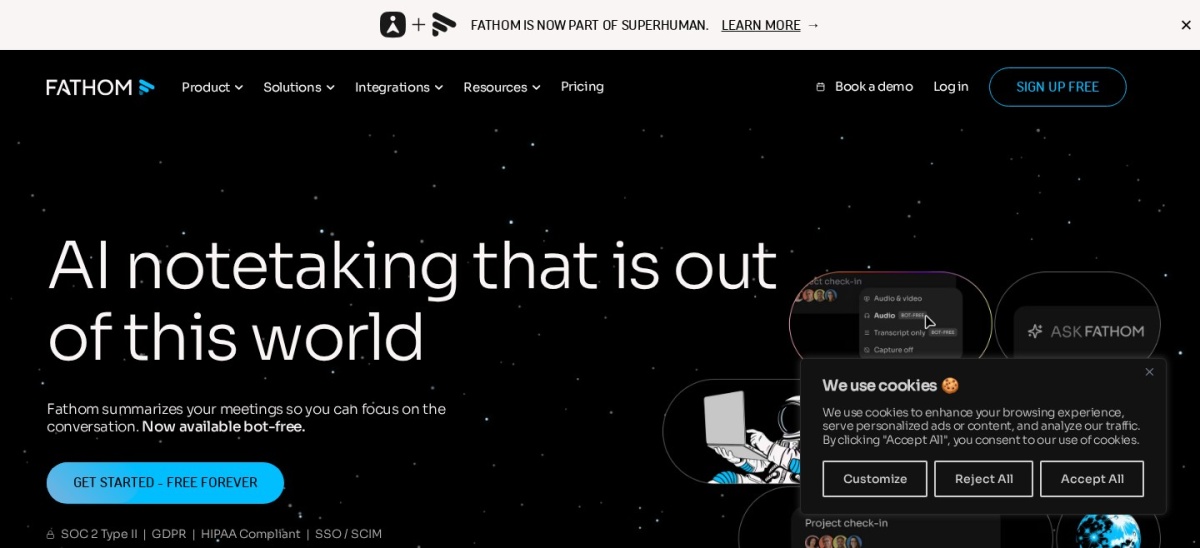
Fathom is an AI meeting note taker that provides unlimited free call recordings, transcriptions, and storage. Its free tier includes 5 advanced AI summaries per month alongside instant call summaries and highlight clips.
The trade off is that Fathom Team starts at $15 per user per month billed annually ($180/yr) with a two-user minimum, while individual Premium costs $16 per month billed annually. It suits individuals and teams wanting free recording and structured notes without strict minute caps.
What we like
Generous free plan with unlimited recordings and transcriptions
5.0/5 rating across 7,198 G2 reviews
Offers both bot capture and bot-free capture in beta on Mac
Team plan includes shared folders, trackers, and standard BAA
Watch out for
Free plan caps advanced AI summaries at 5 meetings per month
Team plan requires a minimum of 2 paid users
Paid plans add unlimited advanced AI summaries, shared team workspaces, and CRM syncs.Visit fathom.ai
02
Fireflies
4.7/5on G2 (756 reviews, checked Nov 2026)
Paid from$10/mo
Best for CRM sync and integrations
G2 rating4.7/5 (756 reviews)
Free tierUnlimited transcription; 400 team storage mins
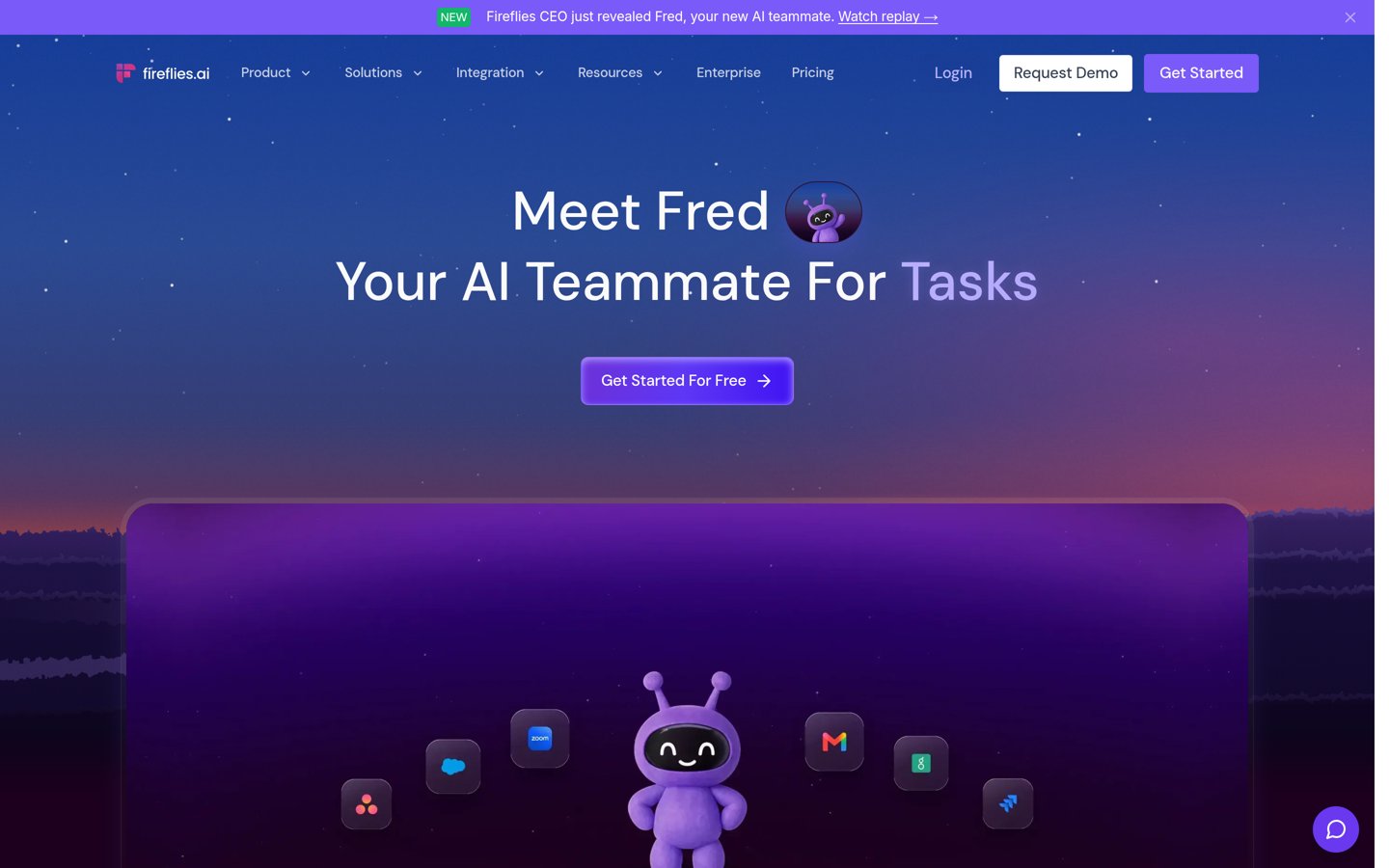
Fireflies is a meeting assistant that records, transcribes, and summarizes calls across conferencing platforms with wide CRM and workflow integrations. Its free plan includes unlimited transcription and 400 minutes of total team storage.
The trade off is that Fireflies Pro costs $10 per seat per month billed annually ($120/yr), or $18 monthly, and caps recording length at 2 hours on Free and Pro. It suits sales and client teams that want automated CRM updates and searchable call history.
What we like
Strong integrations with CRMs, Slack, and project tools
Pro plan includes 8,000 storage minutes per seat and unlimited integrations
4.7/5 rating across 756 G2 reviews
Watch out for
Free plan shares a 400-minute storage pool across the team
2-hour maximum recording length on Free and Pro tiers
Pro adds video recording, transcript and recording downloads, and unlimited integrations.Visit fireflies.ai
03
Fellow
4.7/5on G2 (2,444 reviews, checked Nov 2026)
Paid from$7/mo
Best budget team plan for agendas and 1-on-1s
G2 rating4.7/5 (2,444 reviews)
Free tier5 AI notes and 5 AI recordings lifetime/user
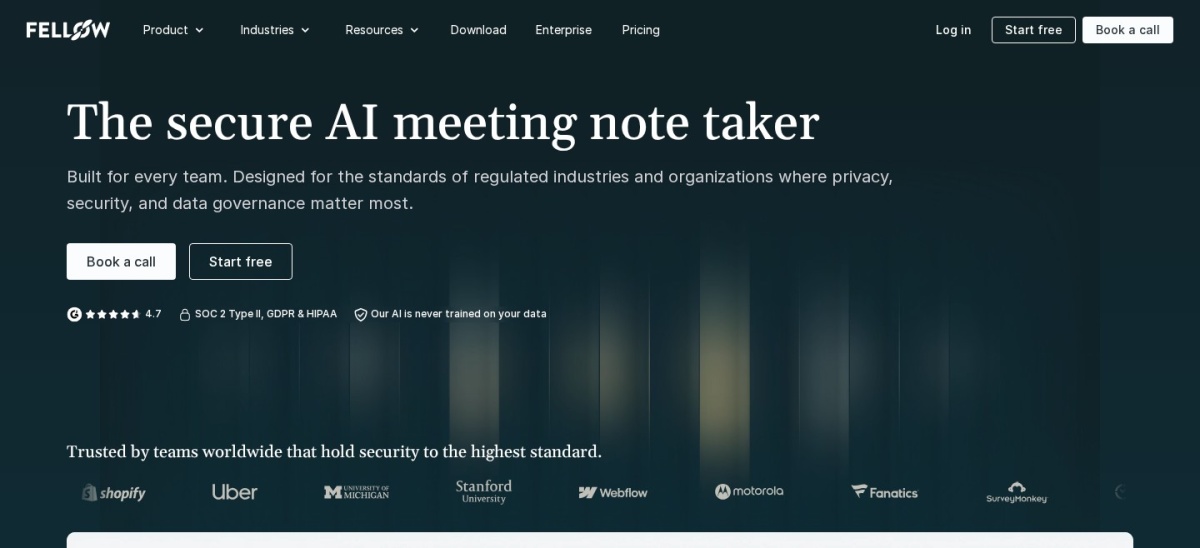
Fellow is a meeting management and AI note-taking platform built around collaborative agendas, recurring 1-on-1s, and tracked action items. Its free plan includes 5 AI notes and 5 AI recordings per user for life.
The trade off is that Fellow Team costs $7 per user per month billed annually ($84/yr), or $11 monthly, with 10 AI notes per user per month before Business unlocks unlimited notes. It suits managers and teams that want structured agendas and follow-ups tied to meetings.
What we like
Lowest annual entry price on this list at $84/yr per user
Built-in collaborative agendas, 1-on-1 templates, and action item tracking
4.7/5 rating across 2,444 G2 reviews
Watch out for
Free tier caps AI notes and recordings at 5 per user for life
Team plan limits AI notes to 10 per user per month
Team adds 10 AI notes per user monthly, meeting automations, and Notion or Confluence sync.Visit fellow.ai
Key strengthsLive captions, AI Chat, iOS/Android apps
otter.ai
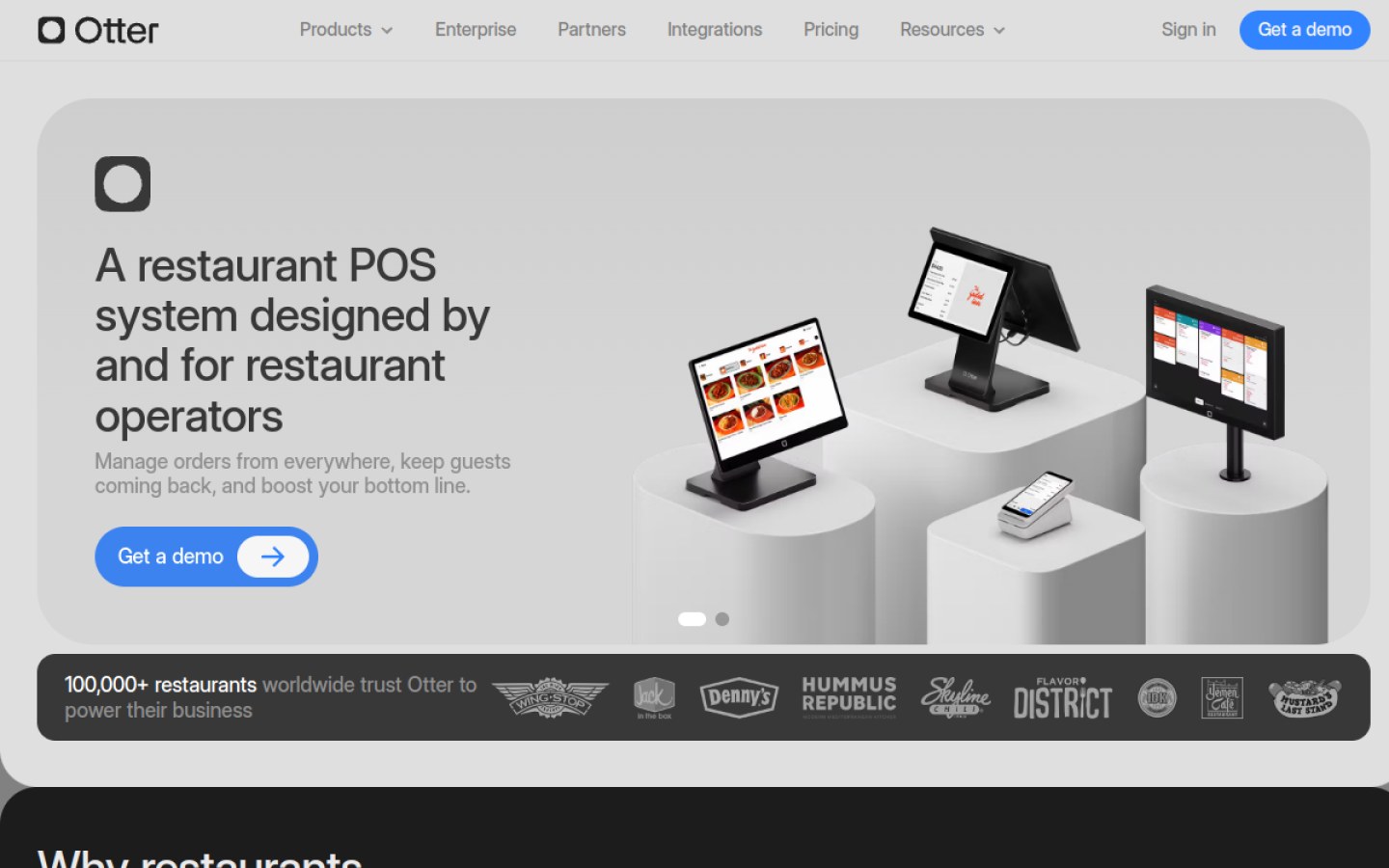
Otter homepage, captured Nov 2026.
Otter is an AI meeting assistant offering real-time transcription, speaker labeling, and AI Chat across past calls alongside iOS and Android apps. Its free Basic plan provides 300 transcription minutes per month, capped at 30 minutes per conversation.
The trade off is that Otter Pro costs $8.33 per user per month billed annually ($99.96/yr), or $16.99 monthly, with 1,200 monthly minutes and a 90-minute per-call limit. It suits people who want live transcripts during calls and mobile recording on the go.
What we like
Strong real-time live transcription and mobile apps for in-person capture
Affordable annual Pro rate under $100/yr per user
Built-in AI Chat across recorded conversations
Watch out for
Pro plan caps transcription at 1,200 minutes/month and 90 minutes/call
4.4/5 G2 rating trails several rivals on this list
Pro raises monthly transcription to 1,200 minutes, extends call length to 90 minutes, and adds 50 AI Chat queries.Visit otter.ai
05
Granola
4.6/5on G2 (197 reviews, checked Nov 2026)
Paid from$14/mo
Best bot-free hybrid human and AI notes
G2 rating4.6/5 (197 reviews)
Free tierUnlimited meetings; 30-day history
Entry paid plan$14/user/mo (Business, $168/yr)
Capture modeBot-free device audio capture
granola.ai
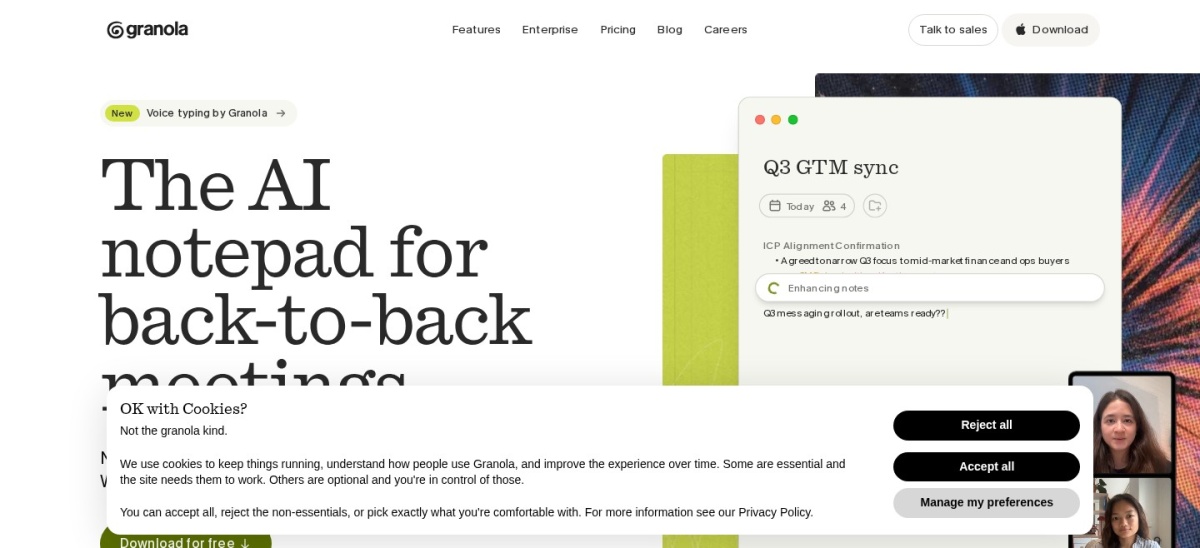
Granola homepage, captured Nov 2026.
Granola is a bot-free AI notepad that captures device audio without joining calls and structures rough notes you type during meetings. Its free Basic plan supports unlimited meetings with 30 days of meeting history.
The trade off is that Granola Business costs $14 per user per month ($168/yr) and does not retain audio playback after transcription. It suits people who take quick bullet notes and want clean summaries without a meeting bot.
What we like
No meeting bot joins your calls, keeping conversations natural
Blends your typed notes with transcript context into readable summaries
4.6/5 rating across 197 G2 reviews
Watch out for
Does not provide audio playback because raw audio is not retained
Free plan limits meeting history to the last 30 days
Business unlocks unlimited meeting history, advanced AI models, MCP and API access, and CRM or Notion integrations.Visit granola.ai
06
Krisp
4.7/5on G2 (1,620 reviews, checked Nov 2026)
Paid from$8/mo
Best for noisy environments plus AI notes
G2 rating4.7/5 (1,620 reviews)
Free tier60 mins/day noise cancellation; 2 AI notes/day
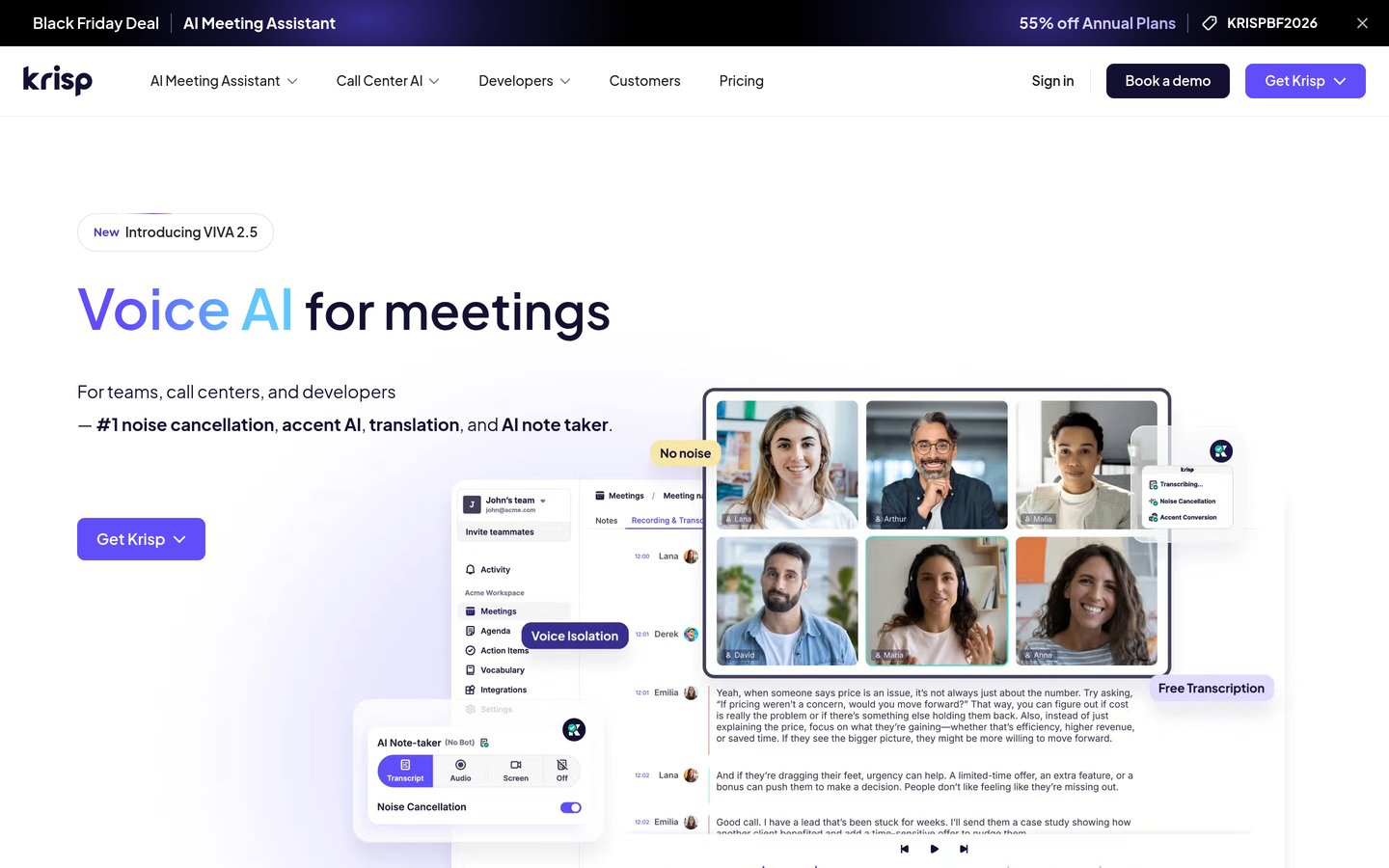
Krisp is a voice AI tool that removes background noise on calls while providing transcription and AI meeting notes without a bot. Its free plan includes 60 minutes per day of noise cancellation and 2 AI notes per day with 7-day history.
The trade off is that Krisp Core costs $8 per user per month billed annually ($96/yr), or $16 monthly, and its AI summaries are more basic than specialized note apps. It suits remote workers in noisy spaces who want cleaner audio alongside call notes.
What we like
Combines two-way noise cancellation with AI meeting notes
Core annual plan is under $100/yr at $96/yr per user
4.7/5 rating across 1,620 G2 reviews
Watch out for
AI summaries are less customizable than dedicated note-taking apps
Free tier keeps only 7 days of meeting history
Core unlocks unlimited noise cancellation and AI notes, mobile app access, Slack and Notion integrations, and 5 GB storage.Visit krisp.ai
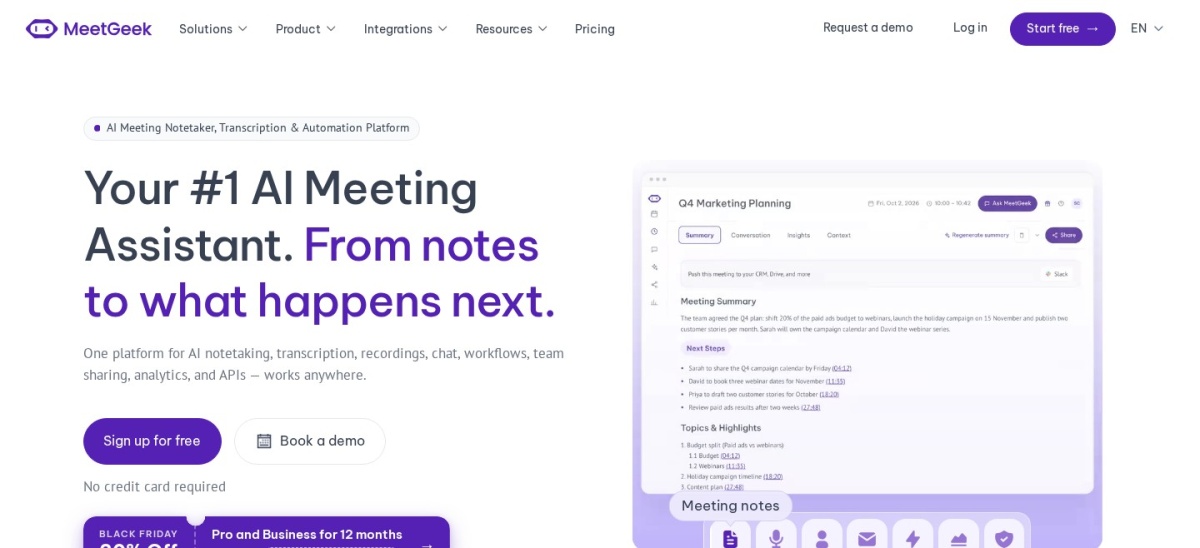
MeetGeek is an AI meeting assistant that records calls, generates structured summaries, and triggers automated post-meeting workflows. Its free Basic plan provides 3 hours of transcription per month with 3 months of transcript storage.
The trade off is that MeetGeek Pro costs $9.99 per user per month billed annually ($119.88/yr), or $15.99 monthly, and caps transcription at 20 hours per month before overage fees. It suits small teams and consultants automating follow-ups across 4 to 20 hours of calls monthly.
What we like
Supports workflow automation via Zapier, Make, n8n, and API access
Allows 2-hour meetings on Pro, longer than Otter Pro's 90-minute cap
4.6/5 rating across 494 G2 reviews
Watch out for
Free plan is limited to 3 hours of transcription per month
Pro plan does not include HD video recording
Pro increases transcription to 20 hours/month, adds meeting templates and downloads, and unlocks workflow integrations.Visit meetgeek.ai
Bot vs. bot-free capture
A meeting bot joins the call as an extra participant, which makes automatic video recording and multi-speaker tracking straightforward. Some clients or hosts dislike seeing a recording bot appear in the participant list, so check your meeting norms before enabling auto-join.
Bot-free tools capture audio from your device or browser extension instead. They keep the call interface clean, though some skip raw video recording or require you to stay on the call while audio is captured.
How we chose
We selected established AI meeting assistants active in 2026 across free, budget, bot-free, and workflow-focused use cases.
All G2 ratings, review counts, and regular plan prices were verified from public pricing and review pages on 22 Nov 2026.
We excluded tools lacking transparent entry pricing or active public ratings, and we report regular list prices rather than temporary discounts. No vendor paid for a place, and we do not claim testing for this list.
How to choose the right AI meeting assistant
Follow four practical steps to match a tool to your call volume and workflow:
Count your monthly meeting hours and call lengths. Compare free caps and paid limits against your real calendar so you do not hit monthly minute or per-call cutoffs.
Decide whether you want a meeting bot or bot-free capture. Pick a bot-free app like Granola or Krisp if you prefer no bot in calls, or a bot recorder if you want shared video clips.
Check where notes need to go after the call. Prioritize tools with native CRM sync, shared workspaces, or Zapier and MCP support if summaries must feed other apps.
Compare annual versus monthly seat costs. Multiply the regular annual seat rate by your team size, and check whether extra features require a higher tier.
FAQ
Which AI meeting assistant has the best free plan?
Fathom offers unlimited free call recordings and transcriptions, while capping advanced AI summaries at 5 meetings per month. If you run only a few calls a month or want free recording first, it is the strongest starting point.
What is the cheapest annual paid plan on this list?
Fellow Team is the lowest annual entry price at $7 per user per month billed annually ($84/yr), followed by Krisp Core at $8 per month billed annually ($96/yr). Both plans still carry usage or feature limits worth checking first.
Do AI meeting assistants always join the call as a bot?
No, several tools capture audio directly from your computer or browser without a bot joining the meeting. Granola and Krisp both support bot-free capture, while Fathom offers bot-free recording in beta on Mac.
Why do free plans restrict AI summaries or meeting length?
Audio transcription and large-language-model summaries carry ongoing compute costs for providers. As a result, free tiers commonly cap monthly AI summaries, limit total storage minutes, or stop transcribing long calls after 30 minutes.
Should I buy annual billing right away?
Annual billing usually lowers the monthly seat price substantially compared with month-to-month billing. Starting on a free tier or a single monthly cycle first helps confirm transcription accuracy and team habits before locking in a year.
Can these tools send meeting notes to a CRM or task app?
Yes, many paid plans connect to CRMs such as HubSpot or Salesforce, team chat apps like Slack, or automation tools like Zapier. Always verify whether CRM sync is on the entry paid tier or a higher business plan.