Google Drive is the best file sharing software for business for most teams. At $7 per user a month, it pairs 30 GB of pooled storage per user with Docs, Sheets and Slides editing and the top G2 rating in this list; pick Dropbox for the most reliable sync, or OneDrive if your team already pays for Microsoft 365.
How we make this list: we compare pricing pages, product documentation and public user reviews, then re-check every price before each update. No product paid for a place. Disclosure.
Google Drive leads at $7 per user a month, with 30 GB of pooled storage per user and a 4.6 out of 5 G2 rating.
Dropbox Standard costs $15 per user a month and adds Smart Sync plus file transfers up to 100 GB.
OneDrive costs $6 per user a month inside Microsoft 365 Business Basic, with 1 TB of storage per user.
Sync is the cheapest encrypted pick at $6 per user a month, with end-to-end encryption on every file.
ShareFile starts at $16.50 per user a month and Egnyte at $22, the two highest entry prices in this list.
What business file sharing should cover
Business file sharing is about control as much as storage. A team needs to send a file to a client, limit who can edit it, and know who opened it.
Look first at storage per user, admin controls and link settings. Password-protected links, expiry dates and download limits matter more than raw gigabytes once a team passes a few people.
Price is per user per month on most tools here, and several need at least 3 users, so a 2-person team still pays for 3 seats. Check the minimum before you compare headline prices.
Google Drive also works as a backup target for a WordPress site. Our guide on backing up WordPress to Google Drive shows the setup, and the same account can hold team files.
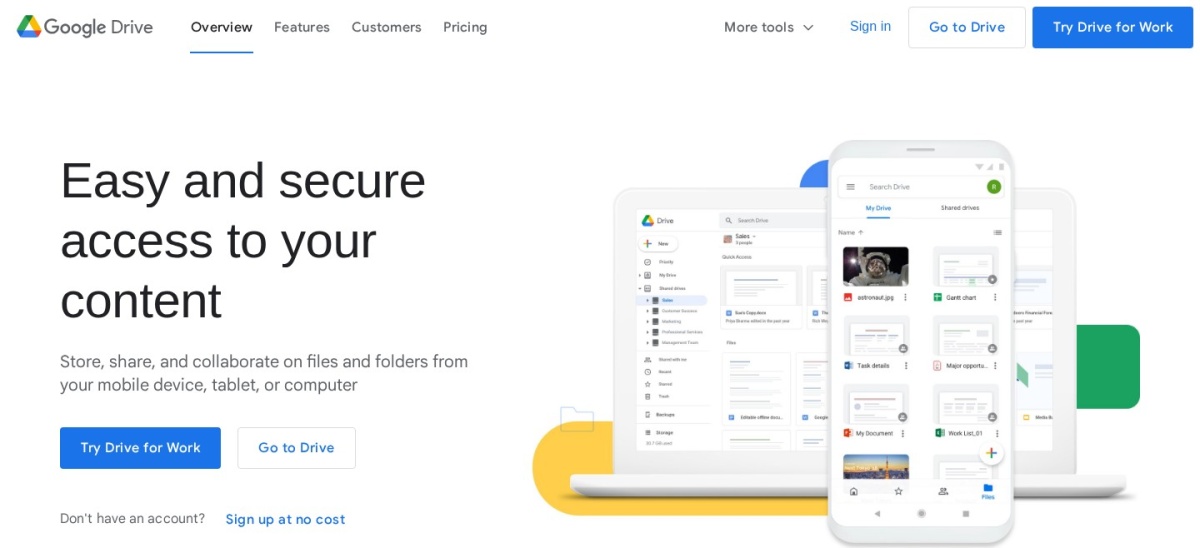
Google Drive is the file sharing home for Google Workspace teams, with real-time editing in Docs, Sheets and Slides. Business Starter costs $7 per user a month on an annual plan, with 30 GB of pooled storage per user, custom email and video meetings for up to 100 people.
The trade off is storage. Starter gives the smallest entry allowance in this list, so a team with large files needs Business Standard at $14 per user a month for 2 TB per user. It suits teams that already live in Gmail and Google Docs.
What we like
Best real-time co-editing in Docs, Sheets and Slides
Low $7 entry price with a 15 GB free plan
Highest G2 rating in this list at 4.6 out of 5
Watch out for
Only 30 GB pooled storage per user on Starter
Business plans cap at 300 users
External links have no watermarking or page tracking
Dropbox is a cloud file sync service with one of the most reliable desktop apps in this list. Standard costs $15 per user a month on an annual plan, with Smart Sync that shows team files in Finder or Explorer without downloading them, plus Dropbox Transfer for files up to 100 GB.
The trade off is price. At $15 per user a month it costs more than twice as much as Google Drive or OneDrive at the entry level, and Advanced rises to $24. It suits teams that work from the desktop and need sync that just works.
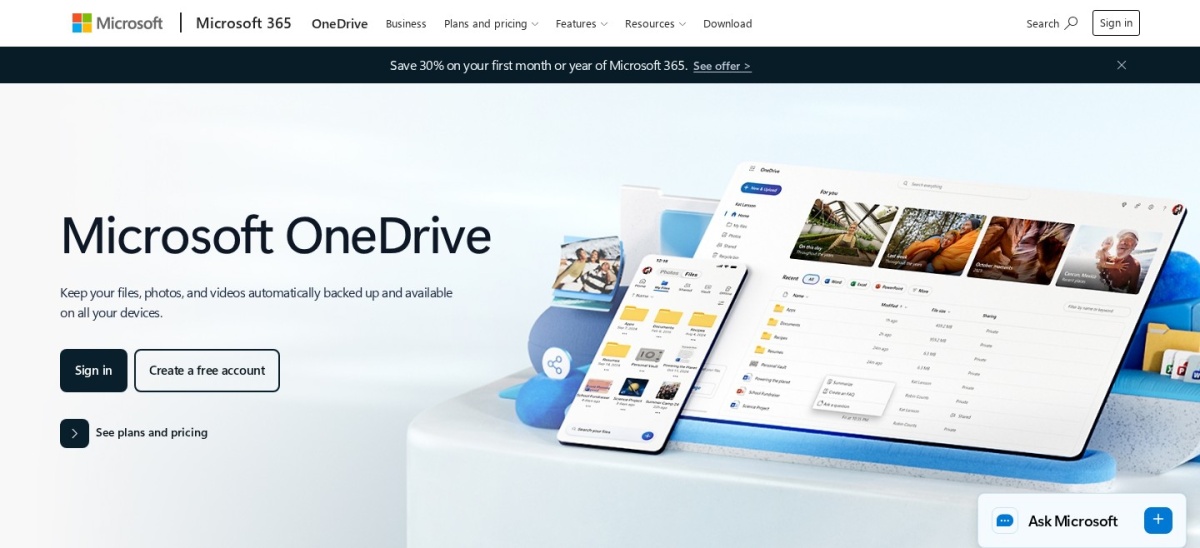
Microsoft OneDrive is the file storage that comes with Microsoft 365, with native co-authoring in Word, Excel and PowerPoint. Business Basic costs $6 per user a month on an annual plan, with 1 TB of storage per user and Entra ID access controls for the team.
The trade off is external sharing. A link sent outside the company looks plain, with no branding or watermarking, and SharePoint permission inheritance is hard to follow. It suits teams that already pay for Microsoft 365 and work in Office every day.
What we like
Included with Microsoft 365 at $6 per user a month
Native Office co-authoring and 1 TB per user
Strong admin controls through Entra ID
Watch out for
Plain external sharing with no branding
SharePoint permissions are hard to follow
Only 5 GB on the free plan
Microsoft 365 Standard adds desktop Office apps at $12.50 a monthVisit microsoft.com
04
Box
4.2/5on G2 (5,250 reviews, checked Nov 2026)
Paid from$20/mo
Best for regulated industries
Free storage10 GB
Entry planBusiness, $20/user/mo
Integrations1,500+
ComplianceHIPAA, FedRAMP, FINRA
box.com
Box homepage, captured Nov 2026.
Box is a content platform built for regulated teams, with a deep certification list that includes HIPAA, FedRAMP, FINRA and PCI DSS. Business costs $20 per user a month, with granular access levels, unlimited external collaborators and more than 1,500 integrations.
The trade off is cost and complexity. The admin console is built for a dedicated IT team, and the strongest compliance features need Enterprise at $47 per user a month. It suits healthcare, finance and government teams that must pass a compliance check.
What we like
Deepest compliance list in this list
1,500+ integrations and a broad API
Unlimited external collaborators
Watch out for
Entry price is $20 per user a month
Admin console is built for IT teams
No engagement analytics on shared files
Enterprise adds Box Shield controls at $47 a monthVisit box.com
05
Tresorit
4.5/5on G2 (262 reviews, checked Nov 2026)
Starts at$14.50/mo
Best for zero-knowledge privacy
Entry price$14.50/user/mo
EncryptionZero-knowledge, end-to-end
HostingSwitzerland
Free planNo, trial only
tresorit.com
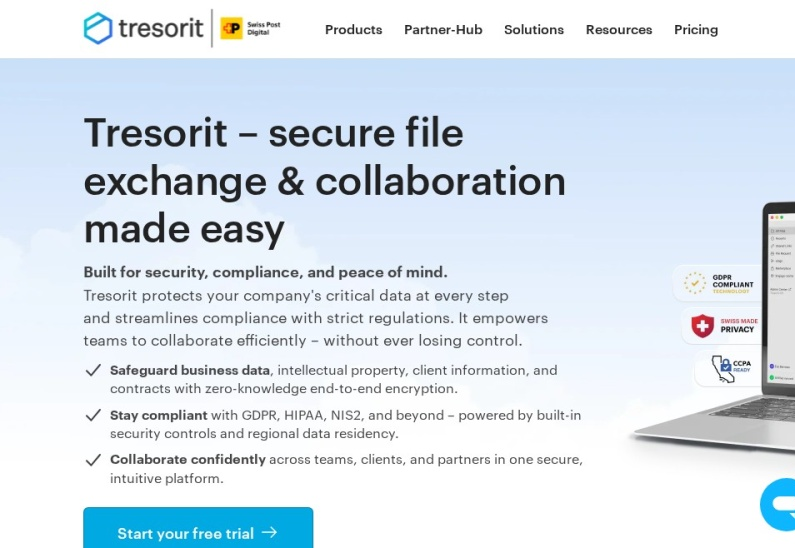
Tresorit homepage, captured Nov 2026.
Tresorit is a Swiss-hosted file sharing service with zero-knowledge encryption, so even its own staff cannot read your files. Business plans start at $14.50 per user a month, with expiry dates, download limits and encrypted email attachments on top of shared folders.
The trade off is breadth. It has fewer integrations than Drive or Dropbox by design, and encryption adds overhead on very large files. It suits law firms and healthcare teams that need privacy first and can live with fewer apps.
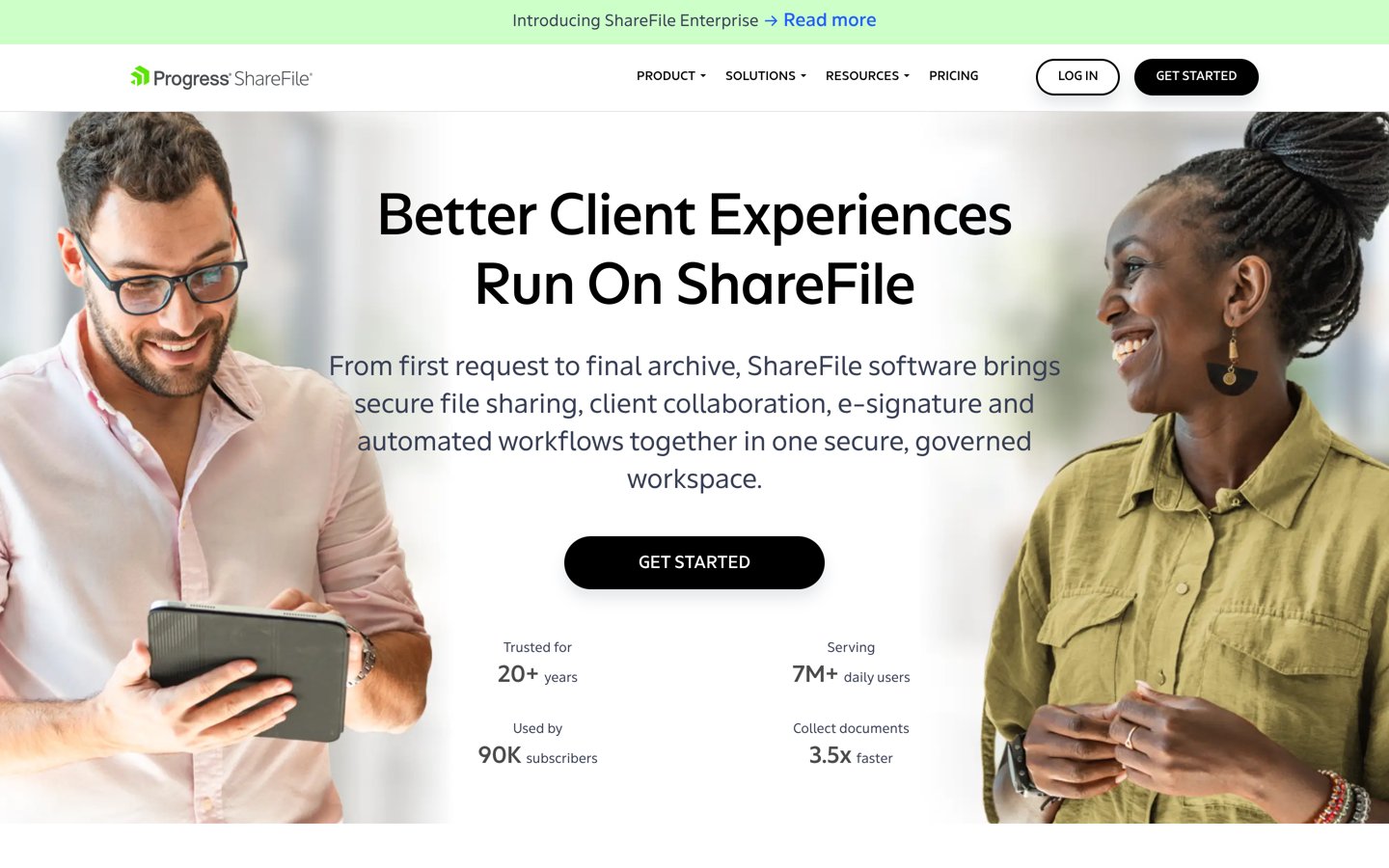
ShareFile is a secure file sharing and client portal platform built for accounting, legal and healthcare firms. Advanced costs $16.50 per user a month on an annual plan, with a 3-user minimum, client portals, document request lists and Outlook integration.
The trade off is that the best workflow features sit higher up. E-signatures, tasks and forms need Premium at $26 per user a month, and there is no free plan. It suits firms that collect documents from clients every week.
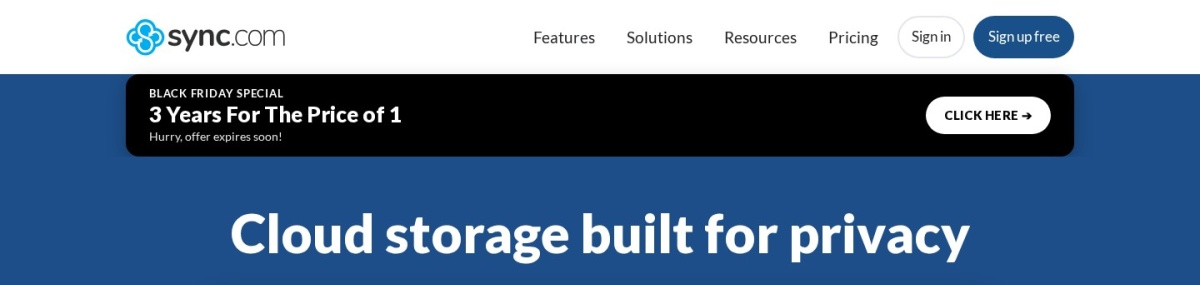
Sync is a cloud storage service that encrypts every file end to end, so only your team can read them. Teams 1TB costs $6 per user a month on an annual plan, with 1 TB per user, a 3-user minimum, password-protected links and 180 days of file history.
The trade off is reach. Sync has far fewer integrations than Drive or Dropbox, and G2 reviewers note slow support and billing confusion. It suits small teams that want encryption on every file at the lowest price in this list.
What we like
End-to-end encryption on every file at $6 a month
1 TB per user with 180 days of history
Lowest encrypted entry price in this list
Watch out for
Few integrations next to Drive or Dropbox
3-user minimum, so a small team pays for 3 seats
G2 reviewers note slow support
Teams 2TB adds branding and admin controls at $9 a monthVisit sync.com
08
pCloud
4.3/5on G2 (165 reviews, checked Nov 2026)
Paid from$9.99/mo
Best for low-cost team storage
Free storageUp to 10 GB
Entry planBusiness, $9.99/user/mo
Minimum users3
Storage per user1 TB
pcloud.com
pCloud homepage, captured Nov 2026.
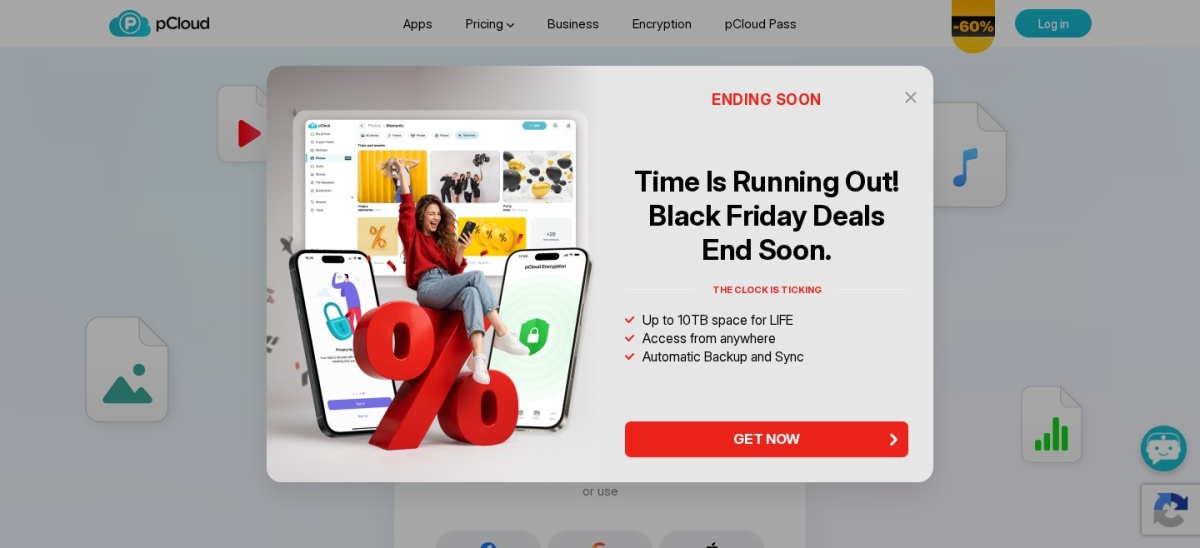
pCloud is a Swiss cloud storage service with team folders, granular permissions and audit logs on its Business plan. Business costs $9.99 per user a month, with 1 TB per user, a 3-user minimum and a virtual drive that shows files without downloading them.
The trade off is encryption. The Crypto folder that encrypts files on your device costs $49.99 a year extra, and the well-known lifetime plans are for personal use, not business teams. It suits small teams that want simple storage at a mid-range price.
What we like
1 TB per user at $9.99 a month
Virtual drive with a built-in media player
Up to 10 GB free with a 30-day business trial
Watch out for
Encryption costs $49.99 a year extra
Lifetime plans are personal, not business
Smaller review base than Drive or Dropbox
Business Pro adds unlimited storage at $19.98 a monthVisit pcloud.com
09
Egnyte
4.4/5on G2 (1,162 reviews, checked Nov 2026)
Starts at$22/mo
Best for hybrid cloud and on-premises
Entry planBusiness, $22/user/mo
Hybrid storageCloud + on-premises
Ransomware detectionYes
Large filesCAD support
egnyte.com
Egnyte homepage, captured Nov 2026.
Egnyte is a content platform that bridges on-premises storage and the cloud in one view. Business starts at $22 per user a month on an annual plan, with smart caching for large files, ransomware detection and unlimited versioning.
The trade off is setup. It needs IT involvement to run well, and the interface is built for admins rather than casual users. It suits architecture and engineering firms that keep large CAD files on a local server.
What we like
Only true hybrid cloud and on-premises bridge here
Most teams need two jobs done: day-to-day files inside the team, and files sent outside it. One tool can do both, but the controls differ.
Internal work suits Drive, OneDrive or Dropbox, where co-editing and sync are the point. External work suits client portals, watermarking and expiry controls, which ShareFile and Tresorit handle better.
If you send contracts or proposals often, weigh the sharing controls as heavily as storage. A plain link with no expiry is a weak point, even on a large plan.
How we chose
We started from the best-known business file sharing tools with published per-user pricing, then kept 9 that cover small teams, regulated work and encrypted storage.
Prices come from vendor pricing pages and pricing reads checked on 25 November 2026, using the regular annual rate where one is published. Ratings come from G2 on the same date, and where a vendor shows a first-year discount, the list shows the regular price.
We left out tools with no published business price and tools built only for personal use. No vendor paid for a place, and we do not claim to have tested these tools ourselves.
How to choose business file sharing software
Start with the apps your team already pays for, then check storage, sharing controls and the minimum seat count.
Check what you already pay for. If your team has Google Workspace or Microsoft 365, Drive or OneDrive may already be included, so do not buy a second tool for the same files.
Count storage per user, not the headline total. Pooled storage is shared across the team, while per-user storage is fixed. A 30 GB pooled allowance runs out fast on a design or video team.
Check the sharing controls before you buy. Send a test link outside the team and check passwords, expiry dates and download limits before you move real client files.
Add up the minimum seats. ShareFile, Sync and pCloud Business all need at least 3 users, so price the plan for 3 seats even if your team is smaller.
FAQ
What is the best file sharing software for business?
Google Drive is the best pick for most teams. At $7 per user a month, it gives 30 GB of pooled storage per user, real-time editing in Docs, Sheets and Slides, and a 4.6 out of 5 G2 rating.
How much does business file sharing cost?
Entry prices in this list run from $6 to $22 per user a month. Google Drive starts at $7, OneDrive at $6 inside Microsoft 365, and Sync at $6, while Egnyte starts at $22. Most tools also need at least 3 users on some plans.
Is Google Drive safe for business files?
Yes, for most teams. It offers admin controls, two-step verification and data loss prevention on business plans, plus Vault retention on higher tiers. For zero-knowledge encryption, where even the vendor cannot read files, pick Tresorit or Sync instead.
What is the difference between Dropbox and Google Drive?
Dropbox is stronger at desktop sync, with Smart Sync and transfers up to 100 GB, while Google Drive is stronger at real-time editing in Docs, Sheets and Slides. Dropbox Standard costs $15 per user a month, against $7 for Google Drive Business Starter.
Do I need a separate tool for client file sharing?
Not always. Drive, Dropbox and OneDrive all share files with outside people through links. If you need client portals, e-signatures or document requests, ShareFile is built for that work and starts at $16.50 per user a month.
Which file sharing tool is best for privacy?
Tresorit and Sync both encrypt every file end to end, so the vendor cannot read them. Tresorit starts at $14.50 per user a month with Swiss hosting, while Sync starts at $6 per user a month. Both have fewer integrations than Drive or Dropbox.
SaaS SEO and WordPress specialist with about 8 years of experience. Rakib compares WordPress plugins, themes, hosting and software using public pricing, documentation and user reviews. See how we rank.