Adobe Premiere Pro is the best of the DaVinci Resolve alternatives for professional work, with a 4.5 out of 5 G2 rating from 1,732 reviews at $22.99 a month. Final Cut Pro suits Mac editors at $299.99 once, while Filmora is the easiest budget pick at $49.99 a year.
How we make this list: we compare pricing pages, product documentation and public user reviews, then re-check every price before each update. No product paid for a place. Disclosure.
Adobe Premiere Pro is the top pick at $22.99 a month, rated 4.5 out of 5 on G2 from 1,732 reviews.
Final Cut Pro costs $299.99 once and is the fastest editor on a Mac, with a 90-day free trial.
Filmora is the cheapest paid plan here at $49.99 a year, and its free version lets you try the workflow first.
CapCut and Descript both start free: CapCut for short social video, Descript for talking-head and podcast cuts.
Paid plans in this list run from $49.99 to $299.99 a year, plus $16 to $22.99 a month for the two monthly plans.
How do you pick the right DaVinci Resolve alternative?
Start with the kind of video you cut most. A pro timeline matters for client work and long-form edits, while templates and auto-captions matter more for daily social clips.
Price is the second filter. One-time licenses such as Final Cut Pro at $299.99 cost less over three years than a monthly subscription, while free plans cover short-form work for many creators.
Free plans are not equal. Some export without a watermark, like CapCut and Lightworks, while others cap exports at 60 seconds or stamp a watermark until you pay. Our guide to posting a video on WordPress shows where the finished file ends up.
Check the platform before you pay. Final Cut Pro and VEGAS Pro are each tied to one system, while the rest of this list runs on Windows and Mac, and Lightworks also runs on Linux.
Adobe Premiere Pro is the industry-standard editor most Resolve users switch to for client work. The subscription covers the full timeline, Lumetri color tools, captions, audio mixing and tight links to After Effects, Photoshop and Audition, plus a large plugin library.
The trade off is the never-ending bill. At $22.99 a month there is no one-time license, and the app wants a strong machine on large projects. It suits editors who bill clients and already live in Adobe apps.
What we like
4.5 out of 5 on G2 from 1,732 reviews
Deepest plugin and template library in the list
Works with After Effects, Audition and Photoshop
Strong caption, audio and color tools in one app
Watch out for
Subscription only, $275.88 a year
Steep learning curve for new editors
Heavy on modest laptops with 4K footage
Paid adds the full app; the 7-day trial is the only free taste.Visit adobe.com
02
Final Cut Pro
4.4/5on G2 (373 reviews, checked Nov 2026)
Starts at$299.99/once
Best one-time purchase for Mac editors
PlatformsmacOS, iPadOS
Free planNo, 90-day trial
TimelineMagnetic timeline
Paid plan$299.99 one-time
apple.com
Final Cut Pro homepage, captured Nov 2026.
Final Cut Pro is Apple's professional editor, bought once for $299.99 on the Mac App Store with free updates since 2011. The magnetic timeline, background rendering and ProRes speed make it the fastest editor on Apple silicon, and a 90-day trial lets a channel test it properly.
The trade off is Mac-only lock-in. There is no Windows version, and projects do not move cleanly to Premiere or Resolve when a collaborator uses another editor. It suits Mac editors who want to pay once and edit fast.
What we like
4.4 out of 5 on G2 from 373 reviews
One payment, no subscription
Fastest 4K export on Apple silicon
90-day free trial
Watch out for
Mac only, no Windows version
Smaller plugin library than Premiere
Magnetic timeline divides editors
Paid adds the full editor; the 90-day trial covers the whole app.Visit apple.com
03
Wondershare Filmora
4.4/5on G2 (614 reviews, checked Nov 2026)
Paid from$49.99/yr
Best budget pick for beginners
PlatformsWindows, macOS
Free planYes, watermarked exports
TimelineDrag-and-drop, simple
Paid planBasic, $49.99/yr
filmora.wondershare.com
Wondershare Filmora homepage, captured Nov 2026.
Wondershare Filmora is a beginner-friendly editor that turns a first video into a finished upload in one evening. Its timeline is simple, with drag-and-drop titles, transitions and effects, plus AI tools that add captions and cut silences for you.
The trade off is the free plan. Exports carry a watermark until you pay, and the paid plan costs $49.99 a year. It suits new YouTubers and small creators who want templates and a gentle learning curve.
CapCut is a free editor from ByteDance built for short-form video, on mobile, desktop and the web. The free version covers trimming, transitions, templates, auto-captions and effects, and basic exports carry no watermark from the app itself.
The trade off is the paid wall around premium assets. Pro costs $19.99 a month or $179.99 a year and adds 4K export, the full AI toolkit and premium templates and stock. It suits creators who cut vertical video every day.
What we like
4.6 out of 5 on G2 from 500 reviews
Free version exports without a watermark
Templates and beat sync for social clips
Same project on phone, desktop and web
Watch out for
Pro price has risen several times in 2026
Premium templates and stock need Pro
Weak for long-form and color grading
Paid adds 4K export, premium templates and the full AI toolkit.Visit capcut.com
05
Descript
4.6/5on G2 (938 reviews, checked Nov 2026)
Paid from$16/mo
Best for talking-head and podcast video
PlatformsWindows, macOS
Free planYes, 1 hour a month
TimelineTranscript-based editing
Paid planHobbyist, $16/mo annual
descript.com
Descript homepage, captured Nov 2026.
Descript is a transcript-first editor: delete a sentence from the text and the matching audio and video disappear with it. The free plan covers 1 media hour a month with 720p export, and paid plans add Studio Sound cleanup, filler-word removal and 4K export.
The trade off is metering. Media hours and AI credits run out fast on long recordings, and the Hobbyist plan costs $16 a month on annual billing. It suits podcasters, YouTubers and course makers who cut talking-head video.
What we like
4.6 out of 5 on G2 from 938 reviews
Transcript editing has no real rival
Studio Sound cleans noisy audio fast
Remote recording rooms included
Watch out for
Media hours and AI credits are metered
Not built for cinematic timeline work
Trustpilot reviews flag crashes
Paid adds more media hours, 4K export and the full AI toolkit.Visit descript.com
06
CyberLink PowerDirector
4.4/5on G2 (57 reviews, checked Nov 2026)
Paid from$79.99/yr
Best value for AI-assisted editing
PlatformsWindows, macOS
Free planYes, Essential version
TimelineMulti-track, motion tracking
Paid plan365, $79.99/yr
cyberlink.com
CyberLink PowerDirector homepage, captured Nov 2026.
CyberLink PowerDirector is a fast desktop editor that pairs multi-track timeline editing with guided AI tools, motion tracking and screen recording. PowerDirector 365 carries a regular price of $79.99 a year and includes 1,200 annual AI credits, stock access and 50 GB of cloud storage.
The trade off is a busy interface and frequent upgrade prompts. The sheer number of options can overwhelm a first-time editor, and the free version stamps a watermark on exports. It suits Windows creators who want pro features at a mid-range price.
What we like
4.4 out of 5 on G2 from 57 reviews
1,200 AI credits a year on the 365 plan
Fast rendering with a deep effects library
Perpetual $139.99 license also exists
Watch out for
Free version watermarks exports
AI features are capped by credits
Interface feels crowded at first
Paid removes the watermark and unlocks AI tools and stock media.Visit cyberlink.com
07
VEGAS Pro
4.3/5on G2 (107 reviews, checked Nov 2026)
Starts at$99.95/yr
Best Windows pro editor with audio built in
PlatformsWindows
Free planNo, free trial
TimelineFast drag-and-drop cutting
Paid planPro, $99.95/yr
vegascreativesoftware.com
VEGAS Pro homepage, captured Nov 2026.
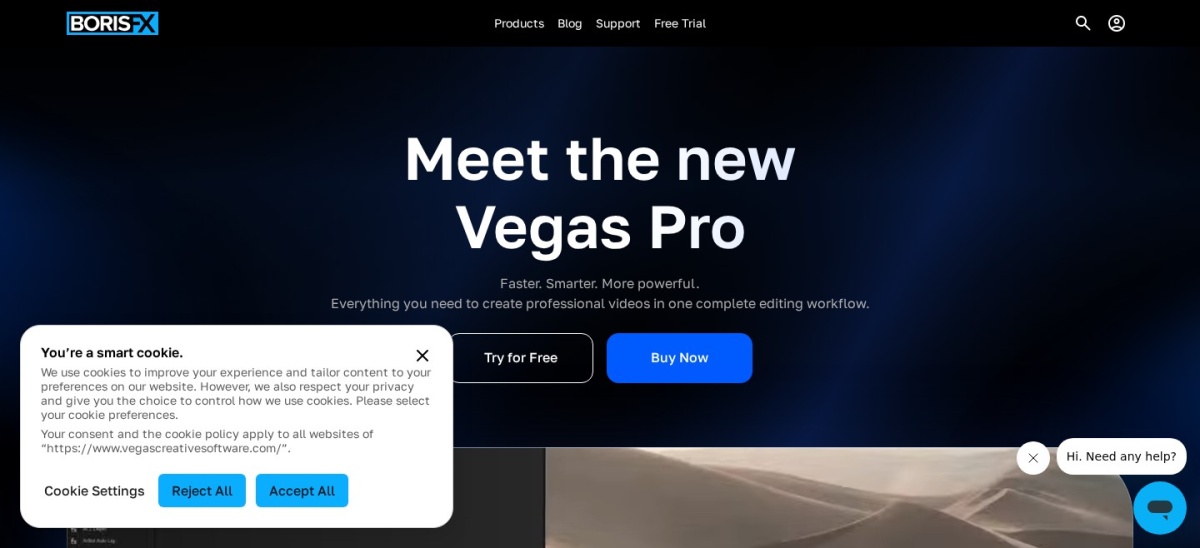
VEGAS Pro is a professional Windows editor with a fast timeline and unusually deep audio editing built in, so music and voice work rarely needs a second app. The annual subscription costs $99.95 a year, and a $219.95 perpetual license is also sold.
The trade off is Windows only, and reviewers still cite crashes on recent versions. Support scores lower than the editing tools do. It suits Windows creators who cut fast and mix audio in the same timeline.
4.8/5on Capterra (1,135 reviews, checked Nov 2026)
Paid from$69.95/yr
Simplest editor for beginners
PlatformsWindows, macOS
Free planYes, watermarked, 60-second exports
TimelineSimple drag-and-drop
Paid plan1-year, $69.95/yr
movavi.com
Movavi Video Editor homepage, captured Nov 2026.
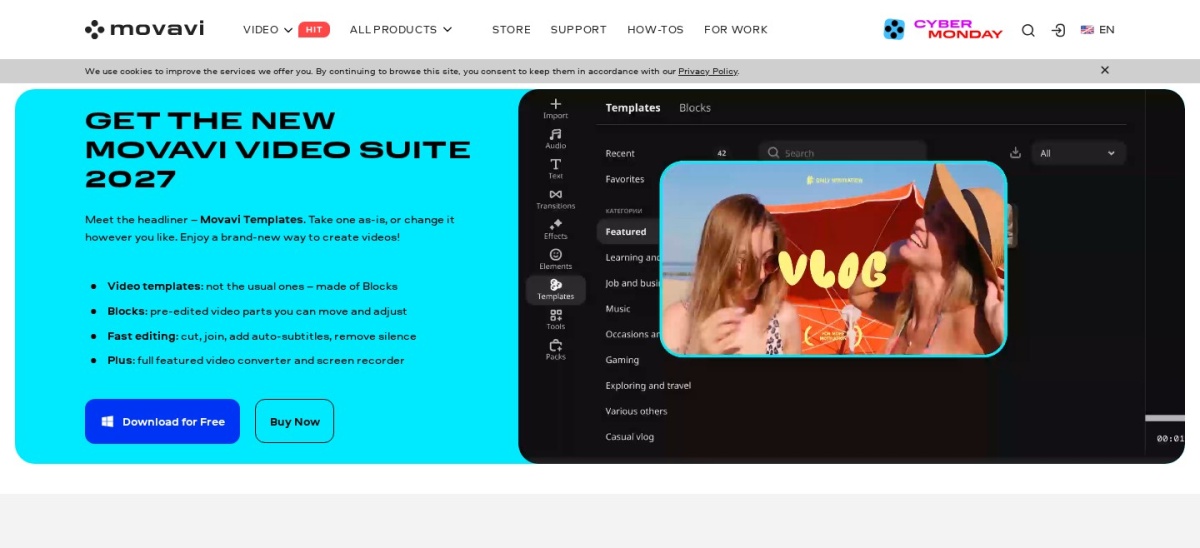
Movavi Video Editor is a simple desktop editor for Windows and Mac with block-based templates, cut and crop tools, auto subtitles, motion tracking and slow motion. It holds a 4.8 out of 5 rating across 1,135 Capterra reviews, the highest score in this list.
The trade off is a tight free version. Exports are watermarked and capped at 60 seconds until you pay, and the full templates and effects libraries are optional add-ons. It suits beginners and small creators who want a first video to look polished.
What we like
4.8 out of 5 on Capterra from 1,135 reviews
Templates give every video a ready structure
AI tools run without credits
Monthly billing is $19.95 if needed
Watch out for
Free exports capped at 60 seconds
Full template library costs extra
Fewer advanced tools than pro suites
Paid removes the watermark and the 60-second export cap.Visit movavi.com
09
Lightworks
4.2/5on Capterra (34 reviews, checked Nov 2026)
Paid from$20/mo
Best free pro timeline for filmmakers
PlatformsWindows, macOS, Linux
Free planYes, 720p export
TimelineMulti-track, precision trim
Paid planCreate, $20/mo
lwks.com
Lightworks homepage, captured Nov 2026.
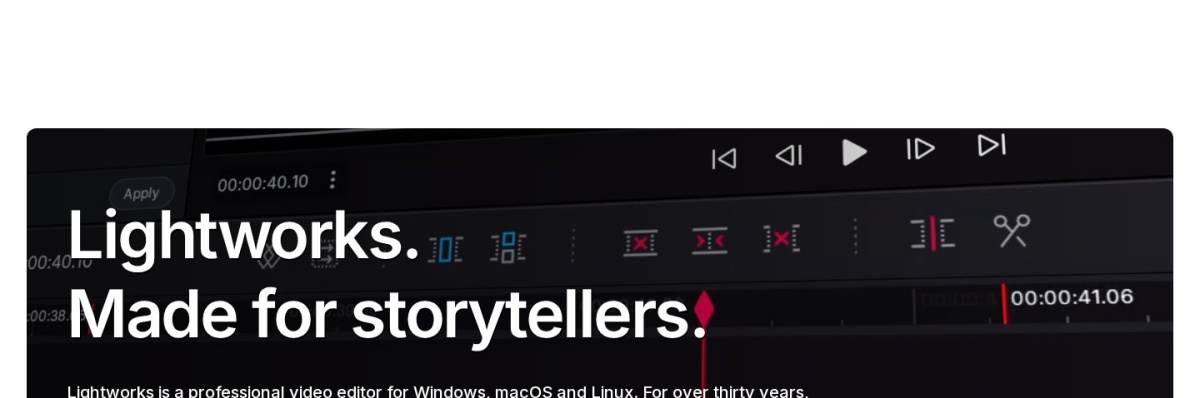
Lightworks is a film-grade editor that has cut real feature films, and its free version runs on Windows, Mac and Linux with precise timeline editing, HDR support and 27 automatic filters. The free plan exports at 720p with no watermark.
The trade off is a hard interface and a dear paid tier. Create costs $20 a month per user for 4K export and social templates, and the layout confuses beginners. It suits filmmakers who want a pro timeline for free.
What we like
4.2 out of 5 on Capterra from 34 reviews
Free on Windows, Mac and Linux
Used on real feature films
720p export free with no watermark
Watch out for
Create plan is $20 a month
Interface has a steep learning curve
Few tutorials for new users
Paid adds 4K export, social templates and proxy editing.Visit lwks.com
Free vs paid: what you give up
Free plans cover the basics well. Most include a full timeline, trimming and titles, and two of them export without a watermark.
Paid plans mostly add resolution and assets. You get 4K export, premium templates, stock media and AI tools that stay locked in the free version.
If you edit every week, the first year of a paid plan often costs less than one missed deadline. Our guide to embedding a video in WordPress covers what happens after the export.
For a channel or a client project, pick the cheapest tool that covers your format: short social clips need little more than CapCut, while client work needs a pro timeline.
How we chose
We started from the editors most often named as DaVinci Resolve alternatives in G2 comparisons and video-editing roundups, then kept nine with a public rating, a public price and a real free plan or trial.
Prices come from each vendor's pricing page or a price tracker that read it, checked on 29 November 2026. Ratings and review counts come from G2 and Capterra on the same day. Where a vendor shows a sale, the list shows the regular price.
We left out editors with no public rating and HitFilm, whose new licenses were discontinued in 2025. No vendor paid for a place, and we do not claim to have used these tools ourselves.
How to choose a DaVinci Resolve alternative
Start with your main format, then match the price to how often you edit.
Name your main format. Long-form client work needs a pro timeline like Premiere Pro or Final Cut Pro. Daily social clips fit CapCut or Filmora better.
Check the free plan first. CapCut and Lightworks export for free without a watermark, so try the workflow before paying. See how to resize a video in WordPress if the export size is wrong.
Compare the three-year cost. One-time licenses such as Final Cut Pro at $299.99 cost less over three years than a monthly subscription.
Confirm your platform. Final Cut Pro is Mac only and VEGAS Pro is Windows only. The rest run on Windows and Mac, and Lightworks also runs on Linux.
FAQ
What is the best alternative to DaVinci Resolve?
Adobe Premiere Pro is the best alternative for most professional editors. It holds a 4.5 out of 5 G2 rating from 1,732 reviews, covers the full timeline, color, captions and audio, and links to After Effects and Photoshop at $22.99 a month.
What is the cheapest DaVinci Resolve alternative?
Filmora is the cheapest paid plan here at $49.99 a year. CapCut, Descript, PowerDirector, Movavi and Lightworks all start free, though some free exports carry a watermark or a length cap.
Is there a free alternative to DaVinci Resolve?
Yes. CapCut and Lightworks both export for free without a watermark, and Filmora, Descript, PowerDirector and Movavi offer free versions with limits. Lightworks is the only free pick with a film-grade timeline.
Which DaVinci Resolve alternative is best for beginners?
Filmora is the easiest start at $49.99 a year, with a simple timeline, templates and AI captions. CapCut is the best free start for short social video, and Movavi is the simplest desktop editor for vlogs.
Which is better, Premiere Pro or Final Cut Pro?
Premiere Pro is better for cross-platform client work and Adobe workflows, at $22.99 a month with a 4.5 G2 rating. Final Cut Pro is better for Mac-only editors who want one $299.99 payment and the fastest 4K export on Apple silicon.
Which DaVinci Resolve alternative is best for Mac?
Final Cut Pro is the best Mac pick, bought once for $299.99 with a 90-day trial and the fastest export on Apple silicon. Premiere Pro, Filmora, CapCut, Descript, PowerDirector, Movavi and Lightworks all run on Mac too.
Do any DaVinci Resolve alternatives work on Linux?
Yes, Lightworks runs on Windows, Mac and Linux, with a free version that exports at 720p. The other eight tools in this list are Windows and Mac only, except Final Cut Pro and VEGAS Pro, which are tied to one system each.
SaaS SEO and WordPress specialist with about 8 years of experience. Rakib compares WordPress plugins, themes, hosting and software using public pricing, documentation and user reviews. See how we rank.