DaVinci Resolve is the best software for anime video editing for most creators. Its free version includes a full editor, color grading and effects, and it holds a 4.7 out of 5 rating on G2. Pick CapCut for fast template edits on your phone, or Blender if you also want to draw 2D animation.
How we make this list: we compare pricing pages, product documentation and public user reviews, then re-check every price before each update. No product paid for a place. Disclosure.
DaVinci Resolve is the only free editor here with pro-grade color tools, and Studio costs $295 once, never a subscription.
CapCut is the default editor for AMV creators, with templates, keyframes and beat-matched transitions, free with a $179.99 a year Pro plan.
Blender is free and the only pick that also draws 2D animation, with Grease Pencil beside its video editor.
Premiere Pro costs $22.99 a month, marked as a first-year price for new subscribers, so check the renewal price before you commit.
Final Cut Pro and DaVinci Resolve Studio are the only one-time purchases; every other paid plan here is a subscription.
What anime editing needs from an editor
Anime edits, often called AMVs, cut music to fast clips, freeze frames and color shifts. An editor needs precise keyframes, speed ramps and a color page that can push saturated anime palettes without banding.
Templates and beat sync matter more here than in most editing. CapCut and Filmora ship anime-style transitions and auto beat detection, while Resolve and Premiere Pro give you manual control over every cut.
If you publish on YouTube, the finished video still has to load fast on the page. Our guide on embedding videos in WordPress shows how embeds affect page speed once the edit is done.
Price shapes the choice as much as features. Six of the nine editors here have a genuinely useful free version, and the cheapest paid plan starts at $49.95 a year.
DaVinci Resolve is a free professional editor from Blackmagic Design that covers editing, color grading, effects and audio in one app. The free version handles 8-bit video up to Ultra HD at 60 fps, which covers most anime clips, and its color page is the strongest free grading tool in this list.
The trade off is the learning curve and the Studio paywall for advanced tools. AI features, noise reduction, 10-bit video and 120 fps need Studio at $295 once, with no subscription. It suits creators who want pro color control without a monthly bill.
Adobe Premiere Pro is the subscription editor most professional AMV and YouTube creators use. It pairs a precise timeline with text-based editing, auto captions, speech enhancement and a huge plug-in library, plus 100 GB of cloud storage and Frame.io on the single-app plan.
The trade off is price and the renewal question. The $22.99 a month plan is annual, billed monthly, and Adobe marks it as a first-year price for new subscribers, so confirm what year two costs. It suits creators who earn from their edits or work with others on Adobe files.
What we like
Deepest plug-in and template library
Text-based editing and auto captions
Frame.io review tools included
Works with After Effects and Audition
Watch out for
No free plan, only a 7-day trial
$22.99 is a first-year price
Heavy on modest computers
Creative Cloud Pro adds 20+ Adobe apps for $69.99 a monthVisit adobe.com
03
CapCut
4.6/5on App Store (1,127,195 reviews, checked Nov 2026)
Paid from$179.99/yr
Best for fast AMVs and templates
Free versionYes
Pro plan$179.99/yr
Auto-captionsYes, built in
PlatformsMac, Windows, iOS, Android, web
capcut.com
CapCut homepage, captured Nov 2026.
CapCut is the free editor from ByteDance behind most short AMVs on TikTok and YouTube Shorts. It offers keyframe animation, speed curves, chroma key, auto-captions and a huge template library, with free exports and no watermark on basic edits.
The trade off is the Pro paywall and availability. Pro costs $19.99 a month or $179.99 a year and unlocks 4K export, premium effects and cloud storage, and US availability has been interrupted before. It suits creators who edit on their phone and publish daily.
What we like
Free with no watermark on basic exports
Anime templates and beat-matched transitions
Keyframes and speed curves included
Same project on phone, desktop and web
Watch out for
Pro jumped to $19.99 a month in 2026
US availability has been interrupted before
Support and refund complaints are common
Pro adds 4K export, premium effects and cloud storageVisit capcut.com
04
Wondershare Filmora
4.5/5on Capterra (736 reviews, checked Nov 2026)
Paid from$49.99/yr
Best beginner editor with effects
Free versionYes, watermarked
Basic plan$49.99/yr
Creative assets2.9M+
PlatformsWindows, Mac, iOS, Android
filmora.wondershare.com
Wondershare Filmora homepage, captured Nov 2026.
Wondershare Filmora is a beginner-friendly editor from Wondershare with a drag-and-drop timeline, 2.9M+ creative assets and AI tools for captions, reframing and cutout. The free version exports with a watermark, while Basic at $49.99 a year removes it and adds 4K export.
The trade off is AI credits and depth. Advanced AI features run on credits, with 1,000 a month on the $59.99 a year Advanced plan, and the editor lacks the color and audio depth of Resolve or Premiere Pro. It suits new AMV creators who want fast, good-looking results.
Blender is a free, open-source 3D suite with a built-in video editor and Grease Pencil, a 2D animation toolset used for anime-style drawing. You can sketch and animate characters, then cut the result in the same app with up to 32 video and audio tracks.
The trade off is that editing is secondary here. The Video Sequence Editor lacks some conveniences of a dedicated editor, such as proxy media, and the interface takes time to learn. It suits creators who animate their own clips as well as editing them.
Final Cut Pro is Apple's one-time-purchase editor for Mac, priced at $299.99 with no subscription. Its magnetic timeline, background rendering and fast handling of 4K and 8K footage make long AMV timelines feel quick, and it works smoothly with Motion and Compressor.
The trade off is platform lock-in and price. It runs only on Mac, and the $299.99 is paid up front with no free plan. It suits Mac owners who want a fast editor they own outright and never pay for again.
What we like
One-time $299.99, no subscription
Fast rendering of the Mac editors here
Magnetic timeline keeps clips in sync
Deep Apple ecosystem fit
Watch out for
Mac only, no Windows version
No free plan
Fewer third-party plug-ins than Premiere Pro
Apple also sells it in a $12.99 a month Creator Studio bundleVisit apple.com
07
CyberLink PowerDirector
4.4/5on G2 (57 reviews, checked Nov 2026)
Paid from$79.99/yr
Best templates and AI tools for beginners
Free versionYes
365 plan$79.99/yr
Cloud storage50 GB
PlatformsWindows, Mac, mobile
cyberlink.com
CyberLink PowerDirector homepage, captured Nov 2026.
CyberLink PowerDirector is CyberLink's editor for Windows, Mac and mobile, built around templates, AI tools and a large stock library. The free version covers basic timeline editing, while PowerDirector 365 at $79.99 a year adds 50 GB of cloud storage and 1,200 AI credits a year.
The trade off is stability and the sale price. Some users report crashes on heavy projects, and the 365 plan is often shown on sale at $59.99 against the $79.99 list price. It suits creators who want guided templates and AI effects without learning a pro editor.
4.8/5on Capterra (1,135 reviews, checked Nov 2026)
Paid from$49.95/yr
Best simplest editor for beginners
Free versionYes, watermarked
1-year plan$49.95/yr
Trial7 days
PlatformsWindows, Mac
movavi.com
Movavi Video Editor homepage, captured Nov 2026.
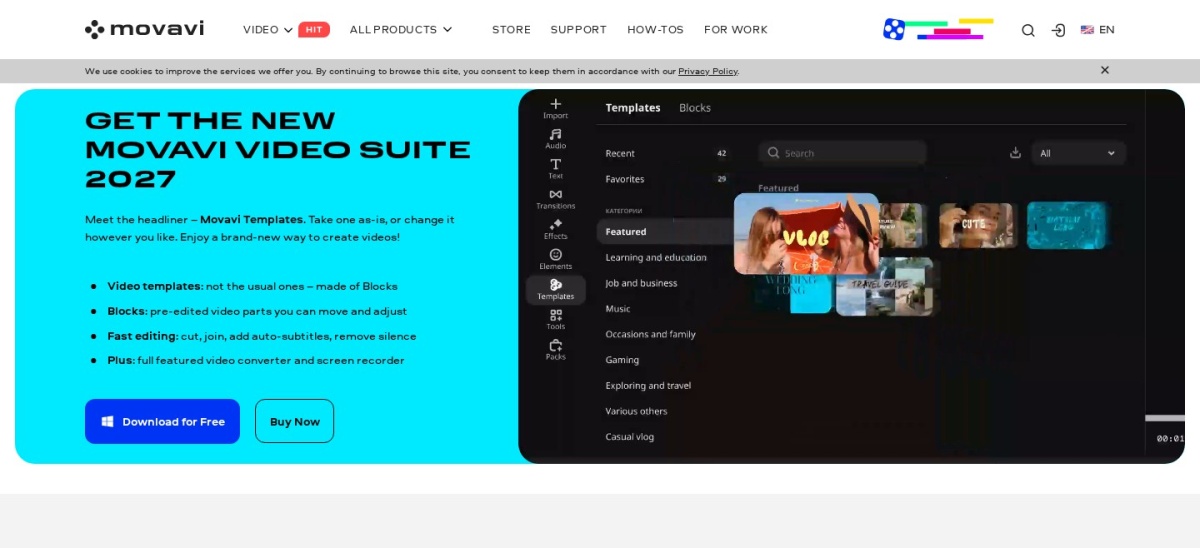
Movavi Video Editor is a simple desktop editor for Windows and Mac with block-based templates, cut and crop tools, auto subtitles, motion tracking and slow motion. The free version watermarks exports and caps them at 60 seconds, while the 1-year plan costs $49.95.
The trade off is depth and the sale cycle. It has fewer advanced tools than Filmora or Resolve, and the 1-year price is often shown as a sale against a higher list price. It suits first-time editors who want a finished AMV in an evening.
What we like
Simplest interface in this list
Highest Capterra rating here, 4.8 out of 5
Auto subtitles and motion tracking included
Low 1-year price
Watch out for
Free exports watermarked and capped at 60 seconds
Fewer advanced tools than rivals
List price is higher than the sale price shown
Plus adds effects packs and more AI tools for $69.95 a yearVisit movavi.com
09
VEGAS Pro
4.3/5on G2 (107 reviews, checked Nov 2026)
Starts at$99.95/yr
Best for Windows editors who want audio depth
Free versionNo, 15-day trial
Annual plan$99.95/yr
Perpetual$219.95
PlatformsWindows only
vegascreativesoftware.com
VEGAS Pro homepage, captured Nov 2026.
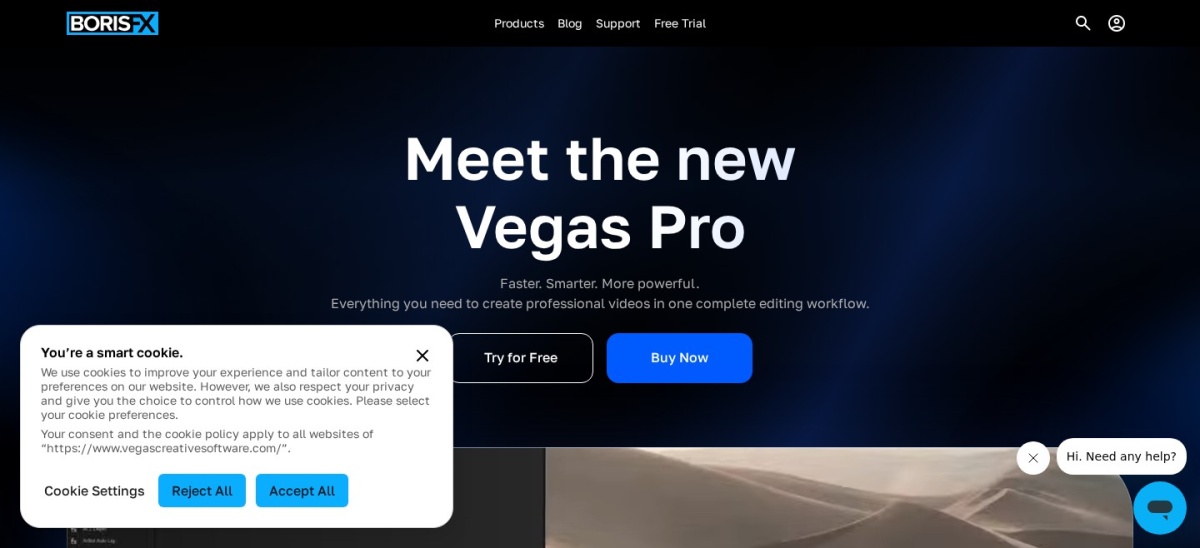
VEGAS Pro is a Windows-only editor now sold by Boris FX, known for a fast timeline and strong audio tools. The annual subscription costs $99.95 a year, the monthly plan is $17.95, and a perpetual license costs $219.95 for editors who dislike subscriptions.
The trade off is platform and support. It runs only on Windows, and G2 reviewers mention crashes and slow support, while offline AI features are subscription-only. It suits Windows editors who cut music-heavy AMVs and want a perpetual license option.
Keyframes are the core skill. Speed ramps, zooms and shake effects all ride on keyframes, so an editor without easy keyframing will slow every AMV down.
Beat sync saves hours. Editors that detect music beats and snap cuts to them, such as CapCut and Filmora, finish a first draft far faster than manual cutting.
Color sells the anime look. Saturated palettes and clean gradients need a color page that holds up at export; Resolve's free color tools are the strongest here.
Subtitles matter for lyrics. AMVs often carry song lyrics on screen, so built-in auto-captions in CapCut, Premiere Pro and Movavi cut a real chore down to minutes.
How we chose
We started from the editors AMV creators and anime YouTubers actually name, then kept nine with a real desktop or mobile editor, a public price and a verifiable rating.
Prices come from each vendor's pricing page or a tracker that read it, checked on 26 November 2026. Ratings come from G2 or Capterra on the same day, except CapCut, whose desktop listings are thin, so its rating comes from the App Store. Where a vendor shows a sale, the list shows the regular price.
We left out HitFilm, whose site is unreachable and whose maker has shut the product down, and OpenToonz, which has no public rating. No vendor paid for a place, and we do not claim to have used these tools ourselves.
How to choose anime video editing software
Start with the device you edit on, then match the editor to the AMVs you make.
Match the editor to your device. Final Cut Pro is Mac only and VEGAS Pro is Windows only. Resolve, Premiere Pro, CapCut, Filmora, Blender, PowerDirector and Movavi run on both desktop systems.
Decide how much you will animate. If you only cut clips to music, any editor here works. If you draw your own scenes, Blender's Grease Pencil is the only free 2D animation tool in the list.
Try the free version first. Resolve, CapCut, Filmora, Blender, PowerDirector and Movavi all have a free version. Cut one full AMV in it before paying for anything.
Check the export before you publish. Confirm the free or paid plan exports at the resolution you need without a watermark. Our guide on self-hosted video vs YouTube embeds explains what happens to quality after upload.
FAQ
What is the best software for anime video editing?
DaVinci Resolve is the best pick for most creators. Its free version includes a full editor, color grading and effects, and it is rated 4.7 out of 5 on G2. CapCut is the faster choice for short phone edits with templates.
Is there a free anime video editor?
Yes. DaVinci Resolve, CapCut and Blender are free with no watermark on most exports. Filmora, PowerDirector and Movavi also have free versions, but their free exports carry a watermark.
Which editor do AMV creators use most?
CapCut is the most common choice for short AMVs on TikTok and YouTube Shorts, thanks to templates and beat sync. Longer AMVs on YouTube are usually cut in Premiere Pro or DaVinci Resolve.
Can I edit anime videos on my phone?
Yes. CapCut runs on iOS and Android with keyframes, speed curves and templates, and PowerDirector and Filmora also have mobile apps. Phone edits work best for short clips under a few minutes.
Do I need to draw to make anime videos?
No. Most anime edits reuse existing clips cut to music, which needs no drawing at all. Drawing only matters if you animate original scenes, and Blender's Grease Pencil is the free tool for that.
What is the cheapest paid anime video editor?
Blender costs nothing at all. Among paid plans, Movavi Video Editor is $49.95 a year and Filmora Basic is $49.99 a year. Both remove watermarks and unlock full exports.
SaaS SEO and WordPress specialist with about 8 years of experience. Rakib compares WordPress plugins, themes, hosting and software using public pricing, documentation and user reviews. See how we rank.