Monday is the best of these CoSchedule alternatives for most marketing teams, with boards, timelines and a calendar from nine dollars a seat a month. ClickUp fits teams that want docs and tasks in one place, while Loomly fits social teams that need approvals.
How we make this list: we compare pricing pages, product documentation and public user reviews, then re-check every price before each update. No product paid for a place. Disclosure.
Monday.com is the highest rated here at 4.7 out of 5 on G2, with a free plan for up to 2 seats.
Trello is the cheapest paid option at $5 a user a month billed yearly, while Hootsuite is the dearest at $99 a month.
ClickUp lists a regular price of $12 a user a month billed yearly; its pricing page showed a $9 promotional price on 23 November 2026.
Seven of the 9 tools have a free plan, but only Loomly and Planable are calendar-first for social work.
Loomly Starter costs $49 a month for 3 users and 12 accounts, with approvals on the cheapest tier.
How do you choose between CoSchedule alternatives?
CoSchedule is the only tool built first as a marketing calendar, so the first question is whether you need a calendar-first tool or a work platform with a calendar view. Loomly and Planable are calendar-first, while monday.com, Asana and ClickUp are work platforms.
Approvals decide the shortlist for social teams. Loomly includes approvals on its $49 Starter plan, Planable builds its whole product around them, and Hootsuite charges $399 a user for them.
Free plans are real here. Monday.com, ClickUp, Notion, Asana, Airtable and Trello all let a small team start free, so pay only when the team grows.
Seat minimums matter. Monday.com charges for at least 3 seats on paid plans, while Trello and ClickUp charge per user with no minimum.
Ratings are close at the top. Monday.com, ClickUp and Notion all hold 4.7 out of 5 on G2, while Hootsuite trails at 4.3.
monday.com is a visual work platform where marketing work lives on colour-coded boards with calendar, timeline and kanban views. The free plan covers up to 2 seats, and the Basic plan costs $9 a seat a month billed yearly, with a 3-seat minimum on paid plans.
The trade off is that the calendar is one view among many, not the whole product. Teams that want a calendar-first tool may find monday.com too broad. It suits marketing teams that plan campaigns beside the rest of the company.
ClickUp is an all-in-one workspace that puts tasks, docs, goals and a calendar in one place. The free plan covers unlimited tasks, and Core costs $12 a user a month as the regular price, with Business at $17 and a free plan that already includes the calendar view.
The trade off is depth. ClickUp covers so much that setup takes time, and teams that only need a calendar may find it heavy. It suits teams that want docs and tasks beside the calendar.
Notion is a docs and database workspace where campaign briefs, content databases and calendar views share one place. The free plan covers individuals, and Plus costs $10 a user a month billed yearly with unlimited file uploads and more guests.
The trade off is that it is a database, not a scheduler. Social publishing needs another tool, and the calendar is a view of a database rather than a purpose-built planner. It suits small teams that plan in docs.
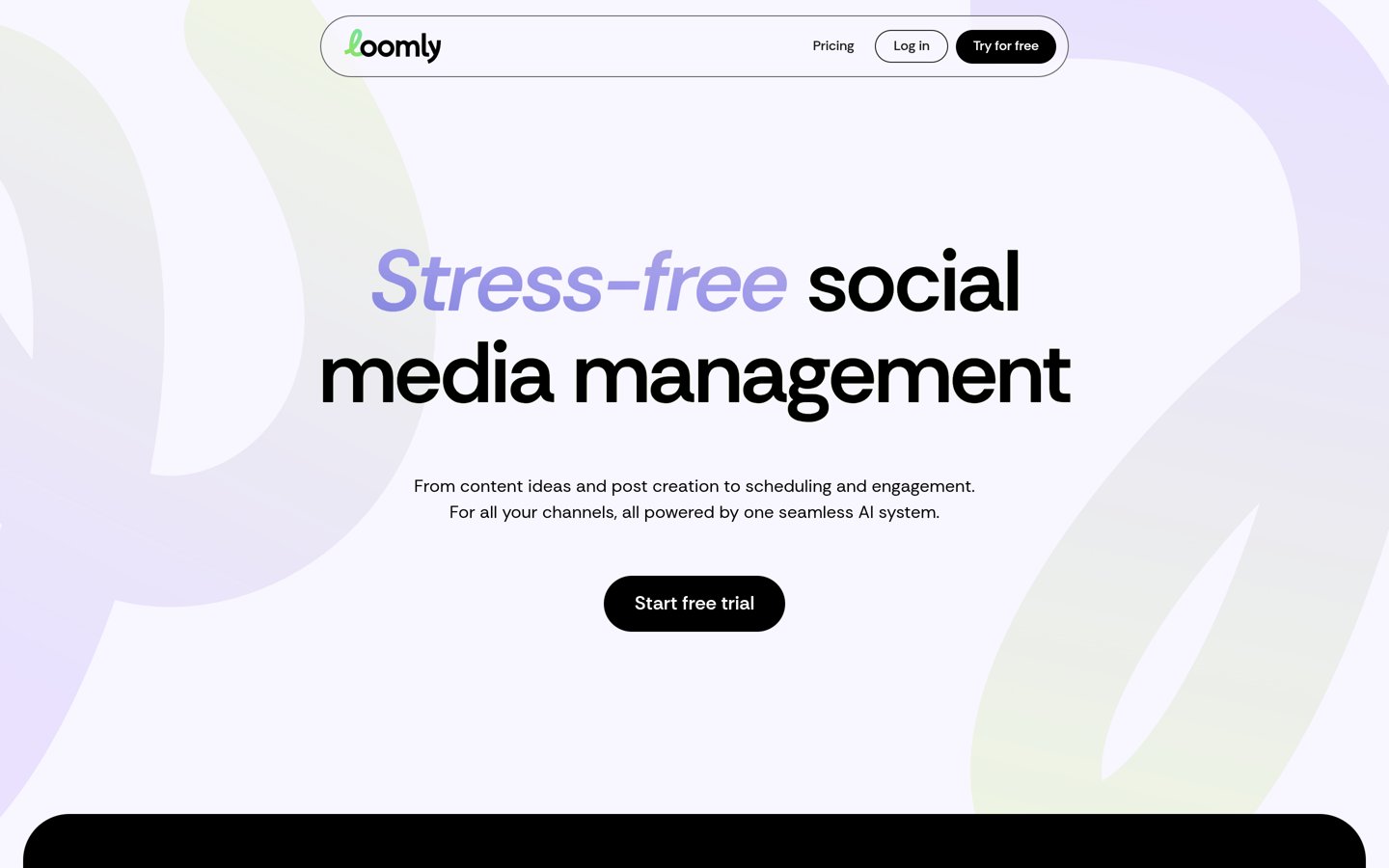
Loomly is a calendar-first social media scheduler with approval workflows, roles, post previews and analytics built around one shared calendar. Starter costs $49 a month billed yearly for 12 social accounts and 3 users, and Beyond at $249 covers 60 accounts.
The trade off is price per team. Starter is a flat $49 a month for three users, so a solo marketer pays the same as a team of three. It suits social teams where every post needs sign-off.
Asana is a work management platform where marketing campaigns run as structured tasks with timelines, calendars and request forms. The free plan covers small teams, and Starter costs $10.99 a user a month billed yearly, with Advanced at $24.99 adding goals and reporting.
The trade off is that the timeline view needs a paid plan, and Asana is a general work tool rather than a marketing calendar. It suits teams that already run company work in Asana.
Airtable is a database platform where campaign plans live as linked records with calendar, kanban and gallery views. The free plan covers small bases, and Team costs $20 a seat a month billed yearly with more records, automations and sync options.
The trade off is that it is a database first. Social scheduling needs an integration, and the price per seat is higher than the work platforms here. It suits data-led teams that plan from structured records.
Trello is a kanban board tool where marketing work moves across lists, with a calendar view on paid plans and unlimited cards on the free plan. Standard costs $5 a user a month billed yearly, the cheapest paid option in this list, and Premium at $10 adds timeline and dashboard views.
The trade off is simplicity. Trello has no built-in social publishing, approvals or reporting depth, so larger teams outgrow it. It suits small teams that want a simple shared calendar.
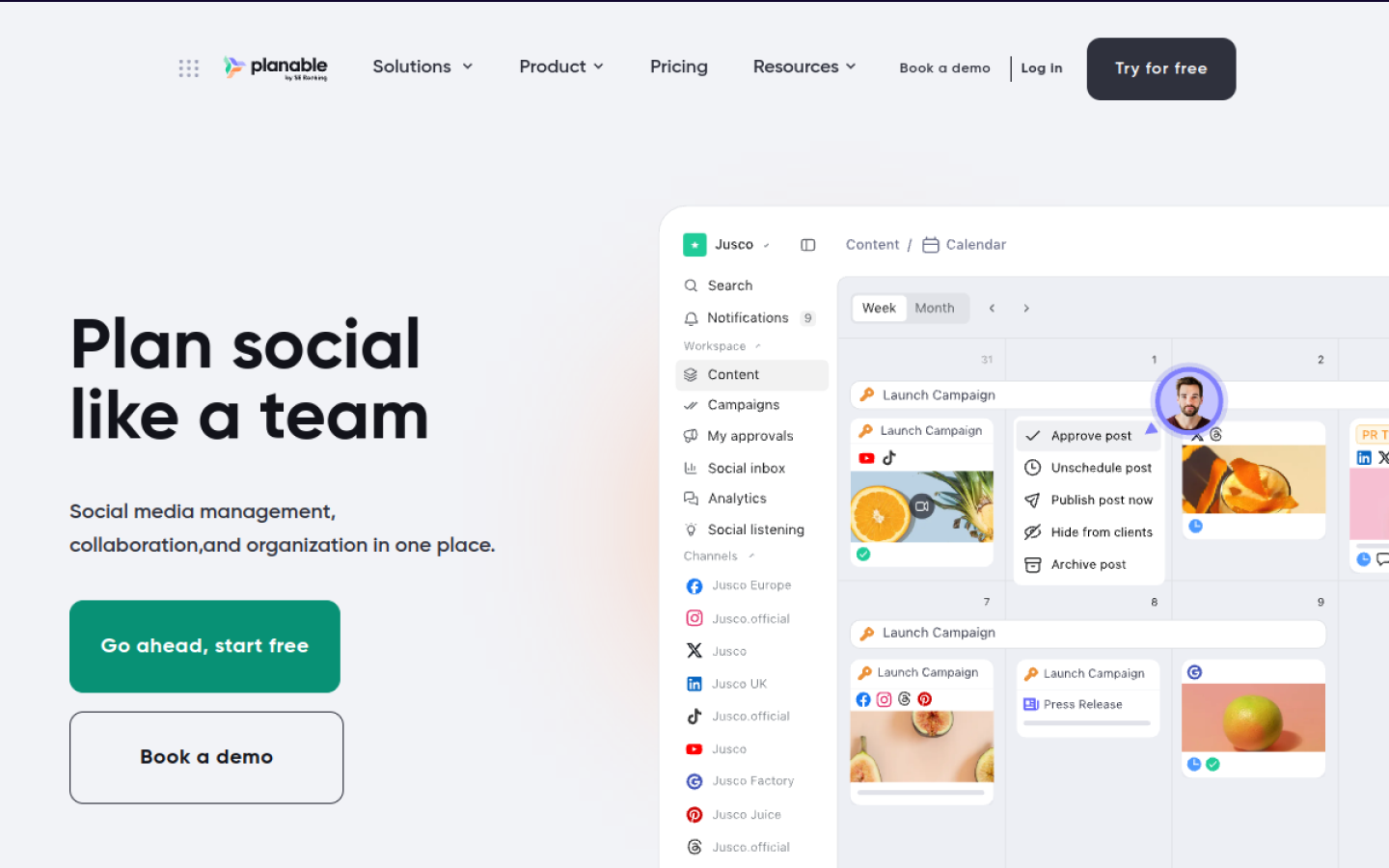
Planable is a content collaboration platform where social posts are planned, previewed and approved in a shared calendar before publishing. The free plan covers 50 posts, and Basic costs $39 a workspace a month with unlimited users, so a whole team shares one bill.
The trade off is that it is a review tool, not a full planner. Blog and email calendars need another tool, and publishing is limited to social channels. It suits social teams where approvals are the bottleneck.
Hootsuite is a social media management platform for large teams, with scheduling, monitoring, analytics and team workflows across many networks. Professional costs $99 a user a month, and approval workflows move up to Advanced at $399 a user a month.
The trade off is price. It is the dearest tool in this list, and approval workflows need the Advanced tier, so small teams pay enterprise prices. It suits large social teams with many accounts.
Calendar-first tools vs work platforms: which fits
Calendar-first tools like Loomly and Planable put the calendar on the home screen, with posts, previews and approvals built around it.
Work platforms like monday.com, Asana and ClickUp put tasks first and offer the calendar as one view among many.
If your week is mostly social posts, pick calendar-first. If marketing work sits beside product and sales work, pick a work platform.
How we chose
We started from the marketing calendar and project tools G2 lists beside CoSchedule, then kept those with a verifiable G2 rating and a published price.
Prices come from each vendor pricing page, checked on 29 November 2026. Ratings and review counts come from G2 on the same day. Where a vendor shows a sale, the list shows the regular price.
We left out quote-only enterprise tools and single-channel schedulers with no calendar view. No vendor paid for a place, and we do not claim hands-on testing for this list.
How to choose a CoSchedule alternative
Start with what your calendar must hold, then check approvals and seat minimums.
List what the calendar holds. Blog, email and social need different tools, so list every channel before you shortlist.
Check approvals. If posts need sign-off, confirm approvals sit on the tier you can afford, not only on enterprise plans.
Count the seats. Check seat minimums and per-user pricing for your real team size, because a 3-seat minimum triples a solo bill.
Trial with real posts. Run two weeks of real posts through a trial and check previews, scheduling and reporting before you commit.
FAQ
What is the best CoSchedule alternative in 2026?
Monday.com is the best CoSchedule alternative for most marketing teams. It holds a 4.7 out of 5 G2 rating, with boards, timelines and a calendar from $9 a seat a month.
Is there a free CoSchedule alternative?
Yes. Trello, ClickUp, Notion, Asana, monday.com and Airtable all offer free plans, and Planable offers a free plan for 50 posts. Loomly and Hootsuite offer trials only.
Which CoSchedule alternative is best for social media?
Loomly is the best social pick, with a calendar-first view, approval workflows and roles from $49 a month. Planable is better when post previews and approvals matter most.
How much does a CoSchedule alternative cost?
Paid plans start at $5 a user a month for Trello Standard and run to $99 a user a month for Hootsuite Professional. Monday.com Basic costs $9 a seat a month.
Monday.com vs ClickUp: which should I pick?
Pick monday.com if you want the easiest boards to read and the highest G2 rating. Pick ClickUp if you want docs, goals and time tracking in the same workspace.
Loomly vs Hootsuite: which is better for approvals?
Loomly is better for approvals on a budget, with workflows on its $49 Starter plan. Hootsuite needs Advanced at $399 a user a month for the same feature.
SaaS SEO and WordPress specialist with about 8 years of experience. Rakib compares WordPress plugins, themes, hosting and software using public pricing, documentation and user reviews. See how we rank.