Best Marketing Project Management Tools in 2026: 9 Tools Compared
WLWPLegible EditorsLast verified 23 Nov 2026How we rank12 min read
★ Short answer
monday.com is the best marketing project management tool for most teams, with visual boards, automations and a 4.7/5 G2 rating from 17,182 reviews. Pick ClickUp for the deepest all-in-one workspace at $12 a user a month, or Hive for the cheapest paid start at $5 a user a month.
How we make this list: we compare pricing pages, product documentation and public user reviews, then re-check every price before each update. No product paid for a place. Disclosure.
monday.com leads this list with a 4.7/5 G2 rating from 17,182 reviews and the most flexible boards for marketing teams.
ClickUp gives the deepest all-in-one workspace, with Core at $12 a user a month as the regular price.
Hive is the cheapest paid start at $5 a user a month, with a free plan for up to 10 users.
CoSchedule is the only calendar-first pick, with its Marketing Calendar at $29 a month.
Adobe Workfront is quote only and takes about 4 months to implement, so it fits enterprise marketing teams.
What marketing project management tools do
A marketing project management tool keeps campaigns, content and deadlines in one place, so the team can see what is due, who owns it and what is blocked.
The billing unit is the first thing to check. monday.com, Asana, ClickUp, Wrike, Hive, Trello and Teamwork.com all charge per seat or user, while CoSchedule charges per month and Workfront is quote only.
The second thing is where the marketing features live. CoSchedule is built around the calendar, Workfront around enterprise approvals, and the rest are general work platforms with marketing templates.
Free plans are real here. Asana, monday.com, ClickUp, Wrike, Hive, Trello and Teamwork.com all let a small team start free, so pay only when the team grows.
monday.com is the visual work platform in this list: boards, timelines and calendars share one view, and automations move work between stages without manual updates. Basic costs $9 per seat a month billed annually, with a free plan for up to 2 seats, and Standard at $12 adds the Gantt view.
The trade off is the seat minimum. Paid plans start at 3 seats, so a solo marketer pays for three, and dependencies, time tracking and workload views need Pro at $19 a seat a month. It suits teams of three or more that want a board they can shape to any campaign.
What we like
Most flexible boards in this list
Highest G2 rating at 4.7/5
Automations on every paid plan
Free plan for up to 2 seats
Watch out for
Paid plans start at 3 seats
Gantt needs Standard at $12
Workload and time tracking need Pro
Basic $9/seat/mo billed annually, free plan includedVisit monday.com
02
ClickUp
4.6/5on G2 (14,878 reviews, checked Nov 2026)
Paid from$12/user/mo
Best all-in-one value
Core$12/user/mo
Business$17/user/mo
Free Forever$0
GanttFrom Core
clickup.com
ClickUp homepage, captured Nov 2026.
ClickUp is the all-in-one workspace in this list: tasks, docs, chat, goals and time tracking live in one app, so a campaign rarely needs a second tool. Core lists $12 per user a month as the regular price billed yearly, with $9 shown as a limited offer, and the Free Forever plan covers unlimited tasks.
The trade off is the learning curve. Reviewers praise the depth but warn that big workspaces can feel slow and that the feature count takes time to learn. It suits teams that want one workspace for everything and are willing to set it up properly.
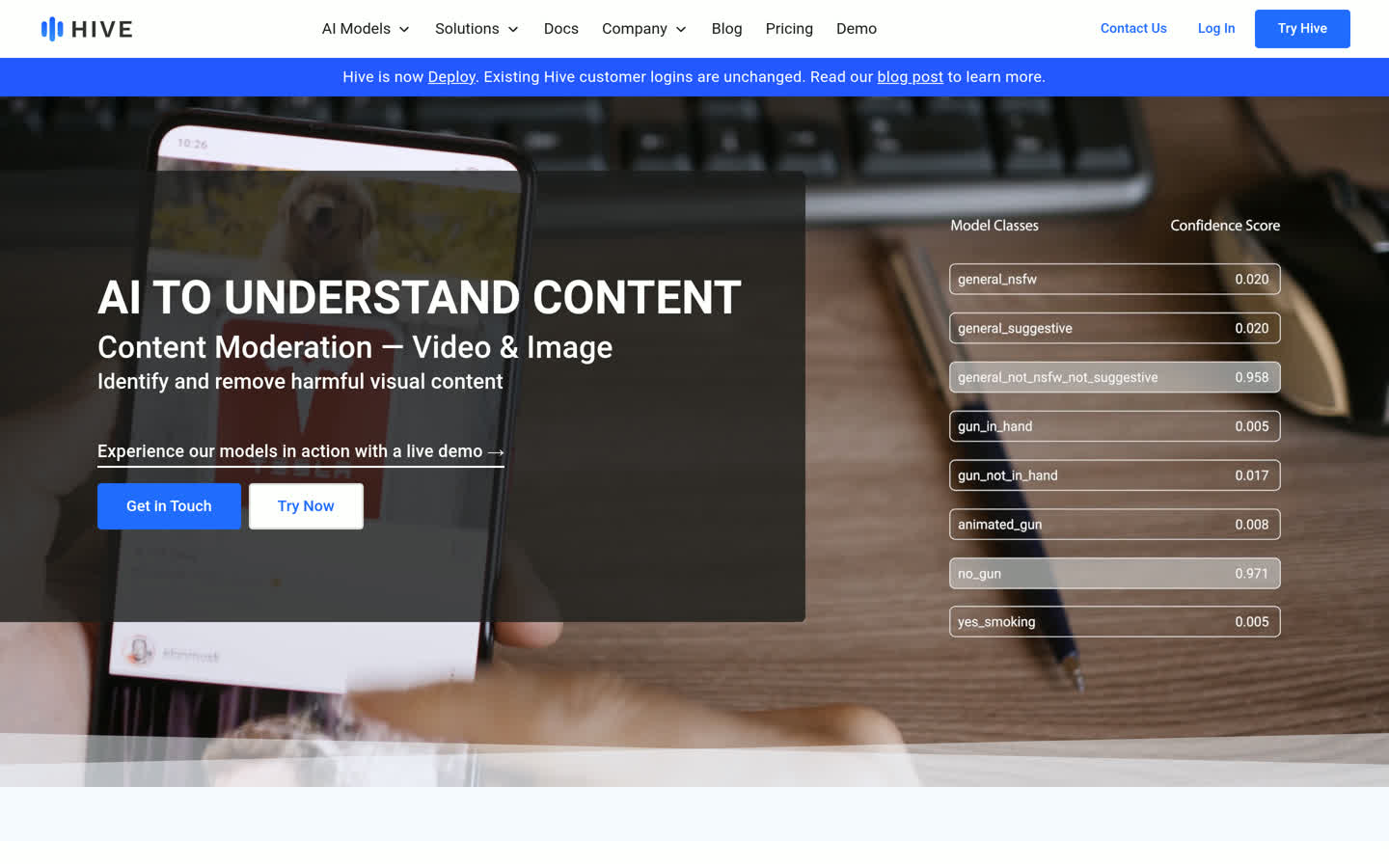
Hive is the cheapest paid start in this list: Starter costs $5 per user a month, and the free plan covers up to 10 users with no card required. It pairs project views with built-in time tracking, resourcing and more than 1,000 integrations, so small marketing teams get a full workspace early.
The trade off is the smaller review base. Hive holds 4.6/5 on G2 but from only 679 reviews, against 17,182 for monday.com, so the score rests on fewer voices. It suits small teams that want a low-cost start and do not need enterprise reporting.
What we like
Cheapest paid plan at $5 a user
Free plan for up to 10 users
1,000+ integrations
Time tracking built in
Watch out for
Only 679 G2 reviews
AI credits limited on lower plans
Smaller ecosystem than monday.com
Starter $5/user/mo, free plan for up to 10 usersVisit hive.com
04
Asana
4.4/5on G2 (13,930 reviews, checked Nov 2026)
Paid from$10.99/user/mo
Best for structured teams
Starter$10.99/user/mo
Advanced$24.99/user/mo
PersonalFree up to 2 users
TimelineFrom Starter
asana.com
Asana homepage, captured Nov 2026.
Asana is the structured pick in this list: tasks, dependencies and timelines follow a clear model, so a campaign plan is easy to read and hand over. Starter costs $10.99 per user a month billed annually, with a free Personal plan for up to 2 users, and the Timeline view is included from Starter.
The trade off is the upgrade path. Portfolios, approvals and proofing need Advanced at $24.99 a user a month, and reviewers say reports are not very flexible. It suits teams that live in timelines and want a clean, predictable workflow.
What we like
Clean timelines and dependencies
Free guests on Starter
AI Studio on higher plans
14,000+ G2 reviews
Watch out for
Portfolios need Advanced at $24.99
Reports are not very flexible
Notifications are hard to control
Starter $10.99/user/mo billed annually, free plan includedVisit asana.com
05
Trello
4.4/5on G2 (14,064 reviews, checked Nov 2026)
Paid from$5/user/mo
Best simple boards
Standard$5/user/mo
Premium$10/user/mo
Free plan10 collaborators
DependenciesNot built in
trello.com
Trello homepage, captured Nov 2026.
Trello is the simplest board in this list: cards, lists and checklists make a campaign visible in minutes, with no setup project needed. Standard costs $5 per user a month billed annually, and the free plan covers up to 10 collaborators on unlimited cards.
The trade off is depth. Trello has no built-in task dependencies, and views beyond the board need Premium at $10 a user a month. It suits small teams that want a light board for content and social calendars, not a full project system.
What we like
Fastest board to set up
Free plan for 10 collaborators
4.4/5 on G2 from 14,064 reviews
Power-Ups extend the board
Watch out for
No built-in task dependencies
Calendar and timeline need Premium
Weak reporting
Standard $5/user/mo billed annually, free plan includedVisit trello.com
06
Teamwork.com
4.4/5on G2 (1,215 reviews, checked Nov 2026)
Paid from$9.99/user/mo
Best for client work
Basics$9.99/user/mo
Accelerate$24.99/user/mo
Free plan5 users
Client usersFree from Basics
teamwork.com
Teamwork.com homepage, captured Nov 2026.
Teamwork.com is the agency pick in this list: client users are free from the $9.99 Basics plan, and dependencies, Gantt and billable time tracking sit on every plan. It is built around client work, with project templates, invoicing links and a client portal that keeps delivery visible.
The trade off is the smaller review base. Teamwork.com holds 4.4/5 on G2 from 1,215 reviews, far fewer than monday.com or Asana, so the score is less battle-tested. It suits agencies that run client projects and bill time against them.
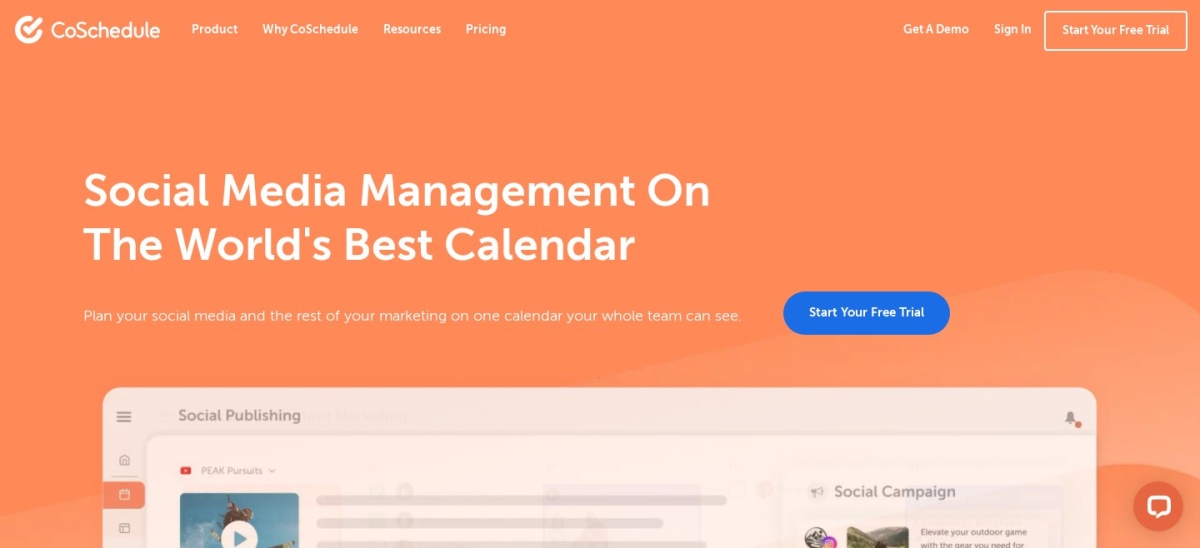
CoSchedule is the calendar-first pick in this list: campaigns, content and social posts share one calendar, so a marketing team sees the whole month at a glance. The Marketing Calendar costs $29 a month billed annually, and a free plan covers scheduling up to 15 posts on one profile.
The trade off is scope. CoSchedule plans content well but is not a full project system, and its G2 base is small at 152 reviews. It suits teams that plan content on a calendar and already run tasks elsewhere, or pair it with a project tool.
Wrike is the complex-workflow pick in this list: custom workflows, request forms and real-time collaboration handle multi-team projects with many moving parts. The Team plan costs $9.80 per user a month, and a free plan covers basic task work for small teams.
The trade off is the rating. Wrike holds 4.2/5 on G2 from 4,529 reviews, the second-lowest score in this list, and reviewers note a long setup. It suits mid-market teams that need deep workflow control and can invest in onboarding.
Adobe Workfront is the enterprise pick in this list: it runs marketing work at scale, with intake, approvals, resource management and executive reporting in one system of record. Pricing is quote only, and it connects to Adobe Experience Manager and Creative Cloud.
The trade off is the cost of entry. Implementation averages about 4 months, and reviewers call the tool complex and pricey for smaller teams. It suits large marketing organisations that already run Adobe tools and need strict approval control.
Seven tools in this list charge per seat or user, so the headline price is only part of the bill. monday.com also sets a 3-seat minimum on paid plans, so a solo marketer pays for three seats.
The tier jump matters more than the entry price. Gantt sits on Standard at monday.com, dependencies need higher tiers at Asana, and workload views need Pro at monday.com.
Before you buy, model the bill at your real team size and the plan that holds the views you need. A $5 or $9 starting price can double once the team grows past the free plan.
How we chose
We started from the best-known project management platforms on G2, then kept those with a live product page, a public rating and a marketing angle.
Prices come from each vendor's pricing page or a corroborating source, checked on 23 November 2026. Where a vendor shows a sale, the list shows the regular price. Ratings and review counts come from G2 on the same day.
This list is based on pricing, docs and reviews, not on using the tools ourselves. We left out tools with no G2 profile or no public rating, and no vendor paid for a place.
How to choose marketing project management tools
Work out how you will be billed before you compare features.
Work out your billing unit. Most tools here charge per seat, so model the cost at your real team size. CoSchedule charges per month and Workfront is quote only.
List the views you need. Boards, timelines, calendars and Gantt charts sit on different tiers, so check the plan that unlocks the view your team actually uses.
Start free where you can. Seven tools in this list offer free plans, so run a real campaign in one before you pay.
Check the upgrade jump. Gantt, workload and approvals often need a higher tier, so know the price of the plan you will actually land on.
FAQ
What is the best marketing project management tool?
monday.com is the best pick for most marketing teams, with visual boards, automations and a 4.7/5 G2 rating from 17,182 reviews. ClickUp is the stronger all-in-one choice, and Hive is the cheapest paid start at $5 a user a month.
How much do marketing project management tools cost?
Hive Starter costs $5 a user a month and Trello Standard $5 a user a month, while monday.com Basic is $9 a seat a month and Asana Starter $10.99 a user a month. CoSchedule starts at $29 a month and Adobe Workfront is quote only.
Is there a free marketing project management tool?
Yes. Asana, monday.com, ClickUp, Wrike, Hive, Trello and Teamwork.com all offer free plans, with limits on users or features. CoSchedule also offers a free plan for scheduling up to 15 posts on one profile.
Which tool is best for marketing agencies?
Teamwork.com is the strongest agency pick, with free client users from its $9.99 Basics plan and billable time tracking on every plan. CoSchedule suits agencies that plan content on a calendar, while monday.com fits agencies that want custom workflows.
Which marketing project management tool is best for small teams?
Hive is the cheapest paid start at $5 a user a month, with a free plan for up to 10 users, while Trello Standard is $5 a user a month with a free plan for 10 collaborators. Both suit small teams, and monday.com fits once the team passes three seats.