Best Marketing Calendar Software in 2026: 9 Tools Compared
WLWPLegible EditorsLast verified 23 Nov 2026How we rank11 min read
★ Short answer
CoSchedule is the best marketing calendar software for most teams. Its Marketing Calendar plan costs $29 a user a month billed yearly and is rated 4.4 out of 5 on G2. Pick monday.com for visual team planning and Loomly for social content approvals.
How we make this list: we compare pricing pages, product documentation and public user reviews, then re-check every price before each update. No product paid for a place. Disclosure.
CoSchedule is the only tool built first as a marketing calendar, at $29 a user a month billed yearly.
monday.com is the highest rated here at 4.7 out of 5 on G2, with a free plan for up to 2 seats.
Trello is the cheapest paid option at $5 a user a month billed yearly, while Hootsuite is the dearest at $99 a month.
ClickUp lists a regular price of $12 a user a month billed yearly; its pricing page showed a $9 promotional price on 23 November 2026.
Six of the 9 tools have a free plan, but only CoSchedule, Loomly and Hootsuite are calendar-first for marketing and social work.
What a marketing calendar should cover
A marketing calendar is one shared view of everything a team plans to publish: blog posts, email, social posts, ads and events. Without it, dates slip and two people write the same post.
Look for drag-and-drop calendar views, clear owners and due dates, and a way to approve work before it goes live. Social scheduling matters if your team posts every day.
Price is usually per user per month, so a $10 tool costs $120 a year for one seat and $1,200 for ten. Check the seat minimum too: monday.com charges for at least 3 seats on paid plans.
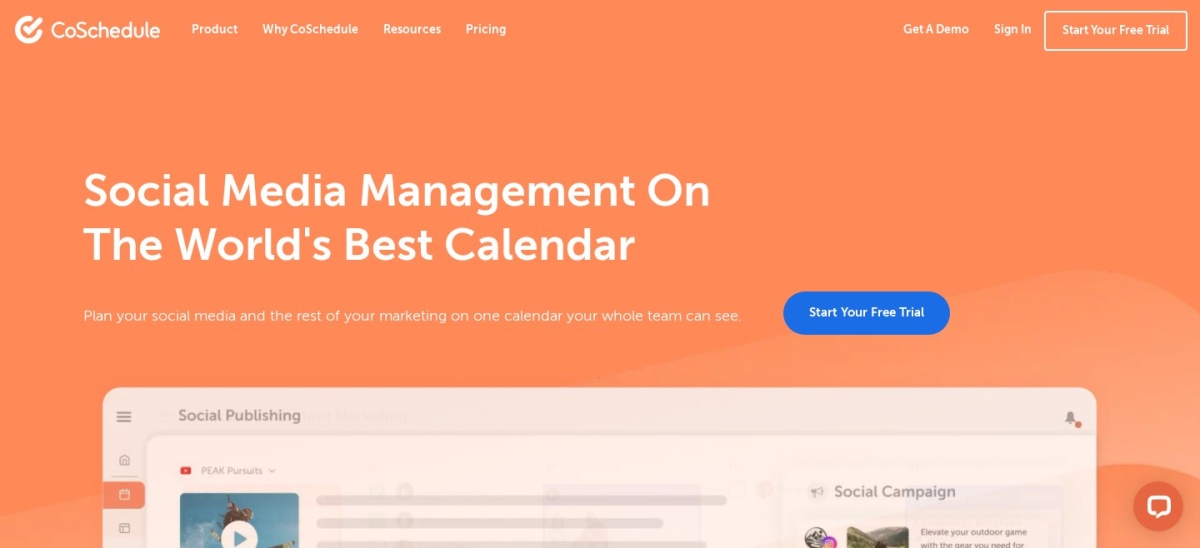
CoSchedule is a calendar-first marketing tool built around one shared calendar for blog, email and social work. The Marketing Calendar plan at $29 a user a month billed yearly includes drag-and-drop scheduling, custom calendar views and social publishing, with 3 social profiles included.
The trade off is cost per seat. There is no free plan, only a 14-day trial, and each extra user costs $29 a month, so a team of five pays $145 a month. It suits small marketing teams that want the calendar itself to be the main workspace.
Monday.com is a visual work platform where marketing work lives on colour-coded boards with calendar, timeline and kanban views. The free plan covers up to 2 seats, and the Basic plan costs $9 a seat a month billed yearly, with a 3-seat minimum on paid plans.
The trade off is that it is a general work tool, not a marketing calendar. Social scheduling and campaign views need setup or extra apps, and the Basic plan has limited automations. It suits teams that plan all their work, not just marketing, in one place.
What we like
Highest G2 rating in this list at 4.7 out of 5
Many views from the same data
Free plan for up to 2 seats
Watch out for
Not built for marketing campaigns out of the box
Paid plans need at least 3 seats
Standard at $12 a seat a month adds more automationsVisit monday.com
03
ClickUp
4.7/5on G2 (14,878 reviews, checked Nov 2026)
Paid from$12/mo
Best value for feature depth
Calendar viewsYes, plus list, board and Gantt
Free planYes, free forever
Automations1,000 runs a month on Core
Paid planCore, $12/user/mo regular
clickup.com
ClickUp homepage, captured Nov 2026.
ClickUp is an all-in-one workspace that puts tasks, docs, goals and a calendar in one place. The free plan covers unlimited tasks, and the Core plan lists a regular price of $12 a user a month billed yearly, with Gantt charts, custom fields and 1,000 automation runs a month.
The trade off is the price on the page. ClickUp showed a $9 promotional price for Core on 23 November 2026, so the $12 figure is the regular price to budget for. It suits teams that want one tool for planning, writing and tracking, with the calendar as one view among many.
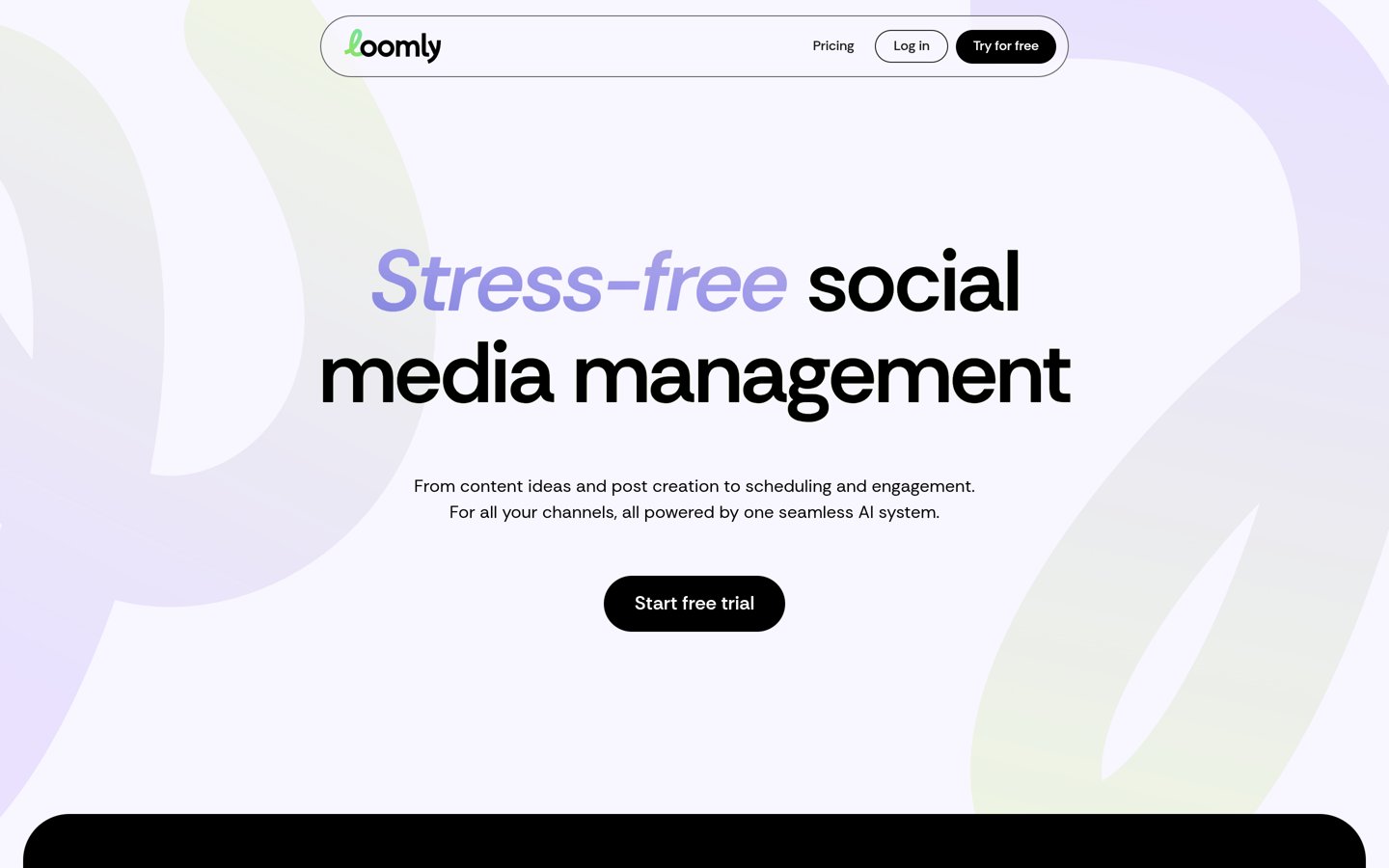
Loomly is a social media calendar built for teams that need to draft, approve and schedule posts. The Starter plan costs $49 a month billed yearly and covers 3 users, 12 social accounts and unlimited calendars, with post ideas and approval workflows included.
The trade off is scope. Loomly plans social content well but does not plan blog posts, email or ads the way CoSchedule does, and there is no free plan. It suits social teams and agencies that need clients or managers to approve posts before they go out.
Asana is a task and project tool with calendar and timeline views that work well for content plans. The Personal plan is free for up to 2 users, and Starter costs $10.99 a user a month billed yearly, adding timelines, forms and more automation rules.
The trade off is that Asana plans tasks, not campaigns. There is no built-in social scheduling, so social posts need a separate tool or an integration. It suits teams that want a clear, easy-to-adopt planner where every task has one owner and one due date.
What we like
Easy to learn, with one owner per task
Free plan for up to 2 users
Timeline and calendar views included
Watch out for
No social scheduling built in
Campaign planning needs custom setup
Advanced at $24.99 a user a month adds capacity planningVisit asana.com
06
Notion
4.7/5on G2 (13,834 reviews, checked Nov 2026)
Paid from$10/mo
Best when docs and calendar share one place
Calendar viewsYes, from any database
Free planYes, for individuals
TemplatesContent calendar templates included
Paid planPlus, $10/member/mo
notion.com
Notion homepage, captured Nov 2026.
Notion is a docs and database workspace where a content calendar is one view of a database, next to the briefs and notes for each piece. The free plan covers personal use, and Plus costs $10 a member a month billed yearly, adding unlimited file uploads and more guest access.
The trade off is setup. Notion gives you blank pages and databases, so a good marketing calendar needs a template and some building before it works. It suits small teams that already write and plan in Notion and want the calendar beside the content itself.
What we like
Rated 4.7 out of 5 on G2
Briefs, notes and calendar in one workspace
Free plan for personal use
Watch out for
Needs setup before the calendar is useful
No social scheduling built in
Business at $20 a member a month adds more admin controlsVisit notion.com
07
Airtable
4.6/5on G2 (3,287 reviews, checked Nov 2026)
Paid from$20/mo
Best for data-led campaign planning
Calendar viewsYes, plus grid and kanban
Free planYes, up to 5 users
TemplatesContent calendar template included
Paid planTeam, $20/user/mo
airtable.com
Airtable homepage, captured Nov 2026.
Airtable is a spreadsheet-style database where each campaign row can hold dates, owners, status, links and assets, with calendar, grid and kanban views. The free plan covers up to 5 users, and Team costs $20 a user a month billed annually, adding more records and automations.
The trade off is price and complexity. Team is twice the price of Notion Plus, and building a good base takes time and care with fields. It suits teams that plan from data, such as asset lists, budgets and channel status, and want one base to hold it all.
Trello is a simple kanban tool where each card is a piece of content with a due date, owner and checklist. The free plan covers up to 10 collaborators per workspace, and Standard costs $5 a user a month billed annually, adding unlimited boards, calendar view and advanced checklists.
The trade off is depth. Trello has no built-in social scheduling, approvals or reporting, so bigger campaigns outgrow it. It suits small teams and solo marketers who want the cheapest real calendar and are happy to keep planning simple.
Hootsuite is a social media platform with a planner calendar, bulk scheduling, an inbox and analytics. The Standard plan costs $99 a month billed annually and covers 1 user and up to 10 social accounts, with unlimited scheduled posts and a 14-day free trial.
The trade off is price. At $99 a month it costs more than three times CoSchedule, and each extra user adds to the bill. It suits larger teams that manage many social accounts and need reporting and listening beside the calendar.
Free plans cover the basics well. Trello, Asana, Notion, Airtable, monday.com and ClickUp all let you plan on a calendar without paying, at least for a small team.
Paid plans mostly add views and scale. Calendar view in Trello, Gantt charts in ClickUp and more automations in monday.com all sit behind a paid plan.
Social tools are the exception. CoSchedule, Loomly and Hootsuite have no free plan, so social scheduling always costs money here. If social is your main channel, budget from $29 a month for CoSchedule or $49 for Loomly.
Count seats before you pick. A $5 tool for ten people costs $50 a month, while a $29 tool for two costs $58. The cheapest headline price is not always the cheapest team price.
How we chose
We started from the tools that appear most often in marketing calendar round-ups and on G2, then kept 9 established tools that cover calendar-first, work-management and social planning.
Prices come from each vendor's pricing page, checked on 23 November 2026. Ratings and review counts come from G2 on the same day. Where a vendor shows a sale, the list shows the regular price.
We left out tools with no clear calendar view and tools aimed only at one social network. No vendor paid for a place, and we do not claim to have used these tools ourselves.
How to choose marketing calendar software
Start with what you publish most, then match the tool to that channel.
List what you publish each week. Count blog posts, emails, social posts and ads. A social-heavy team needs CoSchedule, Loomly or Hootsuite; a blog-led team can use Asana, Notion or Trello.
Check who must approve work. If a manager or client must sign off posts, pick a tool with approvals, such as Loomly or Hootsuite. See how to track traffic from AI search once posts go live.
Count seats and work out the real yearly cost. Multiply the per-user price by your team size and by 12, and check the seat minimum. Monday.com needs 3 seats on paid plans.
Try the free plan or trial with one real campaign. Plan one week of real content in it before you move the whole team. If dates are hard to move, the calendar is wrong for you.
FAQ
What is the best marketing calendar software?
CoSchedule is the best pick for most teams. It is built around the calendar, costs $29 a user a month billed yearly, and is rated 4.4 out of 5 on G2. Monday.com is the best general alternative at 4.7 out of 5.
Is there a free marketing calendar tool?
Yes. Trello, Asana, Notion, Airtable, monday.com and ClickUp all have free plans. Trello is the most generous for small teams, with up to 10 collaborators per workspace. Calendar view in Trello needs the $5 Standard plan.
What is the cheapest marketing calendar software?
Trello Standard at $5 a user a month billed yearly is the cheapest paid plan in this list, at $60 a year per user. Monday.com Basic at $9 a seat a month is next, then Notion Plus at $10 a member a month.
Do I need a separate social scheduling tool?
It depends on how much you post. CoSchedule, Loomly and Hootsuite schedule social posts from the calendar. Asana, Notion, Trello, Airtable and monday.com plan dates but need another tool or integration to publish social posts.
Can a marketing calendar tool plan blog posts too?
Yes. CoSchedule plans blog, email and social work on one calendar. Notion and Airtable also work well for blog planning, because the brief and the date sit in the same record.
How much should a small team budget for a marketing calendar?
Budget $60 to $1,188 a year per user, depending on the tool. A team of five on Trello Standard pays $300 a year and on CoSchedule $1,740 a year, while Hootsuite Standard is $1,188 a year for one user.