Adobe Illustrator is the best CorelDRAW alternative for professional print and logo work, with the deepest vector tools at $22.99 a month and a 4.6 out of 5 G2 rating. Affinity is now free and covers most logo and illustration work, while Inkscape is the best free open-source pick.
How we make this list: we compare pricing pages, product documentation and public user reviews, then re-check every price before each update. No product paid for a place. Disclosure.
Illustrator is the only pick with the full professional print toolchain, at $22.99 a month.
Affinity is now free after Canva merged Designer, Photo and Publisher into one app in October 2025.
Inkscape is free and open source, with no account, payment or subscription of any kind.
Canva is the easiest pick for non-designers, with Pro at $18 a month or $144 a year.
Paid plans here run from $9.99 a year for Boxy SVG to $22.99 a month for Illustrator.
What should you look for in CorelDRAW alternatives?
CorelDRAW is strongest for print, sign-making and large-format work, so a good replacement needs real vector drawing, CMYK colour and clean PDF export, not just templates.
Price is the widest gap in this list. Three of the nine tools cost nothing, while Illustrator costs $22.99 a month, so the right pick depends on how often you design.
File compatibility decides more than features. If you share files with a printer or a client, check SVG, PDF and AI export before you switch, and keep a copy of your CorelDRAW files.
Adobe Illustrator is the industry standard for vector design, and the closest match to CorelDRAW for professional print and logo work. It covers precise pen and shape tools, advanced typography, CMYK colour, gradient meshes and print-ready PDF export, with 100 GB of cloud storage and 25 generative credits a month.
The trade off is the subscription. Illustrator costs $22.99 a month on an annual plan billed monthly, or $263.88 a year paid up front, and there is no one-time purchase. It suits designers who bill clients for print, branding or packaging work and need files any printer can open.
What we like
Deepest vector and typography toolset in this list
Print-ready CMYK and PDF export printers expect
Highest G2 review count here, at 6,207 reviews
Works with Photoshop and other Creative Cloud apps
Watch out for
Subscription only, with no one-time purchase
Steep learning curve for beginners
Cancelling an annual plan early can carry a fee
Creative Cloud Pro adds 20+ apps at $69.99 a monthVisit adobe.com
02
Affinity
4.5/5on G2 (452 reviews, checked Nov 2026)
PriceFree
Best free pick for logo and print work
Free planYes, full app
Paid planNone, AI needs Canva Pro
Vector and rasterBoth in one app
PlatformsWindows, macOS, iPad
affinity.studio
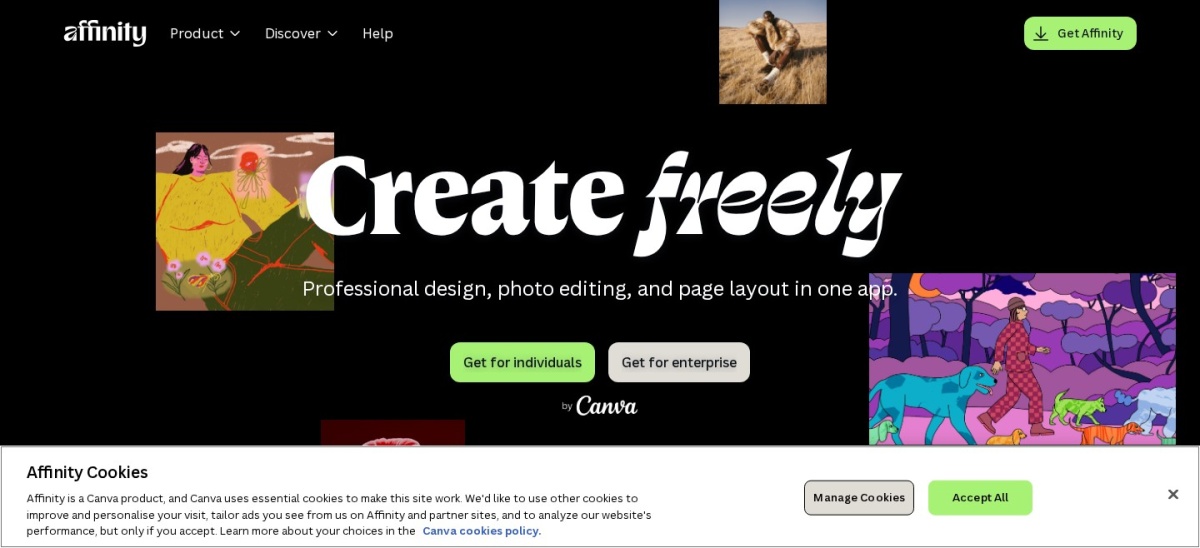
Affinity homepage, captured Nov 2026.
Affinity is the free app Canva built from the former Affinity Designer, Photo and Publisher, merged into one app in October 2025. It covers vector drawing, raster editing and page layout in a single window, with SVG, PDF and AI export, and the core app costs nothing.
The trade off is the account. You need a free Canva account to download and activate Affinity, and the AI tools inside it need a paid Canva Pro plan. It suits solo designers and small studios who want Illustrator-level vector tools without a monthly bill.
What we like
Full professional editor for $0
Vector, raster and layout tools in one app
Fast native app with no subscription
Opens and exports standard SVG, PDF and AI files
Watch out for
Needs a free Canva account to activate
AI tools need a paid Canva Pro plan
Smaller plugin and template library than Illustrator
Inkscape is a free, open-source vector editor built around SVG, and the only tool here with no account, payment or subscription of any kind. It covers node editing, Bezier drawing, text on paths, layers and extensions, and it runs on Windows, macOS and Linux.
The trade off is polish. The interface feels dated next to Illustrator or Affinity, print colour management is weaker, and large files can run slowly. It suits hobbyists, makers and small shops who need honest vector tools for logos, vinyl cutting and web graphics at no cost.
Canva is a browser-based design platform built around templates, and the fastest way for a non-designer to produce a logo, flyer or social graphic. The free plan covers a large template library, while Pro adds 141M+ premium assets, 5 Brand Kits, Magic Resize and background removal.
The trade off is control. Canva is not a true vector editor, so precise path editing and print colour work are limited, and Pro is priced per person. It suits small businesses and marketers who need branded graphics quickly rather than print production files.
What we like
Highest G2 rating here at 4.7 out of 5
Huge template and stock library
Brand Kits keep logos, fonts and colours consistent
Free plan is genuinely usable
Watch out for
Not a true vector editor for precise drawing
Limited CMYK and print colour controls
Pro is per person, so teams pay per seat
Pro adds premium assets, Brand Kits and 100 GB storageVisit canva.com
05
Figma
4.7/5on G2 (1,593 reviews, checked Nov 2026)
Paid from$16/mo
Best for UI work and team collaboration
Free planYes, Starter
Paid planProfessional, $16/mo
Free files3 design files
PlatformBrowser and desktop apps
figma.com
Figma homepage, captured Nov 2026.
Figma is a browser-based design tool where vector drawing, prototyping and developer handoff live in the same file. The free Starter plan covers 3 design files, and Professional costs $16 per Full seat a month on annual billing, with unlimited files, team libraries and advanced prototyping.
The trade off is scope. Figma is built for screens and interfaces, not print, so it lacks the CMYK and prepress tools CorelDRAW users rely on. It suits product teams and web designers who need live collaboration and shared design systems.
What we like
Real-time collaboration in the browser
Shared components and design systems
Free Starter plan for small projects
Strong developer handoff with Dev Mode
Watch out for
No real print or CMYK workflow
Seat pricing adds up as teams grow
Needs an internet connection for most work
Professional adds unlimited files and team librariesVisit figma.com
06
Sketch
4.4/5on G2 (1,300 reviews, checked Nov 2026)
Starts at$12/mo
Best for Mac-only UI and icon work
Free planNo, 30-day trial
Paid planStandard, $12/editor/mo
Mac-only licence$120 one-time
PlatformsmacOS only for editing
sketch.com
Sketch homepage, captured Nov 2026.
Sketch is a native Mac app for interface design, icons and vector illustration, with reusable Symbols, prototyping and developer handoff. Standard costs $12 an editor a month billed yearly, and a one-time Mac-only licence costs $120 with one year of updates.
The trade off is platform lock-in. Editing needs a Mac, there is no free plan beyond the 30-day trial, and it has no print production tools. It suits Mac-based designers who want a fast offline app for UI, icons and app graphics.
What we like
Fast native Mac app with offline editing
Reusable Symbols and shared libraries
One-time $120 Mac-only licence available
Unlimited free viewers on every plan
Watch out for
Mac only, with no Windows app
No free plan beyond the 30-day trial
No print or CMYK production workflow
Standard adds real-time collaboration and 50 GB per editorVisit sketch.com
07
Amadine
4.6/5on G2 (16 reviews, checked Nov 2026)
Paid from$29.99/once
Best cheap one-time buy for Mac users
Free planYes, export locked
Paid planMac licence, $29.99 once
CMYK exportYes
PlatformsMac, iPad, iPhone
amadine.com
Amadine homepage, captured Nov 2026.
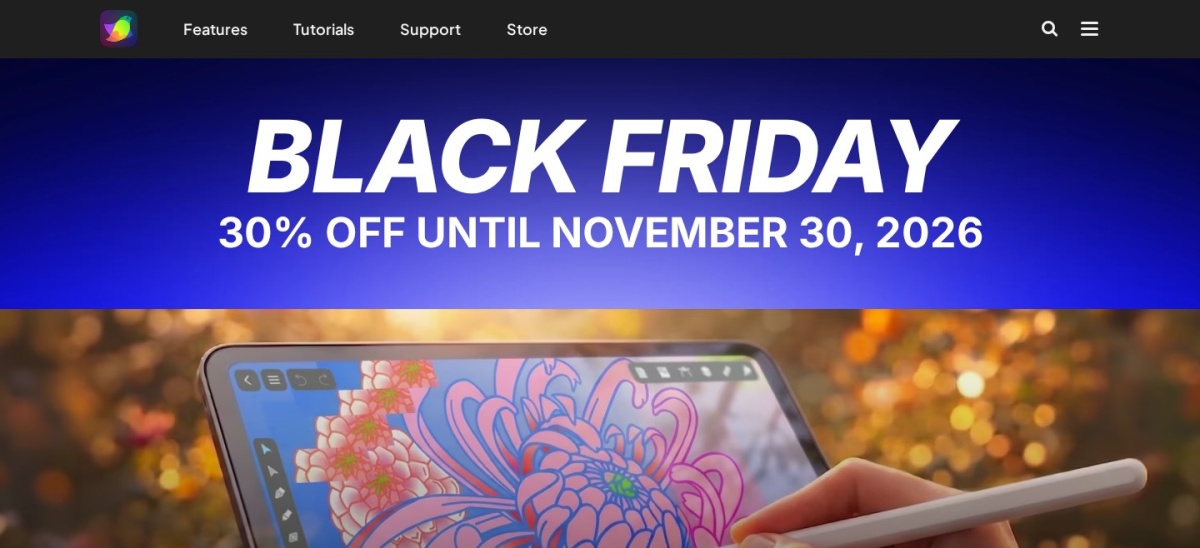
Amadine is a vector drawing app for Mac, iPad and iPhone, built for logos, lettering and illustration. The free app lets you try every tool, and a single-user Mac licence costs $29.99 once, with CMYK export, Apple Pencil support and SVG, PDF and AI export.
The trade off is reach. Amadine runs only on Apple devices, it has a smaller feature set than Illustrator or Affinity, and a Black Friday sale was running at $19.99 when we checked. It suits Apple-only freelancers who want to pay once for a capable logo tool.
Lunacy is a free vector design app from Icons8 for interfaces, icons and web graphics, with built-in icons, illustrations and photos. The free plan covers desktop design and cloud documents, and Pro costs $11.99 a user a month billed yearly, with editable Icons8 assets and AI tools.
The trade off is depth. Lunacy is built for UI and web work rather than print, and its review base is small at 28 G2 reviews. It suits Windows designers who want a free Figma-style workspace with ready-made assets.
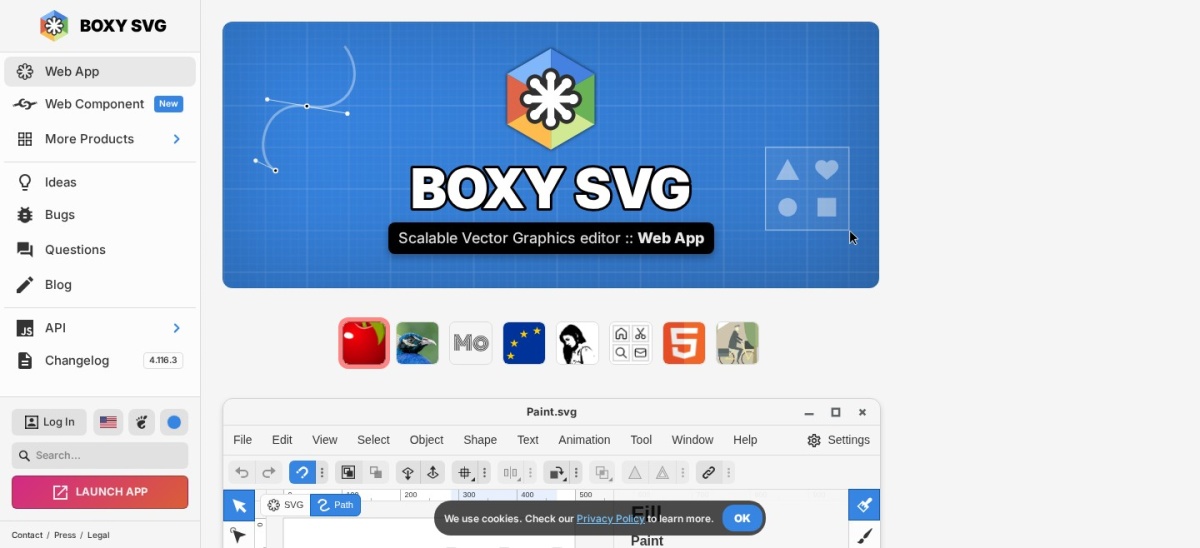
Boxy SVG is a lightweight editor built around the SVG format, for creating and adjusting icons, illustrations and web graphics. It runs in the browser and as a desktop app, with drawing tools, typography controls and a code view that shows the SVG markup as you draw.
The trade off is scope. There is no permanent free plan beyond a 15-day trial, the toolset is narrow next to Illustrator, and only 2 Capterra reviews support its rating. It suits web designers who edit SVG files often and want the cheapest paid plan here.
Three tools here cost nothing: Affinity, Inkscape and the free tiers of Canva, Figma and Lunacy. For logos, icons and web graphics, the free picks cover most of the work a small business needs.
Paid plans mostly add print depth and collaboration. Illustrator brings the full prepress toolchain, while Figma and Sketch add shared libraries, version history and developer handoff for teams.
If you publish designs to a site, see whether you can use Figma with WordPress before you commit to a paid seat.
For print work that earns money, the first year of Illustrator often costs less than one reprint caused by a bad export, so weigh the subscription against the cost of a mistake.
How we chose
We started from the established vector editors most often named as CorelDRAW replacements, then kept those with a live product, a published price and a public rating on G2 or Capterra.
Prices come from each vendor's pricing page or a comparison that read it, checked on 29 November 2026. Ratings and review counts come from G2 or Capterra on the same day. Where a vendor shows a sale, the list shows the regular price.
We left out CorelDRAW itself, since it is the product being replaced, and Corel Vector, which was discontinued and now redirects to CorelDRAW Go. We also left out Xara Designer Pro, because xara.com now sells real-estate marketing software rather than the design app. No vendor paid for a place, and we do not claim to have used these tools ourselves.
How to choose a CorelDRAW alternative
Start with what you design most, then check price, platform and file export before you switch.
List what you actually make. Logos and print need CMYK and PDF export, while web graphics need clean SVG. Pick the tool that covers your main output first.
Check the platform you work on. Sketch and Amadine need Apple devices, while Inkscape and Lunacy run on Windows, Mac and Linux. Do not pay for a tool you cannot install.
Test the export with a real file. Open one of your CorelDRAW exports in the trial or free plan and check the colours, fonts and shapes before you move a whole project.
Count the yearly cost, not the monthly headline. A $12 monthly plan is $144 a year, and per-seat pricing multiplies across a team. Free tools win for occasional work.
FAQ
What is the best CorelDRAW alternative in 2026?
Adobe Illustrator is the best CorelDRAW alternative for professional print and logo work, with the deepest vector tools and a 4.6 out of 5 G2 rating from 6,207 reviews. Affinity is the best free pick, since the full app now costs nothing.
How much does CorelDRAW cost, and is there a free alternative?
CorelDRAW Graphics Suite costs $269 a year on subscription, or $549 as a one-time purchase. Affinity and Inkscape are both free and cover most logo, illustration and vector work without paying anything.
Is there a completely free CorelDRAW alternative?
Yes. Inkscape is free and open source with no account or payment, and Affinity is now free after Canva merged its three design apps into one app in October 2025. Both handle logos, illustration and SVG work.
Which CorelDRAW alternative is best for beginners?
Canva is the easiest starting point, because templates and Brand Kits do most of the layout work for you. Affinity is the better next step once you want real vector drawing, since it is free and far more capable.
Is Affinity really free now?
Yes. Canva merged Affinity Designer, Photo and Publisher into one free app on 30 October 2025, so the old $69.99 one-time price no longer applies to new buyers. You need a free Canva account to download it, and AI tools need a Canva Pro plan.
Illustrator vs Affinity: which should I pick?
Pick Illustrator if you do paid print, packaging or agency work, since it has the full prepress toolchain and printers expect its files. Pick Affinity if you are a solo designer or small studio, since it is free and covers most logo and illustration work.
Which CorelDRAW alternative works on Windows and Mac?
Illustrator, Affinity, Inkscape, Canva, Figma and Lunacy all run on Windows and Mac. Sketch and Amadine are Apple-only, so Windows users should skip them entirely.
SaaS SEO and WordPress specialist with about 8 years of experience. Rakib compares WordPress plugins, themes, hosting and software using public pricing, documentation and user reviews. See how we rank.