For most teams replacing Citrix, Microsoft Windows 365 is the cleanest direct option at $25.60 per user/month for a 2 vCPU, 4 GB RAM, 64 GB Business Cloud PC. If you need custom host pools or lower entry pricing, consider Azure Virtual Desktop for Microsoft clouds, V2 Cloud for managed VMs from $60/month, or Kasm Workspaces from $10/user/month.
How we make this list: we compare pricing pages, product documentation and public user reviews, then re-check every price before each update. No product paid for a place. Disclosure.
Windows 365 Business starts at $25.60/user/month ($307.20/yr) for a 2 vCPU, 4 GB RAM, 64 GB Cloud PC.
V2 Cloud holds a 4.7/5 rating across 257 G2 reviews and starts at $60/month ($720/yr) for standard virtual computing.
Kasm Workspaces starts at $10/user/month ($120/yr) for Starter and holds a 4.7/5 rating from 49 G2 reviews.
Inuvika OVD Enterprise offers concurrent-user licensing starting at $9.50/user/month ($114/yr) on a 1-year term for 500 concurrent users.
Nerdio Manager starts at $1/user/month ($12/yr) for Intune-only management and holds a 4.7/5 rating across 238 G2 reviews.
How do you choose the best citrix alternatives for your team?
Legacy virtual desktop suites often bundle heavy infrastructure and per-user licensing that small and mid-sized teams rarely use. Switching away from Citrix usually comes down to choosing between fixed-price cloud PCs, consumption-based virtual machines, or self-hosted application streaming.
Predictable billing matters as much as protocol performance. Consumption-based cloud desktops can look cheap on an hourly meter and still surprise finance teams if virtual machines stay powered on outside work hours.
Administrative ownership is the second major split across virtual desktop platforms. Some tools require engineers to maintain golden images, networking, and host pools, while managed providers handle patching, storage, and user access out of the box.
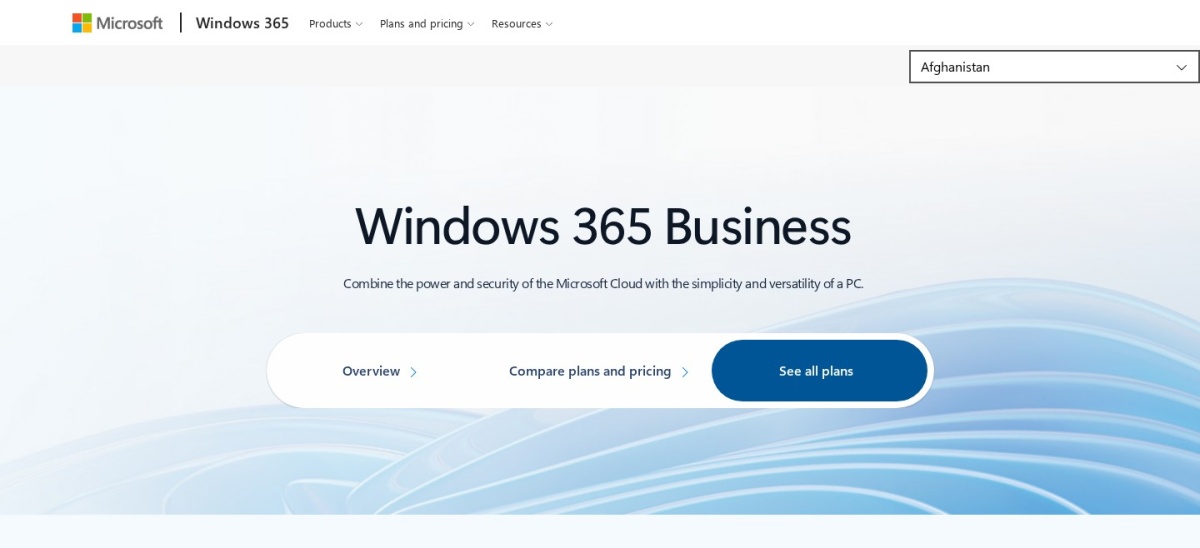
Windows 365 is a Microsoft service that streams a dedicated Windows desktop to each user with predictable monthly pricing. Business plans start at $25.60 per user/month for 2 vCPU, 4 GB RAM, and 64 GB storage.
The trade off is that every user gets a fixed virtual machine configuration rather than a shared multi-session pool, starting at $25.60 per user/month ($307.20/yr). It suits teams that want straightforward per-seat budgeting without managing host pools.
Integrates directly with Microsoft Intune and Entra ID
Persists user settings and apps across sessions
Watch out for
Less flexible than multi-session pooling for variable usage
Business edition caps out at 300 users
Higher tiers scale up to 16 vCPU, 64 GB RAM, and 1 TB storage on Business plans.Visit microsoft.com
02
V2 Cloud
4.7/5on G2 (257 reviews, checked Nov 2026)
Starts at$60/mo
Best for hands-off managed cloud desktops
Entry tierStandard Users
Support24/7 included
BillingMonthly, no overage fees
G2 rating4.7/5 (257 reviews)
v2cloud.com
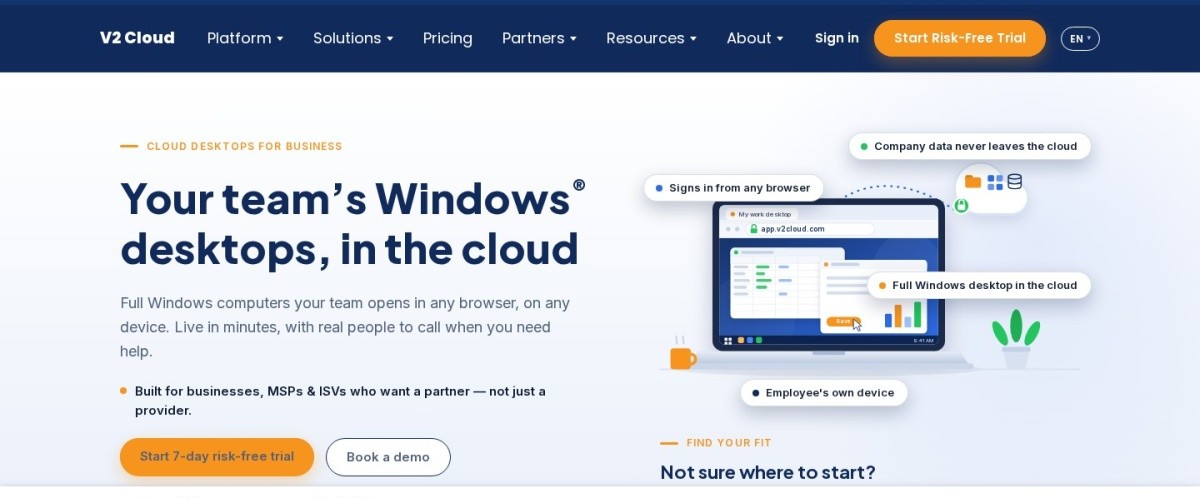
V2 Cloud homepage, captured Nov 2026.
V2 Cloud is a managed desktop-as-a-service platform that provisions cloud desktops and hosted applications without requiring internal infrastructure teams. Virtual computing plans start at $60/month for standard user workloads.
The trade off is higher starting cost than lightweight remote access tools, at $60/month ($720/yr) before optional add-ons like dedicated firewalls or extra storage. It suits small and mid-sized teams that want fast setup and included support.
What we like
High 4.7/5 rating across 257 G2 reviews
Includes 24/7 support and no bandwidth overage charges
Offers Heavy and Power tiers up to $240/month for demanding workloads
Watch out for
Higher monthly starting price than self-managed software
Dedicated firewalls and extra storage cost extra
Higher tiers scale to Heavy ($110/mo) and Power ($240/mo) plans plus optional security add-ons.Visit v2cloud.com
03
Kasm Workspaces
4.7/5on G2 (49 reviews, checked Nov 2026)
Starts at$10/mo
Best for browser-based containerized workspaces
Starter price$10/user/month
Access modelWeb browser streaming
Free editionCommunity Edition available
G2 rating4.7/5 (49 reviews)
kasmweb.com
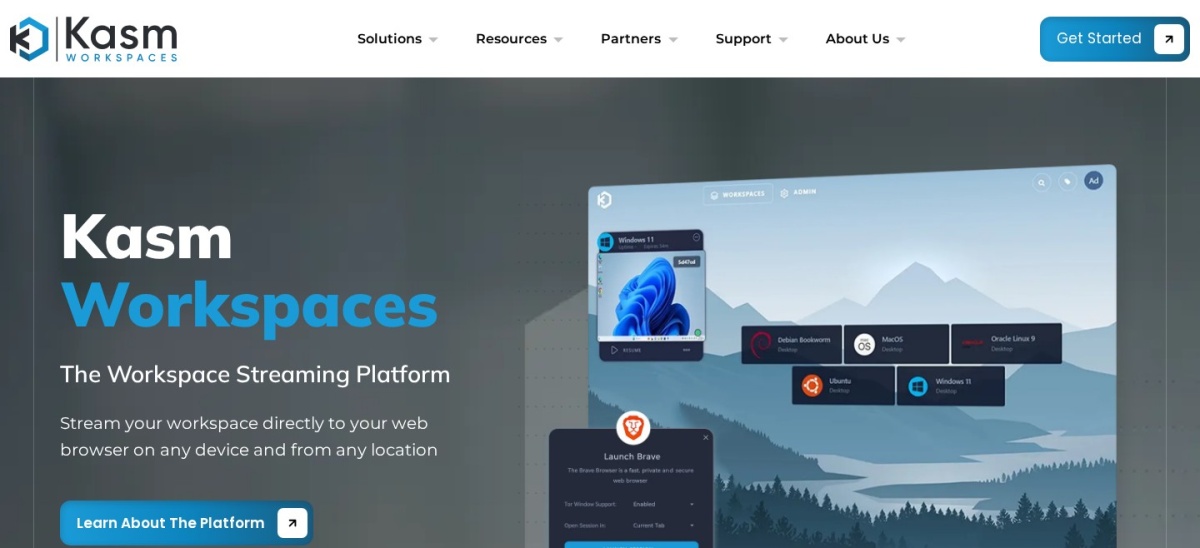
Kasm Workspaces homepage, captured Nov 2026.
Kasm Workspaces is a platform for streaming containerized browsers, applications, and desktops directly inside a web browser. A free Community Edition is available, and the Starter subscription is $10 per user/month.
The trade off is that self-hosting requires your team to manage underlying server capacity, starting at $10 per user/month ($120/yr) on Starter. It suits security-focused teams and IT groups that want browser-native sessions without heavy VDI overhead.
What we like
Low $10 per user/month Starter tier with a free Community option
Strong 4.7/5 rating across 49 G2 reviews
Delivers isolated sessions in standard web browsers
Watch out for
Self-hosted deployments require your own infrastructure management
Less suited to traditional full-blown Windows VDI estates
Enterprise plans add expanded management and support options with custom sales pricing.Visit kasmweb.com
04
Inuvika OVD Enterprise
4.7/5on G2 (19 reviews, checked Nov 2026)
Starts at$9.50/mo
Best for concurrent-user Linux and Windows delivery
1-year rate$9.50/concurrent user/mo
LicensingConcurrent user model
OS supportWindows and Linux
G2 rating4.7/5 (19 reviews)
inuvika.com
Inuvika OVD Enterprise homepage, captured Nov 2026.
Inuvika OVD Enterprise is a virtualization platform that delivers Windows and Linux applications and desktops via browser or client. Subscription pricing starts at $9.50 per concurrent user/month on a 1-year term.
The trade off is a smaller review footprint and multi-month subscription commitments, starting at $9.50 per concurrent user/month ($114/yr). It suits organizations with shift workers or part-time staff where concurrent sessions beat named-user fees.
What we like
Concurrent-user licensing reduces waste for non-simultaneous users
Supports both Windows and Linux application delivery
Includes two-factor authentication and maintenance releases in the subscription
Watch out for
Smaller public review count than larger VDI vendors
Requires infrastructure planning for on-premises or partner deployments
3-year ($8.55/user/mo) and 5-year ($7.50/user/mo) terms lower the per-user rate.Visit inuvika.com
05
Nerdio Manager
4.7/5on G2 (238 reviews, checked Nov 2026)
Starts at$1/mo
Best for automating Azure Virtual Desktop and Intune
Entry plan$1/user/mo (Intune Only)
AVD / W365 focusAuto-scaling and images
Target stackMicrosoft cloud
G2 rating4.7/5 (238 reviews)
getnerdio.com
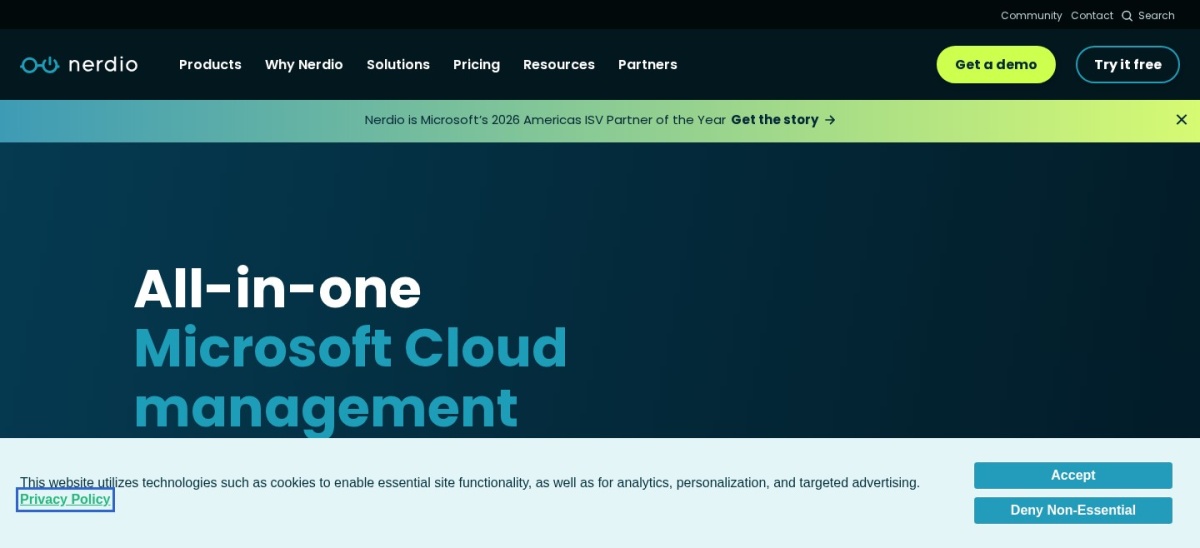
Nerdio Manager homepage, captured Nov 2026.
Nerdio Manager is a management and automation platform built for Microsoft cloud environments, including Azure Virtual Desktop, Windows 365, and Intune. Pricing starts at $1 per user/month for Intune-only management.
The trade off is that it layers onto existing Microsoft cloud licenses and Azure consumption rather than replacing virtualization infrastructure alone, starting at $1 per user/month ($12/yr). It suits IT teams and MSPs running heavy Microsoft desktop estates.
What we like
High 4.7/5 score across 238 G2 reviews
Automates host pool scaling, images, and routine Microsoft admin tasks
Low $1/user/month entry option for Intune-only management
Watch out for
Requires underlying Microsoft cloud licenses and Azure compute spend
Advanced automation features carry a setup learning curve
Enterprise AVD plans scale to Core ($6/user/mo) and Premium ($10/user/mo) tiers.Visit getnerdio.com
06
Parallels RAS
4.2/5on G2 (69 reviews, checked Nov 2026)
Starts at$193.99/yr
Best for simpler multi-cloud and hybrid VDI
Listed rate$193.99/user/yr (reseller)
ConsoleSingle admin interface
ClientsWeb HTML5, Windows, Mac
G2 rating4.2/5 (69 reviews)
parallels.com
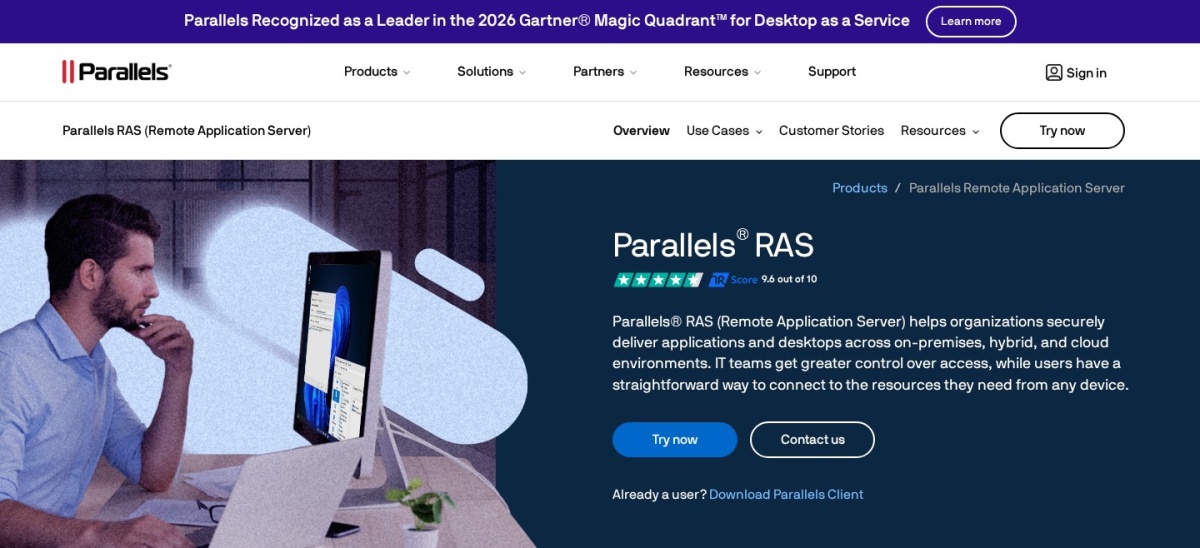
Parallels RAS homepage, captured Nov 2026.
Parallels RAS is a virtual application and desktop delivery platform managed from a single console across on-premises and cloud hosts. Reseller listings show concurrent-user licensing starting around $193.99 per user/year.
The trade off is that host servers, Windows/RDS licenses, and reseller minimums add to total cost, with listed pricing from $193.99 per user/year. It suits organizations that want a less complex VDI management layer than Citrix.
What we like
Single console for published apps, desktops, and load balancing
Supports hybrid setups across VMware, Hyper-V, and cloud hosts
4.2/5 rating across 69 G2 reviews
Watch out for
Underlying host compute and Windows licensing are separate
Reseller pricing and seat minimums can vary by contract
Multi-year subscription options and client policies support larger hybrid deployments.Visit parallels.com
07
Amazon WorkSpaces
4.2/5on G2 (110 reviews, checked Nov 2026)
Starts at$25/mo
Best for AWS-native managed cloud desktops
Value bundleFrom $25/mo (1 vCPU, 2 GB)
Billing modesMonthly or hourly AutoStop
InfrastructureAWS managed
G2 rating4.2/5 (110 reviews)
aws.amazon.com
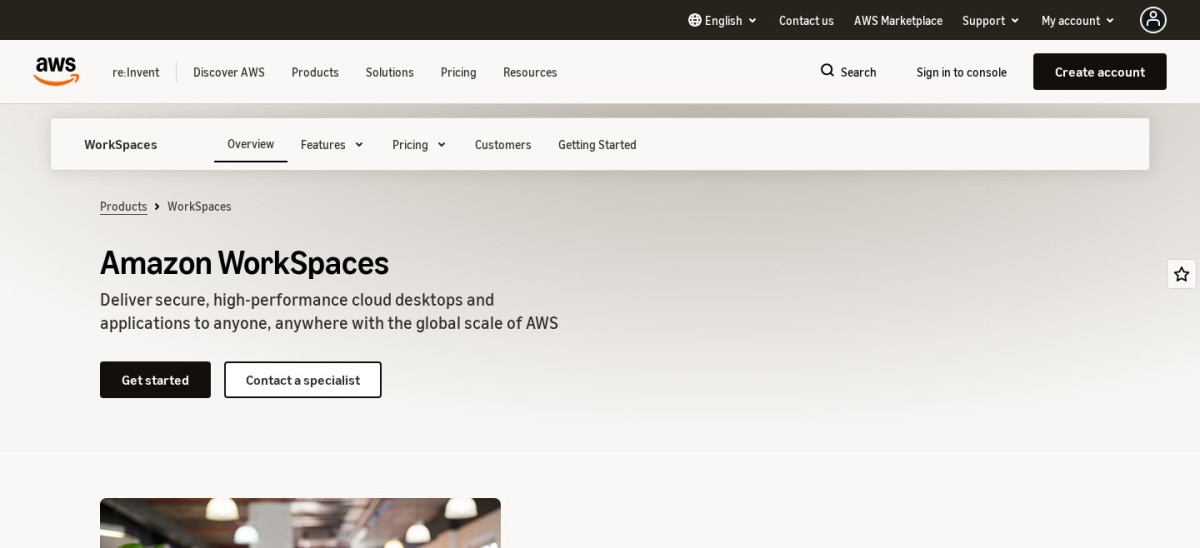
Amazon WorkSpaces homepage, captured Nov 2026.
Amazon WorkSpaces is a managed desktop-as-a-service offering that runs persistent or pooled virtual desktops on AWS. Entry Value bundles start from $25/month for 1 vCPU and 2 GB RAM.
The trade off is extra charges for storage, directory services, data transfer, or optional productivity suites, starting from $25/month ($300/yr). It suits teams already standardized on AWS that want elastic cloud desktop provisioning.
What we like
4.2/5 rating across 110 G2 reviews
Supports monthly subscriptions and hourly AutoStop billing
Integrates tightly with AWS security and cloud resources
Watch out for
Requires an AWS environment and directory setup
Add-ons like Office licenses, storage, and transfer increase total spend
Higher bundles scale through Standard, Performance, Power, and GPU tiers.Visit aws.amazon.com
How virtual desktop pricing models differ
Named-user and fixed per-user Cloud PC plans are easy to budget because every assigned seat has a known monthly cost. They work best when employees use their virtual desktop consistently throughout the month.
Concurrent-user and hourly models match irregular or shift-based demand more closely. You still need to track storage, directory services, and optional application licenses so the final bill matches expectations.
How we chose
We built this list of Citrix alternatives from established virtualization, desktop-as-a-service, and workspace management platforms used for virtual applications and desktops.
All ratings, review counts, and starting regular prices were checked on 29 Nov 2026 using public review directories and vendor or reseller pricing pages.
We excluded products without verified public review data or clear pricing figures, and kept only actively maintained tools. No vendor paid for a place, and we do not claim testing for this list.
How to pick the right Citrix replacement
Follow four practical steps to narrow down virtual desktop platforms:
Map your workload and session pattern first. Decide whether staff need dedicated personal desktops, shared multi-session hosts, or browser-streamed applications.
Match the platform to your existing cloud and identity stack. Teams invested in Microsoft 365 and Entra ID often favor Windows 365 or Azure Virtual Desktop, while AWS shops lean toward Amazon WorkSpaces.
Include infrastructure and license add-ons in total cost. Check whether server compute, storage, directory services, or office suites are billed separately from the base subscription.
Factor in ongoing administration time. Compare self-managed host pools and golden images against managed cloud desktops where the vendor handles upkeep.
FAQ
What are the best citrix alternatives in 2026?
Windows 365 is a strong default for fixed-price Cloud PCs starting at $25.60 per user/month. V2 Cloud for managed cloud desktops from $60/month and Kasm Workspaces for browser-based workspaces from $10/user/month are also notable options.
How much do Citrix alternatives usually cost?
Entry pricing varies widely by model, from $1 per user/month for Nerdio Manager Intune-only plans and $10 per user/month for Kasm Workspaces Starter to $25.60 per user/month for Windows 365 Business. Managed VMs like V2 Cloud start at $60/month.
Is there a free option among these alternatives?
Kasm Workspaces offers a free Community Edition alongside paid tiers starting at $10 per user/month. Most commercial cloud desktop options start with paid plans or trials rather than a permanent free tier.
Which option fits smaller teams with light IT staff?
Windows 365 and V2 Cloud fit smaller teams that want simpler setup and management without heavy virtualization engineering. Both keep day-to-day desktop management more straightforward than complex multi-tier VDI.
Windows 365 vs. V2 Cloud: which should you choose?
Choose Windows 365 if you want Microsoft-native per-user Cloud PCs starting at $25.60 per user/month. Choose V2 Cloud if you prefer managed virtual computing plans starting at $60/month with included 24/7 support.
SaaS SEO and WordPress specialist with about 8 years of experience. Rakib compares WordPress plugins, themes, hosting and software using public pricing, documentation and user reviews. See how we rank.