GitHub Actions is the best of the CircleCI alternatives for most teams, with CI built into GitHub, a free plan with 2,000 minutes a month and Team at $4 a user a month. Pick GitLab CI if you want planning and security scans in one product, or Jenkins if you want free, self-hosted CI with no licence fee.
How we make this list: we compare pricing pages, product documentation and public user reviews, then re-check every price before each update. No product paid for a place. Disclosure.
GitHub Actions is the cheapest paid seat here at $4 a user a month, with 2,000 free minutes a month.
GitLab CI bundles code hosting, CI/CD and security scans, but Premium costs $29 a user a month.
Jenkins costs nothing in licence fees and has more than 2,000 plugins, but you maintain the server yourself.
Bitbucket Pipelines is the cheapest paid seat after GitHub at $3.65 a user a month, with 2,500 build minutes on Standard.
Buildkite is the priciest per-user pick at $30 an active user a month, because builds run on your own agents.
How do you pick the right CircleCI alternatives?
CircleCI charges by credits, so the bill grows with every build minute and every runner type.
The first question is where your code already lives. If it is on GitHub, GitHub Actions needs no second tool; if it is on GitLab or Bitbucket, their built-in CI keeps everything in one place.
The second question is who runs the build machines. Hosted runners are simpler, while self-hosted agents from Jenkins or Buildkite give you control over speed, security and cost. Our guide on how to deploy WordPress with GitHub Actions shows a hosted pipeline in practice.
The third question is the free allowance. Free minutes range from 50 a month on Bitbucket to 2,000 a month on GitHub Actions, so a team with heavy builds should compare allowances before comparing seat prices.
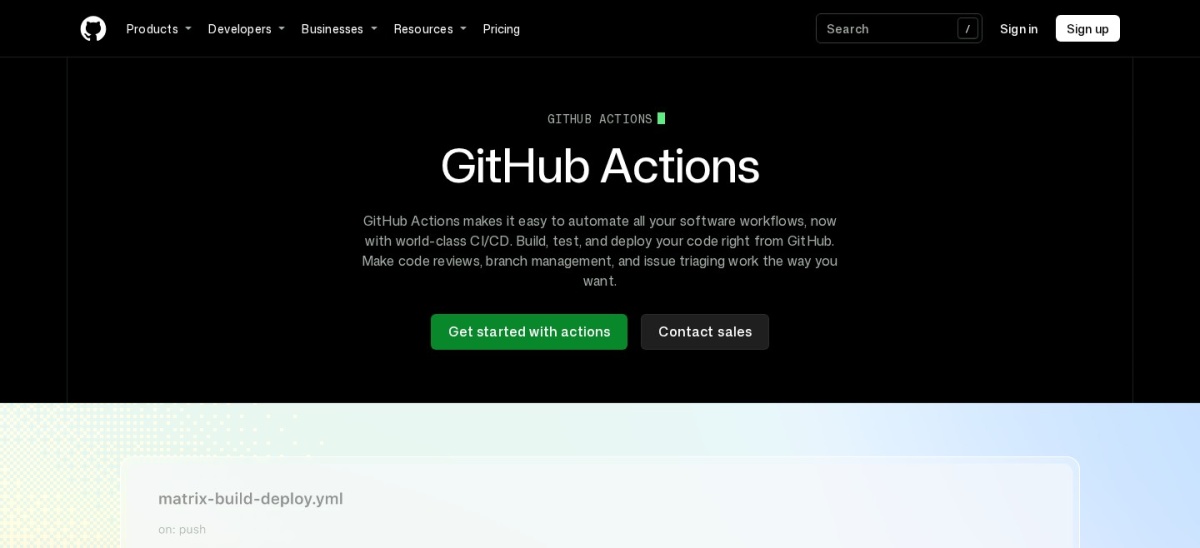
GitHub Actions is the CI/CD engine built into GitHub, so pipelines run beside the code in YAML workflow files. The free plan includes 2,000 CI/CD minutes a month for private repositories, and Actions is free for public repositories and self-hosted runners.
The trade off is per-minute billing. Team costs $4 a user a month and includes 3,000 minutes, but heavy macOS or Windows builds burn the allowance fast at $0.062 and $0.010 a minute. It suits teams already hosting code on GitHub who want CI with no second tool to manage.
What we like
CI runs beside the code, with no second tool
Huge marketplace of ready-made actions
Free for public repositories
Generous 2,000 free minutes a month
Watch out for
Per-minute costs climb on macOS and Windows
Included minutes are shared across the account
YAML files get long for complex pipelines
Team adds protected branches and 3,000 minutes a monthVisit github.com
02
GitLab CI
4.5/5on G2 (905 reviews, checked Nov 2026)
Paid from$29/user/mo
Best all-in-one DevOps platform
Free minutes400/mo
Paid planPremium, $29/user/mo
Workflow file.gitlab-ci.yml
RunnersShared or self-managed
gitlab.com
GitLab CI homepage, captured Nov 2026.
GitLab CI is the pipeline engine inside GitLab, so code hosting, merge requests, CI/CD and security scans live in one product. Pipelines are defined in a .gitlab-ci.yml file and run on shared or self-managed runners, with 400 free compute minutes a month.
The trade off is price. Premium costs $29 a user a month billed annually, far above GitHub Team and Bitbucket Standard, and includes 10,000 compute minutes a month. It suits teams that want planning, CI/CD and security scanning in one bill.
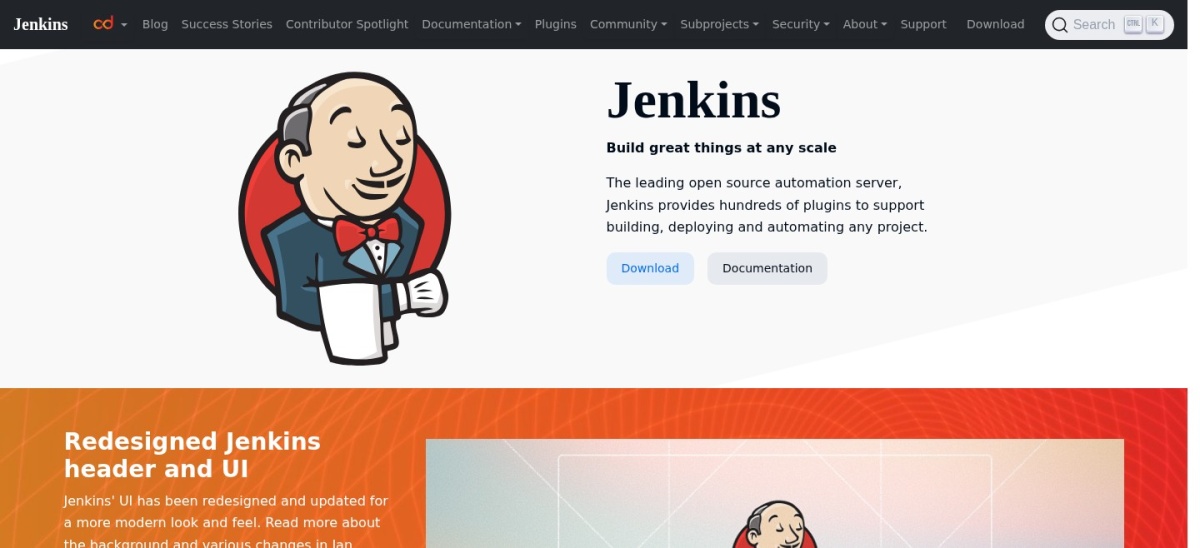
Jenkins is a free, open-source automation server that builds, tests and deploys software on your own infrastructure. It has no licence fee at any team size, and its plugin index lists more than 2,000 community plugins for version control, Docker and cloud deploys.
The trade off is maintenance. You supply the server, patch plugins and manage credentials yourself, so the licence costs nothing but the upkeep is real. It suits teams that need full control, air-gapped builds or custom pipelines no hosted service covers.
What we like
No licence fee at any team size
Huge plugin library for almost any stack
Runs anywhere, including air-gapped servers
Full control over builds and data
Watch out for
You maintain the server and plugins
Dated interface compared with hosted rivals
Setup takes longer than hosted CI
No paid plan; costs are infrastructure and upkeep onlyVisit jenkins.io
04
Bitbucket Pipelines
4.4/5on G2 (1,017 reviews, checked Nov 2026)
Paid from$3.65/user/mo
Best for teams already on Jira
Free minutes50/mo
Paid planStandard, $3.65/user/mo
Workflow filebitbucket-pipelines.yml
Jira linkBuilt in
bitbucket.org
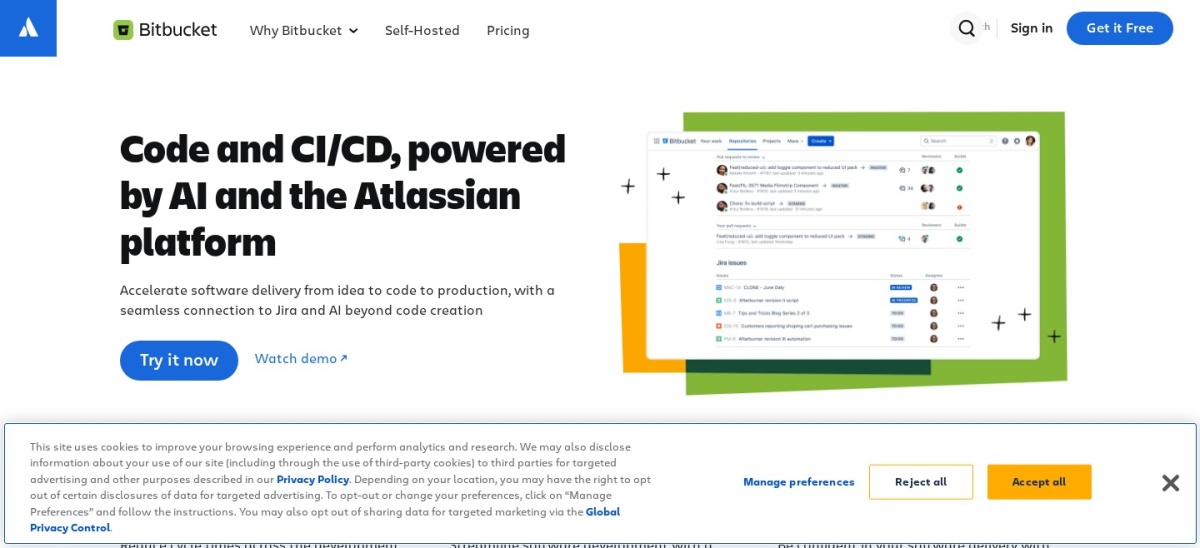
Bitbucket Pipelines homepage, captured Nov 2026.
Bitbucket Pipelines is the CI/CD built into Bitbucket, Atlassian's Git host, so builds run beside pull requests and Jira tickets. The free plan covers up to 5 users with 50 build minutes a month, and pipelines are defined in a bitbucket-pipelines.yml file.
The trade off is the minute allowance. Standard costs $3.65 a user a month and raises the allowance to 2,500 build minutes a month, but heavy teams still buy extra minutes at $10 per 1,000. It suits teams already on Jira and Confluence.
Azure Pipelines is Microsoft's CI/CD service inside Azure DevOps, with hosted agents for Linux, Windows and macOS. The free tier includes one Microsoft-hosted parallel job with 1,800 minutes a month, and pipelines are defined in YAML beside the code.
The trade off is the parallel-job model. Extra Microsoft-hosted parallel jobs cost $40 a month each, so teams that need many builds running at once pay per job, not per user. It suits teams on Azure or .NET that already use Microsoft tools.
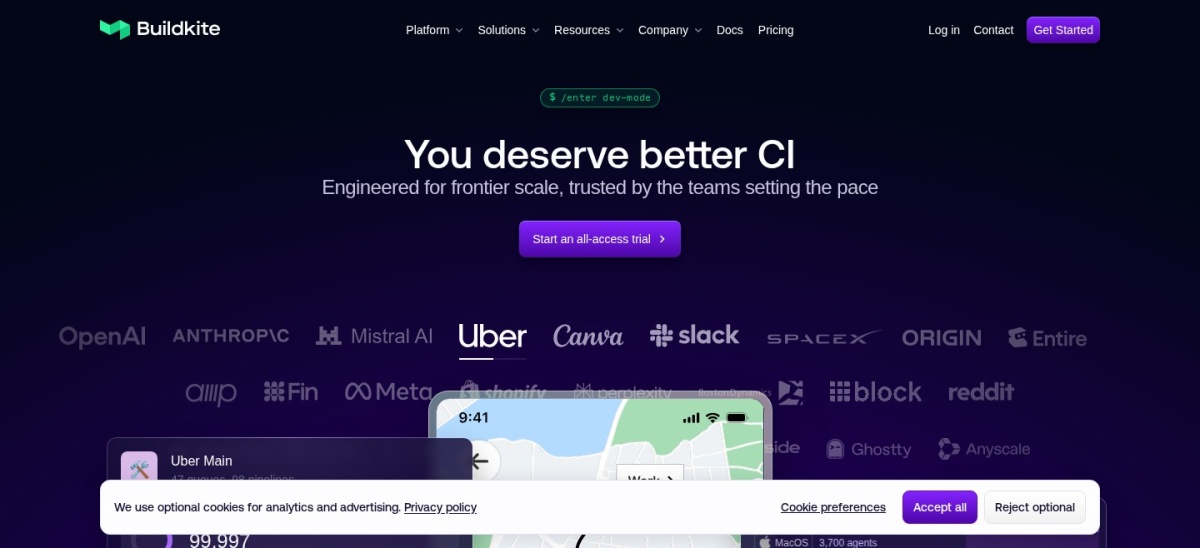
Buildkite is a hybrid CI service: its web interface and orchestration are hosted, while builds run on agents you control. The free plan covers small teams getting started, and pipelines are defined in YAML with a plugin system for common steps.
The trade off is the per-user price. Pro costs $30 an active user a month, so a large team pays per active user even though the build machines are theirs. It suits teams that want hosted orchestration with builds on their own hardware for speed or security.
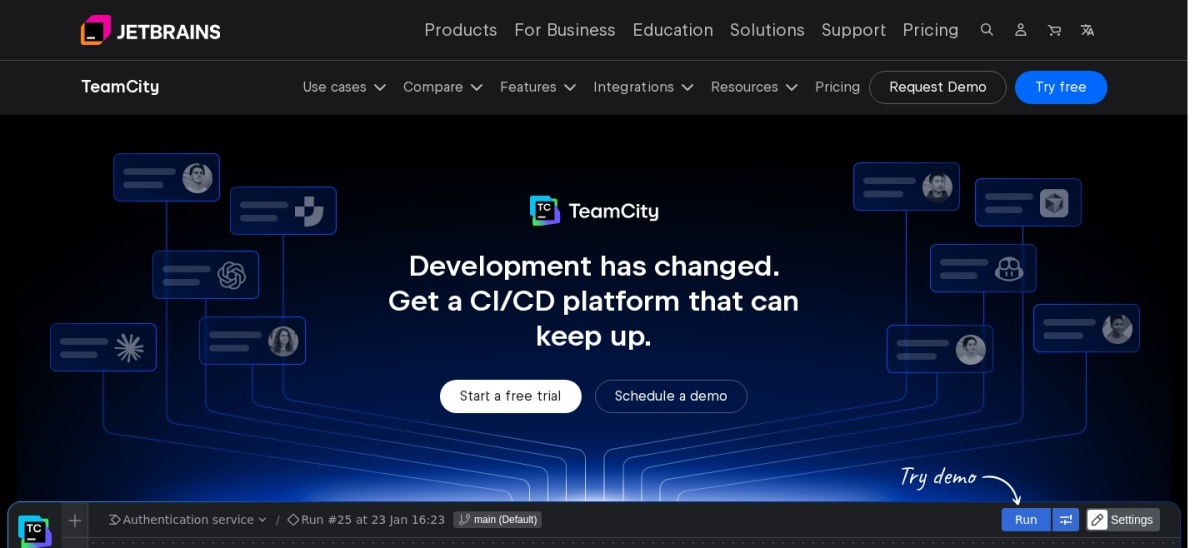
TeamCity is JetBrains' CI/CD server, available as a cloud service or self-hosted on your own servers. The free tier covers up to 3 build agents, and it is known for clear build history, test reporting and out-of-the-box support for Java, .NET and Docker.
The trade off is price at scale. Paid plans start at $1,999 a year, which puts it above most hosted rivals for a small team. It suits JetBrains shops and teams that want a polished self-hosted CI server with strong reporting.
Travis CI is one of the oldest hosted CI services, known for simple YAML configuration and GitHub integration. Paid plans start at $15 a month, and builds run on hosted Linux, Windows and macOS runners.
The trade off is scale and momentum. Travis has a smaller community and fewer new features than GitHub Actions or GitLab CI, and its G2 rating rests on only 92 reviews. It suits small teams that want a simple hosted CI with minimal setup.
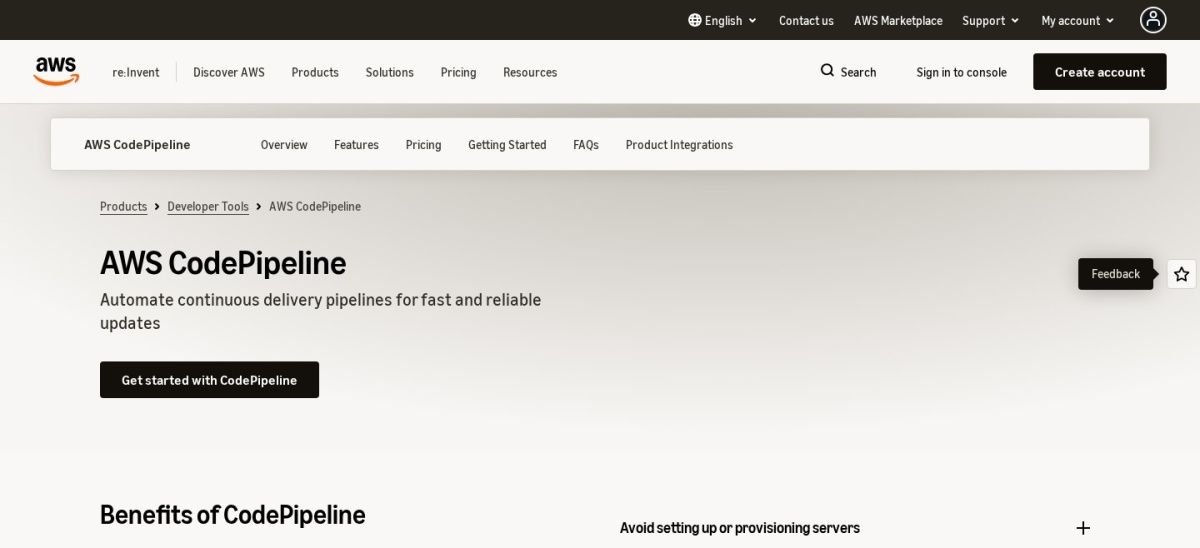
AWS CodePipeline is Amazon's managed CI/CD service for teams already running on AWS. It connects CodeBuild, CodeDeploy and third-party tools into release pipelines, and the first active pipeline each month is free.
The trade off is the AWS lock-in. Each extra active pipeline costs $1 a month, which is cheap, but the service makes most sense inside AWS and its G2 rating rests on only 69 reviews. It suits AWS teams that want pipelines beside their other AWS services.
Free plans cover the basics well. Most include a free tier with some build minutes and hosted runners.
Paid plans mostly add minutes and parallel jobs. You get more builds a month, more jobs running at once and higher limits.
Self-hosted options flip the trade. Jenkins and TeamCity cost nothing or little in licences, but you pay in server time and upkeep instead.
For a team that builds all day, the per-minute and per-job prices matter more than the seat price. Add up your monthly build minutes before you pick.
How we chose
We started from the established CI/CD tools teams actually move to from CircleCI, then kept those with a published price and a public G2 rating.
Prices come from each vendor's pricing page, checked on 29 November 2026, and ratings come from G2 on the same day. Where a vendor shows a sale, the list shows the regular price. GitHub, GitLab, Bitbucket and Azure DevOps have no standalone G2 page for their CI feature alone, so those ratings cover the whole product.
We left out tools with no published price, such as Harness, which is quote-only. No vendor paid for a place, and we do not claim to have used these tools ourselves.
How to choose a CircleCI alternative
Start with where your code lives, then match the billing model to how much you build.
Match the CI to your code host. GitHub Actions fits GitHub, GitLab CI fits GitLab and Bitbucket Pipelines fits Bitbucket. A matching host removes a whole integration.
Count your monthly build minutes. Free allowances range from 50 to 2,000 minutes a month. A team that builds all day should compare allowances before seat prices.
Decide who runs the build machines. Hosted runners are simpler. Self-hosted agents from Jenkins, Buildkite or TeamCity give control over speed and security, with upkeep to match.
Try the free tier on a real project. Run one pipeline end to end before you move the rest. See how the staging site guide fits a safe deploy step.
FAQ
What are the best CircleCI alternatives in 2026?
GitHub Actions is the best CircleCI alternative for most teams, with CI built into GitHub, 2,000 free minutes a month and Team at $4 a user a month. GitLab CI is the best all-in-one option, and Jenkins is the best free, self-hosted option.
What is the cheapest CircleCI alternative?
Jenkins is the cheapest, because it is free open-source software with no licence fee at any team size. Among hosted tools, AWS CodePipeline charges $1 per extra active pipeline a month, and GitHub Actions Team costs $4 a user a month.
Is there a free alternative to CircleCI?
Yes. Jenkins is free, GitHub Actions includes 2,000 free minutes a month, Azure Pipelines includes 1,800 minutes a month and GitLab CI includes 400 compute minutes a month. Bitbucket Pipelines is free for up to 5 users with 50 build minutes a month.
Which CircleCI alternative is best for beginners or small teams?
GitHub Actions is the easiest start for teams already on GitHub, because there is nothing extra to install. Bitbucket Pipelines is also simple for small Atlassian teams, and Travis CI suits small teams that want a short config file and hosted runners.
GitHub Actions vs GitLab CI: which is better?
GitHub Actions is better for most teams, because it is cheaper at $4 a user a month against $29 for GitLab Premium, and it has the larger community. GitLab CI is better if you want code hosting, planning, CI/CD and security scans in one product.
Is Jenkins better than CircleCI?
Jenkins is better if you want free, self-hosted CI with full control and more than 2,000 plugins. CircleCI is better if you want a managed service with no server to maintain. Jenkins costs nothing in licences, but you pay in upkeep instead.
Do CircleCI alternatives work with Docker and Kubernetes?
Yes. Jenkins, GitLab CI, Buildkite and TeamCity support Docker builds and Kubernetes deploys. AWS CodePipeline fits best beside other AWS services, and Azure Pipelines fits best beside Azure Kubernetes Service.
SaaS SEO and WordPress specialist with about 8 years of experience. Rakib compares WordPress plugins, themes, hosting and software using public pricing, documentation and user reviews. See how we rank.