Microsoft Power BI is the best of the alternatives to Excel for large data sets, with Pro at $14 per user a month and a 4.5/5 G2 rating from 1,658 reviews. Pick Google Sheets for free collaboration, or Airtable when records need structure and views.
How we make this list: we compare pricing pages, product documentation and public user reviews, then re-check every price before each update. No product paid for a place. Disclosure.
Microsoft Power BI leads for large data: Pro costs $14 per user a month and holds 4.5/5 on G2 from 1,658 reviews.
Google Sheets is free for individuals and rated 4.7/5 on Capterra from 13,224 reviews, with Workspace Starter at $7 a user a month.
Airtable Team costs $20 per user a month and lifts the record cap to 50,000 per base, from 1,000 on the free plan.
Tableau Viewer starts at $15 per user a month, but every deployment needs at least one Creator at $75.
Four tools here have free plans and two more are free outright: KNIME and LibreOffice Calc cost nothing to start.
Paid plans run from $3 to $20 per user a month, except Tableau Creator at $75.
How do you choose alternatives to Excel for large data sets?
Size is the first filter. Excel holds 1,048,576 rows per sheet and slows down well before that, so a replacement has to store and calculate beyond that point without freezing.
Free plans are not all the same. Google Sheets and Zoho Sheet are free to use, while Airtable's free plan stops at 1,000 records per base and Rows caps free AI tasks at 5 a month.
Per-user pricing changes the maths. Smartsheet Pro at $9 a member a month looks cheap until a team of 20 pays $180 a month, while LibreOffice Calc costs nothing for any number of seats.
Analysis beats storage for big files. Power BI and Tableau build data models and dashboards from millions of rows, while a plain grid only shows them. If the numbers feed a store, our guide on WooCommerce analytics covers the reports that matter.
The 9 best alternatives to Excel for large data sets
01
Microsoft Power BI
4.5/5on G2 (1,658 reviews, checked Nov 2026)
Paid from$14/mo
Best alternative to Excel for large data sets overall
Free optionDesktop + free account
Pro dataset cap1 GB
Daily refreshes8 on Pro
Paid planPro, $14/user/mo
microsoft.com
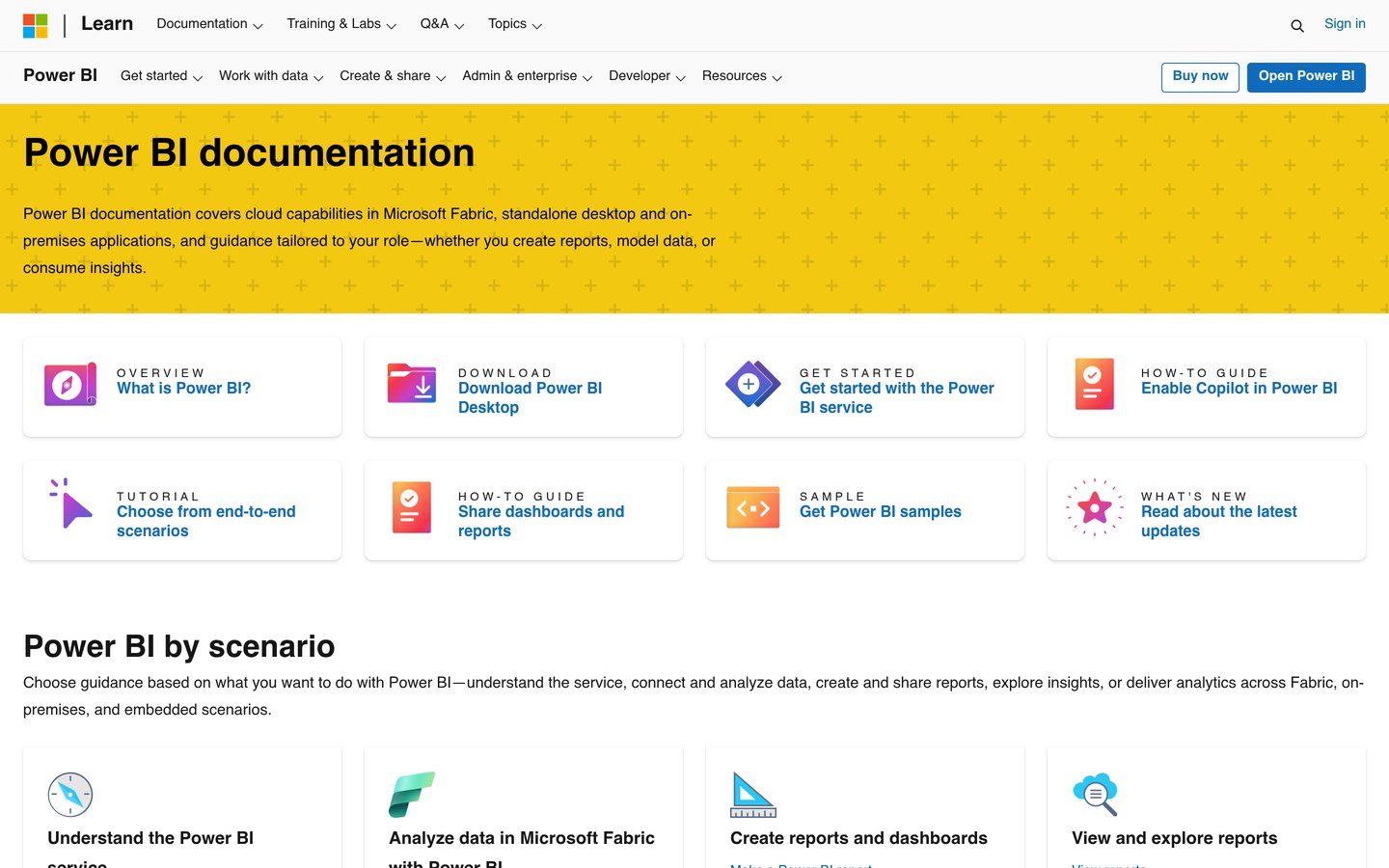
Microsoft Power BI homepage, captured Nov 2026.
Microsoft Power BI is a business intelligence platform that builds reports and dashboards from large data sets. Its free Desktop app and free account cover building reports, while Pro costs $14 per user a month billed yearly and adds sharing, workspaces and collaboration.
The trade off is the learning curve and the per-user price. Sharing reports needs a Pro licence for each viewer, and the desktop app runs on Windows. It suits teams already using Microsoft 365 that need dashboards from millions of rows.
4.7/5on Capterra (13,224 reviews, checked Nov 2026)
Paid from$7/mo
Best free alternative for shared work
Free planYes, with Google account
Starting paid planWorkspace Starter
Annual price$7/user/mo
Storage on Starter30 GB per user
google.com
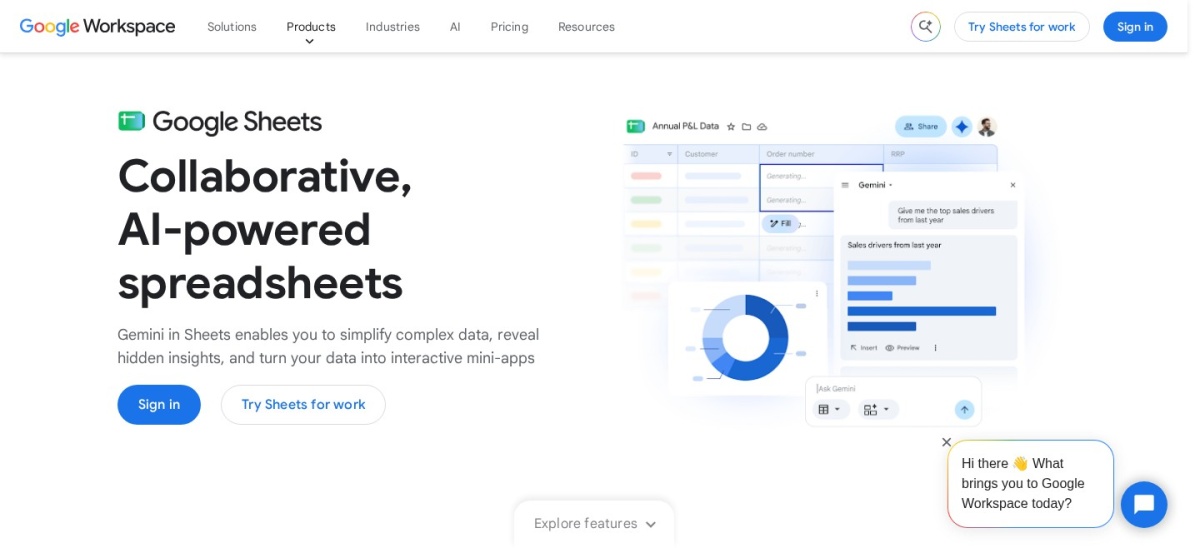
Google Sheets homepage, captured Nov 2026.
Google Sheets is a browser-based spreadsheet built around real-time collaboration and cloud storage. The free version covers formulas, charts, pivot tables and simultaneous editing, while Google Workspace Business Starter adds business administration and 30 GB of pooled storage per user.
The trade off is scale. Very large or complex sheets slow down, and some advanced desktop workflows fit Excel better. Workspace Business Starter costs $7 per user a month with an annual commitment. It suits remote teams sharing trackers and reports.
What we like
Free spreadsheet editing and collaboration
Rated 4.7/5 from 13,224 Capterra reviews
Simultaneous editing with version history
Opens Excel files directly
Watch out for
Very large sheets slow down
Less suited to advanced desktop modelling
Business admin needs a Workspace plan
Workspace Starter adds business admin and 30 GB storageVisit google.com
03
Airtable
4.6/5on G2 (3,306 reviews, checked Nov 2026)
Paid from$20/mo
Best for structured records at scale
Free plan1,000 records per base
Records on Team50,000 per base
Editors on free plan5
Paid planTeam, $20/user/mo
airtable.com
Airtable homepage, captured Nov 2026.
Airtable is a spreadsheet-style database for organising records, linking tables and building workflows. Its free plan covers 1,000 records per base and 5 editors, while Team costs $20 per user a month billed yearly and lifts the cap to 50,000 records per base.
The trade off is price per editor. Every collaborator with edit access adds a paid seat, and deep spreadsheet modelling is thinner than in Excel. It suits operations, content and inventory teams that outgrow flat sheets.
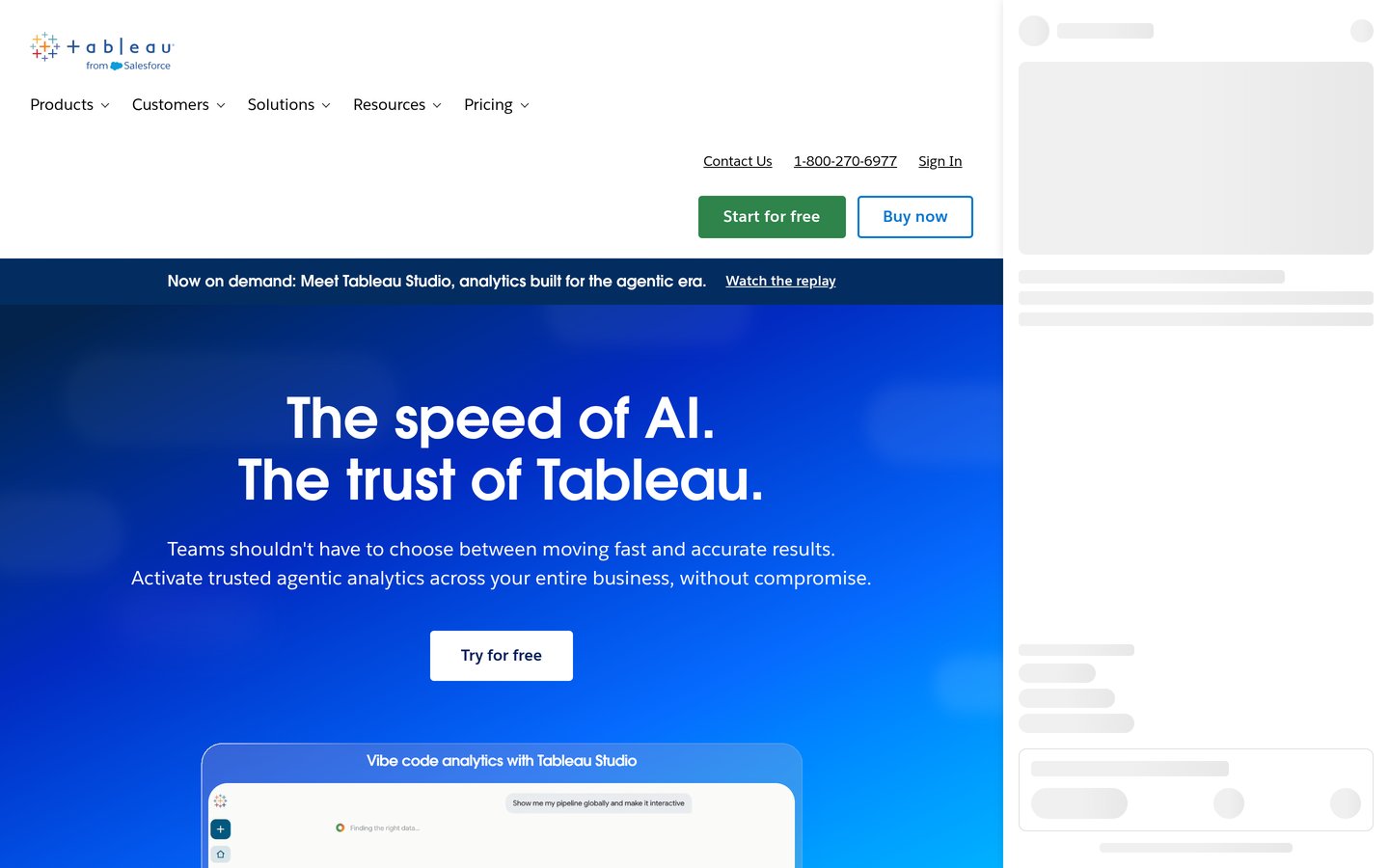
Tableau is a visual analytics platform that turns large data sets into interactive dashboards. Viewer costs $15 per user a month billed yearly for viewing and exploring, while Creator costs $75 and is needed to build and publish workbooks.
The trade off is cost. Every paid deployment needs at least one Creator licence, so a small team pays $75 a month before adding viewers. It suits analysts who present big data to people who only need to explore it.
Smartsheet is a work management platform that uses spreadsheet-style tables for projects, responsibilities and recurring processes. Pro costs $9 per member a month billed yearly and covers unlimited sheets, forms and reports, plus Gantt and calendar views and 250 automations a month.
The trade off is modelling depth. It prioritises project coordination over advanced formulas, and Pro stops at 10 paid members. It suits project managers and operations teams that want structured work in a familiar grid.
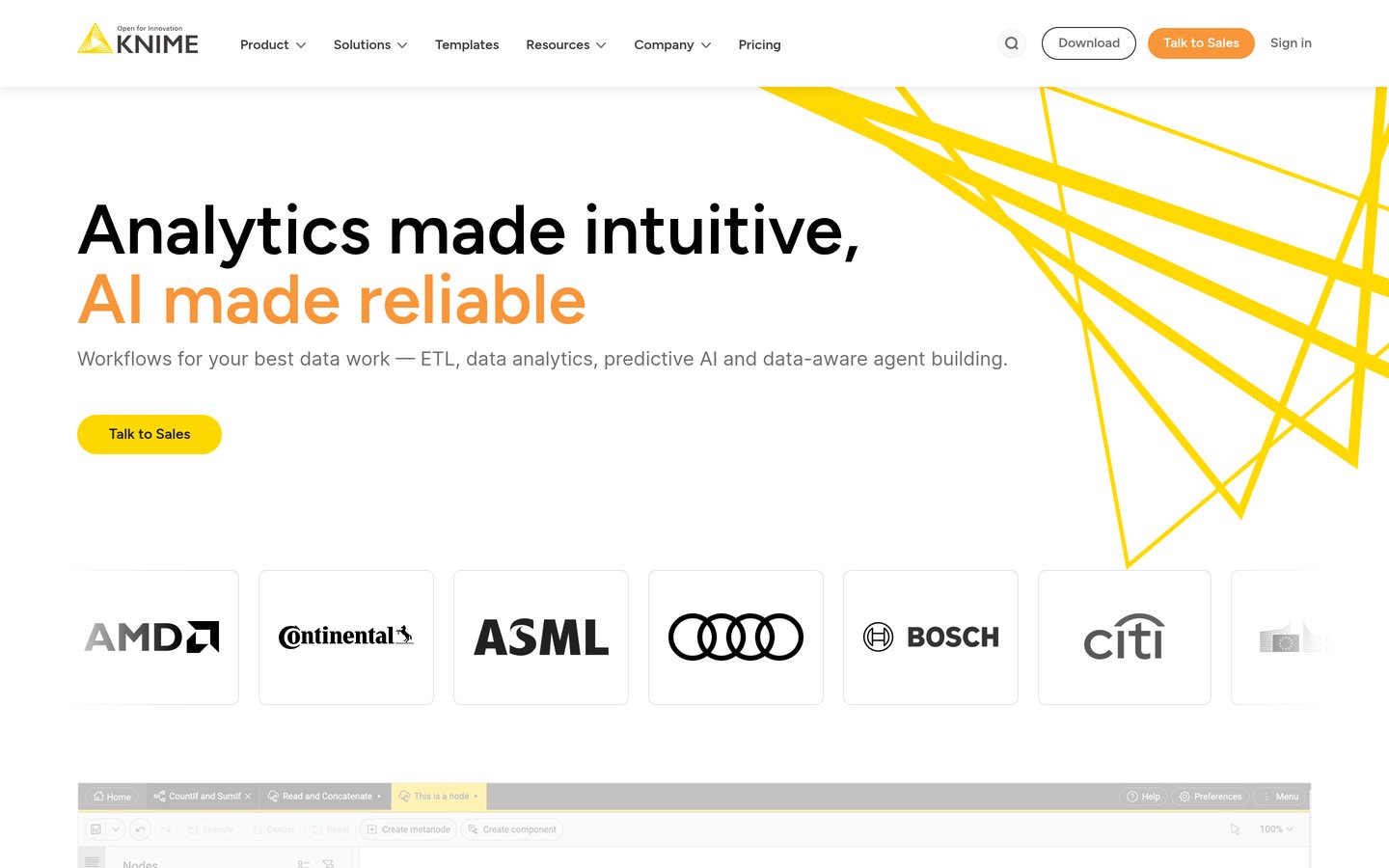
KNIME is a free, open-source analytics platform that builds visual workflows for data prep, analysis and machine learning. The desktop Analytics Platform costs nothing, connects to more than 300 data sources, and processes large files without loading them into a spreadsheet grid.
The trade off is that sharing and scheduling need the paid Hub plans, and the workflow style takes learning. It suits analysts and data teams that clean and combine big files before reporting on them.
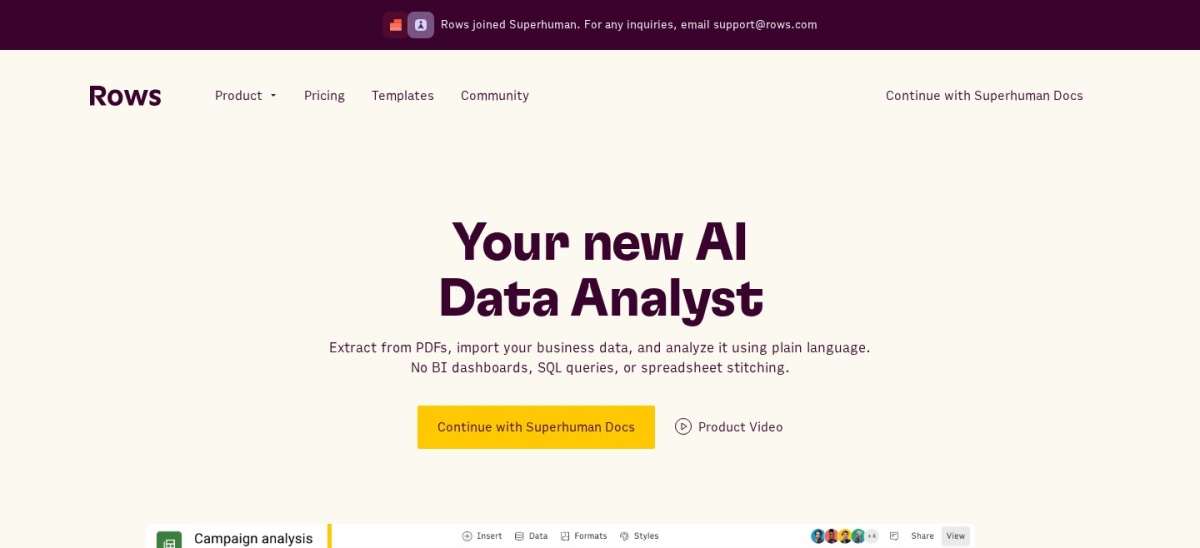
Rows is a web spreadsheet that pulls live business data into the grid and analyses it with a plain-language AI assistant. Its free plan covers unlimited spreadsheets, 5 AI tasks a month and 10 connected integration accounts, while Plus costs $6 per user a month billed yearly.
The trade off is that Rows has joined Superhuman, so buyers should check its longer-term plans, and AI tasks are metered on every plan. It suits marketers and analysts who refresh reports from business tools.
What we like
Live connections to business tools
Rated 4.9/5 from 24 G2 reviews
AI assistant writes analysis in plain words
Free plan includes integrations
Watch out for
AI tasks are metered on every plan
Joined Superhuman, future plans unclear
Thin review base at 24 G2 reviews
Plus adds 200 AI tasks a month and daily refreshesVisit rows.com
08
Zoho Sheet
4.4/5on G2 (159 reviews, checked Nov 2026)
Paid from$3/mo
Best low-cost business spreadsheet
Free planYes, standalone editor
Paid suiteWorkplace Standard
Annual price$3/user/mo
Monthly billing$4/user/mo
zoho.com
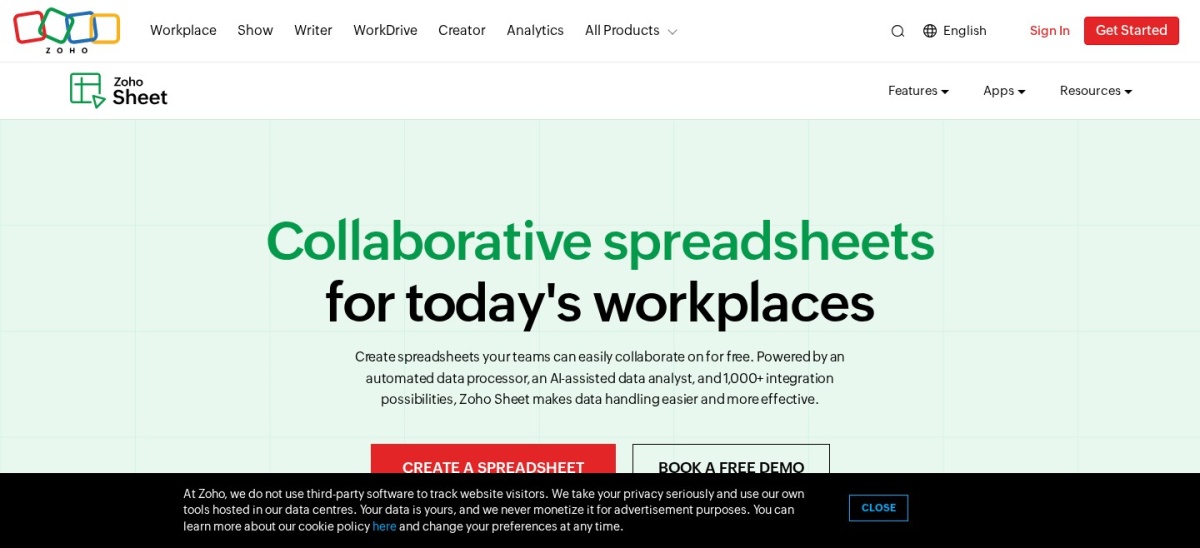
Zoho Sheet homepage, captured Nov 2026.
Zoho Sheet is a cloud spreadsheet for organising data, calculating and collaborating on shared workbooks. Its free editor covers formulas, charts, pivot tables, real-time collaboration and Excel file compatibility, while Zoho Workplace Standard adds business email and file storage.
The trade off is ecosystem depth. Its analytical add-ons are smaller than Excel's, and the paid plan bundles more than spreadsheets. Workplace Standard costs $3 per user a month billed yearly or $4 monthly. It suits small businesses already using Zoho apps.
What we like
Free editor with pivot tables and charts
Rated 4.4/5 from 159 G2 reviews
Real-time collaboration built in
Integrates with Zoho business apps
Watch out for
Smaller analytical ecosystem than Excel
Paid plan bundles other apps too
Some Excel formulas do not carry over cleanly
Workplace Standard adds email and file storageVisit zoho.com
09
LibreOffice Calc
4.3/5on G2 (30 reviews, checked Nov 2026)
PriceFree
Best free desktop spreadsheet
CostFree, open source
Runs onWindows, Mac and Linux
Excel filesOpens and saves .xlsx
Paid planNone, donations only
libreoffice.org
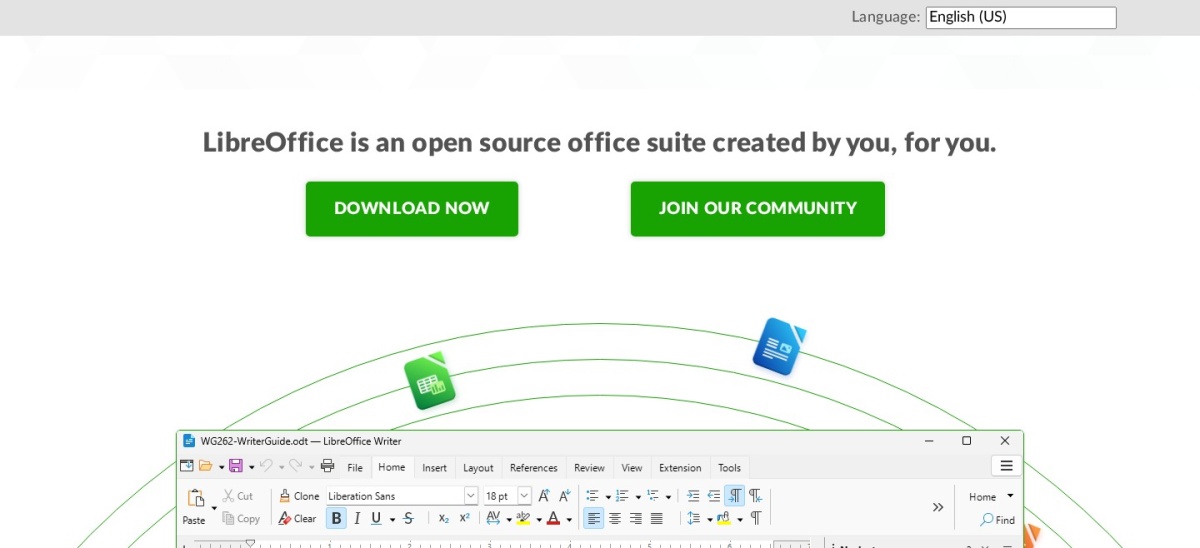
LibreOffice Calc homepage, captured Nov 2026.
LibreOffice Calc is the free, open-source spreadsheet in the LibreOffice office suite. It runs on the desktop with no account or subscription, opens and saves Excel files, and handles large local files and CSV data without a cloud service.
The trade off is collaboration. Real-time co-editing is thinner than in cloud tools, and the G2 review base is small at 30 reviews. It suits anyone who wants a free desktop spreadsheet with no running cost.
Free plans in this list range from Google Sheets' full editor to Airtable's 1,000 records per base, so read the cap before you move a big file into one.
Paid plans mostly add sharing, bigger caps and automation. Zoho Workplace Standard is the cheapest way in at $3 per user a month, while Tableau Creator is the dearest at $75.
If you only need to view and filter a large file, KNIME and LibreOffice Calc cost nothing and never ask you to upgrade.
How we chose
We started from the spreadsheet, database and BI tools most often named as Excel replacements for big files, then kept 9 with published pricing and a public rating.
Prices come from each vendor's pricing page, checked on 29 November 2026. Ratings come from G2 on the same day, except Google Sheets, whose rating comes from Capterra, and LibreOffice Calc, whose G2 base is small at 30 reviews.
We left out tools with no public rating or no published pricing. No vendor paid for a place, and we do not claim to have used these tools ourselves.
How to choose an alternative to Excel for large data sets
Start with your row count, then check the free-plan cap before anything else.
Count your rows first. Excel holds 1,048,576 rows per sheet. If your files pass that, or slow down well before it, pick a tool built for bigger data, such as Power BI or KNIME.
Decide who edits and who only views. Airtable and Smartsheet charge per editor, so viewers can stay free, while Power BI Pro charges every user who shares reports. Count seats before comparing monthly prices.
Check the free plan's real cap. Airtable's free plan stops at 1,000 records per base, Rows caps free imports at 1 MB, and Google Sheets slows on very large files. Test with your biggest file before committing.
Try the free tier with real data. Load your largest file, run the filters and charts you use daily, and check the speed. Pay only when the free cap or a missing feature gets in your way.
FAQ
What is the best alternative to Excel for large data sets?
Microsoft Power BI is the best alternative to Excel for large data sets. Pro costs $14 per user a month, builds data models from millions of rows, and holds a 4.5/5 G2 rating from 1,658 reviews.
How much does an alternative to Excel for large data sets cost?
Paid plans in this list run from $3 to $20 per user a month. Zoho Workplace Standard is cheapest at $3, Smartsheet Pro costs $9, Power BI Pro costs $14, and Airtable Team costs $20. Tableau Creator is the outlier at $75.
Is there a free alternative to Excel for large data sets?
Yes. Google Sheets and Zoho Sheet are free to use, Airtable and Rows have free plans, and KNIME and LibreOffice Calc are free outright. Free plans carry caps, such as Airtable's 1,000 records per base, so check the limit first.
Which alternative is best for beginners or small teams?
Google Sheets is the easiest starting point for beginners and small teams, because it is free, familiar, and built for sharing. Zoho Sheet is the cheapest paid step up, with Workplace Standard at $3 per user a month.
Microsoft Power BI vs Google Sheets: which is better for large data sets?
Power BI is better for large data sets, because it models millions of rows and builds dashboards, with Pro at $14 per user a month. Google Sheets is better for free, shared editing, but very large sheets slow down.
Airtable vs Smartsheet: which handles large data sets better?
Airtable handles structured records better, with 50,000 records per base on Team at $20 per user a month. Smartsheet is better for project work in a grid, with Pro at $9 per member a month and unlimited sheets.
SaaS SEO and WordPress specialist with about 8 years of experience. Rakib compares WordPress plugins, themes, hosting and software using public pricing, documentation and user reviews. See how we rank.