Autodesk Fusion is the best CAD software for Bambu Labs owners because it pairs full parametric modeling with direct 3MF export into Bambu Studio, so a part goes from sketch to print without a file conversion. Its free personal-use plan covers hobbyists, while the paid plan costs 680 dollars a year for commercial work.
How we make this list: we compare pricing pages, product documentation and public user reviews, then re-check every price before each update. No product paid for a place. Disclosure.
Autodesk Fusion is the top pick for most Bambu Lab owners: parametric modeling, direct 3MF export and a free personal-use plan.
Onshape runs entirely in a browser, so you can model Bambu parts on any computer and share them with a link.
Shapr3D Solo costs 199.99 dollars a year after a 2026 reprice, and its free Basic plan exports basic-quality 3MF.
FreeCAD, Tinkercad and Blender cost nothing and all export files Bambu Studio can slice.
Rhino is the only tool here with a one-time licence at 995 dollars, while SOLIDWORKS is the priciest at 2,820 dollars a year.
What is the best CAD software for Bambu Labs printers?
Bambu Lab printers print what Bambu Studio slices, so the best CAD tool is the one that hands Bambu Studio a clean file. Every tool in this list exports STL or 3MF, and the top picks export 3MF directly, which keeps part names, colors and print settings in one file instead of scattering them across exports.
Parametric modeling matters more than raw shape count for functional prints. When a bracket hole is 1 millimeter off, a parametric tool lets you change one dimension and rebuild the part, while a mesh tool makes you reshape the geometry by hand.
Free tools cover most first prints. Tinkercad gets a beginner from zero to a first Bambu print in an afternoon, and FreeCAD adds full parametric control without a subscription. Pay for Fusion or Onshape only when a free tool blocks a feature you actually use.
Price spreads are wide, so match the bill to the work. A 680 dollar Fusion seat suits a hobbyist turning pro, a 1,500 dollar Onshape seat suits a team sharing files, and a 2,820 dollar SOLIDWORKS seat only makes sense for production engineering work.
Autodesk Fusion is the parametric CAD tool most Bambu Lab owners reach for first. It combines sketch-based modeling, assemblies and drawings in one subscription, and it exports 3MF directly, so a part moves from Fusion into Bambu Studio with names and colors intact. A free personal-use plan covers hobbyists earning under 1,000 dollars a year.
The trade off is the subscription. The paid plan costs 680 dollars a year, and the free personal-use plan caps active documents at 10 and trims CAM and export options. It also runs as a desktop app with cloud storage, so an offline workshop needs a connection for some features.
What we like
Direct 3MF export into Bambu Studio
Free personal-use plan for hobbyists
Parametric modeling with assemblies and drawings
Built-in CAM and simulation for advanced work
Watch out for
Paid plan costs 680 dollars a year
Free plan caps active documents at 10
Cloud features need an internet connection
Fusion for Manufacturing at 2,040 dollars a year adds advanced CAM and additive tools.Visit autodesk.com
02
Onshape
4.7/5on G2 (725 reviews, checked Nov 2026)
Paid from$1,500/yr
Best browser CAD for Bambu Lab teams
Parametric modelingYes, with version history
3MF exportYes, STL and 3MF
Free planYes, public documents only
PlatformsBrowser, iOS, Android
onshape.com
Onshape homepage, captured Nov 2026.
Onshape is a cloud CAD tool that runs entirely in a browser, so a Bambu owner can model on any computer without installing anything. Its parametric modeling, version history and branching suit teams sharing parts, and it exports STL and 3MF for Bambu Studio. A free plan covers non-commercial projects with public documents.
The trade off is price and privacy. The Standard plan costs 1,500 dollars per user per year, and the free plan makes every document public, so private commercial work needs a paid seat. It also needs a steady internet connection, since nothing runs locally.
What we like
Runs in any browser, nothing to install
Real-time collaboration and version history
Free plan for non-commercial projects
Built-in data management with no files to lose
Watch out for
Standard plan costs 1,500 dollars a year
Free plan makes all documents public
Needs an internet connection to work
Professional at 2,500 dollars a year adds release management, simulation and CAM.Visit onshape.com
03
Shapr3D
4.8/5on G2 (173 reviews, checked Nov 2026)
Paid from$199.99/yr
Best iPad CAD for sketching Bambu parts
Parametric modelingYes, history-based
3MF exportYes, high quality on Solo
Free planBasic, 2 projects
PlatformsiPad, Mac, Windows
shapr3d.com
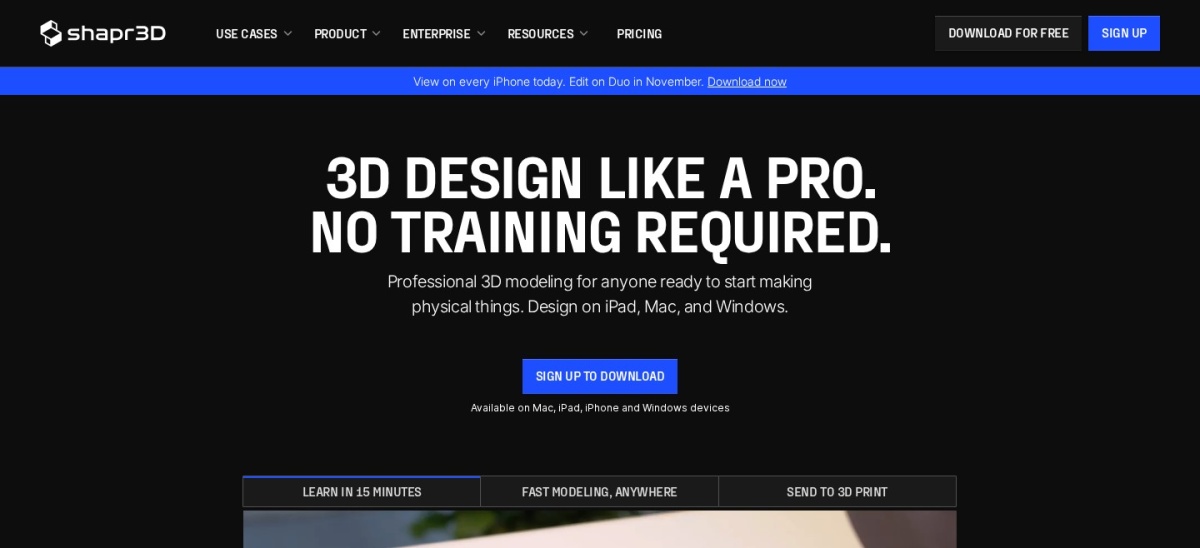
Shapr3D homepage, captured Nov 2026.
Shapr3D is a touch-first CAD app for iPad, Mac and Windows that lets Bambu owners sketch parts with an Apple Pencil and model them in minutes. It runs on the Siemens Parasolid kernel, so fillets and booleans hold up on functional prints, and Solo exports high-quality STL and 3MF for Bambu Studio.
The trade off is the subscription and the free tier cap. Solo costs 199.99 dollars a year after a 2026 reprice, and the free Basic plan allows only two projects with basic-quality exports. It is also weaker than Fusion for large assemblies and drawings.
What we like
Fastest sketching with Apple Pencil
Parasolid kernel for accurate geometry
Syncs across iPad, Mac and Windows
Free Basic plan for trying it out
Watch out for
Solo costs 199.99 dollars a year
Free plan allows only 2 projects
Weaker for large assemblies than Fusion
Studio at 449.99 dollars a year per Editor adds team spaces and extra export formats.Visit shapr3d.com
04
FreeCAD
4.1/5on G2 (61 reviews, checked Nov 2026)
PriceFree
Best free parametric CAD for Bambu parts
Parametric modelingYes, full history tree
3MF exportYes, STL and 3MF
Free planFree, open source
PlatformsWindows, macOS, Linux
freecad.org
FreeCAD homepage, captured Nov 2026.
FreeCAD is a free, open-source parametric CAD tool that costs nothing and asks for no licence. Its sketcher and Part Design workbench cover brackets, enclosures and replacement parts, and it exports STL and 3MF for Bambu Studio. Version 1.0 fixed the old topological naming problem, so parametric models now rebuild reliably.
The trade off is polish. The interface is rougher than Fusion or Onshape, the learning curve is steep, and community support replaces a help desk. Some workbenches still feel unfinished, so a beginner should expect to lean on tutorials for the first prints.
What we like
Completely free with no licence limits
Full parametric modeling and assemblies
Large library of community workbenches
Runs on Windows, Mac and Linux
Watch out for
Rougher interface than paid CAD
Steep learning curve for beginners
No official support desk
FreeCAD 1.0, released in late 2024, fixed the topological naming problem.Visit freecad.org
05
Tinkercad
4.5/5on G2 (119 reviews, checked Nov 2026)
PriceFree
Easiest free start for Bambu beginners
Parametric modelingNo, direct shapes only
Export formatsSTL and OBJ
Free planFree, browser-based
PlatformsBrowser
tinkercad.com
Tinkercad homepage, captured Nov 2026.
Tinkercad is Autodesk's free browser CAD tool and the easiest way for a Bambu beginner to design a first part. You drag shapes together, size them with a ruler, and export an STL for Bambu Studio in minutes, with no install and no account cost. It also teaches CAD basics to students and first-time makers.
The trade off is depth. Tinkercad has no parametric history, so changing a dimension means reshaping the part by hand, and it exports STL and OBJ only. It suits simple brackets, toys and nameplates, not assemblies or engineering parts.
What we like
Easiest CAD in this list to learn
Free with nothing to install
Fast for simple brackets and toys
Good for teaching CAD basics
Watch out for
No parametric history or dimensions
Exports STL and OBJ only
Too simple for assemblies
Tinkercad also includes circuit design and code blocks for STEM teaching.Visit tinkercad.com
06
Blender
4.6/5on G2 (319 reviews, checked Nov 2026)
PriceFree
Best free tool for organic Bambu models
Parametric modelingNo, mesh modeling
Export formatsSTL, 3MF via add-on
Free planFree, open source
PlatformsWindows, macOS, Linux
blender.org
Blender homepage, captured Nov 2026.
Blender is a free, open-source 3D suite that suits Bambu owners printing organic shapes like figures, masks and cosplay parts. Its sculpting and mesh tools shape forms that parametric CAD struggles with, and it exports STL for Bambu Studio. A huge tutorial library and add-on community back every workflow.
The trade off is precision. Blender is a mesh modeler, not a parametric CAD tool, so exact dimensions and threaded holes take extra work. Its learning curve is steep, and 3MF export needs an add-on rather than working out of the box.
What we like
Free with a huge tutorial library
Best sculpting for organic shapes
Large add-on and community ecosystem
Covers modeling, rendering and animation
Watch out for
Not a parametric CAD tool
Steep learning curve
3MF export needs an add-on
Blender also renders and animates, so one install covers the full 3D pipeline.Visit blender.org
07
SketchUp
4.5/5on G2 (1,328 reviews, checked Nov 2026)
Paid from$129/yr
Best quick concept CAD for Bambu mockups
Parametric modelingLimited, push-pull modeling
Export formatsSTL via extension
Free planFree web version
PlatformsWeb, iPad, Windows, macOS
sketchup.com
SketchUp homepage, captured Nov 2026.
SketchUp is a fast sketch-based modeler that suits Bambu owners mocking up enclosures, shelves and room layouts. Its push-pull workflow builds a box into a finished shape in minutes, and the 3D Warehouse library offers millions of ready models to print. The free web version covers casual use.
The trade off is precision and export. SketchUp is not a parametric engineering tool, and STL export needs an extension on the free plan. The Go plan costs 129 dollars a year, while Pro at 399 dollars a year adds desktop modeling and LayOut documentation.
What we like
Fastest way to mock up a shape
3D Warehouse has millions of models
Free web version for casual use
Easy to learn for beginners
Watch out for
Not a parametric engineering tool
STL export needs an extension
Go plan costs 129 dollars a year
Pro at 399 dollars a year adds desktop modeling, LayOut and the Ruby API.Visit sketchup.com
08
SOLIDWORKS
4.5/5on G2 (719 reviews, checked Nov 2026)
Starts at$2,820/yr
Best pro engineering CAD for Bambu production
Parametric modelingYes, industry standard
3MF exportYes, direct
Free planNo free plan
PlatformsWindows
solidworks.com
SOLIDWORKS homepage, captured Nov 2026.
SOLIDWORKS is the industry-standard engineering CAD tool, and it suits Bambu owners doing production work with tight tolerances. Its parametric modeling, assemblies, drawings and simulation cover the full engineering workflow, and it exports STL and 3MF directly for Bambu Studio.
The trade off is cost and platform. The Design Standard plan costs 2,820 dollars a year, the priciest in this list, and it runs on Windows only. For most Bambu owners, Fusion covers the same prints at a quarter of the price.
What we like
Industry-standard engineering CAD
Full simulation and drawing tools
Direct STL and 3MF export
Largest professional user community
Watch out for
Costs 2,820 dollars a year
Windows only, no Mac version
Overkill for hobbyist Bambu prints
Professional at 3,456 dollars a year adds rendering and advanced simulation.Visit solidworks.com
09
Rhinoceros
4.4/5on G2 (192 reviews, checked Nov 2026)
Starts at$995 (one-time)
Best one-time licence for curved Bambu parts
Parametric modelingYes, via Grasshopper
3MF exportYes, STL and 3MF
Free plan90-day trial only
PlatformsWindows, macOS
rhino3d.com
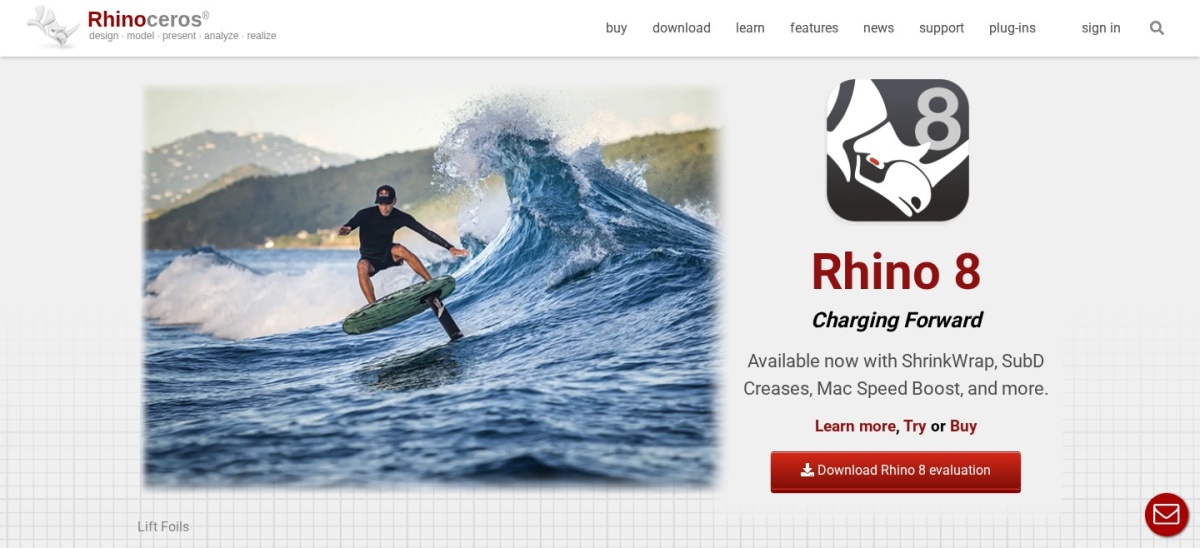
Rhinoceros homepage, captured Nov 2026.
Rhinoceros is a precision NURBS modeler from McNeel that suits Bambu owners printing curved forms like jewellery, vases and ergonomic grips. Its Grasshopper add-on brings parametric design without a subscription, and it exports STL and 3MF for Bambu Studio. A commercial licence costs 995 dollars once, with no yearly bill.
The trade off is the learning curve and the upgrade bill. Rhino's interface takes time to master, and major version upgrades are paid separately. It also has no free plan beyond a 90-day trial, so the 995 dollar licence is the entry cost.
What we like
One-time 995 dollar licence, no subscription
Best NURBS precision for curved forms
Grasshopper adds parametric design
90-day trial covers every feature
Watch out for
No free plan beyond the trial
Major upgrades cost extra
Steep learning curve
Students and faculty pay 195 dollars for the same full licence.Visit rhino3d.com
From CAD to Bambu Studio in three steps
Export 3MF from your CAD tool, or STL if 3MF is not offered. Bambu Studio opens both, but 3MF also carries part names, colors and print settings.
Open the file in Bambu Studio, pick your printer and filament, and slice. Bambu Studio shows the print time and filament use before you commit.
Send the sliced file to the printer over Wi-Fi or save it to a microSD card. Bambu Lab printers read the sliced file directly, so no extra software is needed.
How we chose
We started from CAD tools with a G2 rating and a real export path into Bambu Studio, the free slicer every Bambu Lab printer ships with. We kept tools that export STL or 3MF and left out slicers and tools with no verified rating.
Prices come from each vendor's pricing page, checked on 30 November 2026. Ratings and review counts come from G2 on the same day. Where a vendor shows a sale, the list shows the regular price. No vendor paid for a place, and we do not claim hands-on testing for this list.
We ranked Fusion first because it pairs parametric modeling with direct 3MF export and a free personal-use plan. Free tools rank on how easily a beginner gets a first part printed, and paid tools rank on whether the price earns its place for Bambu owners.
How to choose CAD software for Bambu Labs
Match the tool to the parts you print and the budget you can defend.
Check the export path first. Your CAD tool must export STL or 3MF that Bambu Studio opens cleanly. Direct 3MF export keeps colors and part names intact.
Decide parametric or mesh. Parametric tools like Fusion and Onshape let you change one dimension and rebuild the part. Mesh tools like Blender suit organic shapes you sculpt by hand.
Start free if you are new. Tinkercad and FreeCAD cost nothing and cover most first prints. Pay only when a free tool blocks a feature you actually need.
Weigh the yearly cost. A 680 dollar Fusion seat beats a 2,820 dollar SOLIDWORKS seat for most Bambu owners. Rhino's one-time 995 dollar licence wins if you hate subscriptions.
FAQ
What is the best CAD software for Bambu Labs printers?
Autodesk Fusion is the best CAD software for Bambu Labs printers for most owners. It pairs full parametric modeling with direct 3MF export into Bambu Studio, and its free personal-use plan covers hobbyists while the paid plan costs 680 dollars a year.
Is there free CAD software for Bambu Lab printers?
Yes. FreeCAD, Tinkercad and Blender are all free and export files Bambu Studio can slice. Onshape and Fusion also have free plans for non-commercial use, and Shapr3D's free Basic plan exports basic-quality 3MF.
Can I use Fusion 360 with a Bambu Lab printer?
Yes. Fusion exports 3MF files directly, and Bambu Studio opens 3MF with part names and colors intact. The free personal-use plan covers hobbyists earning under 1,000 dollars a year from their designs.
What file format do Bambu Lab printers use?
Bambu Studio, the free slicer for Bambu Lab printers, opens STL, OBJ, STEP and 3MF files. 3MF is the best choice because it carries part names, colors and print settings in one file.
Is Onshape good for 3D printing?
Yes. Onshape runs in a browser, exports STL and 3MF, and its free plan covers non-commercial projects with public documents. The paid Standard plan costs 1,500 dollars per user per year for private documents and commercial use.
How much does Shapr3D cost in 2026?
Shapr3D Solo costs 199.99 dollars a year when billed annually, after a reprice that replaced the old 299 dollar Pro plan. The free Basic plan allows two projects with basic-quality STL and 3MF export.
SaaS SEO and WordPress specialist with about 8 years of experience. Rakib compares WordPress plugins, themes, hosting and software using public pricing, documentation and user reviews. See how we rank.